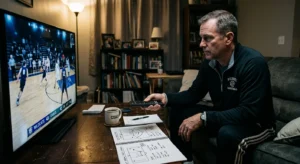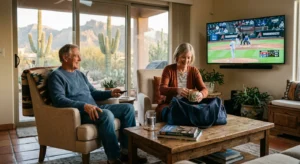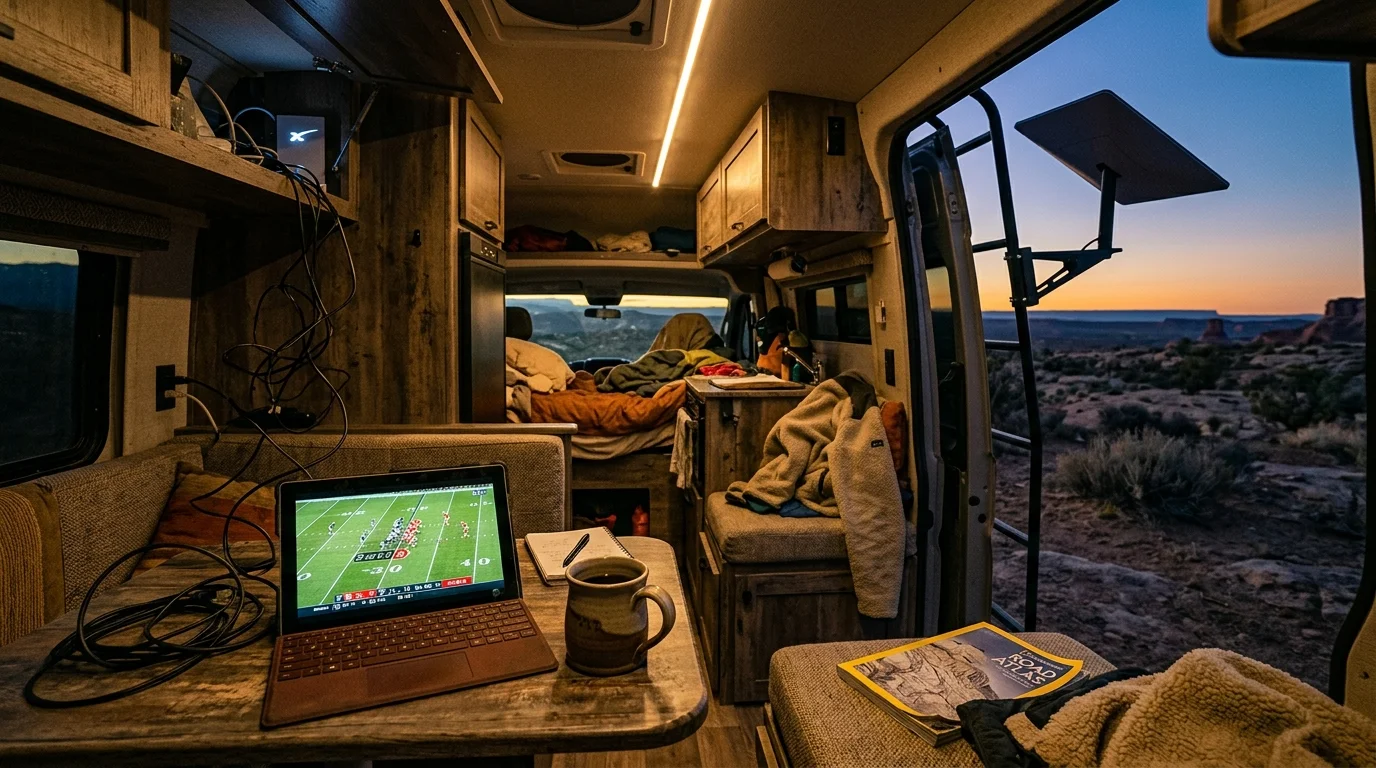
Streaming live broadcasts while traveling full-time in an RV often leads to sudden account lockouts. Starlink delivers high-speed satellite internet across the country, but its regional ground routing regularly confuses platform location checks.
Cord-cutting on the road requires a distinct technical strategy to bypass these geo-fencing barriers. You can maintain uninterrupted live TV on Starlink Roam without exhausting your annual location resets or violating service terms by combining mobile GPS handshakes with self-hosted residential tunnels.
This guide details how to resolve streaming errors, secure local affiliate channels, and configure reliable hardware across every campsite you visit.
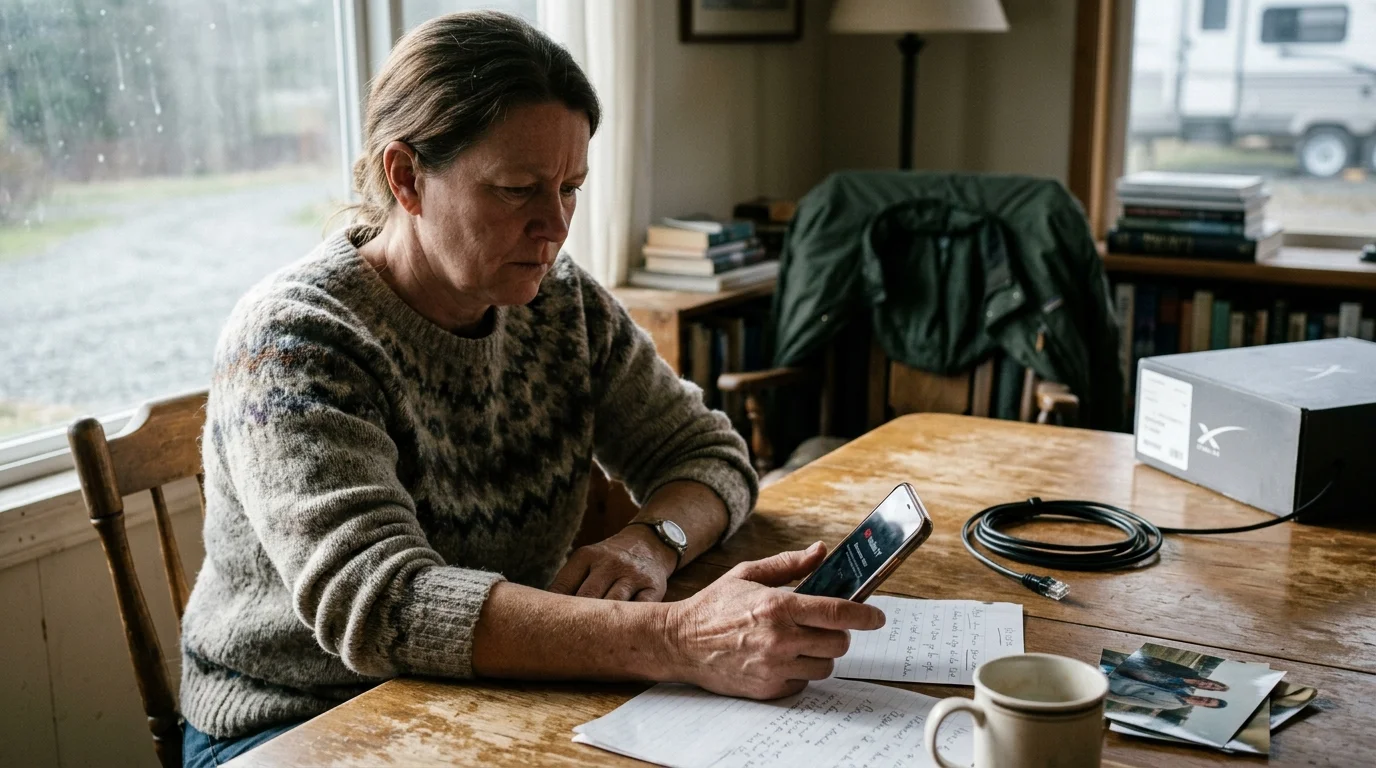
Why Starlink Triggers Geolocation Errors on YouTube TV and Hulu Live
Starlink does not assign your RV an IP address based on your physical GPS coordinates. Instead, the satellite constellation routes your data down to regional ground stations linked to telecommunications hubs called Points of Presence (POPs).
Frequent satellite handoffs can also worsen stream stability, making it important to learn how to reduce buffering on live TV streaming services when bandwidth fluctuates.
Satellite latency shifts can also introduce Starlink audio-sync jitter during live broadcasts, requiring adjustments to your player’s buffer and decoding settings.
When you camp in rural Montana, Starlink might route your traffic through a POP in Seattle or Denver. Streaming—watching video content over the internet instead of cable or satellite—relies on your external IP address to pinpoint your broadcast market.
Because your public IP points hundreds of miles away from your campsite, live TV platforms flag your connection. They detect an immediate conflict between your physical location and your network address.
A streaming device—a small box or stick (like Roku or Fire TV) that adds streaming to any TV—lacks onboard GPS hardware. These devices rely entirely on Wi-Fi positioning and IP databases to report their physical location.
When the platform scans your streaming stick over Starlink, it assumes you have moved to the POP city. This mismatch triggers immediate blackouts on local channels and initiates account warning timers.
“Streaming media players in an RV cannot self-locate accurately over satellite connections; they inherit whatever regional market your Starlink ground station serves.”
The 90-Day and 30-Day Check-In Rules Explained
YouTube TV requires subscribers on its $82.99 monthly Base Plan to check in from their designated Home Area once every 90 days. For premium add-ons like MLB.TV, this verification window shrinks to every 30 days.
These geographic limits operate similarly to vacation home device relocation limits enforced when moving equipment between seasonal residences.
If you fail to check in within 90 days, YouTube TV restricts your access to local network affiliates. You also lose the ability to add new recordings to your DVR—digital video recorder, lets you record and watch shows later.
YouTube TV permits you to change your designated Home Area only twice per 12-month period. Full-time travelers who burn through these resets early in the year find themselves permanently locked out of regional programming.
Hulu + Live TV enforces a significantly harsher policy for cord-cutting—canceling traditional cable/satellite TV in favor of streaming services. The platform bills $89.99 monthly for its base ad-supported plan, which includes commercials during live broadcasts and on-demand viewing.
Hulu locks living room hardware to a single residential IP address designated as your Home Network. A smart TV—a television with built-in internet connection and apps—cannot stream live channels outside that home IP.
Mobile devices like smartphones and laptops can stream away from home, but they must check into your residential connection every 30 days. Hulu allows only four Home Network location changes within a rolling 12-month period.
As industry reporting from Cord Cutters News points out, streaming services actively tighten these geo-fencing policies to protect local broadcast affiliate exclusivity contracts. Ignoring these timers will disable your television feeds while you travel.
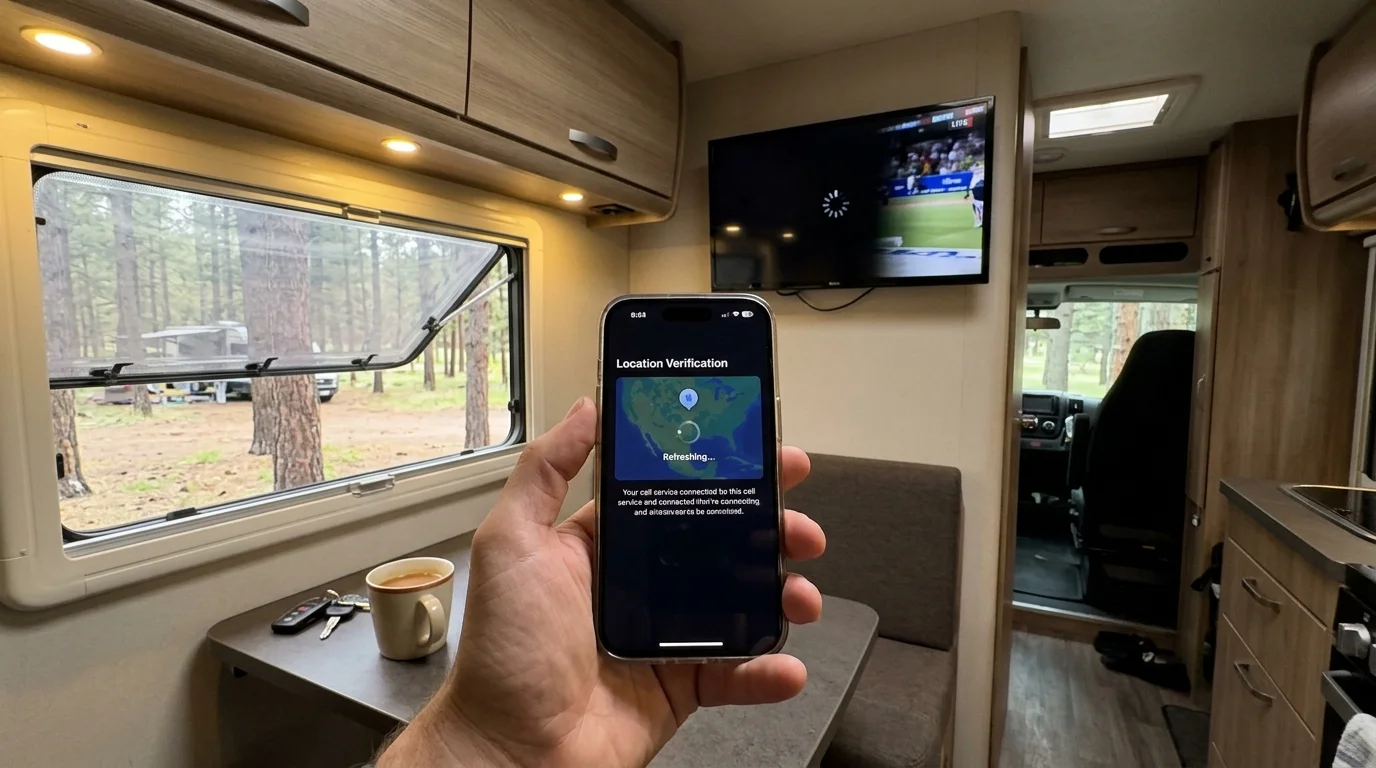
The Mobile GPS Handshake: Fixing YouTube TV on Living Room Devices
You can resolve location mismatches on YouTube TV without changing your registered Home Area or burning an annual reset. You accomplish this through a mobile handshake using a smartphone equipped with native GPS hardware.
Travelers who want continuous access to hometown stations without constant resets can also explore building a DIY local channels DVR to stream over-the-air feeds remotely.
This technique solves the classic youtube tv starlink rv conflict by overriding Starlink’s distant POP routing. The method updates your temporary playback area while preserving your permanent home market.
- Connect your smartphone to your RV’s Starlink Wi-Fi network.
- Enable location services on your phone and open the YouTube TV mobile app.
- Select your profile icon in the upper right corner and tap Settings.
- Select Location, then choose Current Playback Area and tap Update.
- Turn on your television and open the YouTube TV app on your streaming stick.
- Click your profile picture on the TV, navigate to Location, and choose Playback Area.
- Select Update on the TV screen; a prompt will instruct you to verify via your phone.
- Open your phone’s browser, go to tv.youtube.com/verify, and approve the television request.
This handshake transmits your phone’s authentic GPS coordinates directly to your TV profile. YouTube TV then unblocks the local channels for the physical television market where your RV sits.
Your cloud DVR retains all recordings scheduled from your original home market. However, you can watch live news, regional events, and primetime affiliate programming matching your current physical campground.
Solving Hulu Live Location Errors: The Residential WireGuard Tunnel Setup
The mobile handshake does not work for Hulu + Live TV on living room streaming players. Connecting an Apple TV or Fire TV Stick to Starlink inevitably triggers the dreaded hulu live location error rv screen.
For boondocking spots with degraded satellite coverage or heavy tree cover, pairing your rig with alternative rural cord-cutting solutions ensures you maintain basic streaming access.
Hulu classifies all satellite connections, mobile hotspots, and commercial data centers as non-residential networks. Commercial VPN services fail because streaming platforms detect and blacklist their shared commercial IP addresses.
The compliant solution involves hosting your own private WireGuard VPN tunnel on a residential broadband connection. You can install this at your permanent sticks-and-bricks residence or at a trusted family member’s home.
By routing your RV’s living room streaming player through your residential WireGuard server, Hulu sees your home IP. The platform detects your hardware as operating inside your primary residence, keeping the 30-day timer satisfied indefinitely.
You can manage this traffic seamlessly by installing a compact travel router inside your RV. The travel router connects upstream to Starlink while broadcasting an isolated local Wi-Fi network for your television hardware.
Configure the travel router with policy-based routing rules. Only direct traffic from your living room streaming player through the residential tunnel, allowing laptops and phones to use raw Starlink bandwidth for heavy downloads.
“A private, self-hosted WireGuard tunnel allows an RV streaming player to borrow your home residential IP, satisfying carrier check-ins without consuming limited network resets.”
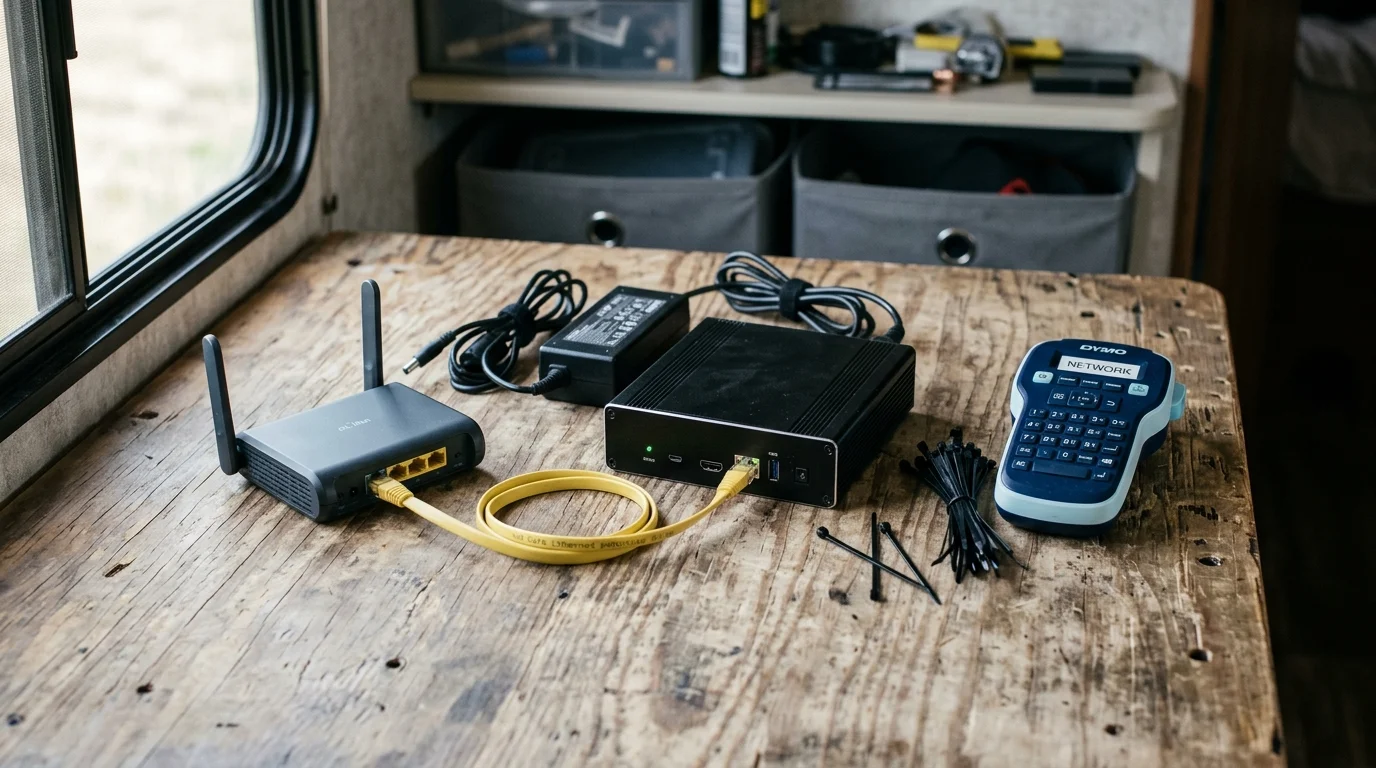
Worked Example: Hardware and Configuration Costs for a Full-Time RV Setup
To demonstrate how this infrastructure operates, consider a full-time RVer departing on an eight-month cross-country loop. This setup eliminates check-in lockouts while maintaining peak streaming performance.
When switching between Starlink and metered cellular failover connections, applying hotspot streaming bitrate configurations prevents high-definition feeds from depleting monthly allowances.
If you plan to run routers and streaming players continuously off house batteries, reviewing native DC streaming gear and 12V power calculations will help protect your electrical reserves.
If you frequently boondock without shore power, consider building a low-wattage 12V off-grid streaming setup to power your Starlink dish and networking hardware directly from battery banks.
The traveler deploys a GL.iNet GL-MT3000 (Beryl AX) travel router inside the RV alongside a Starlink Roam system. At their home base in Columbus, Ohio, they maintain a basic 100 Mbps residential cable connection.
The home base runs a GL.iNet GL-MT6000 (Flint 2) router acting as a dedicated WireGuard VPN server. The traveler configures dynamic DNS to track changing residential IPs and sets the VPN tunnel MTU to 1280 to prevent packet fragmentation over satellite links.
| Hardware / Service Component | Upfront Cost | Monthly Operating Cost | Purpose in Setup |
|---|---|---|---|
| Starlink Roam Standard Kit | $499.00 | $165.00 | Primary RV satellite internet connection |
| GL.iNet GL-MT3000 (Beryl AX) Travel Router | $109.00 | $0.00 | Policy-based WireGuard client in RV |
| GL.iNet GL-MT6000 (Flint 2) Home Router | $159.00 | $0.00 | Residential WireGuard server at home base |
| Standby Residential Broadband (100 Mbps) | $0.00 | $40.00 | Provides authentic home IP for check-ins |
| Home Base Router Electricity (12W average) | $0.00 | $1.40 | Powers residential WireGuard server continuously |
| Roku Streaming Stick 4K | $49.99 | $0.00 | Dedicated living room streaming player |
| YouTube TV Base Subscription | $0.00 | $82.99 | Live TV streaming service |
| Total Investment | $816.99 | $289.39 | Full turnkey roving broadcast solution |
In this scenario, the traveler routes only the Roku Stick’s MAC address through the residential WireGuard tunnel. Starlink provides high-speed, direct satellite data to their work laptops, tablets, and gaming consoles.
When YouTube TV runs on the Roku, it sees the Columbus, Ohio home IP address on every launch. The 90-day timer never initiates, and the system never demands a physical check-in.
If the user wants local news in Yellowstone, they simply use the mobile GPS handshake described earlier. That updates the temporary playback zone on demand while keeping the permanent home network firmly grounded in Ohio.
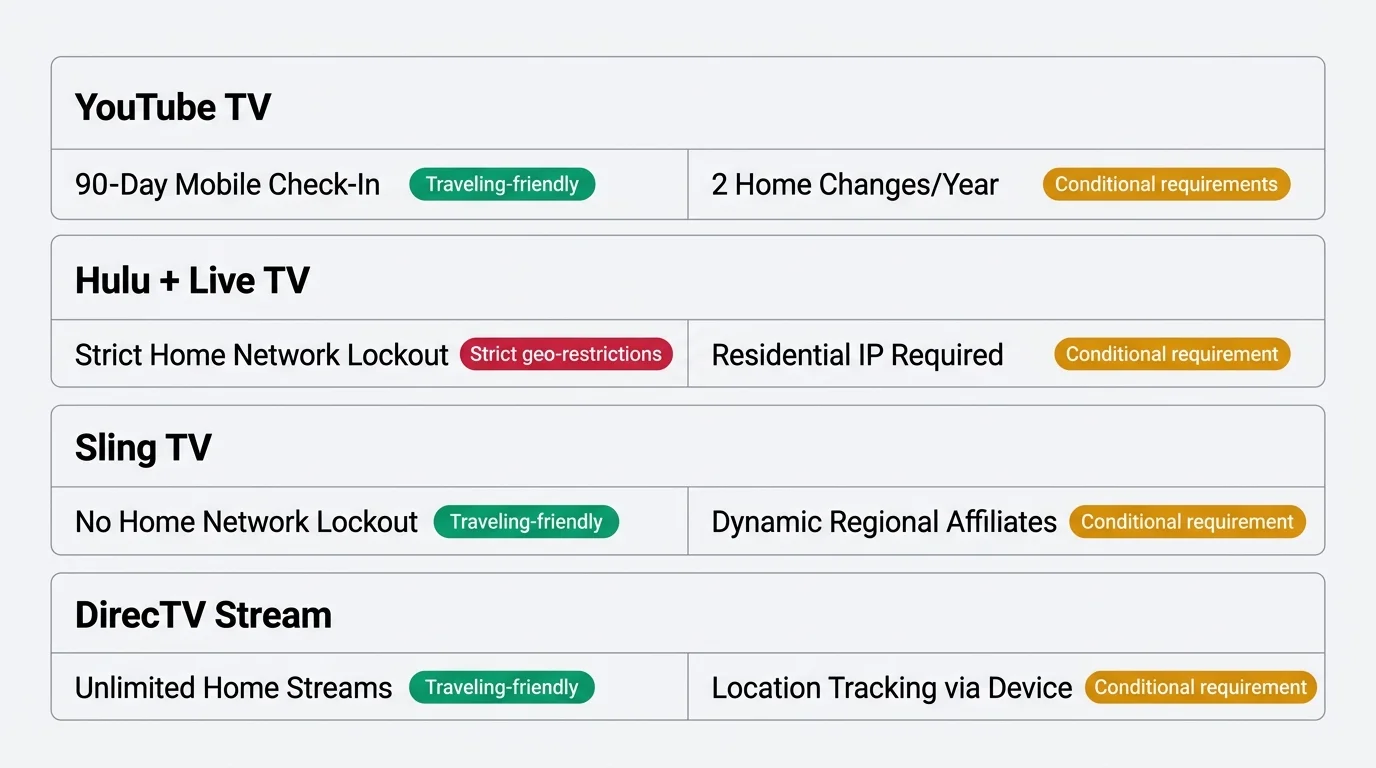
Comparing Live TV Streaming Services for Traveling RVers
Choosing the right provider significantly alters the technical complexity of live tv streaming while traveling. Some platforms embrace mobile accounts, while others enforce rigid residential barriers.
According to technical evaluations published by PCMag, streaming services vary dramatically in their tolerance for out-of-home connections. Review the policies below before committing your entertainment budget.
| Streaming Service | Base Monthly Price | Away-From-Home Check-In Rule | Living Room Device Policy | Cloud DVR Limit | RV Friendliness Rating |
|---|---|---|---|---|---|
| YouTube TV | $82.99 | 90 days (Home Area) | Allowed (adopts local or home market) | Unlimited (9-month expiration) | High (with mobile handshake) |
| Hulu + Live TV | $89.99 | 30 days (Mobile only) | Strictly blocked outside home IP | Unlimited (9-month expiration) | Low (requires WireGuard tunnel) |
| Sling TV (Orange/Blue) | $40.00 – $55.00 | None enforced | Allowed anywhere in the USA | 50 hours standard (expandable) | Exceptional (no location locks) |
| DirecTV Stream | $86.99+ | None (unlimited home streams) | Restricted to 3 out-of-home streams | Unlimited (9-month expiration) | Moderate (easy mobile rules) |
| Philo | $28.00 | None enforced | Allowed anywhere in the USA | Unlimited (12-month expiration) | Exceptional (no sports/locals) |
Best for sports fans: YouTube TV remains the superior choice for travelers following regional teams. Its mobile GPS verification allows you to acquire local affiliates on the road while recording national broadcasts back home.
Best for families: DirecTV Stream offers robust channel packages with regional sports networks (RSNs). The platform permits up to three simultaneous streams outside your primary residence without triggering location lockouts on portable screens.
Best budget option: Sling TV costs roughly half the price of Hulu or YouTube TV. Sling imposes zero home network check-ins or IP verification timers, making it the most seamless service for nomadic life.
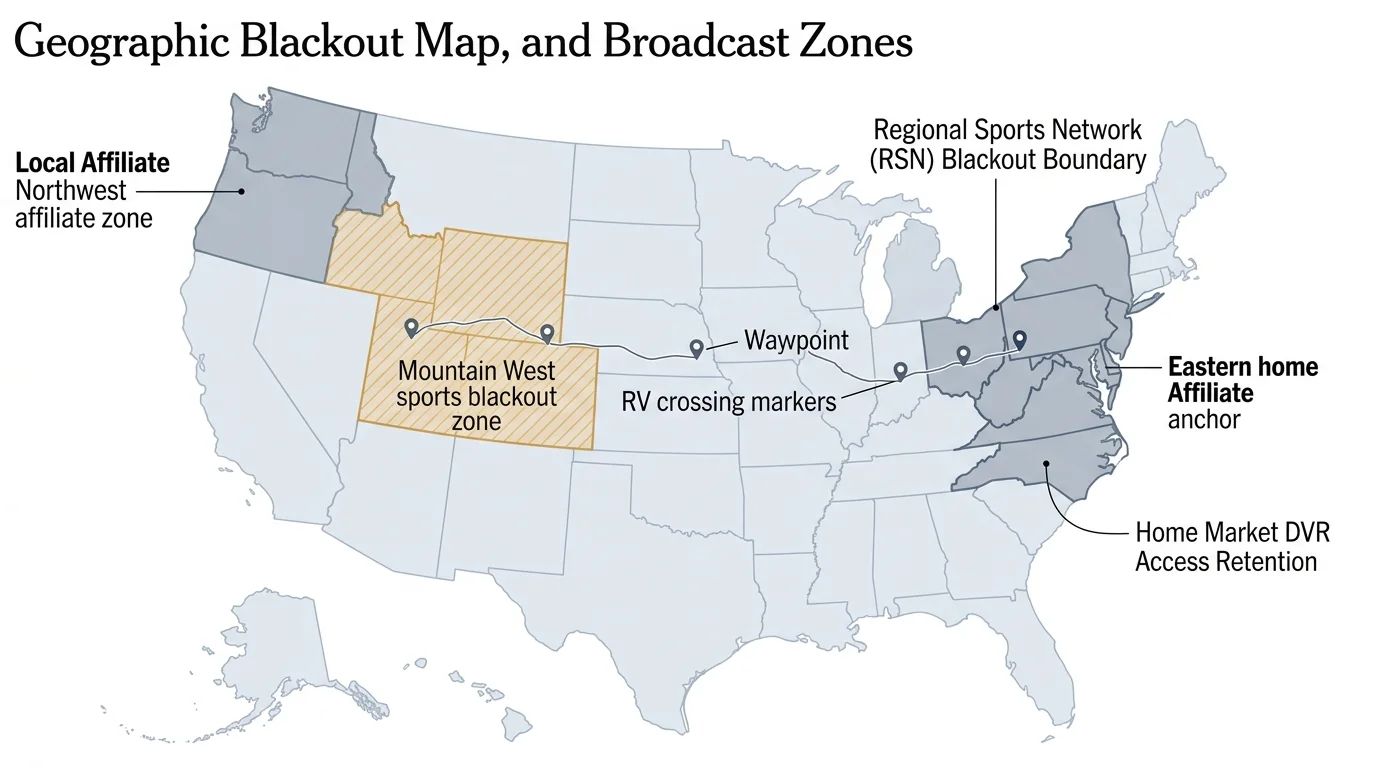
Channel Lineups, Sports Blackouts, and Local Affiliates on the Move
Local television rights create frequent confusion when moving between different Designated Market Areas (DMAs). The major broadcast networks—ABC, CBS, FOX, and NBC—negotiate exclusive contracts with regional station owners.
When you travel into a new DMA, your streaming provider must swap out your local affiliates to match your immediate location. If your service relies on Starlink’s IP, you might watch Seattle news while sitting in an Oregon valley.
As detailed in Tom’s Guide, sports blackout restrictions strictly correlate to these geographic boundaries. If an NFL or MLB game is blacked out in your campsite’s market, you cannot watch it live without verified regional credentials.
Sports fans must remember that cloud DVR functions operate under home market rules on YouTube TV. If you set a recording for a local game in Chicago, it records the Chicago broadcast feed.
However, you cannot play back that recording until the live broadcast concludes if you currently sit in a market where the game is blacked out. The platform enforces this blackout rule in real time based on your active playback location.
To verify which local channels you should receive at an upcoming stop, enter the local ZIP code on each provider’s channel lookup page. Check your streaming provider’s map before parking to anticipate any regional sports gaps.
If you prefer an ad-free viewing experience for library content, services like Hulu offer upgraded tiers. An ad-free plan removes commercials from on-demand video—watch whatever you want, whenever you want—though live linear television always retains normal station breaks.
Pairing your mobile Starlink system with an over-the-air (OTA) digital antenna provides the ultimate blackout backup. An antenna pulls high-definition local network broadcasts directly over radio waves, bypassing internet geolocation challenges completely.
Frequently Asked Questions
Why does Hulu Live block my smart TV when connected to Starlink?
Hulu + Live TV classifies Starlink as a non-residential, mobile data connection. The platform requires living room streaming devices to stay permanently connected to a fixed residential internet address, triggering a location error screen when connected via satellite.
Can I use a commercial VPN to fix my streaming location on Starlink?
No, commercial VPN providers rarely work. Major streaming platforms maintain active databases of commercial data center IP ranges and automatically block those connections from accessing live broadcasts.
Will changing my YouTube TV Home Area solve my travel issues?
Changing your Home Area updates your permanent market, but YouTube TV limits you to two changes per 12-month period. Full-time travelers will quickly exhaust these changes and permanently lock their accounts into the wrong market.
How much upload bandwidth does my home router need for a WireGuard tunnel?
Streaming a high-definition 1080p live TV feed through a residential WireGuard tunnel requires roughly 8 to 12 Mbps of continuous upload bandwidth. A standard residential broadband package offering 20 Mbps upload easily supports one dedicated RV television stream.
Disclaimer: Live TV streaming prices and channel lineups change frequently. Local channel availability varies by location. Always use the free trial to verify your local channels are included before committing. Sports blackout rules may affect some live events.