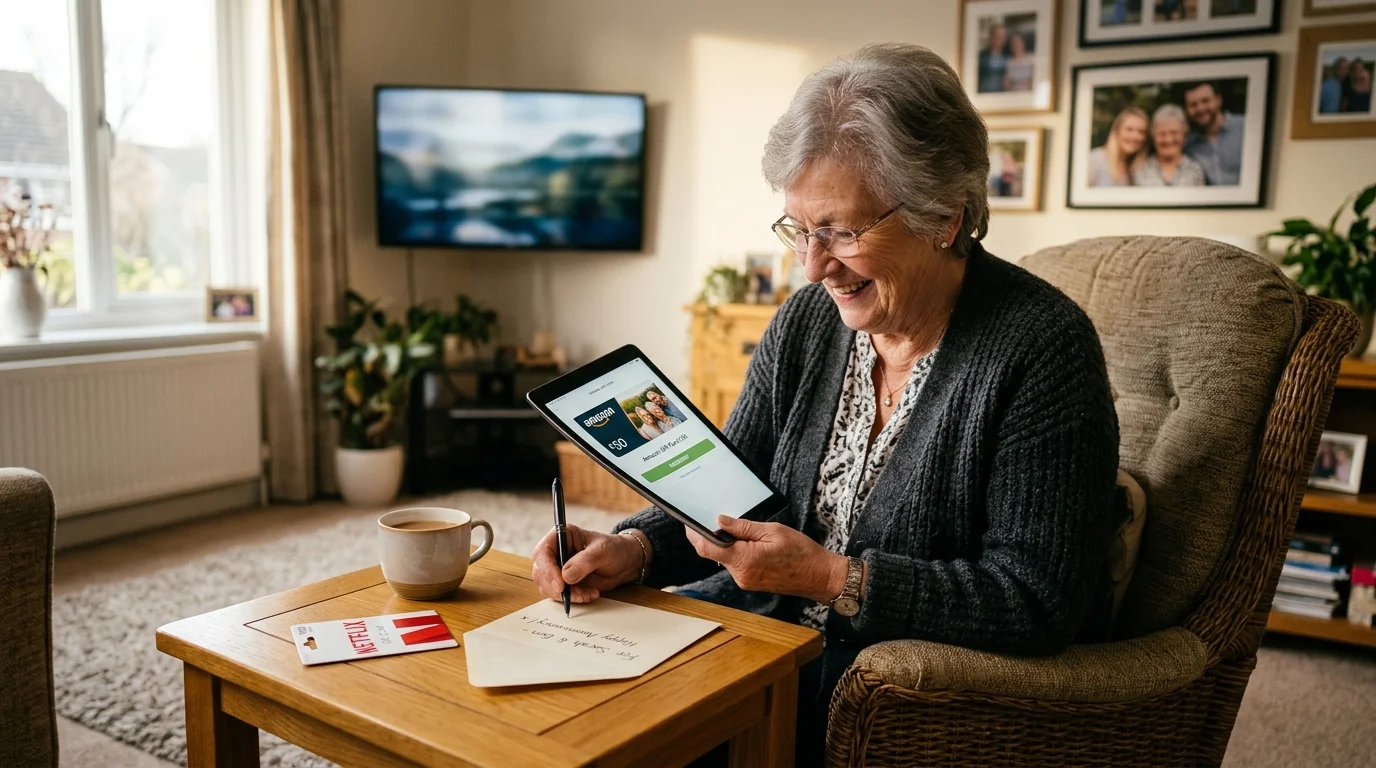
You cannot buy a single streaming subscription and share profiles across your grandchildren’s separate homes without triggering service lockouts. Buying one account and dividing profiles will fail because Netflix and Disney+ now actively restrict access to one physical residence.
Understanding how to share streaming services legally has become essential as entertainment platforms actively eliminate traditional password pooling across family members.
Trying to gift streaming subscriptions multiple homes through a single master login triggers automated location blocks within thirty days. To gift streaming legally without account bans, you must fund separate independent accounts for each household.
This guide explains the exact household rules, extra-member restrictions, and gift card funding steps required to keep your family streaming smoothly.
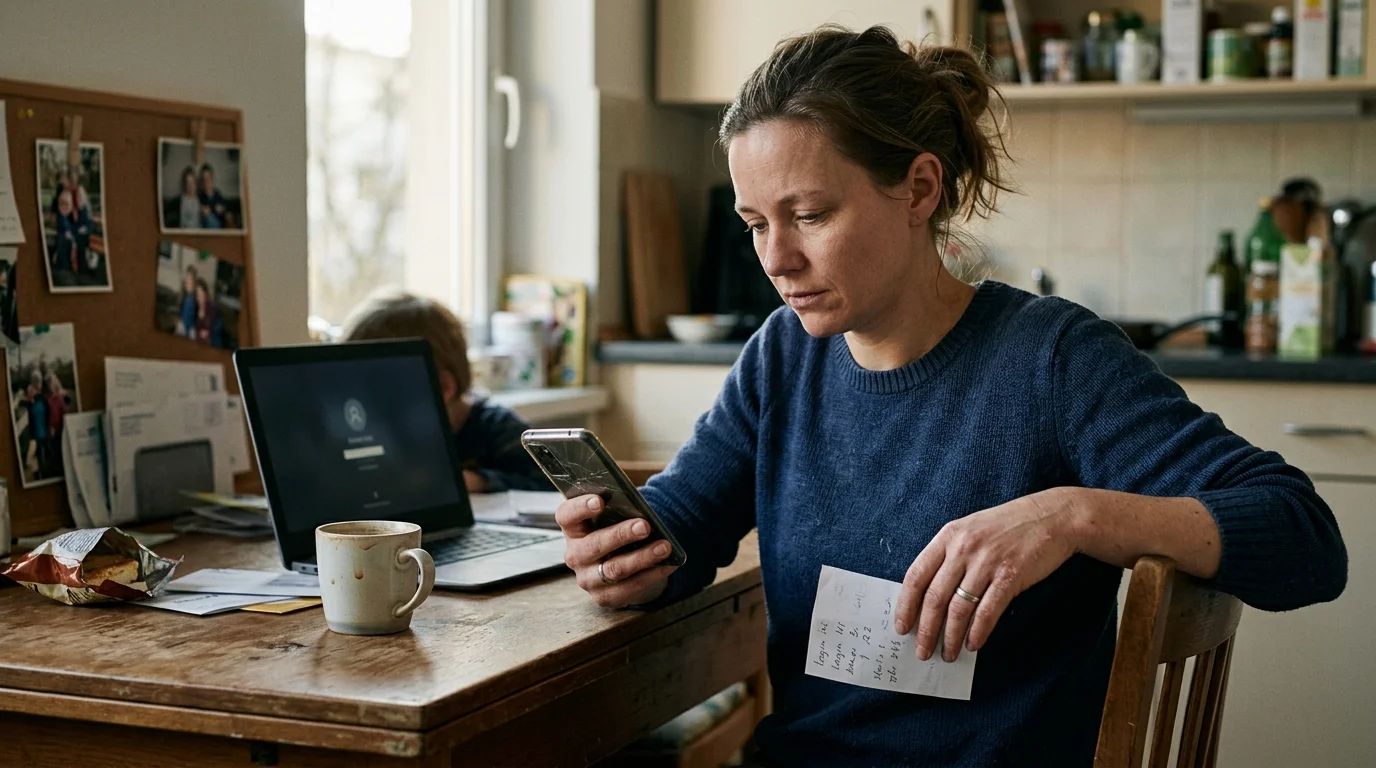
How Streaming Household Locks Work Today
Streaming—watching video content over the internet instead of cable or satellite—relies on network detection to prevent account sharing. Modern platforms track the physical location where you watch movies and shows.
These geolocation checks also affect seasonal travelers, as outlined in our guide to streaming at a vacation home without tripping device locks.
Services monitor the internet protocol (IP) address assigned by your internet provider. They log your digital connection points every time an app launches.
When you use a smart TV—a television with a built-in internet connection and apps—the platform ties that television to a specific home network. The system registers that screen as your primary household anchor.
The service also tracks any portable streaming device—a small box or stick like a Roku or Amazon Fire TV that adds streaming to any TV. These devices must periodically reconnect to the primary home router.
If a screen connects from an unfamiliar IP address for several consecutive weeks, automated security systems flag the session. The app then presents a verification screen blocking video playback.
“Major streaming services have transitioned from encouraging password sharing to enforcing strict physical household boundaries through automated network telemetry.” — Streaming Industry Analyst
Grandparents often assume purchasing a four-screen plan permits four different homes to watch simultaneously. That assumption is no longer correct under current subscriber agreements.
Simultaneous stream limits only apply to devices operating under the same physical roof. Multiple streams running across different zip codes immediately trigger anti-sharing security protocols.
The Multi-Home Trap: Netflix and Disney+ Policies Explained
Netflix defines a household as the collection of devices connected to the internet at the primary physical residence where you live. Netflix detects this by reading residential Wi-Fi network signatures and unique hardware identifiers.
A similar geo-blocking dilemma occurs when managing kids’ streaming profiles across two households, where shifting between residences flags anti-sharing filters.
To see how other networks police shared logins, check our overview of which streaming services are cracking down on password sharing across the industry.
Navigating the ongoing Netflix password sharing crackdown requires recognizing that modern accounts are anchored strictly to a single physical location rather than family relationships.
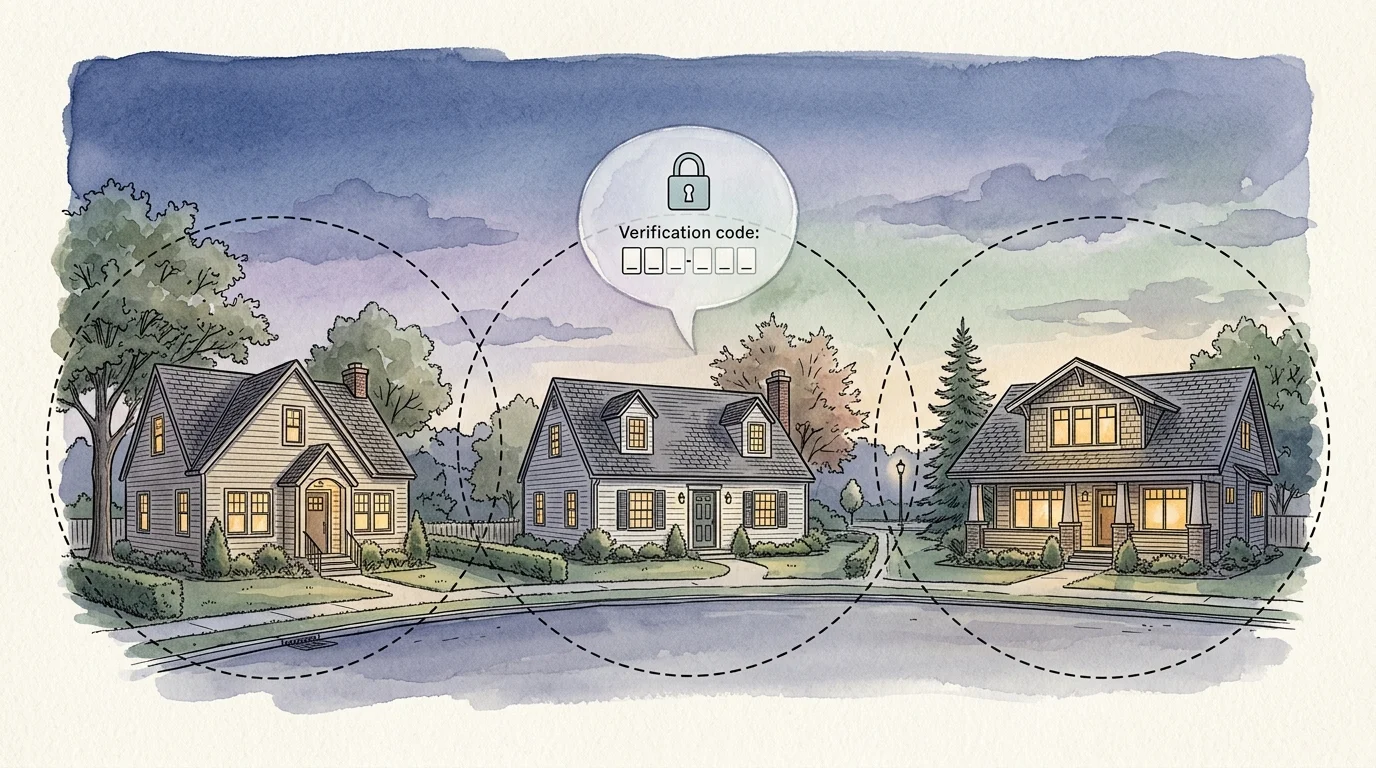
If you create a Netflix profile for a grandchild living across town, their television will eventually display an error message. The screen demands an account verification code sent to the primary account holder’s phone.
According to Tom’s Guide’s streaming platform evaluations, platforms now actively close workarounds that once allowed cross-country account sharing. Bypassing these barriers requires ongoing, frustrating manual verifications.
Disney+ enforces similar restrictions through its Paid Sharing program. Disney explicitly defines a household as the devices associated with your primary personal residence.
When a grandchild launches Disney+ on a television outside your home, Disney displays an “It looks like this TV isn’t part of your household” notification. The viewer must purchase access or log out.
These household locks apply equally to ad-supported plans—cheaper plans that show commercials—and ad-free plans that cost more but exclude marketing interruptions. Upgrading to a more expensive tier does not remove the single-household restriction.
If your account continues streaming from unverified remote locations, the platform may temporarily lock access for everyone. This leaves your grandchildren unable to watch their favorite shows.
The Extra Member Option: Limits and Hidden Costs
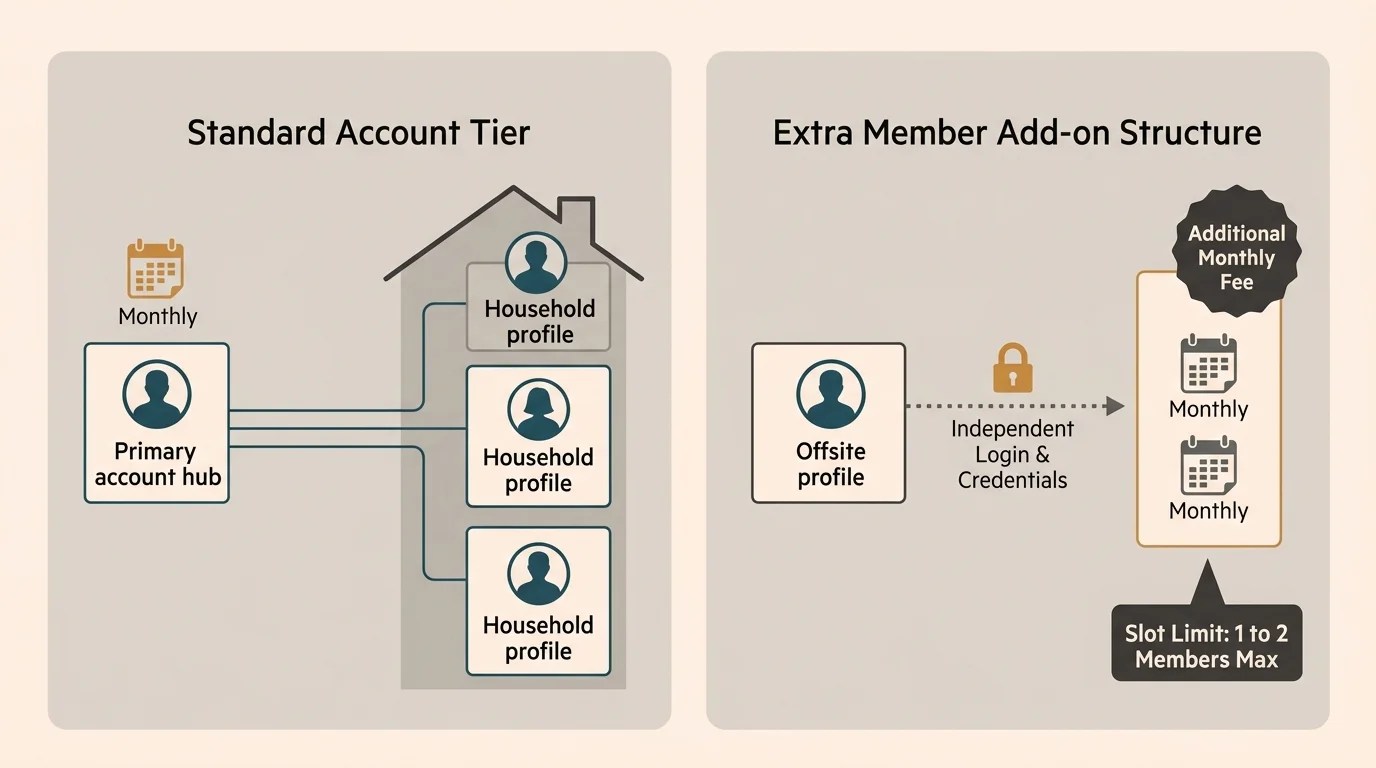
Both Netflix and Disney+ provide official paid options to link an outside user to your primary account. These programs are called Extra Member slots.
These add-on seat charges function much like unexpected streaming service hidden fees that steadily inflate your recurring entertainment expenses.
Before adding paid external seats, review our guide to streaming service family plans to understand how simultaneous stream caps function within a single home.
An Extra Member receives an independent login and password funded directly through the primary subscriber’s monthly billing statement. The remote viewer streams on their own television without triggering location lockouts.
However, strict mechanical limits make this option impractical when you want to support multiple grandchildren living in separate homes. The math and slot limitations quickly create obstacles.
Netflix permits Extra Member add-ons only on Standard and Premium tiers. Subscribers on the ad-supported tier cannot buy extra member slots under any circumstance.
The Standard tier permits exactly one Extra Member slot. The Premium tier permits a maximum of two Extra Member slots.
Adding a remote user on Netflix costs an additional $7.99 monthly for an ad-supported slot, or $9.99 monthly for an ad-free slot. You must pay this charge every month on top of your base membership.
Disney+ imposes even narrower constraints on account holders. Disney allows only one single Extra Member slot per account, regardless of your plan tier.
A Disney+ Extra Member slot costs $6.99 monthly on Basic with ads, or $9.99 monthly on Premium ad-free. Furthermore, that extra member can stream on only one screen at a time.
If you have three grandchildren living in three distinct homes, Extra Member programs cannot solve your problem. Neither service allows three external households on a single primary membership.
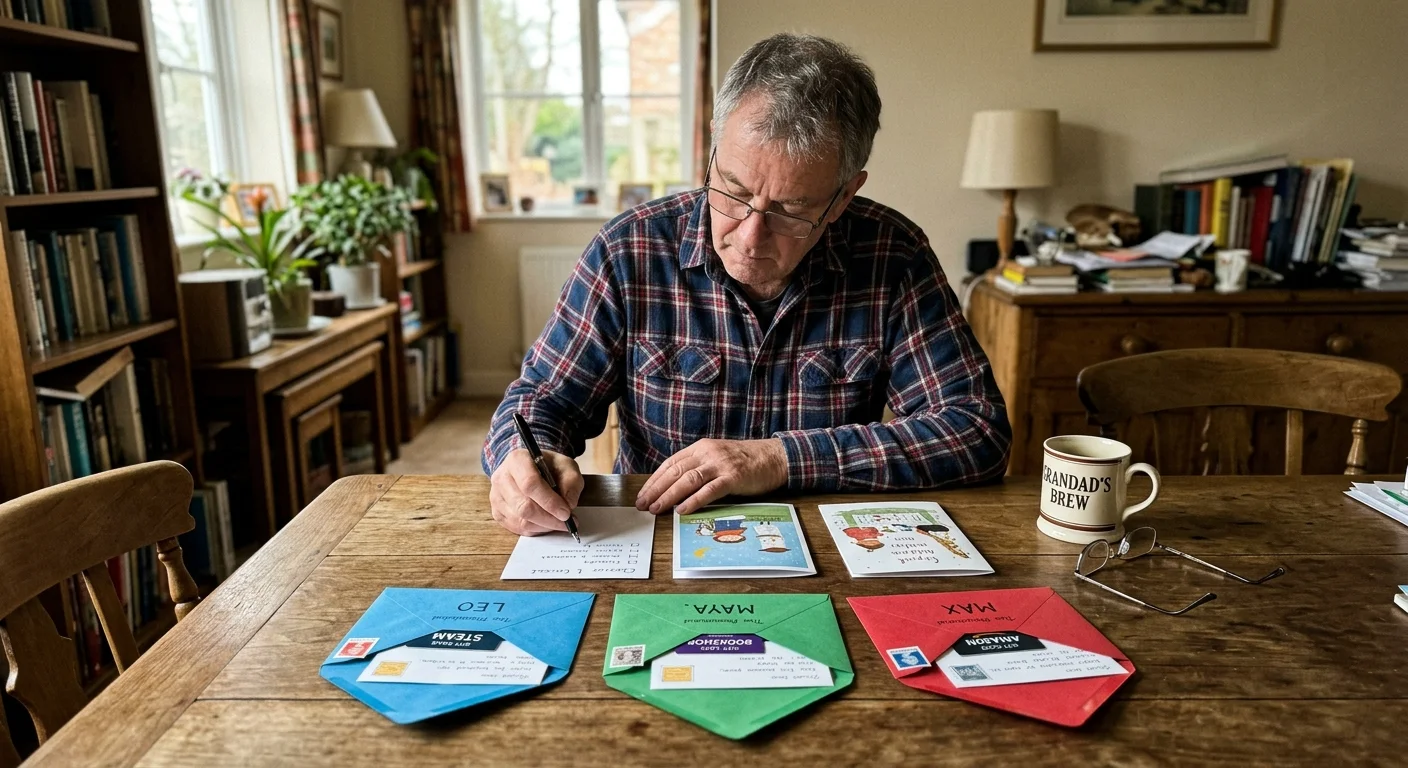
Worked Example: Gifting Streaming to Three Grandchildren
Consider a practical scenario involving three grandchildren living in separate residences. Grandchild A lives in Chicago, Grandchild B lives in Denver, and Grandchild C lives in Atlanta.
If your family prefers sharing expenses rather than receiving full gifts, learning how to split the cost of streaming can keep standalone subscriptions budget-friendly.
The grandparent wants to cover their streaming entertainment for an entire twelve-month period. Let us examine what happens when testing the single-account method versus independent legal gifting.
Under the initial assumption, the grandparent purchases one Netflix Premium plan at $22.99 per month, totaling $275.88 annually. They assign separate user profiles to Grandchild A, B, and C.
Within thirty days, televisions in Denver and Atlanta trigger location lockouts. The system identifies three distinct residential internet service providers operating simultaneously.
The grandparent attempts to fix the lockout by activating official Extra Member slots. However, Netflix Premium caps accounts at two extra members, completely stranding Grandchild C.
Carrying two extra ad-free members adds $19.98 monthly ($9.99 multiplied by two) to the $22.99 base subscription. The annual cost surges to $515.64, yet one grandchild remains locked out.
The compliant solution requires funding three separate accounts directly. The grandparent purchases dedicated annual balances rather than attempting to link accounts together.
To buy netflix gift for grandchildren, the grandparent buys three separate $100 digital gift cards, totaling $300.00. Each grandchild household redeems their specific card onto their own independent profile.
For Netflix Standard with Ads at $6.99 monthly, a $100 balance covers fourteen months of streaming per home. The total cost is $300.00, every grandchild streams uninterrupted, and no accounts trigger security flags.
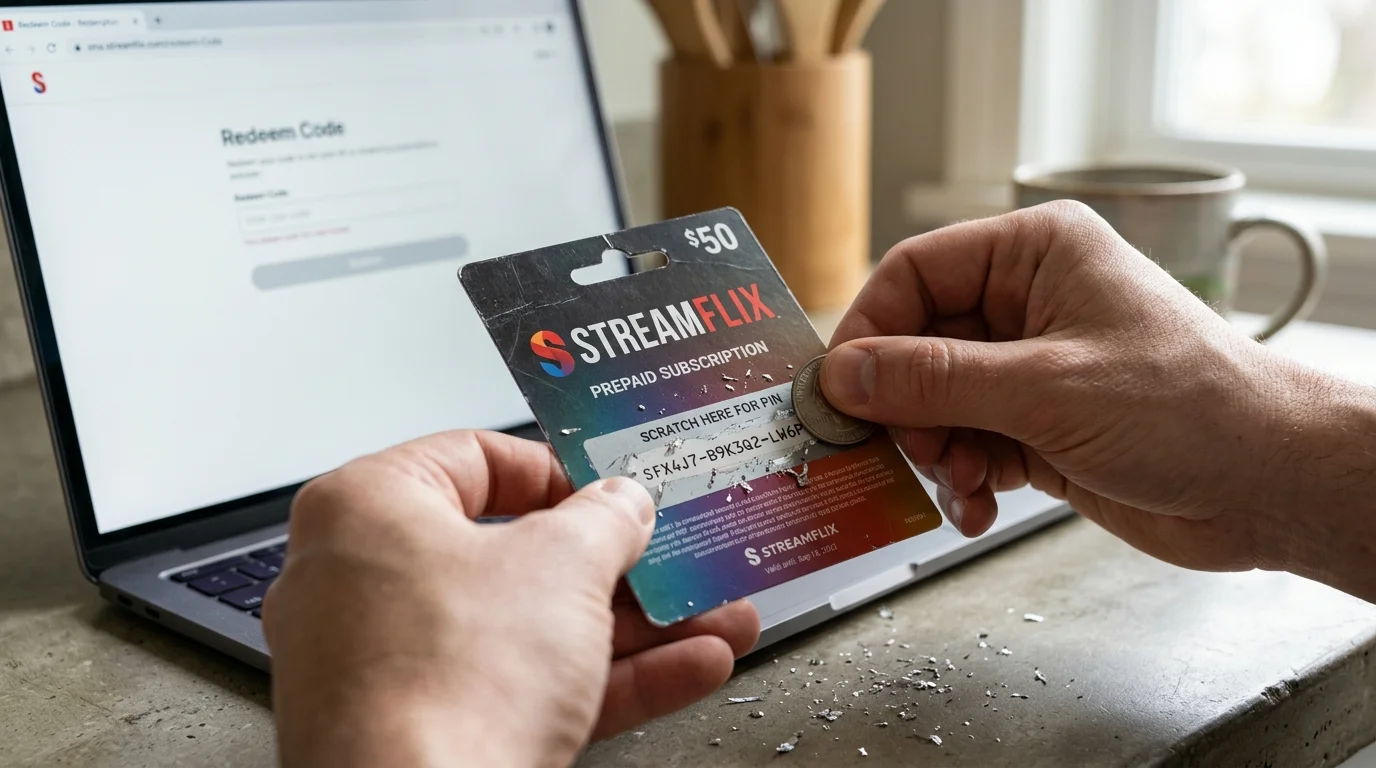
How to Buy and Redeem Gift Cards Legally
Funding independent subscriptions through prepaid gift cards represents the safest way to deliver streaming entertainment across multiple households. It avoids recurring commitments on your credit card while giving grandchildren their own authorized accounts.
Once prepaid gift funds run out, recipients can save money through streaming rotation by pausing inactive platforms and subscribing to one catalog at a time.
After setting up independent accounts for minors, make sure their parents know how to configure parental controls to restrict age-inappropriate titles.
When managing balances across multiple residences, learning how to manage multiple streaming subscriptions will help you keep expiration windows and renewal cycles organized.
Netflix does not sell dedicated 12-month gift subscription packages. Instead, you purchase standard Netflix Gift Cards in fixed dollar denominations ranging from $25 to $200.
The recipient applies the gift card code directly to their personal account balance. Netflix deducts the recurring monthly subscription cost from that balance until the funds run out.
Disney changed its redemption system significantly over recent seasons. Retailers no longer sell physical 1-year Disney+ Subscription Cards in the United States.
You must understand current disney plus annual gift rules to avoid purchasing the wrong product. You now purchase a general Disney Gift Card and redeem it at DisneyPlus.com/Gift.
According to Wirecutter’s streaming service analysis, platform billing terms often contain technical redemption exclusions. You must review payment restrictions before purchasing gift credits.
Disney Gift Cards only apply to accounts billed directly through Disney’s web portal. If your grandchild’s family pays their subscription through Apple iTunes, Google Play, Roku, or Amazon, the card cannot be redeemed.
The parents must switch their billing method to Disney direct before applying gift card balances. Gift card balances also cannot be used to pay for Extra Member slot fees.
Always verify geographic boundaries before purchasing digital codes. Both Netflix and Disney enforce strict regional currency rules on gift vouchers.
A gift card purchased in United States dollars can only be redeemed on an account operating within the United States. Foreign accounts reject American gift codes.
Standard retail gift cards sold in the United States do not expire. They do not charge maintenance or dormancy penalties if balances sit unused for months.

Comparison of Gifting Rules Across Major Services
Household policies vary across the broader entertainment market as platforms update their terms. Some platforms aggressively enforce household boundaries, while others permit multi-location logins.
Understanding these distinctions helps you allocate your entertainment budget effectively across different platforms. The table below outlines current operational rules for major services.
| Streaming Service | Household Lock Enforced | Extra Member Slots Allowed | Direct Gift Cards Sold | Ad-Supported Annual Cost | Ad-Free Annual Cost |
|---|---|---|---|---|---|
| Netflix | Yes (Strict) | Up to 2 (Standard/Prem only) | Yes (Dollar Balance) | $83.88 ($6.99/mo) | $185.88 ($15.49/mo) |
| Disney+ | Yes (Strict) | 1 Slot Maximum | Yes (Disney Gift Card) | $119.88 ($9.99/mo) | $159.99 ($15.99/mo) |
| Hulu | Yes (Live TV only; VOD Lenient) | None | Yes (Dollar Balance) | $119.88 ($9.99/mo) | $189.99 ($18.99/mo) |
| Max | Moderate (Rolling out restrictions) | None | Yes (Dollar Balance) | $99.99 / year | $169.99 / year |
| Paramount+ | No (Lenient multi-location) | None | Yes (Dollar Balance) | $59.99 / year | $119.99 / year |
| Amazon Prime Video | No (Uses Amazon Household) | None (Amazon Household limits) | Yes (Amazon Gift Card) | $107.88 ($8.99/mo) | $143.88 ($11.99/mo) |
Cord-cutting—canceling traditional cable or satellite TV in favor of streaming services—requires managing several separate apps. Each app enforces different hardware limits.
Services like Paramount+ permit streaming on up to three concurrent devices regardless of physical location. They have not yet deployed strict network-level blocking.
Hulu enforces strict household verification for its Live TV package, requiring devices to check into the home Wi-Fi monthly. However, Hulu’s basic on-demand library—content you watch whenever you want—remains more flexible across locations.
Live TV replacements often feature a cloud DVR—a digital video recorder that lets you record and watch shows later. These features remain locked to your designated home metropolitan market.
According to Consumer Reports’ streaming guide, matching your gifting strategy to each platform’s hardware requirements eliminates unexpected technical headaches for families.
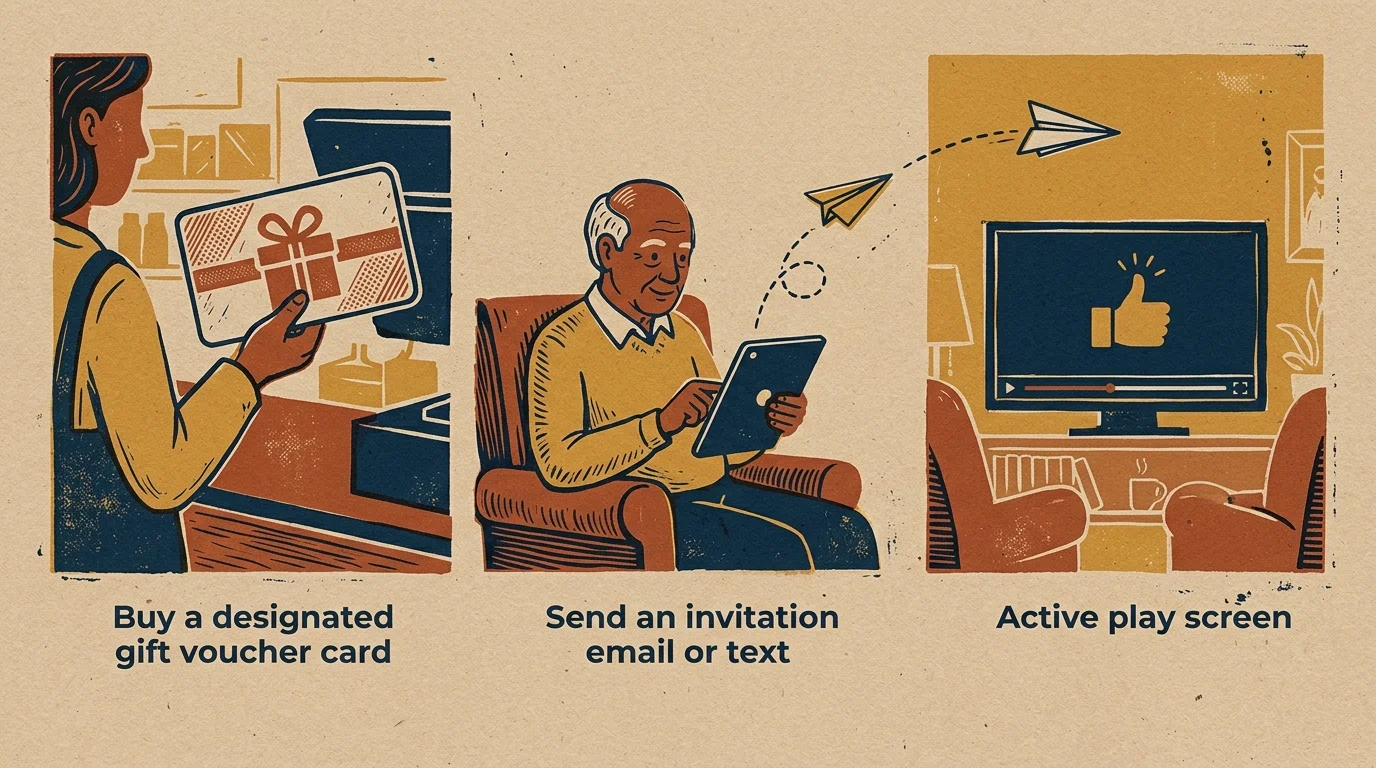
Step-by-Step Setup Guide for Grandparents
Follow this step-by-step checklist to deliver streaming access to multiple grandchildren without running into technical barriers. Taking the right administrative steps ensures immediate access.
First, communicate with the grandchildren’s parents before buying codes. Confirm which streaming applications the children watch most frequently on their living room televisions.
Second, check how the family currently pays for their entertainment accounts. Ensure their account does not use third-party billing through an iPhone, iPad, Roku stick, or Amazon Fire TV.
If third-party billing is active, the parent must let that billing cycle lapse. They must switch their billing method directly to the platform’s primary website.
Third, buy digital gift cards directly from reputable retail platforms like Amazon, Target, or the service’s official website. Select digital delivery rather than physical cards to avoid shipping delays.
Purchase one individual card for each distinct household. Never attempt to pool three homes onto a single redemption voucher.
Fourth, email the digital redemption codes directly to the parents. Instruct the parents to navigate to the designated redemption page on a desktop browser rather than a television app.
For Netflix, direct them to netflix.com/redeem. For Disney+, have them enter the code at disneyplus.com/gift.
Fifth, instruct the family to leave a secondary payment card on file. This prevents service interruptions when your gift credit reaches a zero balance.
Frequently Asked Questions
Can I buy one Netflix gift card and divide it among three different accounts?
No, a gift card code applies entirely to the specific account where it is entered. Once redeemed, you cannot transfer remaining balances to another account.
What happens when a gift card balance runs out?
The platform prompts the account holder to enter a credit card or another gift code. If no payment method exists, streaming access pauses automatically without penalties.
Can my grandchildren use their accounts when traveling outside the home?
Yes, portable devices like laptops, tablets, and mobile phones can stream away from home. Users simply verify their account via email or periodic home Wi-Fi connections.
Can I use Disney gift cards to pay for an Extra Member fee?
No, Disney requires a credit card or debit card on file for recurring Extra Member charges. Gift card balances cannot cover Extra Member add-on fees.
Disclaimer: Streaming service prices, content libraries, and features change frequently. Prices shown were accurate at time of writing but may have changed. Always verify current pricing on the official service website before subscribing.