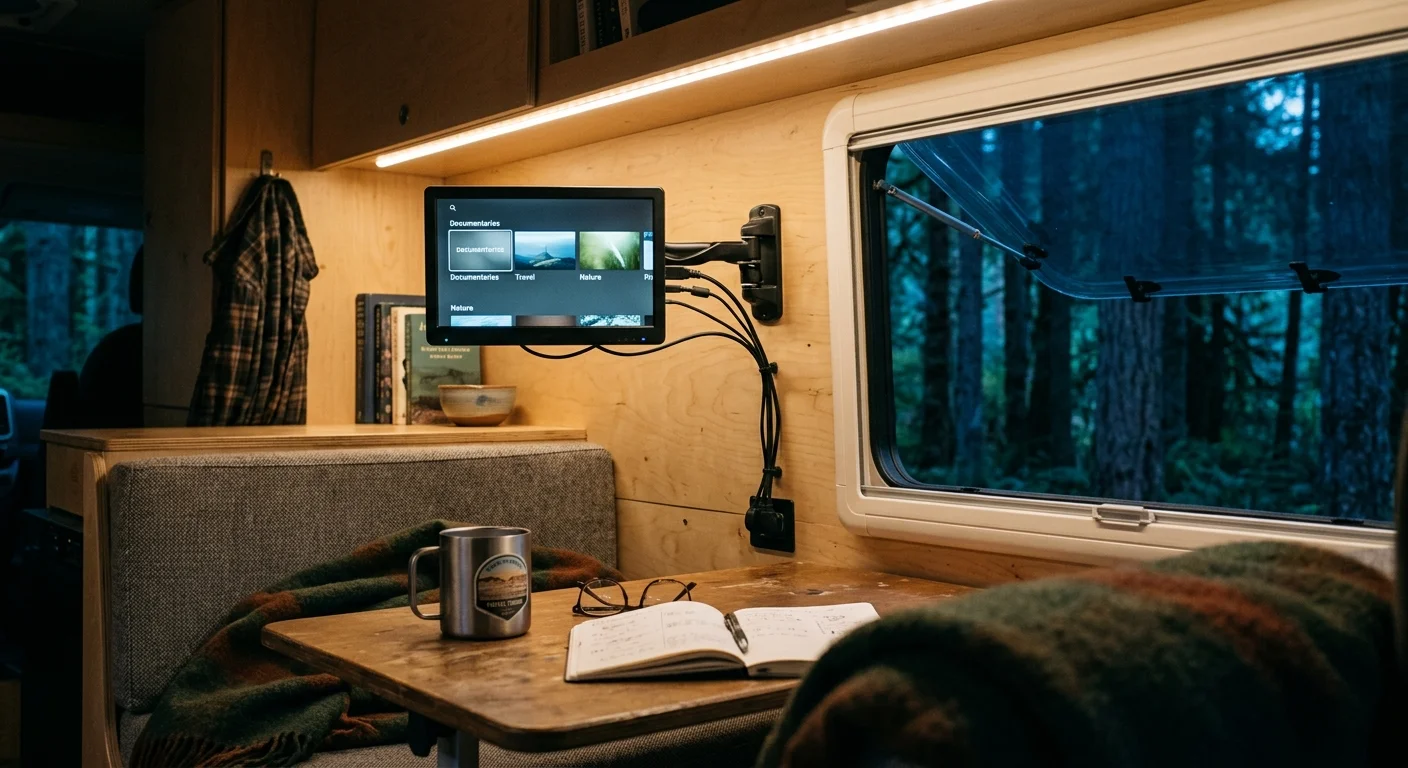
You can stream your favorite shows every evening without draining your camper van batteries. Ditching your 120V AC inverter cuts total entertainment power draw by up to 35%, keeping your off-grid electrical system balanced.
When you live with a modest 200W solar panel and a 100Ah lithium battery, native DC hardware eliminates phantom electrical loads. This direct current approach preserves critical amp-hours for refrigeration and basic van utilities.
This guide details the exact math, wiring steps, and 12V components required to build an efficient off-grid entertainment center. You will trade costly cable packages for sustainable streaming without sacrificing your favorite content.
The Hidden Power Cost of Inverters in Camper Vans
Living full-time on the road requires strict power accounting. You cannot afford to squander watt-hours when relying on a small solar array.
Most beginners start cord-cutting by plugging standard residential gadgets into an alternating current (AC) power inverter. Cord-cutting describes canceling traditional cable or satellite TV in favor of streaming services.
Streaming means watching video content over the internet instead of through cable lines. Running household electronics inside a camper creates severe electrical penalties.
Inverters must convert your 12V direct current battery reserves into 120V alternating current. This conversion process wastes between 10% and 20% of your total energy as heat.
Inverters also carry an idle current draw between 0.5A and 1.5A just to stay energized. An idle 1,000W inverter consumes up to 18 watts continuously without powering a single device.
Native 12V gear connects directly to your camper battery bank through fused fuse blocks. This direct link eliminates idle inverter overhead and saves energy for nighttime power needs.
“Eliminating inversion losses turns a precarious power balance into a predictable, self-sustaining off-grid setup.” — Mobile Energy Specialist
Every watt saved during evening relaxation extends your battery life until sunrise. Bypassing AC conversion lets you stream guilt-free on overcast boondocking days.
Wattage Math: Calculating Direct Current Streaming Loads
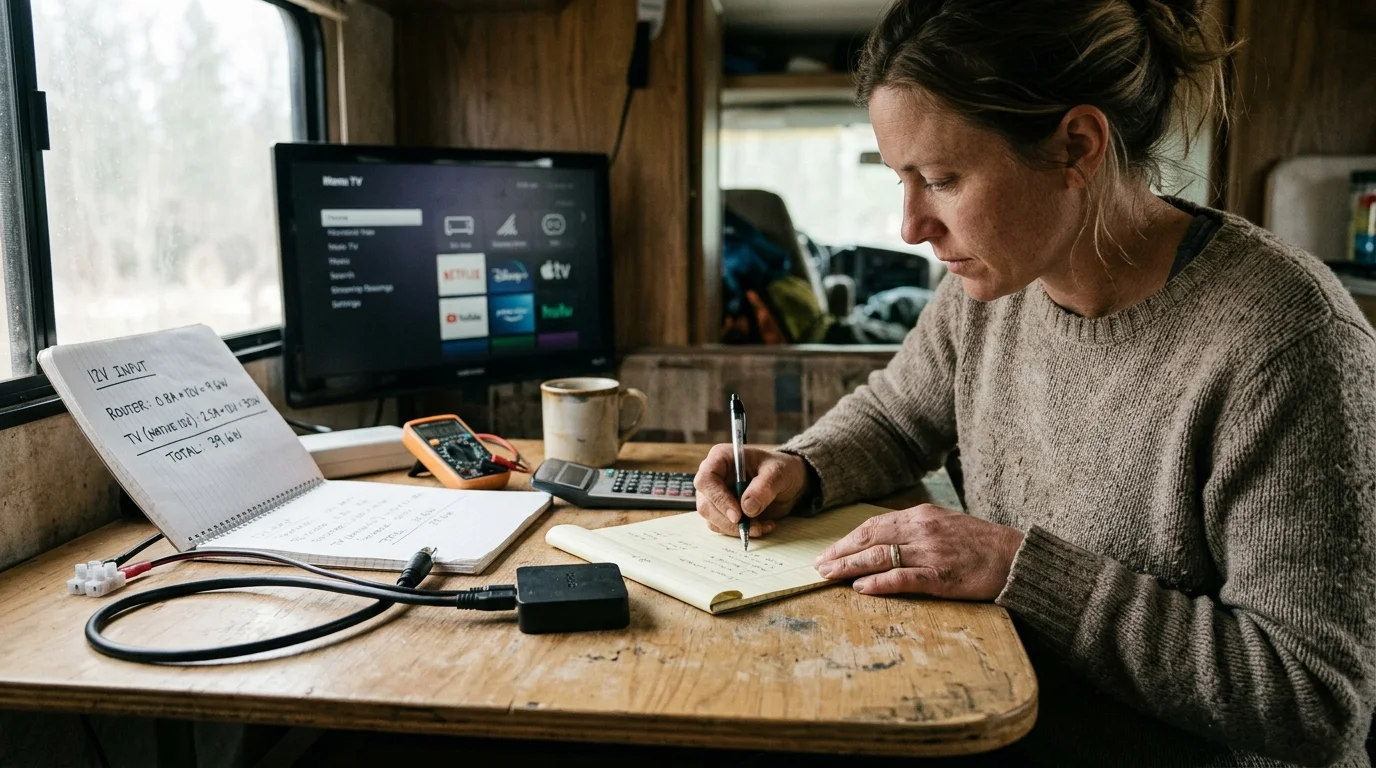
Understanding direct current tv streaming wattage begins with basic electrical math. The core formula requires dividing device wattage by battery voltage to calculate hourly current draw.
A standard 12V lithium iron phosphate (LiFePO4) battery rests at a nominal 12.8 volts. You determine hourly amp-hour (Ah) consumption by dividing operational watts by 12.8V.
Consider the power demands of a Starlink Mini satellite dish. Under active streaming loads, the Starlink Mini consumes an average of 30 watts on native DC power.
Dividing 30 watts by 12.8 volts reveals a continuous draw of 2.34 amps. Over a four-hour evening movie marathon, the internet dish consumes 9.36 amp-hours.
Now evaluate your display screen. A compact 24-inch 12V smart TV uses roughly 24 watts. A smart TV is a television with a built-in internet connection and streaming applications.
Dividing 24 watts by 12.8 volts yields an active draw of 1.88 amps. That display requires 7.52 amp-hours across the same four-hour viewing window.
A secondary streaming device draws nominal power. A streaming device is a small box or stick, like a Roku or Fire TV, that adds streaming to any television.
A dedicated 5V streaming stick draws approximately 3.5 watts during active 1080p playback. Stepping 12.8V down to 5V via a high-efficiency buck converter requires roughly 0.27 amps from the battery.
Adding these components together establishes a total direct current load of 57.5 watts. This native DC system pulls only 4.49 amps per hour from your battery bank.
Here is the worked comparison for a four-hour viewing session using a 100Ah lithium battery bank:
- Inverter-Driven AC Setup: 40W AC TV + 5W streaming stick + 40W standard Starlink = 85W base load. Factoring 15% conversion loss and a 12W inverter idle penalty increases the total draw to 111.75W. This setup draws 8.73A at 12.8V, burning 34.92 Ah (35% of your battery).
- Native 12V DC Setup: 24W 12V TV + 3.5W streaming stick + 30W Starlink Mini = 57.5W total draw. This setup draws 4.49A at 12.8V, burning only 17.96 Ah (18% of your battery).
The native 12V setup saves you 16.96 amp-hours every evening. That conserved energy can power an efficient 12V compressor refrigerator for more than twelve hours.
Native DC Streaming Gear: Screens, Devices, and Modems
Assembling a 12v streaming setup camper van requires purpose-built mobile components. Standard home electronics cannot handle vehicle electrical fluctuations without external protection.
If you plan to use mobile satellite data, be aware of how to manage Starlink geolocation policies when streaming live local television.
Camper battery voltages swing between 11.8V under heavy load and 14.6V during active solar absorption. Specialized 12V televisions contain integrated voltage regulators to handle these fluctuations safely.
The Sylvox 24-inch RV series accepts input voltages from 9V to 32V. This broad operating window prevents hardware damage from alternator spikes or solar charge pulses.
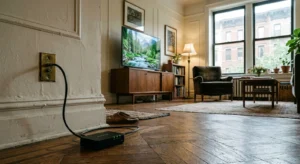
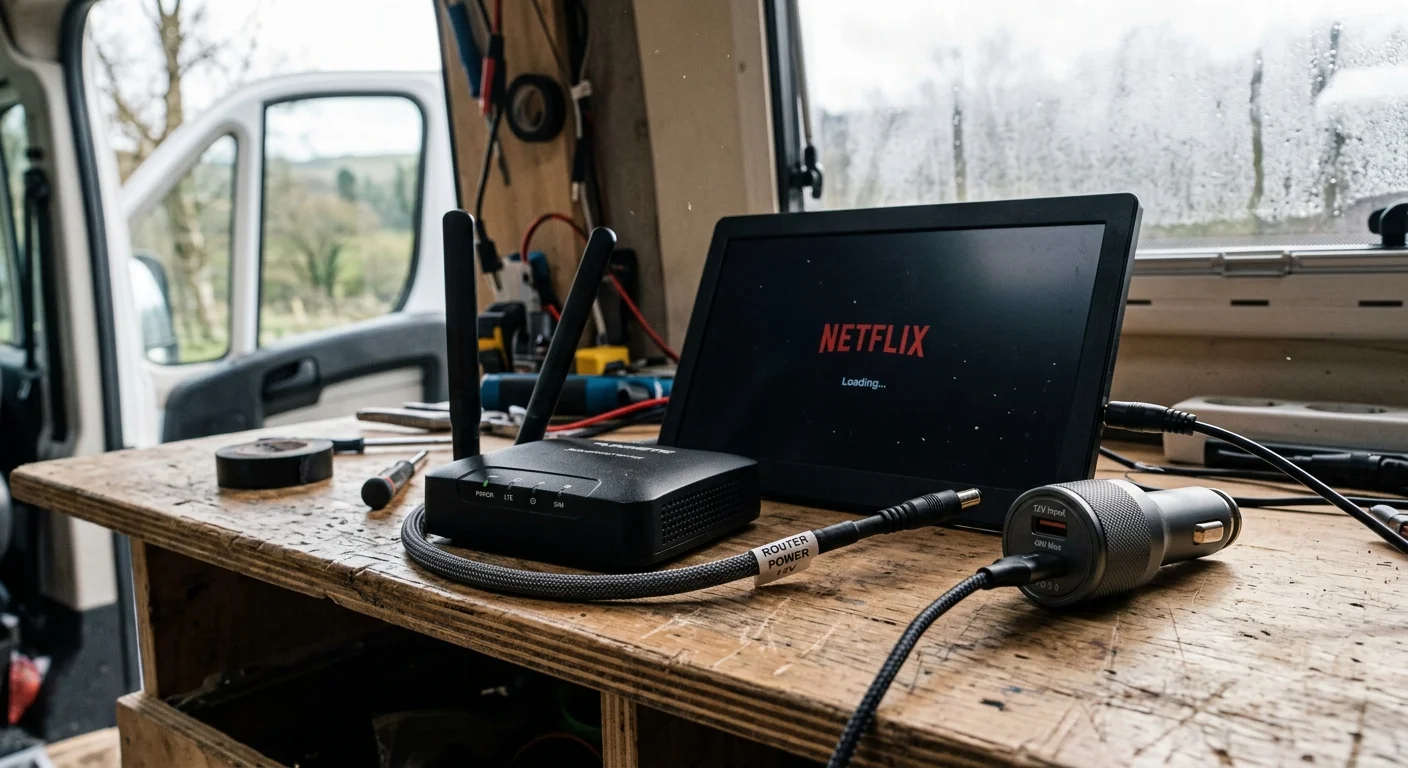
Streaming sticks run on 5V DC via micro-USB or USB-C ports. Powering them with hardwired 12V-to-5V step-down converters prevents the need for 120V wall warts.
The Starlink Mini accepts direct DC inputs ranging from 12V to 48V. You can wire the dish directly into your camper fuse panel with a 5521 barrel connector.
| Device Model | Operating Input Voltage | Active Draw (Watts) | Current at 12.8V (Amps) | Hardware Cost (MSRP) |
|---|---|---|---|---|
| Sylvox 24-Inch Limo Series 12V TV | 9V–32V DC | 24W | 1.88A | $269.00 |
| Amazon Fire TV Stick 4K (via Step-Down) | 5V DC (12V Source) | 3.5W | 0.27A | $49.99 |
| Starlink Mini Satellite Terminal | 12V–48V DC | 30W | 2.34A | $599.00 |
| Winegard Sensar IV Amplified OTA Antenna | 12V DC | 1.3W | 0.10A | $139.99 |
Independent evaluation guides, such as Wirecutter, highlight the reliability of dedicated compact streaming hardware. These compact streaming sticks deliver snappy menu responses without consuming excessive power.
Choosing native gear protects sensitive microprocessors from road vibration and vehicle temperature extremes. Purpose-built hardware ensures stable entertainment whether camping in desert heat or mountain freezes.
Free Local Channels Off-Grid: OTA Antennas and Signal Amps
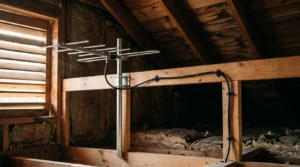
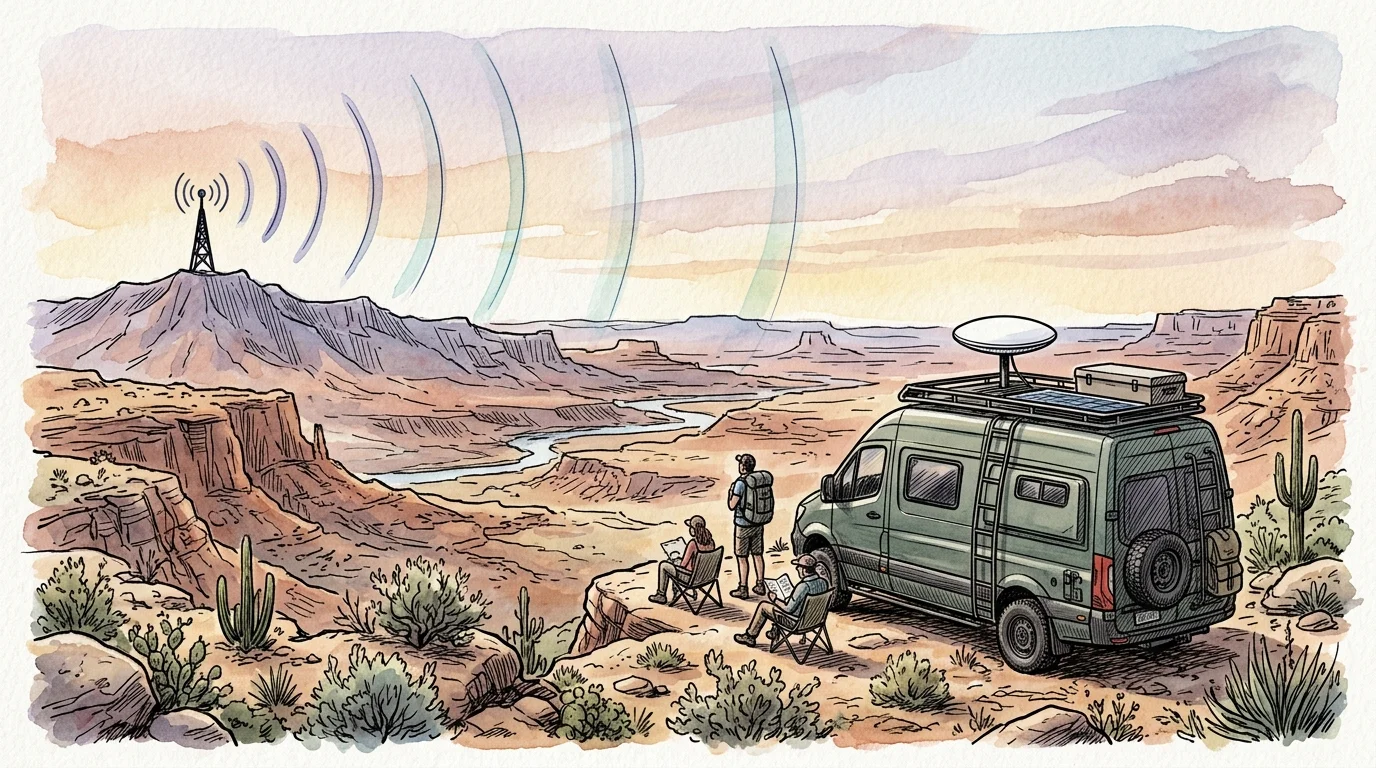
Satellite internet plans often limit total monthly high-speed data. You should use free over-the-air (OTA) television broadcasts to conserve satellite bandwidth when watching local news.
Over-the-air digital television stations transmit high-definition programming across the United States. You can pick up local CBS, NBC, ABC, FOX, and PBS affiliates without any internet connection.
As the FCC Consumer Guide notes, broadcast television provides reliable local reception without recurring monthly subscription fees. Digital signals deliver crystal-clear audio and video directly to an integrated ATSC tuner.
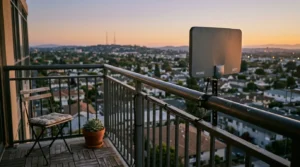
Omnidirectional antennas mounted to camper roofs pull broadcast signals from all directions. Directional models like the Winegard Sensar IV offer superior range when boondocking forty miles from urban broadcast towers.
Amplified antennas run directly on 12V direct current. An antenna signal booster pulls a tiny 0.1A load, allowing all-day background television playback on minimal power.
You can connect an over-the-air tuner to an external hard drive to unlock DVR functionality. A DVR, or digital video recorder, lets you record and watch shows later at your convenience.
Recording live daytime sporting events allows you to watch them later in the evening. You get full access to primetime entertainment without consuming a single gigabyte of cellular data.
Cutting the Home Cable Cord: Steps, Fees, and Gear Returns
Moving into a van full-time requires systematically canceling residential cable utility contracts. Traditional telecommunications providers often complicate cancellation to preserve monthly billing revenue.
Avoiding common cord-cutting mistakes when negotiating cancellation terms ensures a frictionless exit from traditional telecom providers.
Begin the process by auditing your service contract for early termination fees (ETFs). Cable providers frequently charge between $10 and $20 for each remaining month on your service agreement.
Call the provider retention department during standard weekday business hours. Inform the representative that you are moving into a mobile vehicle with no fixed residential address.
Customer retention agents cannot offer promotional bundles when you have no fixed street address. This clear statement shortens sales resistance and accelerates your account closure.
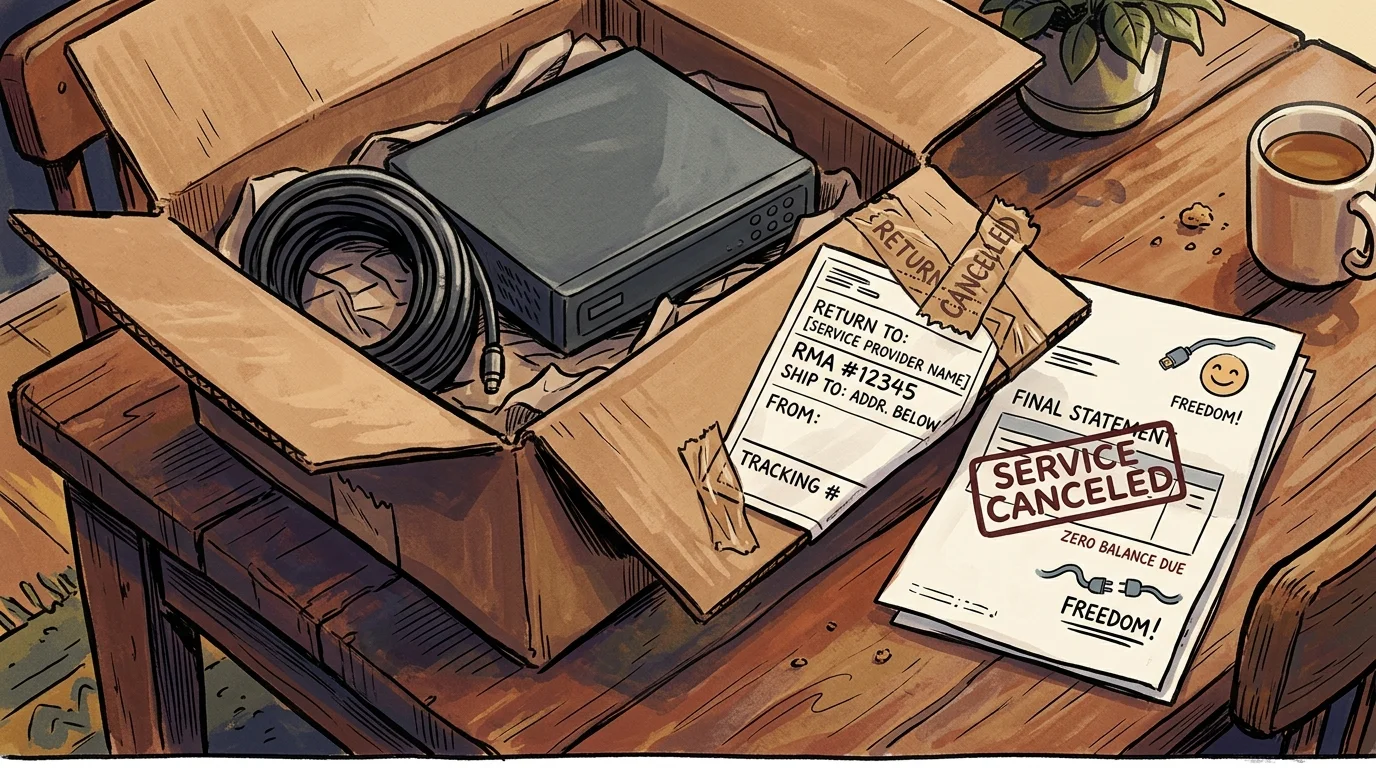
Next, gather all rented set-top boxes, coaxial splitters, remotes, and Wi-Fi routers. Telecom companies impose steep replacement fees if you fail to return every rented accessory.
Unreturned equipment charges can exceed $200 per cable box. Return these devices in person at an official company service center or authorized UPS drop location.
Always demand an itemized drop-off receipt showing the serial numbers of all returned hardware. Store this receipt safely in your van records to resolve any subsequent billing disputes.
Budget Breakdown: Cable versus Mobile Off-Grid Streaming
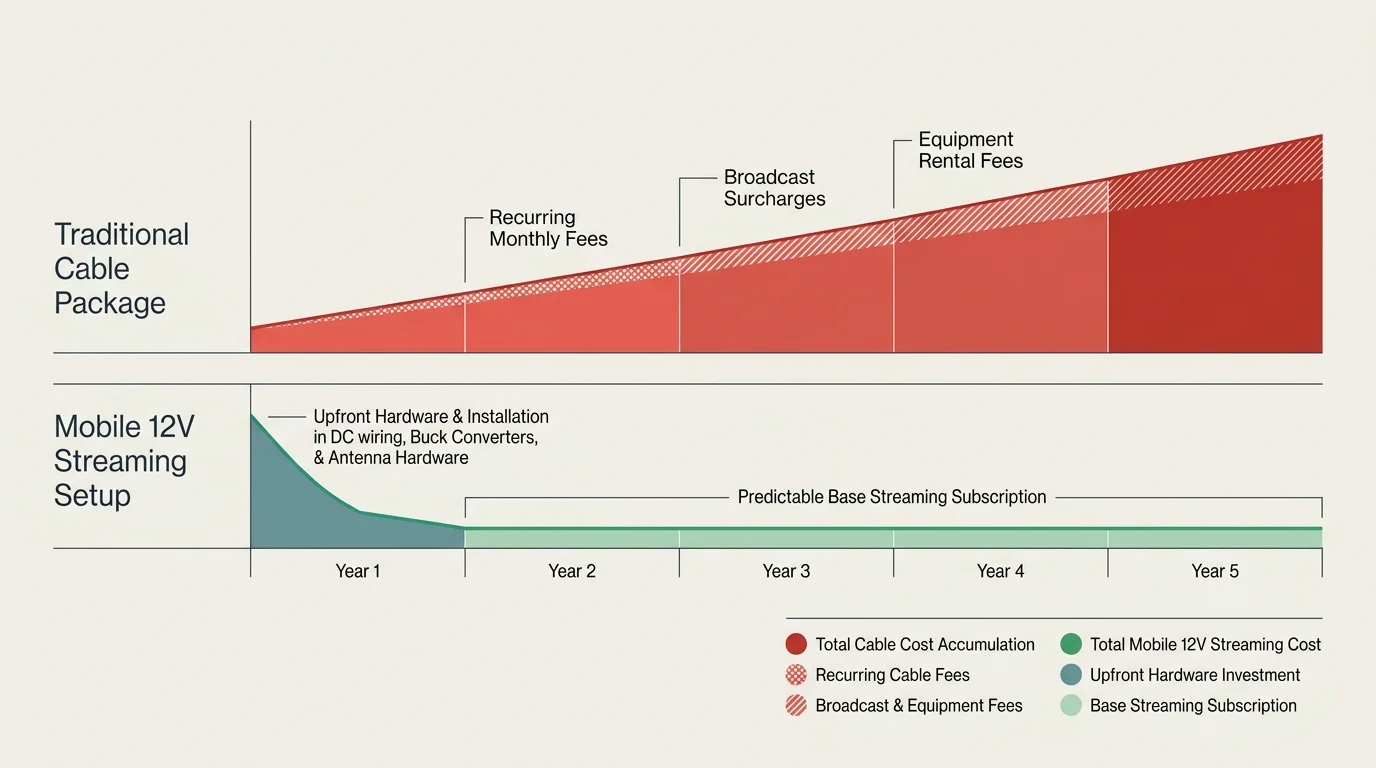
According to Cord Cutters News, the average household cable bill exceeds $140 per month before factoring in equipment fees. Add broadcast surcharges and regional sports fees, and monthly invoices regularly top $180.
Comparing hardware upfront investments against recurring services mirrors our broader cable cancellation cost analysis, showing substantial annual savings.
Van life streaming substitutes fixed residential fees with flexible, on-demand subscriptions. On-demand entertainment lets you watch whatever you want, whenever you want, instead of relying on fixed linear programming schedules.
You can choose between ad-supported and ad-free tiers depending on your monthly entertainment budget. Ad-supported plans are free or cheaper subscriptions that show commercials during playback.
Ad-free plans cost more each month but eliminate commercial interruptions entirely. Mobile cord-cutters frequently rotate individual services monthly, subscribing only when a favorite series airs.
Here is an honest cost comparison between traditional home cable and an off-grid mobile setup:
- Traditional Cable Setup: $145.00 monthly service + $35.00 box rentals and regional fees = $180.00 per month ($2,160.00 annually).
- Mobile 12V Streaming Setup: $50.00 Starlink Roam (50GB tier) + $9.99 Hulu ad-supported + $16.99 Max ad-free = $76.98 per month ($923.76 annually).
You save $1,236.24 each year by eliminating traditional cable contracts. Those financial savings easily cover your initial purchase of a 12V television and wiring supplies.
Free ad-supported television (FAST) platforms like Pluto TV, Tubi, and The Roku Channel cost nothing. These platforms offer thousands of classic movies and live news channels over internet connections.
Step-by-Step Wiring and DC Buck Converter Installation
Installing native DC entertainment gear requires clean, fused wiring connections. Direct vehicle wiring prevents electrical noise and voltage drop across your camper circuits.
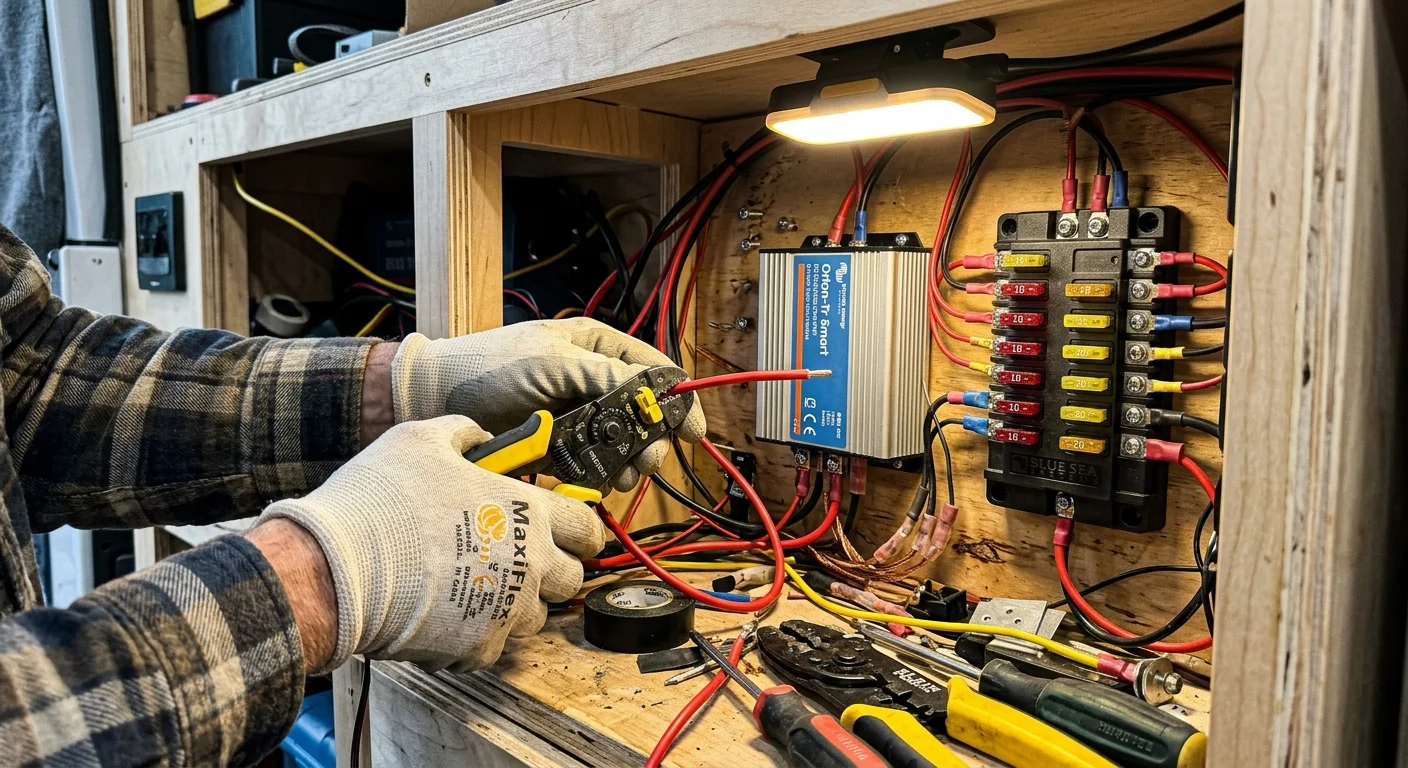
Follow these steps to wire your off-grid entertainment center safely:
- Disconnect Main Battery Power: Shut off your LiFePO4 battery switch before touching any electrical terminals. Verify the line is dead using a digital multimeter.
- Mount a Dedicated DC Fuse Block: Secure a 6-way marine fuse block inside your entertainment cabinet. Run 10 AWG copper wire from your main distribution busbar to this auxiliary fuse block.
- Install a 12V-to-5V Step-Down Converter: Connect an isolated 12V-to-5V DC buck converter into circuit slot one. This module supplies regulated 5V power to your streaming stick via a USB female port.
- Wire the 12V Television: Run 14 AWG duplex wire from fuse slot two to the television mounting bracket. Terminate the wire with the manufacturer-specified DC barrel plug, matching correct polarity.
- Wire the Satellite Terminal: Connect the Starlink Mini DC power lead to fuse circuit three. Insert a 5A blade fuse to protect the internal satellite electronics from power spikes.
- Insert Fuses and Verify Polarity: Insert appropriately rated fuses (5A for the screen, 3A for the USB buck converter, 5A for Starlink). Test terminal voltages with your multimeter before connecting your expensive electronics.
According to consumer research published by Consumer Reports, proper electrical wiring prevents premature component failure and thermal hazards. Quality crimp connectors and shrink-tubing ensure durable connections on bumpy washboard roads.
Always route wiring away from moving parts or hot exhaust pipes. Use plastic split-loom tubing to protect wire jackets from chafing against metal van ribs.
Internet Bandwidth and Managing Data Caps on Solar
Practicing cord cutting off grid solar power requires monitoring your digital bandwidth consumption. Video streams consume massive amounts of data, which quickly burns through metered satellite allowances.
If you camp frequently outside cellular coverage, exploring specialized solutions for slow internet areas can help streamline data caching and lower resolution requirements.
Standard definition (480p) streams consume roughly 0.7 GB per hour. High definition (1080p) playback consumes between 1.5 GB and 3.0 GB hourly.
Ultra-high definition 4K streaming demands up to 7.0 GB per hour. A single 4K movie will consume nearly half of a 50GB monthly Starlink data allocation.
Video processing at 4K resolution also increases streaming stick wattage by roughly two watts. Processing high-bitrate video causes streaming hardware to generate excess heat inside warm van cabinets.
Lock your streaming device video output settings to 1080p resolution. On a 24-inch or 32-inch screen, you will not notice any visual difference from several feet away.
Download television episodes to your mobile device or tablet while connected to coffee shop Wi-Fi in town. Playing downloaded files consumes zero mobile data and reduces processing draw on your camper battery.
This hybrid strategy gives you unlimited evening entertainment while keeping your monthly data fees low. You protect your digital budget while conserving battery capacity for basic living needs.
Frequently Asked Questions
Can I plug a streaming stick directly into a 12V TV USB port?
Most 12V television USB ports provide only 0.5A (2.5 watts), which causes modern 4K streaming sticks to crash during startup. Power your streaming stick through an external 12V-to-5V buck converter that provides at least 2.0A of stable current.
Will my camper van alternator damage a 12V TV while driving?
Standard vehicle alternators charge batteries at up to 14.6 volts, which can burn out cheap consumer electronics designed for steady 12.0V current. Always purchase mobile-grade 12V screens rated for 9V to 30V inputs, or install a DC-to-DC voltage stabilizer.
How do I watch live sports off-grid without paying for cable?
Mount an amplified over-the-air digital antenna to pick up local network broadcasts for free without using cellular data. Alternatively, subscribe to an ad-supported live television streaming tier like Sling TV or YouTube TV during your team’s playing season.
Can a 200W solar panel replenish my streaming power consumption?
Yes, a 200W solar panel produces roughly 50 to 65 amp-hours on a clear summer day. A four-hour native 12V streaming session consumes only 18 amp-hours, leaving plenty of surplus solar power to run lights and your refrigerator.
Disclaimer: Cable and streaming prices vary by location and change frequently. The cost comparisons in this article are estimates based on typical pricing. Your actual savings will depend on your current cable package, internet costs, and which streaming services you choose.