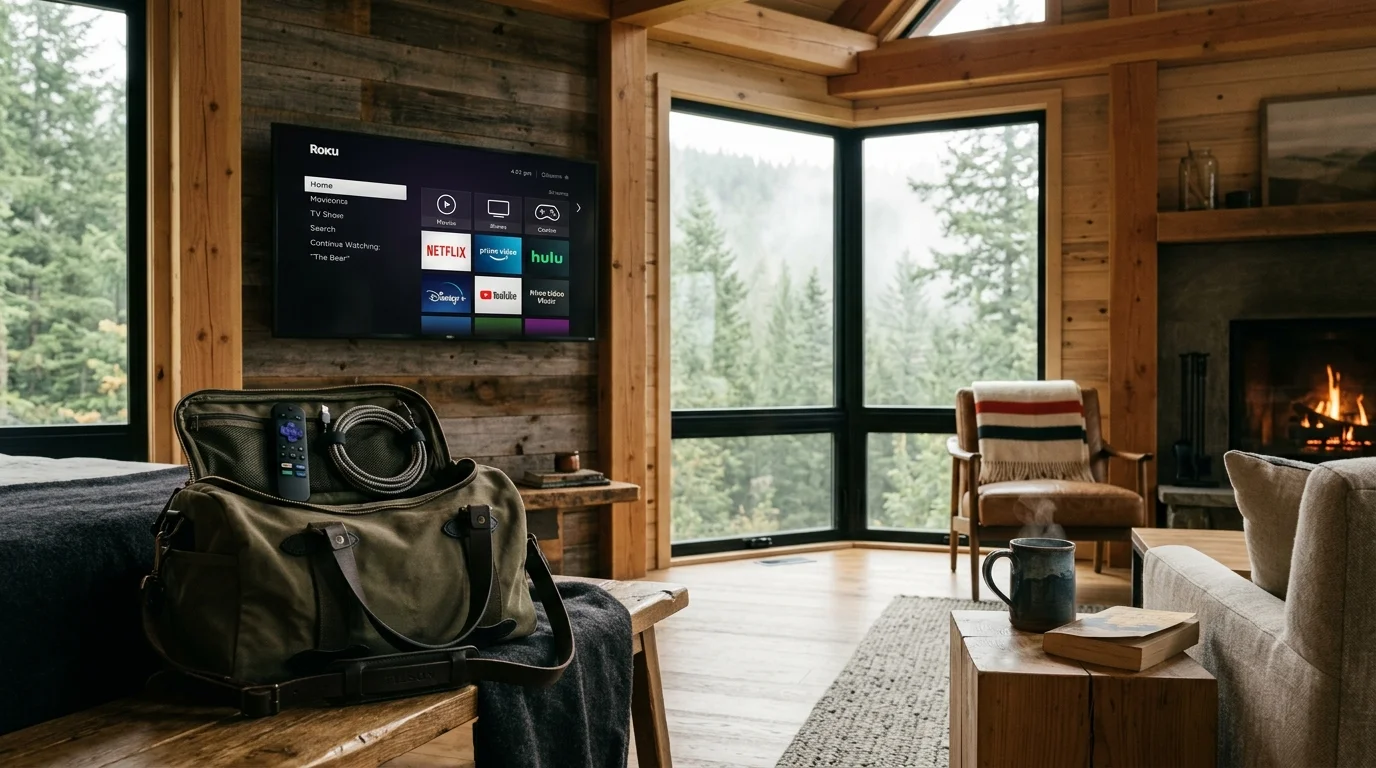
You can eliminate more than $1,200 in wasted annual bills by synchronizing your entertainment accounts and pausing duplicate high-speed broadband connections at your seasonal vacation cabin.
Eliminating duplicate seasonal utility accounts is just one of the long-term benefits of ditching cable across multiple properties.
Most homeowners maintain expensive duplicate accounts all year because they fear disabling property monitors or triggering strict out-of-home location lockouts on their live television services.
This guide reveals how combining carrier maintenance tiers with strategic device check-in schedules lets you bypass household streaming locks, maintain off-season cabin security, and eliminate duplicate utility costs.
The Duplicate Utility Trap: Why Vacation Cabin Entertainment Costs Spiral
Cord-cutting means canceling traditional cable or satellite TV in favor of streaming services. Streaming involves watching video content over the internet instead of cable or satellite.
Learning how to manage multiple streaming subscriptions prevents unexpected recurring charges from draining your budget during off-season months.
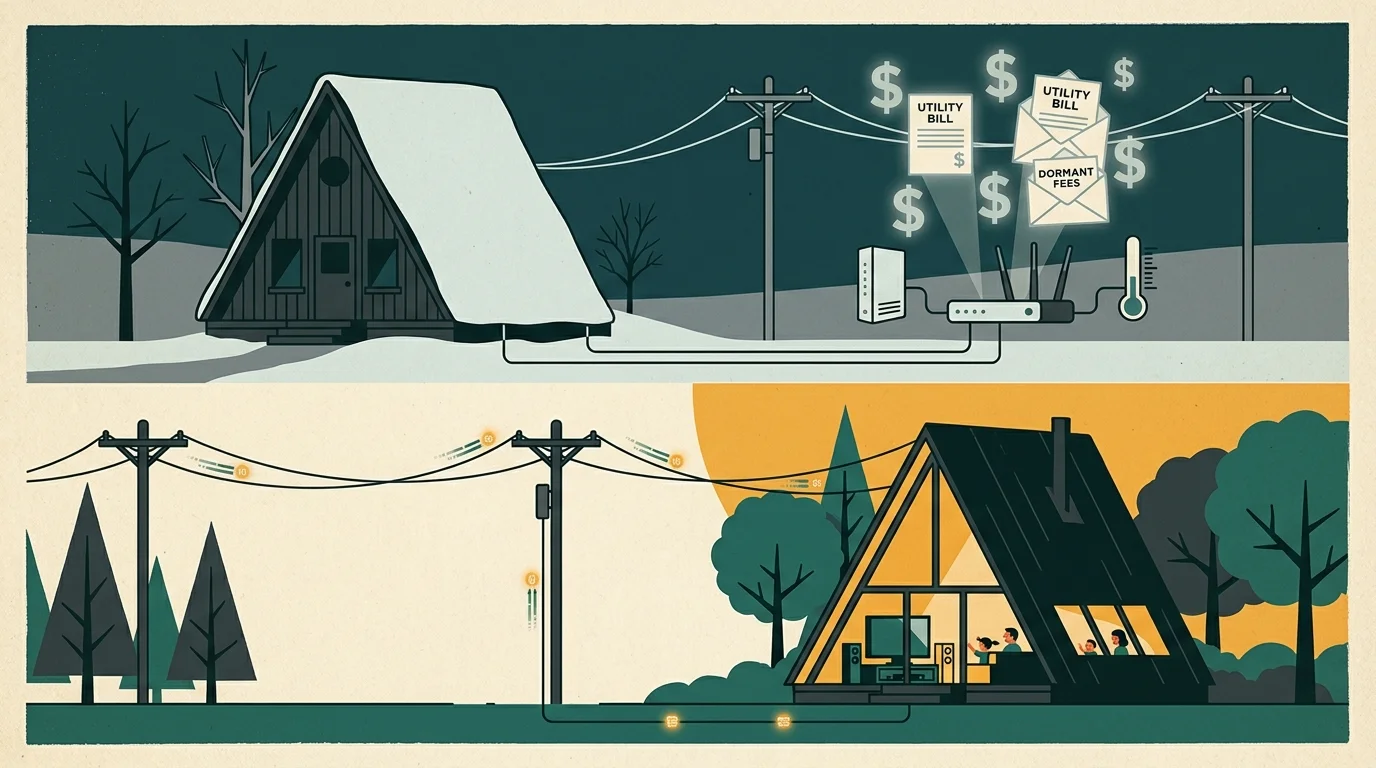
Second-home owners often fall into a costly trap. They pay for full residential internet and duplicate live television packages across two separate physical addresses simultaneously.
If you inhabit your mountain cabin or lake retreat for only five months each year, you waste seven months of utility charges. That dormant service costs hundreds of dollars.
According to Consumer Reports, hidden fees and ongoing monthly service charges quietly inflate household entertainment budgets to record highs each year.
Most owners justify duplicate services because they want remote temperature monitoring. Modern freeze-detection sensors and smart cameras need continuous Wi-Fi access to prevent catastrophic pipe bursts.
However, running an uncapped 500 Mbps broadband tier merely to support three smart sensors makes zero financial sense. Low-bandwidth alternatives exist that protect your property for a fraction of standard rates.
Furthermore, major television providers now police account sharing with geographic fencing. If you transport your living room hardware to your second property incorrectly, apps will lock you out entirely.

Carrier Internet Suspension Rules: Comparing Xfinity, Spectrum, and AT&T
Major internet service providers provide formal seasonal hold policies. These programs reduce or eliminate standard high-speed broadband rates while keeping your account active.
Placing an account on seasonal pause preserves your assigned equipment, email addresses, and phone numbers. It prevents you from returning leased hardware every autumn.
Xfinity offers the Seasonal Convenience Plan. This program permits temporary suspensions lasting between two and nine months, and you can invoke it up to twice per calendar year.
Xfinity bills $8 per month for full internet suspension. Alternatively, their Seasonal Internet Access plan costs $20 per month and delivers 20 Mbps download and 10 Mbps upload speeds.
Charter Spectrum provides Seasonal Status for periods ranging from two to nine months. Their Seasonal Basic plan holds your line for approximately $5 per month without data transmission.
Spectrum also provides Seasonal Plus, which costs between $20 and $30 per month depending on your regional market. This tier sustains trickle connectivity for home security equipment.
AT&T Internet Vacation Hold allows pauses between two and nine consecutive months. Subscribers can invoke this hold up to twice within any 12-month rolling period for $7 per month.
Your AT&T broadband line must remain active for at least 30 consecutive days before you can initiate a new vacation hold window.
| Carrier Program | Allowed Hold Duration | Monthly Maintenance Fee | Smart-Home / IoT Data Option | Annual Frequency Limit |
|---|---|---|---|---|
| Xfinity Seasonal Convenience | 2 to 9 months | $8.00 / month | $20.00 / month (20 Mbps down) | Up to 2 times per year |
| Spectrum Seasonal Status | 2 to 9 months | ~$5.00 / month | $20.00 to $30.00 / month | Once per calendar year |
| AT&T Vacation Hold | 2 to 9 months | $7.00 / month | Not offered (Full disconnect) | 2 times per 12-month window |
Keeping Smart Cabins Online: Low-Cost IoT Plans and MVNO Hotspots
If your provider does not offer a cheap smart-home maintenance tier, complete carrier suspension severs remote camera feeds. Standalone cellular hardware solves this dilemma efficiently.
If you rely on metered cellular hotspots during brief visits, knowing how to reduce your streaming data usage will keep you from hitting costly overage caps.
For properties located beyond traditional cable footprints, specialized rural cord-cutting internet solutions offer dependable off-grid connectivity for critical smart devices.
A Mobile Virtual Network Operator (MVNO) resells cellular data from major towers at deep discounts. You can buy low-cost data SIM cards specifically designed for security hubs.
Smart thermostats and freeze sensors consume under 1 GB of data per month. Security cameras streaming motion-activated clips consume roughly 5 GB to 10 GB monthly.
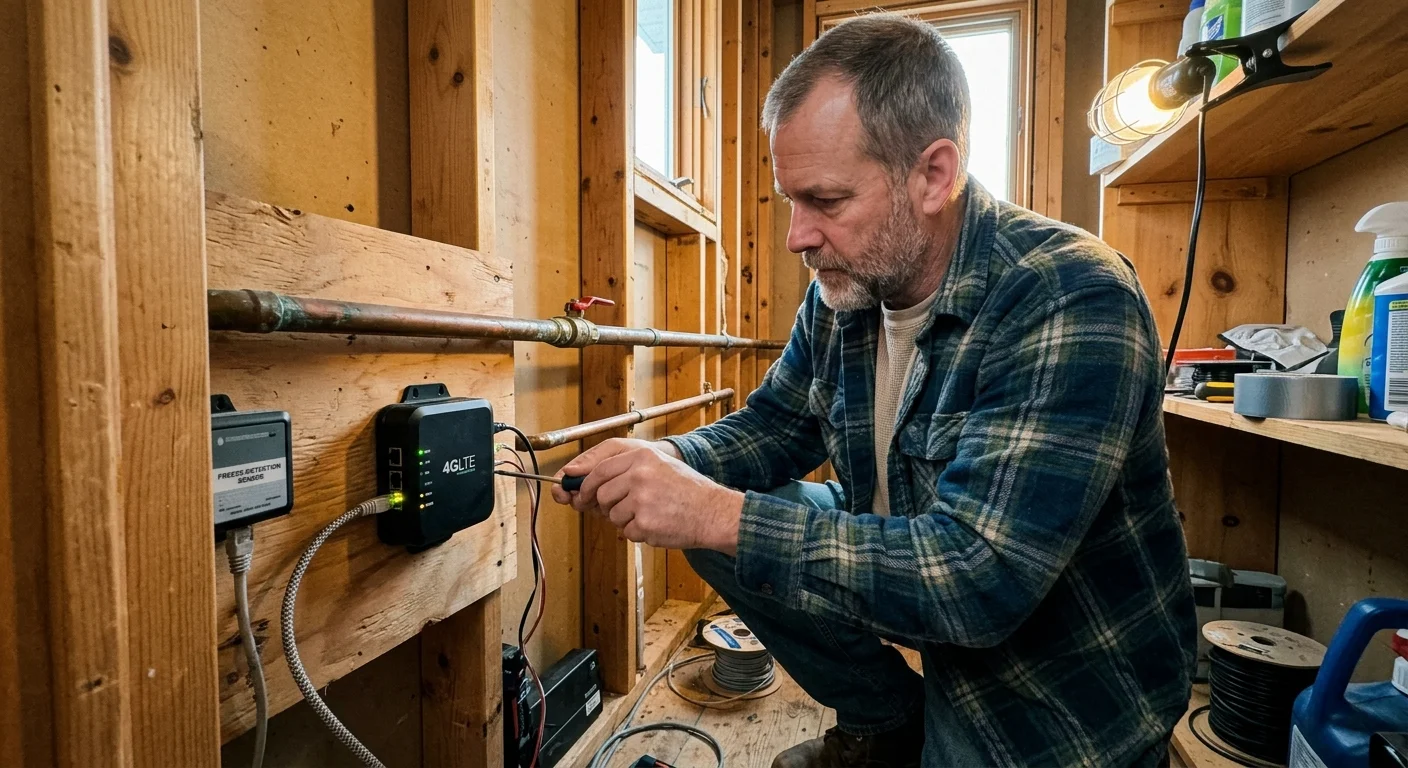
Dedicated 4G LTE cellular hotspots paired with prepaid MVNO data plans cost between $10 and $15 monthly. This approach saves money over continuous $80 broadband bills.
You can position an unlocked LTE gateway near a cabin window to maintain connection with environmental monitors. This completely bypasses your landline broadband carrier during winter shutdowns.
When you return for the summer, you resume your landline internet connection. You then switch your smart-home devices back to the primary high-speed Wi-Fi router.

Live TV Streaming Relocation Limits: YouTube TV, Hulu, DIRECTV STREAM, and Sling
Live TV streaming services use location data to distribute regional sports networks and network affiliates. Each platform enforces distinct location boundaries and check-in intervals.
If seasonal travel makes live TV too restrictive, you can create the perfect streaming bundle using on-demand apps with fewer location hurdles.
A smart TV is a television with a built-in internet connection and apps. A streaming device is a small box or stick (like Roku or Fire TV) that adds streaming to any TV.
YouTube TV charges $82.99 per month for its Base Plan. The service requires every account profile to check in from its designated home area network every 90 days.
For regional sports networks and MLB broadcasts, YouTube TV shortens that mandatory home verification window to 30 days. You can only change your permanent home location twice per year.
YouTube TV lets you pause your membership for four weeks up to six months. Your stored digital video recorder (DVR) recordings remain safe during pauses for nine months.
A DVR is a digital video recorder that lets you record and watch shows later. This pause feature makes YouTube TV exceptional for seasonal relocation.
Hulu + Live TV implements much tighter digital restrictions. Hulu requires you to designate a primary Home Network within 30 days of activating your subscription.
Living room streaming devices—such as Roku sticks, Fire TV hardware, and smart TVs—cannot stream outside that designated home network. Hulu allows only four network updates per 12-month period.
Mobile devices using the Hulu app must check into your primary Home Network every 30 days. Otherwise, Hulu disables video playback on those handheld screens entirely.
DIRECTV STREAM provides unlimited simultaneous streams inside your primary residence. However, the carrier limits concurrent out-of-home viewing to three streams, with only two permitted on connected TV hardware.
Like Hulu, DIRECTV STREAM restricts primary home network alterations to four times within any rolling 12-month window. Burning through these reassignments strands your living room hardware.
Sling TV imposes zero home-network check-in rules across the domestic United States. Sling limits service solely by concurrent streams: one stream on Sling Orange, three streams on Sling Blue.
“Never update your primary home network location for a temporary weekend stay. Doing so burns one of your few annual relocation slots permanently.”
| Streaming Service | Monthly Base Price | Home Check-In Window | Location Change Limit | Living Room TV Portability |
|---|---|---|---|---|
| YouTube TV | $82.99 | 90 days (30 days for RSNs) | 2 times per calendar year | Permitted within check-in window |
| Hulu + Live TV | $82.99 | 30 days (Mobile devices) | 4 times per 12 months | Blocked on out-of-home TV devices |
| DIRECTV STREAM | $86.99+ | None (Restricted stream count) | 4 times per 12 months | Maximum 2 out-of-home TV screens |
| Sling TV | $40.00 – $55.00 | No check-in requirement | Unlimited (No home lock) | Unrestricted within stream limits |
On-Demand Household Verification: Navigating Netflix and Disney Restrictions
On-demand means you watch whatever you want, whenever you want. Ad-supported plans show commercials for a lower price, while ad-free plans cost more but eliminate advertisements.
Applying simple streaming hacks to navigate travel rules helps keep your favorite shows accessible wherever you stay.
Major on-demand platforms now employ household tracking algorithms. Netflix ties your account to the unique public IP address of your primary residential internet gateway.
When you power on a smart TV or streaming stick at your second residence, Netflix detects the mismatched network. It displays a “TV Not in Household” prompt on screen.
Selecting the “I’m Traveling” prompt produces a temporary verification passcode. However, Netflix limits that travel access pass to just 14 consecutive calendar days.
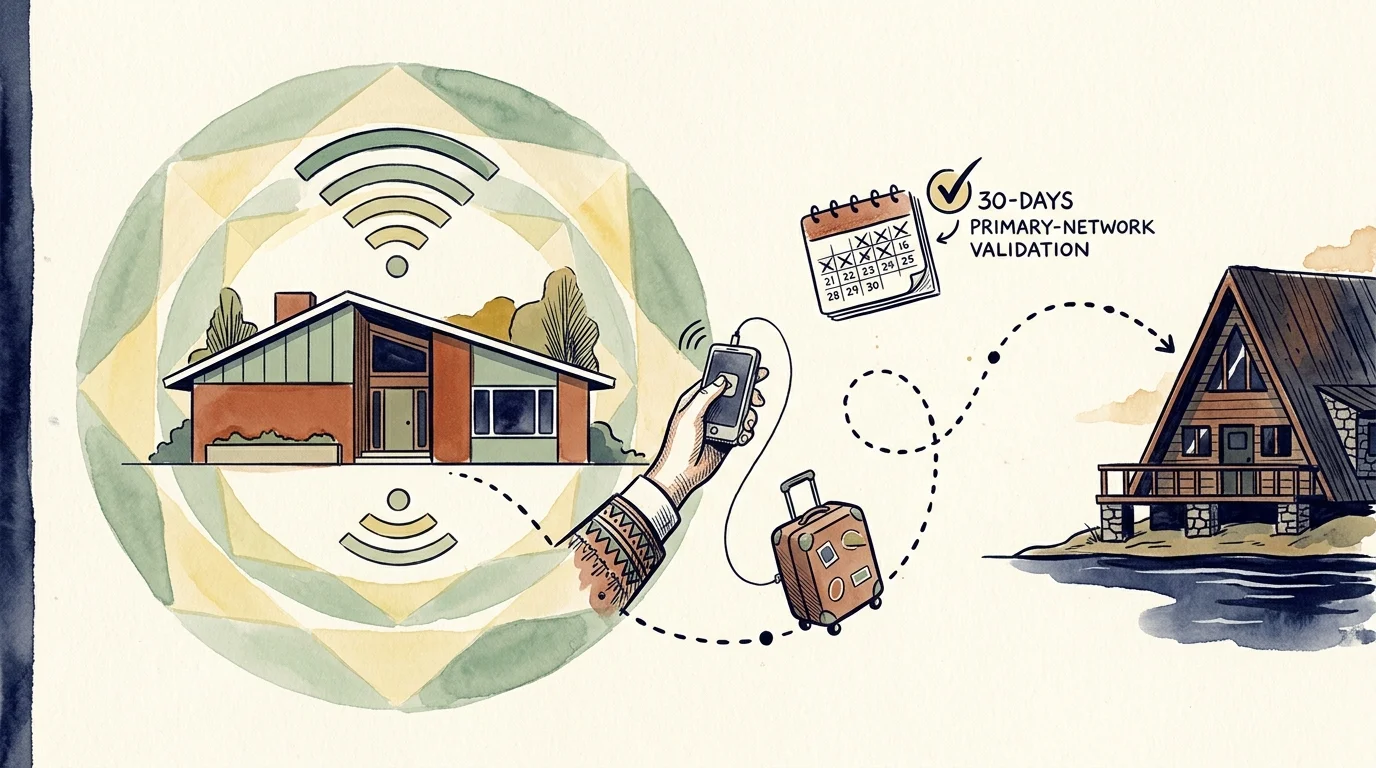
To watch beyond 14 days without buying an extra member profile, connect your smartphone to your primary home Wi-Fi monthly. Open the Netflix app while connected to establish trust.
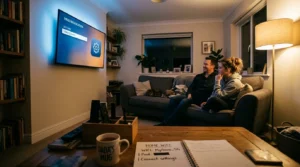
Bring that mobile device to your cabin and cast video content directly to your television screen. Casting circumvents the built-in smart TV household lock effortlessly.
Essential Hardware: Portable Streaming Devices and Travel Routers
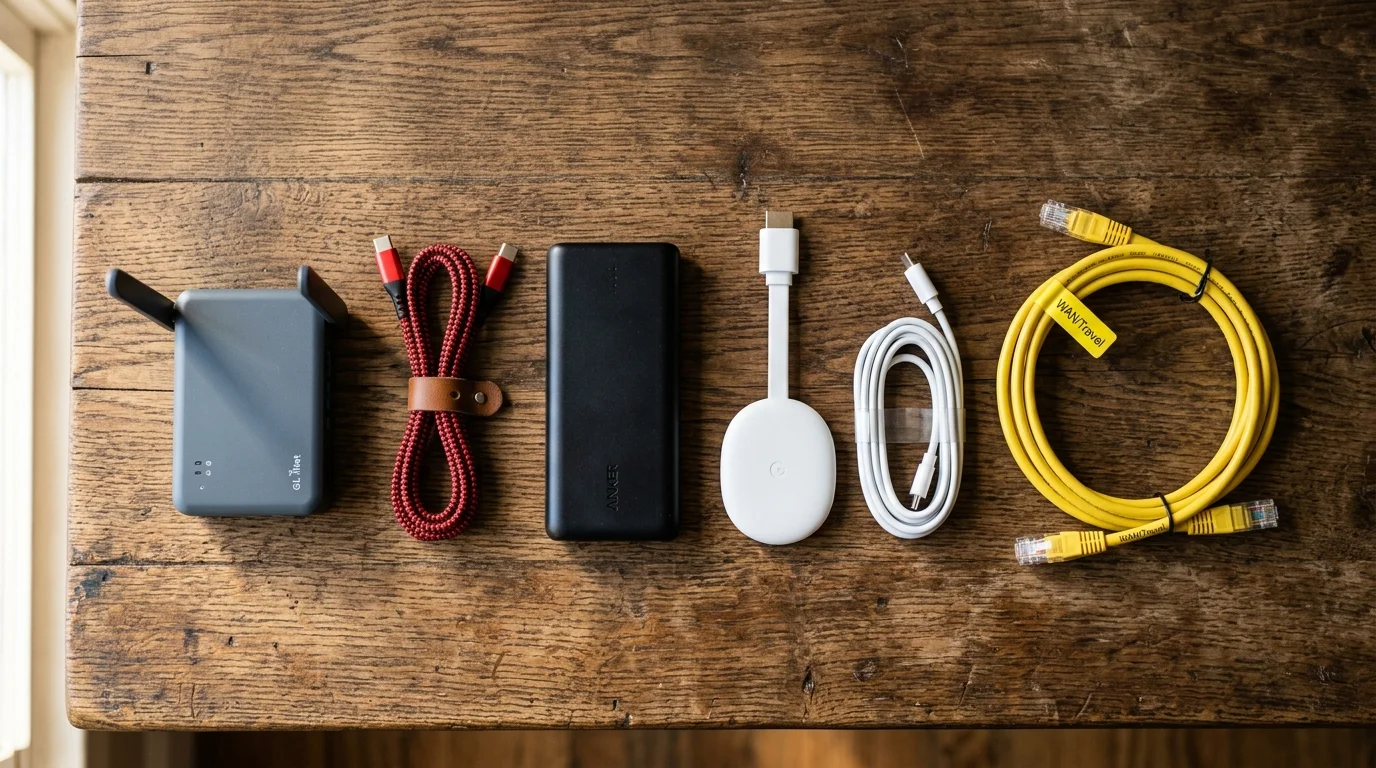
Leaving permanent streaming hardware plugged into vacation property televisions often triggers account lockouts. Using dedicated portable gear eliminates duplicate credential management between residences.
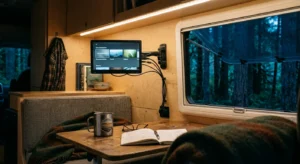
Invest in an Amazon Fire TV Stick 4K Max or a Roku Streaming Stick 4K. These compact streaming sticks fit inside luggage and remember your logins wherever you travel.
Expert hardware reviews from Wirecutter recommend portable travel routers for users who frequently move between multiple residential locations.
A portable travel router, such as a GL.iNet Beryl AX, clones your primary home network SSID and password. Every cabin gadget connects automatically without manual reconfiguration.
Additionally, modern travel routers support WireGuard VPN configurations. A travel router routes cabin traffic securely through your primary residence, making your streaming device appear safely at home.
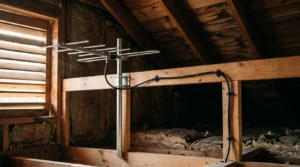
For live local network stations, install an over-the-air television antenna at your second home. Antennas deliver free high-definition feeds of ABC, CBS, FOX, and NBC without broadband.
Consult the FCC Consumer Guide on broadcast reception tools to confirm which local transmitters reach your vacation home geography.
Worked Financial Scenario: Calculating Real-World Annual Cabin Savings
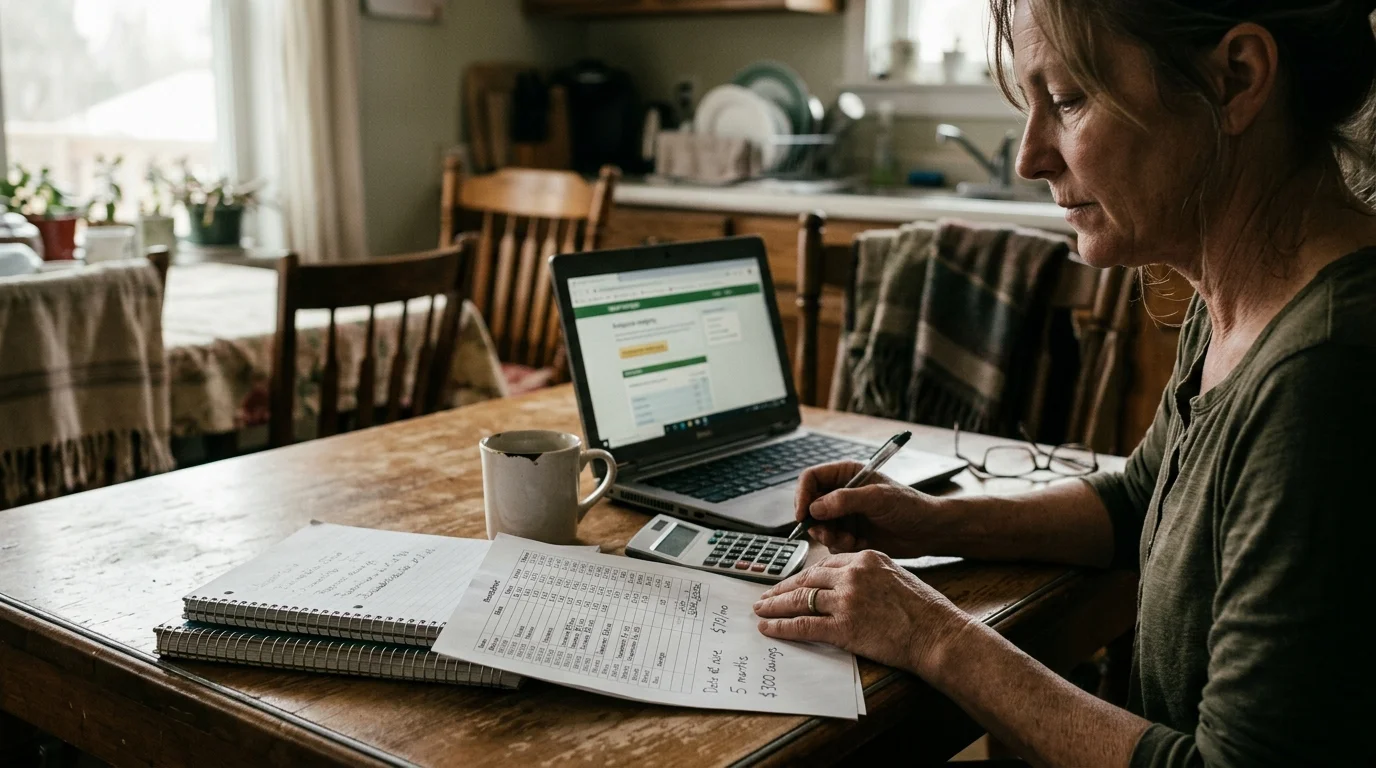
Consider this standard real-world scenario. A family owns a primary residence in Chicago and maintains a seasonal summer cabin near Minocqua, Wisconsin.
The family occupies the Wisconsin cabin from May 15 through October 15. The cabin remains completely vacant for the remaining seven months of the winter season.
Under their original setup, the owners maintained year-round 300 Mbps broadband at the cabin costing $85 per month. That equals $1,020 annually for cabin connectivity alone.
They also subscribed to a second live TV subscription for the cabin at $82.99 monthly. That added another $995.88 in unnecessary annual entertainment expenses.
Their total unoptimized annual expenditure for cabin connectivity and television reached $2,015.88. Over seven months of that expenditure sat completely unused.
Now consider the optimized playbook strategy. The family places their cabin broadband on an Xfinity Seasonal Convenience Plan for seven off-season months.
They select the $20 per month Seasonal Internet Access tier. This maintains 20 Mbps connectivity for their smart thermostat and security cameras, costing $140 for the winter.
During the five active summer months, they reactivate standard broadband service at $85 per month, totaling $425. Cabin internet now costs $565 per year instead of $1,020.
Next, they pause YouTube TV for vacation property periods when returning to Chicago, sharing one active service profile via portable streaming sticks. Annual television savings reach $580.93.
Combining these two actions reduces annual expenses from $2,015.88 to $989.95. This simple scheduling adjustment saves the homeowner precisely $1,025.93 every year.
Step-by-Step Calendar: How to Pause and Transition Your Setup
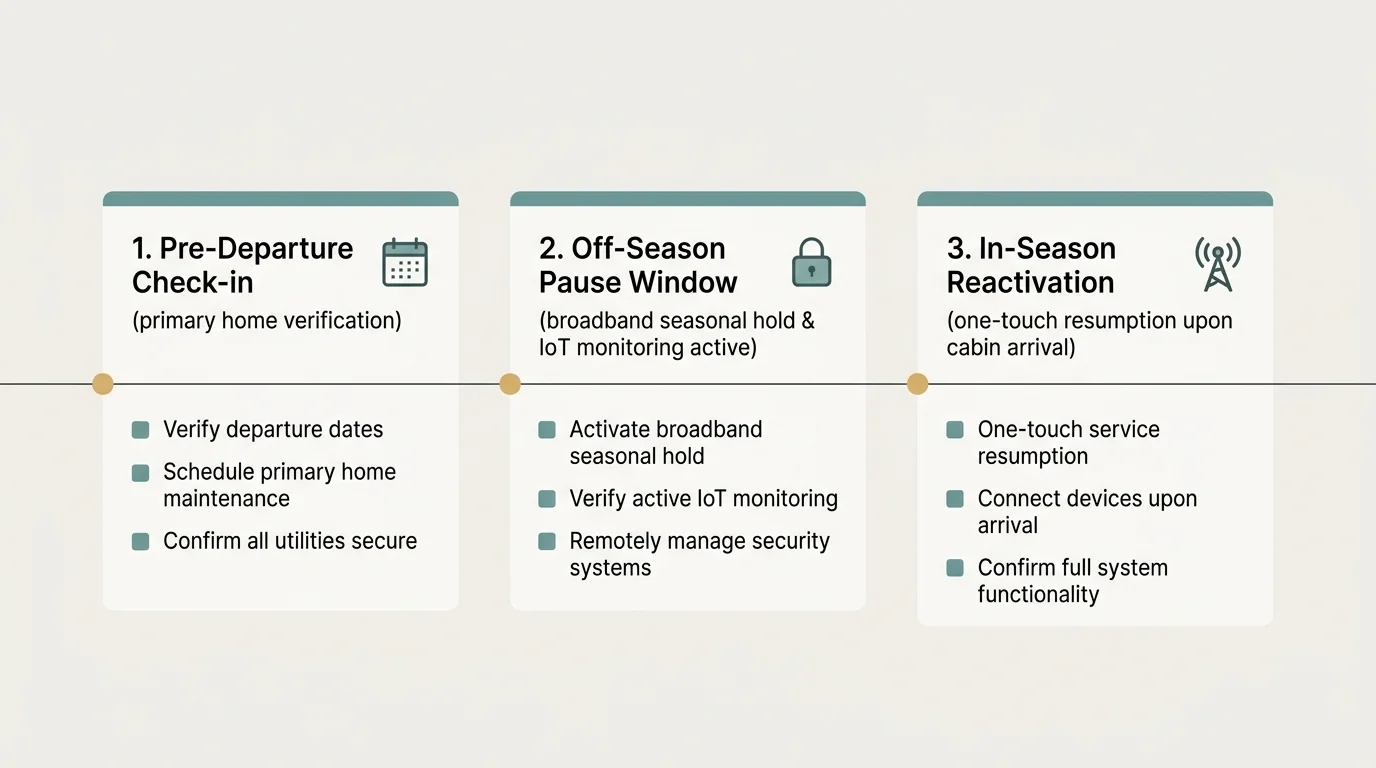
Follow this actionable chronological procedure to protect your hardware and maximize your financial savings when transitioning between properties.
- Contact your second-home internet service provider three business days before departure to schedule your seasonal hold.
- Select a low-bandwidth IoT maintenance tier if you operate smart thermostats, or choose complete suspension if the property lacks smart sensors.
- Pack your primary streaming devices—such as Roku or Fire TV sticks—inside your travel bag instead of leaving them plugged in.
- Log into your streaming provider dashboard to pause YouTube TV for vacation property dormancy if you maintain separate secondary accounts.
- Connect your mobile phones and tablets to your primary home Wi-Fi network immediately upon arrival to refresh security tokens.
- Verify that smart cameras and freeze sensors continue transmitting data over the throttled seasonal connection before leaving the property unattended.
Frequently Asked Questions
Can I pause YouTube TV for my vacation property without losing my DVR library?
Yes, you can pause your YouTube TV membership for up to six months. Google preserves your stored DVR recordings for their standard nine-month lifespan throughout the pause period.
What is the best streaming service for a second home if I travel back and forth frequently?
Sling TV offers the best streaming service for second home owners who travel frequently. Sling does not enforce residential home-network check-in rules or restrict hardware portability within the United States.
How can I watch vacation cabin live TV without any internet connection?
You can install an outdoor over-the-air digital antenna to receive local broadcast channels completely free. Modern digital antennas pull in crisp high-definition feeds from CBS, NBC, ABC, FOX, and PBS without broadband.
Will my smart security cameras work while my cabin internet is on seasonal pause?
Security cameras will only work if your carrier offers an active seasonal maintenance tier, such as Xfinity’s $20 monthly 20 Mbps plan. Full basic suspensions cut data transmission entirely.
Disclaimer: Cable and streaming prices vary by location and change frequently. The cost comparisons in this article are estimates based on typical pricing. Your actual savings will depend on your current cable package, internet costs, and which streaming services you choose.