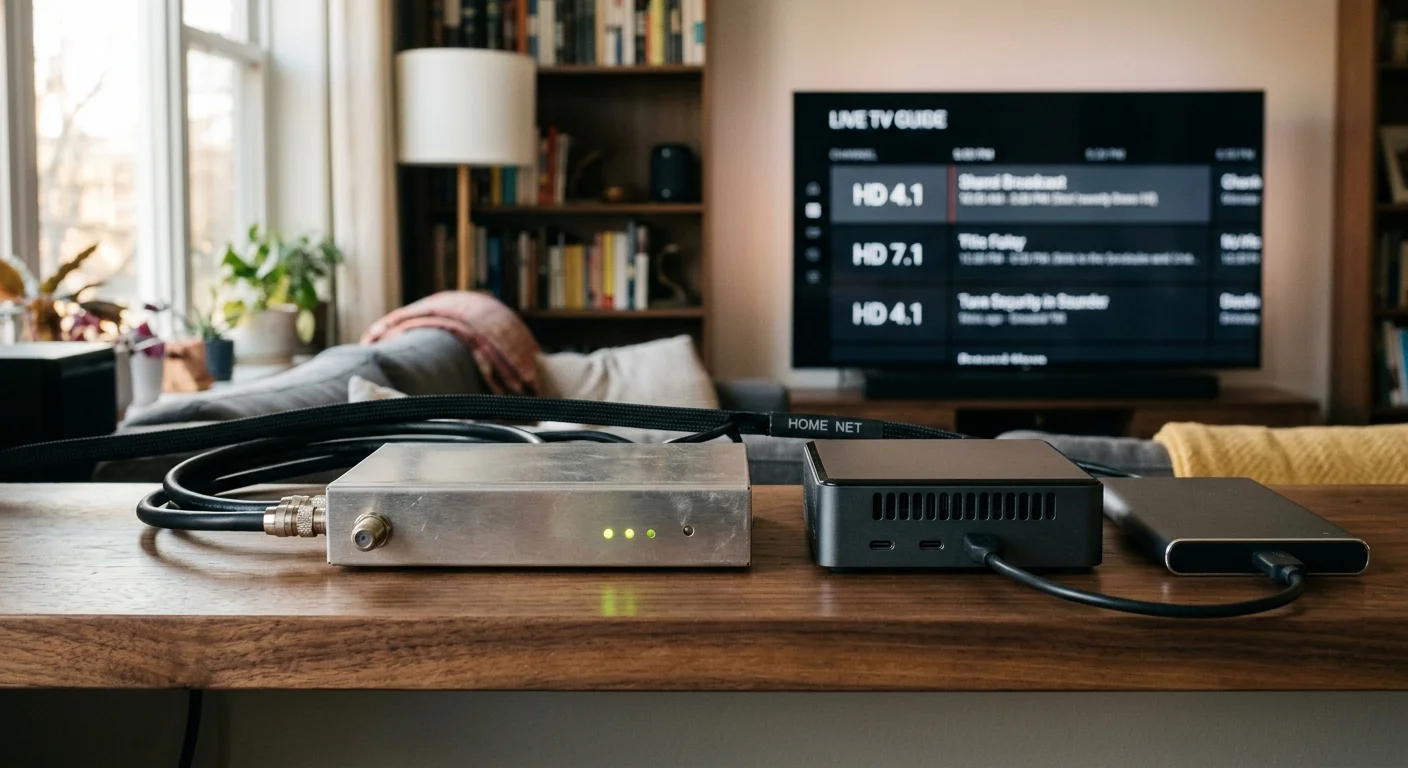
You can permanently replace expensive live TV streaming bundles by building your own broadcast television server. A single investment in local hardware eliminates recurring monthly fees while preserving uncompressed high-definition picture quality.
For households that primarily care about keeping up with daily broadcasts, there are multiple straightforward ways to watch local news without cable while setting up permanent hardware.
Most cord-cutters assume commercial cloud platforms provide the most economical recording solution; however, private servers break even in under six months. You will save thousands of dollars over three years by running self-hosted software.
While competing guides push expensive NextGen TV equipment, standard ATSC 1.0 network tuners deliver bulletproof local recordings without encryption locks or subscription traps. Here is the data-driven breakeven blueprint for your living room.
The Cloud DVR Trap: Why Live TV Bills Keep Climbing
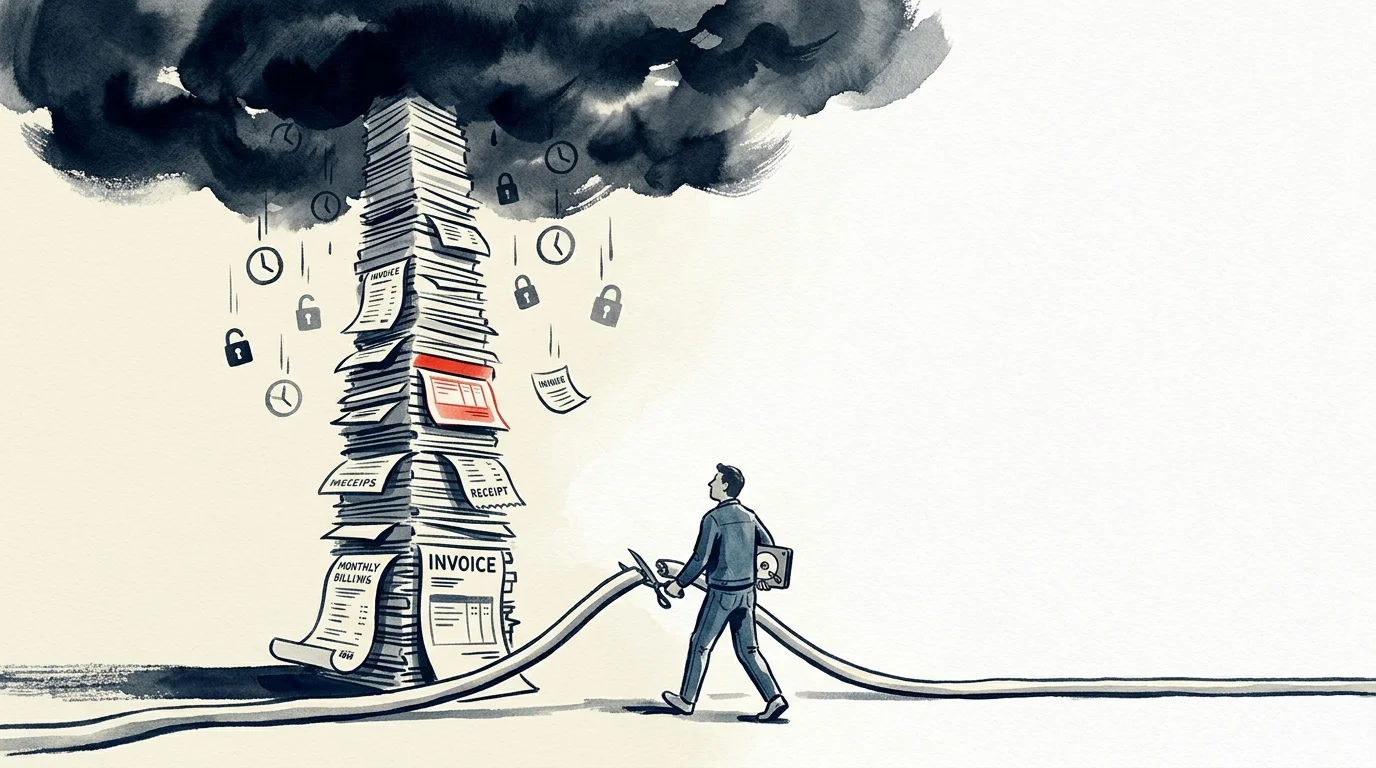
Cord-cutting—canceling traditional cable or satellite TV in favor of internet delivery—originally promised massive savings. Unfortunately, mainstream live TV streaming platforms now mirror the exact billing practices of legacy cable providers.
If you are brand new to ditching pay TV, reviewing a step-by-step cord-cutting guide can help establish your baseline entertainment needs before investing in hardware.
Streaming simply means watching video content over the internet instead of through a physical coaxial cable. Today, major virtual multichannel video programming distributors charge premium prices primarily to deliver major broadcast networks.
A DVR, or digital video recorder, lets you record and watch shows later at your convenience. Commercial providers host these recordings remotely on their data center servers, an approach marketed as cloud DVR.
YouTube TV now costs $82.99 per month as its baseline subscription rate. That amounts to $995.88 annually, an expense that approaches four figures simply to access ABC, CBS, FOX, NBC, and PBS.
As media analysis from CNET documents, live TV streaming prices have climbed steadily through aggressive annual rate hikes. These increases penalize viewers who only want reliable sports and primetime broadcasts.
Cloud DVR services also carry artificial limitations that degrade the viewing experience. Providers often impose rolling nine-month expiration windows that delete your saved library automatically.
Furthermore, carriage disputes between streaming platforms and station owners can instantly remove channels from your guide. When contracts lapse, your scheduled recordings vanish without warning or bill credits.
Cloud systems also restrict fast-forward controls during specific broadcasts. Providers frequently swap your recorded programs with ad-supported on-demand versions that enforce unskippable commercial breaks.
Ad-supported plans show mandatory commercials, whereas ad-free tiers cost significantly more. A private DVR preserves your autonomy by recording pure antenna signals directly to local physical storage.
Essential Hardware: Tuners, Antennas, and Storage
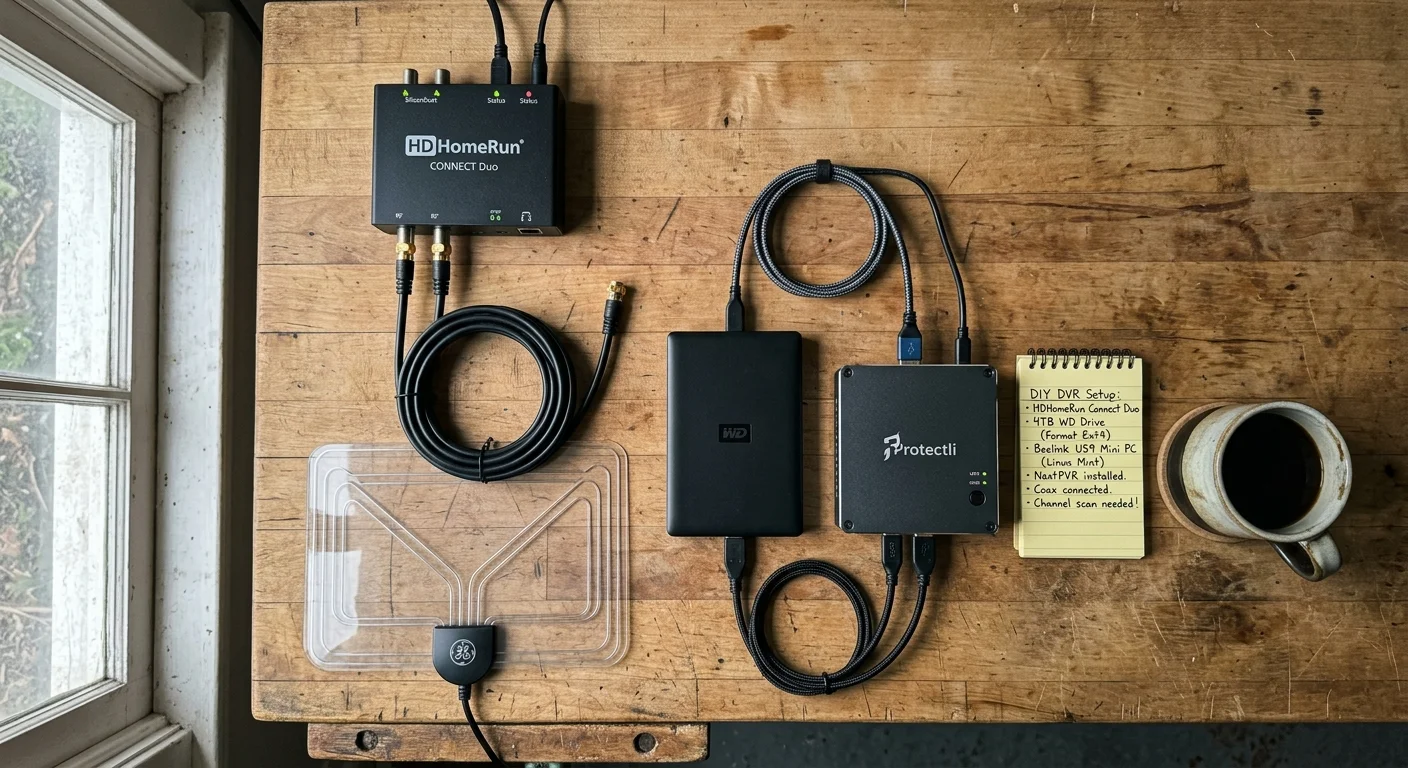
Building a self-hosted DVR requires three fundamental hardware components: an over-the-air antenna, a networked TV tuner, and a local storage server. You do not need enterprise-grade equipment to achieve commercial-grade reliability.
Homeowners can often simplify outdoor antenna mounting by repurposing an old satellite dish mast and coaxial cables already installed on the roof.
According to hardware reviews published by Wirecutter, SiliconDust HDHomeRun tuners remain the gold standard for independent television distribution. These devices plug directly into your home router via Ethernet.
The HDHomeRun FLEX DUO retails for $109.99 and features two internal ATSC 1.0 digital tuners. It enables two simultaneous recordings or two independent live streams across your household.
For larger households, the HDHomeRun FLEX QUATRO costs $149.99 and provides four distinct ATSC 1.0 tuners. It resolves scheduling conflicts during busy primetime lineups when multiple sports events overlap.
The HDHomeRun FLEX 4K costs $199.99 and includes four tuners, two of which decode ATSC 3.0 signals. However, encryption restrictions currently limit its utility for home media servers.
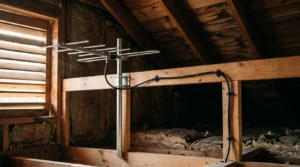
You also need a high-quality antenna matched to your local broadcast towers. A standard indoor flat antenna costs roughly $39.99, while outdoor or attic models range from $60.00 to $90.00.
For your server, a dedicated mini PC powered by an Intel N100 processor costs roughly $145.00 on online retail marketplaces. These compact computers consume less than 15 watts of electricity under full load.
Alternatively, you can repurpose an existing desktop computer or network-attached storage enclosure. Repurposing existing hardware eliminates host computer expenses entirely from your initial setup cost.
Finally, you need external hard drive storage. A 2TB USB 3.0 external hard drive costs approximately $64.99 and stores roughly 300 hours of uncompressed high-definition broadcast video.

Channels DVR vs. Plex Pass: Software and Licensing Costs
Once your antenna and tuner capture broadcast waves, server software organizes guide metadata and manages scheduled recordings. Channels DVR and Plex TV represent the two leading software platforms for self-hosted streaming.
Channels DVR costs $8.00 per month or $80.00 per year, supported by a 30-day free trial. The developers do not offer a lifetime license, opting for subscription revenue to maintain active platform updates.
Channels DVR provides an exceptionally polished, broadcast-centric experience. Its proprietary server-side commercial detection automatically identifies advertisement markers and skips sponsor segments cleanly during playback.
The Channels client app integrates seamlessly on modern streaming hardware. A streaming device is a small box or stick, like an Apple TV or Fire TV, that adds streaming apps to any television.
Plex organizes recorded broadcasts within a comprehensive personal media server. To unlock live television and DVR functionality, Plex requires a paid tier called Plex Pass.
Plex Pass costs $6.99 per month or $69.99 per year. Plex also offers an extended 5-year licensing option priced at $249.99 for dedicated home theater builders.
On July 1, 2026, Plex adjusted its pricing model, increasing its Lifetime Plex Pass to $749.99. This pricing shift makes the 5-year tier or annual licensing the realistic path for cost-conscious cord-cutters.
Plex supports virtually every smart TV platform available today. A smart TV is simply a television set manufactured with an internal internet connection and integrated application software.
Both applications supply rich electronic program guide data automatically. This eliminates the manual scheduling headaches associated with building a local tv dvr without subscription services.
“Building a self-hosted television server transfers full library ownership back to the viewer, permanently insulating households from arbitrary corporate fee hikes.” — Streaming Media Systems Analysis

Three-Year Breakeven Analysis: DIY versus Cloud DVR
Calculating your breakeven point requires evaluating initial hardware procurement, ongoing software licensing, and cloud service displacement. Let us analyze a realistic worked example reflecting current retail prices.
Accounting for every piece of hardware ensures you avoid the unexpected fees and expenses of cutting the cord that catch many households off guard.
Our standard DIY hardware foundation includes an HDHomeRun FLEX DUO ($109.99), a 2TB hard drive ($64.99), an antenna ($39.99), and an Intel N100 mini PC ($145.00). The total hardware cost equals $359.97.
If you pair this hardware with Channels DVR ($80.00 annually), your first-year channels dvr setup cost totals $439.97. Years two and three require only the $80.00 annual subscription renewal.
Your cumulative three-year expenditure for Channels DVR equals $599.97. By comparison, YouTube TV at $82.99 monthly costs $995.88 in year one and $2,987.64 over three years.
Subtracting your DIY expenditure from cloud provider billing reveals a net savings of $2,387.67 across 36 months. The hardware server amortizes completely within month 5.3 of ownership.
Evaluating Plex DVR vs cloud dvr presents an even faster payback window. Pairing our base hardware with an annual Plex Pass ($69.99) yields a first-year outlay of $429.96.
Across three years, annual Plex Pass licensing brings total expenditures to $569.94. This setup breaks even against cloud alternatives in just 5.2 months, saving $2,417.70 over three years.
If you select the Plex 5-year license ($249.99 upfront), your initial expense rises to $609.96. Even with that larger initial investment, you break even against YouTube TV in month 7.4.
| Deployment Architecture | Initial Hardware Cost | 3-Year Licensing / Fees | Total 3-Year Outlay | Effective Monthly Rate | Breakeven Horizon |
|---|---|---|---|---|---|
| YouTube TV Cloud DVR | $0.00 | $2,987.64 | $2,987.64 | $82.99 | Baseline (None) |
| Channels DVR (Mini PC + Flex Duo) | $359.97 | $240.00 | $599.97 | $16.67 | 5.3 Months |
| Plex TV Annual (Mini PC + Flex Duo) | $359.97 | $209.97 | $569.94 | $15.83 | 5.2 Months |
| Plex TV 5-Year (Mini PC + Flex Duo) | $359.97 | $249.99 | $609.96 | $16.94 | 7.4 Months |
| Repurposed PC + Channels DVR | $214.97 | $240.00 | $454.97 | $12.64 | 2.6 Months |
Repurposing an existing laptop or desktop cuts initial hardware outlay to $214.97 for the tuner, hard drive, and antenna. Under that common scenario, your breakeven threshold collapses to just 2.6 months.
Technical Hurdles: ATSC 3.0 DRM and FCC Mandates
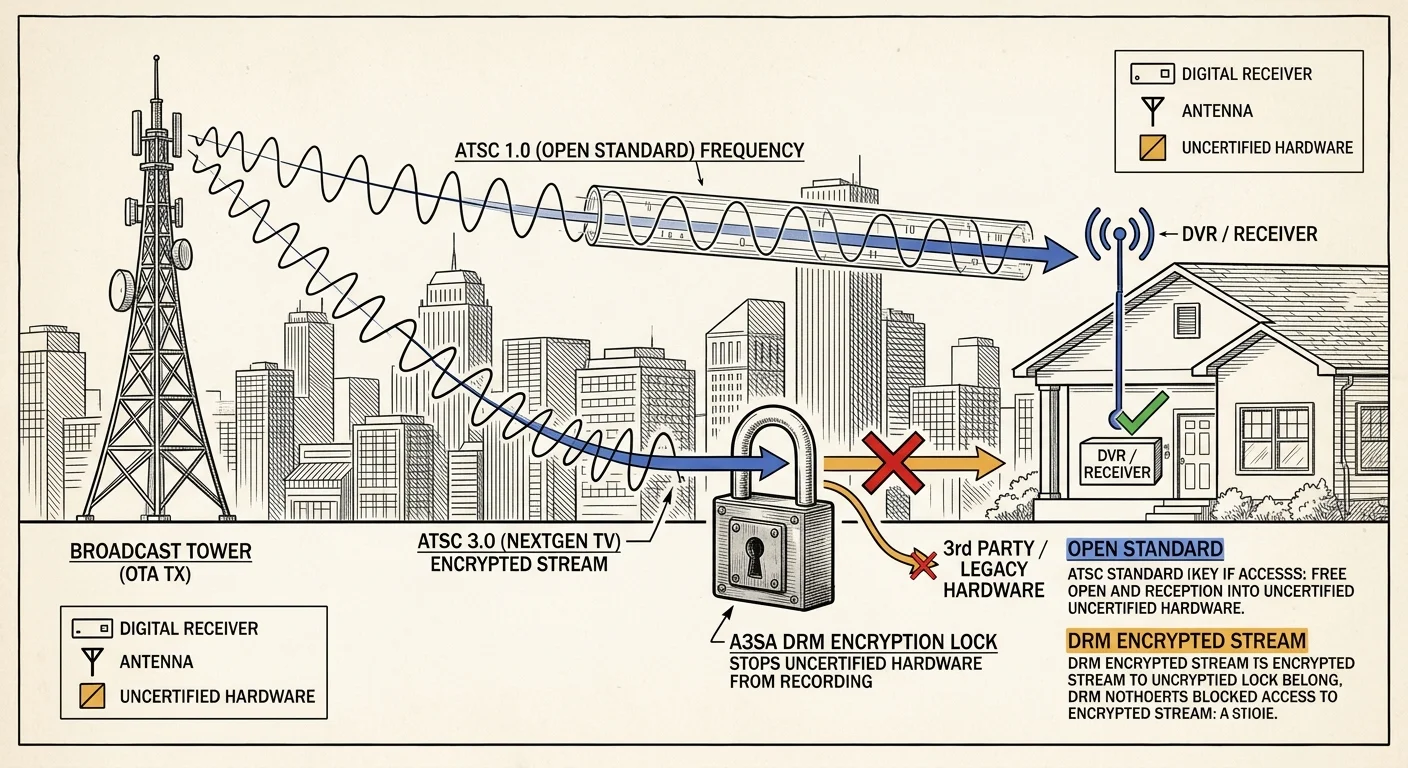
While the financial advantages of self-hosted recording are compelling, cord-cutters must navigate shifting broadcast transmission standards. Broadcasters are transitioning from ATSC 1.0 to NextGen TV, also known as ATSC 3.0.
ATSC 3.0 promises 4K resolution, HDR imaging, and advanced audio codecs. However, commercial television station operators have crippled this rollout by implementing A3SA digital rights management encryption.
Digital rights management locks broadcast streams behind digital certificates. Because self-hosted software like Plex and Channels cannot decrypt these closed keys, encrypted ATSC 3.0 broadcasts cannot be recorded.
Fortunately, federal regulations protect traditional broadcast equipment owners. According to regulatory filings from the FCC Consumer Guide, stations must simulcast programming in unencrypted ATSC 1.0 through at least July 17, 2027.
The FCC substantially similar mandate requires broadcasters to mirror their primary network feeds on legacy frequencies. This guarantees that standard digital tuners will capture full channel rosters for years.
Investing in ATSC 1.0 hardware like the HDHomeRun Flex Duo represents a safe, fully functional path. You avoid paying premiums for NextGen tuners that remain functionally incompatible with private media servers.
By the time federal simulcast mandates expire in late 2027, decryption licensing standards will likely stabilize. In the interim, ATSC 1.0 remains the gold standard for reliable local recording.
Home Network and Bandwidth Requirements
Streaming broadcast television through an antenna creates distinct performance benefits for your home network. Antenna signals travel directly over airwaves, entirely bypassing your residential internet service provider.
Traditional on-demand streaming services consume significant home internet bandwidth. On-demand video lets you watch whatever you want whenever you select it, pulling constant remote data streams.
Antenna signals bypass internet service entirely, meaning your DVR recordings will not consume limited ISP data caps. Your household can record hundreds of broadcast hours without incurring bandwidth overage penalties.
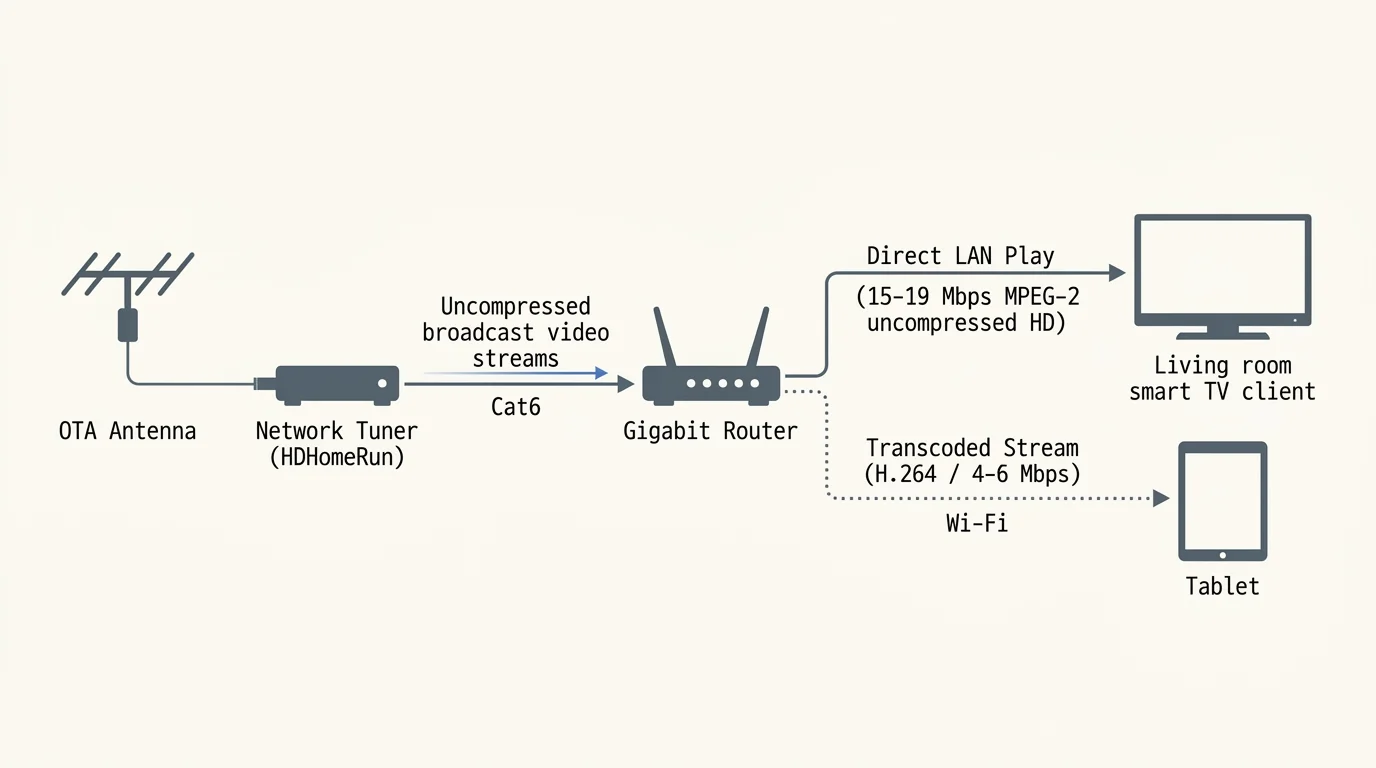
However, over-the-air broadcasts deliver high-bitrate, uncompressed MPEG-2 video feeds. A single 1080i high-definition broadcast stream demands between 12 and 19 megabits per second of local network throughput.
Consequently, you should never place your network tuner on a congested Wi-Fi connection. Connect your HDHomeRun tuner and your host server directly to your router using Category 6 Ethernet cables.
Streaming playback to individual televisions works smoothly over standard 5 GHz Wi-Fi networks. Modern streaming sticks effortlessly decode local MPEG-2 streams or request low-latency hardware transcoding from your mini PC.
If you plan to stream recorded shows outside your home, you will need adequate home broadband upload capacity. A reliable home connection providing at least 15 Mbps upstream ensures fluid remote playback on mobile devices.
Step-by-Step Transition and Cable Cancellation Playbook
Canceling legacy service without experiencing household viewing disruptions requires a methodical transition plan. Do not contact your cable or streaming provider until your replacement hardware functions reliably.
Begin by mapping your local transmitter towers using digital mapping tools. Position your antenna near an exterior window facing toward those broadcast clusters before securing permanent mountings.
Next, connect your HDHomeRun tuner to your antenna and home router via Ethernet. Run the setup scan inside a web browser to verify signal quality and channel acquisition.
Install your chosen software—either Channels DVR Server or Plex Media Server—onto your mini PC. Point the recording directories to your connected external hard drive and configure scheduled guide refreshes.
Install client applications across your household streaming devices. Test live channel switching, playback scrubbing, and scheduled series recordings across several days while maintaining your existing television service.
Once you confirm reliable operational performance, proceed with canceling your cable television package. According to customer transition surveys from Cord Cutters News, cable retention representatives use aggressive bundling scripts to retain subscribers.
Call your provider’s retention department and clearly state that you are eliminating TV service while keeping standalone broadband. Reject promotional discounts on secondary bundles, as promotional pricing expires rapidly.
Request an immediate audit of prospective early termination fees before authorizing cancellation orders. Providers cannot levy cancellation penalties if your service operates under month-to-month terms.
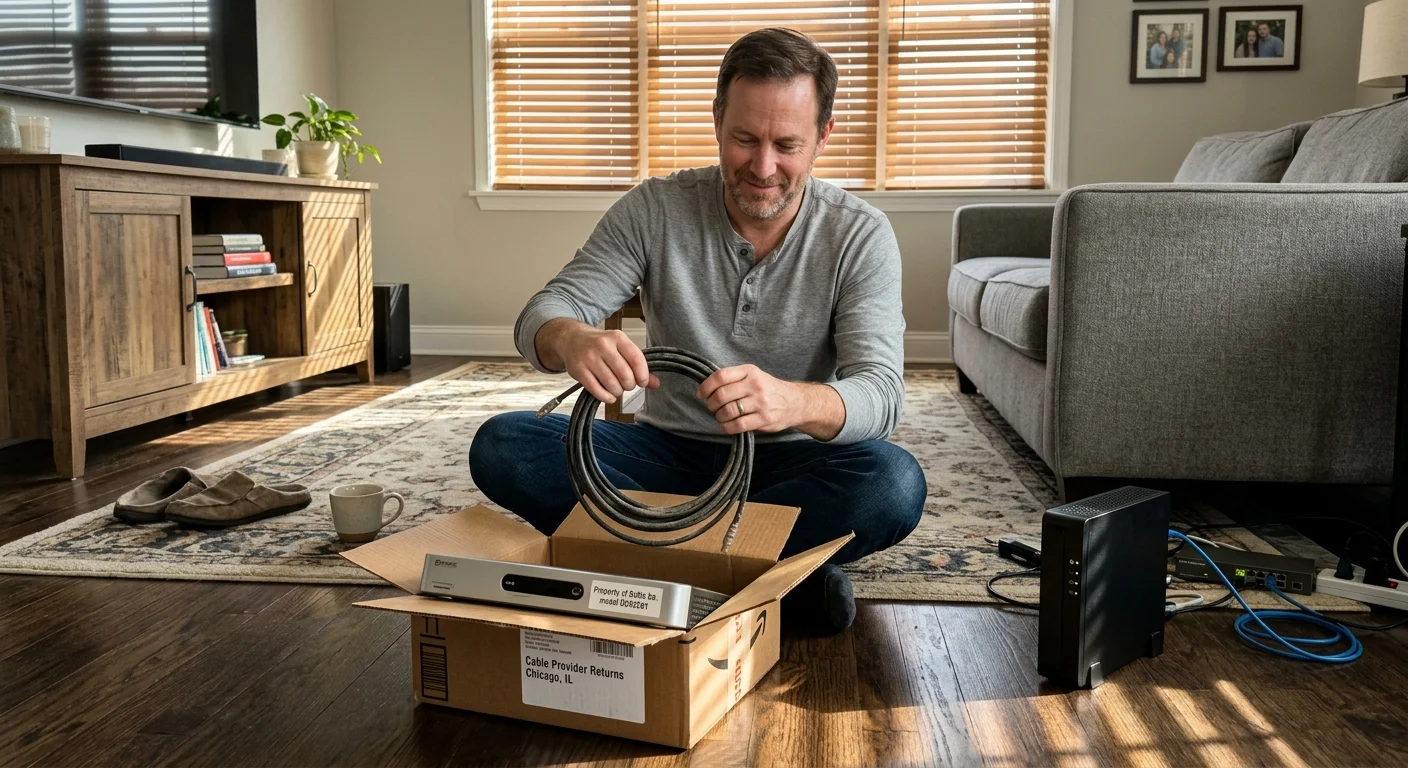
Document the serial numbers of every leased cable box, cable modem, and remote control. Return this equipment directly to a retail service center and demand a stamped, itemized receipt confirming hardware return.
Store your return receipts indefinitely in personal financial records. Cable providers frequently bill automated unreturned equipment fees months after cancellations process successfully.
Frequently Asked Questions
Can I watch my local DVR recordings when away from home?
Yes. Both Channels DVR and Plex Pass support secure out-of-home remote streaming. You can access live antenna feeds and recorded programming on smartphones, tablets, or laptops anywhere with cellular internet service.
Do I have to pay a recurring monthly fee for guide data?
Channels DVR requires an active $8.00 monthly or $80.00 annual subscription to access ongoing guide updates. Plex includes guide data in its Plex Pass tiers, which feature annual or five-year licensing options.
How many shows can a DIY server record simultaneously?
Simultaneous recording capacity depends exclusively on the physical tuner hardware you purchase. The HDHomeRun FLEX DUO records two channels at once, while the FLEX QUATRO records four channels simultaneously.
Will bad weather disrupt broadcast television reception?
Severe atmospheric disturbances or physical obstacles can weaken weak broadcast signals. Installing an amplified indoor or attic-mounted antenna ensures stable reception across typical rain and wind conditions.
Disclaimer: Cable and streaming prices vary by location and change frequently. The cost comparisons in this article are estimates based on typical pricing. Your actual savings will depend on your current cable package, internet costs, and which streaming services you choose.