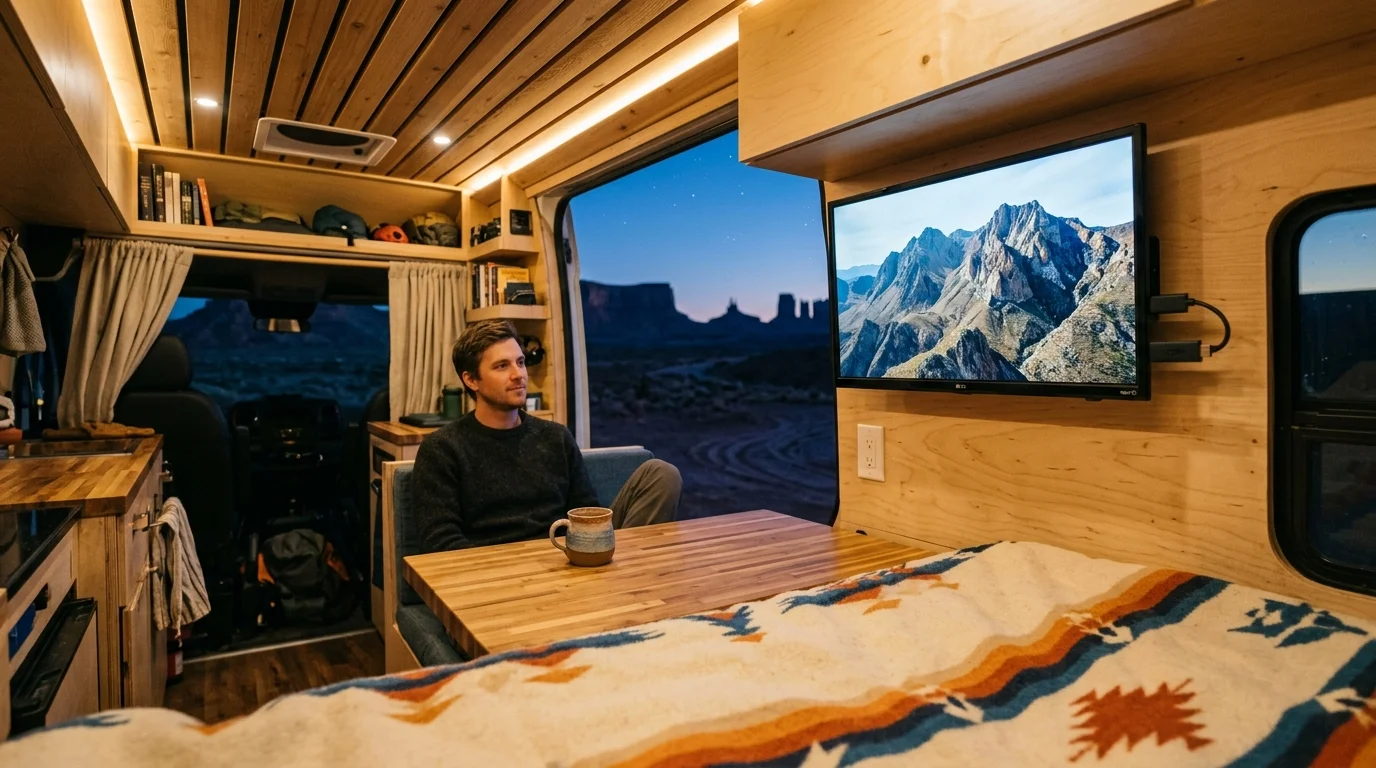
You can build a complete off-grid entertainment setup in your camper van without draining your solar battery bank before bedtime. Powering your display, media stick, and antenna directly from your 12-volt house batteries delivers reliable television anywhere you boondock.
Most mobile builds waste valuable solar power running household electronics through inefficient power inverters. Powering your gear natively on 12-volt direct current eliminates inverter idle draw and conversion loss, cutting your daily entertainment battery consumption by over 50%.
This hands-on guide details the exact components, wiring methods, and power calculations you need to ditch cable bills and watch live television completely off-grid.
The Inverter Power Penalty: Why Inverters Drain RV Batteries
Cord-cutting means canceling traditional cable or satellite subscriptions in favor of flexible internet broadcasts. Streaming delivers video content over an internet connection instead of physical copper cables.
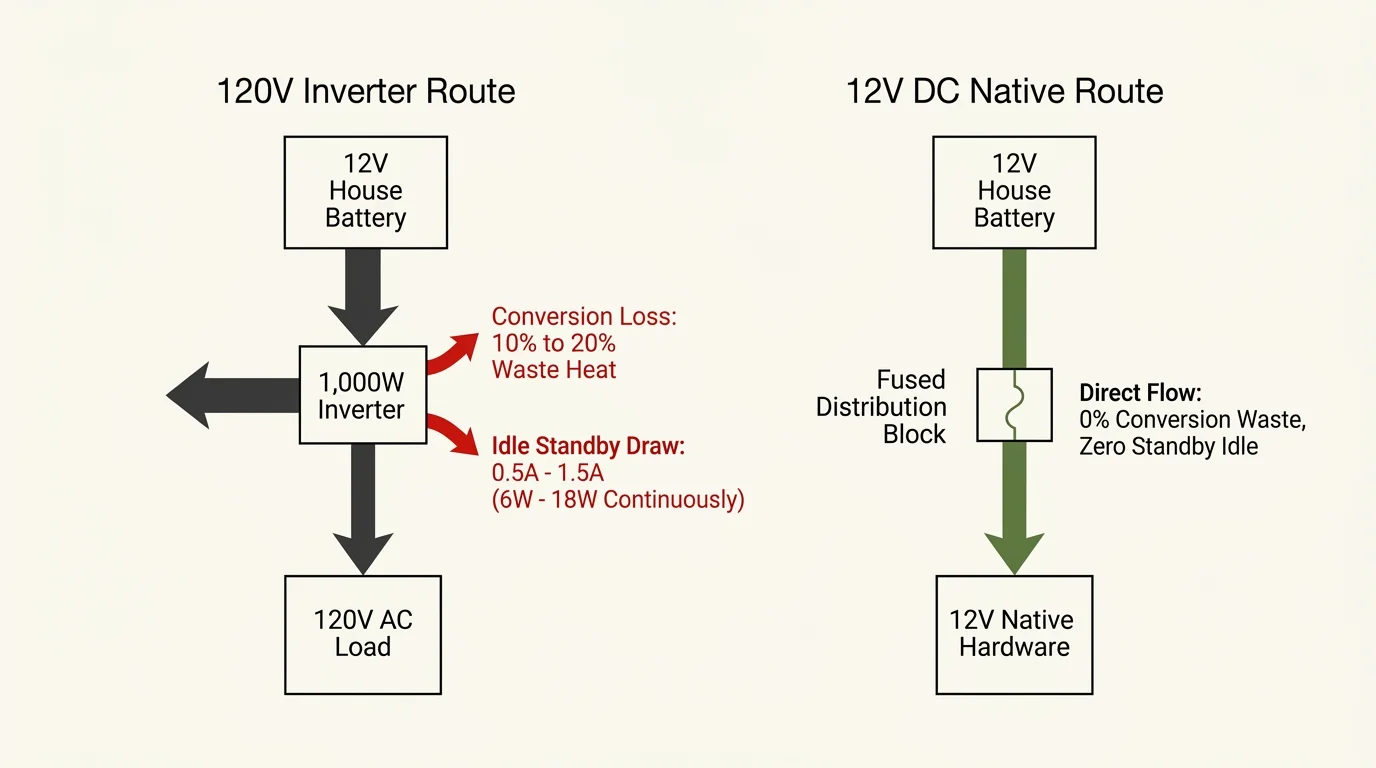
Many van lifers plug standard household appliances into an alternating current (AC) power inverter. That inverter converts 12-volt direct current (DC) battery power into 120-volt AC electricity.
Unfortunately, that transformation introduces a mandatory energy tax. Standard power inverters lose 10% to 20% of incoming energy as waste heat during power conversion.
Even worse, inverters consume continuous parasitic standby power just sitting idle. A typical 1,000-watt inverter draws between 0.5 and 1.5 amps continuously, burning 6 to 18 watts without powering any devices.
Running a standard 120V smart TV through an inverter forces your battery bank to pay both penalties simultaneously. A smart TV is a television display featuring built-in internet connectivity and factory applications.
Eliminating the inverter preserves every precious amp-hour produced by your rooftop solar panels. Direct 12-volt power sends battery current directly to hardware components without conversion losses.
Equipment Checklist: Native 12V Hardware and Upfront Costs
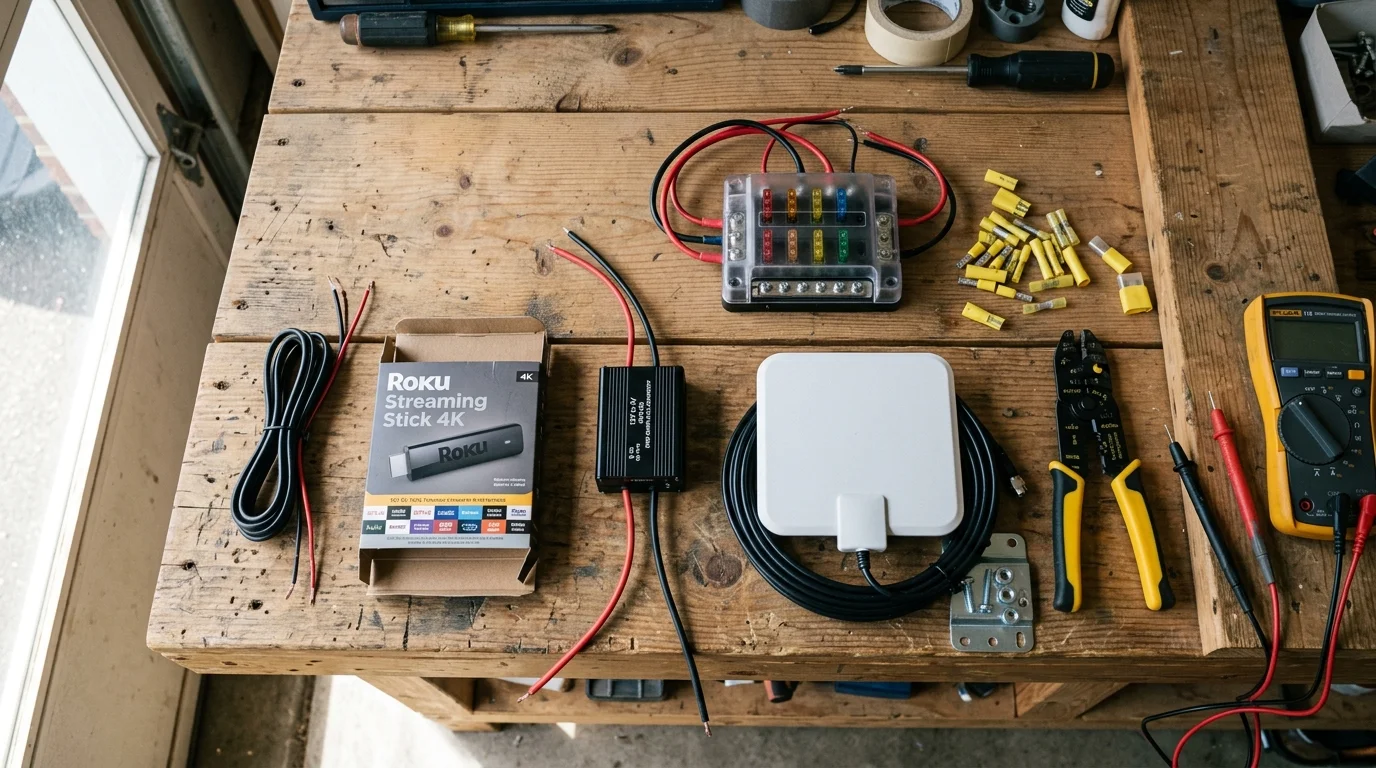
A streaming device is a dedicated compact media player like a Roku or Fire TV stick that connects to a display. Using dedicated 12-volt equipment bypasses high-draw household hardware while lowering your mobile energy budget.
Below is the complete hardware roster needed to build a durable, low-draw entertainment system for your van.
- 12V DC Native Television: Free Signal TV Transit 28-Inch LED TV ($280 – $310)
- Compact Streaming Device: Roku Streaming Stick 4K or Amazon Fire TV Stick 4K Max ($40 – $55)
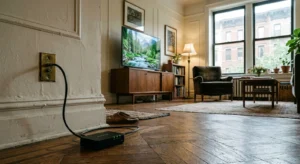
- 12V Step-Down Buck Converter: 12V DC to 5V USB (3A / 15W output) regulator ($12 – $18)
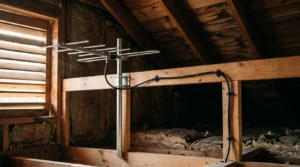
- Amplified Over-the-Air (OTA) Antenna: Winegard Air 360+ amplified omnidirectional RV antenna ($130 – $160)
- Mobile Data Connection: Starlink Mini DC kit ($599) or GL.iNet GL-AXT1800 12V travel router ($129)
- DC Power Distribution: Blue Sea Systems 6-circuit blade fuse block with 16-AWG wire ($45 – $60)
The total upfront equipment investment ranges between $507 and $900, depending on your cellular or satellite hardware choice. You will quickly recoup this initial expense after shedding high monthly cable contracts.
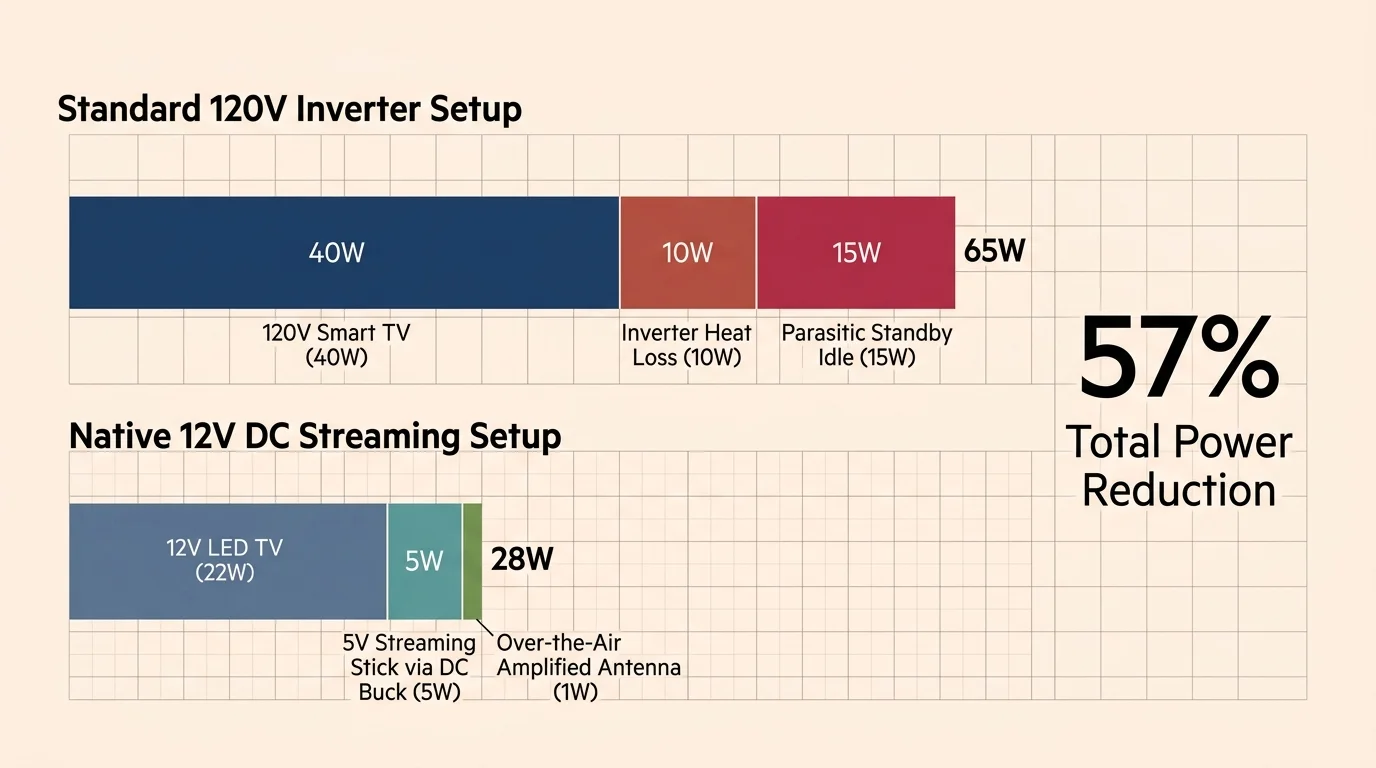
Energy Audit: 12V DC Native Setup vs. Inverter-Powered Setup
“Eliminating the power inverter from your camper van entertainment center can cut your battery draw by half, keeping your system operational through long cloudy stretches.” — Mobile Electronics Specialist
Comparing exact power metrics reveals how much battery reserve native DC hardware preserves each day. The data below contrasts an inverter-based household television setup against an optimized 12-volt DC mobile entertainment configuration.
| Component Category | 120V Inverter Setup (Watts / Amps) | 12V DC Native Setup (Watts / Amps) | Daily Consumption (4 Hrs Playback + 20 Hrs Standby) |
|---|---|---|---|
| Display Screen (28-inch TV) | 48W (~4.0A @ 12V via Inverter) | 24W (2.0A @ 12V Native DC) | Inverter: 232 Wh vs DC: 100 Wh |
| Streaming Media Stick | 5W (~0.45A via Inverter) | 3W (0.6A @ 5V via Buck Converter) | Inverter: 24 Wh vs DC: 14 Wh |
| Broadcast Antenna / Tuner | 8W AC booster (~0.7A via Inverter) | 2W (0.17A @ 12V Native Amp) | Inverter: 38 Wh vs DC: 10 Wh |
| Inverter Standby / Parasitic Loss | 12W continuous (1.0A @ 12V) | 0W (0.0A Inverter Bypassed) | Inverter: 288 Wh vs DC: 0 Wh |
| Total Daily Energy Draw | 73W Active Peak Load | 29W Active Peak Load | Inverter: 582 Wh/day vs DC: 124 Wh/day |
The numbers demonstrate that an inverter setup burns nearly five times more daily watt-hours than a native DC arrangement. Converting to native DC hardware saves approximately 458 watt-hours per day from your camper battery reserves.
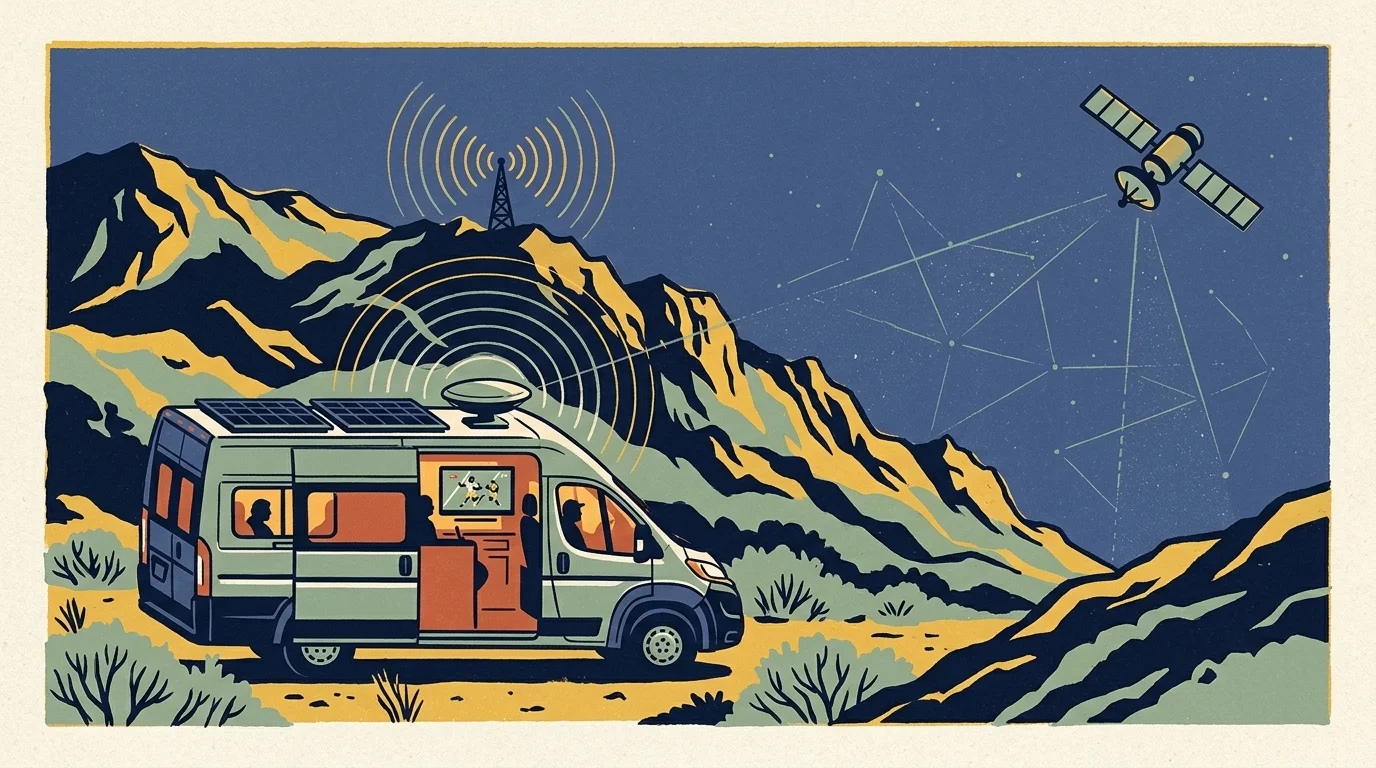
Replacing Cable: Combining Free OTA Broadcasts with Streaming
As reported by Cord Cutters News, the average American cable bill routinely exceeds $120 per month. Swapping expensive subscription packages for free local broadcasts and targeted streaming services slashes recurring costs drastically.
An amplified over-the-air antenna captures major networks including ABC, CBS, NBC, Fox, and PBS for free. You do not need any cellular data or satellite bandwidth to watch live sports and local news over broadcast waves.
According to the FCC Consumer Guide, television broadcasters must maintain standard ATSC 1.0 digital simulcasts through at least July 17, 2027. This federal requirement guarantees your standard 12-volt TV tuner receives unencrypted high-definition stations across North America without paid decoders.
For specialty channels, pair your antenna with ad-supported or ad-free streaming platforms. Ad-supported plans offer cheaper monthly rates by showing intermittent commercials, while ad-free subscriptions charge higher fees to eliminate marketing breaks entirely.
You can also utilize on-demand services to watch movies whenever you choose rather than scheduling around broadcast timetables. If you miss live airings, cloud-based DVR tools let you record programs digitally to view later at your convenience.
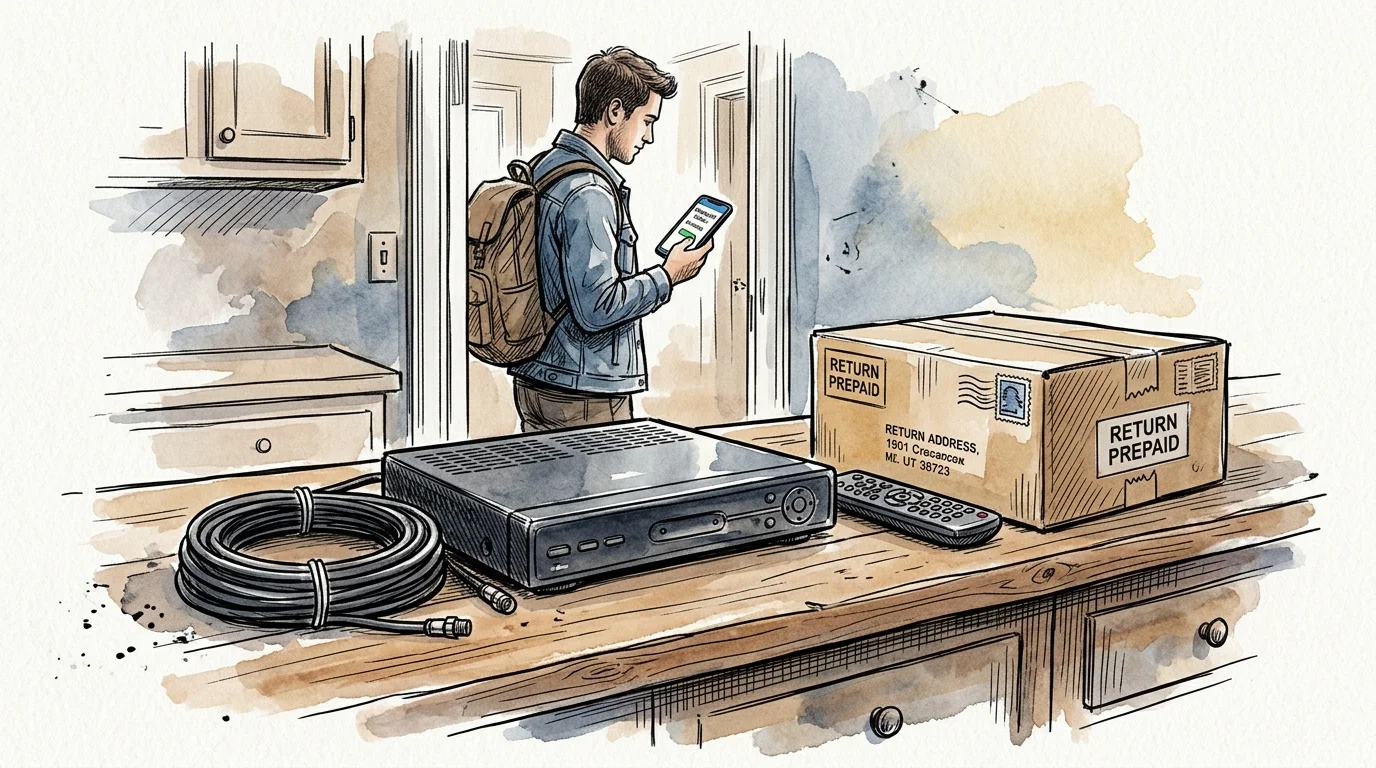
Step-by-Step Cable Cancellation and Equipment Return Guide
Transitioning your life into a camper van requires systematically terminating fixed residential utility accounts. Follow these steps to cancel traditional cable service without incurring unnecessary fees or surprise billing charges.
- Audit Your Current Contract: Check your billing account online to verify whether you have an active annual agreement or month-to-month service.
- Identify Early Termination Fees: Providers often charge between $10 and $20 for every remaining month left on your service agreement.
- Call Customer Retention: Phone your provider and state clearly that you are moving into a mobile recreational vehicle where their service is unavailable.
- Decline Promotional Bundles: Retention agents will offer discounted packages; firmly decline all offers by reiterating your lack of a physical residence.
- Document Equipment Serial Numbers: Photograph the barcode and serial number on every set-top box, power brick, and rented cable modem.
- Return Hardware in Person: Drop off hardware directly at a corporate retail store and demand a printed equipment return receipt.
Never drop rented hardware into an unmonitored drop box without receiving an official receipt. Cable providers frequently bill departing customers $150 to $300 per missing box if inventory systems fail to register returns.
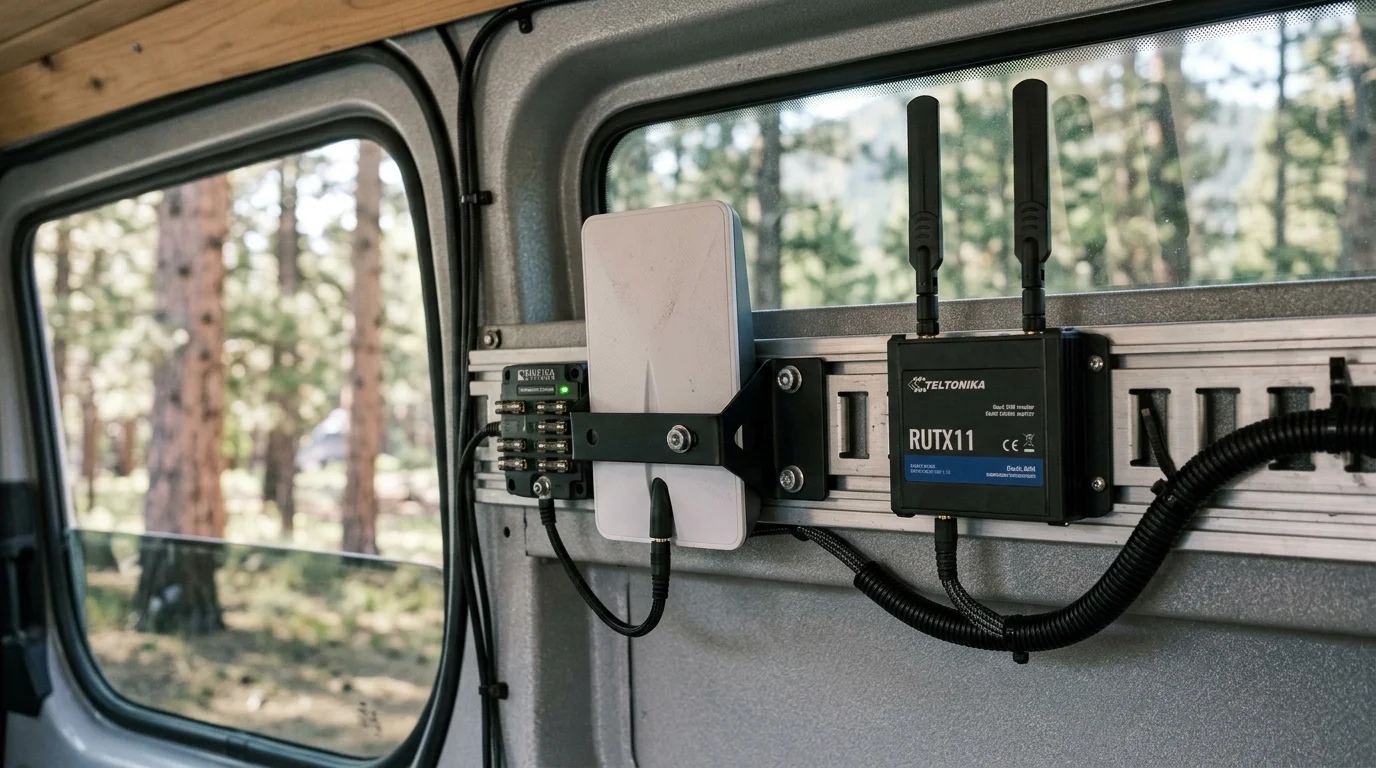
Off-Grid Internet Delivery: Starlink Mini DC vs. Mobile Cellular Routers
Testing summarized by CNET confirms that streaming high-definition video requires a stable internet speed of at least 5 megabits per second. Streaming in 4K resolution demands roughly 25 megabits per second, which consumes excessive cellular data and battery reserves.
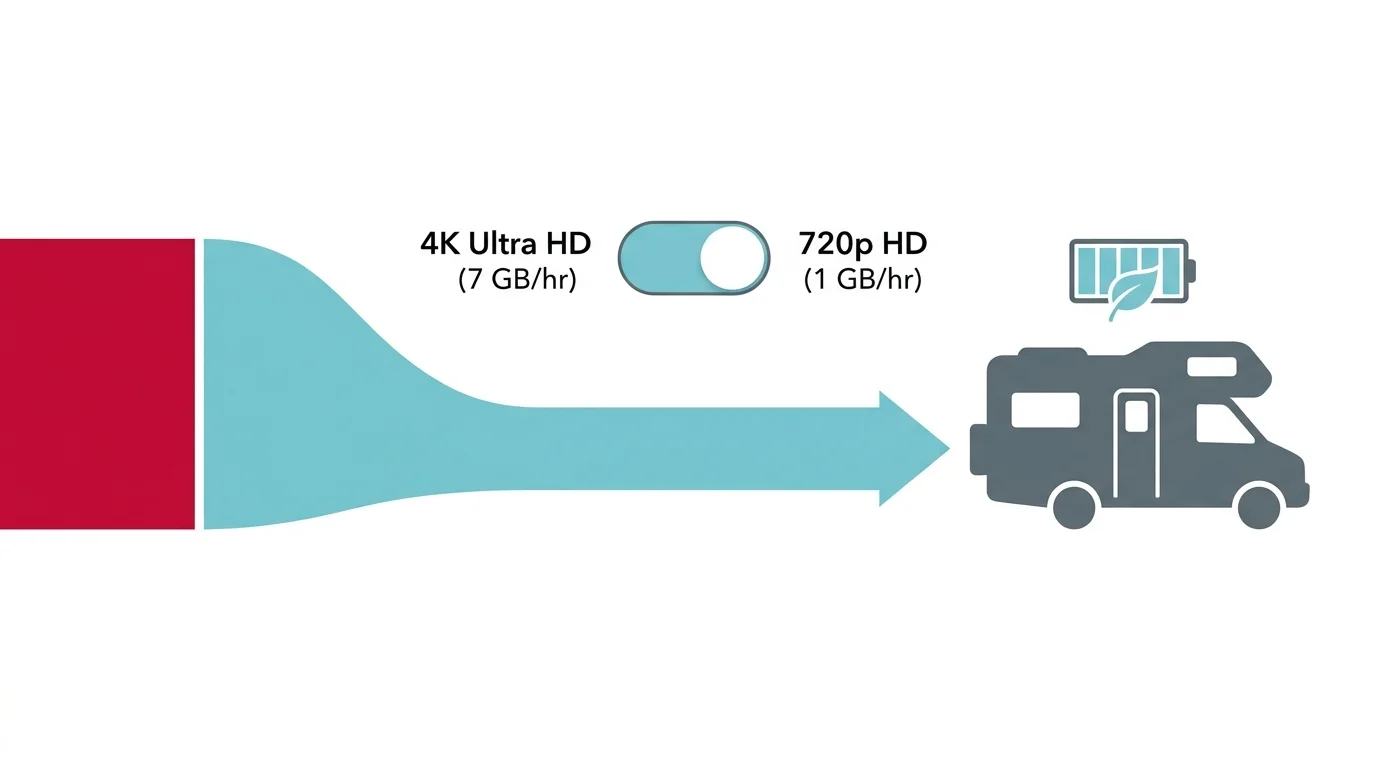
Restricting your streaming device settings to 720p or 1080p delivers crisp visuals on smaller camper screens while cutting bandwidth usage by 60%. Managing your bandwidth protects limited monthly mobile hotspot allowances.
The Starlink Mini satellite dish represents a major breakthrough for off-grid camper van internet connectivity. It operates natively on 12-volt to 48-volt direct current, consuming between 20 and 40 watts during active data streaming.
During idle periods, the Starlink Mini drops to approximately 15 to 17 watts of power draw. You can power the dish directly using a 5.5mm by 2.1mm DC barrel connector, avoiding inverter overhead entirely.
If you camp within range of cellular towers, a dedicated mobile LTE router provides an even lower-power alternative. Devices like the GL.iNet GL-AXT1800 draw just 5 to 15 watts from a 12-volt socket while providing local Wi-Fi.
Optimizing Streaming App Settings to Conserve Mobile Data and Battery Power
Streaming video can rapidly burn through mobile data limits if your streaming applications are set to automatic maximum quality. Adjusting your application playback settings conserves cellular data bundles while simultaneously reducing processor strain and battery draw.
Open the account settings in applications like Netflix, Hulu, and Amazon Prime Video to manually set playback resolution to standard definition (480p) or high definition (720p). Lowering video resolution reduces data consumption from roughly 3 gigabytes per hour down to under 1 gigabyte per hour.
Always disable video autoplay features across all streaming platforms installed on your media player. Autoplay prevention ensures that your streaming stick stops pulling network data and battery power if you fall asleep while watching shows.
Take advantage of offline download options whenever your camper van visits locations with free public Wi-Fi, such as libraries or cafes. Storing downloaded episodes on a tablet or local storage drive eliminates cellular data use entirely when relaxing at off-grid campsites.
Worked Scenario: Calculating Runtime on a 100Ah LiFePO4 Battery
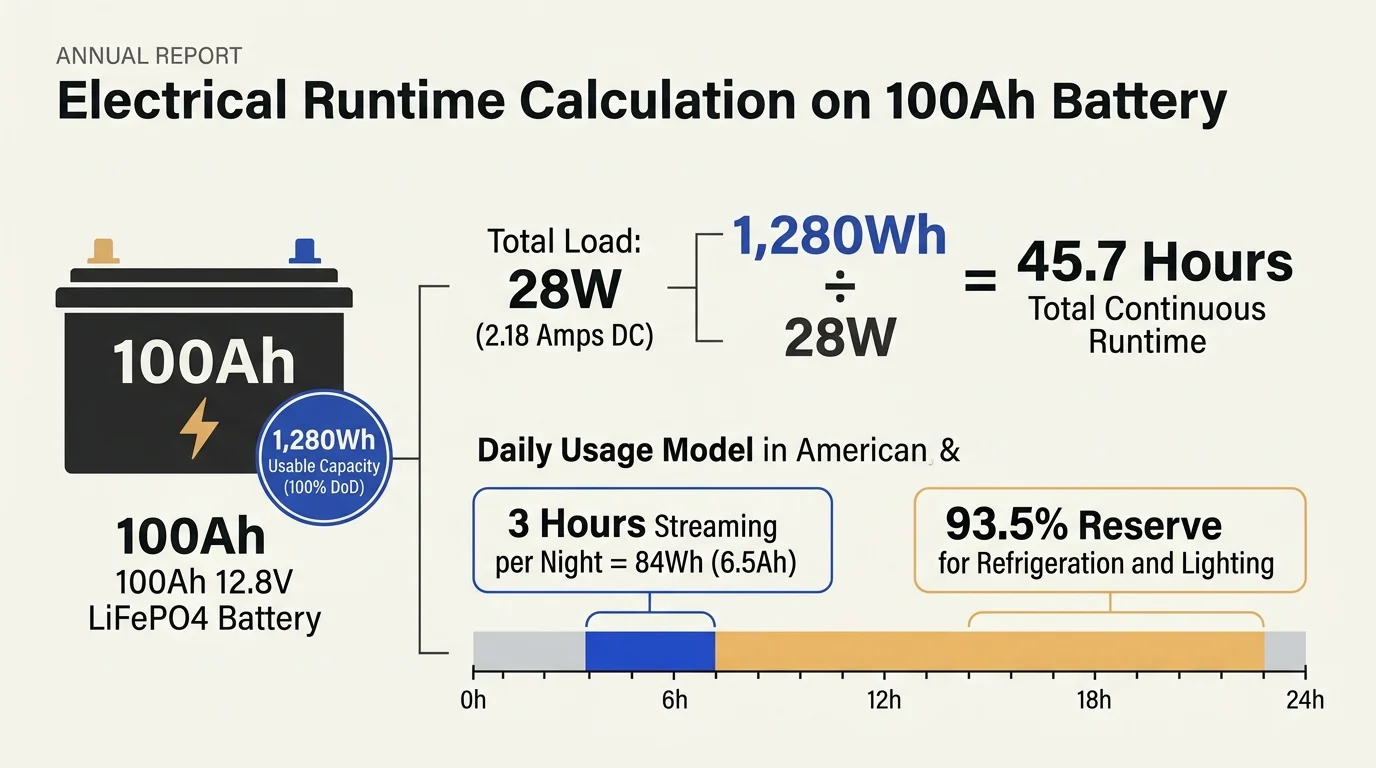
Consider a typical camper van electrical system equipped with a single 100-amp-hour (Ah), 12.8-volt lithium iron phosphate (LiFePO4) battery. Multiplying 100Ah by 12.8V yields 1,280 watt-hours (Wh) of total usable off-grid energy storage.
In this scenario, you spend your evening watching three hours of prime-time television and two hours of streaming movies. Let us calculate how long that 1,280 Wh battery lasts under both AC inverter and native 12V DC operating conditions.
An inverter-powered configuration runs a standard 120V TV (45W), a streaming stick (4W), an active router (12W), and inverter parasitic overhead (12W). That creates a total continuous electrical load of 73 watts, drawing approximately 5.7 amps from your battery bank.
Operating that AC setup for five hours burns 365 watt-hours of energy during screen time alone. Adding nineteen hours of idle inverter standby at 12 watts burns another 228 watt-hours, totaling 593 watt-hours per day.
Your 1,280 Wh battery bank will deplete completely in just 2.1 days without immediate solar recharging. In cloudy weather or deep shade, your inverter shuts down your entertainment and cabin lights before the weekend ends.
Conversely, our native 12V DC system powers the Free Signal TV (24W), streaming stick (3W), and mobile router (7W). Total continuous draw equals only 34 watts, drawing roughly 2.65 amps at 12.8 volts.
Five hours of viewing consumes 170 watt-hours, while switching the system off cleanly eliminates all idle standby draw. At 170 watt-hours per day, your identical 1,280 Wh battery bank supports 7.5 full days of evening entertainment.
Step-by-Step Wiring: Step-Down Converters and Preventing Boot Loops
Most streaming sticks require a steady 5-volt direct current power feed delivered through a standard USB connector. Never plug your streaming media stick into the low-power USB service port found on the back of many televisions.
Those integrated television USB ports typically limit electrical output to 0.5 amps at 5 volts, providing merely 2.5 watts. Modern 4K streaming sticks demand up to 1.5 amps (7.5 watts) during peak processing or system boot sequences.
Underpowering your streaming stick causes continuous reboot loops, sudden system freezes, and frequent Wi-Fi network disconnections. You can easily solve this issue by wiring a dedicated 12V-to-5V DC step-down buck converter into your house distribution panel.
Follow these wiring instructions to assemble a clean, stable DC power feed for your media stick and screen:
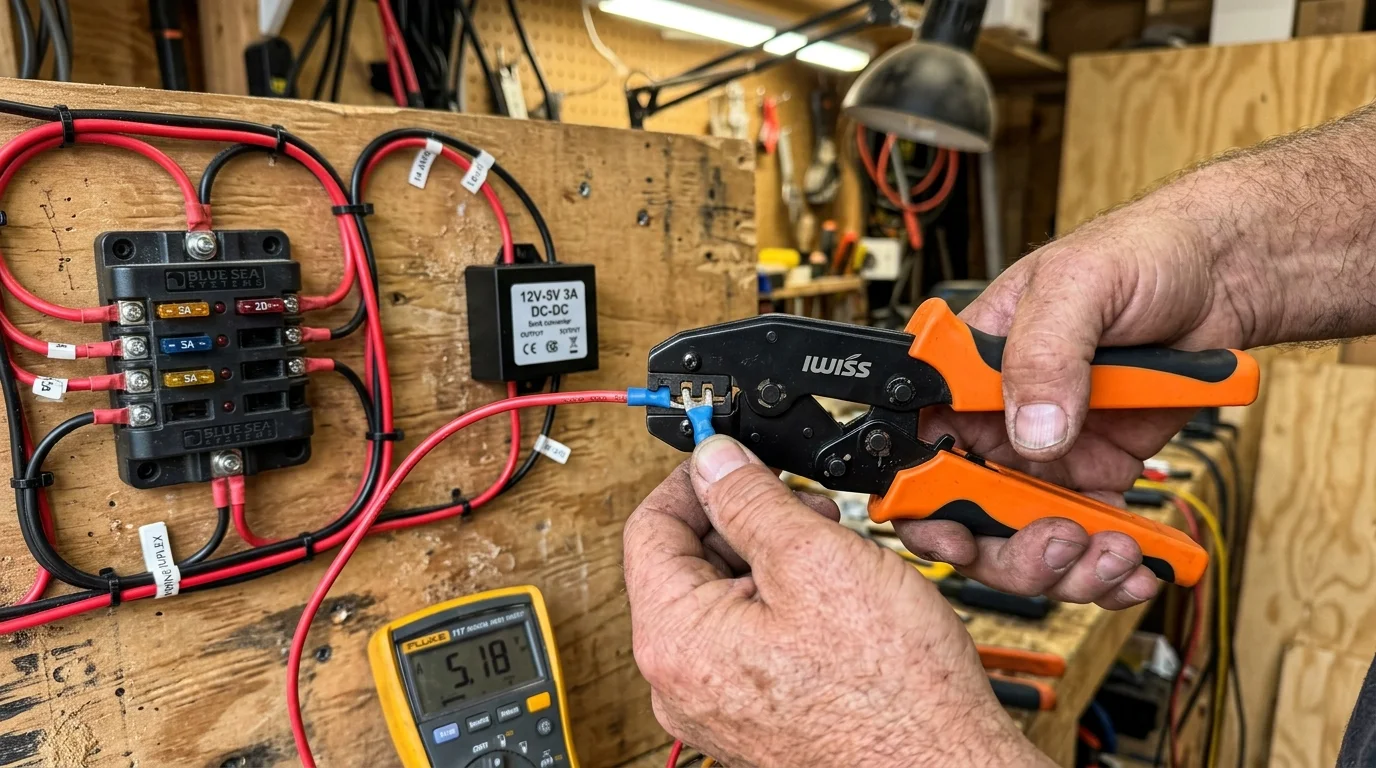
- Mount a Dedicated Fuse Block: Run 10-AWG marine-grade wire from your main battery switch to a Blue Sea Systems 6-circuit fuse block.
- Install the TV Circuit: Connect your 12V television positive lead to a 5-amp fused terminal, routing the ground wire to the negative bus bar.
- Wire the 5V Buck Converter: Connect a 12V-to-5V step-down buck converter to an adjacent 3-amp fused circuit on the same block.
- Plug in the Streaming Stick: Run the USB output cable directly from the buck converter to your streaming player power input.
- Wire the Antenna Booster: Attach the Winegard 12V power injector leads to an independent 2-amp fused slot with an inline toggle switch.
Installing an inline toggle switch allows you to cut phantom power to the antenna booster when you are not watching TV. Every watt saved protects your house battery reserves for refrigeration, water pumps, and essential van systems.
Frequently Asked Questions
Can I run a standard home smart TV directly on a 12-volt camper van battery?
No, standard household smart televisions require 120-volt alternating current, meaning they cannot connect directly to 12V batteries without an inverter. You should buy a native 12-volt camper TV designed with internal DC voltage regulators.
Will an over-the-air antenna work while my camper van is driving down the highway?
Omnidirectional antennas like the Winegard Air 360+ can receive signals in motion, but signal blockage and digital tuner multipath distortion make reception unstable. OTA reception works best when your van is parked at your campsite.
How much solar wattage do I need to replenish a daily 12V streaming setup?
A single 100-watt solar panel generates roughly 300 to 400 watt-hours per day under good sunlight. Because our native 12V streaming setup consumes 170 watt-hours daily, one 100-watt panel easily covers your entertainment energy budget.
Does ATSC 3.0 NextGen TV require an active internet connection to watch local stations?
ATSC 3.0 broadcast stations frequently use digital rights management (DRM) encryption requiring internet verification to decrypt channels. Standard ATSC 1.0 broadcasts remain unencrypted and require no internet access, operating reliably until at least July 2027.
Disclaimer: Cable and streaming prices vary by location and change frequently. The cost comparisons in this article are estimates based on typical pricing, and your actual savings will depend on your specific cable package, internet fees, and streaming services.