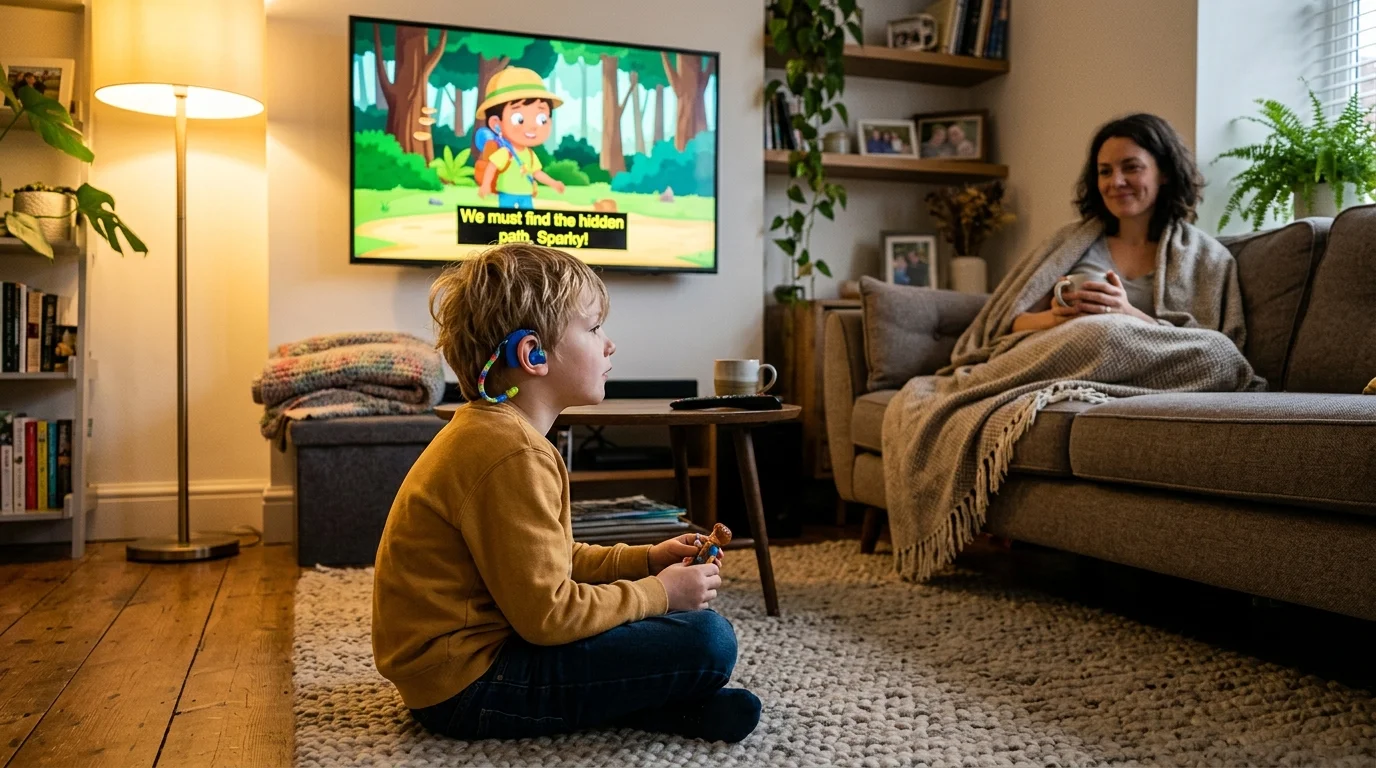
If your child is profoundly deaf, standard closed captions often fail during vibrant family animation. This guide directly compares subtitle sizing, background opacity, and descriptive audio tags across Netflix, Disney+, and Apple TV+.
While catalog size dominates buying decisions, text rendering determines whether your child can actually read dialogue against bright backgrounds. Apple TV+ delivers superior typography and system overrides, while Disney+ and Netflix force frustrating visual compromises.
Here is how these three major services compare when visual accessibility matters far more than marketing claims.
FCC Rules and Caption Legibility for Deaf Children
Streaming—watching video content over the internet instead of cable or satellite—has transformed family movie nights. Yet for families managing profound hearing loss, basic caption support is rarely enough.
For households needing multilingual support alongside accessibility tools, exploring the deepest Spanish dub and sub catalog can reveal how platforms handle alternative audio and text tracks.
According to the World Health Organization, over 430 million people globally live with disabling hearing loss. In the United States, approximately 37.5 million adults report trouble hearing.
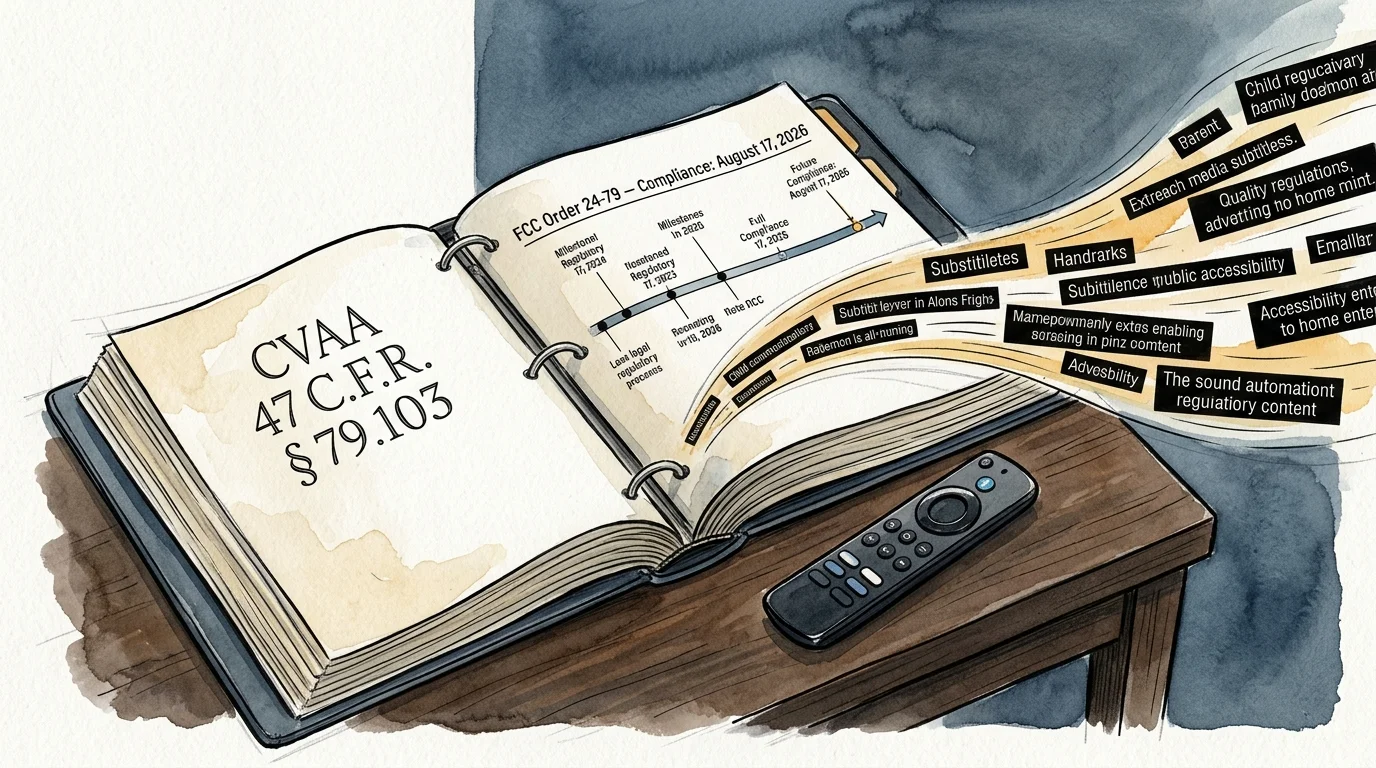
The 21st Century Communications and Video Accessibility Act (CVAA) mandates closed caption customization under 47 C.F.R. § 79.103. Digital video players must allow users to adjust text size, character color, and background opacity.
Furthermore, the Federal Communications Commission adopted Order FCC 24-79 in July 2024. This order mandates that apparatus manufacturers make caption settings readily accessible by August 17, 2026, rather than burying them in nested menus.
When evaluating platforms as part of cord-cutting—canceling traditional cable in favor of apps—caption mechanics matter. If a child cannot distinguish speech from sound effects, the entertainment experience collapses.
Subtitle Font Resizing and Scaling Limits Compared
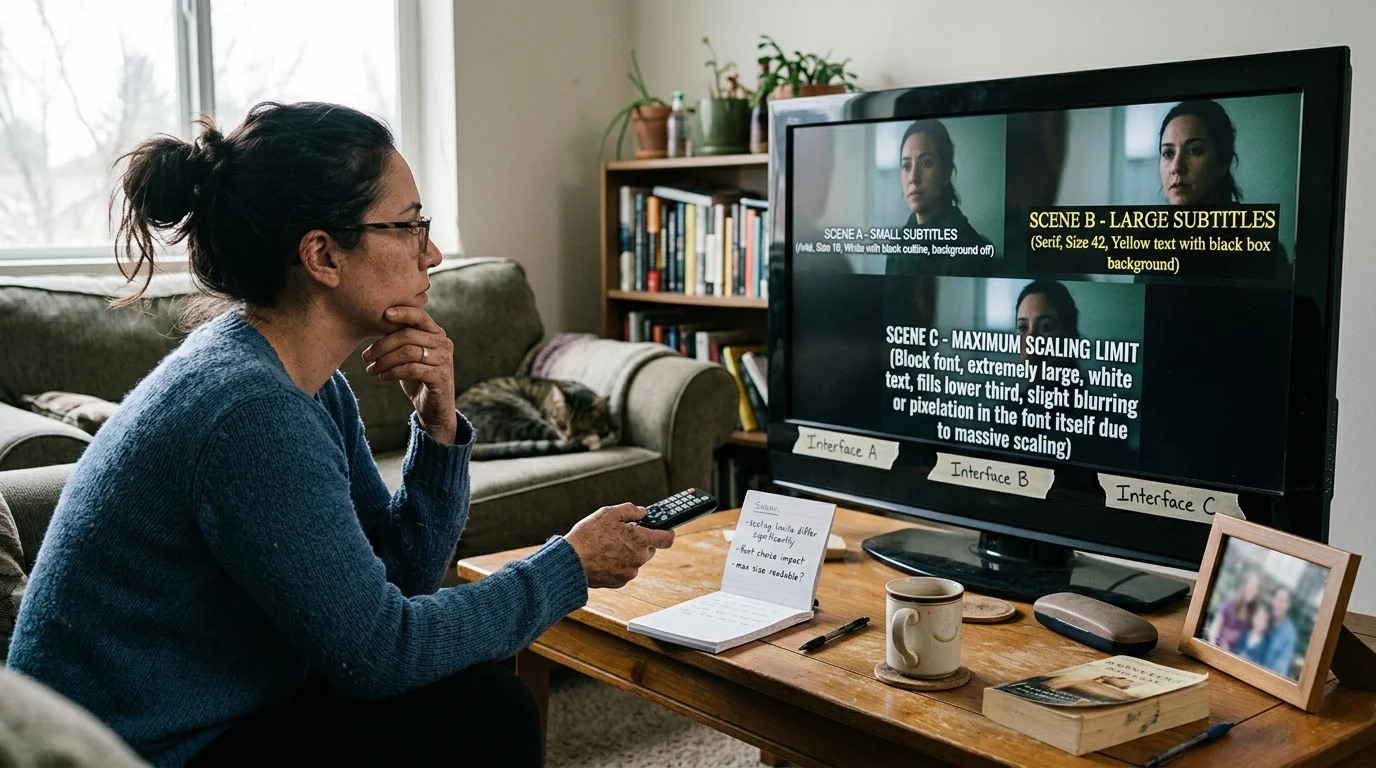
Children who are deaf require larger text sizes because they frequently scan back and forth between actor expressions and printed lines. If text is too small, reading fatigue sets in within twenty minutes.
Families configuring equipment for older relatives with both hearing and visual challenges may also benefit from choosing the easiest streaming device for seniors to simplify day-to-day navigation.
As PCMag’s streaming service reviews emphasize, interface usability varies significantly between major streaming apps. Caption rendering highlights this gap immediately.
Netflix updated its TV interface in March 2023, introducing three in-player text sizes: Small, Medium, and Large. However, on a 55-inch smart TV—a television with built-in internet connection and apps—”Large” scales to only roughly 32 points.
Disney+ offers four preset sizes on web browsers, ranging from 50% to 200%. On living room hardware, Disney+ hands off text sizing to your streaming device—a dedicated stick or box like Roku or Apple TV.
Apple TV+ bypasses proprietary app limitations entirely by anchoring directly to the tvOS operating system framework. It gives you four system presets plus granular custom percentage scaling up to 200%.
“Proper subtitle sizing is not an aesthetic preference; it directly dictates reading comprehension speed for deaf viewers absorbing visual dialogue.” — Accessibility Media Specialist
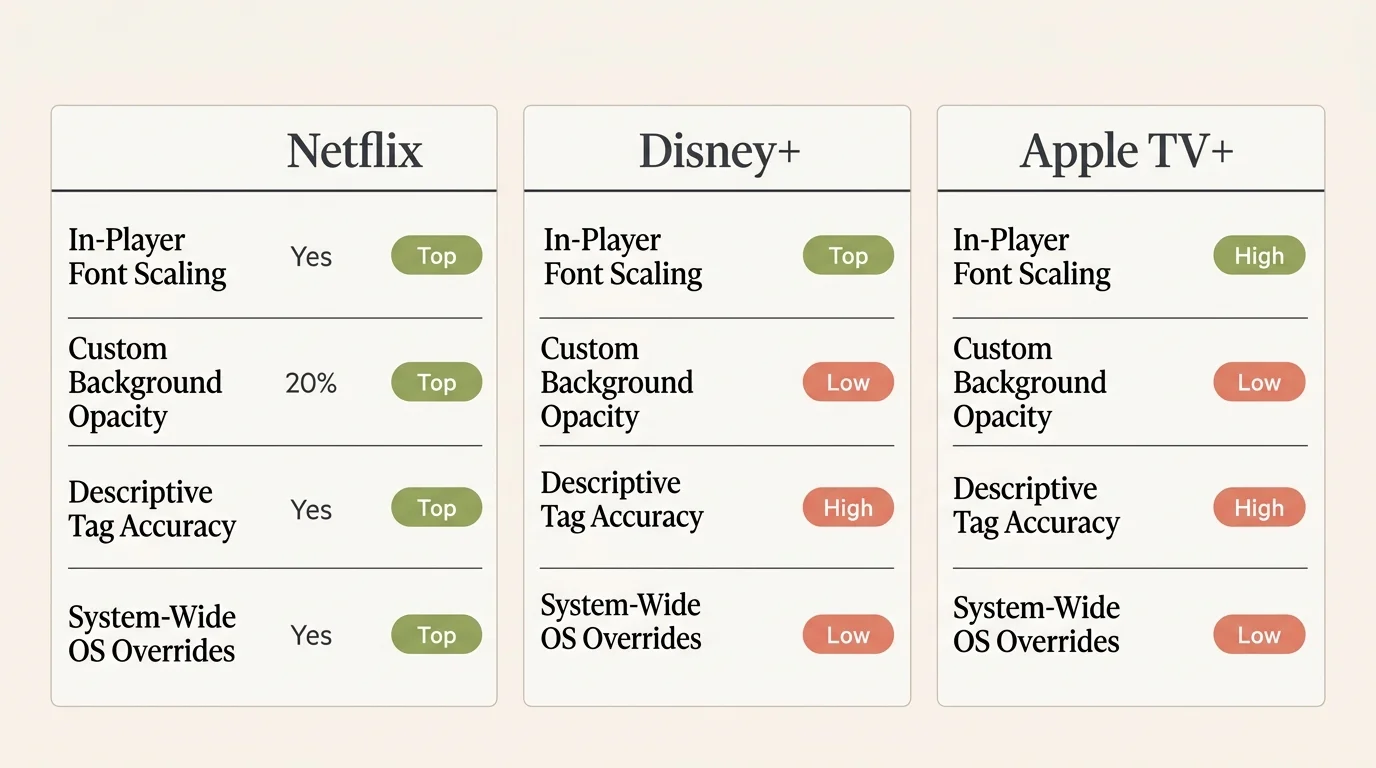
If your child needs extra-large typography, Apple TV+ provides the clearest scaling. Netflix caps out too early, and Disney+ creates inconsistent sizing depending on which device you boot up.
Background Opacity Controls Against Bright Animation
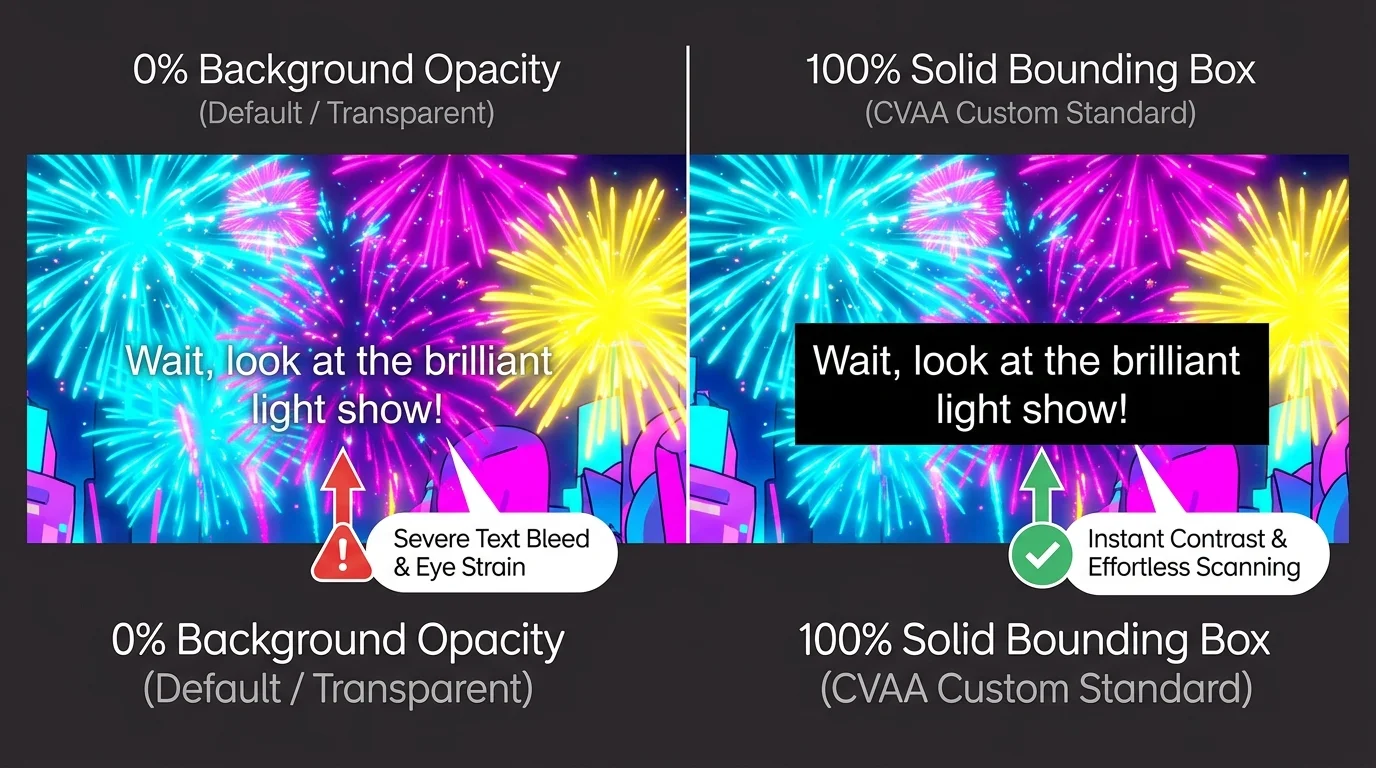
Animated films present unique visual challenges for deaf viewers. Pastel tones, flashing magical spells, and white snowscapes routinely swallow up translucent white subtitles.
To preserve contrast, parents must enforce an opaque background box behind the text. A solid black rectangle guarantees readability regardless of on-screen colors.
Netflix provides four visual contrast modes directly in its TV player: Default, Drop Shadow, Semi-Transparent, and Inverted Light. Unfortunately, setting a completely opaque 100% black bounding box requires logging into a desktop web browser.
Disney+ lets you configure background color and background opacity on its web browser interface. Yet on smart TV apps, those opacity controls frequently reset after major application updates.
Apple TV+ allows complete control over text background opacity and outer window opacity directly inside tvOS system settings. You can set character edges, edge color, and an unyielding 100% black background box.
Crucially, Apple includes an override toggle: “Video Overrides Style: Off.” When you disable that toggle, no streaming provider can strip away your high-contrast background box.
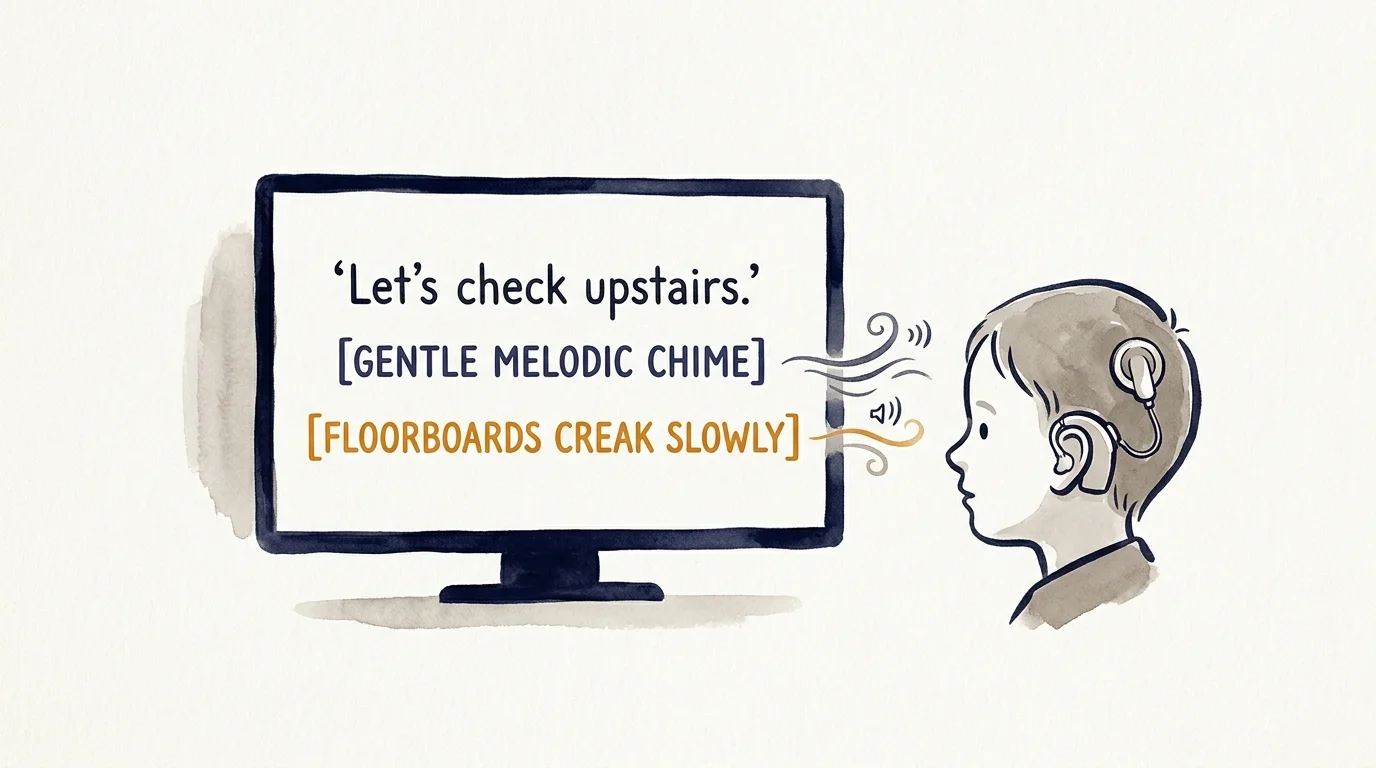
Descriptive Sound Tags and Speaker Attribution Accuracy
Closed captions differ fundamentally from basic subtitles by including non-speech audio cues, such as [door creaks] or [tense orchestral music]. For a deaf child, these tags establish dramatic context.
Subscribers can take full advantage of these top-tier audio tags across a range of underrated titles found in this list of Apple TV+ hidden gems.
Speaker attribution is equally vital during fast-paced family films. If multiple characters speak off-screen, the caption file must clearly identify who is talking.
According to Wirecutter’s streaming service evaluations, technical polish varies dramatically across different platforms. Sound description accuracy illustrates this divide clearly.
Netflix enforces strict closed-caption standards across its original programming. Sound effect tags appear reliably in brackets, and dialogue lines frequently shift screen positions to match the speaking character.
Disney+ delivers comprehensive descriptive tags on classic animated features and Marvel releases. However, older catalog titles imported from television archives sometimes suffer from erratic speaker attribution.
Apple TV+ produces exceptional descriptive sound tags across its entire library. Because Apple operates a smaller library of purely on-demand content—shows you watch whenever you want—their caption quality control remains remarkably consistent.
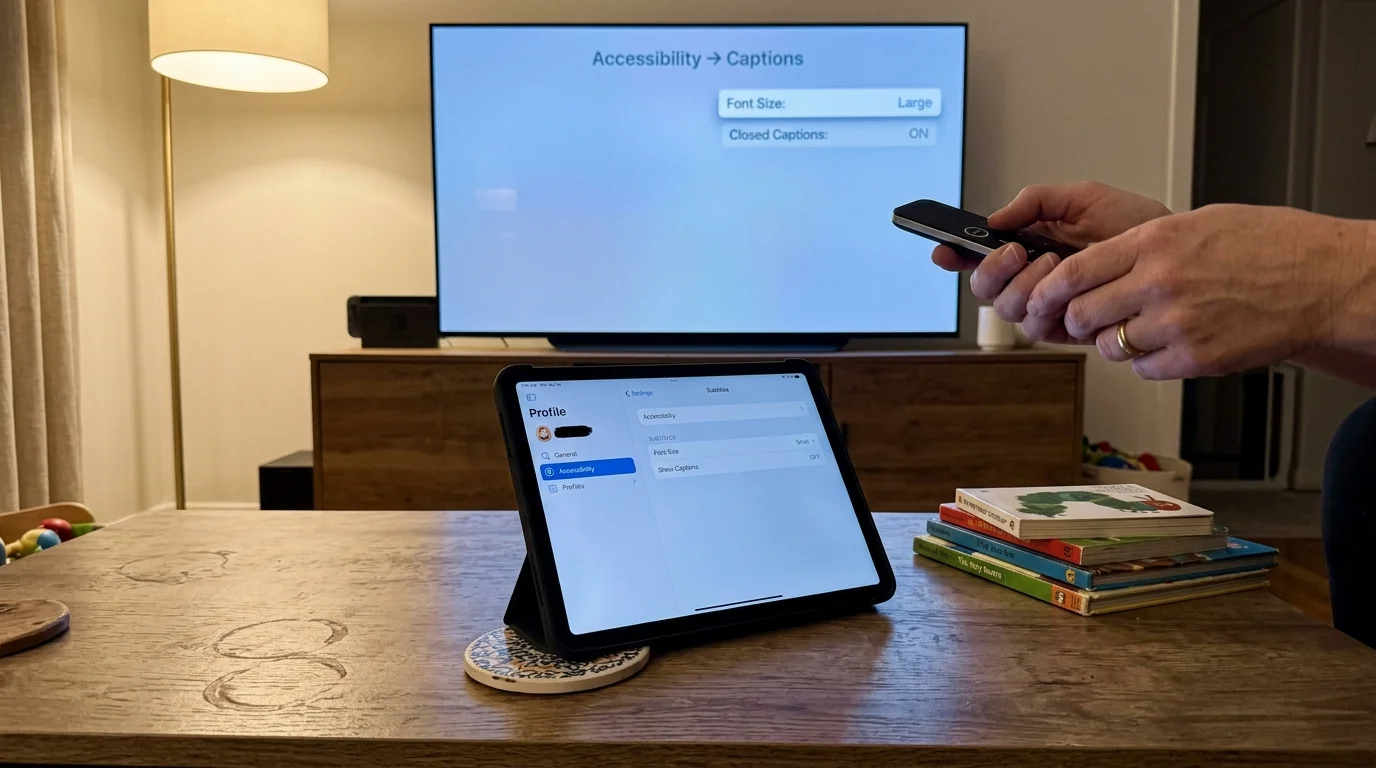
Cross-Device Syncing and Interface Quirks
Families rarely watch shows on a single screen. Your child might watch a movie on the living room television, then continue on a tablet during travel.
If your children split time between multiple locations, managing kids’ profiles across separated homes requires careful setup so accessibility preferences persist across households.
For households with deaf or neurodivergent children who rely on consistent playback routines, pairing visual adjustments with continuous play timeout workarounds helps prevent disruptive screen interruptions.
Netflix synchronizes your custom caption profile styling across web, mobile, and smart TVs once saved online. However, the quick-select menu on TV apps can accidentally overwrite your intricate browser settings.
Disney+ suffers from a disjointed dual-architecture system. Changing caption settings inside the browser does not reliably alter the appearance on a connected streaming stick.
If you launch Disney+ on a Roku, you must open the Roku system menu to adjust caption parameters. If you open it on an Apple TV box, tvOS rules apply.
Apple TV+ maintains absolute consistency if your household uses the Apple ecosystem. One adjustment inside tvOS or iOS propagates instantly across all connected screens.
Furthermore, tvOS features a “Show When Muted” automated caption setting. When you mute the television volume, captions automatically engage, vanishing the moment sound restores.
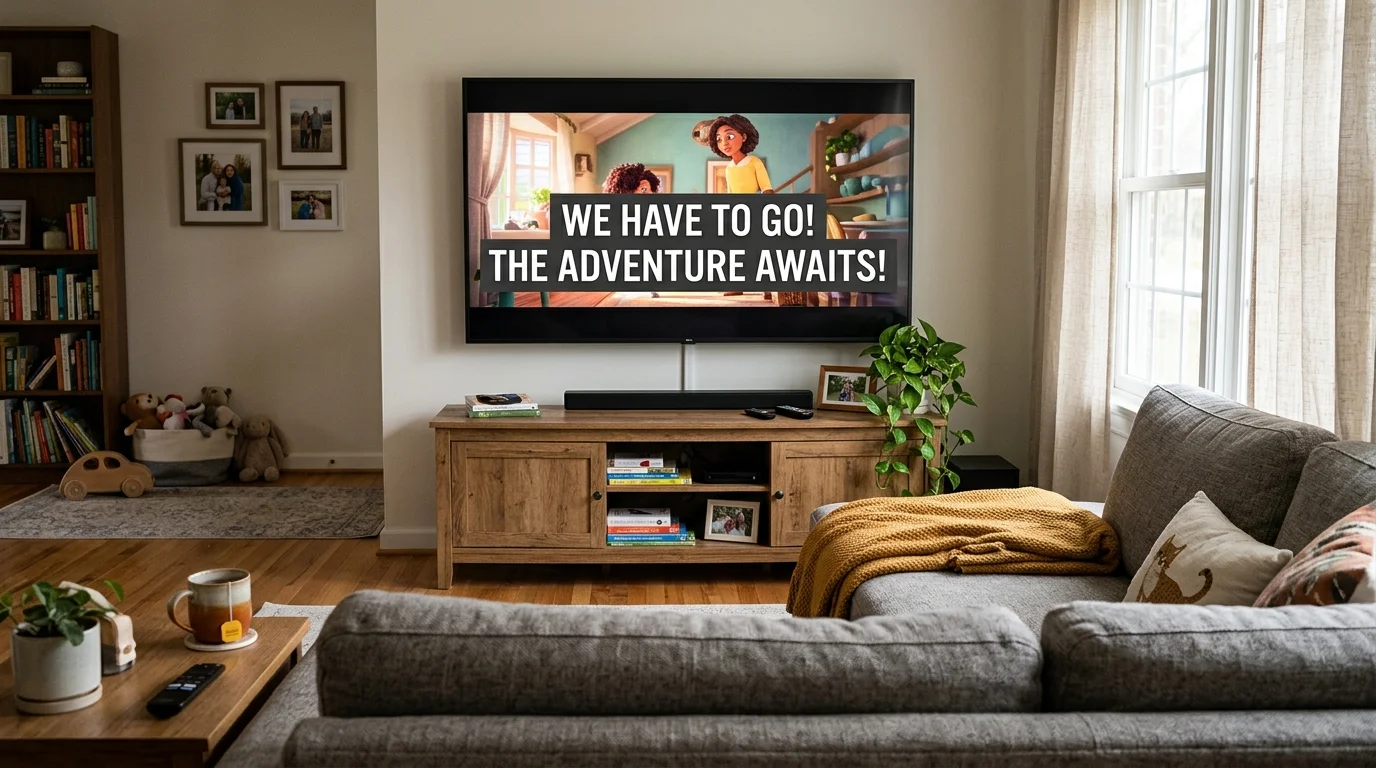
Worked Example: Living Room Setup for a 65-Inch Screen
Consider this real-world setup: a family watching an animated feature on a 65-inch 4K television from a 9-foot viewing distance. The viewer is a seven-year-old profoundly deaf child reading at roughly 120 words per minute.
At 9 feet, default 24-point subtitles occupy less than 2% of the screen height. The child’s eyes must strain to decipher rapid dialogue against colorful animation.
Here is how you achieve optimal caption legibility on this 65-inch screen across the three services:
- Apple TV+ (tvOS): Navigate to Settings > Accessibility > Subtitles & Captioning > Style > Edit Styles. Set Font to Helvetica, Size to Extra Large (42-point equivalent), Background Opacity to 100%, and toggle “Video Overrides Style” to Off.
- Netflix: Open a desktop browser, navigate to Account > Profile & Parental Controls > Subtitle Appearance. Select “Block” font, size “Large,” and add a solid black background window before launching the TV app.
- Disney+: On your streaming box, access the device’s native accessibility settings rather than the in-app player controls to force an opaque black background banner.
By enforcing a 100% black background box and 42-point font, text contrast rises from a washed-out 3:1 ratio to a crisp 21:1 ratio. The child can read effortlessly without missing visual scene action.
Service Pricing, Plan Tiers, and Value Comparison
Accessibility should never come with a punitive surcharge. However, subscription costs and ad tiers significantly impact family budgets.
If you are evaluating overall catalog value alongside accessibility options, review our comparison of Netflix, Hulu, and Disney+ to see which platform provides the best return on your investment.
An ad-supported plan offers lower monthly rates by showing commercials, while an ad-free plan removes interruptions entirely. For deaf children, unexpected commercial breaks can disrupt visual reading rhythms.
As Tom’s Guide reports, ongoing price hikes require consumers to weigh feature access carefully against monthly costs.
| Service | Ad-Supported (Monthly) | Ad-Free (Monthly) | Annual Cost (Ad-Free) | Streams | Caption Customization Tier |
|---|---|---|---|---|---|
| Netflix | $6.99 | $15.49 (Standard) / $22.99 (Premium) | $185.88 – $275.88 | 2 to 4 | Moderate (3 TV Sizes; Deep Web Styling) |
| Disney+ | $9.99 | $15.99 | $159.99 | 4 | Inconsistent (Differs by Device OS) |
| Apple TV+ | N/A (Ad-Free Only) | $9.99 | $99.00 | 6 | Industry-Leading (tvOS System Override) |
Unlike traditional cable with digital video recorders (DVR)—hardware that records broadcasts for later playback—streaming gives you instant on-demand catalog access. Yet pricing varies widely among these services.
Disney+ offers an annual payment plan that saves roughly 16% compared to monthly billing. Apple TV+ offers an annual option at $99, saving two months of subscription fees.
Netflix provides no annual discount across any tier. You pay full monthly rates year-round regardless of your chosen subscription level.

Platform Verdicts: The Best Streaming Services for Deaf Viewers
If your primary priority is granular visual customization, Apple TV+ is the definitive winner. Its deep integration with tvOS accessibility frameworks sets the gold standard for deaf-friendly streaming services.
Apple TV+ allows full font override, precise background contrast shaping, and reliable descriptive tags. Its flat $9.99 monthly cost also delivers exceptional value, despite hosting a smaller overall library.
Disney+ remains mandatory for families seeking classic animation, Pixar, and franchise releases. However, parents must configure device-level settings on Roku or Fire TV to overcome the app’s weak internal styling options.
Netflix serves as a reliable middle ground. Its 2023 TV player update simplified basic adjustments, but the inability to configure solid background boxes directly on TV screens remains an unnecessary barrier.
For parents of deaf children, pairing an Apple TV 4K streaming box with any of these services offers the cleanest typography. The hardware overrides app deficiencies, ensuring every family movie night remains accessible.
Frequently Asked Questions
Why do Netflix captions look different on my smart TV compared to my web browser?
Netflix separates its interface styling into two tiers. The smart TV app provides only three basic size presets, whereas your desktop web profile lets you configure advanced fonts, drop shadows, and window opacity.
Can I force Disney+ subtitles to stay inside a solid black background box?
Yes, but you usually cannot do this inside the Disney+ smart TV app player. You must open your streaming player’s operating system settings, configure subtitle styles there, and allow system styles to override application defaults.
Does Apple TV+ charge more for ad-free streaming with full captions?
No, Apple TV+ does not operate an ad-supported tier. Every subscriber receives the identical ad-free catalog with full access to advanced tvOS closed caption customizations for $9.99 per month.
Which streaming platform provides the most accurate non-speech descriptive audio tags?
Apple TV+ and Netflix lead the industry in descriptive sound tag precision. Both platforms consistently identify background audio cues, off-screen speakers, and musical shifts across their original programming catalogs.
Disclaimer: Streaming service prices, content libraries, and features change frequently. Prices shown were accurate at time of writing but may have changed. Always verify current pricing on the official service website before subscribing.