Splitting your year between Minnesota and Arizona should not break your live television access or trigger sudden account lockouts. You can keep your regional channels and recordings active across two states without paying for two separate subscriptions.
While both services cost $82.99 monthly, YouTube TV permits living-room hardware to run on temporary out-of-state networks, whereas Hulu + Live TV aggressively blocks TV-connected devices outside your registered residential IP address.
Mastering each platform’s distinct check-in intervals and location reset caps ensures continuous viewing across your six-month seasonal migration.
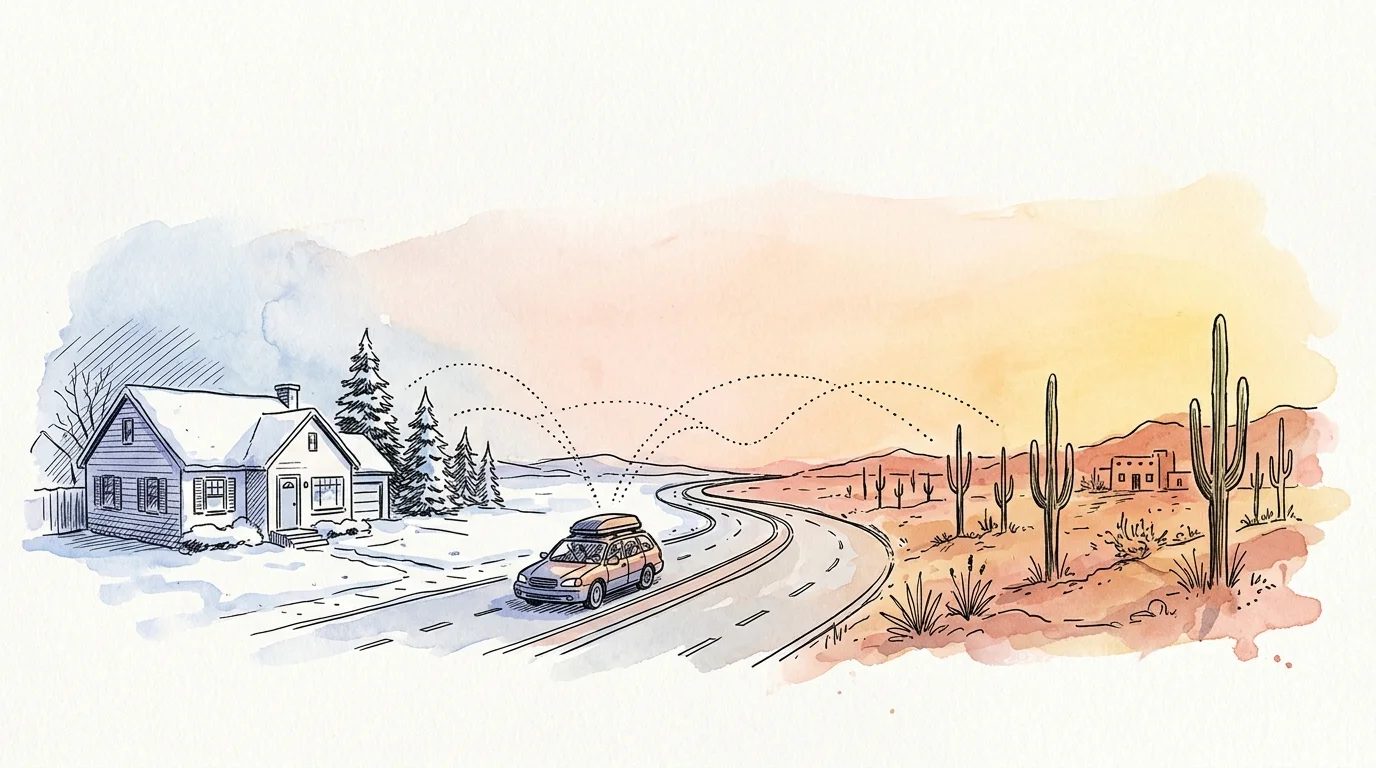
The Snowbird Dilemma: Relocating Between Minnesota and Arizona
Cord-cutting—canceling traditional cable or satellite TV in favor of streaming services—saves seasonal movers thousands of dollars. It eliminates annual contracts, equipment rental fees, and costly cancellation penalties.
Streaming—watching video content over the internet instead of cable or satellite—delivers unmatched flexibility. However, streaming platforms must enforce strict regional broadcast licensing rules across state borders.
When you pack your car in Minneapolis each October and drive south to Phoenix, your streaming subscriptions travel with you. Unfortunately, automated location monitors begin checking your physical position the moment you connect to your winter Wi-Fi.
Traditional cable providers simply suspended your service or required dual accounts. Modern live platforms monitor your internet connection through digital fingerprints, geographic coordinates, and automated timers.
Failing to understand these parameters leads to blacked-out screens, locked devices, and canceled accounts. Choosing the correct platform protects your entertainment budget and eliminates migration headaches.
YouTube TV Location Rules: 90-Day Windows and Playback Areas
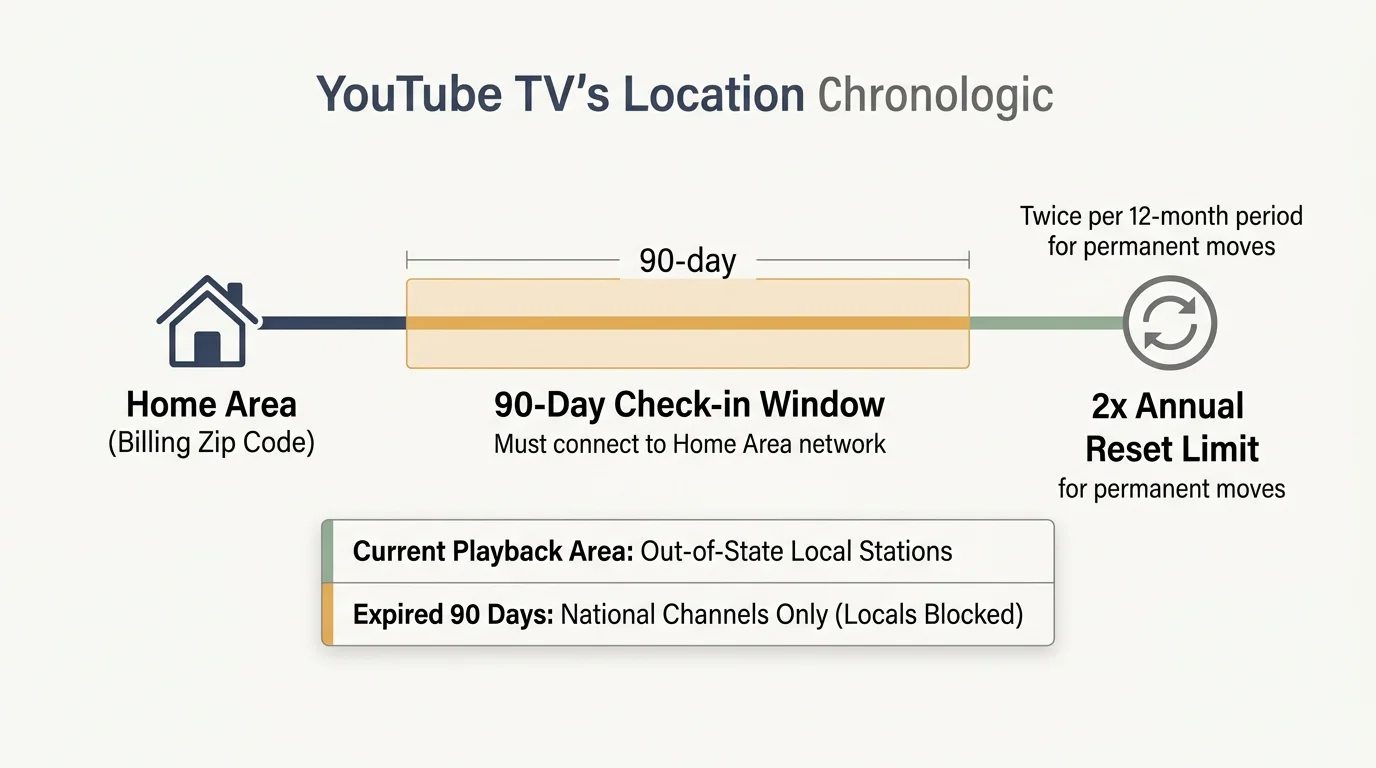
YouTube TV separates your profile into two distinct environments: your Home Area and your Current Playback Area. Your Home Area determines which regional affiliate stations you receive on your guide.
Google identifies your Home Area using the physical zip code where you first established billing and connected your equipment. You can officially change this designated Home Area only twice per twelve-month period.
A twice-per-year limit accommodates the standard snowbird schedule perfectly. You use one change when arriving at your winter home and your second change upon returning north.
YouTube TV enforces an explicit check-in window. Subscribers traveling outside their Home Area must connect and stream content from their home location at least once every 90 days.
If you fail to check in after 90 days, YouTube TV restricts your access to local stations. The service continues streaming national cable channels, but your local broadcast networks disappear entirely until you verify your location.
Crucially, YouTube TV handles living-room hardware with exceptional flexibility. A smart TV—a television with built-in internet connection and apps—can stream outside your primary home without triggering an instant lockout.
The same leniency applies to a dedicated streaming device—a small box or stick (like Roku or Fire TV) that adds streaming to any TV. These units function on your Arizona Wi-Fi under Current Playback Area rules for up to 90 days.
According to analysis by CNET’s live TV streaming guide, this hardware freedom makes YouTube TV exceptionally practical for multi-property households.
“A streaming platform’s location policy can matter far more than its channel lineup when you live in two states.”
If you prefer to pause your service rather than change locations, YouTube TV offers an account freeze. You can pause your subscription for up to six months while preserving your profile preferences and saved DVR library.
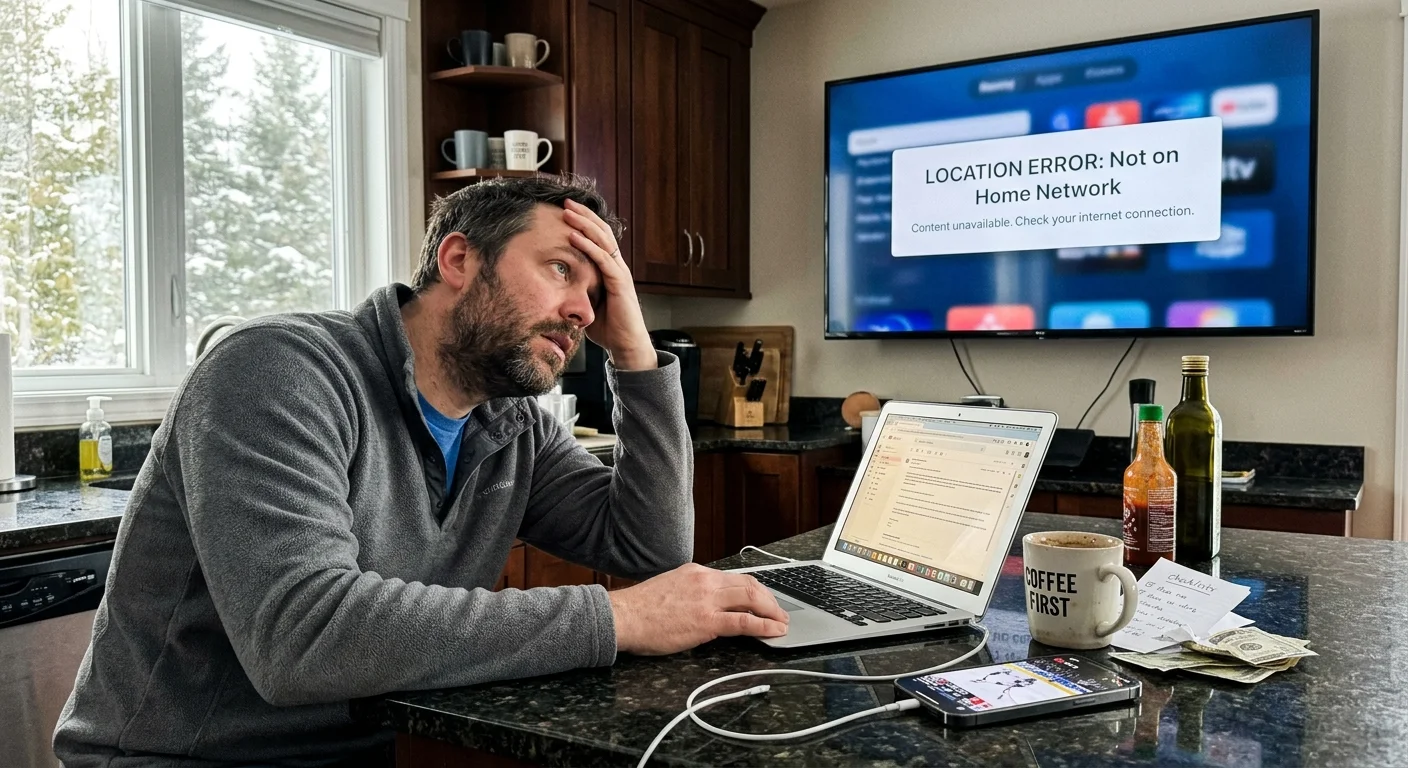
Hulu + Live TV Restrictions: Residential IP Lockouts and Mobile Rules
Hulu + Live TV enforces a fundamentally different and far more restrictive location protocol. Instead of tracking your account via geographic zip code regions, Hulu ties your subscription directly to a single residential internet network.
When you set up Hulu + Live TV, the service captures your home router’s residential IP address. That specific internet connection becomes your designated Home network.
Hulu permits subscribers to change their official Home network up to four times per rolling twelve-month period. While four changes appear generous on paper, the platform’s hardware enforcement creates severe obstacles for seasonal residents.
Any living-room device—including connected smart TVs, Apple TV boxes, and Amazon Fire sticks—must connect directly to that registered residential IP address. If you launch Hulu Live on a TV device connected to a secondary network, you receive a “Not at Home” lockout error.
Mobile devices—such as smartphones, laptops, and tablets—enjoy partial exemptions from this living-room ban. However, Hulu requires every mobile device to connect to your physical Home network and stream via the app once every 30 days.
If your mobile device goes 30 days without contacting that home router, Hulu revokes live TV streaming privileges on that device. You can still access standard on-demand library titles, but live channels shut down.
Hulu also bans specific connection technologies from serving as your Home network. Cellular home internet, mobile hotspots, and shared RV park Wi-Fi systems are strictly ineligible for Home network designation.
If your winter property relies on a 5G home internet gateway with a dynamic IP address, Hulu may mistakenly flag your network as invalid. This triggers recurring lockout messages that require tedious calls to customer support.
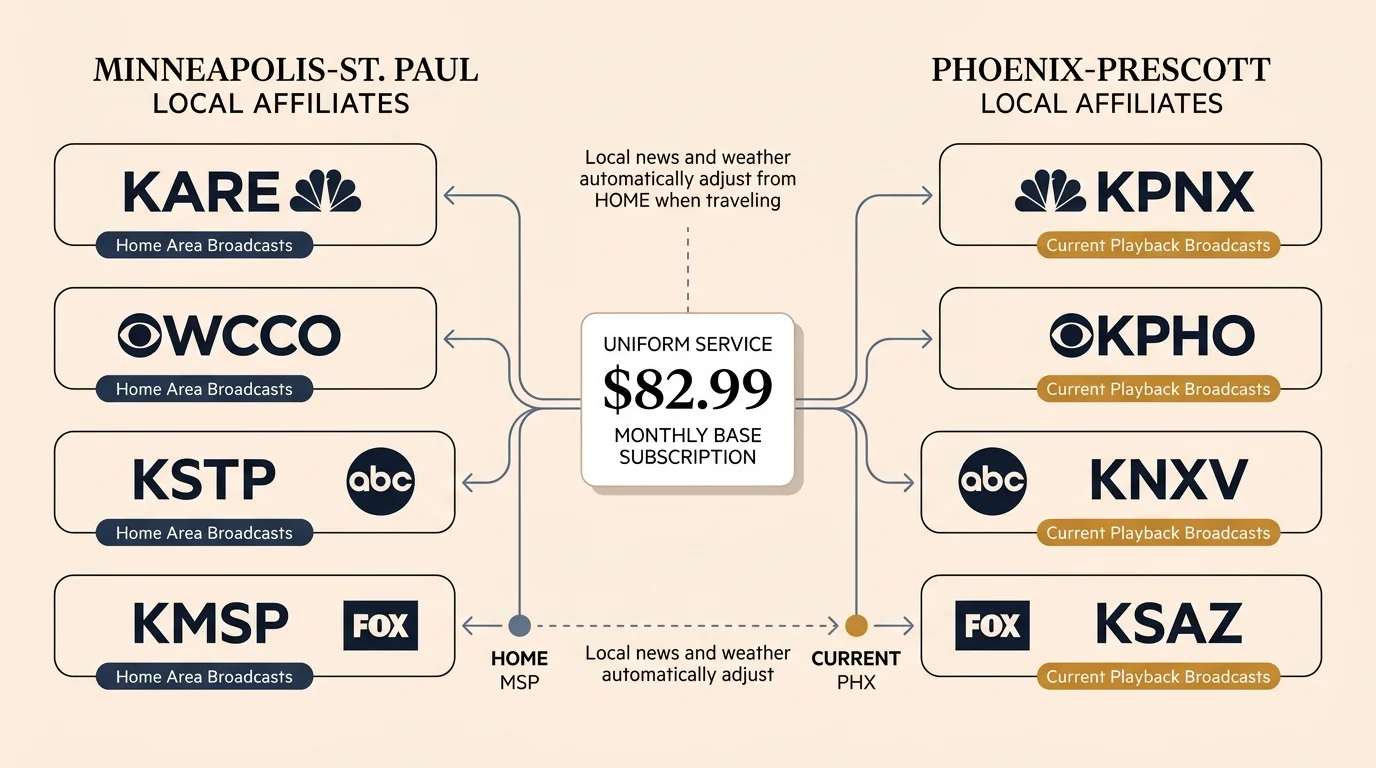
Channel Lineups and Checking Local Station Availability
Local broadcast affiliates change completely when you travel between markets. In Minneapolis, your local stations include KMSP (FOX 9), WCCO (CBS 4), KARE (NBC 11), and KSTP (ABC 5).
Snowbirds who prefer not to rely entirely on internet apps can also explore alternative methods for keeping local broadcast stations during seasonal moves.
Once you settle in Phoenix, your lineup shifts to KSAZ (FOX 10), KPHO (CBS 5), KPNX (NBC 12), and KNXV (ABC 15). Both YouTube TV and Hulu carry these primary major network affiliates across both markets.
Before packing your gear, verify affiliate carriage directly on each service’s website. Input your northern zip code (such as 55401 for Minneapolis) and your southern zip code (such as 85001 for Phoenix) into their local channel lookup forms.
Both YouTube TV and Hulu Live offer base packages starting at $82.99 per month. However, their standard plans handle ad loads differently across their expanded digital content libraries.
An ad-supported plan—a cheaper plan that shows commercials—is the default setup for Hulu + Live TV’s bundled Disney+ and ESPN+ libraries. Upgrading those bonus libraries to ad-free—plans that cost more but eliminate commercials—increases your monthly bill to $95.99.
Review the primary technical and network specifications across the major live TV streaming providers below:
| Streaming Service | Monthly Base Price | Local Broadcast Networks | Out-of-Home TV Device Rule | Annual Home Location Resets |
|---|---|---|---|---|
| YouTube TV | $82.99 | ABC, CBS, FOX, NBC included | Allowed under 90-day playback rules | 2 times per 12 months |
| Hulu + Live TV | $82.99 | ABC, CBS, FOX, NBC included | Strictly blocked (“Not at Home” error) | 4 times per 12 months |
| Sling TV (Blue/Orange) | $40.00 – $55.00 | Very limited (FOX/ABC/NBC in select cities) | Fully allowed on any network | Unlimited (No home network lock) |
| FuboTV | $79.99 + RSN fees | ABC, CBS, FOX, NBC included | Restricted to home residential network | Variable via customer support |
| DirecTV Stream | $86.99 – $114.99 | ABC, CBS, FOX, NBC included | Allowed on up to 3 out-of-home devices | 4 times per 12 months |
Every major live streaming service operates month-to-month without long-term contractual commitments. This allows you to rotate services during transit months if your connectivity changes.
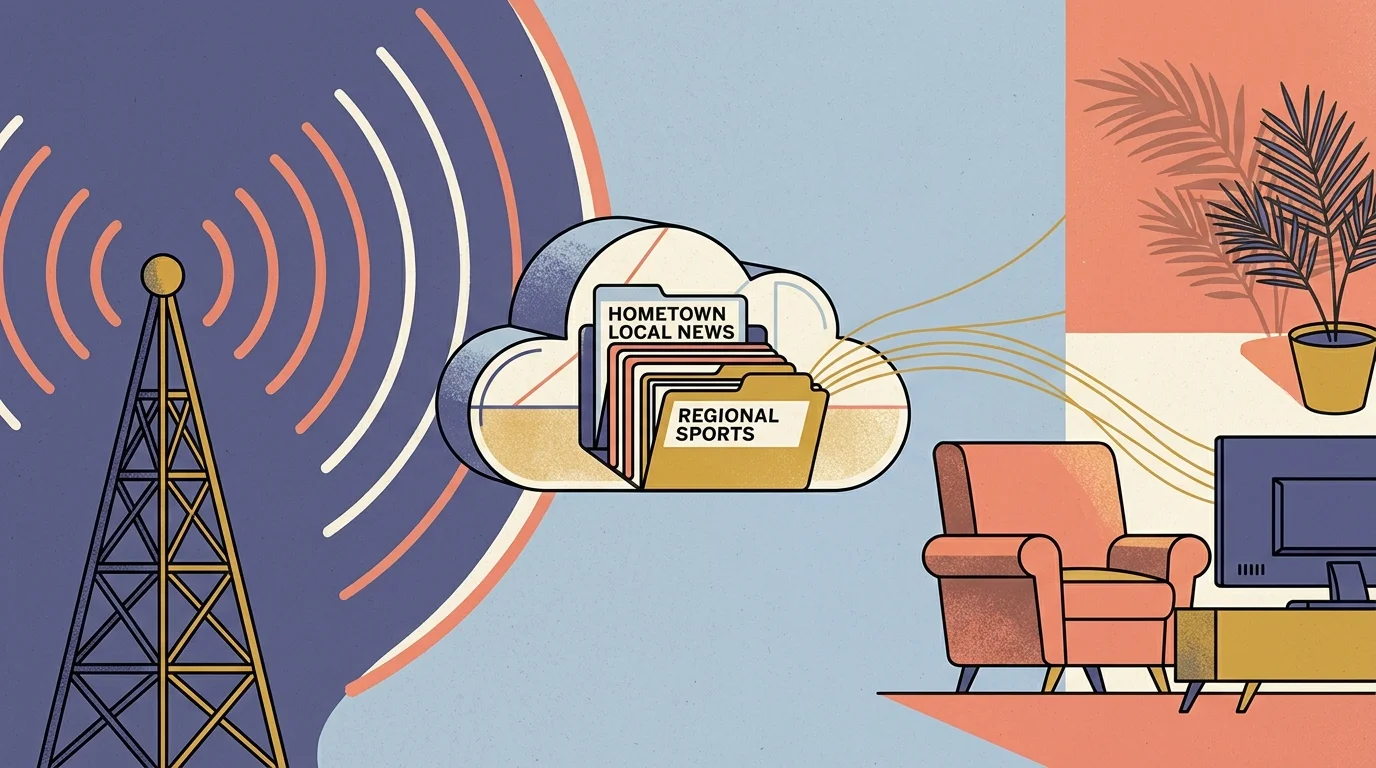
Cloud DVR Performance and Out-of-State Recording Storage
A cloud DVR—a digital video recorder that lets you record and watch shows later—functions without physical hard drives inside your home. Instead, remote server banks store your scheduled programming.
To prevent live sporting events and season finales from ending prematurely while watching on the road, learn how to set up custom DVR padding across supported platforms.
This server architecture lets you schedule a program in Minnesota and watch it immediately upon arriving in Arizona. However, regional copyright rules influence when and where those recordings become playable.
YouTube TV provides unlimited cloud DVR storage with recordings retained for up to nine months. The platform records broadcasts based on your designated Home Area lineup, regardless of your physical location.
If your Home Area remains set to Minnesota while you stay in Arizona, your DVR records the Minneapolis evening news. However, you cannot stream that recording until the live broadcast concludes in Minnesota.
Hulu + Live TV also includes unlimited cloud DVR storage with a nine-month retention limit. Hulu ties your recordings directly to your registered residential network profile.
Both platforms permit fast-forwarding through commercial breaks on recorded cloud content. Conversely, on-demand—content you watch whenever you want from an existing network library—often forces unskippable commercial messages.
According to PCMag’s streaming service comparison, YouTube TV’s cloud interface provides smoother library management when handling out-of-market time zone changes.
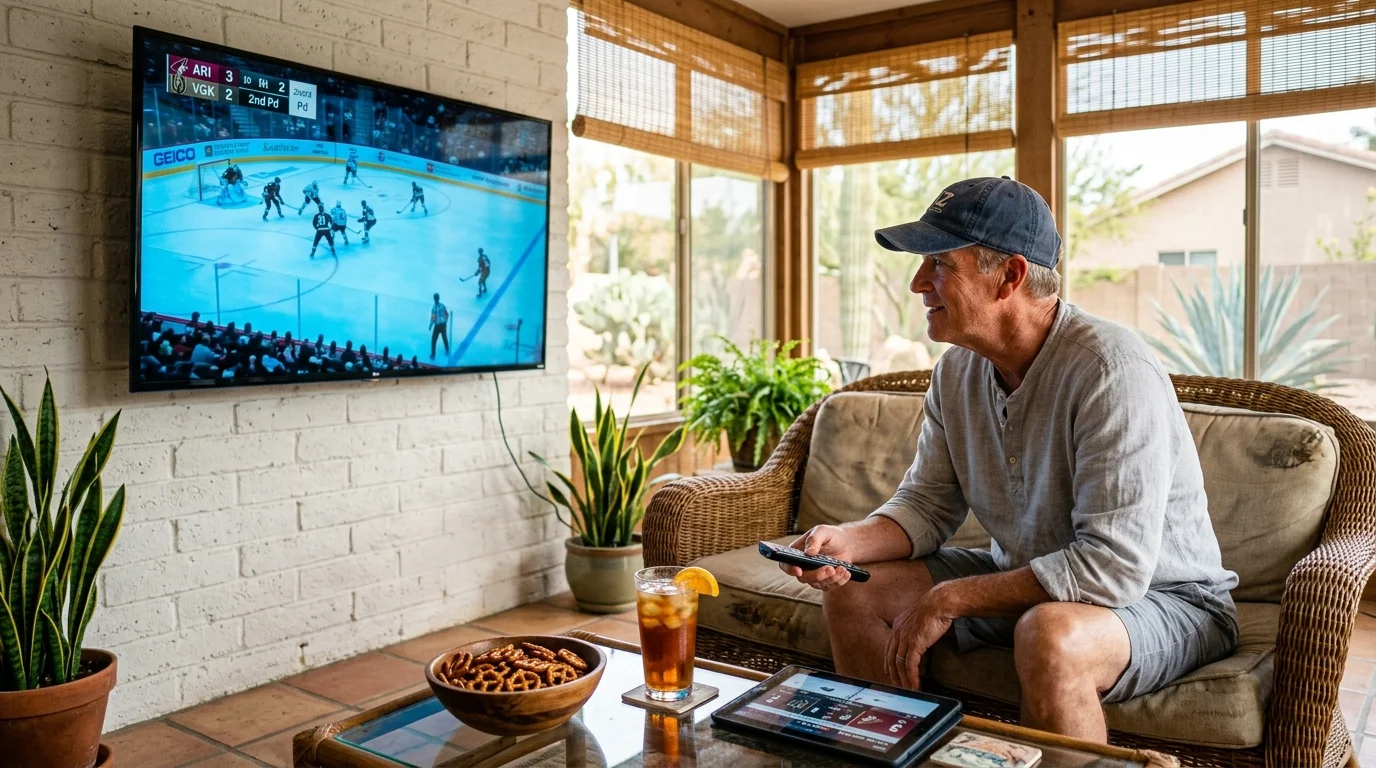
Live Sports, Regional Networks, and Blackout Policies Across State Lines
Relocating across state lines complicates regional sports coverage. Snowbirds moving between the Upper Midwest and the Desert Southwest cross distinct broadcast territories.
Navigating out-of-market games requires an understanding of how blackouts on live TV streaming services trigger when your streaming hardware detects a new regional IP address.
In Minnesota, local broadcasts feature the Twins, Timberwolves, Wild, and Vikings. In Arizona, your local viewing territory covers the Diamondbacks, Suns, Cardinals, and regional college athletics.
As reported by Cord Cutters News, regional sports networks (RSNs) remain largely absent from both YouTube TV and Hulu + Live TV. Neither service carries FanDuel Sports Network (formerly Bally Sports North or Bally Sports Arizona).
If regional sports matter deeply, you must subscribe to standalone direct-to-consumer apps or select DirecTV Stream’s higher-tier packages. Otherwise, your live sports viewing relies primarily on nationally televised network games.
National broadcasts carried on FOX, CBS, NBC, and ESPN remain available on both platforms. However, your physical geographic location dictates live regional NFL game windows on Sunday afternoons.
If you watch television in Phoenix on a Sunday, you receive the Arizona Cardinals regional broadcast, not the Minnesota Vikings. To watch out-of-market teams, you must purchase supplementary out-of-market sports subscriptions.
YouTube TV enforces an accelerated check-in rule for specific sports packages. If you access regional Major League Baseball broadcasts, YouTube TV requires a physical Home Area check-in every 30 days instead of 90 days.

Worked Example: A Six-Month Financial and Migration Blueprint
To understand the mechanics, consider a retired couple residing in Minnetonka, Minnesota (zip code 55345) from May 1 to October 31. On November 1, they relocate to Scottsdale, Arizona (zip code 85255) through April 30.
They equip their living rooms in both homes with a Roku Streaming Stick 4K. They select YouTube TV’s base plan at $82.99 per month to eliminate hardware lockouts.
On May 1 in Minnetonka, they launch the YouTube TV app on their Roku streaming stick. They navigate to their Profile icon, select Location, click Home Area, and select Update.
This action establishes Minneapolis as their Home Area and expends the first of their two permitted annual location resets. For six months, they stream Twin Cities local channels without restriction.
On November 1, they arrive at their Scottsdale property and connect their Roku to their Arizona Wi-Fi network. They launch the YouTube TV app, open Settings, navigate to Location, and click Update under Home Area.
Their Roku screen prompts them to confirm their physical location using a smartphone web browser. They open a browser on their smartphone, visit tv.youtube.com/verify, and grant location permissions.
YouTube TV instantly updates their Home Area to Phoenix (zip code 85255). This consumes their second and final Home Area update for the twelve-month cycle.
Over the twelve-month calendar year, they pay $82.99 monthly across twelve billing cycles. Their total annual live television expenditure equals exactly $995.88 before local taxes.
“Never change your streaming home location during a brief weekend trip, or you risk burning your annual reset allowance.”
By contrast, had they selected Hulu + Live TV, they could not take their Roku stick on intermediate travel stops. Running Hulu on a hotel TV or camper triggers an instant residential network lockout.
Furthermore, if their Arizona winter community shares a commercial or municipal wireless setup, Hulu blocks the connection entirely. YouTube TV’s architecture prevents these frustrating connectivity dead ends.

Service Comparison: Best Picks for Sports, Families, and Budget
Choosing the ideal service depends on your entertainment habits, household size, and tolerance for technical network rules. Different platforms serve specific snowbird lifestyles.
Best for families: YouTube TV. YouTube TV allows six independent user profiles and three concurrent streams. Its forgiving 90-day playback window makes sharing access across traveling family members simple and reliable.
Best for sports fans: DirecTV Stream. While DirecTV Stream’s Choice package costs $114.99 monthly, it carries essential regional sports networks that Hulu and YouTube TV exclude. It also permits up to three out-of-home streams on mobile and TV devices.
Best budget option: Sling TV. Sling Blue or Sling Orange plans cost $40.00 to $55.00 per month and impose zero home network restrictions. You can connect any streaming device to any internet connection across two states without checking in.
However, Sling excludes many local broadcast stations in regional markets. You must pair Sling with an over-the-air antenna to capture local news in both Minnesota and Arizona.
Frequently Asked Questions
Can I use a VPN to bypass home location check-ins on Hulu or YouTube TV?
No. Both YouTube TV and Hulu aggressively detect and block virtual private networks (VPNs). Attempting to bypass location tracking with a VPN triggers service error codes and can lead to permanent account termination.
What happens if I exhaust YouTube TV’s two annual Home Area changes?
You cannot change your official Home Area until the rolling twelve-month window resets. You can still watch national cable channels anywhere, but you will lose access to local broadcast affiliates once your 90-day playback window expires.
Can I use a 5G mobile hotspot as my primary home network for Hulu Live?
No. Hulu + Live TV strictly prohibits mobile hotspots and satellite internet providers from acting as your designated Home network. Hulu requires a fixed, wired residential ISP connection to establish your home base.
Will pausing my YouTube TV subscription delete my saved cloud DVR recordings?
No. Pausing your YouTube TV account for up to six months preserves your library settings and profile preferences. However, individual program recordings still expire nine months from their original broadcast date.
Disclaimer: Live TV streaming prices and channel lineups change frequently. Local channel availability varies by location. Always use the free trial to verify your local channels are included before committing. Sports blackout rules may affect some live events.