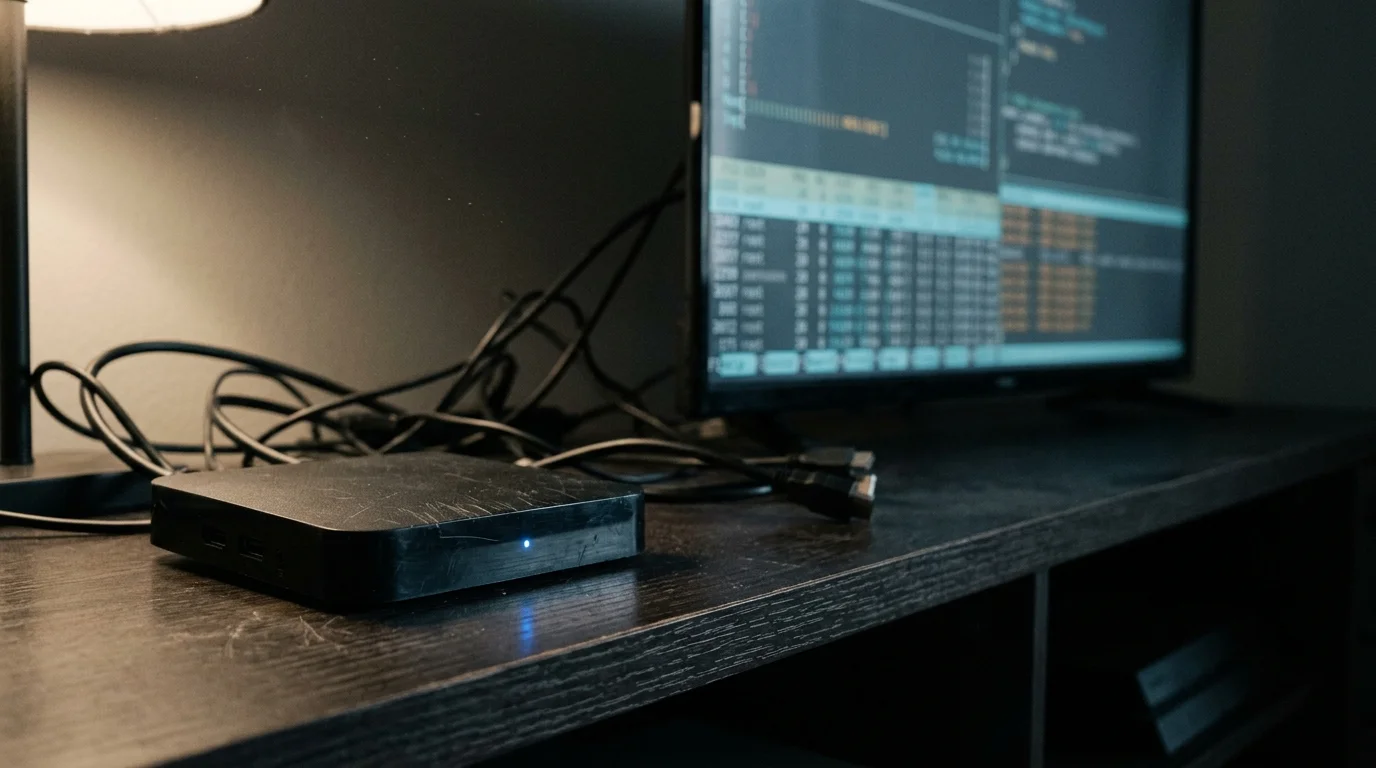
You plug that unbranded $20 Android TV box into your living room television expecting free-wheeling, cheap entertainment. Instead, you just connected an active cyber threat directly behind your home network firewall.
Instead of gambling on shady hardware, you can consult our breakdown of the best streaming devices for every budget to find secure options.
While marketed as an open-source media bargain, this generic player subsidizes its cheap price tag by secretly renting your residential IP address to international criminal botnets.
At the same time, missing cryptographic hardware licenses permanently lock your paid video streams to blurry standard-definition 480p, rendering that shiny 4K retail box completely meaningless.
The Anatomy of a $20 Box: Generic Hardware and AOSP
Many households pursue cord-cutting—canceling traditional cable or satellite TV in favor of streaming services—to lower their monthly bills. Streaming refers to watching video content over the internet instead of through cable lines.
Unlike certified platforms that regularly receive essential streaming device updates, these off-brand media players never see routine software patches.
In that search for savings, online shoppers often scour marketplaces for dangerous streaming boxes amazon third-party vendors list under obscure brand names. You can easily find an unbranded streaming device for as little as $20.
A streaming device is a small box or stick that adds streaming to any TV. If you lack a smart TV—a television with built-in internet connection and apps—these dirt-cheap adapters seem like an easy victory.
Sellers market these gadgets under generic labels such as T95, MXQ Pro 5G, X96 Mini, and TV98. On paper, their retail listings claim quad-core processors, 4K resolution, HDR output, and full Google Play access.
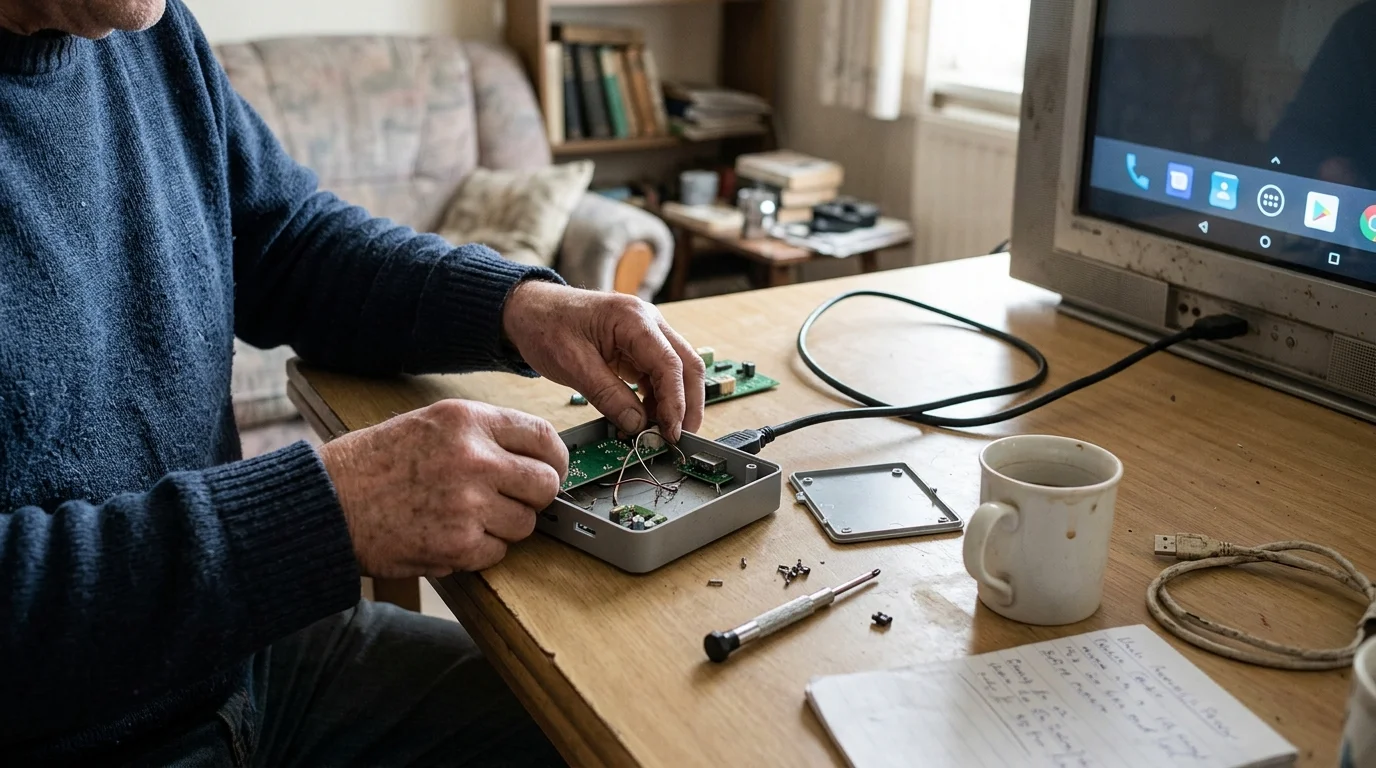
Underneath the cheap plastic shell, however, these units do not run official Google TV or certified Android TV software. Instead, overseas factories install modified builds of the Android Open Source Project, known as AOSP.
AOSP is the free, unvetted codebase designed for open mobile phone and tablet development. It completely lacks Google’s proprietary television interface and device security verifications.
Generic manufacturers flash raw tablet software onto cut-rate microchips sourced from Allwinner or Rockchip, skipping all formal platform compliance checks. As a result, the operating system treats your television screen like an oversized smartphone.
Because no certified operating system governs the device, manufacturers face zero regulatory oversight before units leave assembly lines. That total lack of supervision opens the door to devastating supply-chain security compromises.
The BADBOX Botnet: How Factory Firmware Harbors Triada Malware
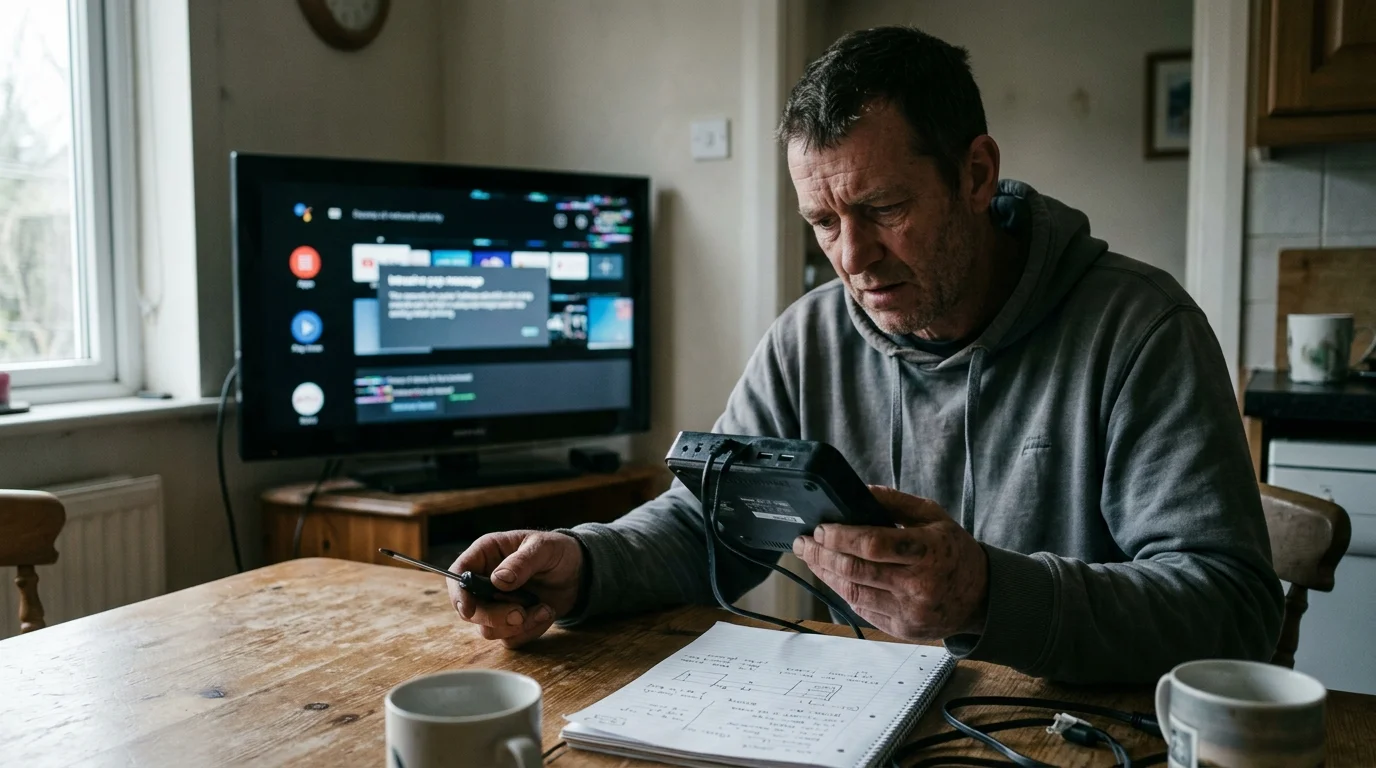
In January 2023, cybersecurity researcher Daniel Milisic analyzed network traffic from a popular Allwinner H616-powered T95 Android TV box purchased on Amazon. His findings shocked the consumer technology sector.
He discovered that the device contacted malicious command-and-control servers immediately upon boot. The unit executed arbitrary code baked directly into its system ROM before the user even installed an app.
This cheap android tv box malware was not an accidental glitch or user-installed bug. Factory technicians flashed root-level malware into the read-only system partitions before packaging the units for international export.
By October 2023, cybersecurity firm HUMAN Security published an investigation into this operation, naming it the BADBOX campaign. The researchers uncovered over 74,000 infected consumer streaming devices operating across 200 countries.
Investigators traced the infection to variants of the Triada Trojan, a notorious backdoor that injects itself into core system processes. Affected models included widely sold marketplace devices like the T95, T95Z, MXQ Pro 5G, and X96.
In March 2025, the Satori Threat Intelligence Team identified an escalated campaign dubbed BADBOX 2.0. That operation revealed over 1 million backdoored AOSP streaming units deployed across global residential networks.
Threat actors weaponized these compromised units for automated ad fraud, illicit click generation, and distributed proxy networks. The scale of the threat eventually triggered direct federal law enforcement intervention.
In June 2025, the Federal Bureau of Investigation published an official warning cautioning consumers against purchasing cheap, uncertified Android TV boxes online. The alert highlighted how foreign syndicates convert private living rooms into cybercrime hubs.
One month later, in July 2025, Google filed a federal lawsuit in New York (Case 1:25-CV-04503-JPO) to disrupt the BADBOX 2.0 infrastructure. Court filings cited over 10 million compromised uncertified AOSP devices worldwide.
These boxes ship from factories with Android Debug Bridge left wide open over TCP port 5555. Furthermore, their underlying firmware is signed with public test-keys rather than private cryptographic developer certificates.
That fatal configuration grants anonymous remote actors permanent root administrative access into your living room. The attacker gains the power to install background software, intercept keystrokes, and monitor internal network traffic at will.

The Proxyjacking Economy: A Worked Example of Stolen Bandwidth
You might wonder why foreign syndicates sell physical streaming hardware for a tiny $20 price tag. The answer lies in proxyjacking, a scheme where hackers hijack your home internet connection to sell it as a residential proxy node.
If keeping costs low is your top priority, choosing certified refurbished streaming devices offers substantial savings without compromising network security.
While legitimate smart media players consume minimal ghost bandwidth while powered off, compromised AOSP boxes quietly siphon gigabytes of residential data for criminal syndicates.
Cybercriminals pay premium prices for residential IP addresses because legitimate Internet Service Providers issue them. Malicious traffic originating from a residential home connection bypasses corporate security filters far more easily than data center traffic.
Let us examine a concrete worked example based on a typical American household network. Suppose you buy an unbranded MXQ Pro 5G box online for $21.99 and connect it to your 300 Mbps home fiber router.
Once powered on, the embedded BADBOX daemon activates a background residential proxy service that operates invisibly. It runs continuously, even when your television display remains powered off.
Network packet captures reveal the box quietly transfers an average of 1.2 gigabytes of encrypted background proxy data each day. Over a 30-day billing cycle, the malware routes 36 gigabytes of third-party traffic through your modem.
Commercial residential proxy services sell legitimate consumer bandwidth to clients for an average market rate of $3.50 per gigabyte. At 36 gigabytes monthly, your $21.99 box generates roughly $126 each month in gross proxy revenue.
Over a full calendar year, that single $20 plastic gadget produces over $1,500 in passive criminal revenue. The syndicate recoups its entire hardware manufacturing cost within your first five days of device ownership.
Meanwhile, you bear all the financial, legal, and operational consequences of the syndicate’s illicit activities. Malicious actors use your home connection to launch credential-stuffing attacks, bypass geographic banking blocks, and submit fraudulent clicks.
Threat-prevention databases managed by Spamhaus, Cloudflare, and Akamai quickly flag your home IP address as a malicious threat source. As a result, you suddenly encounter endless CAPTCHA puzzles and locked account warnings across your personal laptops.
Furthermore, the compromised box performs automated network packet sniffing across your local subnet. It scans private IP ranges looking for vulnerable networked printers, shared computer folders, and unencrypted smart home cameras.
“Purchasing an uncertified streaming box to save $20 costs you every month in downgraded video quality and severe home network exposure.”
The 480p Trap: Widevine L3 and Missing Security Certifications
Even if you overlook privacy risks, generic streaming boxes fail at their single stated task: streaming high-definition entertainment. Most viewers subscribe to on-demand platforms—services that let you watch whatever you want, whenever you want—expecting crisp video.
To ensure reliable HD and 4K playback across all apps, compare major ecosystems in our guide to Roku vs Fire TV vs Apple TV vs Chromecast.
Whether you choose an ad-supported plan that shows commercials or pay extra for an ad-free tier without ads, content security determines your stream quality. Premium streaming platforms protect their commercial catalogs using Google Widevine Digital Rights Management.
Widevine operates two primary security tiers on consumer media streamers: Widevine L1 and Widevine L3. The architectural difference between these two tiers dictates your ultimate screen resolution.
Widevine L1 requires that all cryptographic decoding and video rendering occur inside a hardware-isolated Trusted Execution Environment on the central processor. Major streaming platforms mandate L1 certification before serving High Definition (1080p), 4K Ultra HD, or HDR video.
In contrast, Widevine L3 relies entirely on vulnerable software-level decryption because the underlying hardware lacks a secure internal vault. Sub-$30 generic boxes almost exclusively ship with Widevine L3 or contain broken, fabricated L1 cryptographic signatures.
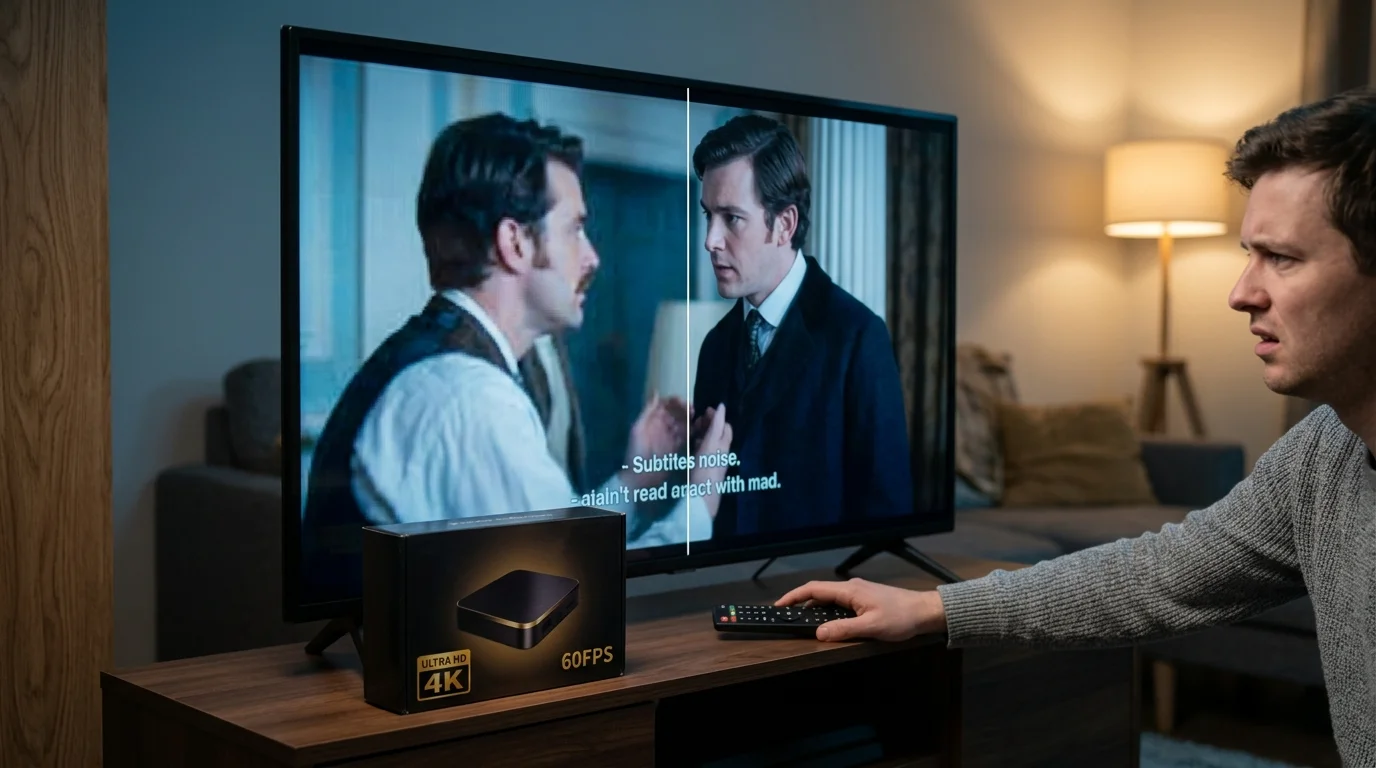
When the Netflix app detects a Widevine L3 environment, it instantly downgrades your video playback stream to standard-definition 480p or 540p. That 480p resolution offers just 854×480 pixels—a blurry visual format that looks terrible on modern 4K displays.
To make matters worse, securing widevine l1 certification netflix 4k playback requires far more than basic DRM compliance. Netflix enforces an exclusive, whitelist-based certification process that generic manufacturers cannot access.
Official Netflix 4K certification demands Google Play Protect licensing, device-specific royalties, closed audio-video decode pipelines, and verified HDCP 2.2 HDMI copy protection. Because generic AOSP hardware fails this rigorous testing, the official Netflix TV app refuses to run.
Sellers sidestep this barrier by pre-installing hacked smartphone or tablet APK files onto the factory firmware. These hacked mobile interfaces require an awkward virtual mouse pointer on your remote control just to click playback buttons.
More importantly, those mobile apps remain permanently trapped at 480p standard resolution. You pay full price for a premium 4K streaming plan, yet the generic hardware forces you to watch blurry standard-definition video.
How to Audit Your Device: Checking DRM and Network Telemetry
If you already own an unbranded streaming box, you can run immediate diagnostics to verify its actual security and DRM standing. Testing takes less than five minutes and requires no specialized engineering tools.
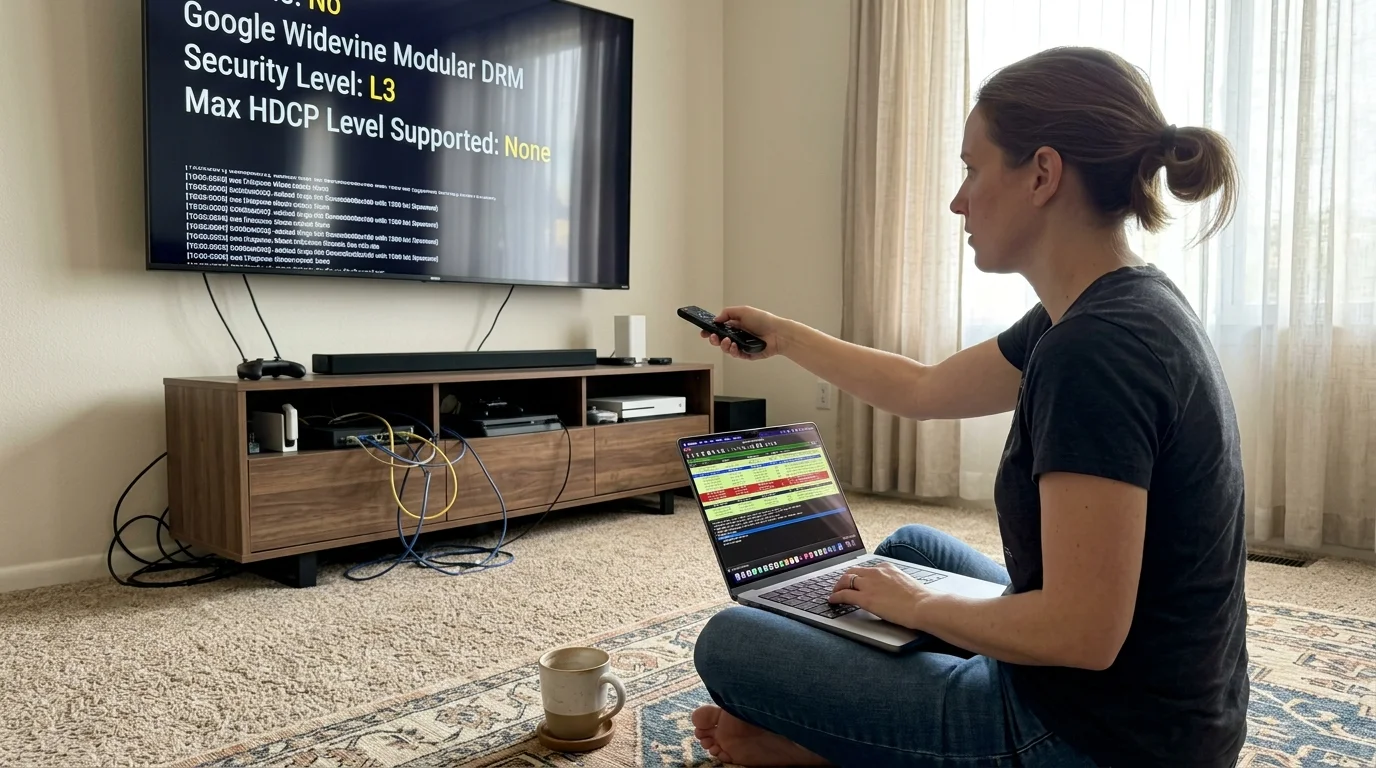
First, verify your device’s cryptographic authorization by downloading the free “DRM Info” utility from APKMirror or the Google Play Store. Launch the app and scroll down to the “Google Widevine Modular DRM” header.
Locate the “Security Level” entry on the screen. If the diagnostic displays “L3”, your hardware lacks hardware decryption and will never output HD or 4K streams on major platforms.
Next, test whether the factory left dangerous remote management ports exposed to the open internet. Connect a laptop to your home Wi-Fi network and open a command terminal.
Run a targeted port scan against your TV box’s local IP address using the command `nmap -p 5555 [box-ip-address]`. You can also execute this scan using mobile tools like Fing.
If port 5555 reports an “open” state, Android Debug Bridge is actively listening for unauthorized external administrative connections. Any hacker on the internet can hijack your streamer without entering a single password.
Finally, inspect your home router’s outbound DNS query logs or install a local DNS sinkhole like Pi-hole. Look for persistent, automated connection requests directed toward top-level domains like `.top`, `.xyz`, or dynamic DNS domains.
An infected streaming box continuously pings remote command servers, generating hundreds of suspicious outbound connection requests per hour. It performs this background communication even while resting untouched in standby mode.
Certified Alternatives: What $20 to $50 Actually Buys You
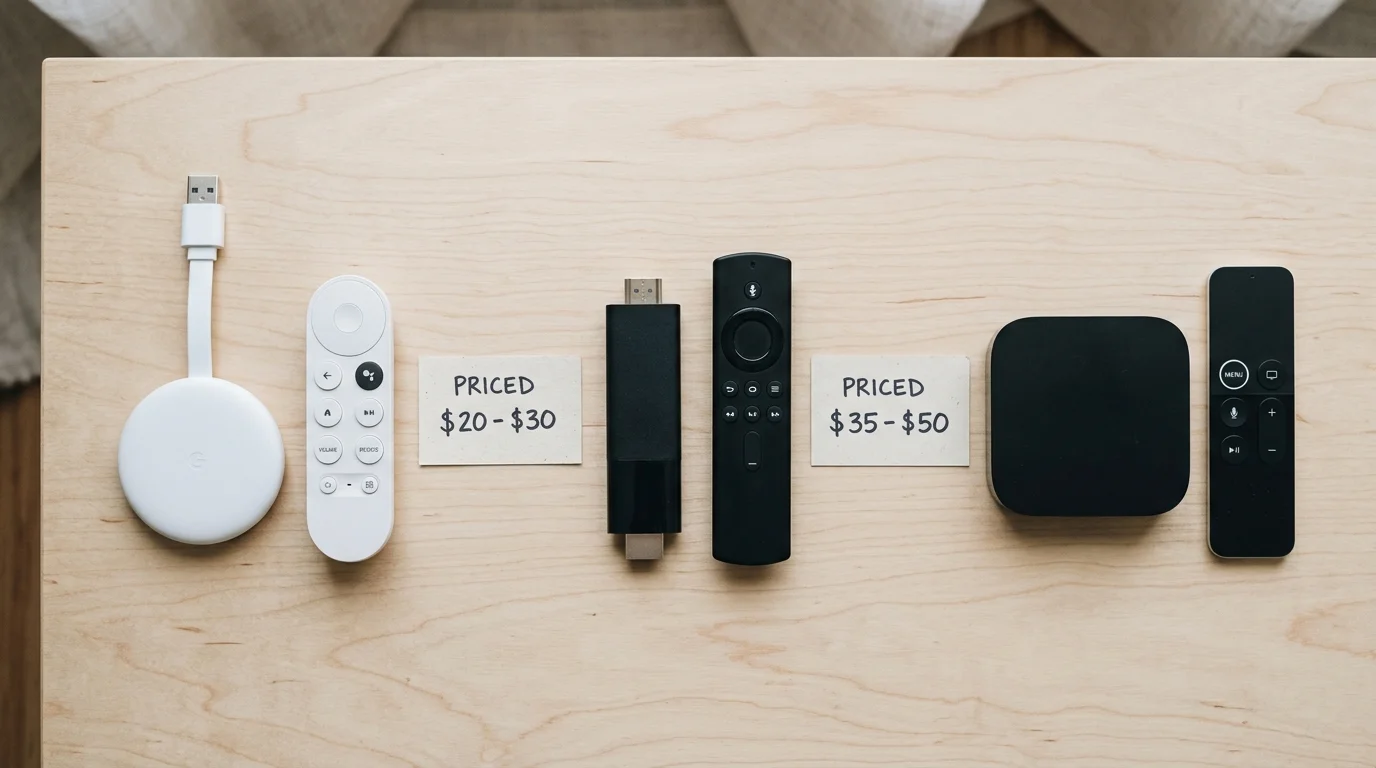
You do not need to spend hundreds of dollars to escape dangerous, compromised hardware. Major technology brands produce secure, fully certified streaming devices that retail between $20 and $50.
Shoppers can also evaluate several reliable Chromecast alternatives that offer clean firmware and legitimate DRM support at entry-level pricing.
According to Wirecutter’s streaming media reviews, certified budget players deliver reliable 4K video alongside regular security patches. These licensed devices undergo strict factory testing and feature robust hardware-level isolation.
When shopping for hardware, look for key technical standards that ensure pristine audiovisual performance across all modern television panels. Understanding these specifications prevents you from falling for deceptive marketplace advertising.
4K resolution delivers 3840×2160 pixels, offering four times the visual clarity and detail of standard 1080p High Definition. HDR10 provides baseline high dynamic range, expanding color range and brightness contrasts between bright highlights and deep shadows.
Dolby Vision represents an advanced dynamic HDR format that optimizes scene-by-scene brightness data on compatible premium television screens. Dolby Atmos delivers immersive, object-based spatial surround sound that routes audio overhead and around your living space.
In evaluating certified budget hardware, CNET’s streaming device guide frequently highlights how retail prices have plummeted for legitimate players. You no longer need to risk grey-market hardware to stay within a tight budget.
The table below compares generic AOSP hardware against four legitimate, fully licensed streaming devices under $50.
| Device Model | Retail Price | Widevine Level | Netflix 4K Certified | Video & HDR Standards | Audio Standards | OS Updates |
|---|---|---|---|---|---|---|
| Generic AOSP Box (T95 / MXQ) | $20 – $30 | Widevine L3 (Software) | No (Capped at 480p) | 4K HDMI / Basic SDR | Stereo PCM 2.0 | None (Abandoned) |
| Walmart Onn. Google TV 4K | $19.88 | Widevine L1 (Hardware) | Yes (Native 4K UHD) | 4K UHD, HDR10 | Dolby Audio | Regular Google Patches |
| Chromecast with Google TV HD | $29.99 | Widevine L1 (Hardware) | Yes (Native 1080p) | 1080p FHD, HDR10, HDR10+ | Dolby Atmos Pass-through | Direct Google Support |
| Roku Express 4K+ | $39.99 | Widevine L1 (Hardware) | Yes (Native 4K UHD) | 4K UHD, HDR10, HDR10+ | Dolby Atmos Pass-through | Automated Roku OS Updates |
| Amazon Fire TV Stick 4K (2nd Gen) | $49.99 | Widevine L1 (Hardware) | Yes (Native 4K UHD) | 4K UHD, Dolby Vision, HDR10+ | Dolby Atmos Native | Guaranteed 5-Year Patches |
As Tom’s Guide’s streaming roundup observes, spending $20 on a certified device yields vastly superior stability compared to unbranded hardware. Legitimate players eliminate malware risks while delivering full high-definition video.
For ultra-budget shoppers, the Walmart Onn. Google TV 4K box costs just $19.88. It features official Google TV software, full Widevine L1 encryption, native Netflix 4K playback, and a voice remote with Google Assistant.
If you prefer an intuitive, grid-based layout with minimal home-screen advertisements, the Roku Express 4K+ costs $39.99 and supports Apple AirPlay. Its clean operating system makes navigation simple for non-technical family members.
For households invested in the Alexa ecosystem, the Amazon Fire TV Stick 4K offers Wi-Fi 6 support and Dolby Vision for $49.99. The device integrates seamlessly with smart home routines and connected soundbars.
Every legitimate platform also supports cloud DVR options through services like YouTube TV or Sling TV. A DVR, or digital video recorder, lets you record live broadcasts and watch shows later at your convenience.
Many consumers also wonder whether their smart TV’s built-in apps eliminate the need for a separate streaming player entirely. The answer depends largely on the age of your television set.
According to smart TV longevity research from Consumer Reports, built-in smart TV platforms perform well during their first two to three years of ownership. Over time, however, manufacturers deprioritize software updates for aging TV models.
When built-in TV apps become sluggish or drop support for major streaming services, adding a $20 to $50 certified player solves the problem instantly. You gain faster menu speeds and modern wireless standards without replacing an expensive television display.
Privacy policies also differ dramatically between certified platforms and rogue hardware. While Google, Roku, and Amazon collect viewing metrics to serve targeted ads, they let you limit ad tracking in privacy settings.
More importantly, certified operating systems never harvest network credentials or weaponize your broadband connection for international botnets. Their commercial interest lies in retaining you as a media consumer, not compromising your home infrastructure.

Immediate Action Steps: Quarantining an Infected Device
If you currently operate an unbranded Android TV box on your home network, take immediate steps to neutralize the threat. Do not assume that running a factory reset will clean the system.
The BADBOX malware lives inside the read-only `/system` partition of the device’s internal storage. Performing a standard factory data reset simply wipes user files while restoring the malicious backdoor to its factory state.
Execute this sequence of remediation actions immediately to secure your home network:
- Disconnect the generic streaming box immediately from wall power and detach any connected Ethernet cables.
- Log into your home Wi-Fi router’s administrative dashboard and remove the box’s MAC address and DHCP lease.
- Change the passwords for every streaming service and Google account you entered into the unbranded player.
- Enable multi-factor authentication across your primary email accounts and financial institutions to thwart credential stuffing.
- Power-cycle your home internet modem and router for five minutes to request a fresh public IP address from your provider.
- Take the generic box to an authorized municipal electronic waste facility for permanent physical destruction and recycling.
Never resell, donate, or give an unbranded streaming player to a friend, neighbor, or family member. Passing the infected hardware along simply transfers cyber risks and residential proxy exploitation into another home network.
Frequently Asked Questions
Can I remove BADBOX malware by flashing custom firmware on a cheap Android box?
Flashing clean custom firmware like LineageOS is theoretically possible on select chips, but it rarely solves the problem. Even if you erase the malware, the device still lacks proprietary Widevine L1 encryption keys, leaving Netflix permanently locked to 480p.
Why does my generic Android box display a 4K logo if it only plays 480p on Netflix?
The physical HDMI port on the box can output a 4K resolution signal, but streaming apps refuse to send high-definition video data without Widevine L1 certification. The device simply upscales a blurry 480p video stream across your 4K display panel.
Are branded Android TV boxes from Google, Onn, and NVIDIA affected by BADBOX malware?
No, certified Android TV and Google TV players run fully licensed operating systems protected by Google Play Protect. They utilize hardware-backed secure boot routines and undergo rigorous supply-chain audits, preventing factory-installed backdoors.
How does a compromised streaming box infect other computers on my home Wi-Fi?
Once connected behind your router’s firewall, the malware executes automated network port scans across your local IP subnet. It actively searches for unpatched Windows file shares, exposed network storage drives, and unsecured smart home cameras.
Disclaimer: Device prices and features may change. New models are released regularly, so check for the latest versions before purchasing. The “best” device depends on your specific needs, existing ecosystem (Apple, Google, Amazon), and budget.