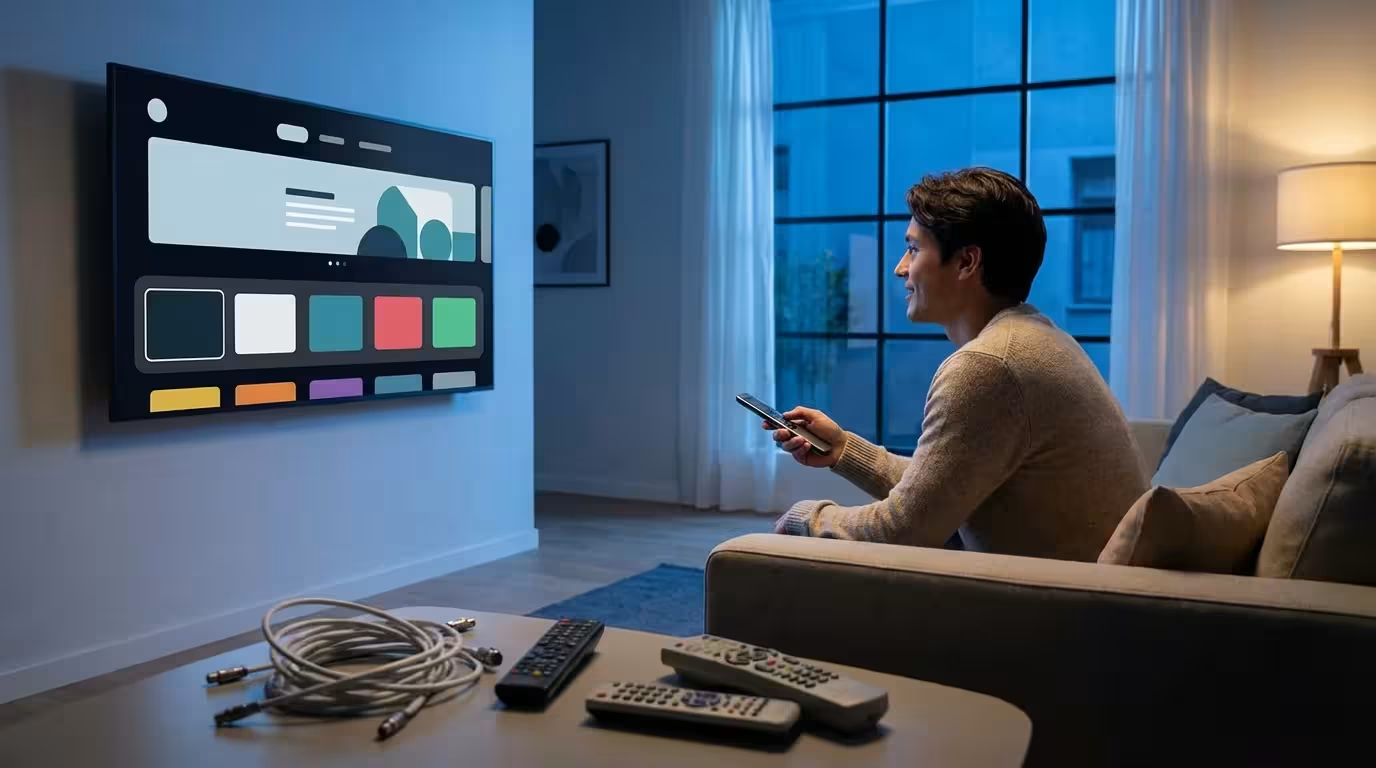
You decided to cut the cord to save money. You called the cable company, endured the retention department’s desperate offers, and finally canceled your service. You bought a few streaming devices, signed up for a handful of services, and sat down to enjoy your savings. But a month later, you looked at your bank statement and realized something painful: you aren’t saving nearly as much as you thought. In fact, you might even be paying more.
If you are just getting started, following a step-by-step cord-cutting guide can help you set a solid foundation for your transition.
You are not alone. As streaming services fracture the entertainment landscape, millions of viewers fall into specific traps that inflate costs and complicate the viewing experience. Cord-cutting—canceling traditional cable or satellite TV in favor of streaming services—is not a “set it and forget it” solution. It requires a strategy.
Whether you are about to make the switch or you are currently drowning in subscription fees, this guide will identify where things went wrong and, more importantly, how to fix your setup to get the value you originally promised yourself.
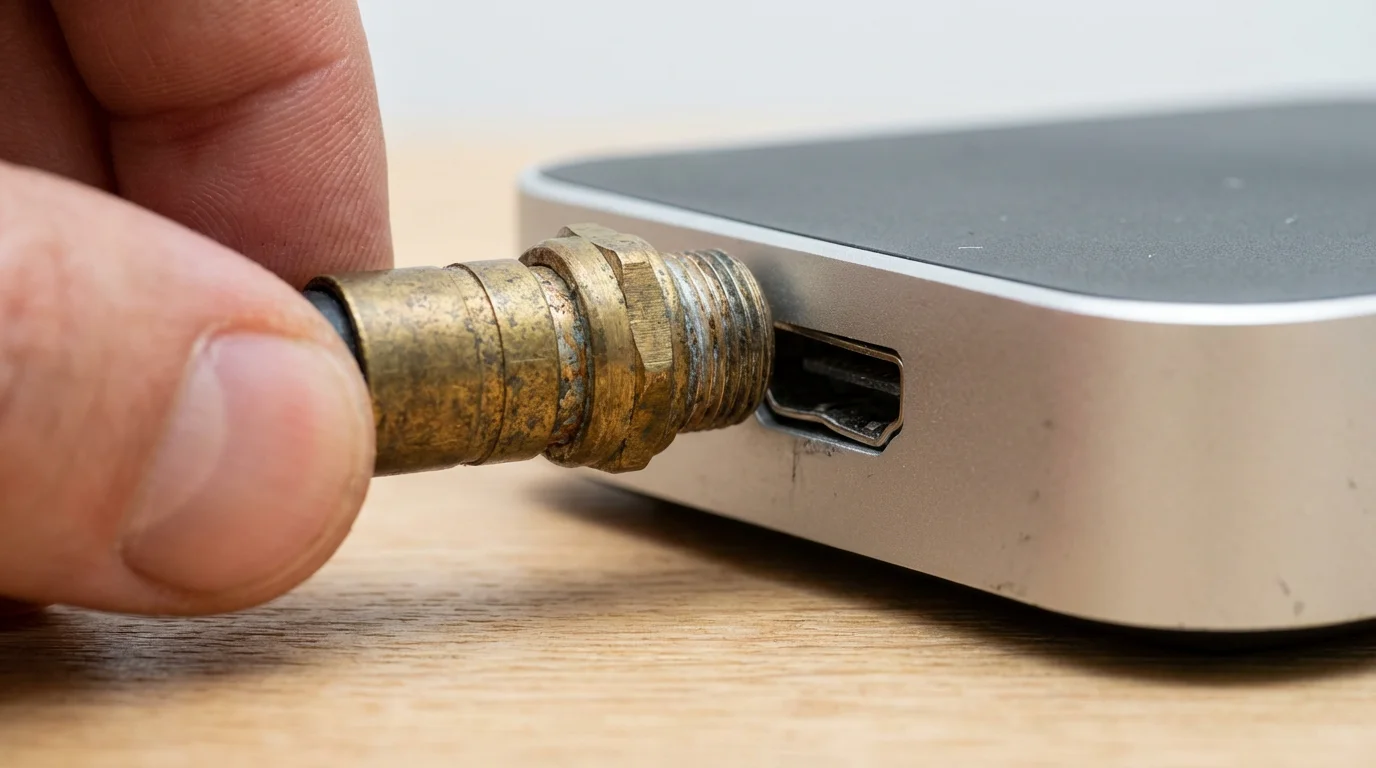
Mistake #1: Trying to Replicate Cable 1-for-1
The most expensive mistake new cord-cutters make is trying to mirror their old cable package exactly. You might feel the need to have a service that offers every channel you previously had, just in case you want to watch HGTV at 2:00 AM on a Tuesday.
If you need help picking specific apps, learn how to create the perfect streaming bundle that only includes the content you actually watch.
To satisfy this craving, many users sign up for a Live TV Streaming Service (such as YouTube TV, Hulu + Live TV, or Fubo). These services stream linear, live television over the internet. While they are convenient, they have steadily increased in price, now hovering around $73 to $90 per month.
If you pair a $75 live TV service with Netflix ($15.49), Max ($15.99), and Disney+ ($13.99), your total streaming bill hits $120.47. Add your internet bill (let’s say $70), and you are paying nearly $200 a month. You haven’t cut the cord; you’ve just swapped cables.
How to Recover
You must change how you watch TV. Move from “Live Linear” to “On-Demand.”
- Embrace On-Demand: Most shows on cable channels (like FX, AMC, or Bravo) are available on-demand the next day via services like Hulu or Peacock for a fraction of the cost of a live TV bundle.
- Analyze Your Must-Haves: Write down the five shows you actually watch. Find where they stream. You will likely find you only need two or three on-demand apps, costing $30 total rather than $75 for a live bundle.
- Use Free Ad-Supported TV (FAST): If you just want background noise or casual viewing, download Pluto TV, Tubi, or The Roku Channel. These are free, ad-supported apps that mimic the channel-flipping experience of cable without the monthly bill.
“The goal of cord-cutting isn’t to buy the same content from a different company—it’s to buy only the content you actually consume.”
Mistake #2: Ignoring Internet Infrastructure
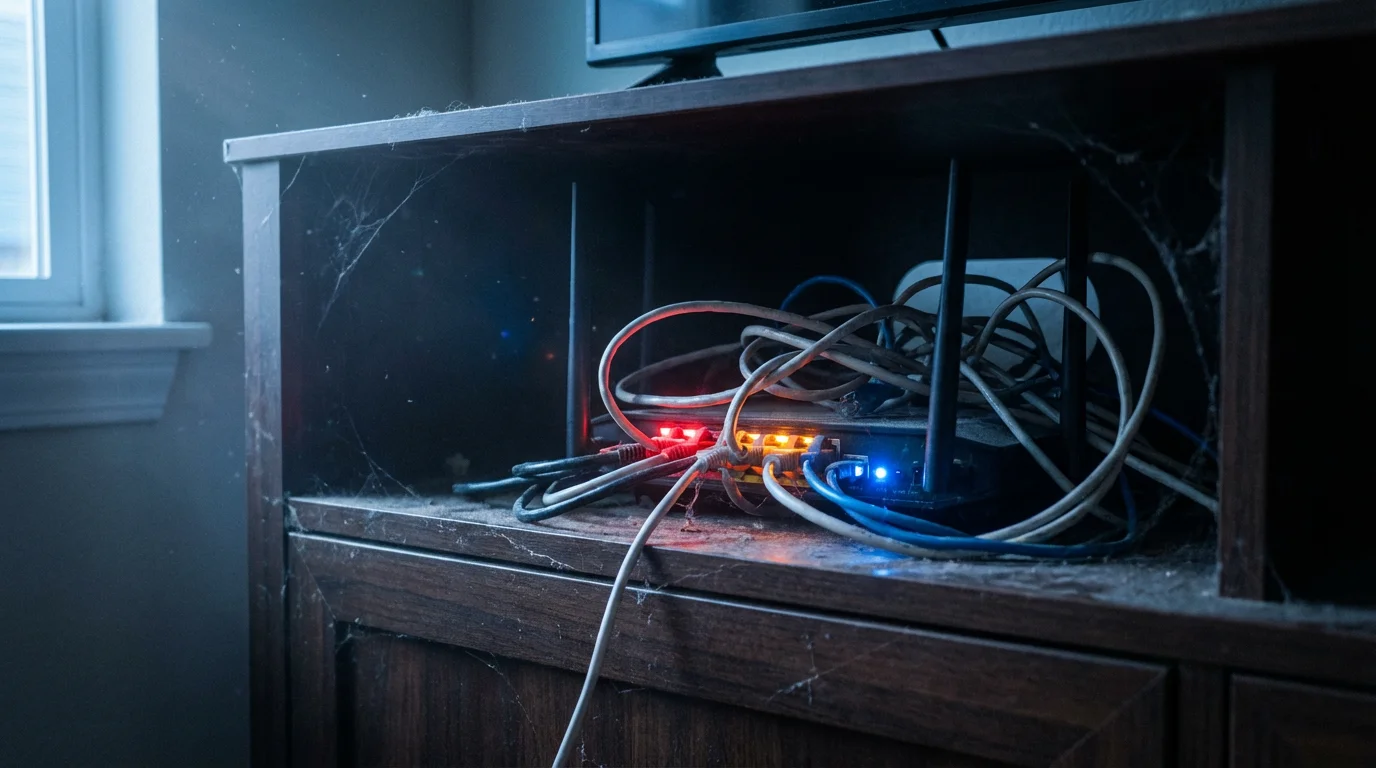
Streaming relies entirely on your home network. A common frustration arises when you cut the cord and immediately experience buffering circles or pixelated video. This usually happens because your internet plan or equipment isn’t optimized for high-bandwidth video traffic.
Those in remote locations should also explore rural cord-cutting solutions to navigate data limits and connectivity issues.
Additionally, some Internet Service Providers (ISPs) impose data caps (e.g., 1.2 Terabytes per month). If you stream 4K video for several hours a day, you can easily breach this cap, resulting in overage fees that wipe out your savings.
Understanding Speed Requirements
According to the FCC Consumer Guide, you need specific download speeds for a smooth experience. While the minimums are low, real-world usage requires more headroom:
- Standard Definition (SD): 3-4 Mbps
- High Definition (HD): 5-8 Mbps
- 4K Ultra HD: 25 Mbps per device
If you have a household of four people, and two are watching 4K movies while another plays online games and the fourth video chats, a basic 50 Mbps plan will likely struggle.
How to Recover
Check your current internet bill and equipment:
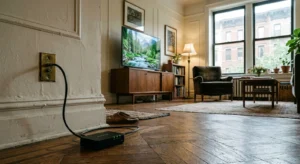
- Audit Your Router: If you are renting a modem/router combo from your ISP for $15 a month, stop. Buy your own mesh Wi-Fi system. It will pay for itself in less than a year and provide better coverage to TVs in bedrooms or basements.
- Check for Data Caps: Log into your ISP account and see if you have a data limit. If you do, consider switching to a “business” tier or a different provider (like fiber or 5G home internet) that offers unlimited data.
- Hardwire When Possible: Wi-Fi is convenient, but Ethernet is stable. If your streaming device is near your router, use an Ethernet cable to free up Wi-Fi bandwidth for other devices.
Mistake #3: Relying on Outdated Smart TV Software
You bought a “Smart TV” three years ago, so you assume you are ready to stream. However, relying solely on your TV’s built-in operating system is often a mistake. TV manufacturers are great at making display panels, but they are notoriously bad at maintaining software.
For older adults finding the transition difficult, a simple guide for seniors can help simplify the process of using new devices.
To ensure you have the right setup, check our cord-cutting equipment checklist before making a purchase.
Built-in smart TV apps often suffer from:
- Slow Interfaces: Navigating menus feels sluggish.
- Lack of Updates: Apps like Disney+ or Hulu update frequently. Older TVs often stop receiving these updates, leading to crashes or incompatibility.
- Poor Wi-Fi Modules: The Wi-Fi chip inside a TV is often weaker than the one in a dedicated streaming stick.
How to Recover
Bypass your TV’s software. Purchase a dedicated streaming device—a small piece of hardware that plugs into your TV’s HDMI port and connects to the internet to run streaming apps.
Trusted options include Roku, Amazon Fire TV, Apple TV, or Google Chromecast with Google TV. These devices are faster, receive support for years, and possess user-friendly remotes. Experts at CNET frequently review these devices, noting that even a budget $30 streaming stick often outperforms the built-in software of a $1,000 television.
Mistake #4: Forgetting Local Channels
When you cancel cable, you lose instant access to ABC, CBS, NBC, FOX, and PBS. Many cord-cutters don’t realize this until they try to watch the local news or a Sunday football game.
If you are struggling to access broadcast networks, there are several ways to keep your local channels without paying for a full cable package.
To solve this, many people panic and subscribe to a pricey Live TV streaming service (see Mistake #1). This is unnecessary for most people living in or near cities.
The Antenna Solution
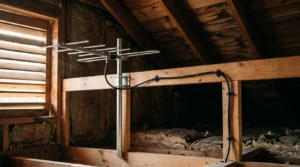
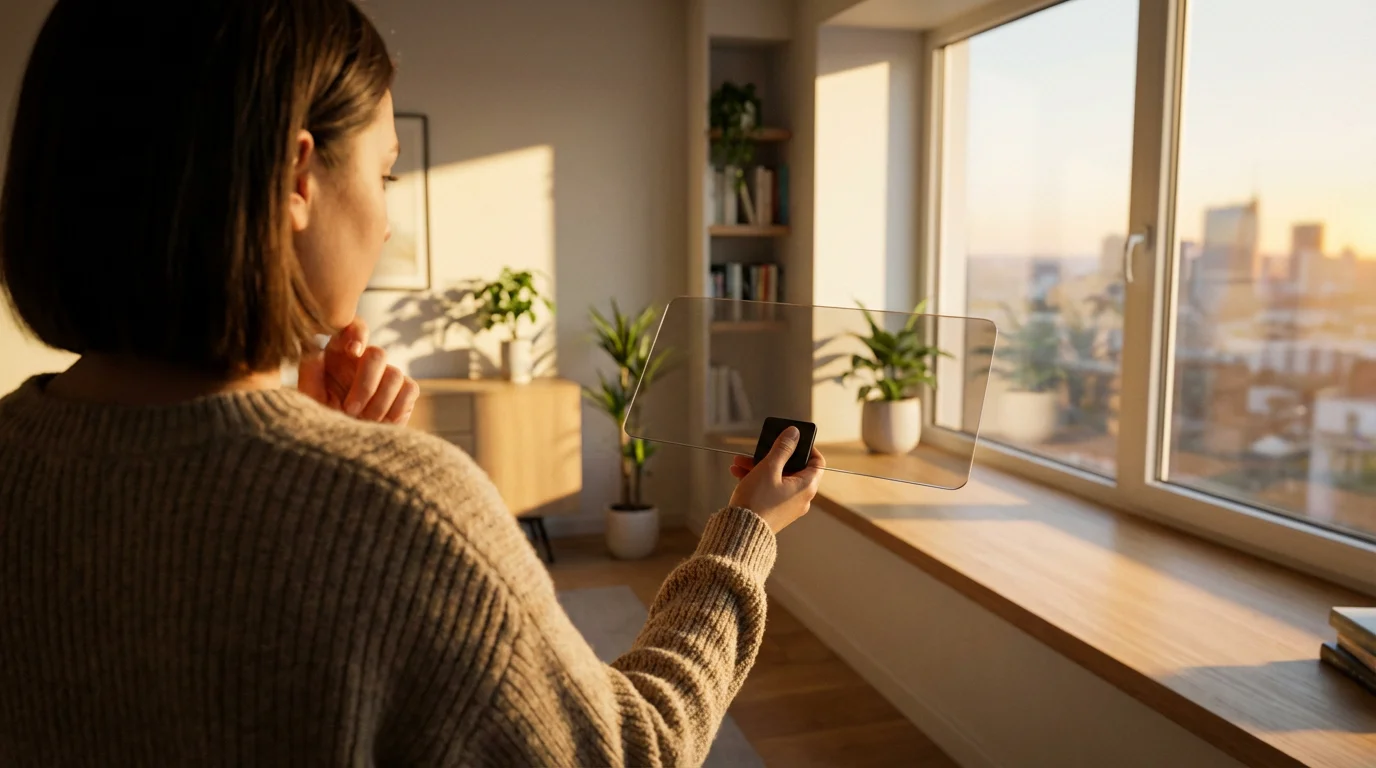
You can receive major broadcast networks for free, in high definition, using a digital antenna. This is called OTA (Over-the-Air) television. The picture quality is often superior to cable because the signal is less compressed.
How to Recover
- Run a Signal Search: Use a signal map tool (available on various websites) to determine how far you are from local broadcast towers.
- Choose the Right Antenna:
- Within 20 miles: A simple flat indoor antenna (often sticks to a window) usually works.
- 30-50 miles: You may need an attic antenna or an amplified indoor antenna.
- 50+ miles: You likely need a roof-mounted outdoor antenna.
- Scan for Channels: Connect the antenna to your TV’s “Coax/Antenna” input, go to your TV settings, and select “Scan for Channels.”
Reliable reviews from sources like Consumer Reports indicate that price does not always equal performance with antennas; often, a generic model placed in a high window performs just as well as an expensive brand name unit.
Mistake #5: Falling Victim to “Zombie” Subscriptions
Streaming services are designed to be frictionless. Signing up takes seconds. Canceling often requires navigating through four different menu screens. Because the individual costs are low ($5 here, $10 there), it is easy to lose track of the total.
Don’t let the fear of streaming cancellation fees prevent you from ending a service you no longer watch.
This leads to “subscription creep”—the gradual accumulation of services you rarely use. You might sign up for Paramount+ to watch one specific series, finish it, and then forget to cancel for six months. Those six months of inactivity just cost you $72.
How to Recover
You must treat streaming like a utility that you actively manage, not a fixed bill.
- The “Churn” Strategy: Only subscribe to one or two services at a time. Watch the shows you want on Netflix, then cancel it. Sign up for Max, watch your shows, then cancel it. This rotation strategy saves hundreds of dollars a year.
- Use Prepaid Cards: Consider using a virtual privacy card or a prepaid debit card with a fixed limit for subscriptions. When the money runs out, the service pauses, forcing you to make a conscious decision to renew.
- Audit Quarterly: Set a recurring calendar reminder every three months to review your credit card statement specifically for streaming charges.
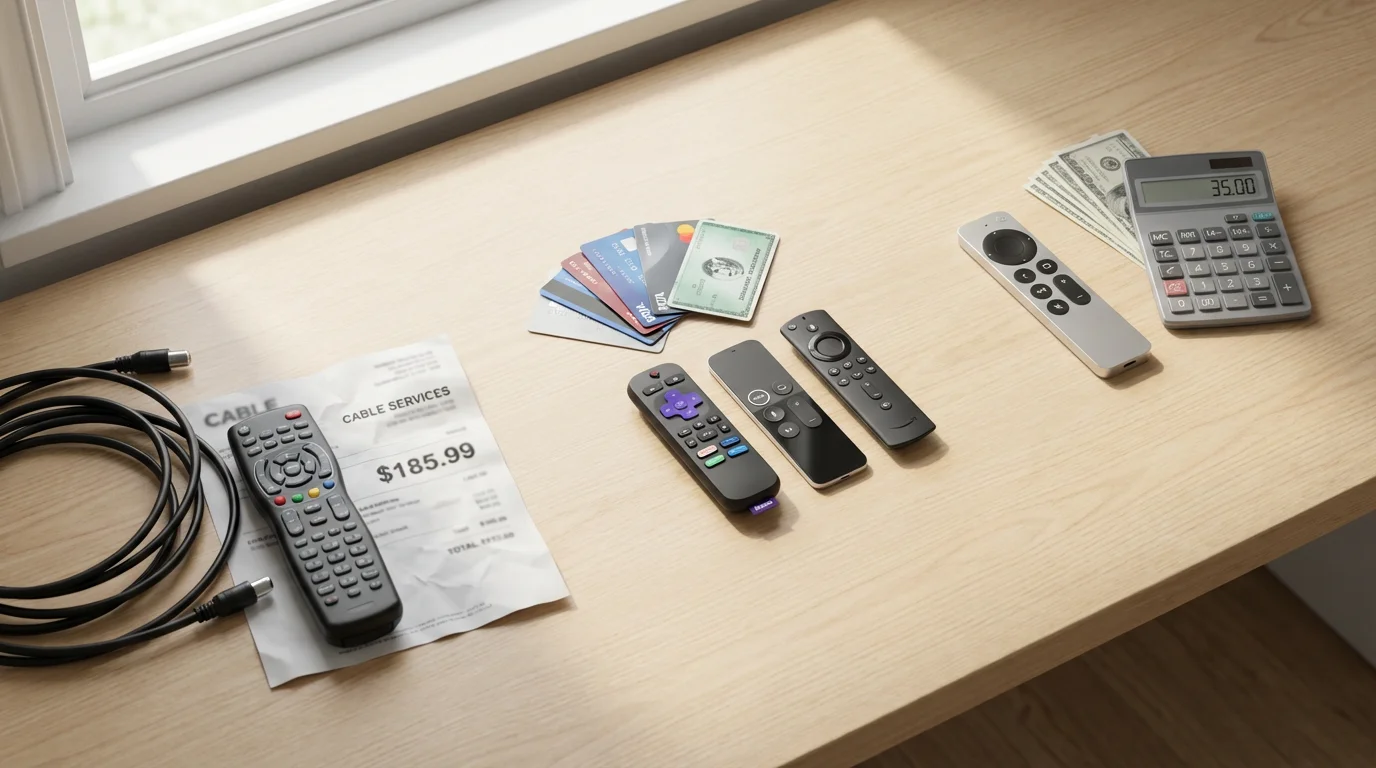
The Math: Cable vs. Bloated Streaming vs. Smart Streaming
To visualize how these mistakes impact your wallet, let’s look at a monthly cost comparison. These figures are estimates based on current market averages.
| Expense Category | Traditional Cable | The “Bloated” Cord Cutter | The Smart Cord Cutter |
|---|---|---|---|
| TV Package | $110.00 (Standard Bundle) | $75.00 (Live TV Stream) | $0.00 (Antenna) |
| Internet | $60.00 (Bundled rate) | $80.00 (Standalone rate) | $70.00 (Optimized rate) |
| Premium SVODs | $0.00 | $60.00 (Netflix, Max, Hulu, Disney+) | $25.00 (Rotated 2 services) |
| Equipment Rentals | $35.00 (2 Boxes + DVR) | $15.00 (Modem Rental) | $0.00 (Owned Modem/Device) |
| Broadcast/Sports Fees | $20.00 | Included | $0.00 |
| Total Monthly Cost | $225.00 | $230.00 | $95.00 |
| Annual Cost | $2,700.00 | $2,760.00 | $1,140.00 |
As you can see, the “Bloated” cord cutter actually pays more than the traditional cable user. The Smart Cord Cutter saves over $1,500 a year by owning their equipment, using an antenna for locals, and rotating on-demand services.
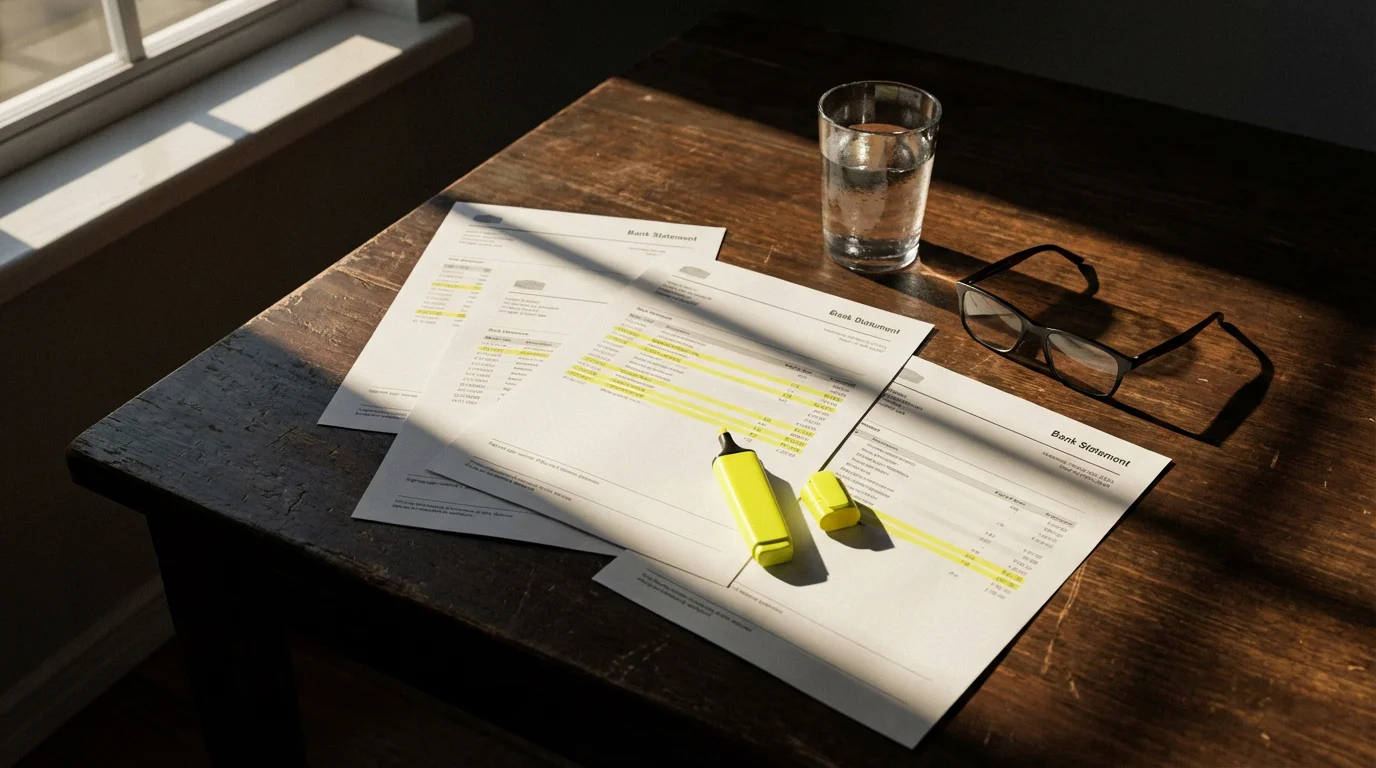
Your Cord-Cutting Recovery Checklist
If you feel like your setup is out of control, follow this recovery timeline to reset your digital life.
Step 1: The Audit (Day 1)
Print out your bank and credit card statements from the last 90 days. Highlight every recurring media charge. Identify “zombie” subscriptions you haven’t watched in a month.
Step 2: The Purge (Day 2)
Cancel everything except your internet service and one streaming service. Yes, this sounds drastic. But remember, these services have no contract. You can re-subscribe to Disney+ in 30 seconds if you truly miss it next week.
Step 3: Hardware Check (Day 3)
Return your rented modem to the ISP and buy your own. If you are watching on an old Smart TV app, buy a $30-$50 streaming stick (Roku or Fire TV) for a faster interface.
Step 4: The Antenna Install (Day 4)
Purchase and install an indoor antenna. Scan for channels. If you get good reception for the major networks, you have just eliminated the need for expensive Live TV bundles.
Step 5: The Rotation (Ongoing)
Keep a list of shows you want to watch. When a new season of a show drops on a service you don’t have, wait until the whole season is released. Then, cancel your current service, switch to the new one, binge the show, and repeat.
Frequently Asked Questions
Can I still use a DVR if I cut the cord?
Yes. If you subscribe to a live TV streaming service like YouTube TV, they typically include a “Cloud DVR” that lets you record unlimited shows and stores them online for nine months. If you use an antenna, you can buy a dedicated OTA DVR device (like a Tablo or HDHomeRun) that records antenna signals to a hard drive for you to watch later.
What do I do about live sports?
Sports are the biggest hurdle for cord-cutters. An antenna gets you NFL games on local channels (CBS, FOX, NBC) for free. For ESPN or regional sports networks, you generally need a live TV streaming bundle (like Sling TV or Fubo). Alternatively, standalone sports apps are becoming more common, but check if your specific team is subject to “blackout restrictions” in your area before buying.
Do I need a streaming device for every TV in my house?
Ideally, yes. While you can use the built-in apps on your smart TVs, having the same streaming device (e.g., a Roku Stick) on every TV provides a unified experience. It means your “Continue Watching” lists and app layouts look the same whether you are in the living room or the bedroom. Since these devices are portable, you can even take them with you when you travel.
Is 5G Home Internet good enough for streaming?
For many households, yes. 5G Home Internet (from providers like T-Mobile or Verizon) can offer speeds between 100-300 Mbps, which is plenty for streaming 4K video. However, signal strength varies greatly by location. Cord Cutters News frequently highlights user reports suggesting that while 5G is a great money-saver, hardcore gamers or households with 5+ heavy users might still prefer the stability of a wired cable or fiber connection.
Disclaimer: Cable and streaming prices vary by location and change frequently. The cost comparisons in this article are estimates based on typical pricing. Your actual savings will depend on your current cable package, internet costs, and which streaming services you choose.