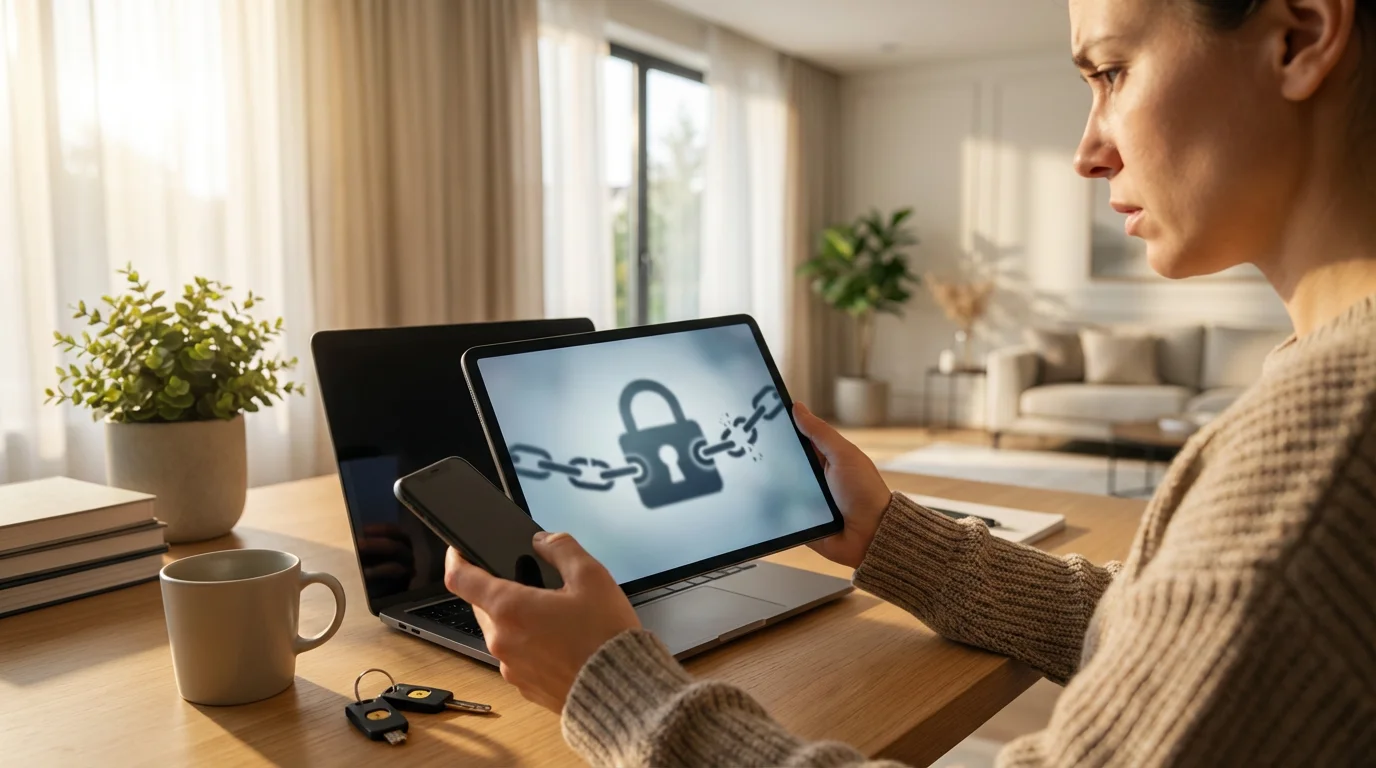
You sit down to watch the latest episode of your favorite show, only to find your profile is missing. Or perhaps the language is set to Spanish, and your “Continue Watching” list is filled with movies you have never seen. Worst of all, you might try to log in and find your credentials no longer work.
If this sounds familiar, you are likely the victim of a streaming data breach or an individual account takeover. With the cost of streaming services rising and password-sharing crackdowns in full effect, black market demand for hacked accounts is higher than ever. It is a violating experience, but you can take control of the situation.
Whether you are dealing with a Netflix account takeover, a compromised Hulu subscription, or a wider security issue, time is critical. This guide details exactly how to lock down your accounts, secure your financial data, and prevent future attacks.
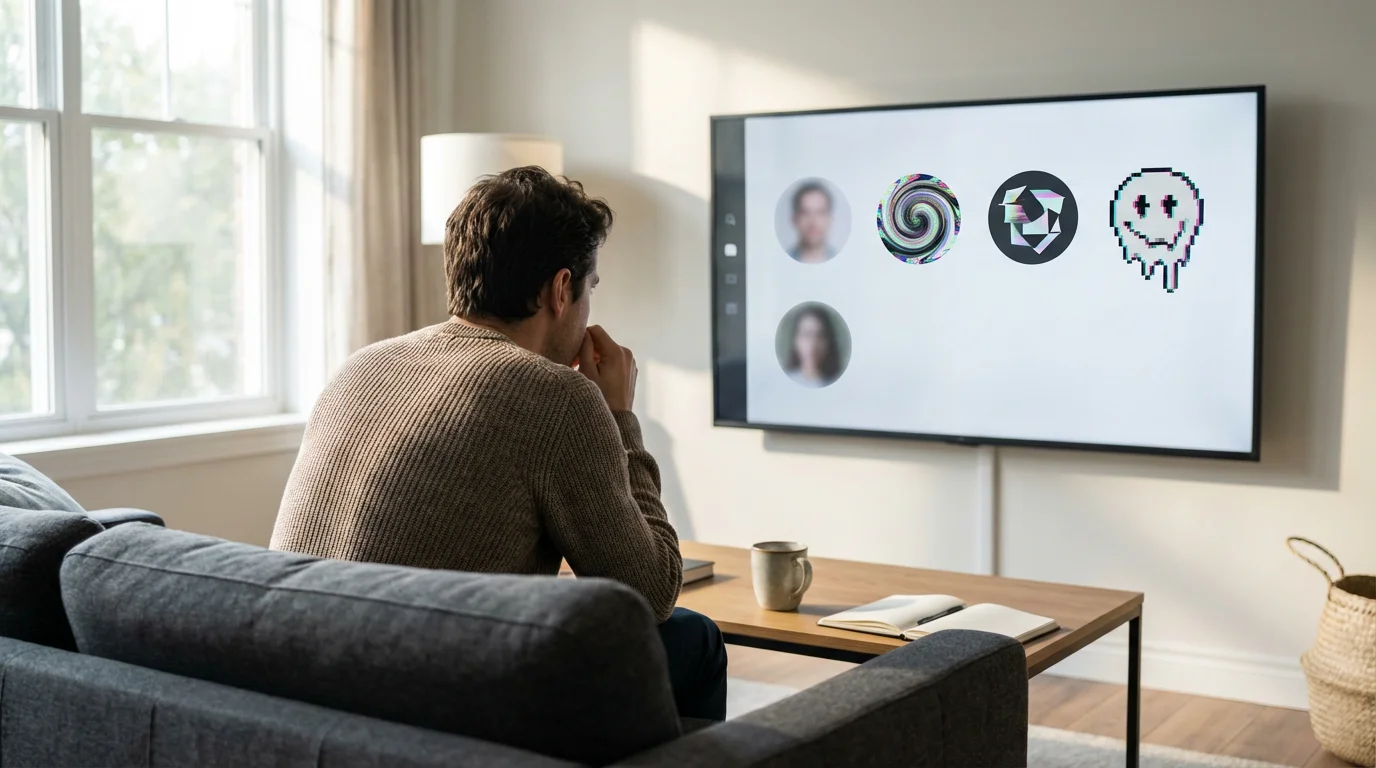
How to Tell If You’ve Been Hacked
Hackers are not always subtle, but some try to piggyback on your account without you noticing. The goal for some intruders is to sell access to your account to unsuspecting buyers on the dark web, while others simply want to watch premium content for free.
If you are experiencing playback errors but don’t see these red flags, you may simply be troubleshooting internet-related streaming issues rather than dealing with a security breach.
If you suspect unauthorized access, look for these red flags immediately:
- Strange “Continue Watching” History: This is the most common sign. If you see shows halfway finished that you never started, someone else is using your profile.
- New Profiles Appear: Hackers often create their own profiles to keep their watch history separate from yours so they go undetected longer.
- Plan Upgrades: A savvy hacker might upgrade your standard plan to a premium 4K tier (more expensive) because they want the highest quality video on your dime.
- Language Changes: If your interface suddenly switches to another language, your account credentials may have been sold to a user in a different region.
- “Too Many Streams” Errors: If you try to watch TV and get kicked off because “too many people are watching,” and you know your family isn’t home, an intruder is occupying your stream slots.
“The sooner you spot the anomaly, the easier it is to recover. Most users don’t realize they’ve been hacked until they check their bank statement.” — Cybersecurity Analyst
Immediate Action Plan: Stop the Bleeding
If you still have access to your account, you must act fast to lock out the intruder. If you cannot log in, skip to the section on contacting support. For those who can still access their dashboard, follow this exact sequence to reclaim your account.
In addition to account-level security, reviewing your streaming device security can help ensure your entire home network remains private.
1. Change Your Password Immediately
Do not wait. Go to your account settings and update your password to something complex. Do not reuse a password you use for email or banking. If the service asks if you want to sign out of all devices upon changing the password, select YES. This is the “nuclear option” that forces everyone, including the hacker, to log back in with the new credentials.
2. Use the “Sign Out of All Devices” Feature
Even if you changed your password, cached logins on smart TVs and streaming devices might keep the hacker logged in for hours or days. You must manually force a logout.
- Netflix: Account > Security & Privacy > Sign out of all devices.
- Hulu: Account > Privacy and Settings > Protect Your Account > Log out of all devices.
- Disney+: Account > Log out of all devices.
- Amazon Prime Video: Accounts & Settings > Your Devices > Deregister (you may need to do this individually for unknown devices).
3. Check Account Information
Hackers often change the recovery email or phone number so they can take the account back after you reset the password. Verify that the email address on file is still yours. If they changed the email, you will likely need to contact customer support to prove ownership.
[INFOGRAPHIC PLACEHOLDER]
Title: The Account Lockdown Checklist
Visual: A flow chart with three distinct paths:
- Path A (Can Log In): Change Password -> Check “Sign out all devices” -> Verify Email/Phone -> Delete Unknown Profiles.
- Path B (Cannot Log In): Search Email for “Email Changed” notification -> Use “Forgot Password” link -> Contact Customer Support via Live Chat.
- Path C (Financial Damage): Lock Credit Card -> Dispute Charges -> Request Chargeback.
Design Note: Use green for “Safe” actions and red for “Danger” zones.

Why Streaming Accounts Are Targets
You might wonder why anyone would bother stealing a $15 Netflix account. The reality is that streaming credentials are a high-volume commodity. In the world of cybercrime, these are low-risk, high-reward assets.
If you want to reduce your monthly costs safely, understanding how to share streaming services legally is a much better alternative than risking your account security.
According to The Verge, hacked accounts are often sold on bulk marketplaces for as little as a few dollars. While that seems small, selling thousands of stolen credentials generates significant revenue for bad actors. Furthermore, with the rise of “bundling” services, a single login (like Amazon or Apple ID) might unlock music, shipping perks, and video content, making the account significantly more valuable.
The attackers generally fall into two categories:
- The Reseller: They steal your credentials and sell them to 10 other people. You suddenly have multiple unauthorized users on your account.
- The Freeloader: An individual who buys your credentials (or finds them leaked) and uses them quietly, hoping you won’t notice the extra profile or slight change in watch history.
Credential Stuffing vs. Direct Breaches
It is important to understand how the hack happened so you can prevent it from recurring. There are two main ways your data gets exposed.
With frequent streaming service mergers consolidating logins into single accounts, it is more important than ever to have a unique, strong password for each platform.
1. Direct Service Breach
This occurs when the streaming service itself is hacked, and their database of user passwords is stolen. This is rare for major giants like Netflix or Disney+, who have enterprise-grade security. However, smaller niche services are occasionally vulnerable.
2. Credential Stuffing (The Most Common Culprit)
In 90% of cases, the streaming service was not hacked—you were. Credential stuffing happens when you use the same email and password combination across multiple sites.
For example, if a forum you joined in 2018 gets hacked and your password there was “Password123,” hackers will take that email/password combo and try it on Netflix, Hulu, HBO Max, and Amazon. Automated bots can test thousands of logins per minute. If you reused that password, they get in.
Securing Your Payment Methods
Once inside your account, a hacker generally cannot see your full credit card number (sites mask all but the last four digits). However, they can still cost you money.
Keeping an organized list of your active plans can also help; learning how to manage multiple streaming subscriptions will ensure you catch unexpected billing changes faster.
If a service continues to be a security risk, knowing how to cancel any streaming service quickly is a vital skill for cord-cutters.
Hackers frequently upgrade subscriptions to the most expensive tier available. For example, they might bump your standard Netflix plan to the Premium Ultra HD plan, costing you an extra $7-$10 per month. They may also add “channels” or “add-ons” like Starz or Showtime to your Hulu or Amazon Prime account.
Audit Your Billing Statements
Review your bank statement for the specific amount charged. If your usual $16.99 charge is suddenly $24.99, investigate immediately. Log into your streaming account and check the “Billing History” or “Invoices” section to see exactly what was purchased.
Consider Virtual Privacy Cards
To protect your main bank account, consider using services that generate virtual credit cards for online subscriptions. These services allow you to set strict spending limits (e.g., “Max $20/month”). If a hacker tries to upgrade your plan or buy a movie, the transaction will decline because it exceeds the limit you set.
The Password Reuse Trap
The single most effective way to protect your streaming life is to stop reusing passwords. It is inconvenient to remember unique passwords for every service, but it is necessary.
While you are tightening your security settings, you might also want to check out these useful streaming hacks to improve your overall viewing experience.
We recommend using a Password Manager. Tools like Bitwarden, 1Password, or the built-in password managers in Google Chrome and Apple iOS can generate and store complex, random passwords for you. Instead of “Fido1985,” your password becomes “Xy9#mP2!qL,” which is virtually impossible to guess and useless to hackers if stolen because it is unique to that one site.
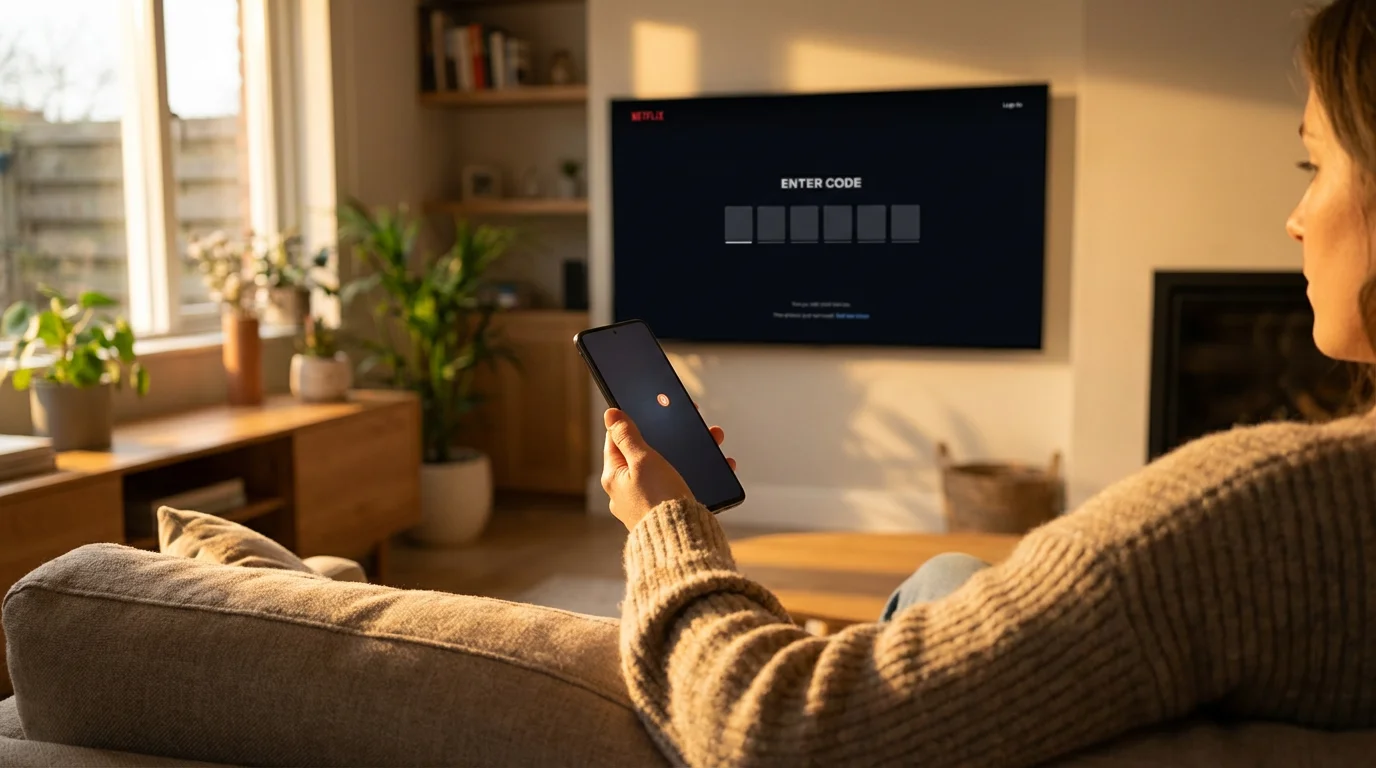
Setting Up Two-Factor Authentication (2FA)
Two-factor authentication (2FA) adds a second layer of security. Even if a hacker has your password, they cannot log in without a special code sent to your phone or email.
Beyond 2FA, many privacy-conscious viewers use a VPN with streaming services to further anonymize their online activity and protect their home IP address.
Not all streaming services offer robust 2FA, which has been a point of criticism in the industry. However, you should enable it wherever possible. Accounts linked to larger ecosystems usually have the best security.
- Amazon Prime Video: Uses Amazon’s 2FA. Enable this in your main Amazon account settings.
- YouTube TV: Uses Google’s 2-Step Verification. This is highly secure.
- Hulu: Does not enforce 2FA for every login, but will email a verification code when a login is attempted from a new, unrecognized device.
- Apple TV+: Protected by Apple ID’s rigorous 2FA.
Recovering Lost Profiles and Watch History
One of the most frustrating aspects of a hack is the destruction of your personal algorithm. Hackers often delete profiles to make room for their own, erasing years of “Watched” history and curated recommendations.
If your profile was deleted:
- Check for “Profile Transfer” features: Some services allow you to view history even if a profile was recently modified.
- Contact Support: In some instances, customer support agents can restore a deleted profile if you catch it quickly (usually within a few days). Netflix, for example, retains customer data for a specific period.
- Manual Fixes: If the profile is gone forever, you will need to manually “like” or “add to list” your favorite shows again to retrain the algorithm.
As CNET notes in their security guides, preventing the loss is far easier than trying to recover it. Once data is purged from a server, it is often gone for good.
Comparison: Security Features by Service
Not all streaming platforms take security equally seriously. Here is a breakdown of how the major players handle account protection.
| Service | 2-Factor Auth (2FA) | Force Logout All Devices | New Login Notification | Profile PIN Lock |
|---|---|---|---|---|
| Netflix | No (Email verification only) | Yes | Yes | Yes |
| Hulu | No (New device verify only) | Yes | Yes | Yes |
| Amazon Prime | Yes (Full 2FA) | Yes (Device by device) | Yes | Yes |
| Disney+ | No (Email code only) | Yes | Yes | Yes |
| YouTube TV | Yes (Google 2FA) | Yes | Yes | No |
When to Contact Support vs. Your Bank
When you discover a hack, you might feel the urge to call your bank and cancel your credit card immediately. While this stops the bleeding, it creates a mess. Chargebacks (forcible refunds initiated by the bank) cause streaming services to instantly ban your account and blacklist your email address.
Follow this decision matrix:
Contact Streaming Support First If:
- You can’t log in (password changed).
- Your email address was changed.
- You want a refund for an upgrade you didn’t authorize.
- You want to restore a deleted profile.
Contact Your Bank If:
- The streaming service support is unresponsive or refuses to help.
- You see charges for a service you completely canceled months ago.
- You have lost access to the account entirely and simply want to stop paying for it, and you don’t care about losing the watch history/account data.
Frequently Asked Questions
Can I find out who hacked my account?
Generally, no. While some services allow you to see the IP address and location of recent logins (check “Recent Streaming Activity” in settings), this data is rarely enough to identify a specific person. Hackers often use VPNs (Virtual Private Networks) to mask their true location. The streaming service will not release personal user data to you without a subpoena.
Will the streaming service refund me for the time I was hacked?
It depends on the service. If a hacker upgraded your plan and you caught it quickly, support agents will often refund the difference as a courtesy. However, they are unlikely to refund your base subscription fee just because someone else was watching, provided the service was still technically available to you.
Is my Smart TV infected with a virus?
It is highly unlikely. In a streaming account breach, the “hack” is almost always on the account credentials (username/password), not the hardware. Your Smart TV, Roku, or Fire Stick is likely safe. You do not need to replace your TV; simply signing out and signing back in with new credentials is sufficient.
Disclaimer: Streaming industry news changes rapidly. This article reflects information available at the time of publication. Check official service announcements for the most current information.