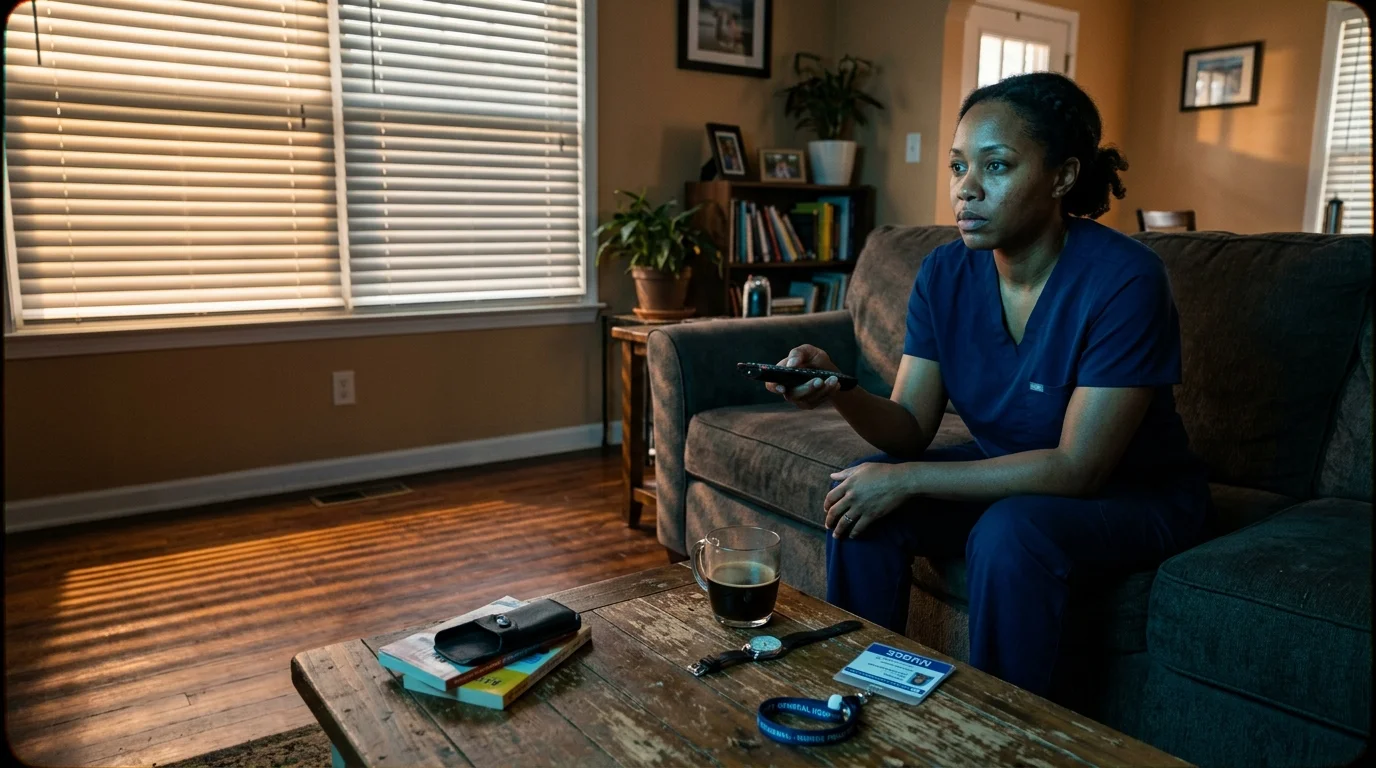
If you work third shift at a hospital and sleep from 8 AM to 4 PM, you rely on your DVR—a digital video recorder that stores shows in the cloud—to catch essential local news.
When late-running prime-time sports push evening broadcasts past midnight, standard cloud timers cut off the report before you wake up. Most streaming guides falsely claim you can adjust a custom padding menu slider to fix this issue.
In reality, live platforms offer zero manual padding buttons. You must master automated overrun algorithms and manual downstream guide scheduling to record live TV without cutoff before your hospital shift starts.

The Cloud DVR Reality: Why Modern Streaming Services Dropped Manual Time Padding
Traditional cable boxes recorded video onto an internal hard drive in your living room. You could easily command the box to record thirty extra minutes at the end of any broadcast.
Cord-cutting means canceling traditional cable or satellite TV in favor of internet streaming. Streaming involves watching live video content over your internet connection instead of through coaxial cables.
Modern platforms use a cloud DVR, which records programs on remote server farms rather than home equipment. Cloud architectures tie recordings to synchronized electronic program guide data rather than open-ended tuners.
According to PCMag’s live TV streaming service tests, providers prioritize digital rights management and shared file deduplication over custom time extensions.
Consequently, no major live TV streaming app provides a manual settings slider for adding post-roll padding. If a late-breaking press conference delays the schedule, your recording ends strictly at the guide’s listed cutoff.
“Cloud DVR platforms record centralized digital broadcast files rather than dedicated personal streams, which eliminates traditional manual time padding menus.”
Worked Scenario: Protecting Local Overnight News from Sunday Football Run-Overs
As a third-shift hospital worker, your schedule demands sleeping from 8:00 AM to 4:00 PM. You depend on automated recordings of late-night local broadcasts to review community health updates before your night shift begins.
Underestimating guide schedule changes is one of the most common cord-cutting mistakes that new streamers face.
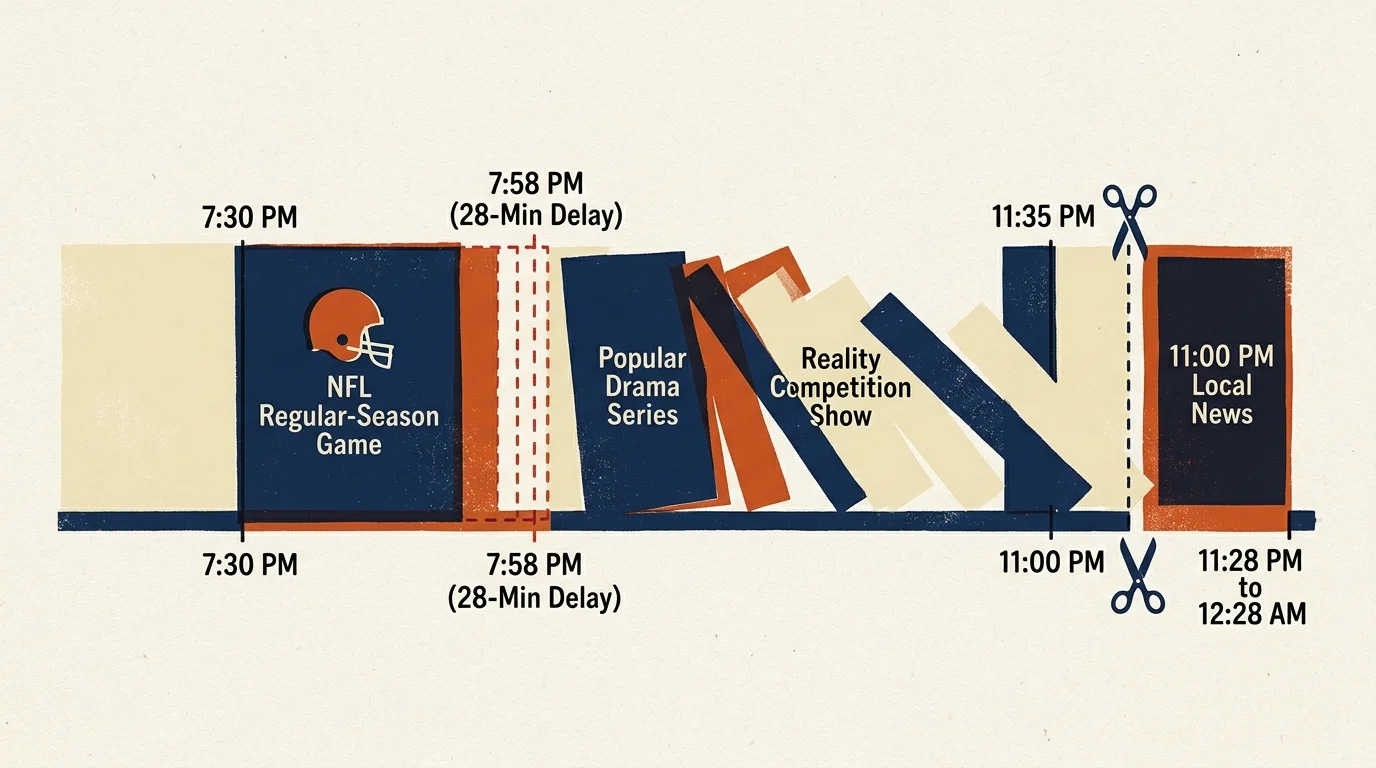
Consider a concrete scenario on Sunday evening across your local CBS affiliate. An NFL regular-season game scheduled to end at 7:30 PM enters overtime, ultimately concluding at 7:58 PM.
This 28-minute delay pushes prime-time programming back across the board. The 11:00 PM local news broadcast does not start airing until 11:28 PM and concludes at 12:28 AM.
If your cloud DVR records only the scheduled 11:00 PM to 11:35 PM slot, you will view 28 minutes of delayed drama programming and merely seven minutes of news.
You miss all local weather forecasts and regional public health reports. To capture the full broadcast, you must apply a cloud DVR manual time extension workaround.
By scheduling recordings for the subsequent two guide slots—the 11:35 PM syndicated comedy and the 12:05 AM infomercial—you create a reliable 60-minute manual buffer.
YouTube TV: Automated Overrun Algorithms and Buffer Stacking
YouTube TV costs $72.99 per month and includes unlimited cloud DVR storage. The service retains all your recordings for nine months without storage fees.
If playback stutters when reviewing your saved library, learning how to troubleshoot streaming buffering issues can smooth out video playback.
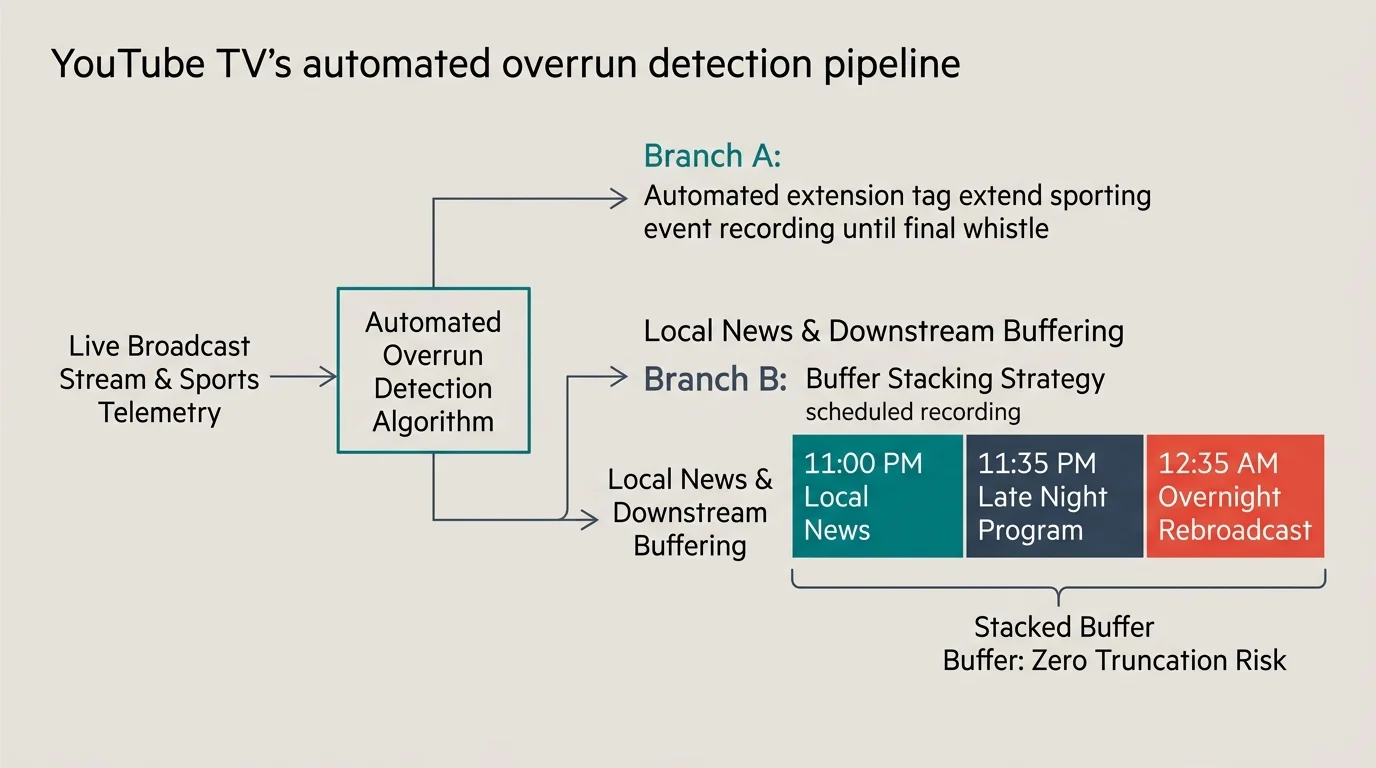
Unlike traditional setups, YouTube TV employs automated software tracking to extend live sporting events when games enter extra innings or overtime.
As reported by Cord Cutters News, this algorithm works remarkably well for national football and basketball games. However, the system does not cascade that extended time to downstream local news broadcasts.
When Sunday football runs long, the sports recording expands, but your scheduled 11:00 PM news still cuts off precisely at 11:35 PM.
Because YouTube TV imposes zero storage caps, you can stack downstream buffer recordings without penalty. Navigate to your electronic program guide and add the consecutive midnight program to your library.
On-demand content lets you watch programs whenever you want, but network on-demand files disable commercial skipping. Your manual DVR buffer recording retains complete fast-forward control so you can skip commercials quickly before work.
Hulu + Live TV: Preventing Broadcast Truncation Without Storage Penalties
Hulu + Live TV plans start at $76.99 per month for ad-supported streaming, while the ad-free streaming plan costs $89.99 per month. Both plans include unlimited cloud DVR storage.
An ad-supported tier serves commercial breaks during on-demand streaming, while ad-free tiers remove commercials from on-demand catalogs. However, both tiers show standard commercials on live TV channels.
Hulu + Live TV does not offer native dvr padding youtube tv hulu style settings sliders. The service extends select live sporting broadcasts, but local news programs strictly honor scheduled guide blocks.
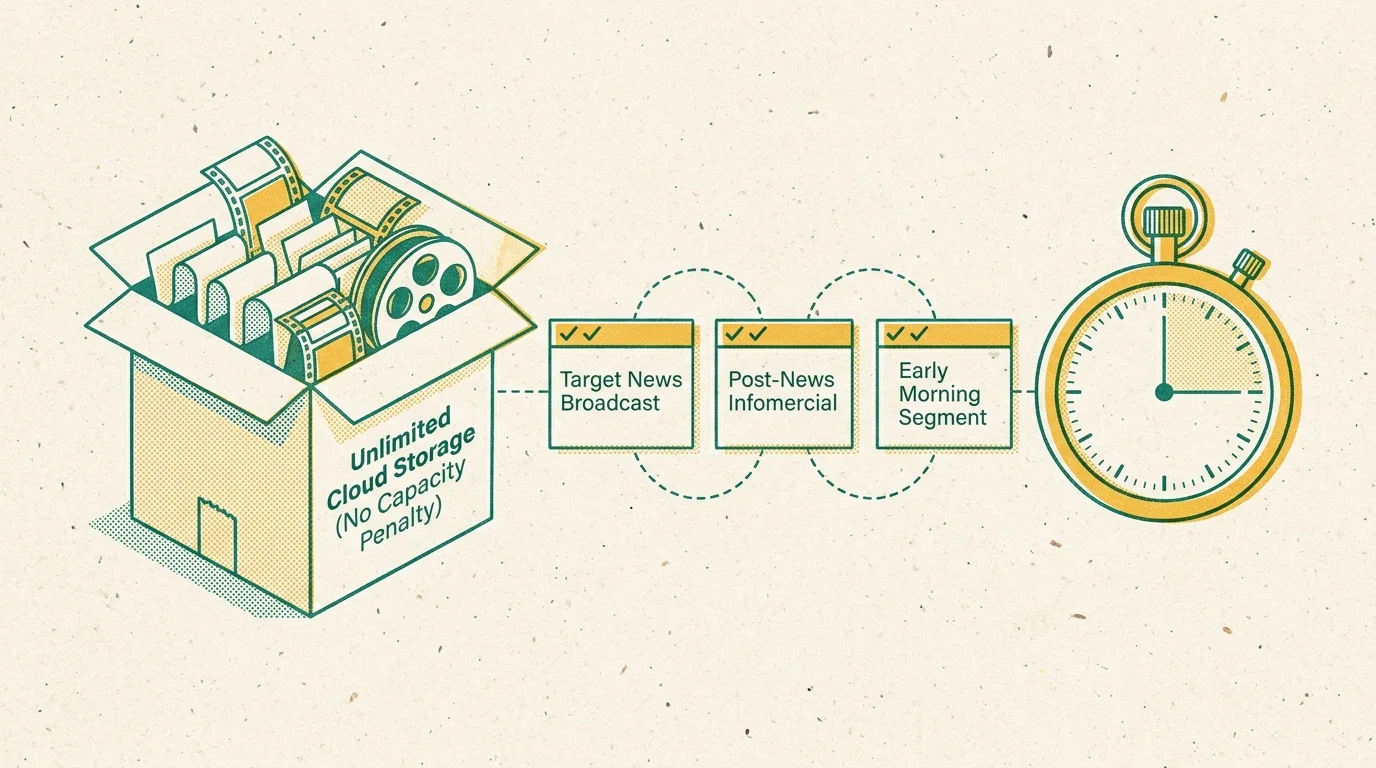
To record live tv without cutoff on Hulu, you must manually mark subsequent programs for recording. Open the live guide on your streaming device or smart TV interface.
A smart TV connects directly to the internet through internal software, whereas a streaming device connects to your television via HDMI. Both devices use the same Hulu guide layout.
Select the program immediately following your local news—typically late-night talk shows or syndicated reruns—and press the record icon. Hulu saves both files, preserving your entire overnight news window.
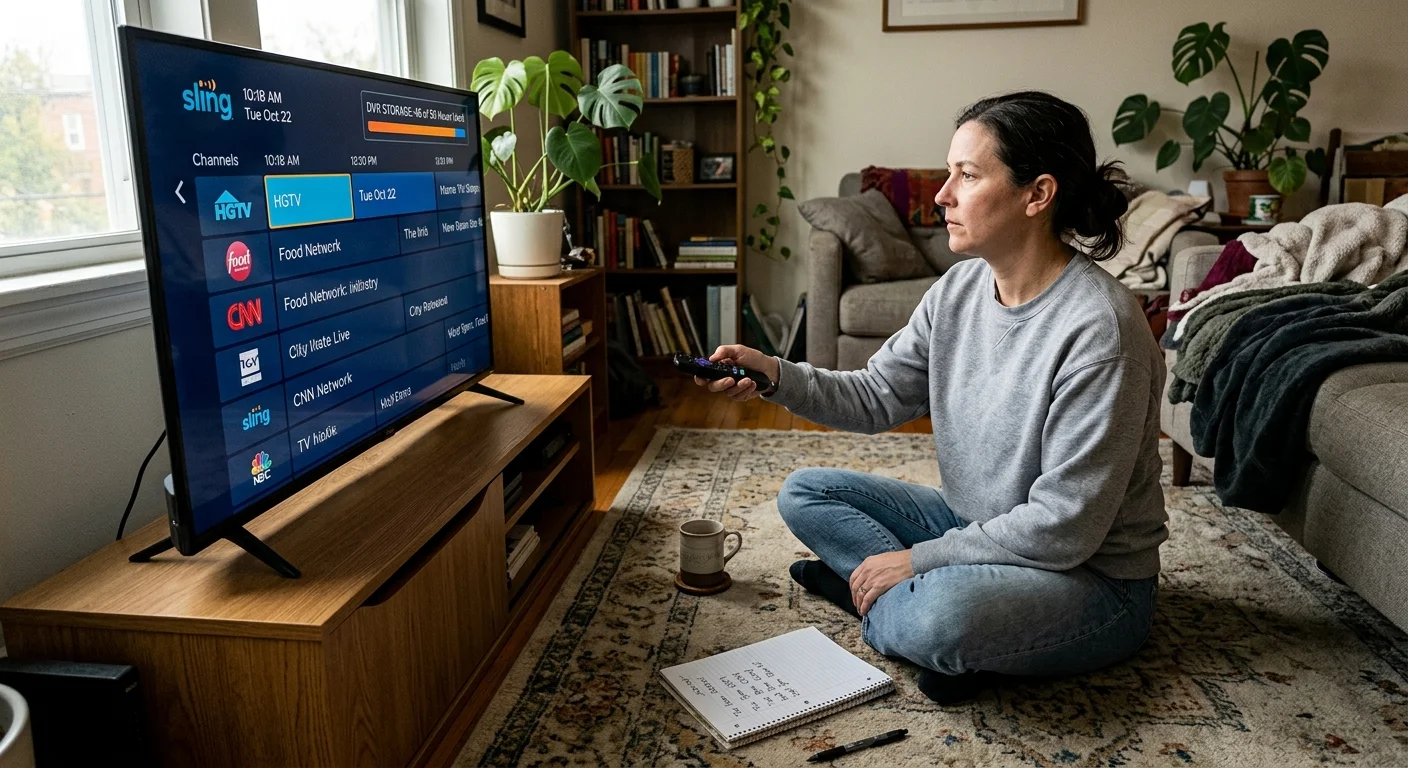
Sling TV: Manual Guide Buffering Under Strict Storage Caps
Sling TV offers Sling Orange and Sling Blue packages starting at $40.00 per month each. The combined Orange + Blue plan costs $55.00 per month.
Sling provides the most budget-conscious entry point for cord-cutting, but its DVR features present severe restrictions for shift workers. Base subscriptions include only 50 hours of cloud DVR storage.
Upgrading to 200 hours of storage requires the DVR Plus add-on for an additional $5.00 per month. Recordings expire after nine months if your storage stays under the limit.
Sling lacks automated overtime extensions for live sports and offers no manual time extension settings. You must manually schedule consecutive shows to create an artificial recording buffer.
Stacking two 30-minute buffer shows every night consumes seven extra recording hours weekly. Within one month, this workaround consumes 28 hours—over half of Sling’s 50-hour base storage tier.
If you rely on nightly buffers on Sling TV, budgeting $5.00 per month for the 200-hour DVR Plus upgrade is practically mandatory.
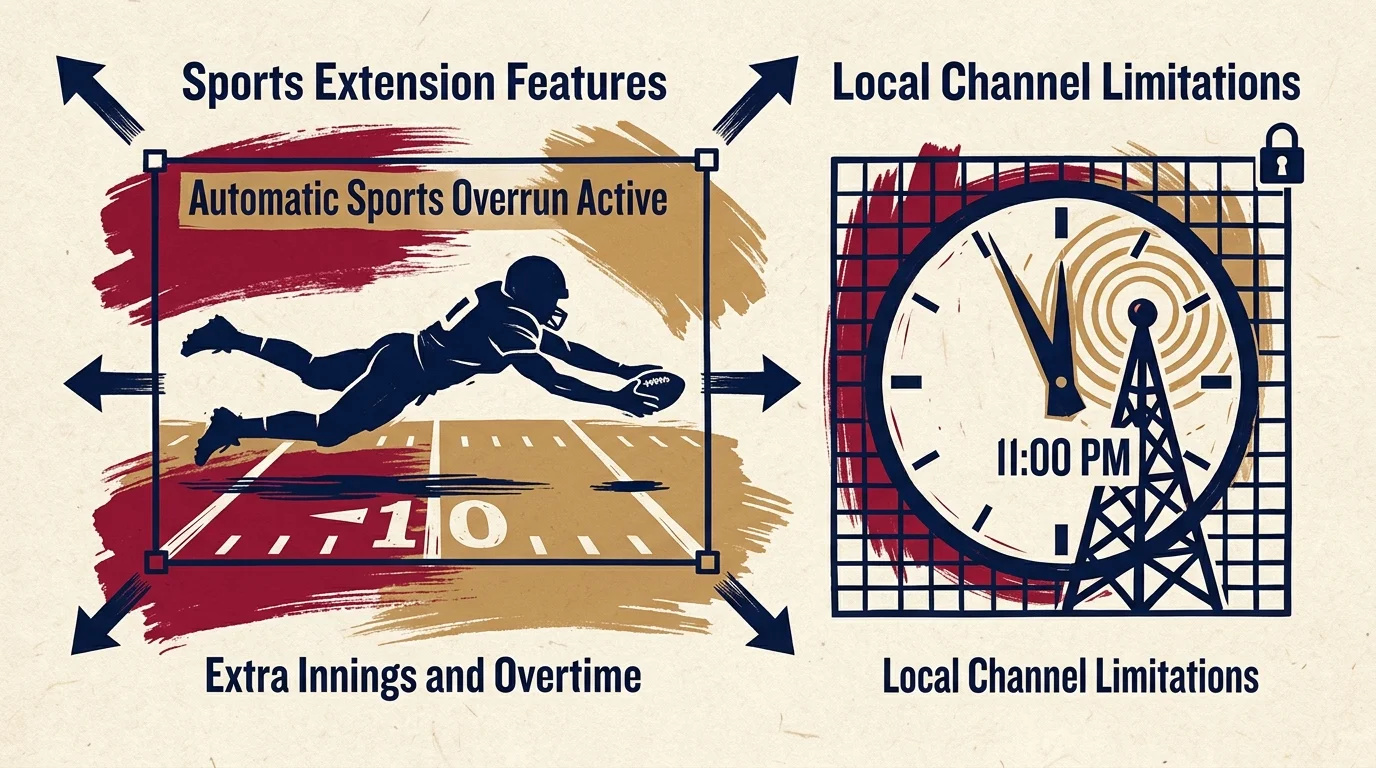
DirecTV Stream and Fubo: Sports Extensions vs. Local Channel Schedules
Fubo packages start at $79.99 per month for the Pro tier, offering unlimited cloud DVR storage with nine-month retention. Fubo automatically adds 10-minute recording increments when major sports leagues run past scheduled hours.
Supported leagues on Fubo include the NFL, NBA, MLB, NHL, MLS, and top European soccer competitions. Despite this feature, Fubo does not push downstream local affiliate programming back dynamically.
DirecTV Stream plans begin at $79.99 per month for the Entertainment tier. According to Tom’s Guide’s streaming evaluations, DirecTV Stream offers excellent local channel coverage and unlimited cloud DVR space.
DirecTV Stream automatically extends recordings for live games across NCAA football, NCAA basketball, and professional leagues. However, it caps series recordings at 30 stored episodes per title.
Just like YouTube TV and Hulu, neither Fubo nor DirecTV Stream adjusts downstream overnight news timers when live events run long. You must manually select the subsequent broadcast in the guide.
“Automated sports extensions protect live games, but they leave subsequent news broadcasts stranded on the schedule unless you schedule manual downstream buffers.”
Platform Comparison: Cloud DVR Storage, Auto-Extension, and Cost Breakdown
Selecting the right provider requires comparing base prices, DVR capacities, and guide mechanics side by side. The table below details exact specifications across major services.
| Service | Monthly Base Price | Cloud DVR Storage Limit | Recording Retention | Auto Sports Overrun? | Manual Buffer Needed for News? | Simultaneous Home Streams |
|---|---|---|---|---|---|---|
| YouTube TV | $72.99 | Unlimited | 9 Months | Yes (Automated) | Yes (Consecutive guide slot) | 3 |
| Hulu + Live TV | $76.99 | Unlimited | 9 Months | Limited Events | Yes (Consecutive guide slot) | 2 |
| Sling TV | $40.00 | 50 Hours (200 hrs for +$5) | 9 Months | No | Yes (Consumes storage tier) | 1 (Orange) / 3 (Blue) |
| Fubo (Pro) | $79.99 | Unlimited | 9 Months | Yes (+10 min blocks) | Yes (Consecutive guide slot) | 10 |
| DirecTV Stream | $79.99 | Unlimited (30 ep/series) | 9 Months | Yes (Automated) | Yes (Consecutive guide slot) | Unlimited |
Checking local channel availability in your specific area is essential before subscribing to any service. Broadcasters negotiate individual carriage agreements with each platform by regional television market.
Visit each provider’s online zip code inspection tool and enter your five-digit postal code. Verify that local ABC, CBS, FOX, and NBC affiliates broadcast live in your immediate market.
Regional sports networks and major sporting events occasionally face blackout restrictions based on regional broadcast rights. Local news broadcasts, however, remain accessible through local affiliate feeds without blackout barriers.
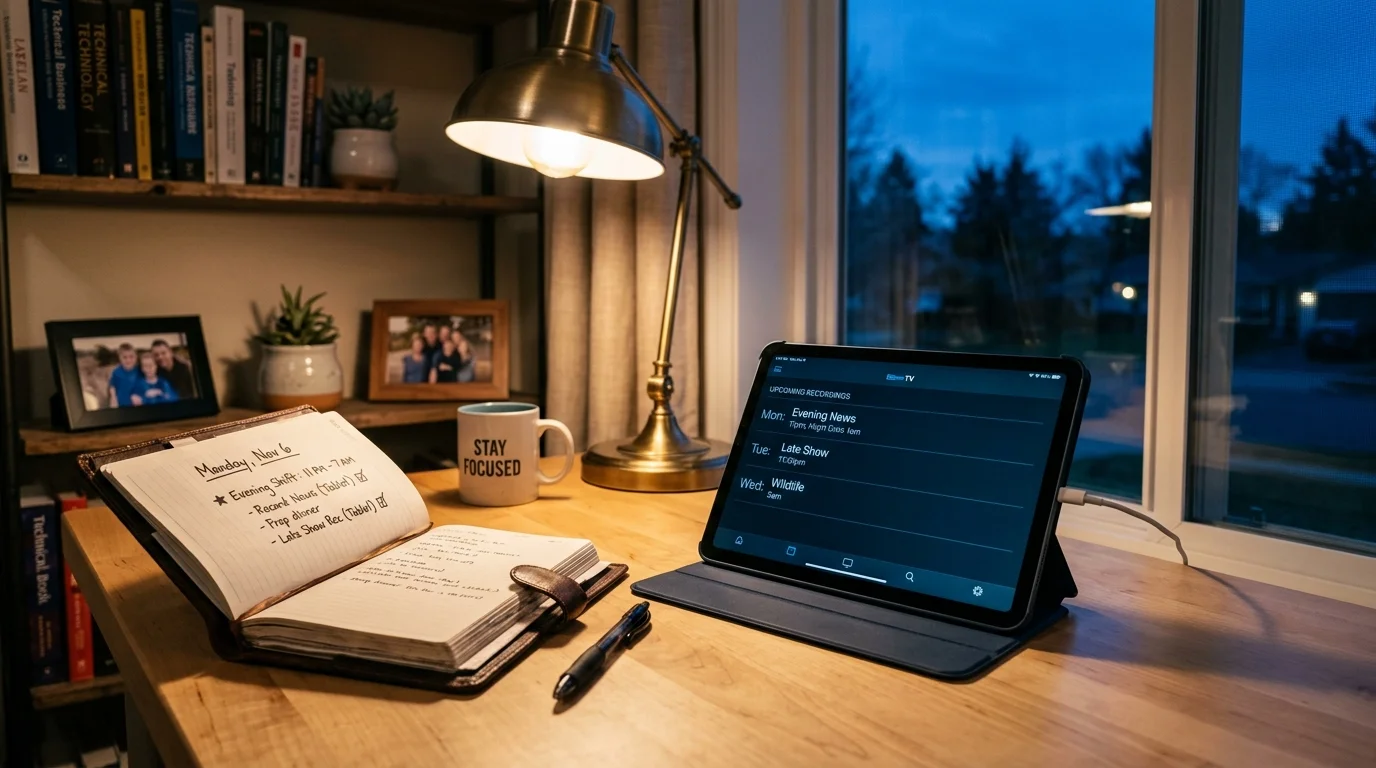
Service Recommendations: Best Options for News Buffers, Sports, and Budgets
Different household demands require different platform configurations. Here are the top live TV recommendations based on shifts, viewing habits, and budgets.
Best for shift workers and automated news buffering: YouTube TV stands out as the overall top choice. Its unlimited storage allows you to record endless downstream programs without managing hard drive caps.
Best for sports fans: Fubo leads the category by carrying comprehensive regional sports networks and automated 10-minute overtime tracking. Sports viewers avoid missing high-stakes extra-inning finishes.
Best for families: Hulu + Live TV provides incredible value by bundling Disney+ and ESPN+ into its base subscription. Multiple family members can stream varied content across home screens simultaneously.
Best budget option: Sling TV offers the lowest entry price at $40.00 per month. However, shift workers who record multiple news buffers must add the $5.00 monthly DVR Plus upgrade.
All these live streaming platforms operate on month-to-month billing cycles with no long-term contracts. You can cancel, pause, or switch services anytime your hospital shift changes.
Frequently Asked Questions
Why do cloud DVRs lack manual time padding options?
Cloud DVRs store recorded broadcasts on remote servers and reference shared digital files indexed by electronic guide schedules. Providers restrict manual padding sliders to conserve shared storage architecture and honor network digital rights.
Will YouTube TV automatically extend local news if football runs late?
No. YouTube TV automatically extends the sporting event itself, but it does not adjust scheduled start and end times for downstream news broadcasts. You must manually record the subsequent program.
Does recording extra buffer programs fill up my Sling TV storage?
Yes. Sling TV caps base DVR storage at 50 hours, and every recorded buffer program counts against your limit. You can upgrade to 200 hours of storage for $5.00 per month.
Can I fast-forward through commercials in downstream buffer recordings?
Yes. Cloud DVR recordings allow you to fast-forward through commercial breaks on YouTube TV, Hulu + Live TV, and Sling TV, unlike on-demand video files that lock ad breaks.
Disclaimer: Live TV streaming prices and channel lineups change frequently. Local channel availability varies by location. Always use the free trial to verify your local channels are included before committing. Sports blackout rules may affect some live events.