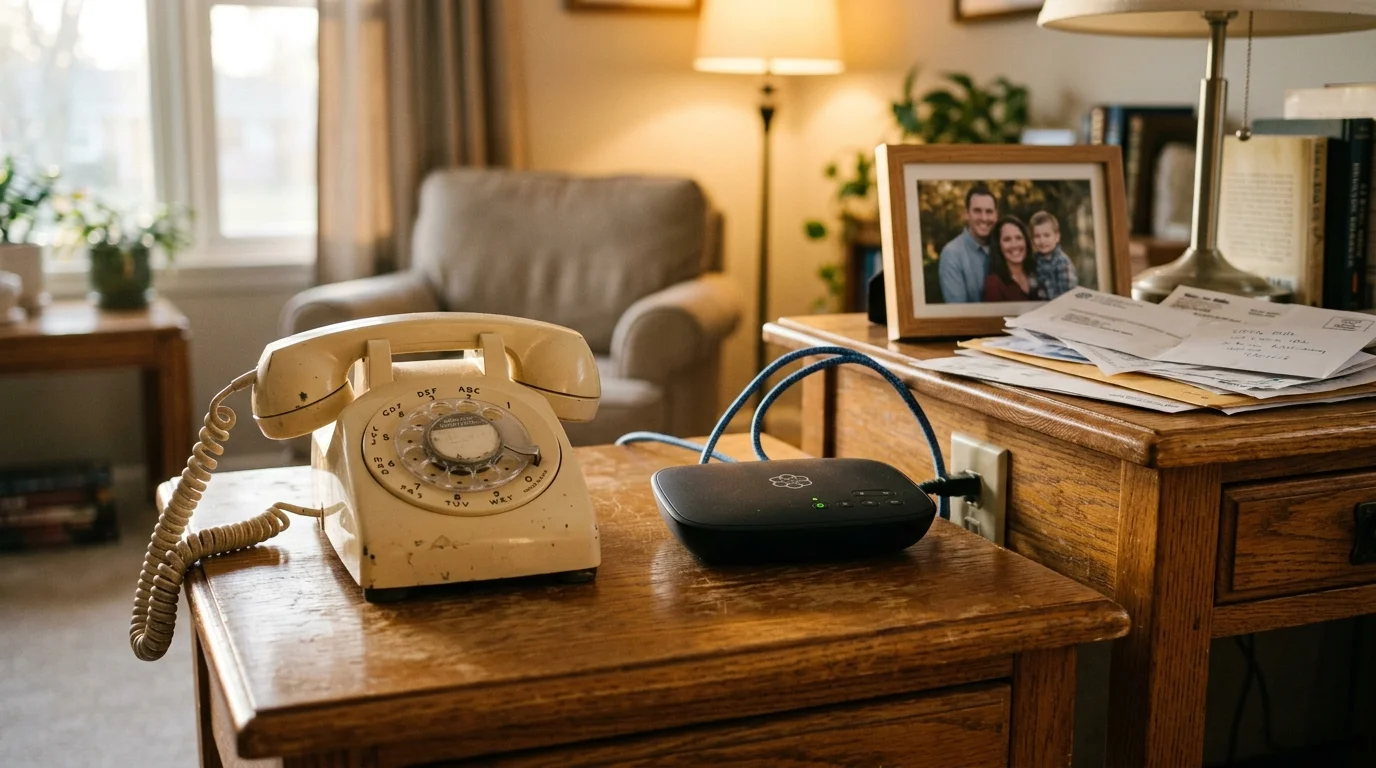
You can slash your $210 monthly cable bill without losing the home telephone number your family and doctors have dialed for thirty years. Splitting a triple play bundle starts by porting your landline to an independent device before touching your television package.
Most guides tell you to cancel cable services all at once; however, this mistake immediately erases your legacy telephone number. Moving your line first to a standalone VoIP box permanently protects your number and drops your phone bill to seven dollars.
Once your number transfers safely, you can dismantle the rest of the bundle and keep reliable internet for entertainment.
Why Triple Play Bundles Trap Seniors on Fixed Incomes
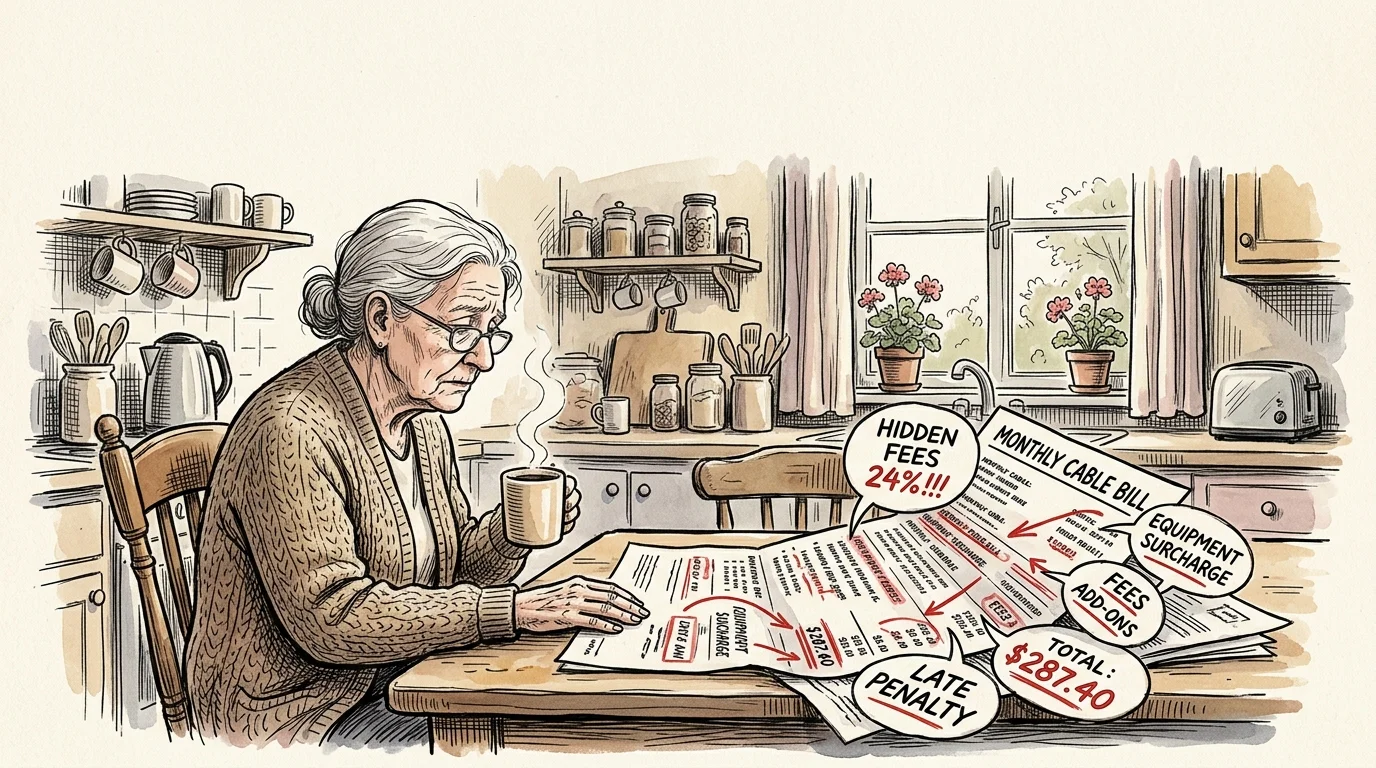
Triple play bundles combine landline telephone service, television channels, and home broadband internet into a single package. Cable companies market these packages as money savers, but ballooning surcharges quietly inflate your monthly statement.
According to research by Consumer Reports, hidden fees like broadcast surcharges and regional sports fees inflate cable bills by over twenty-four percent. When you add equipment rentals, your bill easily climbs past $200 per month.
For a recently widowed senior, that telephone line represents emotional security, vital doctor connections, and neighborhood ties. Telecommunications providers exploit this attachment by claiming that removing television will double your standalone phone and internet rates.
This tactic creates artificial fear. You do not need to purchase voice service from your cable monopoly to keep your traditional telephone working in your living room.
By learning how to drop triple play keep landline functionality intact, you sever the provider’s financial leverage. You take control of your monthly expenses without sacrificing the telephone that anchors your home.
The Golden Rule: Never Cancel Service Before Porting Your Number
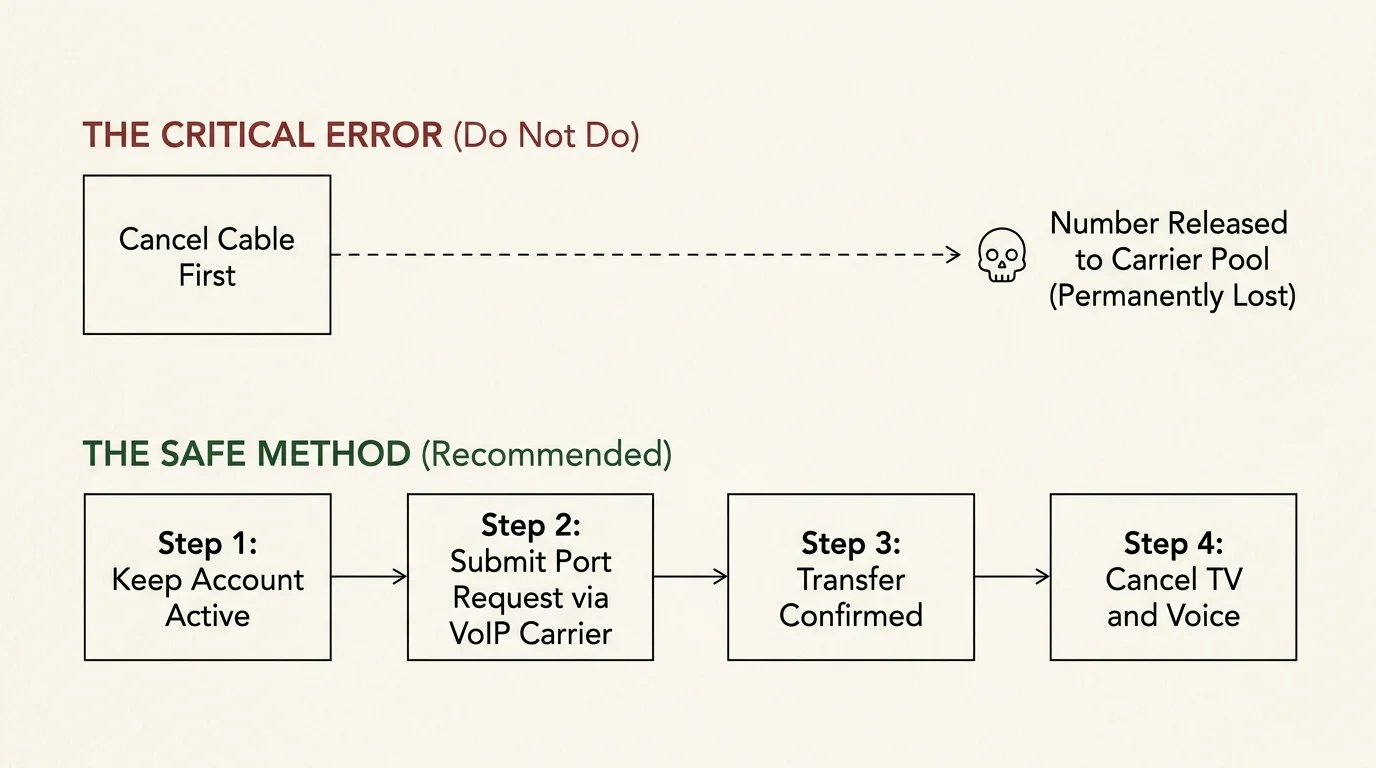
If you call your cable company today and say you want to cancel, you will permanently lose your telephone number. The customer service representative will close the account and release your digits back to the national carrier pool.
According to the FCC Consumer Guide on keeping your phone number, federal law gives you the right to transfer your number to a new carrier. However, that right only exists while your current account remains open and in good standing.
Porting means transferring an existing telephone number from one provider to another. This technical transfer serves as your official departure notice for that specific service.
“Never contact your cable company to cancel telephone service before the new provider completes the transfer. Initiating the transfer through your new equipment carrier automatically preserves your number without risking accidental deletion.”
Unlike mobile phone transfers that finish within hours, landline-to-VoIP porting takes significant backend processing. Transferring a wireline number typically requires two to four weeks to migrate across telephone switchboards.
During this waiting period, your cable landline continues ringing normally on your wall handsets. You will pay for cable service during these weeks, but your thirty-year-old number remains completely safe.
Federal regulations also prevent cable companies from blocking a port request due to an unpaid balance or promotional dispute. Once the transfer finishes successfully, your telephone line detaches from the bundle automatically.
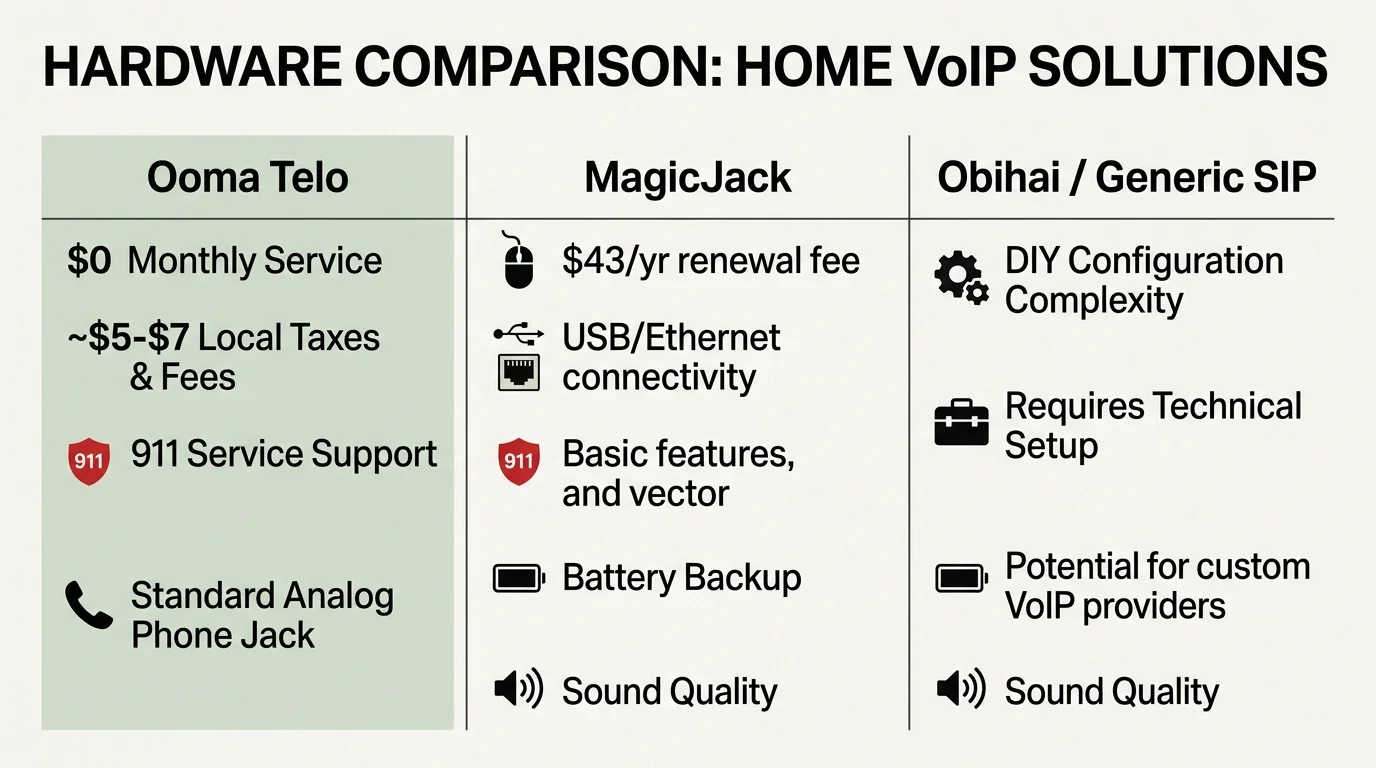
VoIP Hardware Comparison: Ooma Telo vs. Alternatives
Voice over Internet Protocol (VoIP) transmits telephone calls over home internet wiring rather than aging copper telephone lines. A small adapter bridges your broadband router to standard home telephones.
For years, budget-conscious consumers used an Obihai adapter paired with Google Voice to make free calls. However, parent company HP permanently discontinued Obihai hardware support and shut down the OBiTALK configuration portal on October 31, 2024.
With obsolete systems gone, turnkey dedicated devices represent the most reliable hardware for seniors. The Ooma Telo stands out as the premier solution for households dropping cable phone service.
As Wirecutter explains in its home phone reviews, dedicated VoIP adapters deliver pristine call clarity matching traditional landlines. The hardware requires no technical maintenance once installed.
The standard Ooma Telo carries an MSRP of $99.99, though retailers regularly discount the unit to $79.99. If your router sits in a closet far from your phone, the Ooma Telo Air costs $129.99 and connects over Wi-Fi.
| Device Option | Upfront Hardware Cost | Monthly Service Cost | Number Porting Fee | Support Status |
|---|---|---|---|---|
| Ooma Telo (Standard) | $79.99 – $99.99 | $4.50 – $8.00 (Taxes/Fees) | $39.99 (Free with Premier) | Active (24/7 Phone Support) |
| Ooma Telo Air (Wi-Fi) | $129.99 | $4.50 – $8.00 (Taxes/Fees) | $39.99 (Free with Premier) | Active (24/7 Phone Support) |
| MagicJack Home | $44.99 (Includes 1 Yr) | ~$3.58 ($43/yr renewal) | $19.95 | Active (Web/Chat Focused) |
| Obihai OBi200 / Google Voice | Discontinued | $0.00 | N/A | Defunct (Portal Closed Oct 2024) |
While Ooma advertises free basic residential service, mandatory government fees still apply. Depending on your ZIP code, emergency 911 fees and universal service taxes range between $4.50 and $8.00 per month.
Ooma charges a one-time $39.99 fee to transfer your existing home number. You can waive this porting charge by purchasing an annual subscription to Ooma Premier for $119.88, which adds robust robocall blocking.
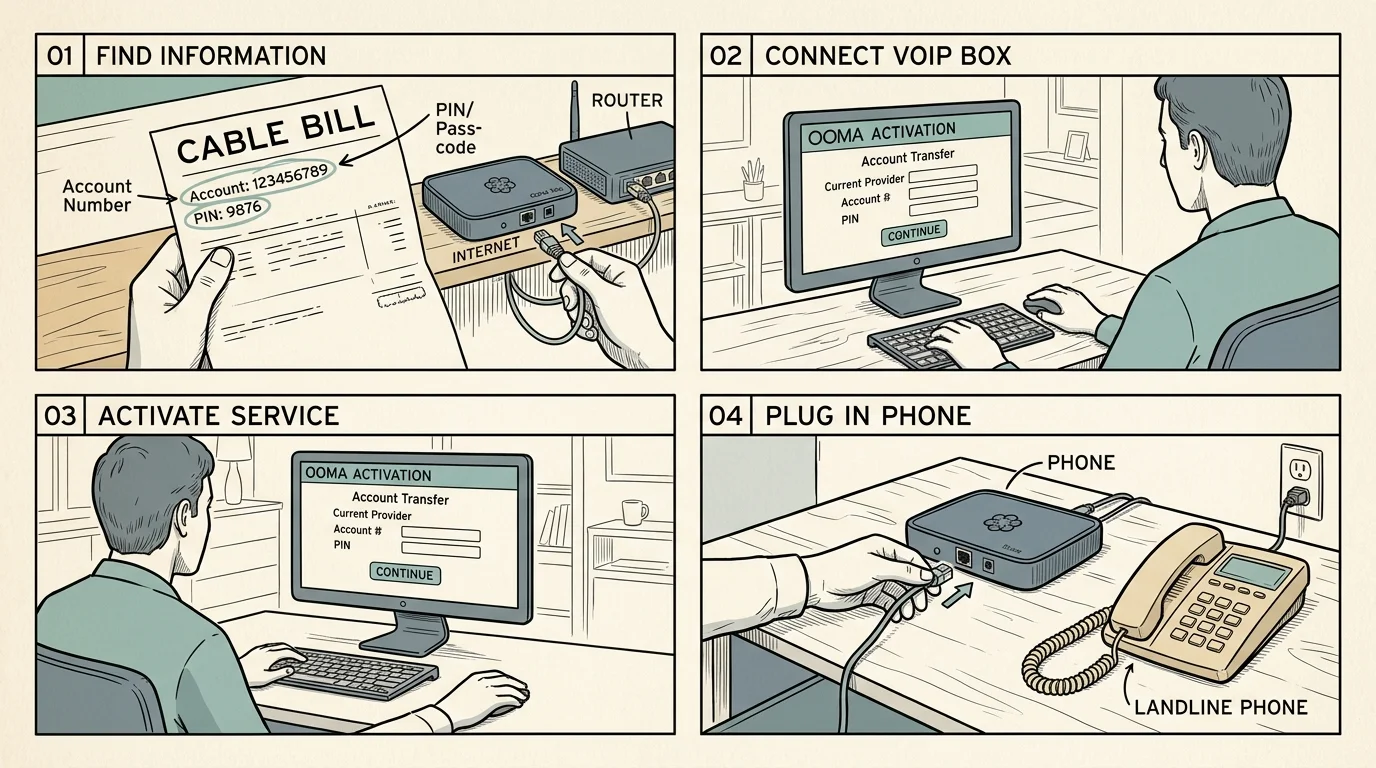
Step-by-Step Guide: How to Port Your Cable Landline to Ooma
Executing an ooma setup replace cable phone transition requires following a methodical order of operations. Rushing the process risks service disruptions, so gather your materials before plugging in the adapter.
- Collect your current cable bill: Locate your paper statement from your cable provider. You need the exact account number, billing name, service address, and any security PIN assigned to your account.
- Purchase and unpack the Ooma Telo: Open the package to verify the contents. You should have the Telo base station, an AC power adapter, and an Ethernet cable.
- Activate the hardware online: Visit Ooma’s activation website on a computer or tablet. Enter the activation code printed on the bottom label of your Telo unit.
- Accept a temporary telephone number: Ooma will prompt you to select a temporary phone number. Do not worry; this temporary number allows you to test the equipment while your real number processes.
- Submit your number porting request: Navigate to the porting section inside your new Ooma web portal. Enter your cable account details exactly as they appear on your paper bill to avoid administrative rejections.
- Connect the Telo to your internet router: Plug one end of the included Ethernet cable into the blue “Internet” port on your Telo. Plug the other end into an open LAN port on your internet modem or router.
- Power on the device: Plug the power adapter into an electrical outlet. The Ooma logo on top of the device will flash red before turning solid blue, confirming an active connection.
- Wait for the transfer date confirmation: Ooma will email you an exact completion date, usually two to three weeks away. Keep your old telephone plugged into your cable modem until that morning arrives.
- Swap your phone cord on transfer day: On the scheduled day, unplug the standard telephone cord from your cable modem. Plug that same cord directly into the green “Phone” port on the back of your Ooma Telo.
Once plugged into the Telo, pick up your handset and listen for the unique musical Ooma dial tone. Place a test call to your mobile phone to verify your caller ID displays your correct, decades-old number.
Completing this process means you successfully managed to port home phone number cord cutting milestones without losing a single incoming call.
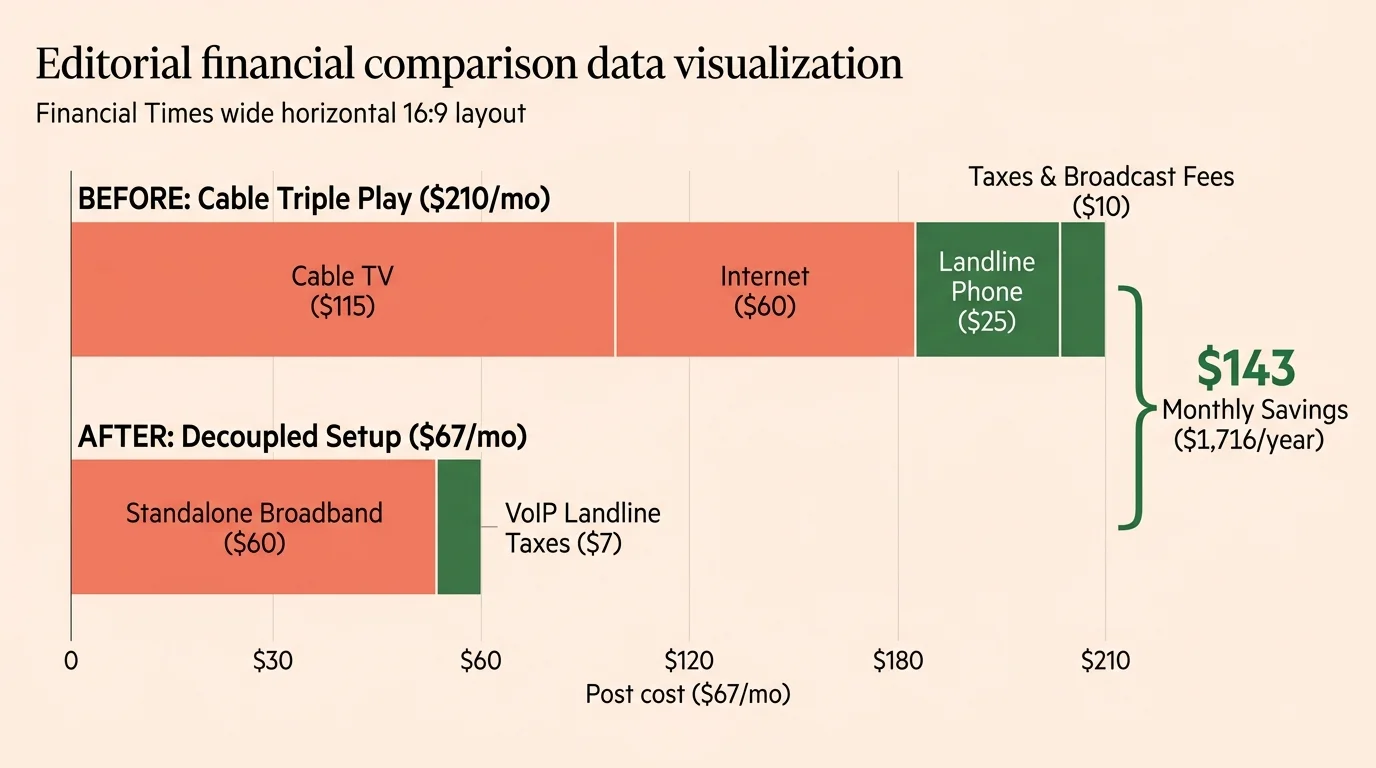
Worked Example: Slashing a $210 Triple Play Bill to $67
Consider Margaret, a seventy-two-year-old widow living outside Columbus, Ohio. She inherited a complex triple-play contract from her late husband and watched the bill climb steadily each spring.
Seeing the math behind your monthly expenses is a critical step when evaluating how much you can save cutting the cord versus continuing with an overpriced bundle.
Margaret never watches sports and only turns on the television for local morning news and evening dramas. Yet her monthly statement showed the following mandatory charges:
- Triple Play Bundle Package Base Rate: $148.00
- Broadcast TV Surcharge: $24.75
- Regional Sports Network Fee: $15.50
- Two HD Cable Set-Top Box Rentals: $23.00
- Telephone Taxes and Surcharges: $7.25
- Total Monthly Bill: $218.50
Margaret purchased an Ooma Telo on sale for $79.99 and paid the $39.99 transfer fee. Her total one-time migration cost was $119.98.
After her number ported, Margaret called her provider and downgraded to a standalone 100 Mbps broadband tier for $55.00 monthly. Her local Ooma regulatory taxes total $6.45 per month.
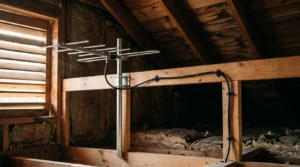
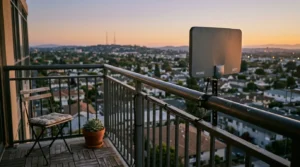
She installed a $29 indoor antenna to receive local stations for free in high definition. She also purchased a basic streaming plan for $5.99 per month to watch classic evening television dramas.
- Standalone Home Broadband Internet (100 Mbps): $55.00
- Ooma Home Phone Regulatory Fees and Taxes: $6.45
- On-Demand Streaming Service Subscription: $5.99
- Over-The-Air Digital Antenna Broadcast Channels: $0.00
- Total New Monthly Cost: $67.44
Margaret saves $151.06 every single month, amounting to $1,812.72 in annual savings. Her hardware investment paid for itself completely within twenty-four days of service.
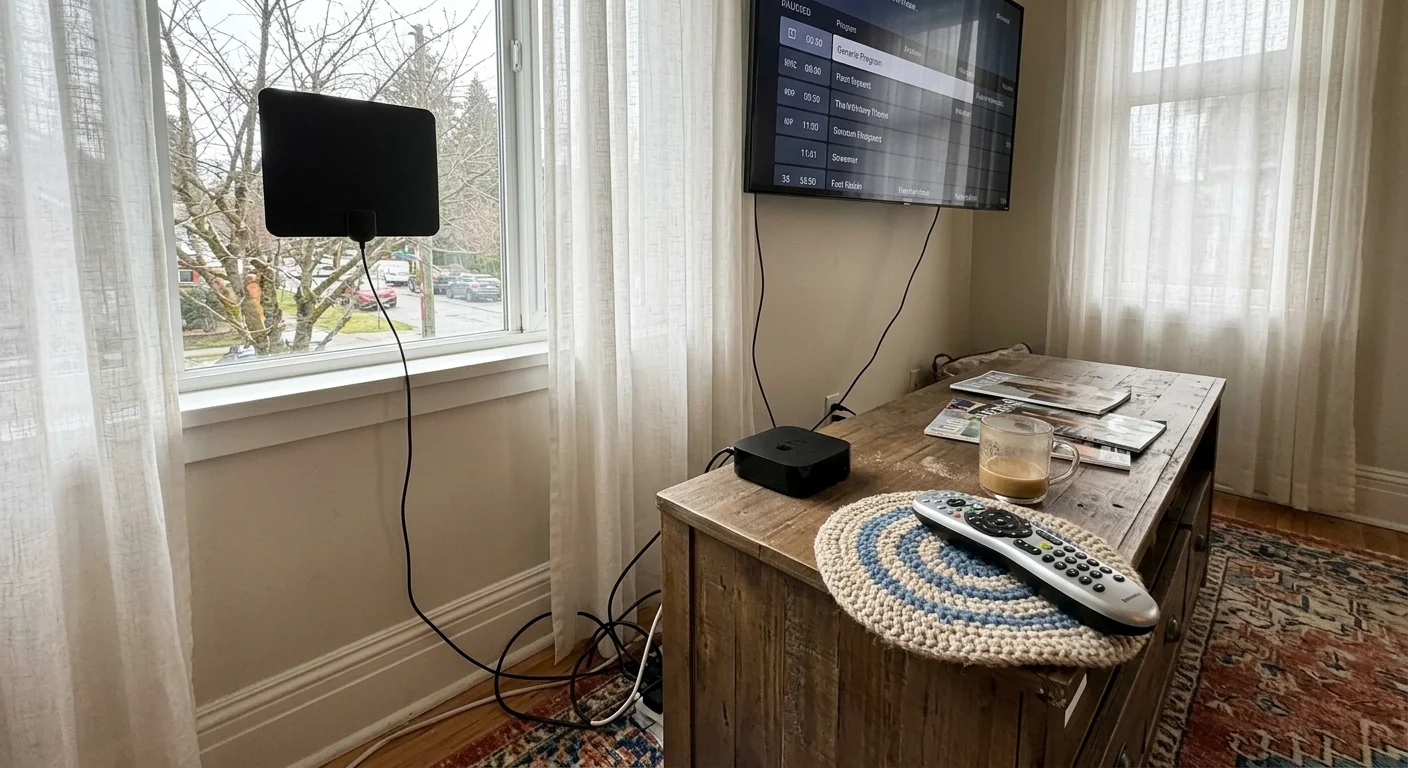
Replacing Cable TV: Digital Antennas and Simple Streaming Devices
Dropping the video portion of your bundle requires embracing cord-cutting, which means canceling traditional cable or satellite TV in favor of streaming services. Understanding key television terminology helps you choose replacements without stress.
Streaming means watching video content over the internet instead of cable or satellite lines. You can stream content directly to a smart TV, which is a television with built-in internet connection and apps.
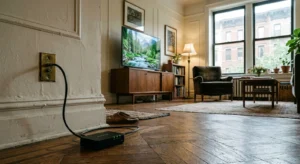
If your television lacks internal apps, you can attach a streaming device, which is a small box or stick (like Roku or Fire TV) that adds streaming to any TV. These devices plug directly into an HDMI port on the back of your set.
For seniors, the $39.99 Roku Streaming Stick 4K provides the easiest transition. Its remote control features large, physical buttons, volume toggles, and a dedicated power switch that operates your television.
“A simple digital antenna paired with an entry-level streaming player replaces ninety percent of what legacy cable subscribers actually watch, eliminating endless rental fees forever.”
Most basic television viewing involves local channels like NBC, CBS, ABC, FOX, and PBS. An inexpensive over-the-air digital antenna captures these networks straight from local broadcast towers without any monthly subscription fees.
When selecting apps, you will encounter ad-supported services, which are free or cheaper plans that show commercials during programs. Alternatively, ad-free plans cost more each month but eliminate commercial interruptions entirely.
Cable users often fear losing their DVR, a digital video recorder that lets you record and watch shows later. However, modern services offer on-demand viewing, letting you watch whatever you want, whenever you want, without needing to record broadcasts beforehand.
A modest broadband connection of 100 Mbps easily supports two simultaneous high-definition streams alongside your Ooma telephone calls. High-definition video uses roughly 5 Mbps, leaving plenty of capacity for crystal-clear phone conversations.
How to Cancel Cable TV and Keep Standalone Internet
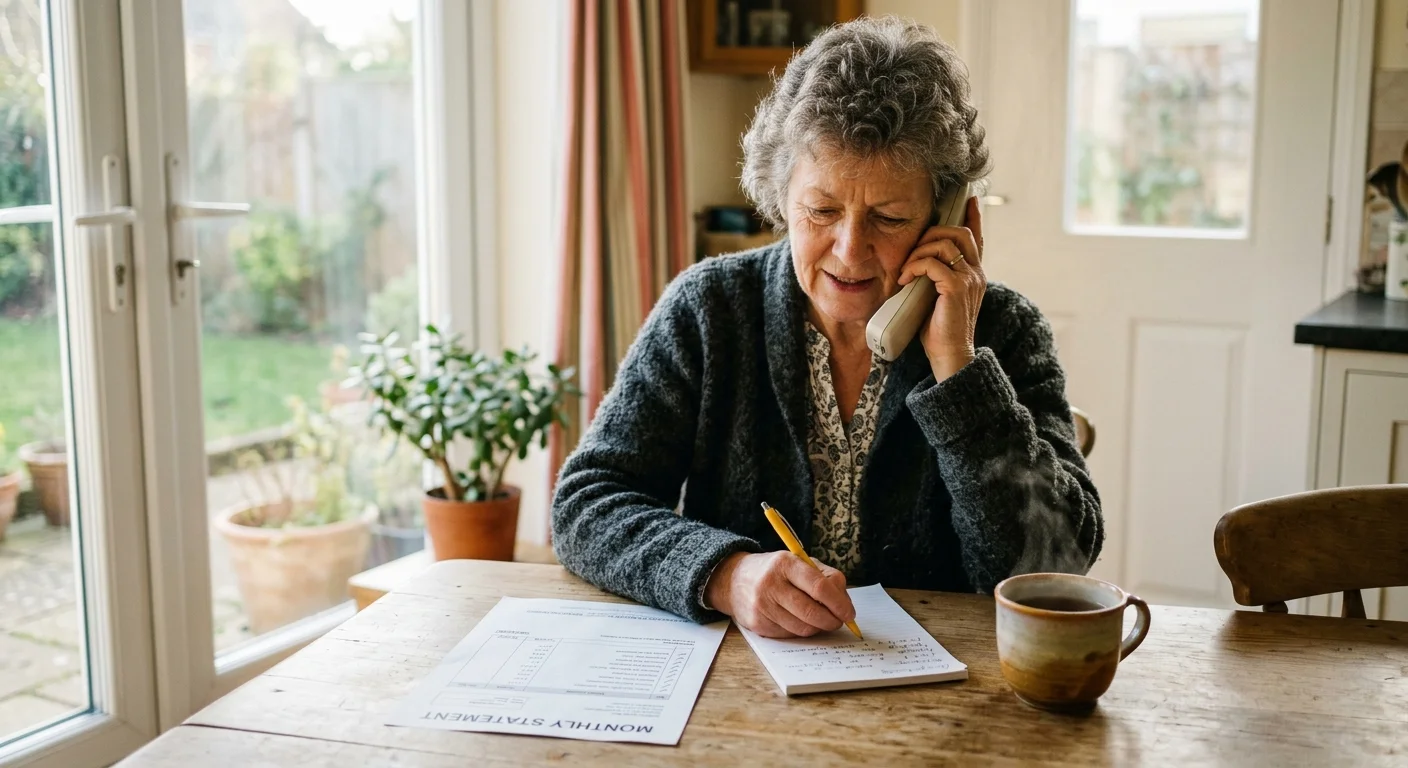
Once your telephone number rings on your Ooma Telo, you can finally contact your cable company. Remember that your telephone line has already ported away, meaning the provider cannot cancel your number.
Call customer service and state clearly: “I am calling to disconnect my cable television package and retain my standalone internet service.” Do not engage in lengthy discussions regarding your personal viewing habits.
The retention agent will likely warn that standalone internet costs more than bundled internet. Ask for their standard rate for everyday broadband, such as 100 Mbps or 300 Mbps tiers, which usually cost between $50 and $70.
Confirm the exact date your television service terminates and request an equipment return checklist. Unplug every cable box, power brick, and remote control provided by the company.
Drop the equipment off in person at an official company retail store rather than mailing the boxes. Always demand a printed receipt showing the serial number of every returned device.
Store this receipt in your files for at least two years. Cable operators frequently send surprise bills months later claiming customers failed to return leased set-top equipment.
Frequently Asked Questions
Will my home phone work during an electrical power outage?
Because VoIP hardware relies on your home router, the phone stops working if your household electricity fails. You can keep your Ooma Telo and router operational during short blackouts by plugging both devices into an inexpensive battery backup unit.
Can I use my existing cordless phone handsets with Ooma?
Yes, your existing cordless telephone system works seamlessly with the Ooma base station. You simply plug the telephone cord from your cordless master base into the Telo phone jack, which distributes dial tones to all extension handsets.
Does 911 emergency dispatch still find my home address accurately?
Yes, Ooma provides Enhanced 911 (E911) service to all residential customers. During online activation, you register your physical home address, which automatically transmits to local emergency dispatchers whenever anyone dials 911 from your handset.
What should I do if the cable provider delays my port request?
If your cable company rejects your port, check your previous bill to verify that the account number, spelling, and PIN match precisely. Remind the representative that federal rules strictly prohibit carriers from blocking porting requests over billing disputes.
Disclaimer: Cable and streaming prices vary by location and change frequently. The cost comparisons in this article are estimates based on typical pricing. Your actual savings will depend on your current cable package, internet costs, and which streaming services you choose.