Living in a pre-war apartment means battling thick plaster-and-lath walls that obliterate wireless frequencies. You can eliminate streaming dead zones today without violating your lease or snaking loose ethernet cables across your hardwood floors.
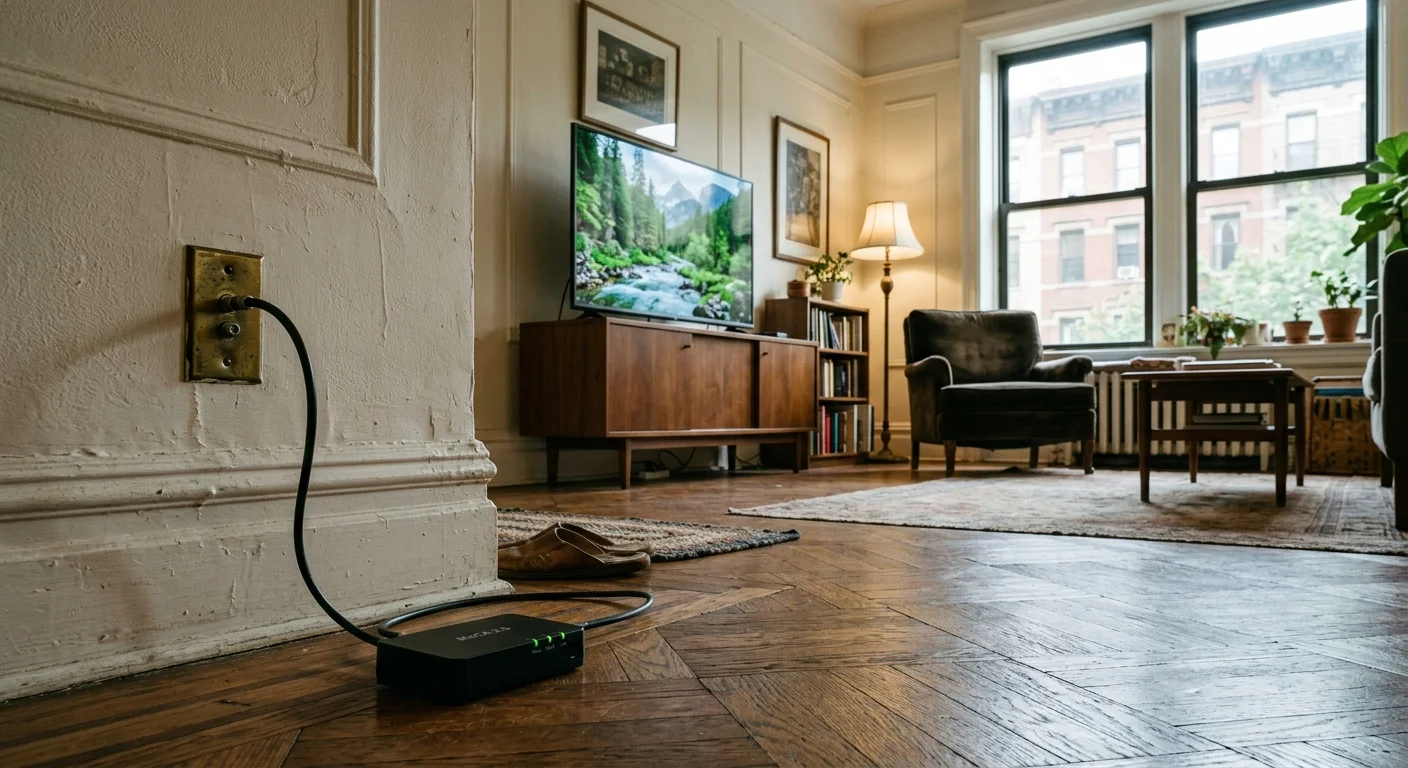
By converting dormant coaxial jacks into a high-speed wired backhaul with bonded MoCA 2.5 adapters, you bypass wireless interference entirely.
While standard Wi-Fi signals lose up to ninety percent of their strength through metallic lath, dark coaxial lines establish an unyielding 2.5 Gbps pipeline for flawless 4K viewing.
The Physics of Pre-War Plaster: Why Wi-Fi Fails
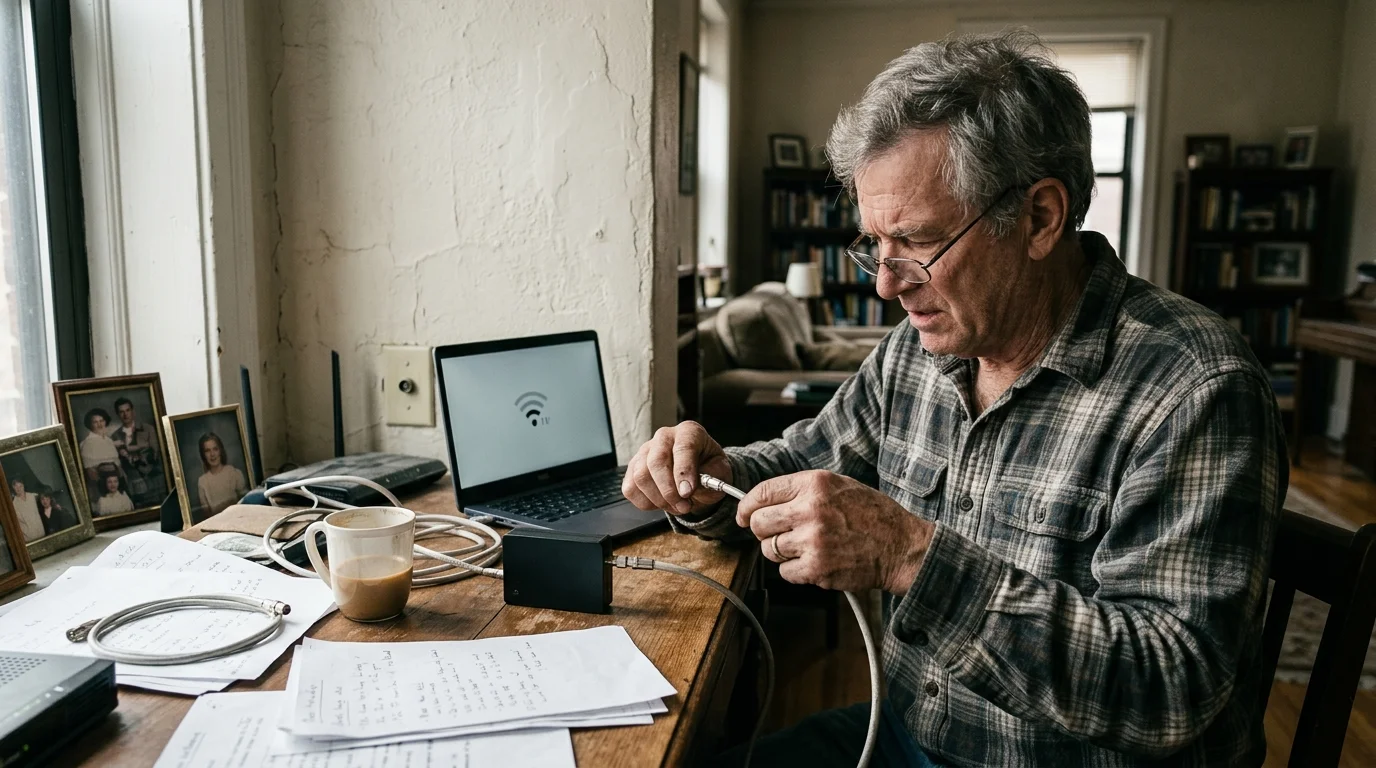
Pre-war apartment buildings erected between the 1890s and late 1930s feature interior architecture designed for permanence rather than wireless data transmission. Contractors applied dense gypsum or lime plaster over interwoven wire mesh or wooden lath strips to construct soundproof interior partitions.
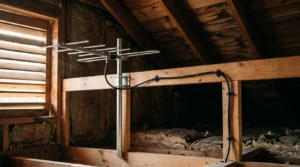
These dense barriers create similar headaches for over-the-air antennas, but you can learn how to pull broadcast signals through pre-war plaster and brick using alternative positioning strategies.
This physical composition creates an extreme barrier for modern 2.4 GHz, 5 GHz, and 6 GHz wireless frequencies. Modern drywall partitions absorb between 3 dB and 5 dB of signal strength, but plaster over metal lath introduces 15 dB to over 25 dB of signal attenuation per wall.
Because wireless signal power diminishes logarithmically, every 10 dB drop strips away ninety percent of your usable broadcast energy. Traversing two plaster walls cuts your signal strength by ninety-nine percent, leaving your devices starving for packets.
This structural degradation cripples streaming, which describes watching video content over the internet instead of cable or satellite. High-definition video requires stable bandwidth; Netflix requires a stable 15 Mbps connection, while Disney+ and Apple TV+ require at least 25 Mbps.
Severe packet loss and fluctuating latency—known as jitter—cause video streams to buffer constantly or drop down to fuzzy low-resolution video. Standard routers cannot overcome this physical barrier simply by raising transmission power, because strict federal limits govern consumer wireless broadcasting.
“Plaster and wire lath act as an unintended radio shield. Reclaiming dark coax bypasses this structural obstacle, delivering wired reliability without altering historic architecture.”
How MoCA 2.5 Turns Dormant Coax into Gigabit Ethernet
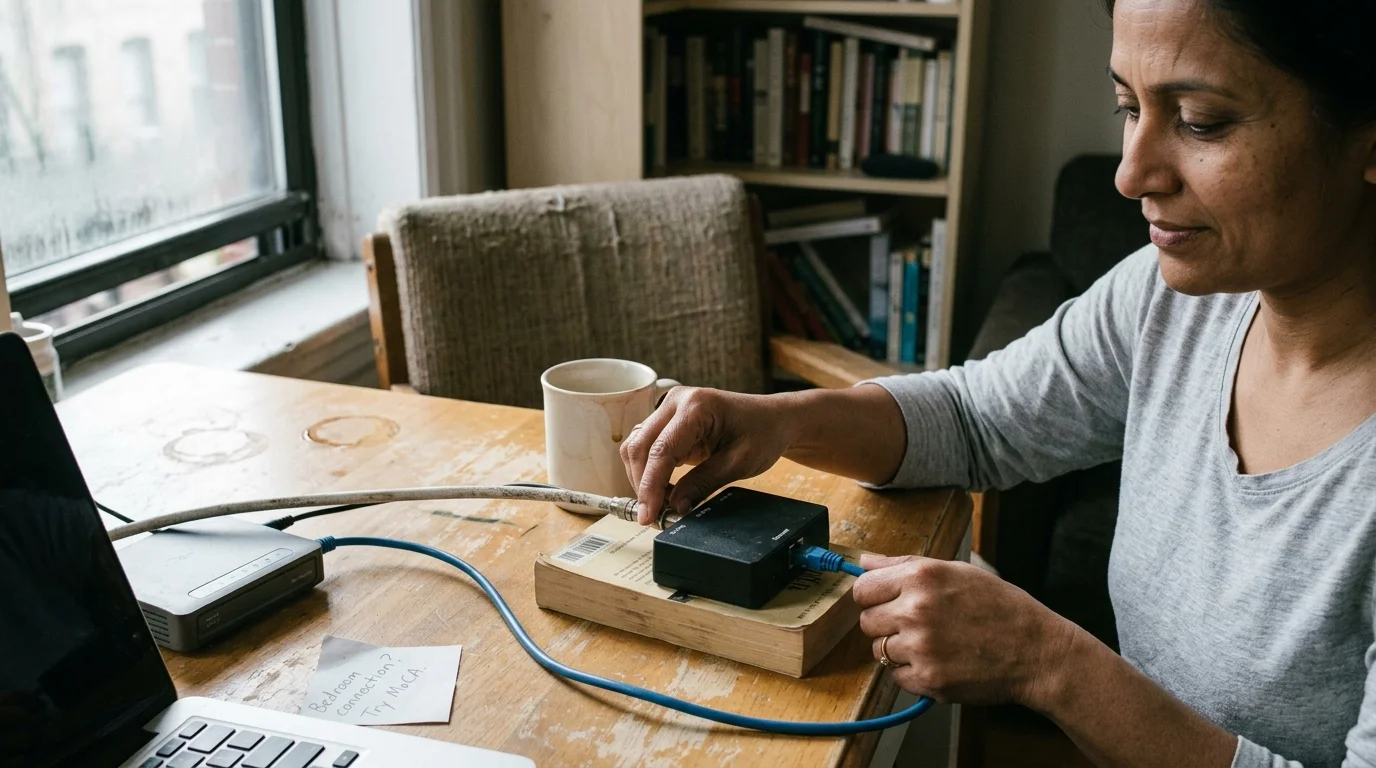
Multimedia over Coax Alliance (MoCA) technology transforms your existing television wiring into a high-speed data transmission channel. The current MoCA 2.5 standard delivers up to 2.5 Gbps of actual media access control throughput with less than 5 milliseconds of network latency.
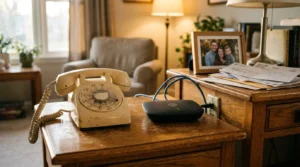
You can deploy this technology across dormant coax lines left behind after cord-cutting, which means canceling traditional cable or satellite TV in favor of streaming services. When you drop traditional cable television, those coaxial wall plates inside your living room and bedrooms become dark, unused copper lines.
In active cable setups, DOCSIS 3.1 internet signals operate across frequencies extending up to 1218 MHz. Because MoCA 2.5 uses Extended Band D frequencies between 1125 MHz and 1675 MHz, sharing a live line can occasionally create frequency overlap.
Dormant coaxial runs avoid this interference issue completely. By isolating these disconnected lines, you establish an interference-free private network capable of handling multiple concurrent 4K streams without wireless dropouts.
According to home technology guides from Cord Cutters News, dedicated physical connections remain the gold standard for high-bitrate streaming reliability across multi-room residences.
Essential MoCA Hardware Checklist and Equipment Costs
Building a coax to ethernet streaming adapter setup does not require professional installation or landlord approval. You can purchase every required component online and complete the physical setup yourself in under an hour.
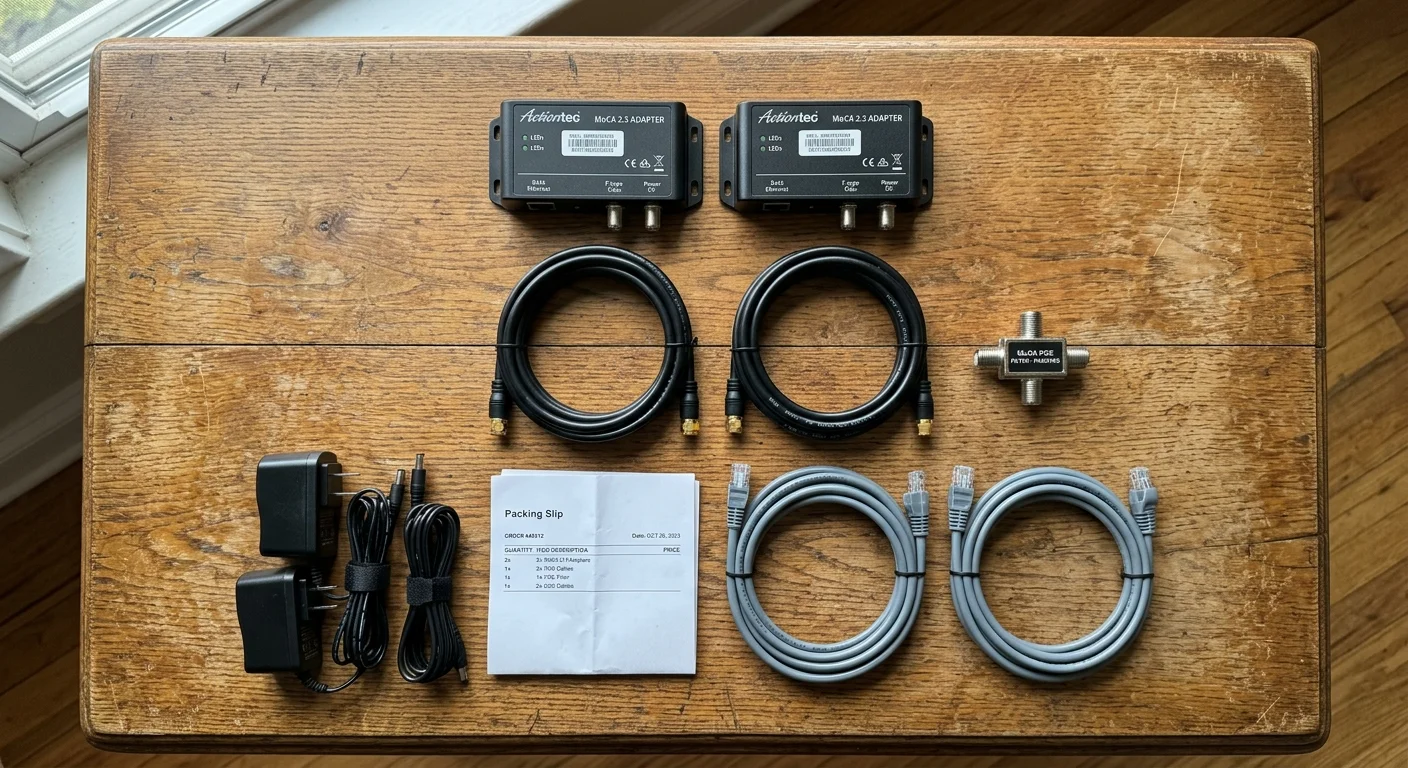
Your primary investment is a pair of bonded MoCA 2.5 adapters. Top-rated hardware includes the ScreenBeam ECB6250, the ScreenBeam ECB7250, and the goCoax MA2500D, which retail for $110 to $170 per two-pack.
If you need to connect additional rooms later, single expansion adapters cost between $60 and $85 each. You also need a 70 dB Point of Entry (PoE) filter, such as the Holland MoCA PoE filter, priced between $8 and $15.
In a multi-dwelling apartment building, this compact inline barrel filter prevents your data signals from radiating back into the shared building distribution trunk. Check any existing coaxial splitters hidden inside your distribution panel or closet.
Legacy splitters installed by cable providers max out at 1000 MHz (1 GHz) and will attenuate or completely sever high-frequency MoCA signals. Replace them with high-frequency bidirectional splitters rated from 5 MHz up to at least 1675 MHz or 2.5 GHz, costing $8 to $12 each.
Finally, purchase several short RG6 coaxial jumper cables and Cat6 ethernet patch cables to connect your hardware cleanly. As reported by Wirecutter, using properly shielded cables prevents external signal leakage and guarantees full gigabit transfer rates across legacy lines.

Networking Comparison: MoCA 2.5 vs. Mesh Wi-Fi vs. Powerline
Many pre-war apartment dwellers attempt mesh wireless systems or powerline hardware before turning to MoCA adapters. These alternative approaches routinely fail due to the specific physical constraints of vintage residential buildings.
For renters navigating strict lease terms, our guide to cord cutting for apartment dwellers outlines landlord-friendly setups that don’t require exterior modifications.
Powerline adapters route data over electrical wiring, but 1920s structures frequently feature ungrounded two-wire knob-and-tube or armored BX cable across different electrical phases. This legacy wiring introduces massive electrical noise, restricting powerline connections to single-digit megabit speeds with erratic ping spikes.
Wireless mesh nodes encounter the same plaster wall problem as standard routers. The satellite units lose connection with the main base station because their wireless backhaul cannot penetrate wire lath.
The following table highlights the performance and cost differences across these three networking methods in vintage residential environments.
| Networking Solution | Real-World Pre-War Speed | Local Network Latency | Plaster Wall Penalty | Hardware Cost (2 Rooms) |
|---|---|---|---|---|
| MoCA 2.5 (Dark Coax) | 900–2,500 Mbps | <5 ms | None (Copper Shielded) | $120–$180 |
| Tri-Band Wi-Fi 6E Mesh | 40–180 Mbps | 25–95 ms | Extreme (15–25 dB per wall) | $250–$450 |
| Powerline (HomePlug AV2) | 15–60 Mbps | 30–80 ms | Moderate (Line Noise) | $70–$110 |
Shielded coaxial copper isolates data transmissions from external interference. This physical isolation ensures identical speeds whether your streaming device sits five feet or fifty feet from your primary gateway.
Step-by-Step Installation: Activating Dark Coaxial Lines
Setting up moca adapters pre war apartment spaces require only basic hand tools and patience. Complete this installation process step by step to build your wired streaming backhaul.
Step 1: Locate your dormant coaxial wall jacks. Find the coaxial wall plate near your internet gateway and the corresponding plate in your streaming dead zone.
Step 2: Inspect the central junction enclosure. Look inside your entryway closet or utility cabinet where internal apartment cables join the building feed.
Step 3: Disconnect the external cable line. Unscrew the incoming building feed from your internal splitter to isolate your apartment’s internal wiring completely. If your cables connect through a splitter, replace it with a MoCA-rated unit operating up to 1675 MHz or 2 GHz.
Install your 70 dB Point of Entry filter directly onto the input port of the new splitter as a security measure. If you only need to link two rooms, connect the two coaxial cables together using an F-type female barrel connector rather than a splitter.
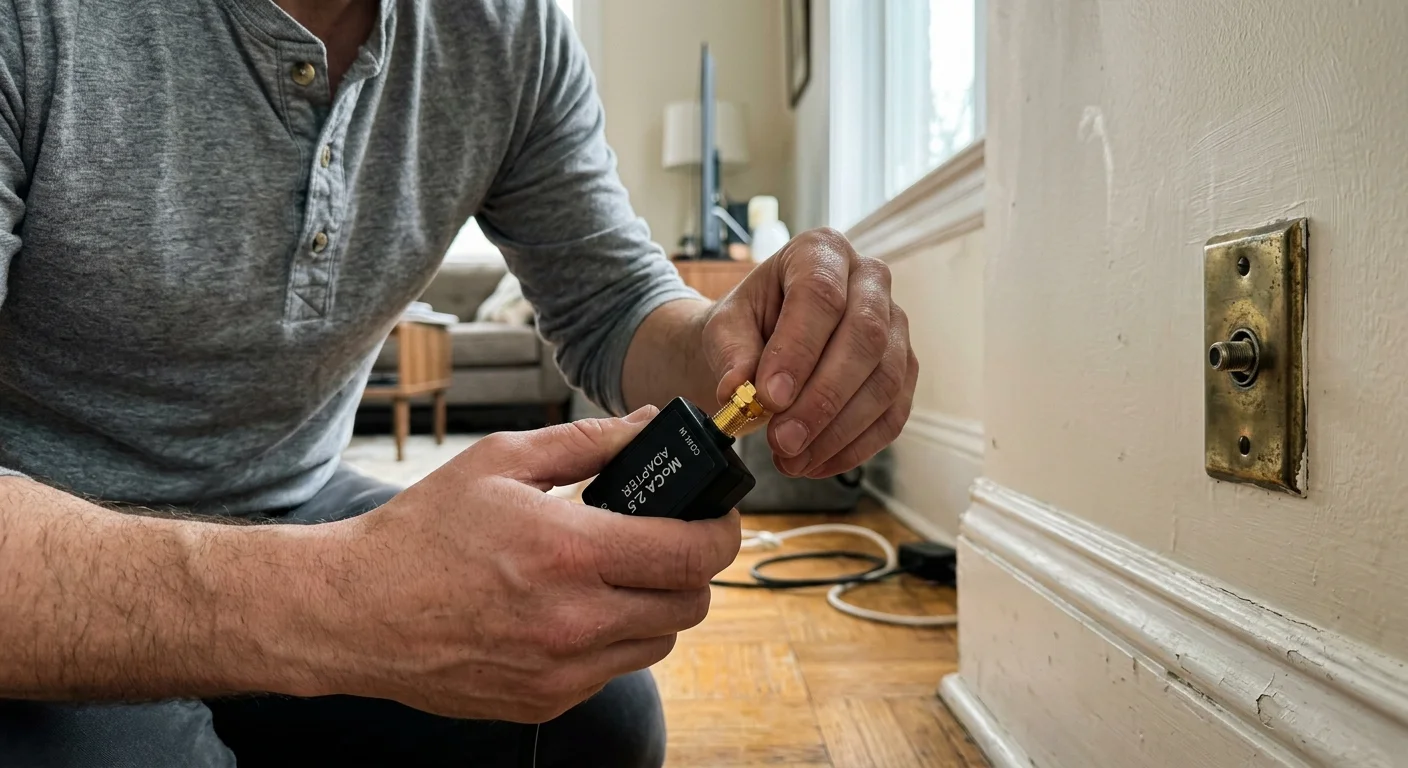
Step 4: Connect the gateway MoCA adapter. Run a Cat6 ethernet cable from a LAN port on your internet router into the first MoCA adapter. Attach a short RG6 coaxial cable from your wall jack to the adapter’s coax port, then plug in the power supply.
Step 5: Connect the remote streaming adapter. Screw an RG6 coaxial cable into the wall jack located in your streaming room and connect it to your second adapter. Run a Cat6 ethernet cable from the second adapter into your smart TV—a television with built-in internet connection and apps.
Alternatively, plug the cable into a streaming device, which is a small box or stick like a Roku or Fire TV that adds streaming capabilities to any screen. Both adapters will display a solid coaxial link indicator light within thirty seconds, establishing an active gigabit connection.
Worked Scenario: Retrofitting a 1928 Manhattan One-Bedroom
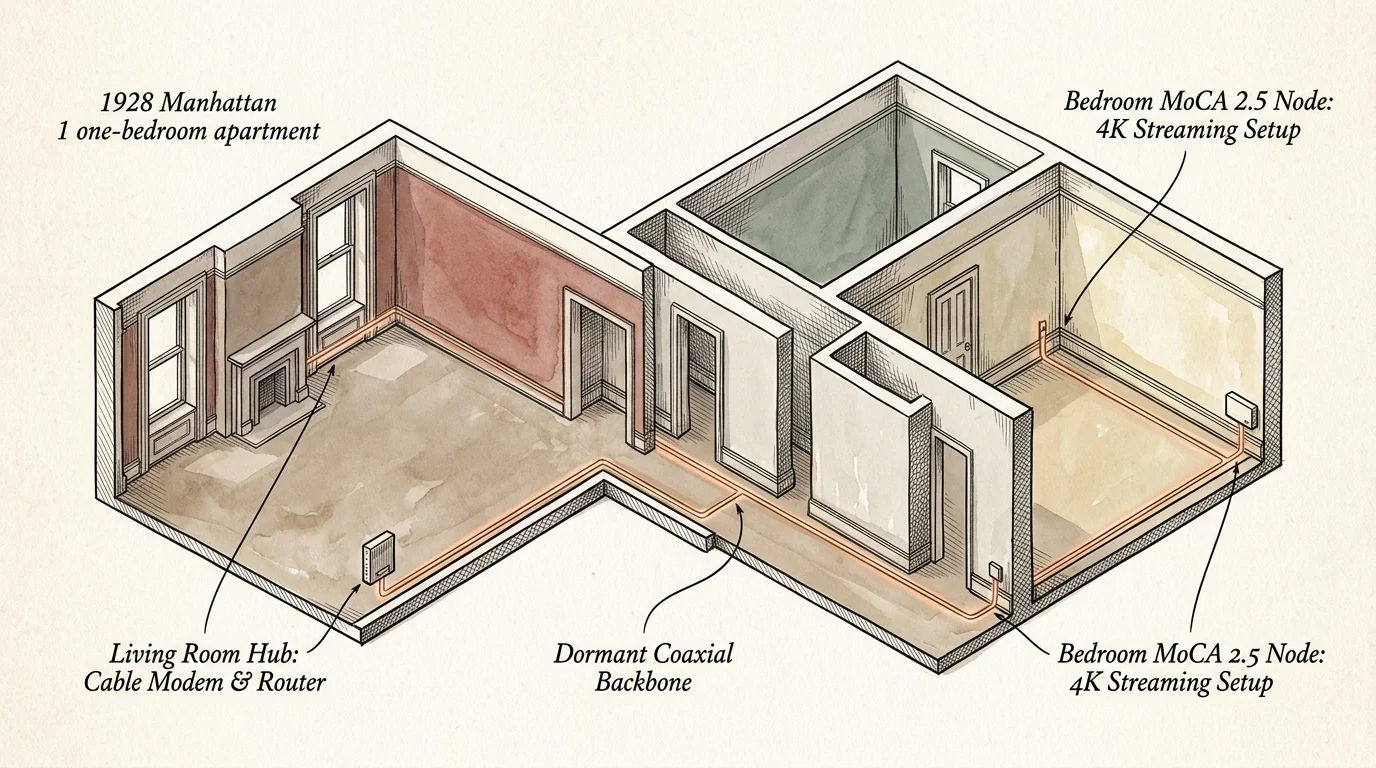
A practical streaming plaster walls wifi fix demonstrates the measurable benefits of converting dark coax lines. Consider an 850-square-foot pre-war apartment built in 1928 on West 74th Street in Manhattan.
The tenant placed a high-speed fiber gateway in the entrance hallway next to the primary optical connection. The primary television sat in the back bedroom, thirty-two feet away, separated by two six-inch plaster partitions containing dense wire lath.
Over 5 GHz wireless, the bedroom television registered download speeds of 14 Mbps with 142 milliseconds of latency and seven percent packet loss. Attempting to watch 4K content triggered constant buffering circles, stuttering playback, and dropped connections.
The tenant spent $119.99 on a two-pack of goCoax MA2500D adapters and $8.95 on a Holland 70 dB PoE filter. A BAMF two-way 2.4 GHz splitter cost $9.50, and two three-foot Cat6 patch cords cost $6.50, totaling $144.94.
Installation required thirty-five minutes, primarily spent unscrewing the vintage metal wall plates and identifying the bedroom coaxial run. Following activation, speed tests executed on the bedroom television port yielded a sustained 942 Mbps throughput with 3.2 milliseconds of latency.
Packet loss dropped to absolute zero percent, allowing instant 4K Dolby Vision streaming without delay.
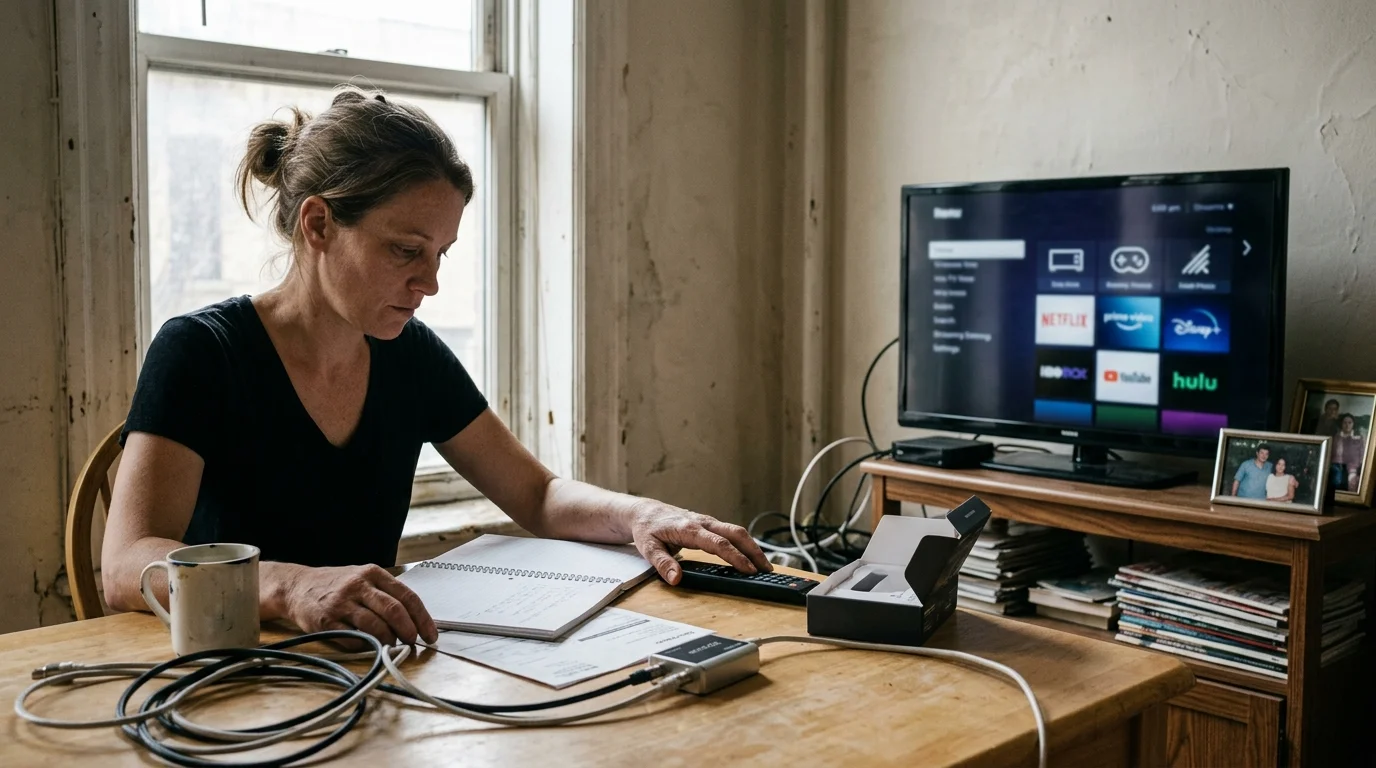
Cord-Cutting Economics: Replacing Cable TV with Streaming
Installing a rock-solid wired network allows you to eliminate traditional cable subscriptions without sacrificing picture quality or viewing options. Consumer research highlights that typical cable packages carry bloated service charges that inflate month after month.
As reported by Consumer Reports, additional fees like regional sports charges and box leases add more than $35 to base bills. Replacing cable television with internet-only service combined with focused streaming subscriptions unlocks substantial recurring savings.
You can subscribe to ad-supported plans that provide discounted rates by displaying occasional commercial breaks during movies and series. If you prefer uninterrupted viewing, ad-free tiers eliminate all interruptions for a modest extra monthly cost.
Most live streaming services also provide cloud DVR capabilities, letting you store and access live television broadcasts across your devices. For films and serial entertainment, on-demand platforms allow you to watch entire series libraries whenever your schedule permits.
You can also combine streaming apps with an indoor digital antenna to receive major broadcast networks entirely free over the air. Guidance from the FCC Consumer Guide confirms that modern digital television broadcasts deliver crystal-clear local reception across urban centers.
| Expense Category | Traditional Cable Package | Cord-Cutting Streaming Bundle |
|---|---|---|
| Broadband Connection | Bundled ($60.00 allocated) | $55.00 (Standalone 300 Mbps) |
| TV Programming Service | $95.00 (Standard Tier) | $22.98 (Ad-Supported Duo + Standalone App) |
| Hardware Leases (2 TVs) | $26.00 (2 Set-Top Boxes) | $0.00 (Two Roku Streaming Devices Owned) |
| Broadcast & Regional Sports Fees | $31.50 (Mandatory Surcharges) | $0.00 (Free Local Broadcasts via Antenna) |
| DVR Recording Service | $12.00 (Monthly Fee) | $0.00 (Included in App Subscriptions) |
| Total Monthly Expense | $224.50 | $77.98 |
| Net Monthly Savings | Baseline | $146.52 |
Over a twelve-month period, this transition saves you $1,758.24 in recurring entertainment costs. Even after factoring in your $145 MoCA hardware investment, your network pays for itself in less than thirty-five days.
“Cutting the cord delivers maximum financial value only when your internal network supports unbuffered streaming across every television in your home.”
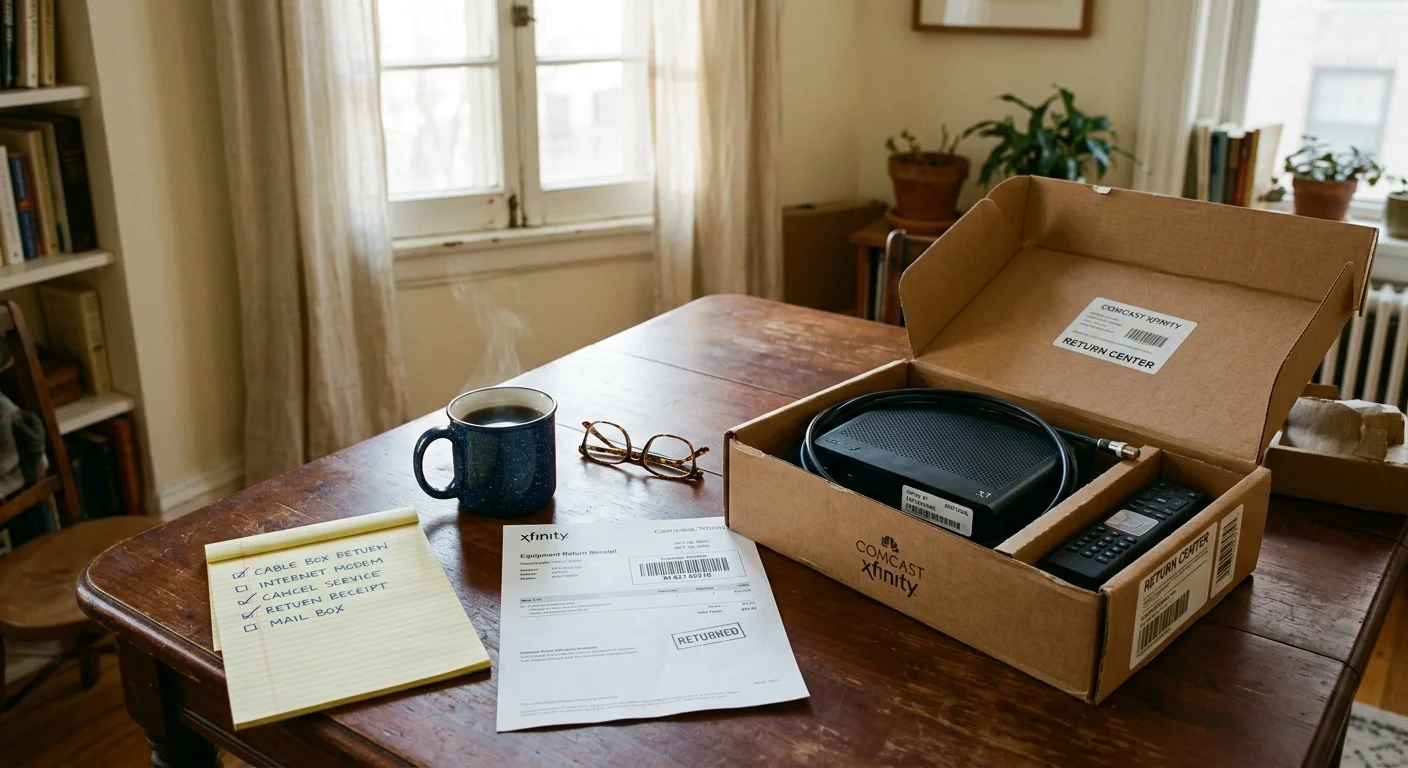
How to Cancel Cable Without Hidden Fees
Transitioning away from cable requires organized execution to ensure you avoid surprise billing charges or early termination fees. Review your contract terms to confirm whether your service agreement contains an early termination penalty.
If your contract expires soon, schedule your termination date for the final day of your current billing cycle. Contact customer service by phone and state unequivocally that you are canceling video services.
Politely decline any retention discounts or promotional bundle extensions offered by the customer service representative. Request an exact inventory list of all equipment registered to your address, including set-top decoders, power adapters, and remotes.
Return all equipment directly to a physical retail store rather than using pre-paid postal drop boxes. Request a printed receipt verifying that every item was checked in with its matching serial number.
Store this documentation safely for at least twelve months to resolve any future billing discrepancies.
Frequently Asked Questions
Will MoCA adapters work if my building still has active cable TV in the halls?
Yes, provided you disconnect your apartment’s internal coaxial loop from the building feed or install a 70 dB Point of Entry filter on the incoming line.
Can I connect a Wi-Fi access point to a MoCA adapter in a dead zone?
Yes, you can plug an auxiliary wireless access point or mesh node directly into the MoCA adapter’s ethernet port to broadcast strong Wi-Fi into distant rooms.
Do MoCA adapters increase my monthly electricity expenses?
No, typical bonded MoCA 2.5 adapters consume between 3 and 5 watts during active transmission, adding less than five dollars per year to your electric bill.
Does MoCA 2.5 introduce latency when streaming live television or sports?
No, MoCA 2.5 hardware adds less than 5 milliseconds of internal latency, delivering latency performance identical to dedicated Cat6 ethernet cabling.
Disclaimer: Cable and streaming prices vary by location and change frequently. The cost comparisons in this article are estimates based on typical pricing. Your actual savings will depend on your current cable package, internet costs, and which streaming services you choose.