Living in a pre-war brick apartment facing an interior courtyard usually kills broadcast television reception instantly. You can still watch major network channels for free without facing the transmission towers directly.
If you are new to abandoning pay-TV subscriptions, reviewing a step-by-step cord-cutting walkthrough can help set expectations before tackling hardware tweaks.
Thick masonry and wire-reinforced plaster walls block direct radio waves, but you do not need line-of-sight access to pull clear television. You can harvest reflected signals bouncing off adjacent courtyard brickwork or sidestep over-the-air frequencies entirely using broadband feeds.
This guide explains how to capture reflected broadcasts using directional loop hardware and compares that approach to zero-cost digital streaming alternatives.
The Pre-War Obstacle: Understanding Metal Lath and Courtyard Attenuation
Pre-war buildings feature construction materials that frustrate modern consumer electronics. Thick masonry and vintage structural frameworks disrupt incoming broadcast signals before they reach your living room.
Those same dense plaster and wire barriers also crush Wi-Fi signals throughout older units, though you can solve dead spots by converting unused coax into MoCA networks.
Standard exterior brick walls cause 8 dB to 15 dB of radio frequency attenuation across Ultra High Frequency (UHF) bands. Interior walls create an even tougher barrier for television viewers.
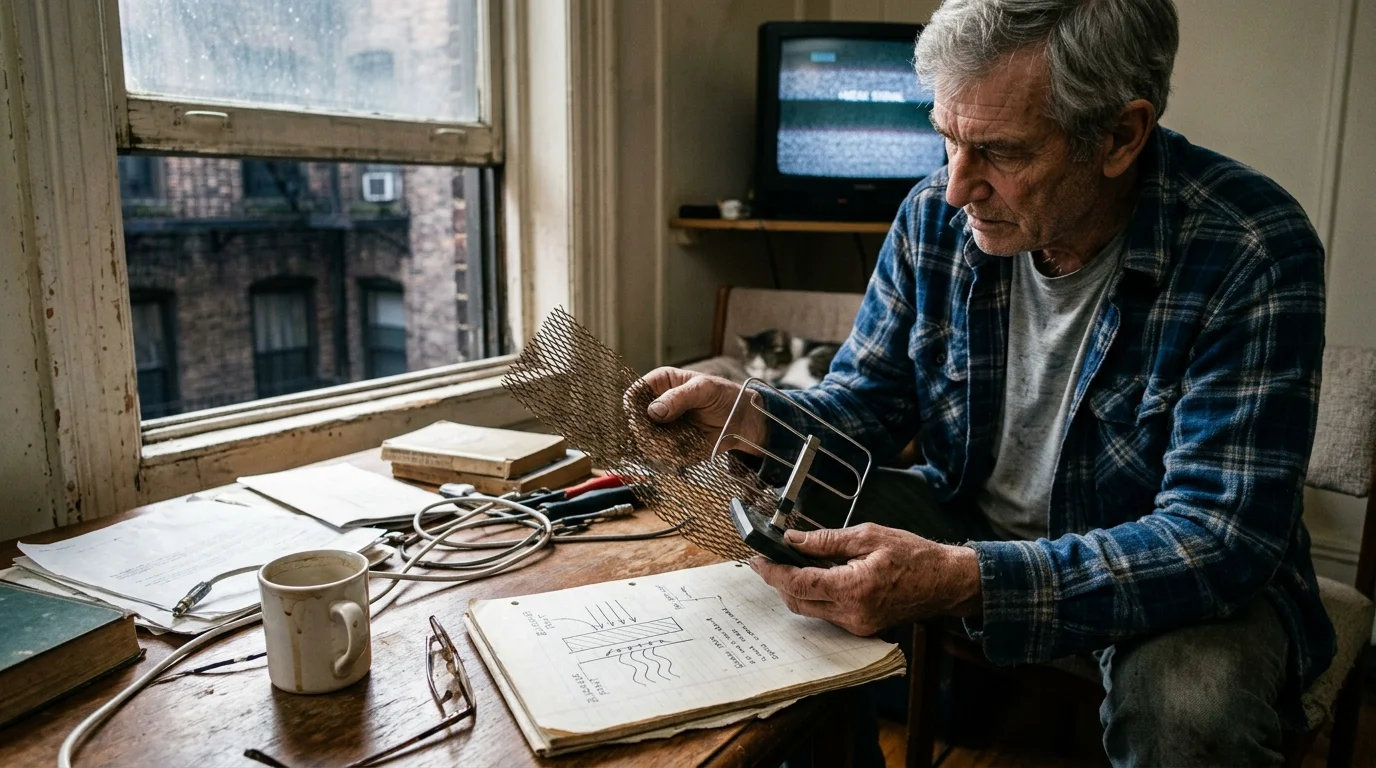
Builders prior to World War II applied interior plaster over expanded metal wire mesh known as metal lath. This conductive iron diamond lattice creates a functional Faraday cage around your living space.
Plaster over metal lath routinely causes 20 dB to 40 dB of signal loss. That level of attenuation reduces incoming electromagnetic energy to imperceptible background static.
Operating an indoor antenna brick apartment setup deep within a back bedroom produces complete failure. The antenna cannot detect transmissions through three layers of wire mesh and masonry.
Over-the-air television spans three frequency ranges across North America. Low-VHF covers channels 2 through 6 between 54 MHz and 88 MHz.
High-VHF encompasses channels 7 through 13 between 174 MHz and 216 MHz. UHF spans channels 14 through 36 from 470 MHz up to 608 MHz.
Lower frequencies travel farther across open terrain, but high-density brick structures absorb them aggressively. UHF waves carry shorter wavelengths that reflect off dense exterior surfaces instead of penetrating them.

Antenna Physics: Harnessing Multipath Reflection in Brick Courtyards
You can get local channels without line of sight by abandoning the search for direct signals. Courtyard antenna reception relies entirely on secondary multipath reflections bouncing off opposing masonry.
Radio frequency waves strike the exterior brick walls across your interior airshaft and ricochet downward toward your windows. You can catch these reflections if you align your hardware correctly.
Thin, flexible flat sheet antennas fail in courtyard environments. These omnidirectional designs collect signals from multiple angles simultaneously, causing phase cancellation.
When two identical signals arrive micro-seconds apart from different bounce angles, the television tuner fails to decode either packet. Engineers call this destructive interference multipath distortion.
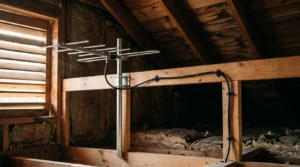
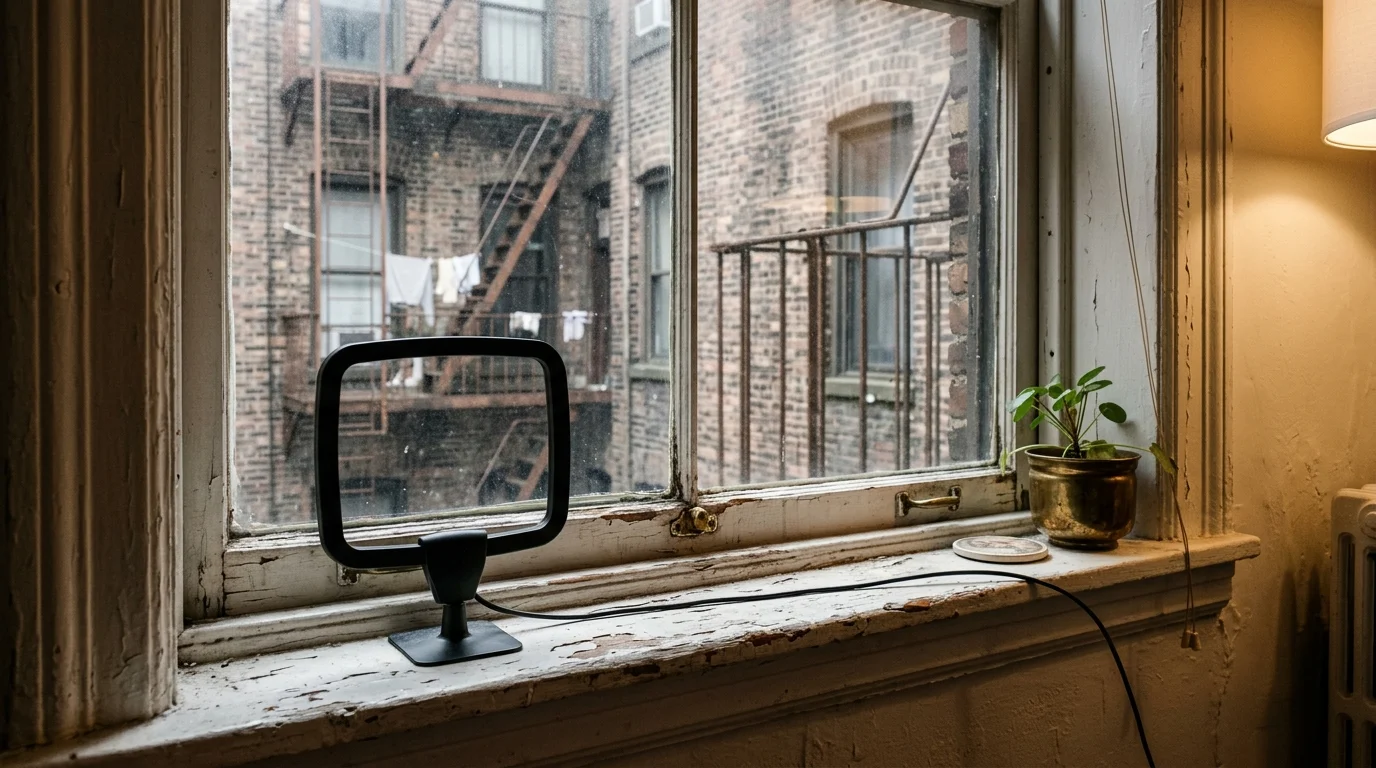
You need a directional antenna with an amplified loop or dual bow-tie elements. These antennas feature a tight reception cone that captures one clean bounce while rejecting misaligned secondary reflections.
According to Wirecutter, directional loop antennas consistently outperform flat indoor pads in dense urban obstruction tests. The built-in loop element provides necessary VHF reception while focusing UHF signals.
“In obstructed urban courtyards, aiming your antenna directly at a solid opposite brick wall often yields a stronger signal than aiming toward the hidden broadcast tower.”
Positioning your antenna facing the opposite brick wall allows the receiver to treat that masonry as an indirect mirror. This directional alignment turns physical obstacles into reception assets.
Equipment Checklist and Cost Analysis: Hardware vs. Cable Bills
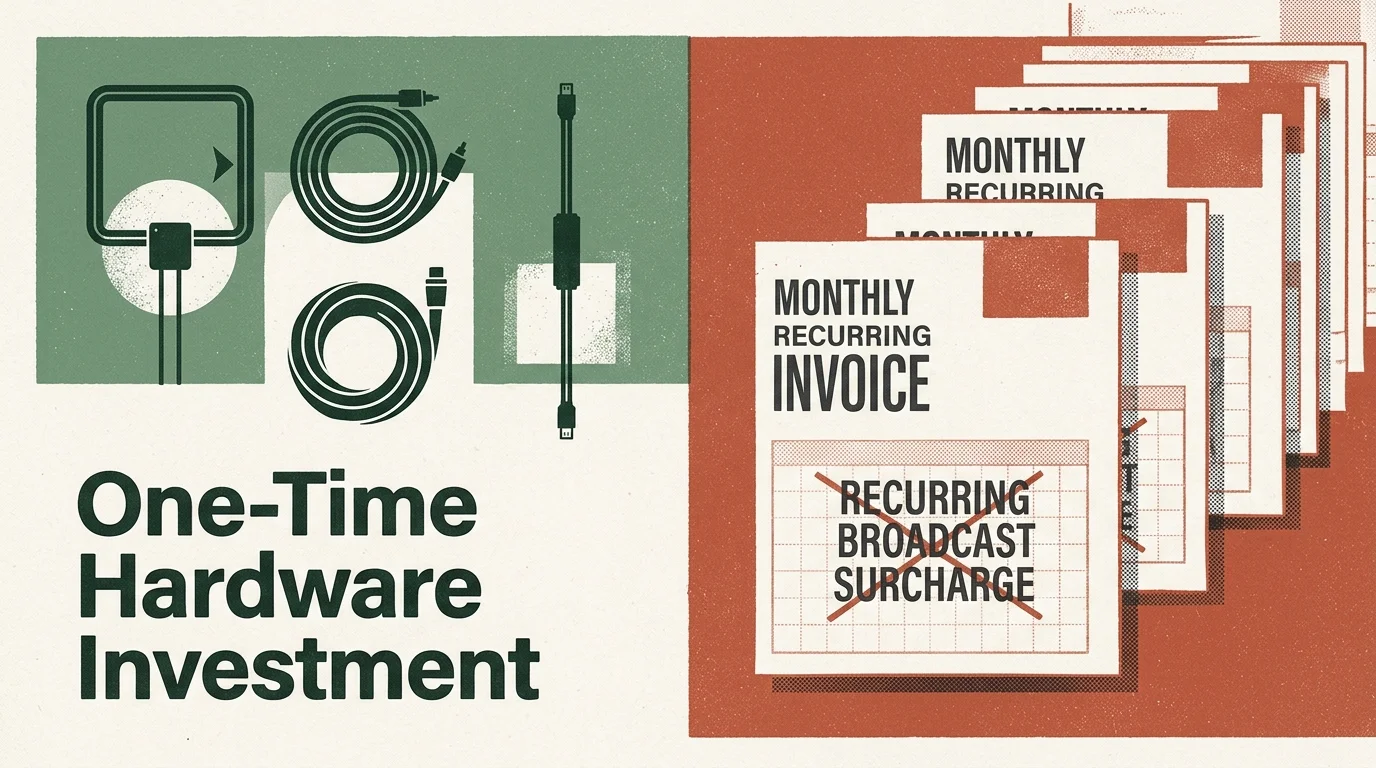
Many renters pursue cord-cutting—canceling traditional cable or satellite TV in favor of streaming services and broadcast antennas—to eliminate runaway monthly entertainment bills. Traditional subscription television relies on escalating regional programming and broadcast surcharges.
Pairing free OTA reception with zero-cost legal streaming platforms creates a robust entertainment lineup without ongoing subscription fees.
Data from Consumer Reports shows that hidden broadcast TV fees add over twenty dollars per month to standard cable bills. Those fees arrive on top of regular package charges and hardware rentals.
Consider a renter living in a 1932 courtyard building paying Spectrum for basic television. That subscriber pays $102.00 for the core plan, $24.00 for broadcast surcharges, and $12.50 for a set-top receiver box.
The total monthly bill reaches $138.50 for standard programming. Over twelve months, that single entertainment connection drains $1,662.00 from the household budget.
Transitioning to an over-the-air courtyard reception setup requires specific hardware. Here is a realistic breakdown of initial equipment costs:
- Antennas Direct ClearStream 2MAX directional antenna: $65.00
- Flat RG6 coaxial window pass-through cable: $11.99
- SiliconDust HDHomeRun Flex 4K ATSC 3.0 network tuner: $199.99
- Shielded RG6 coaxial cable (15-foot run): $11.00
- Suction cup window mounting bracket: $9.00
The total investment for this hardware configuration equals $296.98. Because broadcast reception is completely free, your monthly ongoing operating expense drops to $0.00.
Dividing the hardware expenditure of $296.98 by the monthly cable savings of $138.50 establishes a breakeven timeline of 2.14 months. After 65 days, the equipment pays for itself entirely.
| Setup Option | Initial Equipment Cost | Monthly Operating Fee | Courtyard Reflection Performance | Available Content |
|---|---|---|---|---|
| Standard Amplified Loop to TV | $35.00 – $65.00 | $0.00 | Moderate; prone to ATSC 1.0 multipath dropouts | Major broadcast networks (ABC, CBS, NBC, FOX, PBS) |
| ATSC 3.0 Tuner + Directional Array | $160.00 – $295.00 | $0.00 | High; COFDM filters out courtyard echo distortion | 4K HDR tests, NextGen TV feeds, primary networks |
| Broadband FAST Streaming Apps | $0.00 – $50.00 (streaming stick) | $0.00 | Immune to masonry; uses home Wi-Fi connection | Local news feeds, digital subchannels, syndicated shows |
Choosing between these methods depends on whether your apartment window has access to bouncing signals. Both strategies eliminate permanent monthly television subscription contracts.
Step-by-Step Setup: Window Placement and Flat Jumper Installation
Setting up courtyard reception requires careful placement. You cannot hide the hardware inside an entertainment console behind plaster walls.
First, inspect your courtyard windows to locate the largest expanse of unobstructed sky and opposing brick. The glass pane acts as an RF transparent opening through the surrounding plaster barrier.
The FCC Consumer Guide outlines the Over-the-Air Reception Devices rule, which protects your right to place antennas on private balconies, terraces, or window perimeters under your exclusive control. Landlord leases cannot prohibit antennas installed within areas you exclusively rent.
Do not drill holes through vintage wood trim or exterior building mortar. Drilling violates most rental agreements and risks forfeiture of your security deposit.
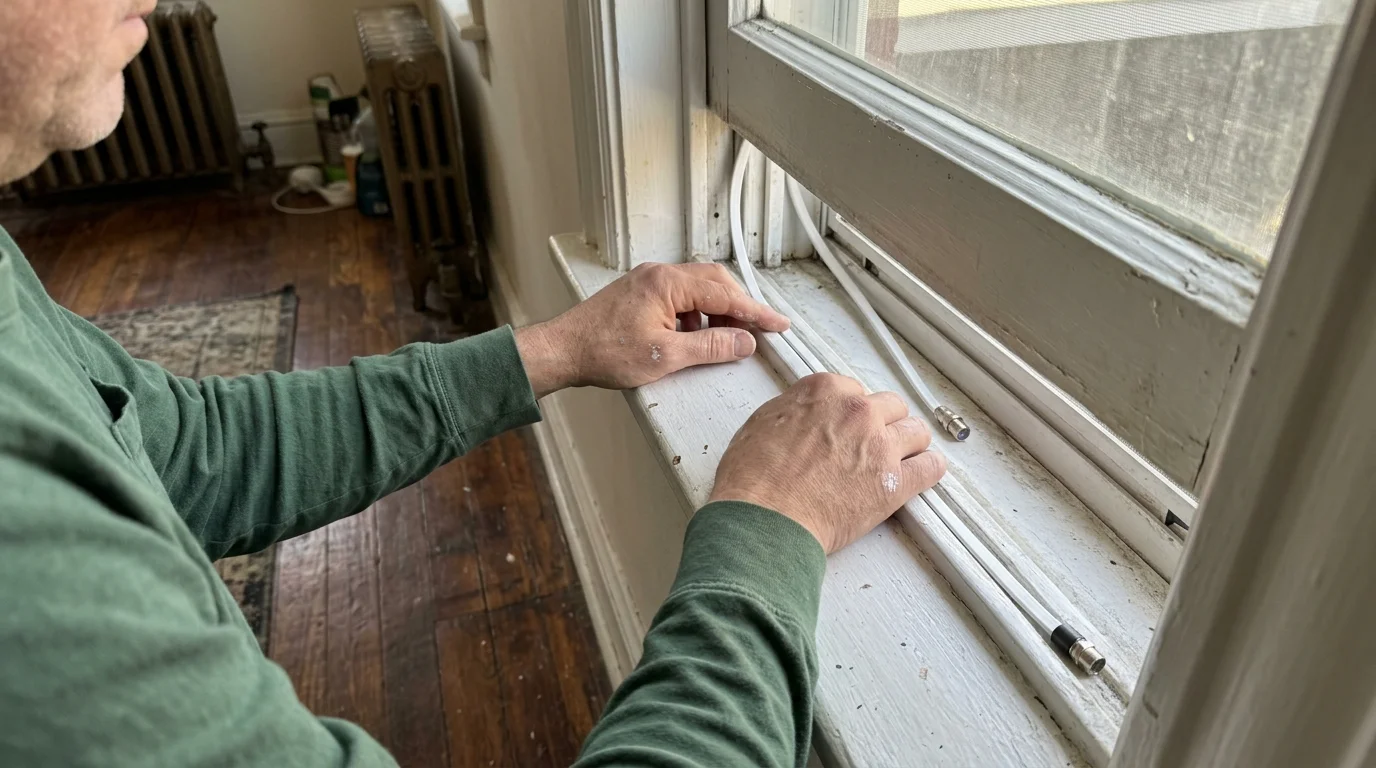
Purchase a flat RG6 coaxial window jumper measuring approximately 8 to 12 inches. These ribbon-thin cables slide directly under closed sash windows without breaking the weather seal.
Attach your outdoor-rated directional antenna to an exterior sill mount or an interior glass suction bracket. Connect the antenna to the flat jumper outside the window frame.
Close and latch the window securely over the flat cable ribbon. Run standard RG6 coaxial line from the interior side of the jumper to your television or network tuner.
Connect the coaxial lead to your smart TV—a television with built-in internet connection and apps—or standalone tuner. Open the setup menu, select antenna input, and initiate a channel scan.
Rotate the antenna in ten-degree increments toward the opposing building wall if initial scan results miss primary channels. Rescan after each adjustment to find the strongest reflected signal path.
ATSC 3.0 vs. ATSC 1.0: Why Modulation Technology Solves Dropouts
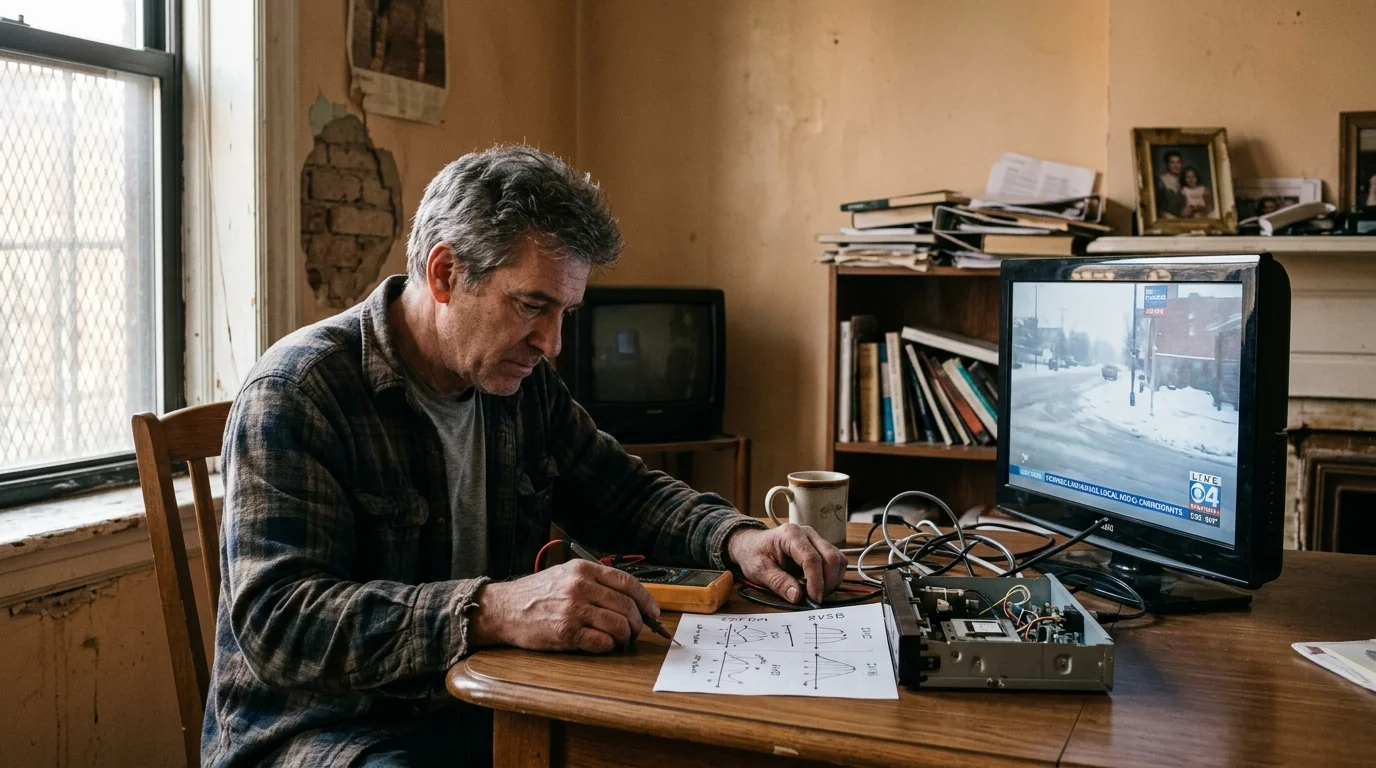
If your television uses legacy tuner technology, courtyard reflections can still cause frustrating pixelation. The older ATSC 1.0 broadcast standard uses 8-VSB (Vestigial Sideband) modulation.
For rooms where pulling reflected aerial signals remains impossible, you can also explore streaming local channels over broadband as an alternative to broadcast reception.
Connecting a multi-tuner box also makes it easy to set up a DIY local channel DVR to record broadcast programs across all your household devices.
The 8-VSB transmission format behaves poorly when incoming radio waves reflect off uneven surfaces. Echoes arriving at slightly different intervals overwhelm the tuner, causing complete picture loss known as the cliff effect.
NextGen TV, officially designated ATSC 3.0, replaces fragile 8-VSB modulation with COFDM (Coded Orthogonal Frequency Division Multiplexing). European terrestrial broadcasts and mobile phone networks have relied on COFDM for decades.
COFDM splits the video signal across thousands of discrete, narrow subcarriers. This allows the tuner to combine multipath echo signals constructively rather than rejecting them as interference.
“ATSC 3.0 transforms multipath reflections from a destructive obstacle into a reception enhancer, pulling stable signals through dense courtyard corridors.”
Under FCC mandates, local broadcast stations transmitting in ATSC 3.0 must maintain ATSC 1.0 simulcasts through at least July 17, 2027. You do not need to replace working equipment immediately.
As reported by Cord Cutters News, broadcasters continue testing NextGen TV features across dozens of major metropolitan markets. Adding an external ATSC 3.0 tuner provides an immediate fix for severe courtyard reception problems.
Standalone ATSC 3.0 converter units connect directly to older screens via HDMI cables. Popular external models include the ADTH NextGen TV Box ($90.00) and the Zinwell NextGen TV Box ($120.00).
For whole-home viewing, the SiliconDust HDHomeRun Flex 4K ($199.99) plugs into your Wi-Fi router. It distributes received ATSC 3.0 signals across your home network to tablets, phones, and streaming sticks.
The Broadband Alternative: Low-Bandwidth FAST Channels and Streaming Apps
Some pre-war apartments sit on lower levels facing narrow light wells where radio waves cannot reach. In these extreme conditions, broadband streaming—watching video content over the internet instead of cable or satellite—replaces physical antennas.
You can connect an inexpensive streaming device, such as a small box or stick (like Roku or Fire TV) that adds streaming to any TV. These adapters plug into any television HDMI port.
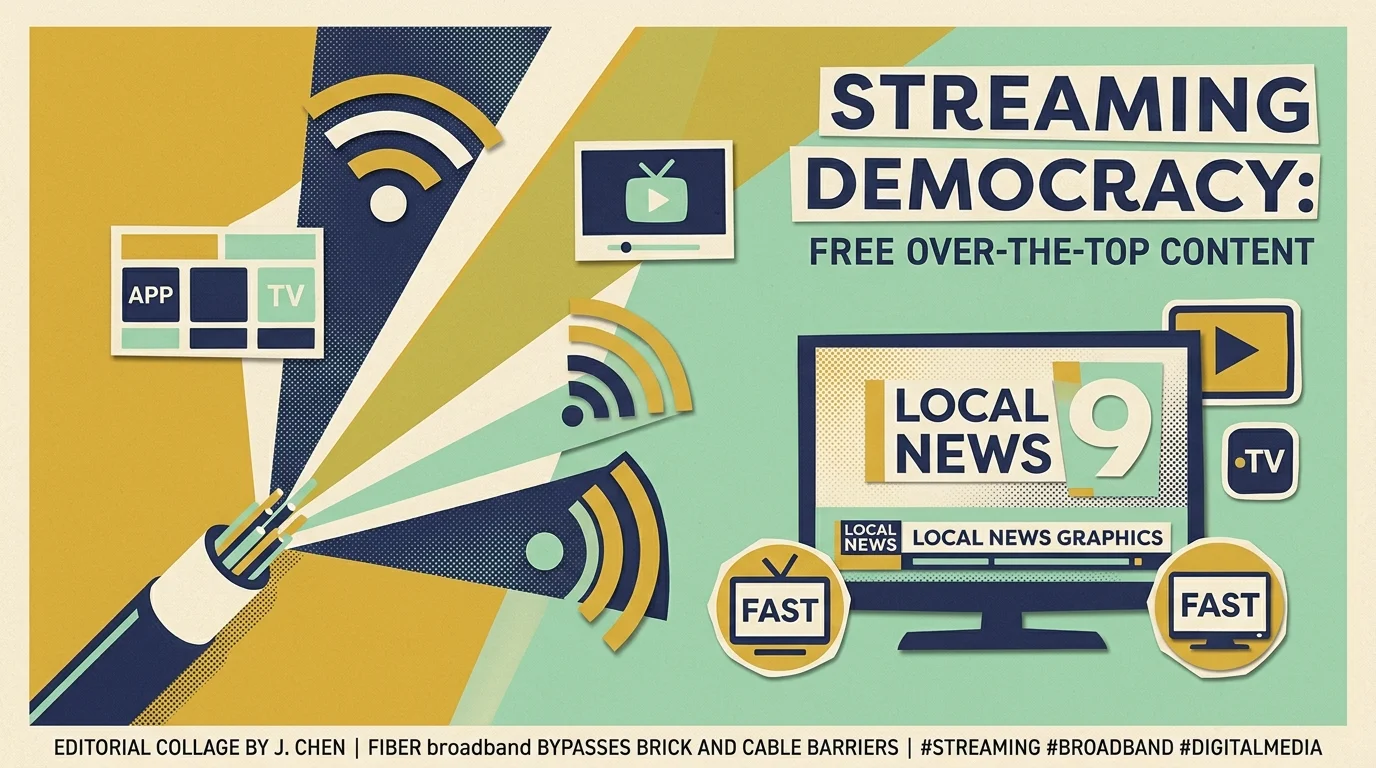
Free ad-supported television platforms, commonly abbreviated as FAST channels, deliver linear broadcast programming over broadband. Ad-supported platforms offer free or cheaper plans that show commercials during regular program intervals.
Services like Pluto TV, Tubi, The Roku Channel, and Freevee host hundreds of linear streams without subscription fees. These platforms distribute local news feeds from major network affiliates in almost every large television market.
Dedicated free applications like Zeam, Local Now, NewsON, and Haystack News aggregate live regional newscasts. You can view morning traffic, severe weather tracking, and community updates without touching an antenna wire.
Broadband platforms also provide on-demand libraries, allowing you to watch whatever you want, whenever you want. Some free platforms include cloud DVR capabilities—a digital video recorder that lets you record and watch shows later.
Streamers who demand ad-free programming—plans that cost more but do not show commercials—can subscribe to paid apps like Paramount+ or Peacock. These services stream live CBS and NBC feeds alongside commercial-free libraries for around $8.00 to $14.00 monthly.
Streaming requires reliable broadband bandwidth to prevent buffering. High-definition 1080p feeds require a download connection of at least 5 Mbps per active display.
Streaming 4K Ultra HD video requires 25 Mbps per display. Even basic residential high-speed internet tiers handle these streaming video requirements comfortably.
Pre-war plaster walls also degrade interior Wi-Fi signals between rooms. If your streaming stick stutters in a rear bedroom, install a powerline Ethernet adapter to route internet data over electrical wiring.
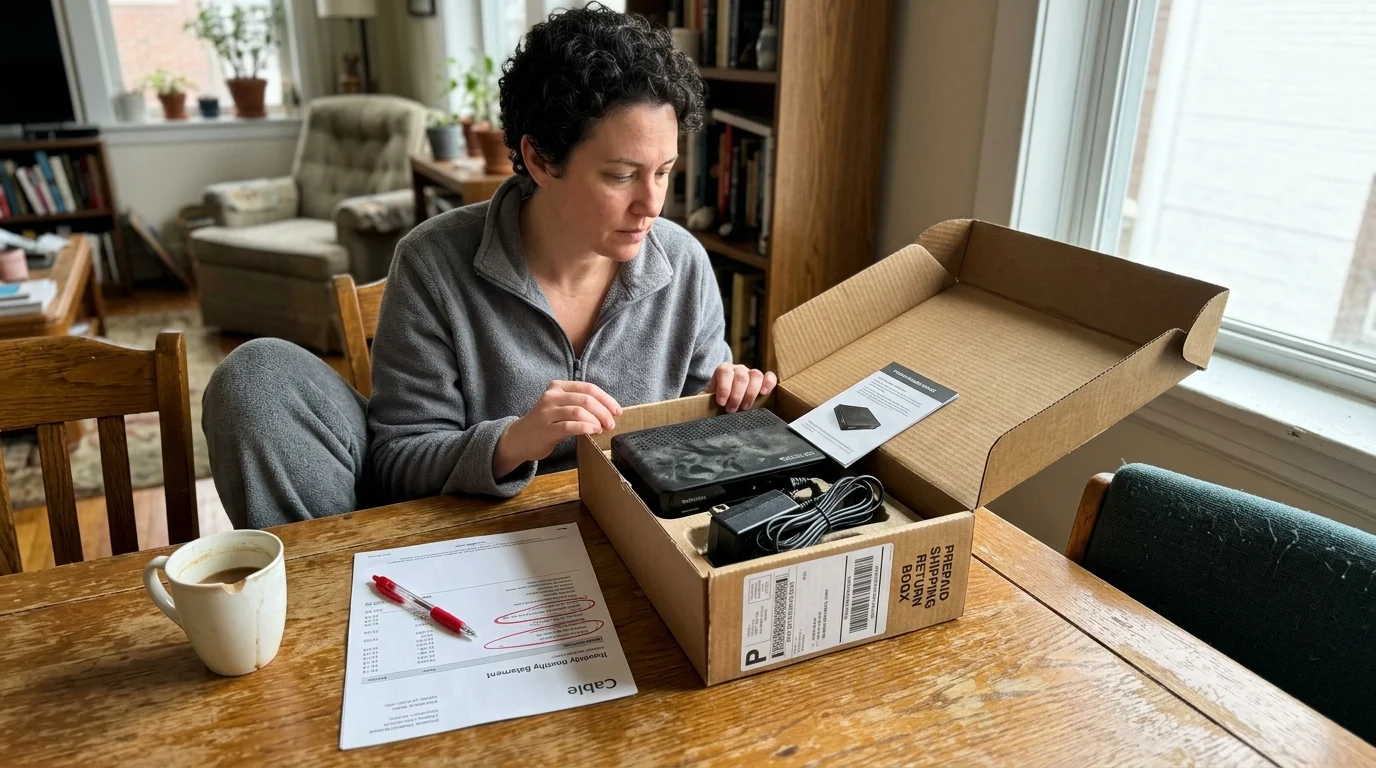
Canceling Cable: Navigating Fees, Returns, and Provider Retention
Once you verify that your antenna or streaming alternatives deliver local channels, you can cut the cord with traditional cable. Cable providers complicate the cancellation process to protect recurring subscription revenues.
Review your monthly statements for contract expiration dates before contacting customer service. Canceling a multi-year agreement early triggers early termination fees that often scale at $10.00 to $20.00 for every remaining month.
Contact your provider’s retention department during standard business hours when senior representatives work. Inform the representative directly that you are moving to a location with included utilities or leaving the country.
Giving personal reasons prevents the retention agent from pitching discounted bundles or temporary bill credits. Decline promotional rate reductions, which routinely expire after three to six months and restore expensive pricing.
Request an itemized final bill and confirm the exact shutoff date for television service. Maintain your standalone home internet service if your provider also supplies your broadband connection.
Gather every piece of rented provider hardware, including digital set-top boxes, power cables, and original remotes. Missing remotes can trigger replacement fees ranging from $15.00 to $35.00 each.
Never return cable boxes through unmonitored drop boxes. Return hardware in person at an official corporate service center or authorized UPS Store location.
Demand an itemized printed equipment return receipt displaying the exact serial numbers of all surrendered hardware. Photograph the serial number barcodes on the equipment casing with your smartphone before handing the hardware across the counter.
Cable providers frequently bill customers for unreturned equipment months after account closure. Saving printed return receipts prevents erroneous charges ranging from $150.00 to $300.00 per missing box.
Frequently Asked Questions
Can I hang an antenna in my building hallway or roof?
No, the FCC Over-the-Air Reception Devices rule protects antenna installations only in spaces you exclusively control, such as private balconies or windowsills. Common areas like shared roofs, exterior hallways, and fire escapes remain under landlord control.
Do flat window ribbon cables reduce incoming antenna signal quality?
High-quality flat RG6 coaxial window jumpers introduce less than 1 dB of signal loss across broadcast frequencies. That minor attenuation is negligible compared to the 20 dB gain achieved by moving the antenna onto the window surface.
Will an ATSC 3.0 tuner work with my current television?
Yes, standalone ATSC 3.0 converter tuners output audio and video via standard HDMI cables. You can connect an external NextGen TV tuner box to any modern HD or 4K television display without replacing the screen.
Can I get local NFL and college football games without cable in a courtyard apartment?
Yes, local Sunday NFL broadcasts on CBS and FOX air freely over the air and on select streaming platforms. If courtyard reflections fail, affordable services like Paramount+ and Peacock stream live local network sports feeds over broadband.
Disclaimer: Cable and streaming prices vary by location and change frequently. The cost comparisons in this article are estimates based on typical pricing. Your actual savings will depend on your current cable package, internet costs, and which streaming services you choose.