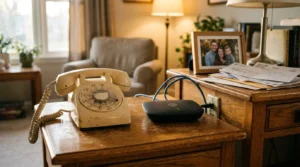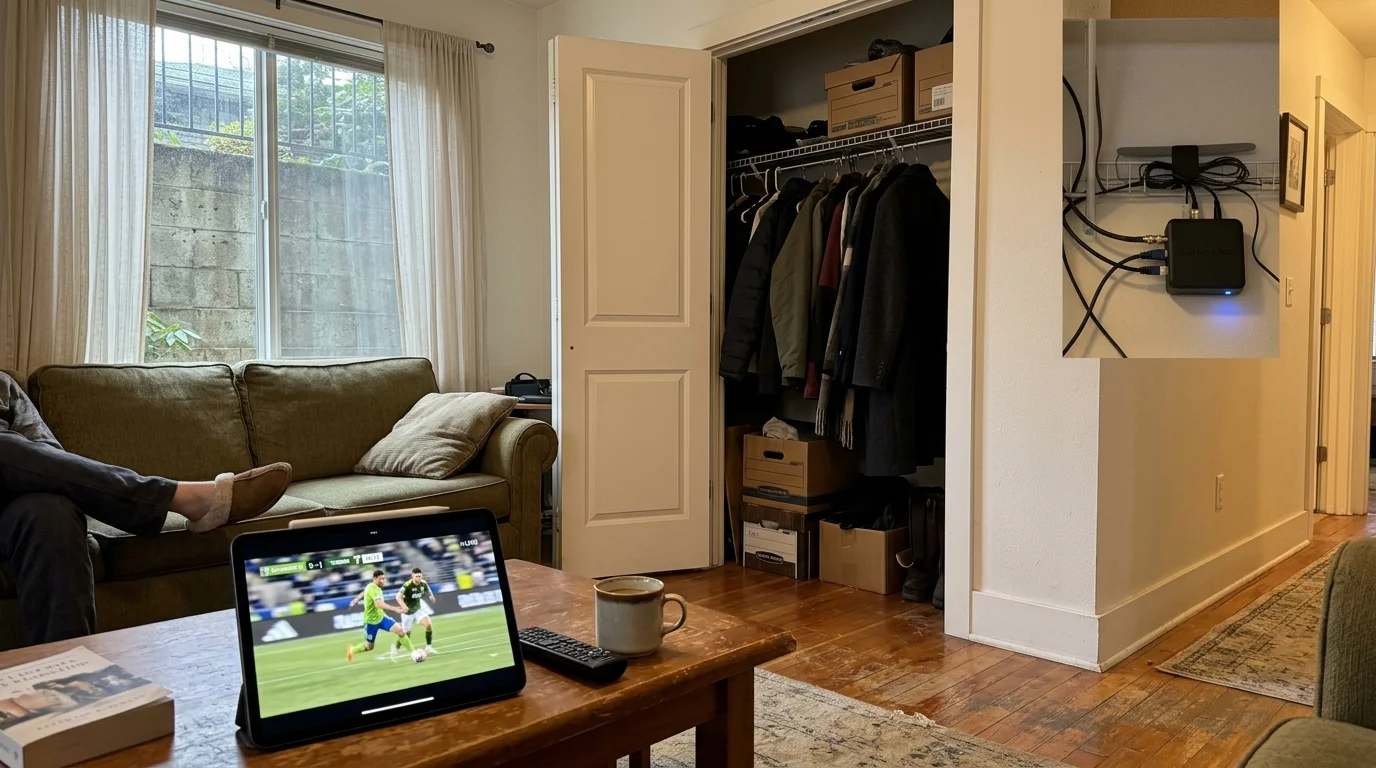
You can capture free over-the-air television channels even if your ground-floor apartment faces an enclosed concrete courtyard. Conventional advice tells you to tape a flat antenna against the window, but that strategy almost always produces a black screen.
Energy-efficient window coatings and surrounding concrete block broadcast signals before they ever reach your living room. Placing your antenna on exterior glass actually worsens your reception.
Instead, moving your antenna into an interior hallway closet and pairing it with a network tuner bypasses exterior structural interference entirely. This setup routes clean broadcast signals through your Wi-Fi network directly to your television.

The Physics of Ground-Floor RF Blocking: Why Windows Fail
Ground-floor apartments present severe physical challenges for over-the-air television reception. Surrounding exterior brick walls, adjacent buildings, and concrete foundations absorb electromagnetic waves long before they enter your home.
Many renters assume windows offer the easiest path for radio frequencies to enter a room. However, modern building codes mandate energy-efficient construction that works directly against broadcast reception.
According to technical testing cited by Wirecutter, Low-Emissivity (Low-E) window coatings contain microscopic metallic oxide layers that block radio frequencies. These coatings frequently cause 10 dB to over 30 dB of signal attenuation.
Placing an antenna on a Low-E windowpane often creates a stronger signal barrier than pointing it through drywall. When you face an interior courtyard, thick masonry walls surround you on all four sides.
Solid reinforced concrete walls embedded with steel rebar reduce Ultra High Frequency (UHF) signals by 10 dB to 25 dB per wall. This structure acts like a partial Faraday cage, scattering broadcast waves.
Current ATSC 1.0 television broadcasts rely on 8-VSB modulation, which cannot easily reconstruct signals that bounce off courtyard surfaces. These bounced waves create multipath interference, resulting in unwatchable, pixelated channels.
Future ATSC 3.0 broadcasts utilize COFDM modulation to process reflected signals more efficiently. Until every local station completes that transition, your hardware must avoid physical obstacles rather than try to penetrate them.
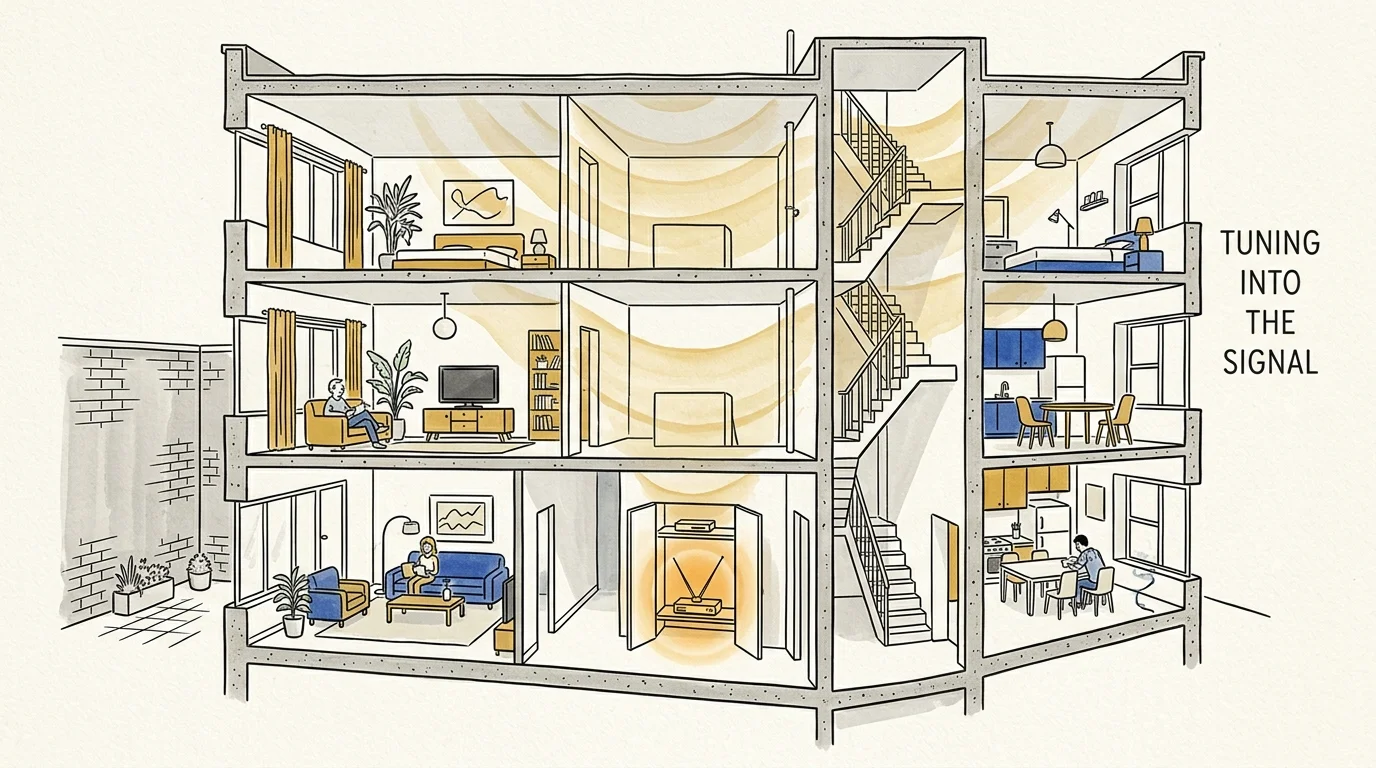
The Hallway Closet Strategy: Harnessing Interior Signal Pockets
Cord-cutting is the process of canceling traditional cable or satellite TV in favor of streaming services and antenna reception. For ground-floor tenants, successful cord-cutting requires finding interior radio frequency pathways.
Radio signals penetrate buildings through higher floors, stairwells, and interior utility shafts. These signals cascade downward through interior drywall partitions and wooden framing, which cause far less attenuation than exterior brick.
Interior hallways act as natural waveguides inside multi-family buildings. Broadcast waves travel down open residential corridors and bounce into interior storage spaces and utility closets.
“An antenna does not care where your television sits; it only cares about electromagnetic line-of-clearance. Separating the tuner from your display changes the entire reception equation.”
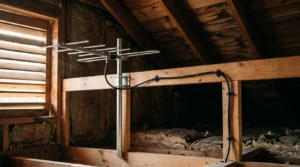
Your hallway closet provides an elevated, unobstructed mounting pocket. Placing an antenna on the top shelf of a centrally located closet keeps it away from noisy kitchen appliances and metallic window frames.
Streaming means watching video content over the internet instead of cable or satellite connections. By shifting your antenna away from your living room, you decouple signal reception from your viewing location.
This layout removes the need to run long coaxial cables across your rented baseboards. Instead, your antenna captures signals in the closet and hands them directly to a local wireless transmitter.
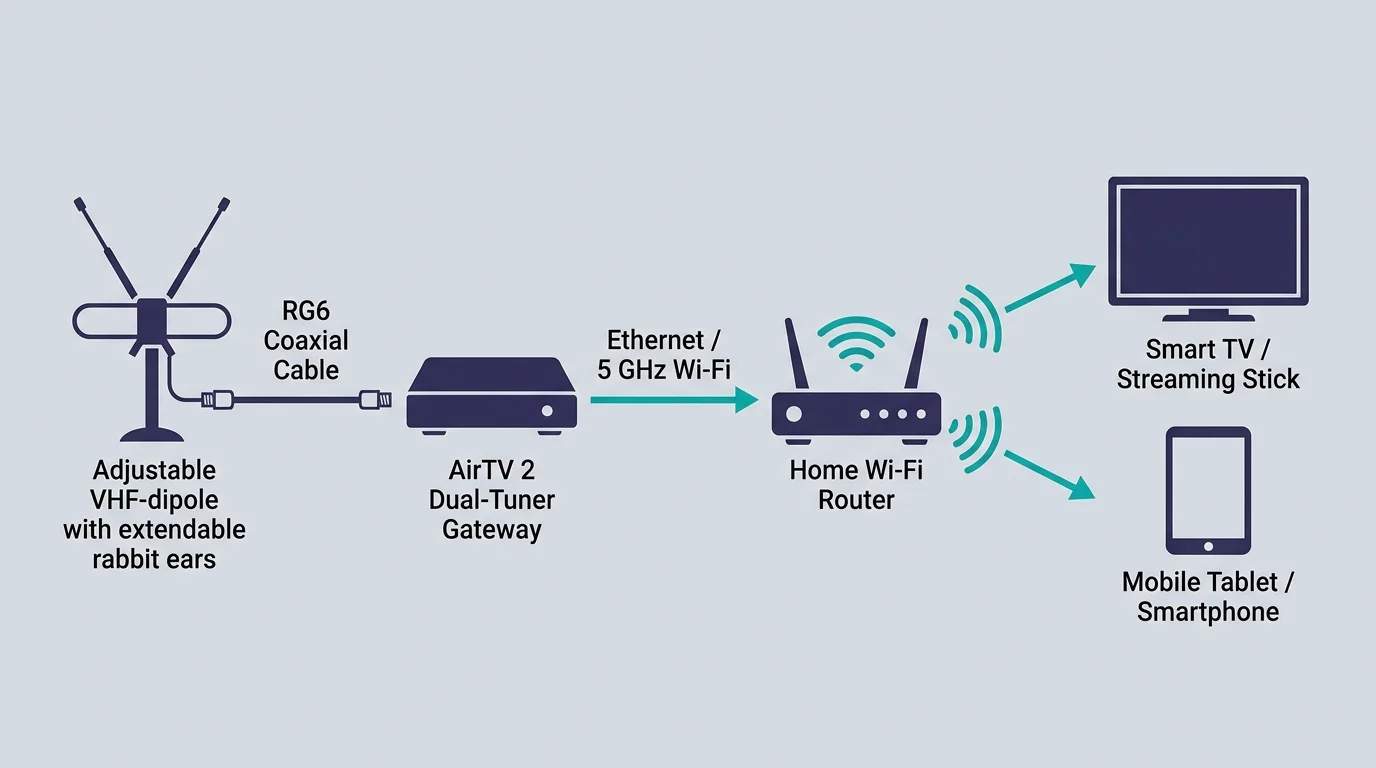
Hardware Architecture: The AirTV 2 and VHF-Dipole Setup
Most flat, paper-thin antennas advertised online perform poorly in ground-floor apartments. These flat designs focus almost exclusively on UHF frequencies and lack the surface area to capture High-VHF channels.
Major networks like ABC, FOX, or PBS frequently broadcast on High-VHF frequencies between 174 MHz and 216 MHz. To capture these stations indoors, you need an antenna equipped with extendable dipole rods.
You can retrofit an indoor setup using a classic dual-loop antenna or attach extendable dipoles to a compact base. Extending the dipoles to roughly 14 to 17 inches per side optimizes them for High-VHF reception.
You connect this retrofitted antenna directly to an AirTV 2 network tuner located inside the closet. The AirTV 2 costs $99.99 at retail and contains two internal tuners for live broadcast decoding.
The AirTV 2 converts raw broadcast signals into digital streams and routes them over your home Wi-Fi network. This allows any smart TV—a television with a built-in internet connection and apps—to access the antenna.
A streaming device is a small box or stick, such as a Roku or Fire TV, that adds streaming apps to any television. According to reviews from CNET, network tuners seamlessly integrate live local channels alongside your favorite on-demand streaming applications.
A DVR, or digital video recorder, lets you record and watch shows later. Connecting an external USB hard drive to the AirTV 2 provides local DVR functionality without requiring an ongoing monthly subscription fee.
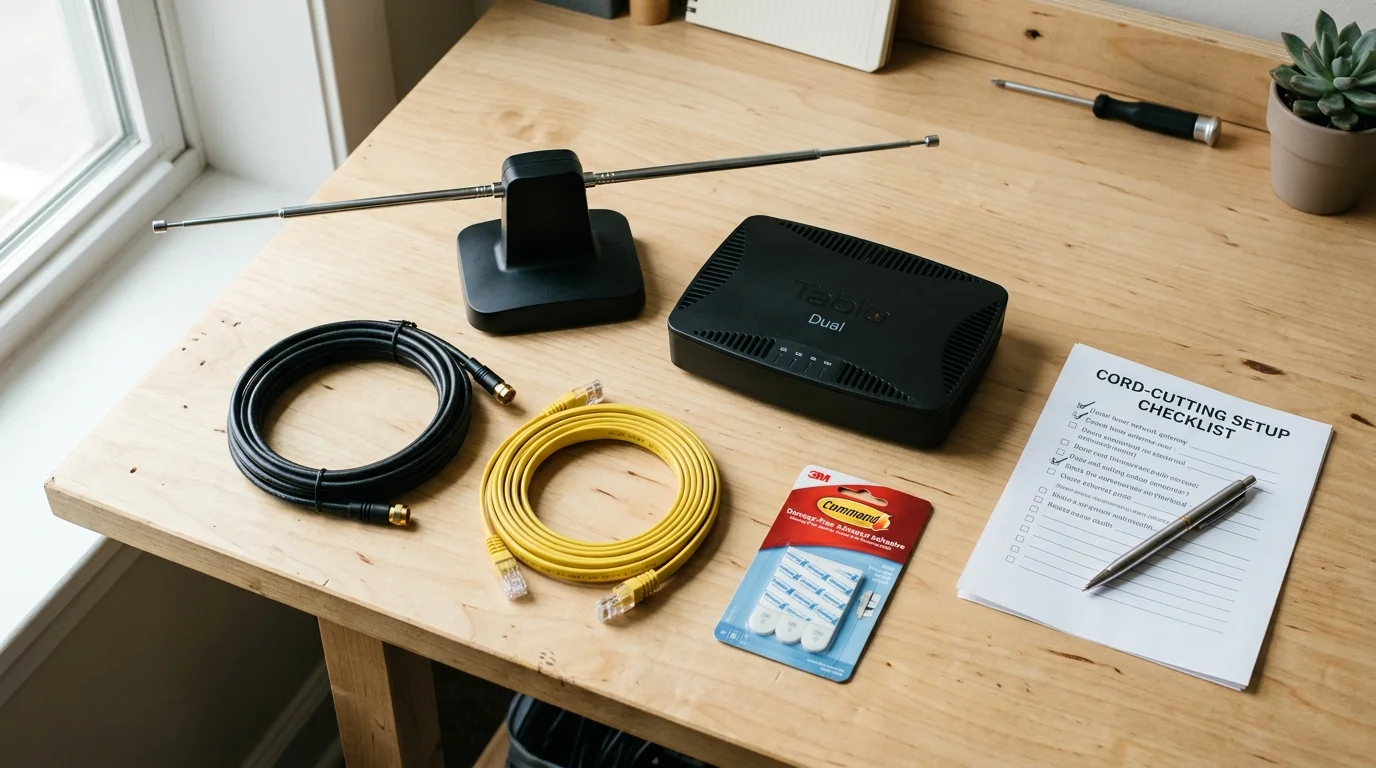
Worked Example: Equipment, Setup Time, and Cost Breakdown
Consider a practical scenario based on an 850-square-foot ground-floor brick apartment in suburban Chicago. The living room window faces north into an enclosed courtyard, yielding zero usable channels with a standard window antenna.
The tenant relocates reception hardware to a central hallway coat closet located 24 feet from the television. The closet shelf sits seven feet off the floor, clear of ground-level structural interference.
The hardware investment requires four specific components purchased at retail pricing:
- AirTV 2 dual-tuner streaming hub: $99.99
- RCA ANT111E indoor antenna with extendable VHF dipoles: $14.99
- Monoprice 6-foot RG6 shielded coaxial cable: $7.49
- SanDisk 128GB Ultra USB 3.0 flash drive for DVR storage: $16.99
Total upfront equipment expenditure comes to exactly $139.46. Physical assembly and wireless network integration require approximately 35 minutes of total setup time.
The setup begins by positioning the antenna on the top closet shelf and extending each dipole rod to 15.5 inches. Connecting the antenna to the AirTV 2 via the RG6 coax cable takes two minutes.
Configuring the AirTV 2 through the free Sling TV mobile app takes roughly 15 minutes. The dual-tuner unit scans the Chicago broadcast spectrum, locking onto 48 digital channels through the interior closet space.
Before cutting the cord, the tenant paid Xfinity $142.00 per month for a basic TV bundle with equipment fees. Replacing that package with free broadcast channels yields immediate, measurable monthly savings.
Subtracting the one-time hardware cost of $139.46 from the annual cable expense of $1,704.00 leaves a net first-year savings of $1,564.54. In year two and beyond, the annual savings total $1,704.00.
Network Tuner Comparison: Finding the Right Wireless Gateway
Choosing the correct network tuner determines how reliably your broadcast feed reaches your viewing devices. Different models offer varying tuner densities, internal storage limits, and software compatibility.
Network tuners eliminate physical cable runs by transmitting data packets across your local network. You can evaluate the primary hardware candidates using measurable technical attributes.
| Device Model | Tuner Count | Onboard Storage | Retail Price | Channel App Interface |
|---|---|---|---|---|
| AirTV 2 | 2 Tuners | External USB Required | $99.99 | Sling TV App |
| AirTV Anywhere | 4 Tuners | 1TB Internal Hard Drive | $199.99 | Sling TV App |
| Tablo 4th-Gen | 2 Tuners | 128GB Internal Flash | $99.95 | Tablo TV App |
| Tablo 4-Tuner | 4 Tuners | 128GB Internal Flash | $139.95 | Tablo TV App |
The AirTV models integrate directly into the Sling TV interface. You do not need a paid Sling subscription to watch or record your local channels through their interface.
The Tablo 4th-Generation units include internal storage for basic DVR recording right out of the box. Both brands deliver your antenna channels across modern streaming operating systems without subscription contracts.
Ad-supported plans are free or cheaper streaming services that display commercials during playback. Ad-free plans cost more money each month but remove commercial breaks entirely.
On-demand programming allows you to watch whatever you want, whenever you want. Combining local broadcast television with on-demand streaming applications gives you a complete entertainment system at a fraction of cable pricing.
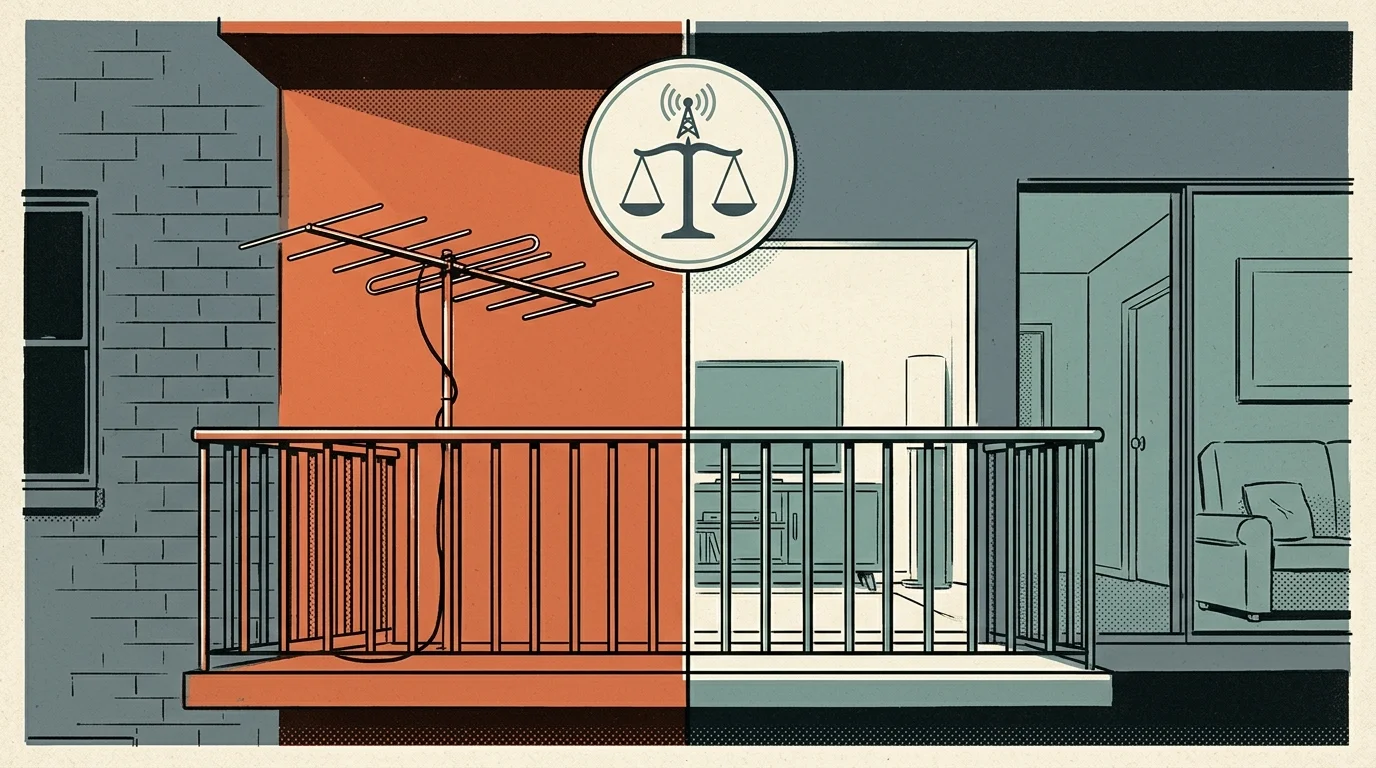
Overcoming Rental Restrictions and the FCC OTARD Rule
Many apartment tenants assume their property manager can legally prohibit them from setting up any television antenna. Understanding federal communications law helps you protect your viewing rights without causing lease disputes.
The Federal Communications Commission enforces the Over-the-Air Reception Devices (OTARD) rule under 47 C.F.R. Section 1.4000. This rule protects your right to install an antenna measuring less than one meter in diameter.
According to consumer guidance published by the FCC Consumer Guide, landlords cannot ban antennas in areas under your exclusive control. This protection applies to private ground-floor patios, balconies, and enclosed terrace spaces.
However, the OTARD rule includes clear limits that every renter must respect. Property managers retain full legal authority to ban antenna installations on common areas, including exterior hallway walls, roofs, and shared lawns.
Landlords can also restrict installations that require drilling through exterior building envelopes or causing permanent physical damage. Running coaxial cable through window gaskets often damages weatherstripping and invites lease violation notices.
The interior hallway closet strategy sidesteps rental disputes entirely. Because the hardware resides completely inside your leased premises, property managers have no regulatory grounds to intervene.
You avoid drilling holes, hanging unsightly outdoor hardware, or negotiating with building management. Your entire broadcast infrastructure remains invisible and entirely portable when your lease expires.
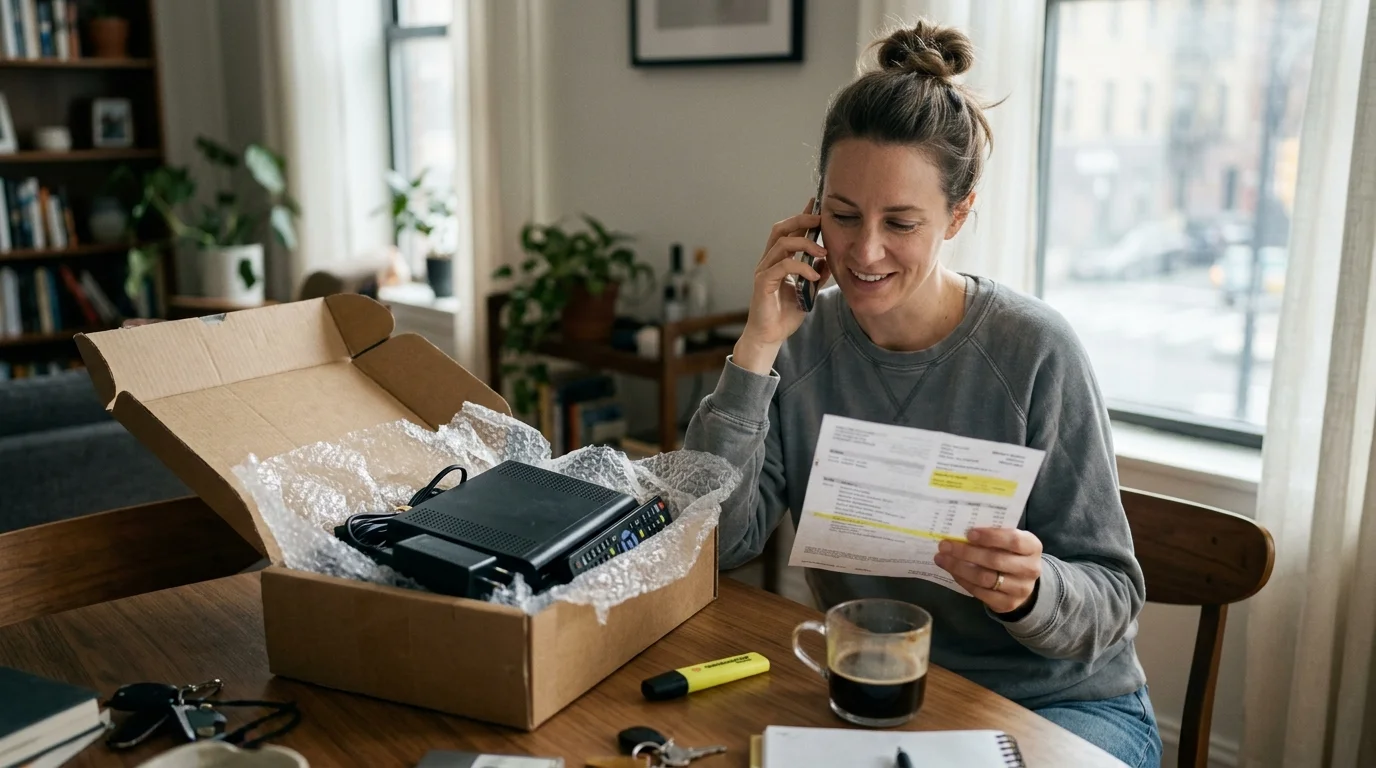
Step-by-Step Cable Provider Cancellation and Fee Avoidance
Transitioning from traditional cable to an interior wireless antenna requires careful timing to avoid unnecessary provider penalties. Providers often impose hidden fees when you alter or cancel bundled contracts.
Consumer testing and market analyses by Cord Cutters News reveal that unbundled broadcast TV fees now exceed $25 to $30 monthly on many standard cable statements. Eliminating these fees delivers major long-term savings.
Follow a systematic process to disconnect your service without triggering punitive administrative charges:
- Review your current billing statement to identify your contract expiration date and billing cycle window.
- Calculate potential Early Termination Fees (ETFs), which typically run between $10 and $20 for each remaining month on your term.
- Establish your standalone high-speed internet plan before initiating cancellation of your television tier.
- Contact the cancellation department and state clearly that you are declining pay-television service permanently.
- Return all leased set-top boxes, remotes, and splitters to an authorized retail center within five business days.
- Collect and safely preserve a printed, date-stamped receipt showing every serial number from your returned hardware.
Retaining your physical hardware return receipt protects you against automated unreturned equipment fees. Cable companies regularly bill customers $150 to $300 per missing box if inventory systems misplace returned devices.
Requesting immediate confirmation of a zero-dollar account balance ensures clean closure. Once your cable connection goes dark, your closet antenna and streaming devices handle all your viewing needs.

Optimizing Wi-Fi Speeds and Channel Feeds Across Devices
Over-the-air television signals delivered through network tuners carry substantial amounts of raw data. Broadcast streams consume between 6 Mbps and 15 Mbps of local bandwidth per live tuner feed.
High local bitrates demand a stable home wireless connection between your hallway closet and your television streaming device. Weak Wi-Fi links cause buffering, dropped frames, and audio synchronization errors.
Connect your AirTV 2 to your router using the 5 GHz Wi-Fi frequency band whenever possible. While 2.4 GHz travels farther through walls, it suffers from heavy congestion in dense ground-floor apartment buildings.
Ensure your home broadband plan provides at least 50 Mbps download bandwidth. While the antenna stream travels entirely inside your local network, supporting on-demand streaming services concurrently requires adequate exterior bandwidth.
Position your primary Wi-Fi router in an elevated, central location rather than under a desk or inside an entertainment console. A clear wireless signal path ensures reliable, crisp high-definition streaming across every screen in your home.
Frequently Asked Questions
Can I pull over-the-air signals if my apartment is entirely below ground level?
Sub-grade basement units struggle significantly because surrounding soil absorbs radio frequencies entirely. You can capture signals only if your interior utility shafts or high stairwells channel signals downward, or if you route an antenna to a street-level window.
Do I need a paid Sling TV subscription to use an AirTV 2?
No, you do not need an active Sling TV subscription. The Sling TV app allows you to register a free account to access, view, and schedule recordings for your local broadcast channels.
Why are VHF dipoles necessary if most digital channels are UHF?
While most digital networks broadcast over UHF frequencies, many major stations remain on High-VHF channels 7 through 13. Flat antennas lack the physical element length needed to resonate with VHF wavelengths, leading to missing major networks.
Will an amplified antenna fix reception issues in a courtyard-facing unit?
Amplifiers boost both incoming signal and background electromagnetic noise. In ground-floor concrete units, an amplifier usually amplifies multipath interference and noise, which overloads the tuner rather than restoring missing channels.
Disclaimer: Cable and streaming prices vary by location and change frequently. The cost comparisons in this article are estimates based on typical pricing. Your actual savings will depend on your current cable package, internet costs, and which streaming services you choose.