For many households, the only thing tethering them to an expensive cable contract is the morning weather report or the evening local news. You might be ready to ditch the 500 channels you never watch, but you still need to know what is happening in your community. The fear of losing that connection is the cable industry’s best retention tool.
For those just starting out, a cord-cutting guide for beginners can help simplify the process of transitioning away from traditional contracts.
Here is the reality: You do not need a cable subscription to stay informed. In fact, you can often get higher video quality and better coverage for zero monthly dollars. While streaming services like Netflix and Disney+ handle your movies, accessing local news requires a different approach—one that mixes old-school technology with modern digital convenience.
This guide walks you through the practical steps to watch local news without cable, focusing on over-the-air TV solutions, free news apps, and the equipment you need to make it work seamlessly.
The Power of Over-the-Air (OTA) TV
The most reliable way to watch local news is also the oldest. Over-the-air (OTA) TV refers to television signals broadcast from local towers that you capture with an antenna. Unlike the analog “rabbit ears” of the past, modern OTA signals are digital. This means if you get a signal, you get a crystal-clear picture.
Eliminating equipment fees and service charges is a major part of the real cost savings of cutting the cord.
Many people are surprised to learn that OTA picture quality is often superior to cable. Cable companies compress video signals to fit hundreds of channels through the wire, which degrades the picture. OTA signals are less compressed, offering true High Definition (HD) for major networks like ABC, CBS, NBC, FOX, and PBS.
Using an antenna solves three major problems for cord-cutters:
- Zero Monthly Cost: Once you buy the antenna, the content is free forever.
- Live Coverage: There is no delay. You see weather warnings and breaking news the second they happen.
- No Internet Required: If your internet goes down during a storm, your antenna still works (provided you have power), keeping you informed when you need it most.
Choosing the Right News Antenna
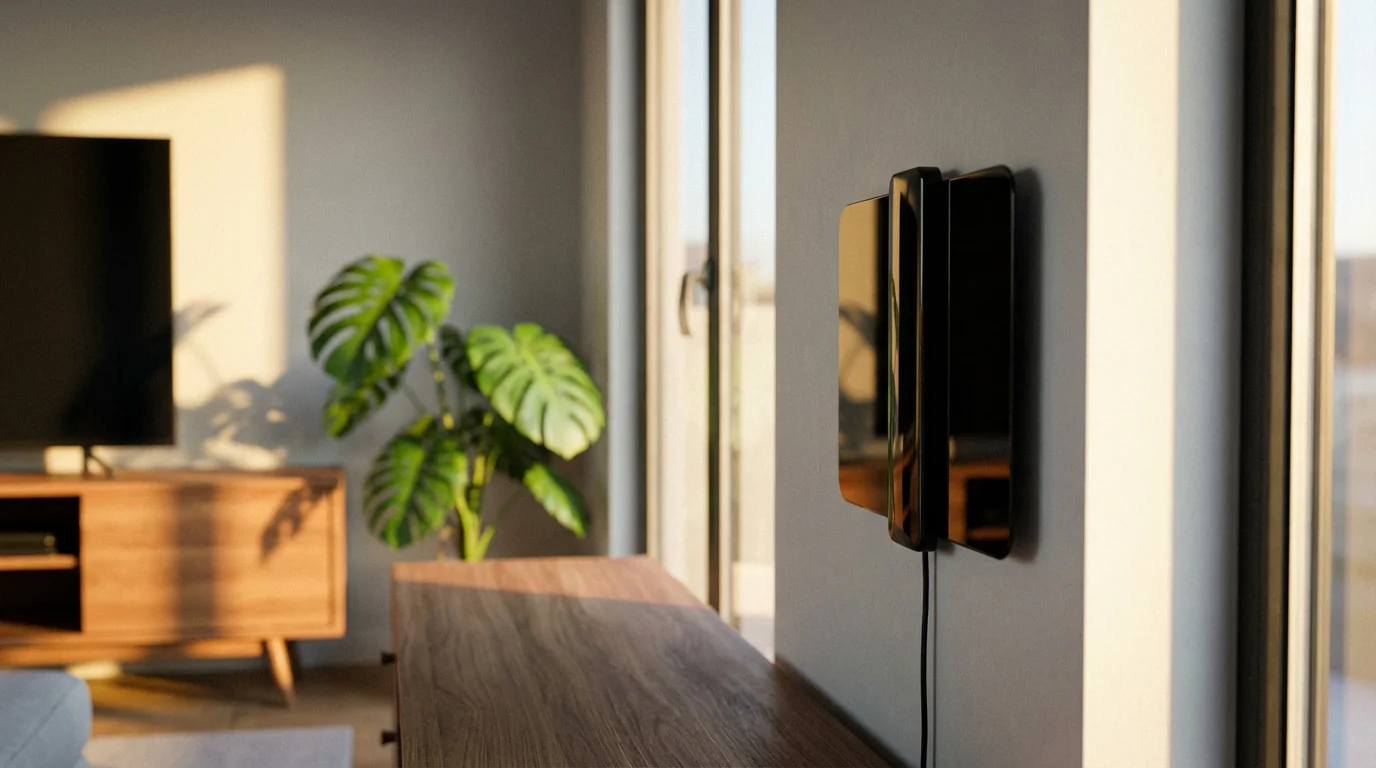
Not all antennas are created equal. To pick the right news antenna, you need to know where your local broadcast towers are located relative to your home.
If you have limited space or roof access, look for specific solutions tailored to cord-cutting for apartment dwellers.
Types of Antennas
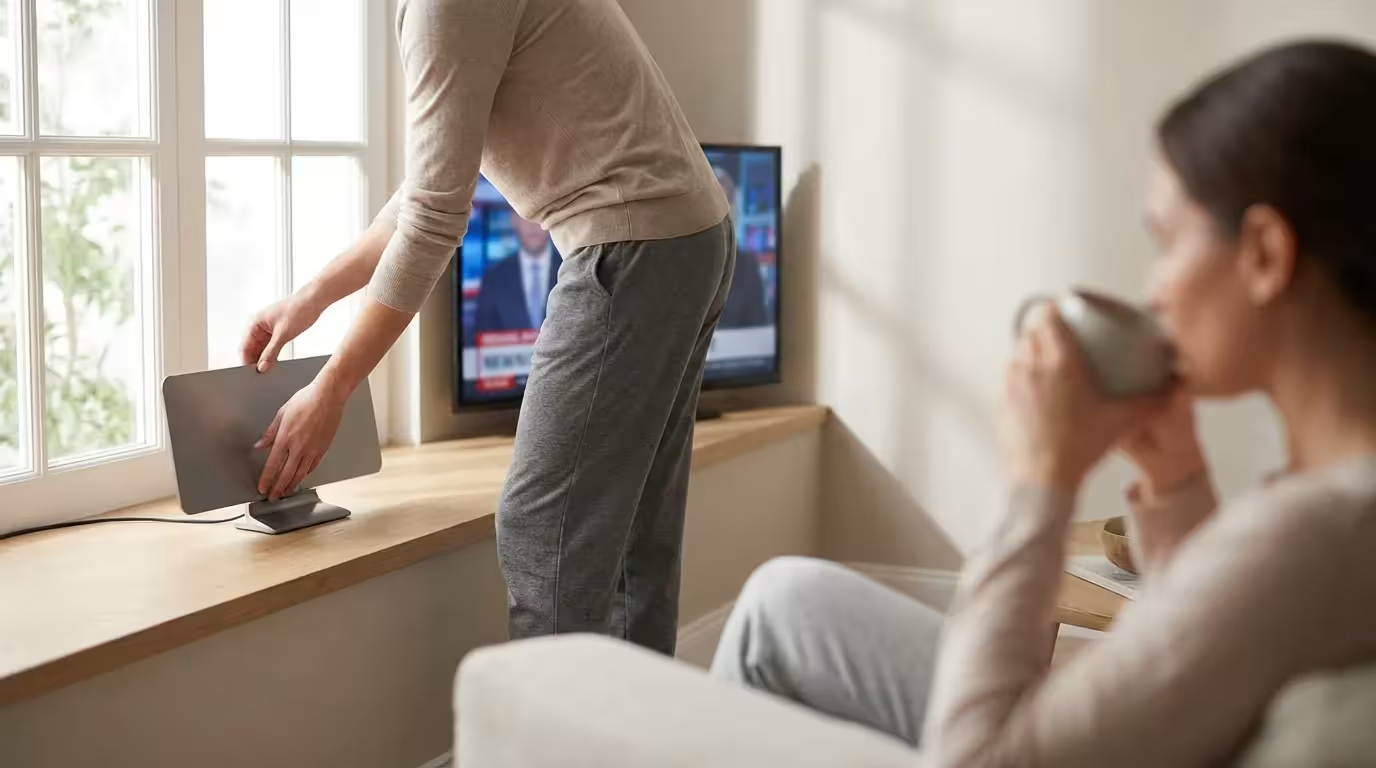
- Indoor Flat Antennas: These look like thin plastic sheets. They are easy to hide behind a TV or stick to a window. They typically work best if you live within 20 to 30 miles of broadcast towers.
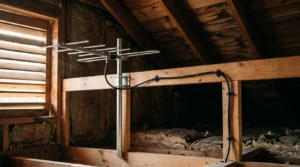
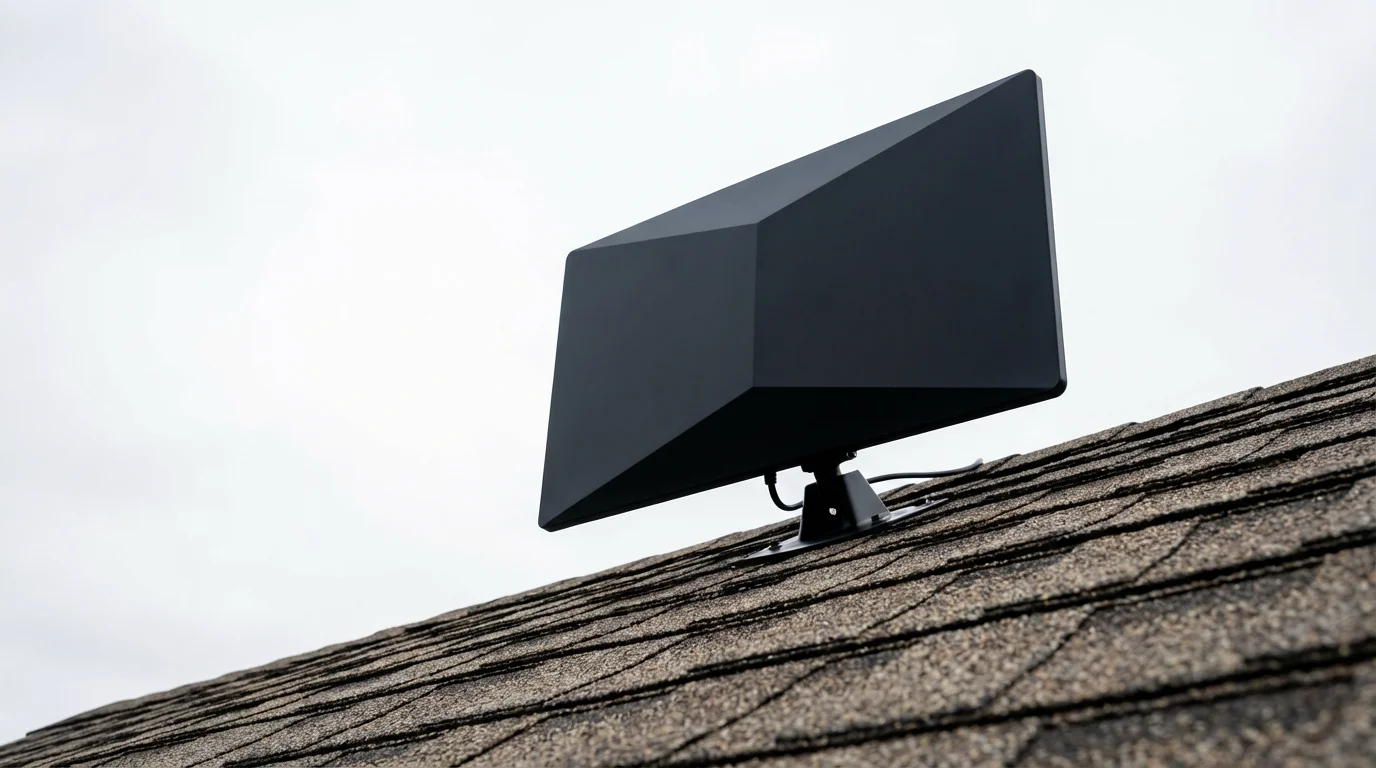
- Attic/Outdoor Antennas: These are larger and more powerful. If you live in a suburb or rural area (35+ miles from towers), or if your home has metal siding or thick radiant barrier insulation, you will likely need an outdoor model.
According to Wirecutter, finding the best antenna often involves checking your specific location data first. You don’t want to overspend on a massive roof antenna if a simple indoor model will suffice, but you also don’t want to buy an underpowered device that frustrates you with signal dropouts.
UHF vs. VHF
Television signals broadcast on two frequencies: Ultra High Frequency (UHF) and Very High Frequency (VHF). Many modern “sleek” flat antennas are great at picking up UHF but struggle with VHF. If a major local channel in your area broadcasts on VHF (often channels 2–13), you need an antenna specifically designed to handle both frequencies.
Step-by-Step: Setting Up Your Antenna
Getting your antenna hardware is step one. Step two is installation. Follow this checklist to ensure you get the most channels possible.
1. Locate the Broadcast Towers
Before you stick the antenna to the wall, find out where the signal is coming from. You can use tools provided by the FCC Consumer Guide to view DTV reception maps. This will tell you if you should point your antenna North, South, East, or West.
[DIAGRAM PLACEHOLDER: Antenna Placement Logic]
A visual diagram showing a house with three antenna placement options labeled Good, Better, Best.
- Good: Flat antenna behind the TV (low elevation, high interference).
- Better: Flat antenna taped high on a window facing the towers.
- Best: Attic or Roof-mounted antenna (highest elevation, clear line of sight).
Include a directional compass arrow indicating that the antenna must face the broadcast towers.
2. Connect to Your TV
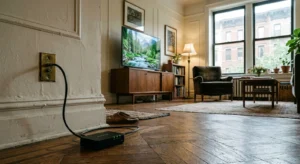
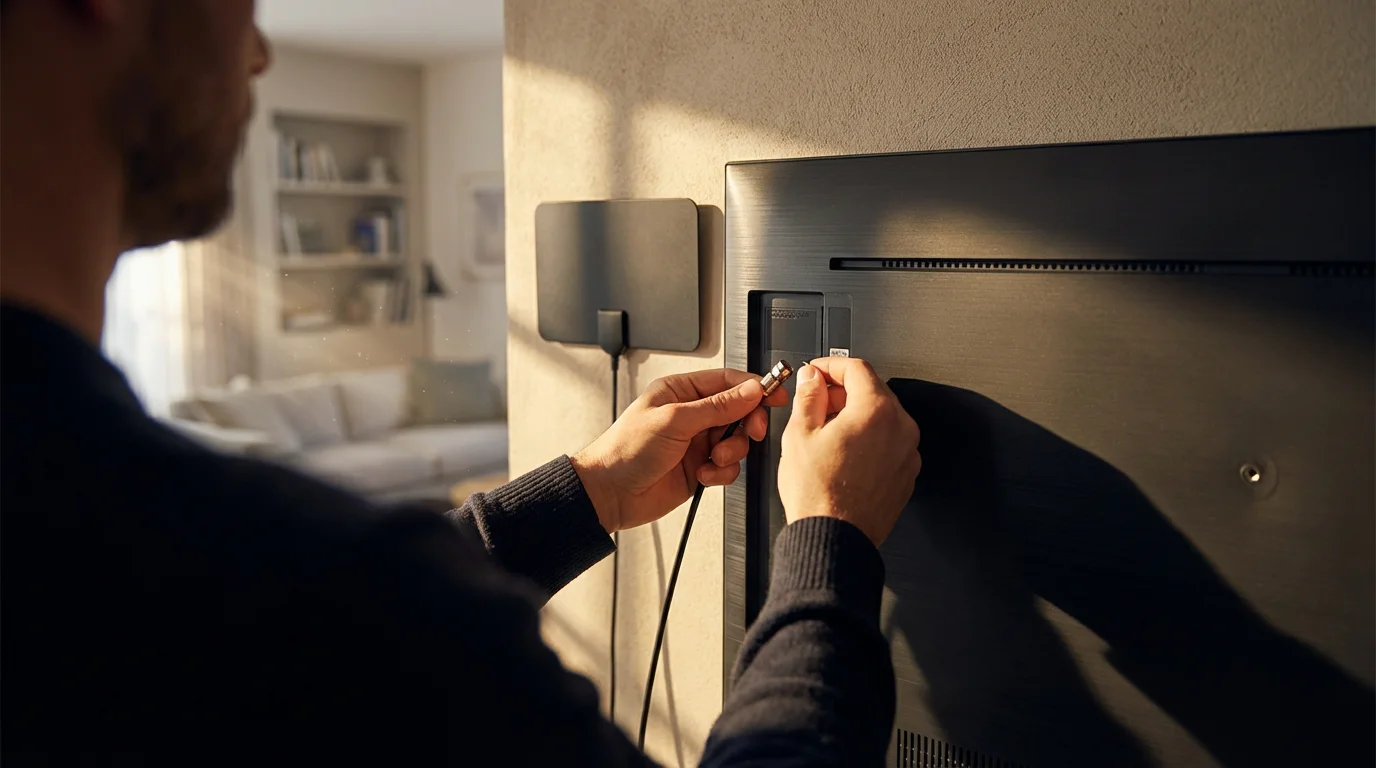
Plug the antenna’s coaxial cable into the “Antenna In” or “Cable/Ant” port on the back of your TV. If your antenna has a USB amplifier (a small power booster), plug that into a USB port on your TV or a wall outlet.
3. Scan for Channels
This is the step most beginners forget. Your TV does not know the antenna is there until you tell it to look.
- Go to your TV’s Settings or Menu.
- Look for “Channels,” “Tuner,” or “Broadcasting.”
- Select “Auto-Program” or “Channel Scan.”
- Choose “Air” or “Antenna” (not Cable).
- Wait for the progress bar to finish. This can take 5–10 minutes.
4. Optimize and Rescan
Check your local news channels. If the picture is pixelated, move the antenna higher on the wall or closer to a window. Important: Every time you move the antenna, you must run the “Channel Scan” again to lock in the new signal strength.
Free Streaming Apps for Local News
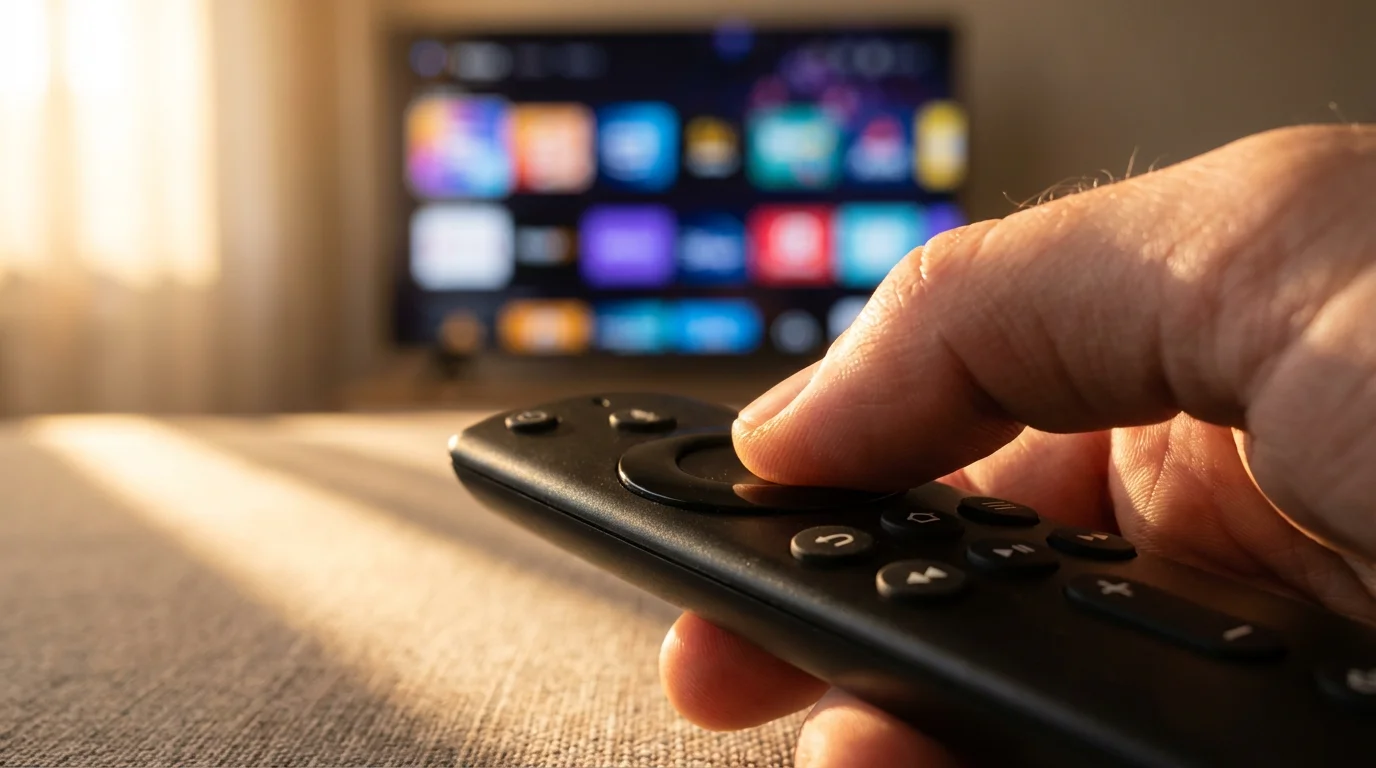
If you live in a valley, a dense city with interference, or a rural area too far from towers, an antenna might not work. Fortunately, local news streaming has exploded in recent years. You can use a streaming device (like a Roku, Amazon Fire TV Stick, or Apple TV) to access free apps that aggregate local broadcasts.
Exploring these aggregator apps is a great way to start streaming on a budget while still getting professional-grade news coverage.
These apps typically offer “clips” (short segments of weather and top stories) or live streams of the actual newscast.
Top Aggregator Apps
NewsON
NewsON is a favorite for cord-cutters. It partners with hundreds of local stations (mostly ABC, NBC, FOX, and CBS affiliates). You can watch live newscasts from your local station or catch up on the previous broadcast on-demand. It is completely free and supported by ads.
Haystack News
Haystack takes a personalized approach. When you first launch the app, you select your location and interests (e.g., “Weather,” “Politics,” “Tech”). It then builds a custom “headline news” broadcast for you, pulling clips from local stations and national providers. It feels like a curated news show tailored specifically to you.
Local Now
Owned by The Weather Channel, Local Now provides a mix of local news, weather, and traffic. It has evolved into a free ad-supported TV service that also offers movies, but its core strength remains hyper-local updates based on your zip code.
The Roku Channel / Fire TV News
If you use a Roku or Fire TV device, check their home screens. Both platforms now have built-in “Live TV” or “News” hubs that aggregate local feeds. You often don’t even need to download a separate app; the content is integrated directly into the operating system.
Network-Specific Digital Options
Beyond the aggregators, major networks have realized they need to reach cord-cutters directly. Most major station groups now offer their own free apps.
If your local station doesn’t have a standalone app, you may want to look into the best streaming services for news junkies to ensure you never miss a headline.
If you also want to keep up with national headlines, you can learn how to watch cable news without cable for channels like CNN, Fox News, and MSNBC.
- CBS News App: CBS has been a leader in this space. The CBS News app offers 24/7 streaming news for free. Crucially, they have launched CBS News Local streams for major markets like New York, Los Angeles, Boston, and Chicago. You can select your region and watch live.
- NBC News Now: Similar to CBS, NBC offers a free streaming news service. While heavily focused on national news, they integrate local affiliate content during breaking news events.
- Station-Specific Apps: Search your app store for your specific local channel’s call letters (e.g., “WGN Chicago” or “KTLA Los Angeles”). Most stations have their own app that livestreams their morning and evening news blocks.
“The best approach for most cord-cutters is a hybrid strategy: use an antenna for major live events and apps for catching up on headlines when you’re not in front of the TV.” — Industry Analyst
How to Record News Without a Cable DVR
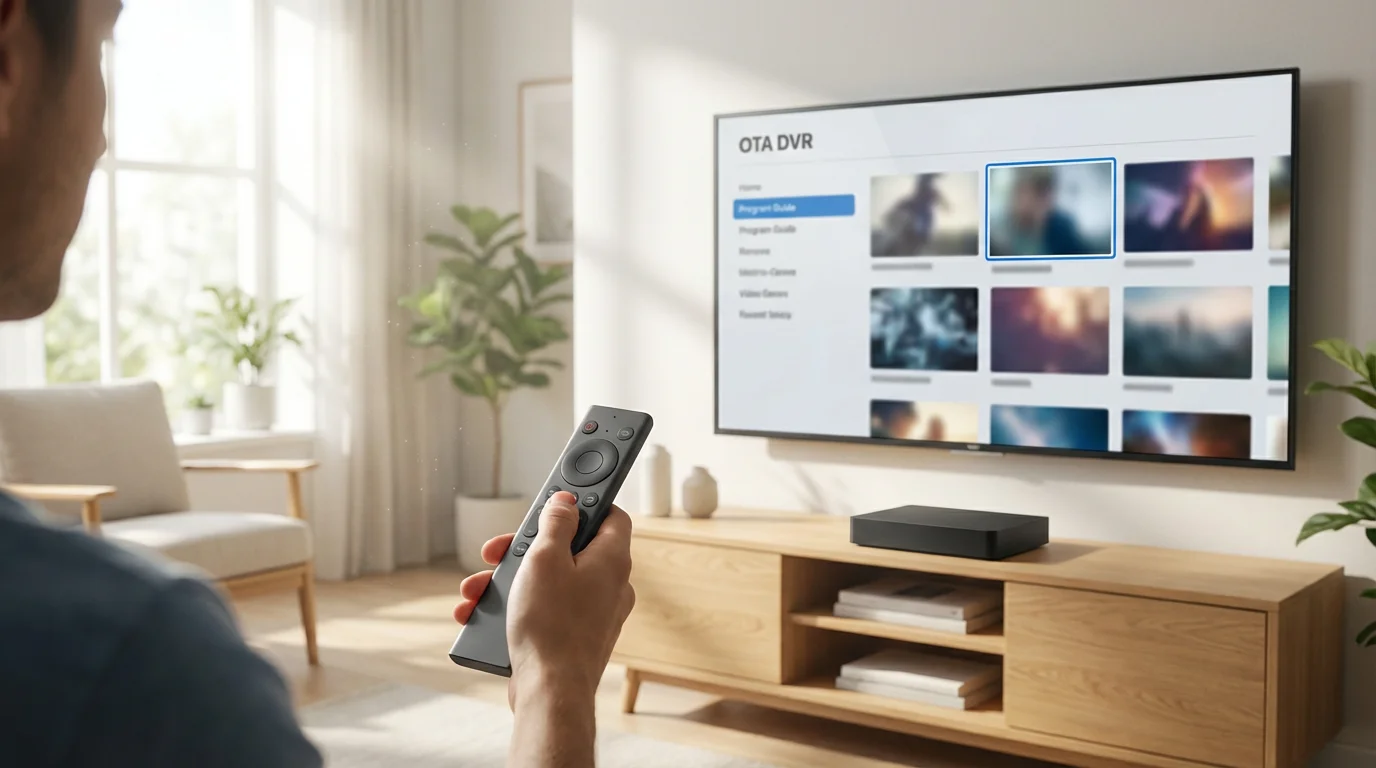
One feature cable subscribers miss most is the DVR (Digital Video Recorder). Being able to pause live TV or record the 6:00 PM news to watch at 7:00 PM is a habit hard to break. Can you do this with an antenna?
Yes, but you need specific hardware. This is often called an OTA DVR.
How OTA DVRs Work
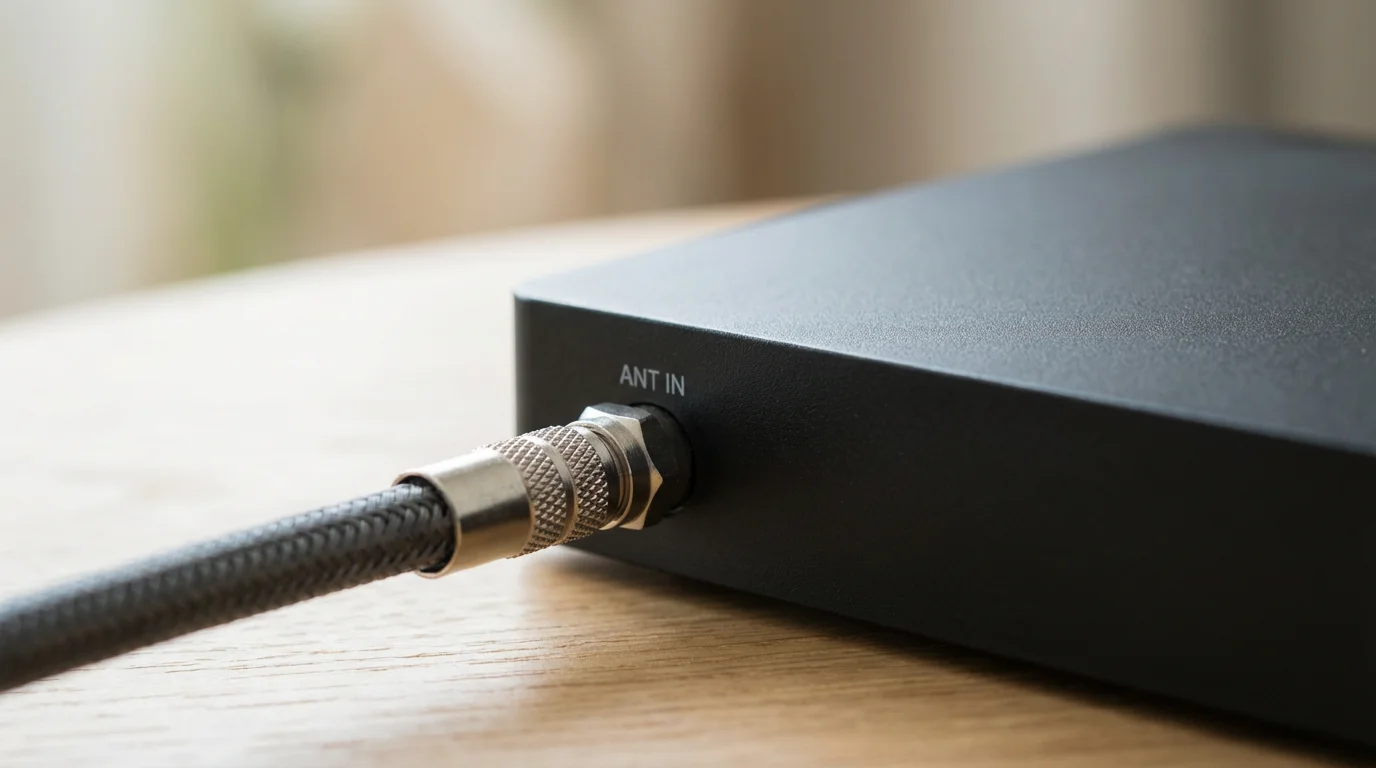
Instead of plugging your antenna directly into your TV, you plug it into an OTA DVR box. This box connects to your home Wi-Fi network. You can then download an app on your smart TV or phone to watch the live antenna feed and schedule recordings.
Popular options include:
- Tablo: A user-friendly device that streams antenna TV to any screen in your house. Some models have built-in storage; others require you to plug in a USB hard drive. They offer a program guide similar to cable.
- HDHomeRun: A more technical solution favored by enthusiasts. It turns your antenna signal into a network stream. CNET reviews often highlight HDHomeRun for its video quality, though it requires a slightly more complex setup than Tablo.
Using these devices allows you to create your own “cable box” experience without the monthly rental fees.
Cost Breakdown: Cable vs. The Cord-Cutter Approach
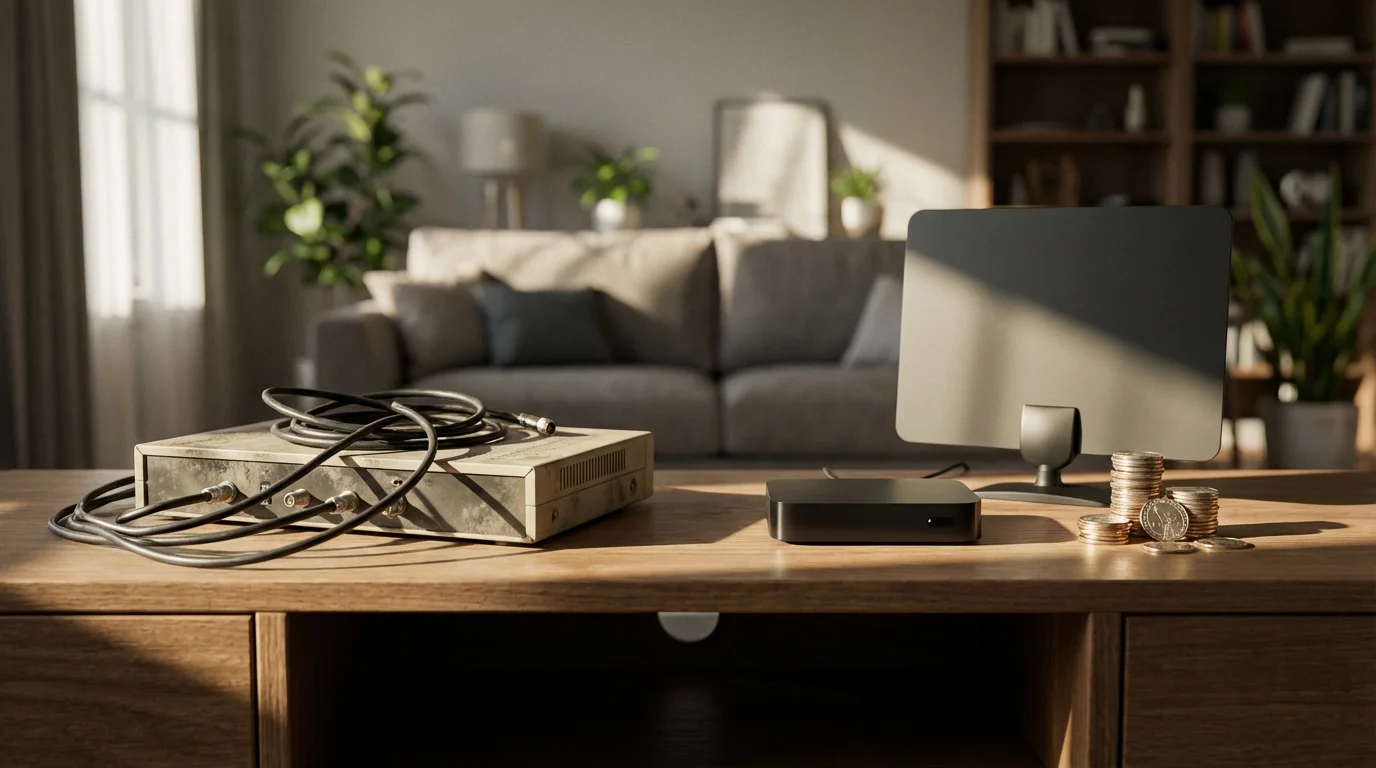
Let’s look at the numbers. Why go through the trouble of buying an antenna or setting up apps? The savings are undeniable.
| Service Type | Upfront Equipment Cost | Monthly Cost | Annual Cost (Year 1) |
|---|---|---|---|
| Traditional Cable TV | $0 (usually rented) | $120.00 (avg) | $1,440.00 |
| Antenna (OTA) Only | $30 – $80 (one-time) | $0.00 | $30 – $80 |
| Antenna + OTA DVR | $150 – $200 (one-time) | $0.00* | $150 – $200 |
| Live TV Streaming (YouTube TV/Hulu) | $0 | $75.00+ | $900.00+ |
*Note: Some OTA DVRs have optional subscriptions for premium guide data, usually around $5/month, but basic functionality is often free.
As Cord Cutters News frequently points out, rising streaming prices are pushing more people back toward antennas. If you subscribe to a service like YouTube TV solely for local channels, you are essentially paying $900 a year for something that floats through the air for free. Investing $50 in an antenna pays for itself in less than one month of cancelled cable.
Frequently Asked Questions
Do I need an internet connection to use an antenna?
No. An antenna receives radio frequency signals directly from broadcast towers. This makes it distinct from streaming. If your internet goes out, your antenna will still work, provided your TV has power. This makes antennas excellent for emergency preparedness during severe weather.
Why is my antenna missing specific local channels?
This usually happens due to interference or frequency issues. If the missing channel broadcasts on VHF (channels 2-13) and you have a flat “leaf” antenna, your antenna might not be designed to pick up that frequency. Alternatively, physical obstacles like mountains or tall buildings could be blocking that specific tower. Try moving the antenna to a higher location or near a window facing the tower.
Can I use one antenna for all the TVs in my house?
Yes, but you have to distribute the signal. You can do this by using a coaxial splitter to run cables to different rooms (which can weaken the signal) or by using a network tuner like a Tablo or HDHomeRun. These devices take the signal from one antenna and send it wirelessly to every Smart TV, phone, or tablet on your Wi-Fi network.
Is “Smart TV” functionality required for an antenna?
No. Any TV made after 2007 includes a digital tuner required for Over-the-Air signals. You can plug an antenna into an old “dumb” HDTV and it will work perfectly. However, if you want to use the free apps mentioned (like NewsON or Haystack), you will need a Smart TV or a streaming device.
Disclaimer: Cable and streaming prices vary by location and change frequently. The cost comparisons in this article are estimates based on typical pricing. Your actual savings will depend on your current cable package, internet costs, and which streaming services you choose.