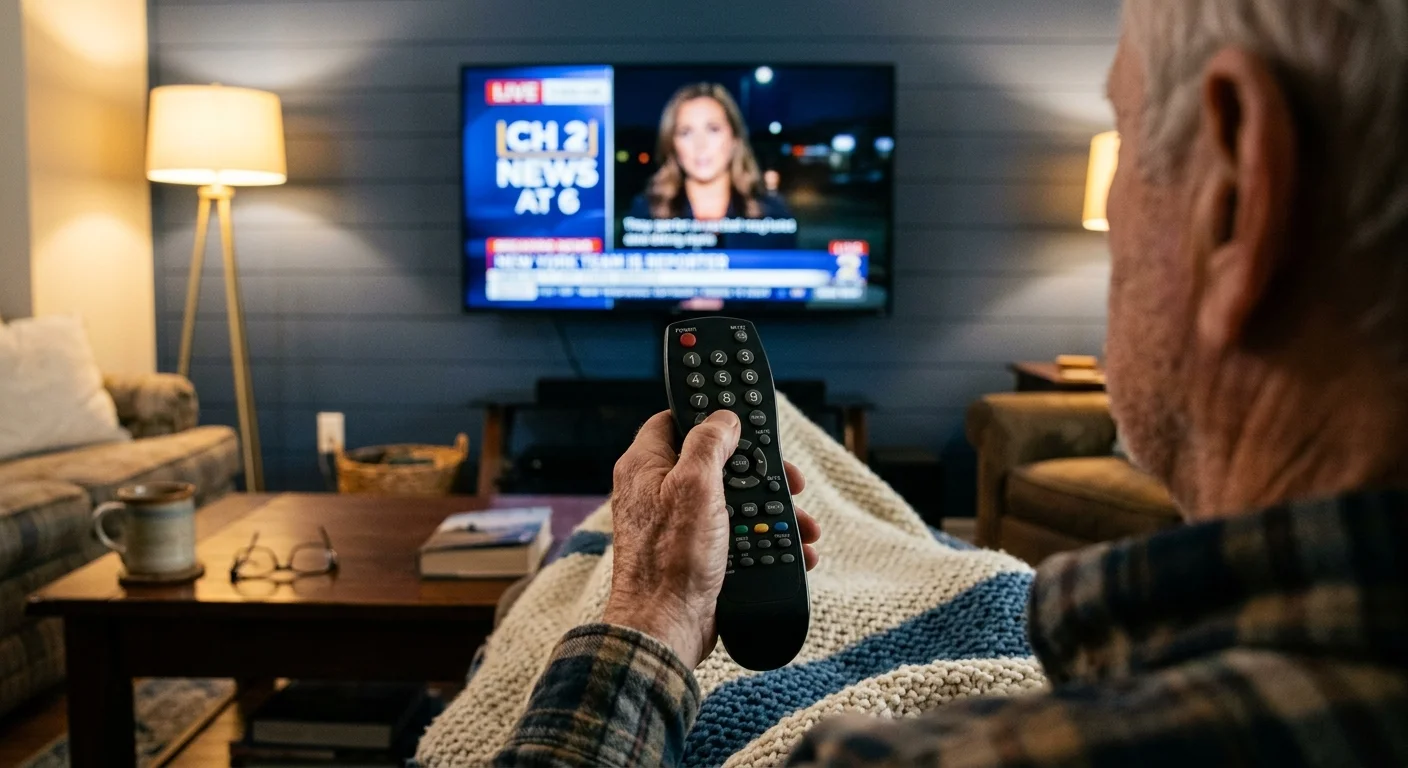
Cord-cutting—canceling traditional cable or satellite TV in favor of streaming services—often forces you into frustrating, sluggish app menus. You probably miss punching your favorite network number directly into a handheld keypad.
Standard streaming devices strip away numeric pads, leaving lifelong cable subscribers stranded in clunky digital guides. You do not have to endure that learning curve to save money.
While mainstream advice claims numbers are obsolete, pairing dedicated hardware like DIRECTV Stream Gemini devices or networked tuners preserves true 10-key numeric channel entering.
Why Most Streaming Devices Abandoned the Number Pad
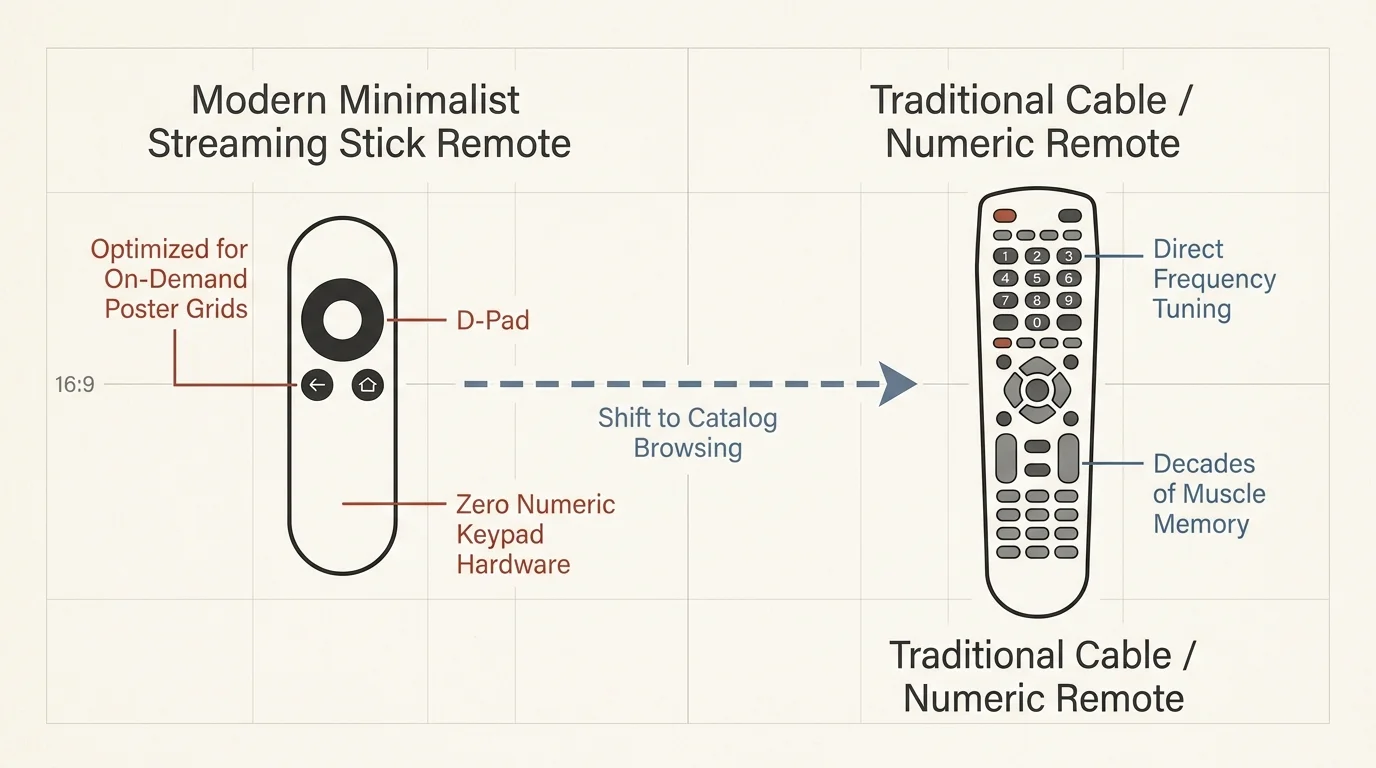
The modern transition to streaming—watching video content over the internet instead of cable or satellite—drastically altered home entertainment hardware. Tech companies prioritized minimalist designs that cut manufacturing expenses.
A modern streaming device—a small box or stick (like Roku or Fire TV) that adds streaming to any TV—relies on a directional pad. These simple controls favor navigating endless rows of on-demand posters.
On-demand media lets you watch whatever you want, whenever you want. Because on-demand catalogs do not follow scheduled broadcast times, hardware manufacturers decided channel numbers were unnecessary relics.
Unfortunately, this design choice alienates viewers who value decades of muscle memory. Hunting for a numeric keypad remote streaming setup often leads to frustration because major operating systems ignore numeric signals entirely.
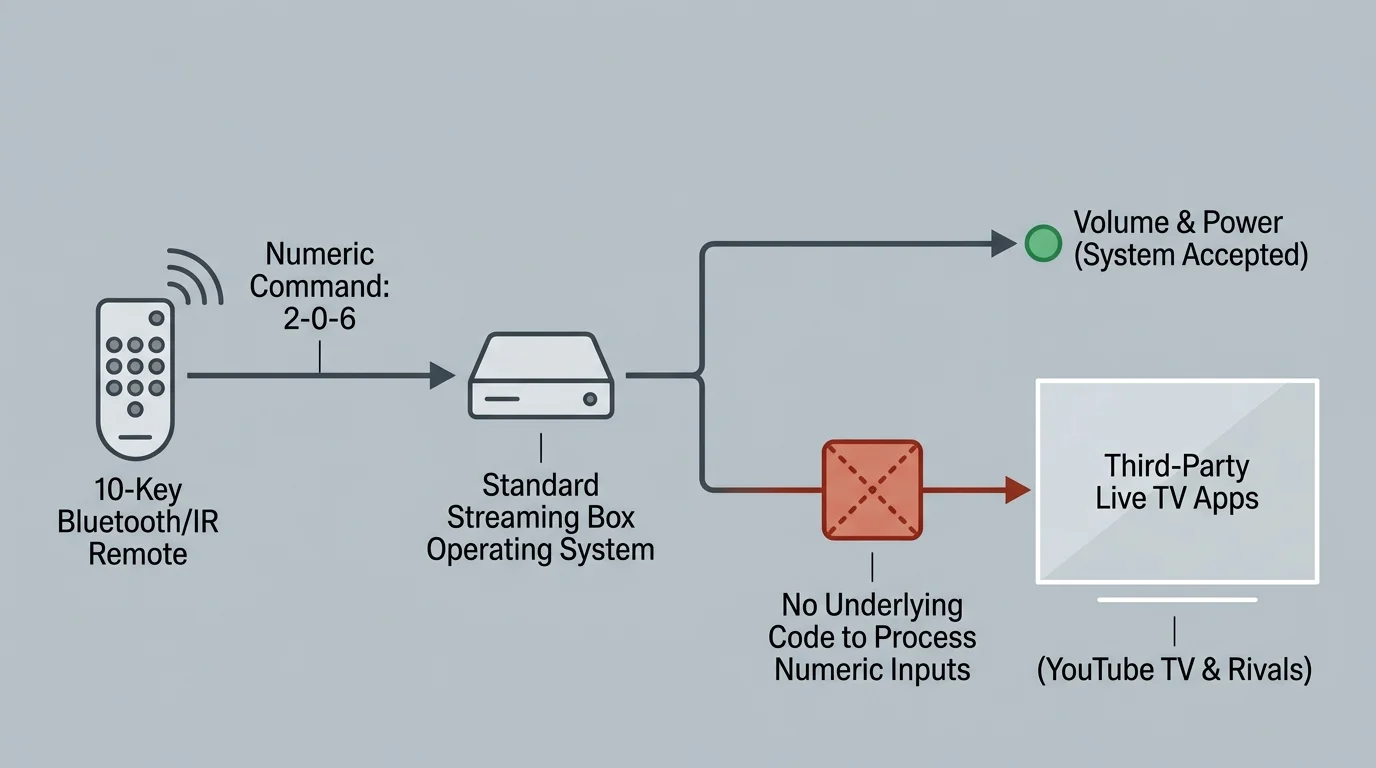
Third-party remotes with numeric pads cannot solve this problem on their own. Even when a remote transmits an infrared or Bluetooth number, the underlying app must possess code to interpret that specific channel request.
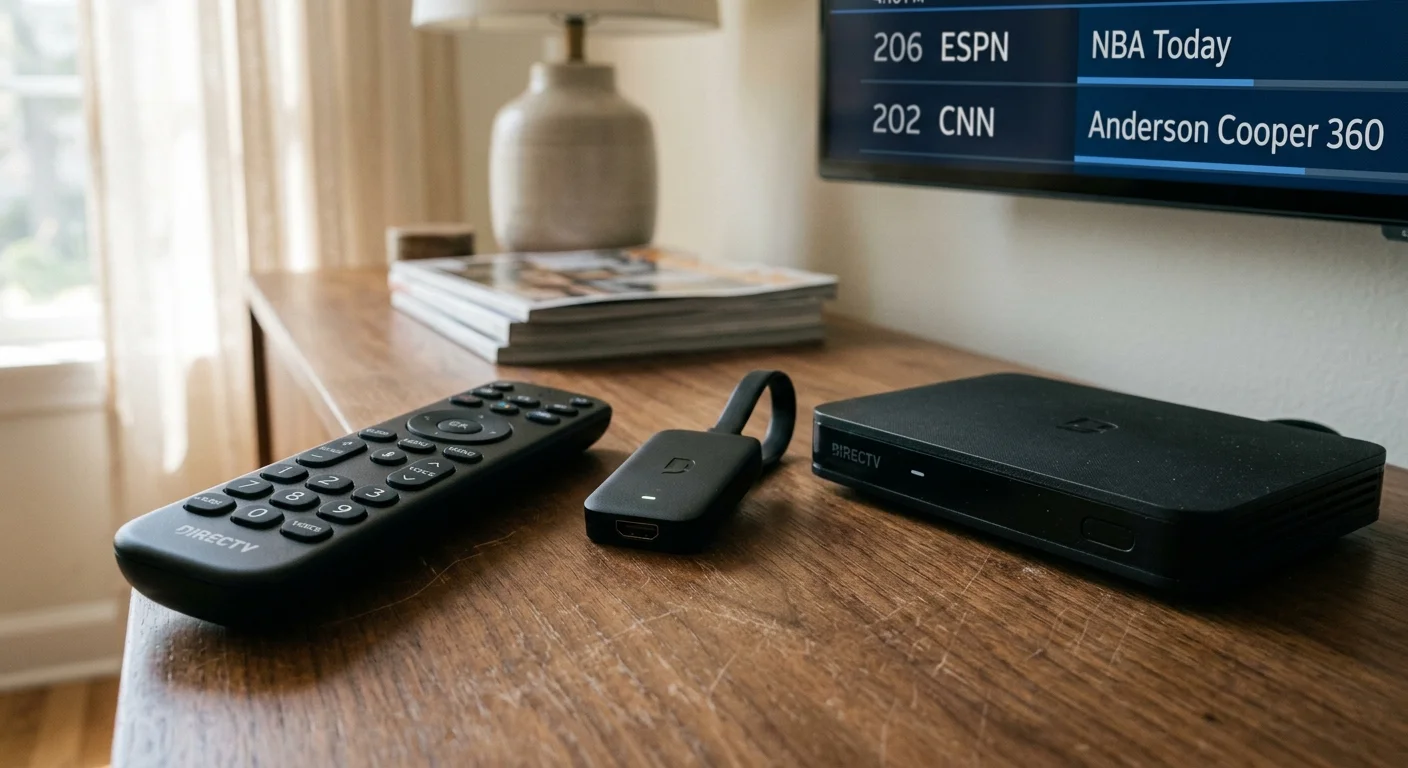
DIRECTV Stream Hardware: The Only Native Cable Clone
If you want an authentic cable experience without a coaxial cable, DIRECTV Stream is your strongest option. It is the only major live TV streaming platform that retains a traditional channel numbering grid.
For example, you tune to ESPN on channel 206 and CNN on channel 202, exactly as you would on satellite. DIRECTV stream channel numbers match the legacy provider guide identically.
However, you cannot access direct numeric tuning through standard retail streaming sticks. Direct 10-key channel entry is strictly locked to DIRECTV’s proprietary Gemini Box (model C71KW) or Gemini Air dongle (model P21KW-50).
Both Gemini devices ship with an ergonomic voice remote featuring a physical 10-key numeric keypad. You simply punch in your three-digit or four-digit channel number, and the box changes stations instantly.
“If you want to cut the cord without forcing an older relative or spouse to learn a grid of apps, dedicated operator hardware remains the gold standard.”
Crucially, downloading the DIRECTV Stream app onto an Apple TV, Roku, or Fire TV disables this functionality. Even if you pair a universal remote to a Roku, the app rejects numeric commands.
According to Cord Cutters News, DIRECTV Stream serves as the primary landing spot for traditional pay-TV defectors seeking interface familiarity. The platform prevents the disorientation common with digital app switching.
DIRECTV Stream packages start at $89.99 per month for the base Entertainment tier, though promotional periods often lower the price to $69.99. You can purchase refurbished Gemini hardware online to avoid monthly equipment rental fees.
The Truth About Using a Remote Control with Numbers for YouTube TV and Rivals
Many cord-cutters purchase a remote control with numbers for youtube tv hoping to regain physical dialing. Unfortunately, this hardware pairing never works as expected.
YouTube TV does not assign channel numbers to network feeds anywhere in its software architecture. The platform identifies stations solely by network brand names, broadcast logos, and local affiliate call signs.
When you press digits on a universal remote paired with YouTube TV, the application simply ignores the input. No programmable remote on the market can force numeric navigation into software that lacks numeric index tables.
As CNET reports, live TV streaming services organize their lineups alphabetically or by user watch history rather than through static numerical positions. This design philosophy extends across nearly all major budget competitors.
Competitors like Sling TV ($40.00 per month), Hulu + Live TV ($76.99 per month), and Fubo ($79.99 per month) also lack channel numbers. None of these applications accept numeric commands from third-party accessories.
To navigate YouTube TV ($72.99 per month) quickly without numbers, you must configure a Custom Live Guide. Open YouTube TV on a web browser and drag your most-watched channels to the top of the lineup.
Voice navigation provides another practical workaround for non-numeric platforms. Pressing the microphone button on your streaming remote and saying “Tune to ESPN” bypasses the manual guide entirely.
TiVo Stream 4K and Channels DVR: The Tech-Savvy 10-Key Alternative
You do not have to pay DIRECTV Stream’s premium subscription prices to enjoy numeric channel dialing. A self-hosted tuner system offers total numeric control at a fraction of the ongoing cost.
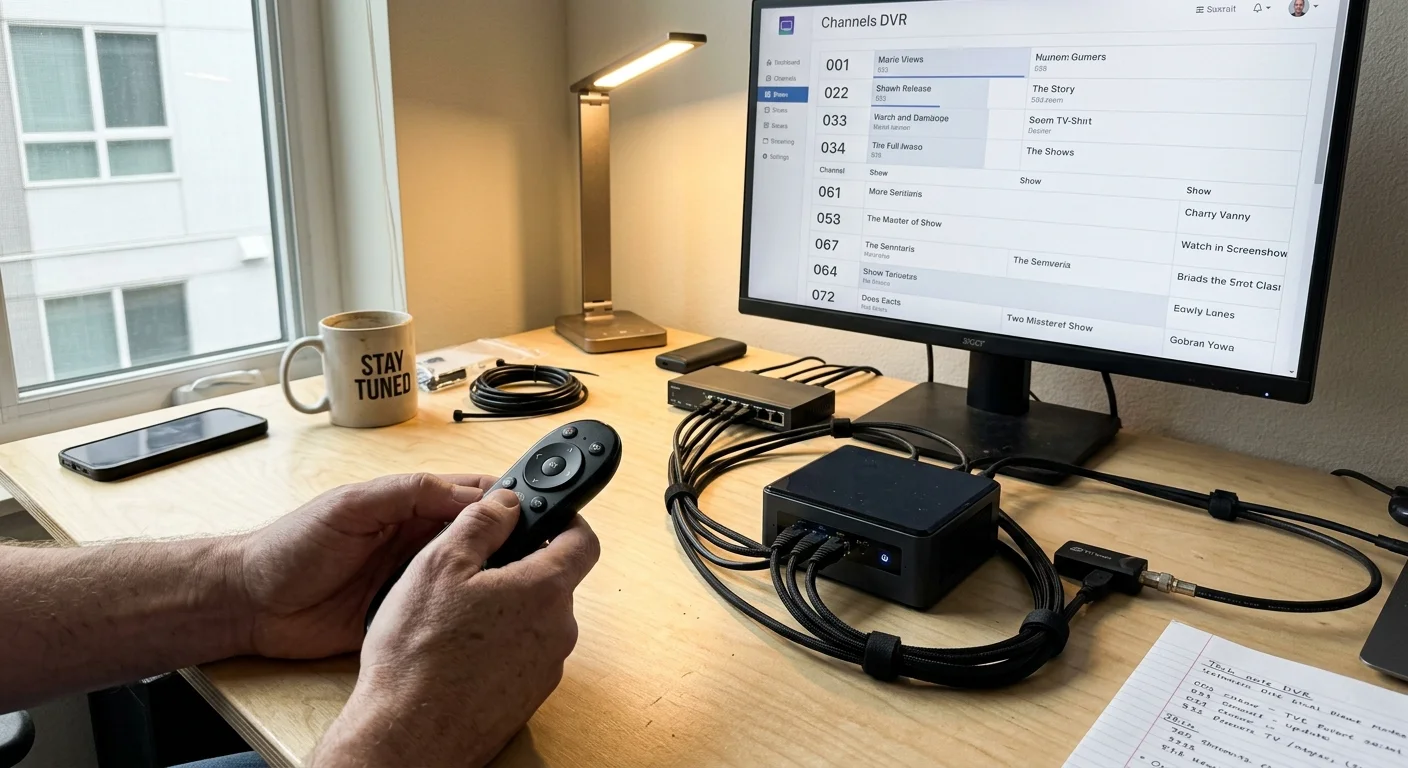
The foundation of this setup begins with the TiVo Stream 4K, which retails for $39.99. It is one of the only mainstream Android TV streaming devices that includes a factory remote with a physical number pad.
While the TiVo number pad will not change channels in YouTube TV, it integrates seamlessly with Channels DVR software. Channels DVR costs $8.00 per month or $80.00 per year.
A DVR—digital video recorder, lets you record and watch shows later—stores programming on a local hard drive or home computer. Channels DVR includes native software support for physical numeric keypads.
You connect the software to an HDHomeRun Flex 4K network tuner, which retails for $199.99. The HDHomeRun plugs directly into your home router and a digital antenna, broadcasting live signals across your Wi-Fi.
Channels DVR assigns authentic digital broadcast channel numbers to every station in your lineup. When you press “4” on the TiVo remote, the application instantly jumps to channel 4.1.
Tech-savvy users can also install the Button Mapper app from the Google Play Store on the TiVo device. This utility lets you program unused number keys to launch specific streaming apps with a single tap.
Free Over-the-Air Antennas and Smart TV FAST Channels
You can preserve numeric channel changing completely free of charge by leveraging your television’s built-in hardware. Every smart TV—a television with built-in internet connection and apps—contains an internal digital broadcast tuner.
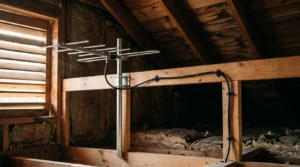
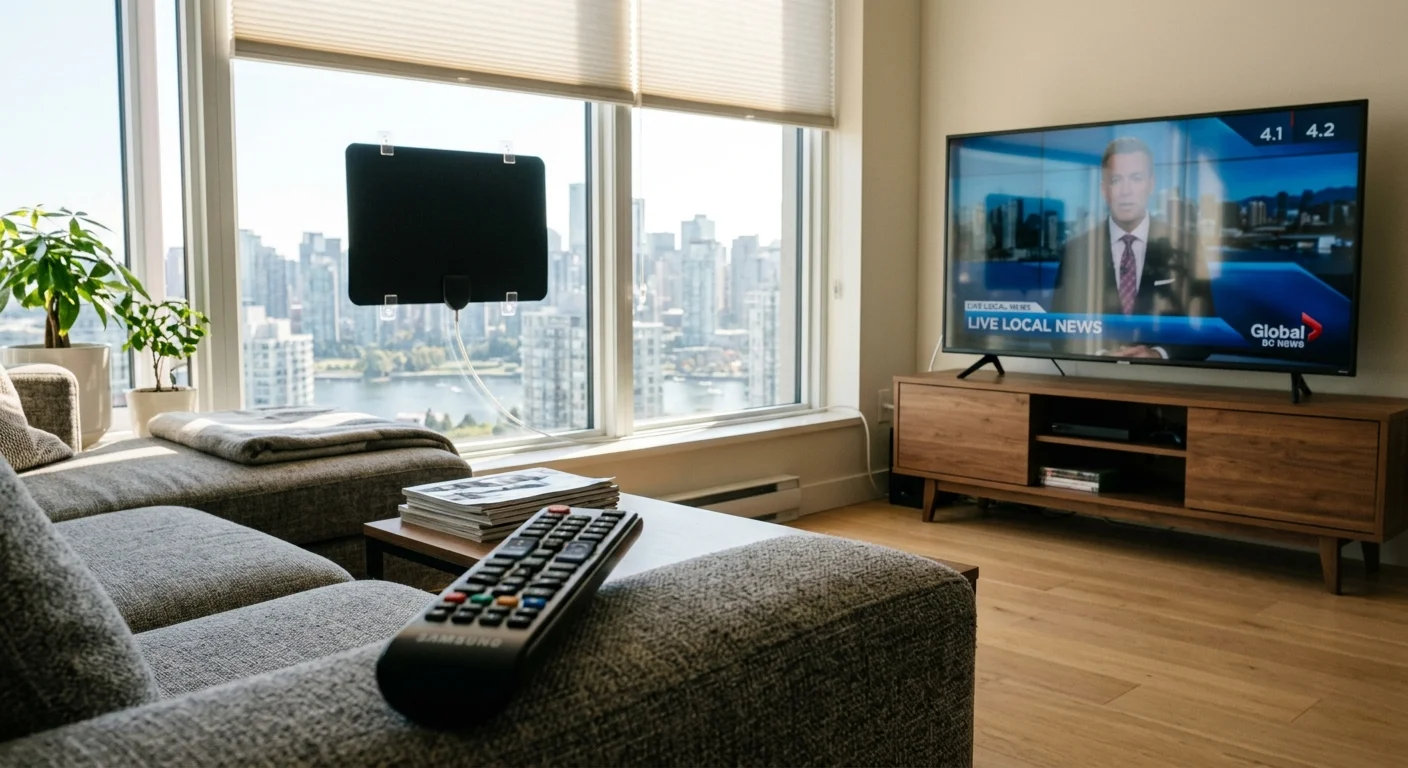
Connecting an over-the-air antenna directly to the coaxial input on your TV delivers free high-definition major networks. You gain instant access to local broadcasts from ABC, CBS, NBC, Fox, and PBS.
According to the FCC Consumer Guide, digital television signals broadcast in high definition across major metropolitan areas without monthly subscription fees. These over-the-air frequencies naturally maintain numeric sub-channels like 5.1 and 9.2.
Modern televisions also provide integrated access to FAST networks: free ad-supported streaming TV channels funded by commercials. Ad-supported services show commercials, while ad-free tiers cost more but remove advertising breaks entirely.
Platforms such as Samsung TV Plus and LG Channels deliver hundreds of linear channels over your home internet connection. Unlike premium apps, these built-in platforms assign four-digit virtual channel numbers starting at channel 1000.
Recent smart TV remotes from Samsung and LG eliminated physical number buttons in favor of minimalist clickers. However, both television brands maintain legacy infrared receivers that support physical keypads.
You can purchase an inexpensive $10 replacement infrared remote equipped with a full 10-key number pad online. This cheap accessory lets you punch in antenna numbers and FAST streaming numbers seamlessly without app menus.

Worked Example: Upfront Equipment and Monthly Bill Breakdown
Consider a practical scenario featuring Harold, a 68-year-old homeowner who recently retired. Harold wants to lower his living expenses without forcing his household to navigate complicated streaming home screens.
Harold currently pays Comcast Xfinity $178.50 per month for digital cable, two leased television boxes, and broadcast surcharges. He wants numeric channel entry on two separate television sets in his home.
Harold evaluates three distinct cord-cutting configurations designed to preserve physical channel numbers. Below is a detailed breakdown of his equipment expenses, monthly subscriptions, and first-year financial outcomes.
| Platform Setup | Required Hardware | 10-Key Compatibility | Upfront Cost | Monthly Service Fee |
|---|---|---|---|---|
| DIRECTV Stream via Gemini | 2 Gemini C71KW Boxes | Full (All Channels) | $90.00 (Owned) | $89.99 |
| Channels DVR + HDHomeRun | HDHomeRun + 2 TiVo Sticks | Full (OTA Channels) | $279.97 | $6.67 ($80/year) |
| Antenna + Samsung TV Plus | Antenna + 2 IR Remotes | Full (OTA & FAST) | $69.99 | $0.00 |
| YouTube TV + Universal Remote | 2 Rokus + 2 SofaBatons | None (App Blocked) | $139.98 | $72.99 |
If Harold chooses Setup A (DIRECTV Stream), he buys two refurbished Gemini boxes online for $45.00 each ($90.00 total). His ongoing subscription costs $89.99 per month for the Entertainment tier.
Over his first full year, Harold spends $1,079.88 on service plus $90.00 on hardware, totaling $1,169.88. He saves $972.12 compared to his previous $2,142.00 annual Comcast bill while maintaining an identical viewing habit.
If Harold chooses Setup B, he pays $199.99 for an HDHomeRun Flex 4K, $79.98 for two TiVo sticks, and $80.00 annually for Channels DVR. His total first-year expense equals $359.97, saving him $1,782.03.
Setup C demonstrates the universal remote trap. Harold would spend $139.98 on Roku streamers and SofaBaton numeric remotes, only to discover YouTube TV completely rejects numeric commands.
Setup D delivers maximum financial savings by combining an over-the-air antenna with free Samsung TV Plus streaming. Harold pays $49.99 for an antenna and $20.00 for two replacement numeric remotes, spending zero dollars monthly.

Step-by-Step Cancellation Guide and Avoiding Cable Penalties
Transitioning from cable to streaming requires careful preparation to avoid unexpected fees or service interruptions. Review this essential hardware checklist before calling your current television provider to cancel service.
If you are ready to make the switch, follow our step-by-step cord-cutting guide to navigate returning equipment and cancelling your account without extra fees.
- High-speed broadband internet modem and standalone Wi-Fi router.
- Dedicated streaming player (Gemini Box, TiVo Stream 4K, or Smart TV).
- Physical 10-key numeric remote control compatible with your destination hardware.
- Indoor or outdoor digital television antenna (if utilizing over-the-air broadcasts).
- Coaxial cable and HDMI connection cords for each television display.
Verify your home broadband connection before making the switch. High-definition video streams require 5 to 10 Megabits per second (Mbps), while 4K video requires at least 25 Mbps per display.
A household running two simultaneous live television streams alongside basic web browsing should maintain an internet download speed of at least 100 Mbps. Solid internet ensures responsive channel changing without buffering wheel delays.
Follow this step-by-step procedure to cancel your legacy cable service cleanly while sidestepping penalty fees.
- Review your current utility agreement to verify your contract end date and avoid early termination penalties. Early termination fees typically range between $10 and $20 for every month remaining on your agreement.
- Install and test your replacement streaming equipment while your legacy cable service is still active. Verify that family members can change channels comfortably using the physical number remote.
- Contact your cable company’s cancellation department directly. Inform the representative firmly that you are moving to internet-only service, and politely decline all retention bundle promotions.
- Request an immediate service cutoff date and write down your official cancellation confirmation code along with the representative’s name.
- Gather all rented hardware, including set-top converter boxes, digital cable cards, power cords, and original rental remotes.
- Deliver the equipment directly to an authorized company store or corporate shipping partner like The UPS Store. Obtain a physical, itemized receipt containing each device’s serial number.
- Retain your physical equipment return receipt for at least 12 months. Automated utility billing systems frequently generate unreturned equipment charges months after cancellation.
According to Consumer Reports, documenting equipment returns with date-stamped receipts remains the only foolproof protection against erroneous collection notices. Cable providers routinely charge $100 to $250 per missing set-top receiver.
Frequently Asked Questions
Why does my numeric remote not change channels inside YouTube TV?
YouTube TV lacks numeric indexing in its core software programming. Because the platform identifies stations by network names rather than digits, it cannot process number pad inputs from any remote control.
Can I use the DIRECTV Stream app on a Roku and still dial channel numbers?
No, the DIRECTV Stream app disables numeric channel jumping on third-party hardware. You must use DIRECTV’s proprietary Gemini Box or Gemini Air hardware to tune stations with a physical number pad.
Do I need an internet connection to use numeric remotes with an antenna?
No, over-the-air digital television signals broadcast over radio frequencies directly to your television’s internal tuner. You can enter local channel numbers using an infrared remote without an internet connection.
What is the most affordable way to get 10-key remote channel surfing?
Connecting an inexpensive over-the-air antenna to your smart TV provides free broadcast channels with instant numeric dialing. You can supplement this setup with free Samsung TV Plus or LG Channels streams using a cheap infrared remote.
Can I assign specific streaming apps to numbers on my remote?
Yes, streaming devices running Android TV, like the TiVo Stream 4K, support button remapping tools. Installing the Button Mapper app allows you to assign specific numeric keys to open apps like Netflix or Prime Video.
Disclaimer: Cable and streaming prices vary by location and change frequently. The cost comparisons in this article are estimates based on typical pricing. Your actual savings will depend on your current cable package, internet costs, and which streaming services you choose.