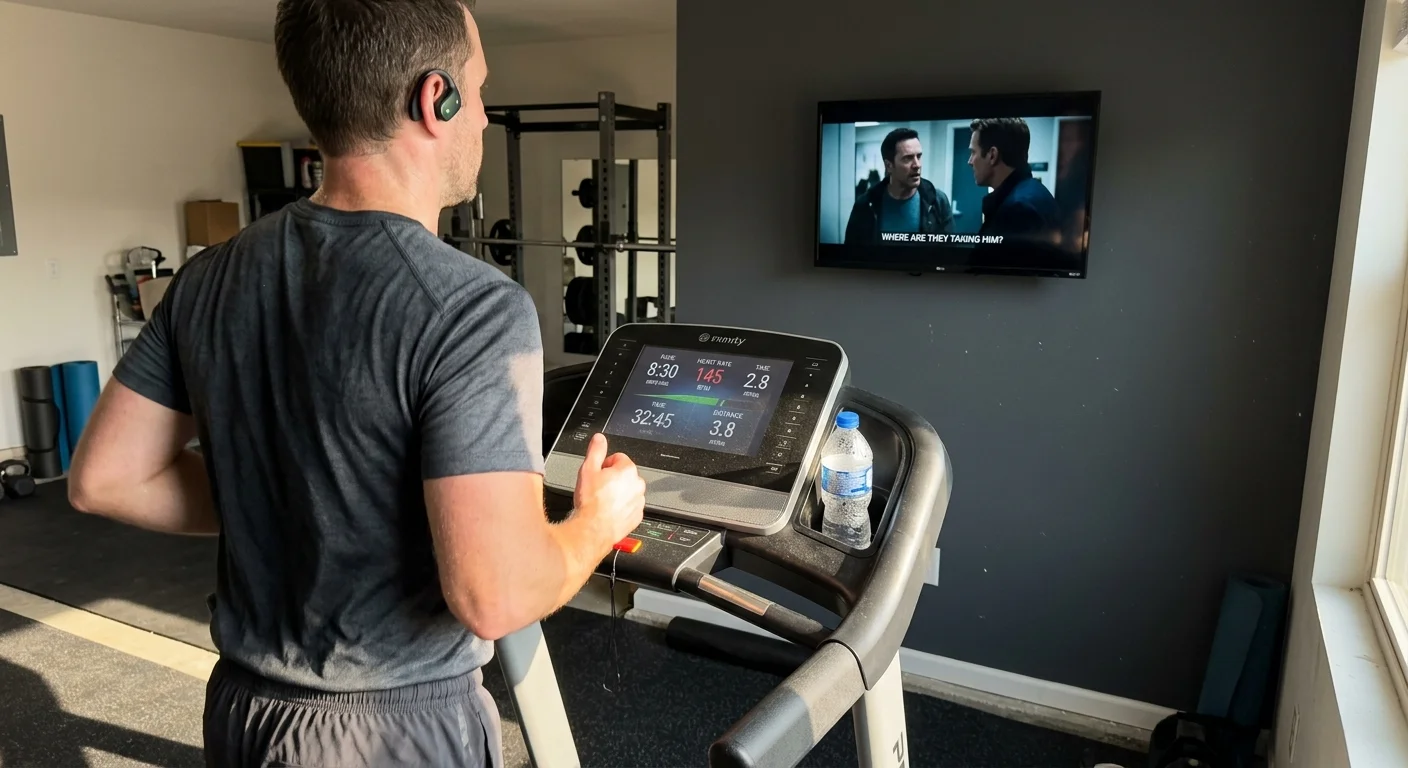
Mounting a 32-inch display on your treadmill makes cardio sessions bearable, but wireless audio lag ruins the experience. When an actor’s mouth moves half a second before dialogue reaches your headphones, running quickly becomes disorienting.
Standard streaming stick connections generate noticeable delay that distracts your stride cadence. Built-in software sliders fail to correct live exercise video, leaving runners frustrated with unsynchronized audio.
Solving treadmill audio delay requires bypassing native Bluetooth codecs with specialized hardware or tailored wireless mobile sync. Here is how to benchmark your connection and achieve perfect lip sync while training.
The Millisecond Threshold: Why Treadmill Running Amplifies Bluetooth Lag
Most home gym owners configure a small screen for streaming—watching video content over the internet instead of cable or satellite. Cord-cutting, which means canceling traditional cable or satellite TV in favor of streaming services, has made cardio workouts far more entertaining.
However, running introduces sensory challenges that do not exist on the living room couch. Your foot strike creates rhythmic physical impacts while your eyes track a bouncing display just three feet away.
Broadcast engineers quantify audio-to-video synchronization using the ITU-R BT.1359-1 international standard. This standard dictates that audio should lead video by no more than +45 milliseconds and lag by no more than -125 milliseconds.
Casual viewers begin noticing unsynchronized dialogue once latency exceeds 100 milliseconds. When you run, that threshold drops significantly.
Rhythmic footfalls at 160 steps per minute prime your brain to detect subtle timing discrepancies. Delayed dialogue conflicts with your visual focus, inducing sensory confusion and mild motion sickness during hard intervals.
A delay of 200 milliseconds feels minor on a couch, but on a treadmill, that sensory disconnect amplifies physical fatigue and mental irritation.
To eliminate this friction, you must understand the underlying wireless transmission protocols. The bottleneck is rarely your internet speed; it is almost always the Bluetooth codec operating between your screen and your ears.
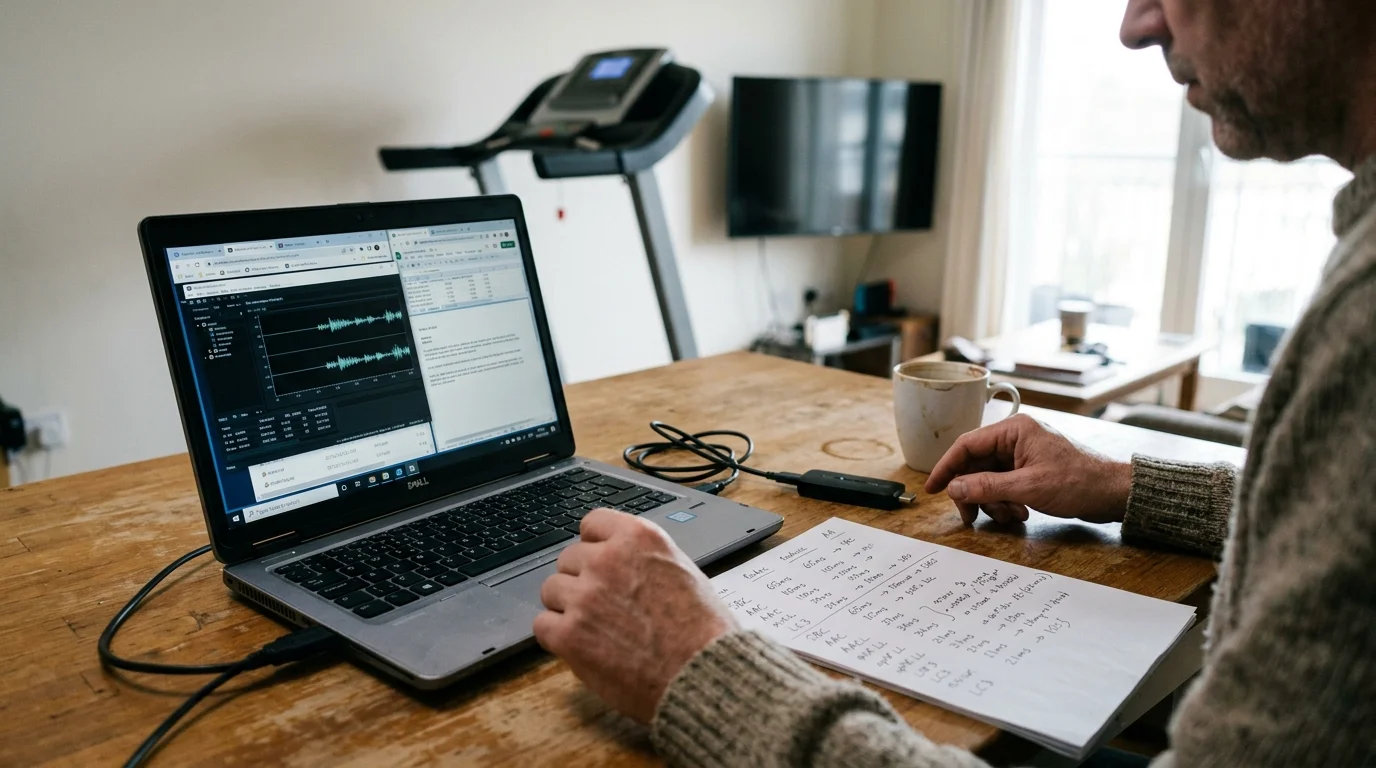
Bluetooth Codec Benchmarks: SBC, AAC, aptX LL, and LC3 Compared
Bluetooth transmits digital audio using specific compression algorithms called codecs. Every Bluetooth connection defaults to a baseline codec negotiated between the transmitter and your headphones.
Beyond eliminating transmission lag, learning how to get better sound from your TV shows ensures vocal clarity cuts through loud treadmill belt friction.
If you share your gym space, choosing the right setup for dual-headphone Bluetooth streaming becomes just as critical as finding a low-latency codec.
The standard Subband Codec (SBC) and Advanced Audio Coding (AAC) dominate modern streaming platforms. Unfortunately, neither codec was engineered for low-latency synchronization.
SBC buffers heavily to prevent signal dropouts, generating between 150 and 250 milliseconds of latency. AAC delivers superior acoustic fidelity on mobile devices, but its processing overhead routinely introduces 180 to 240 milliseconds of lag on connected television hardware.
Qualcomm developed aptX Low Latency (aptX LL) specifically to resolve this synchronization failure. By shrinking transmission buffer sizes, aptX LL slashes latency down to 32 to 40 milliseconds.
Because aptX LL falls well beneath the 100-millisecond threshold, dialogue appears instantaneous. Another option, aptX Adaptive, dynamically scales bitrate and delivers 50 to 80 milliseconds of latency in low-latency mode.
The newer Bluetooth LE Audio standard introduces the Low Complexity Communication Codec (LC3). Built on Bluetooth 5.2 architecture, LC3 achieves 20 to 30 milliseconds of latency without proprietary Qualcomm licensing.
| Codec | Average Latency | Typical Bitrate | Native Stick Support | Required Hardware |
|---|---|---|---|---|
| SBC | 150–250 ms | 328 kbps | Universal (All sticks) | Standard Bluetooth |
| AAC | 180–240 ms | 256–320 kbps | Fire TV, Apple TV | Standard Bluetooth |
| aptX LL | 32–40 ms | 352 kbps | None (Transmitter required) | Licensed Qualcomm chips |
| aptX Adaptive | 50–80 ms | 279–420 kbps | None (Transmitter required) | Licensed Qualcomm chips |
| LC3 (LE Audio) | ~20–30 ms | 160–345 kbps | Unsupported on Fire OS consumer headphones (Fire TV Stick 4K Max 2nd Gen has BT 5.2 hardware but uses standard A2DP SBC/AAC) | Bluetooth 5.2+ hardware |
Understanding these numbers clarifies why pairing standard sport earbuds directly to your streaming stick causes noticeable audio drift. Without aptX LL or LC3, your audio consistently trails the video track by nearly a quarter of a second.
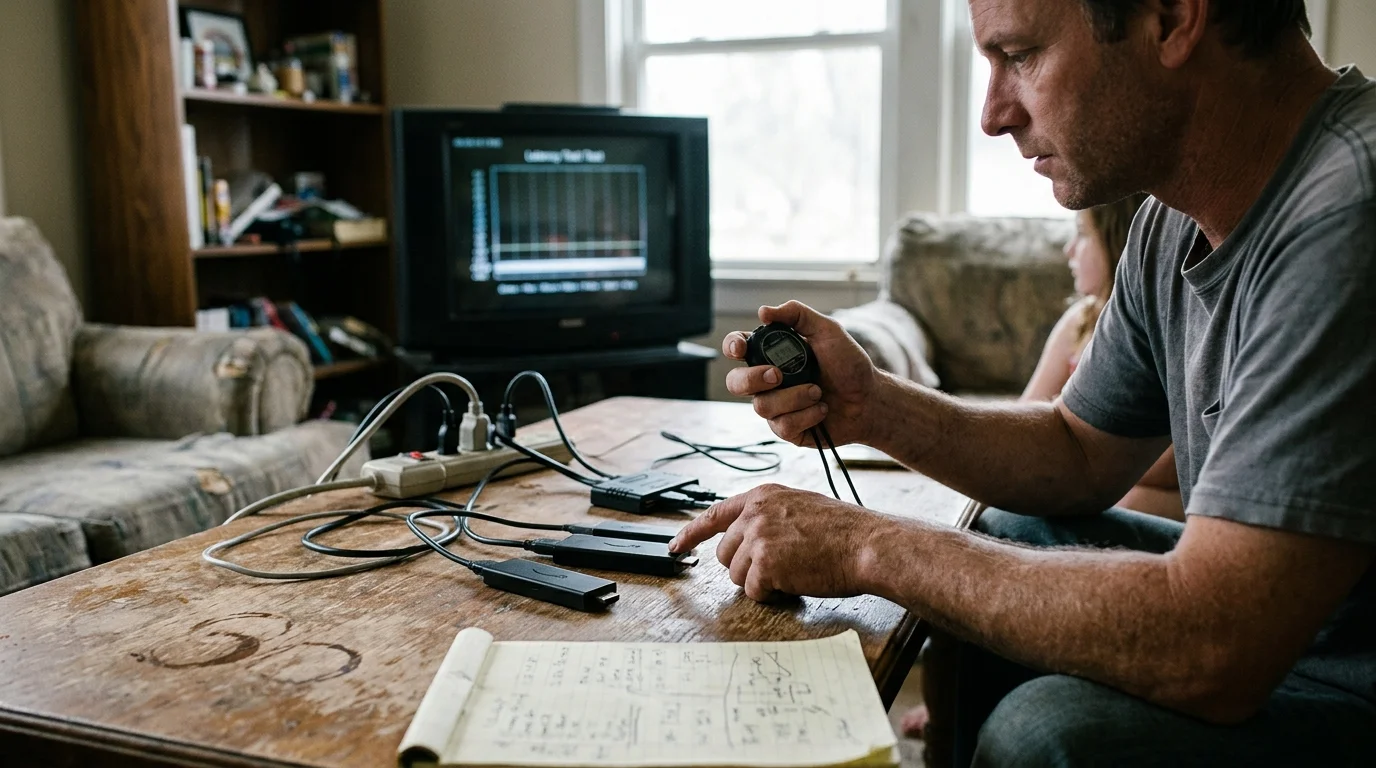
Streaming Stick Latency Benchmarks: Fire TV, Roku, and Apple TV
A streaming device is a compact stick or box that plugs into a HDMI port to add streaming apps to any screen. Not all players handle wireless audio equally.
Home gym enthusiasts frequently mount affordable 32-inch monitors to avoid the bulk of traditional televisions. These monitors lack quality internal speakers, forcing complete reliance on wireless headphone connections.
The Amazon Fire TV Stick 4K Max features Bluetooth 5.2, but its native operating system restricts output to standard SBC and AAC. As evaluated in Tom’s Guide’s streaming device reviews, Fire TV products offer robust processing, yet direct headphone pairing still yields 180 to 220 milliseconds of latency.
Searching for aptx low latency fire tv support leads many runners to disappointment. Amazon does not include Qualcomm aptX LL licensing within Fire OS, meaning your premium low-latency headphones will default to laggy SBC audio.
Roku takes an entirely different architectural path with its Private Listening feature. Rather than relying on direct Bluetooth pairing to the stick, Roku transmits audio packets over your local Wi-Fi network.
When using the Roku Voice Remote Pro, audio routes straight to an integrated 3.5mm headphone jack. This direct physical connection produces zero perceptible latency, making it an exceptional workout tool.
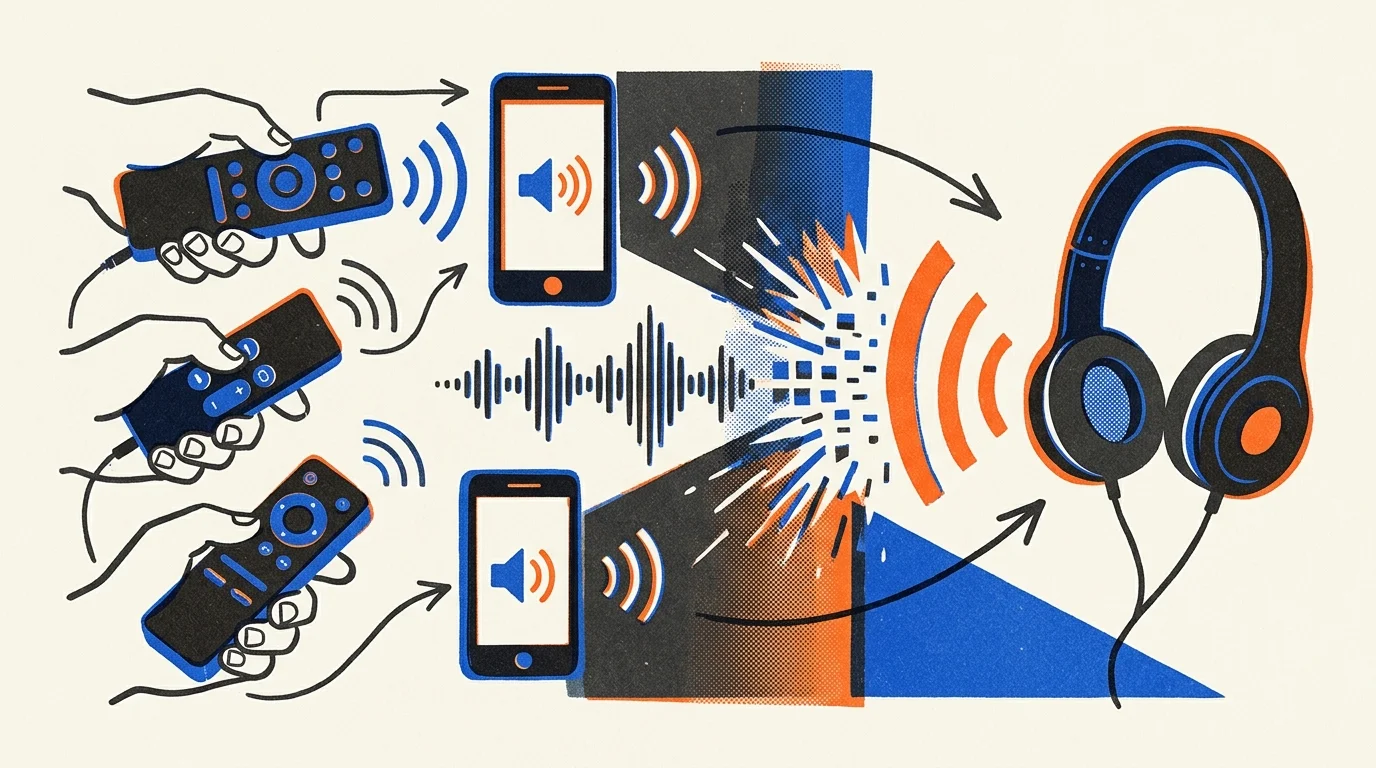
If you route Roku Private Listening through the Roku mobile app on your smartphone, latency varies. The audio travels over Wi-Fi to your phone, which then relays the signal to your wireless earbuds.
This smartphone relay introduces cumulative delay, making roku private listening audio sync calibration essential. Without calibration, the Wi-Fi-to-Bluetooth relay often generates 200 to 300 milliseconds of drift.
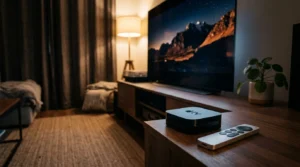
Apple TV 4K manages latency through proprietary ecosystem integration. When paired with AirPods or Beats headphones using Apple’s H1 or H2 chips, tvOS actively syncs audio buffers with video frames.
This closed-loop system drops perceived lag below 50 milliseconds for pre-recorded content. However, third-party gym earbuds paired to Apple TV fall back to standard AAC, reintroducing the familiar 180-millisecond delay.
Addressing streaming stick bluetooth audio delay treadmill setups requires identifying whether your platform uses native Bluetooth, mobile Wi-Fi forwarding, or closed ecosystem pairing.
Hardware vs Software Fixes: AV Sync Calibration Tools Explored
Streaming platforms acknowledge wireless lag and provide software calibration menus. Understanding how these tools function reveals their severe operational limitations on gym equipment.
Similar desynchronization challenges often occur when troubleshooting live sports audio sync issues on satellite and wireless connections.
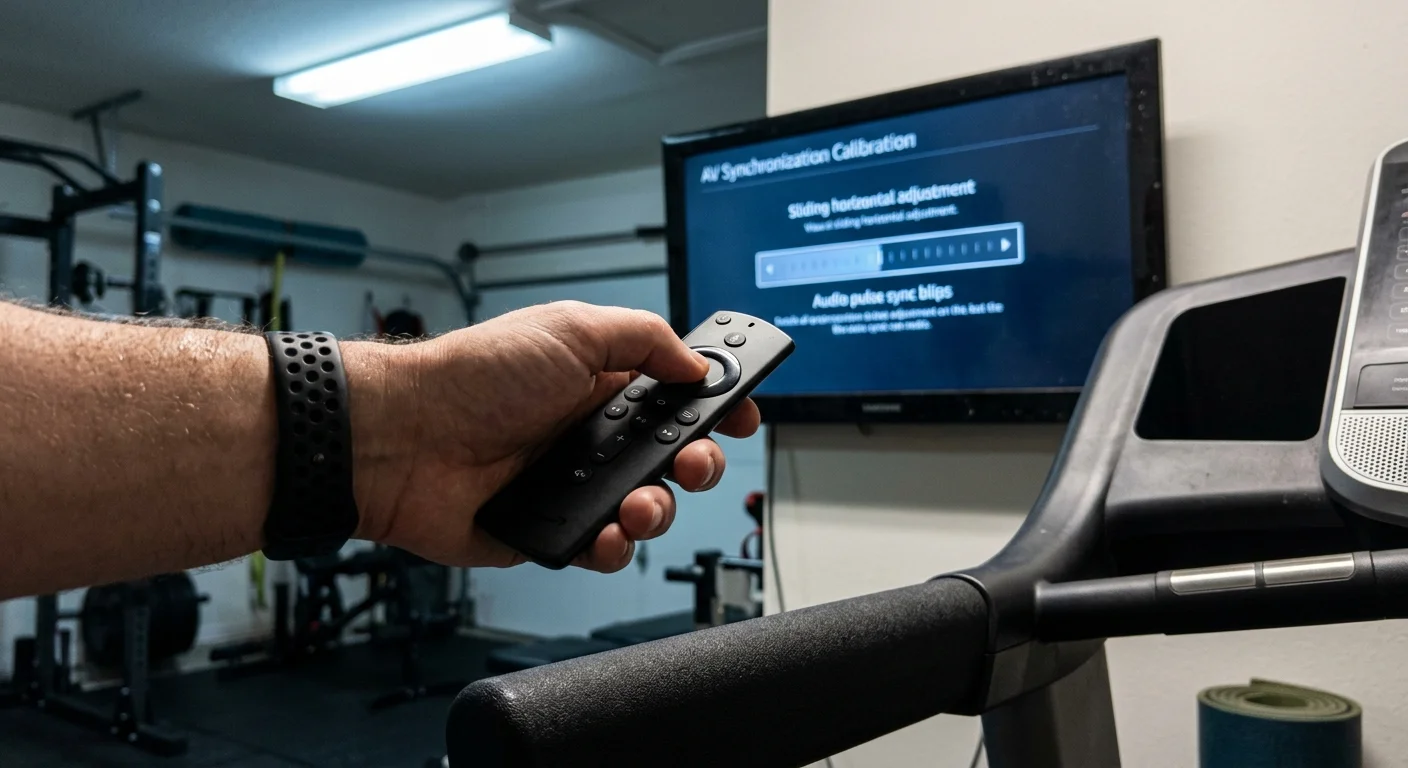
Amazon includes an AV Sync Tuning tool inside Fire OS under Display & Sounds. The interface displays a bouncing orange ball accompanied by a rhythmic clicking tone.
The slider lets you adjust timing offsets in 10-millisecond increments. However, this tool operates by delaying video output to match sluggish audio buffers.
Delaying video works acceptably for on-demand movies, which represent content you can watch whatever you want, whenever you want. The software simply buffers the video track by 200 milliseconds to let Bluetooth catch up.
This software fix fails completely when streaming live sports, live news, or interactive workout software. Live fitness platforms like iFit, Peloton, or Apple Fitness+ rely on real-time countdowns and dynamic metrics.
Video buffering cannot anticipate live frames without introducing interface stutter or dropped video packets. Consequently, software sliders cannot reliably fix real-time workout content.
Roku approaches synchronization through an automated calibration system inside its mobile application. Selecting Adjust Audio Delay activates your smartphone camera and microphone.
The app reads a sequence of flashing visual markers on your treadmill display while listening to corresponding audio tones through your phone. It calculates network transit delay and applies an automated millisecond offset.
While effective for standard video playback, the Roku mobile sync requires recalibration if your home gym Wi-Fi signal fluctuates. Treadmill motor interference can also destabilize 2.4 GHz wireless networks, breaking the sync calibration mid-workout.
Because software fixes rely on artificial video delays, hardware solutions remain the most dependable choice for fitness applications. Dedicated external transmitters eliminate latency at the physical output layer.
The External Transmitter Solution: Bypassing Native Streaming Audio
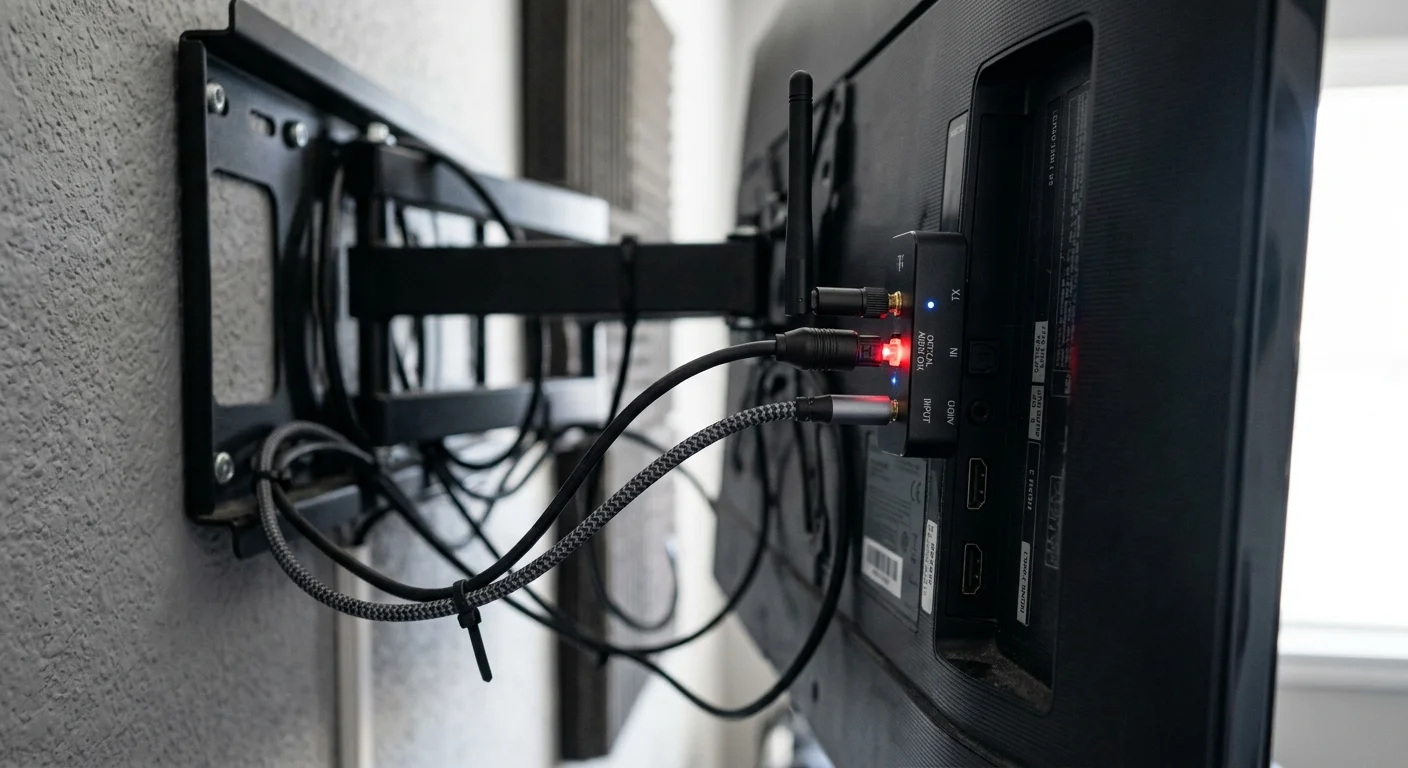
The most dependable way to eliminate audio lag on a treadmill display is bypassing the streaming stick’s internal Bluetooth radio entirely. You can achieve this by intercepting the physical audio output from your screen.
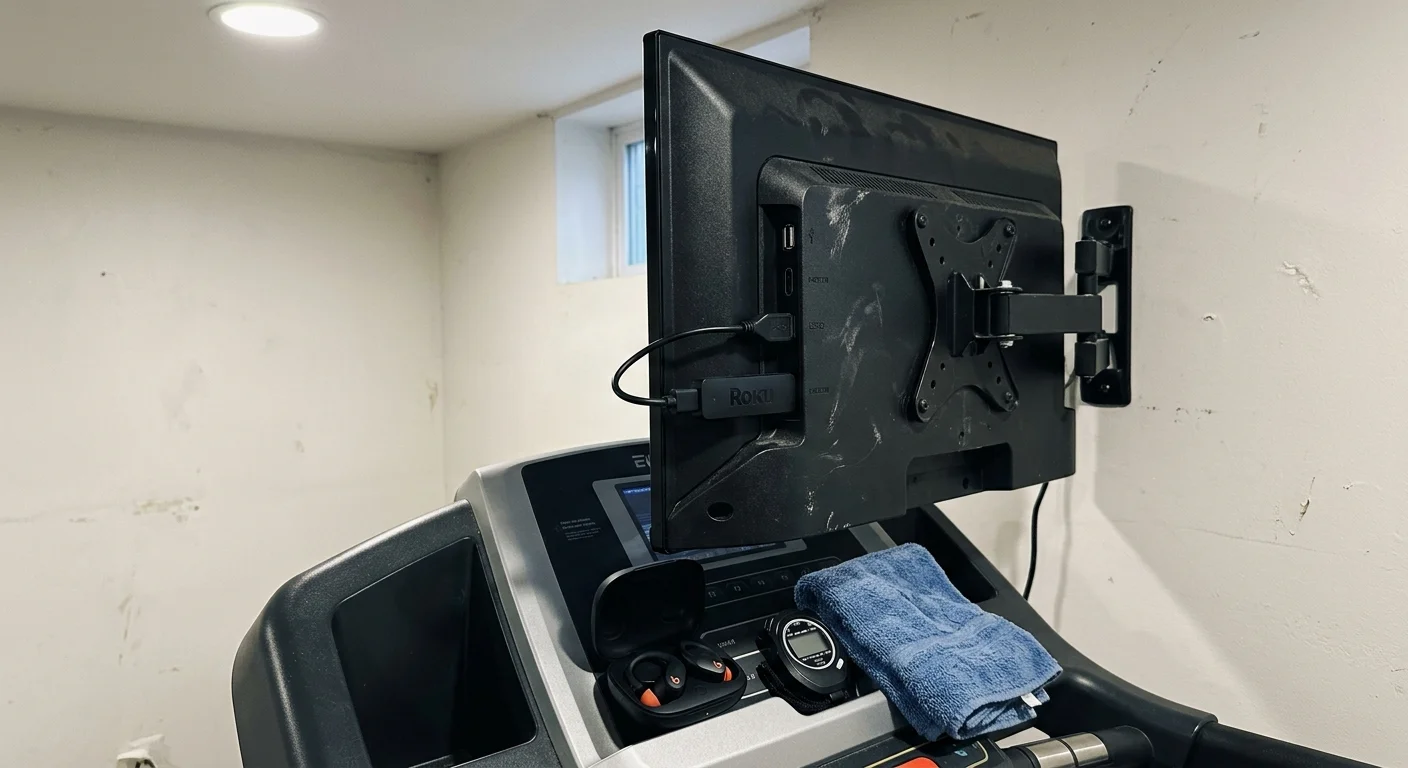
Consider this concrete scenario: you mount a 32-inch 1080p LED display ($129.99) to your treadmill frame using a heavy-duty VESA bracket. You plug an Amazon Fire TV Stick 4K ($49.99) into HDMI port 1.
Directly pairing your wireless gym earbuds yields an intolerable 215 milliseconds of delay. Dialogue looks unnatural, and instructor cues arrive late.
To fix this, connect a dedicated aptX Low Latency Bluetooth transmitter ($39.99) to the 3.5mm audio output or optical SPDIF port of your display. Power the transmitter using the display’s integrated 5V USB service port.
Pair the transmitter with a set of aptX LL certified sport earbuds ($49.99). The display routes uncompressed stereo sound through the analog jack directly into the transmitter’s hardware DSP.
Because the dedicated transmitter handles encoding via aptX Low Latency hardware, transmission lag plummets to exactly 36 milliseconds. The entire accessory upgrade costs $89.98.
At a running pace of 6.2 miles per hour and a cadence of 164 steps per minute, audio perfectly aligns with screen movement. Dialogue matches lip positions flawlessly, eliminating workout fatigue.
If your 32-inch monitor lacks an analog 3.5mm jack or optical output, purchase an HDMI audio extractor ($19.99). Plug your streaming stick into the extractor’s HDMI input, run an HDMI cable to the monitor, and connect your transmitter to the extractor’s 3.5mm port.
This hardware pathway delivers uncompressed, lag-free audio regardless of which streaming stick or fitness application you run. It completely eliminates the latency limitations of Fire OS, Roku OS, or Android TV.
Platform Comparison: Remotes, Ecosystems, and Audio Standards
Choosing the best streaming stick for a home gym involves weighing visual standards, remote control capabilities, and platform privacy practices. High-performance video formats demand substantial processing bandwidth.
4K represents ultra-high definition video resolution measuring 3840×2160 pixels. HDR10 is an open high dynamic range format providing enhanced contrast and brightness across compatible displays.
Dolby Vision is a proprietary HDR format that adjusts brightness dynamically scene by scene. Dolby Atmos is an advanced spatial audio format that adds height channels for immersive surround sound.
On a 32-inch treadmill monitor viewed from three feet away, 1080p resolution is sharp, but HDR10 improves visibility under bright gym lighting. Premium streaming sticks handle these video formats effortlessly while maintaining responsive menus.
Platform remotes also impact your workout ergonomics. Fire TV includes the Alexa Voice Remote, allowing you to launch applications hands-free while maintaining your stride.
Roku provides the Voice Remote Pro, which features hands-free voice commands, a lost remote finder chime, and a physical 3.5mm headphone jack. Testing published by Wirecutter’s streaming device guide highlights the Roku platform for exceptional ease of use and practical navigation.
Apple TV 4K features a machined aluminum Siri Remote with a touch-enabled clickpad. While precise, sweaty fingers can cause erratic scrolling during hard treadmill runs.
Application availability remains consistent across platforms. Every major streaming stick supports Netflix, Hulu, Prime Video, Disney+, HBO Max, YouTube, and Peacock.
Subscription tiers generally divide into ad-supported plans that show commercials and premium ad-free plans that remove interruptions. Dedicated fitness applications like Peloton and Apple Fitness+ are widely accessible across these app stores.
Cloud DVR features, which let you record and watch programming later, function smoothly on all platforms through services like YouTube TV. However, background operating system tracking varies substantially.
Amazon Fire TV and Google TV monetize user engagement by aggressively logging playback habits and displaying targeted home-screen advertisements. Roku tracks viewing metrics through its advertising network while offering simpler, grid-based menus.
Apple TV operates with strict data privacy guidelines, refusing to display banner ads or sell viewing behaviors to third parties. If workout privacy matters, Apple remains the industry benchmark.
Smart TV Built-in Apps vs Dedicated Streaming Sticks on Treadmills
A smart TV is a television with built-in internet connectivity and pre-installed streaming software. Many fitness enthusiasts wonder if built-in smart TV apps eliminate the need for a separate streaming player.
Budget 32-inch smart TVs typically feature sluggish, low-cost system-on-chip processors. These weak processors struggle to decode 60-frame-per-second exercise streams while managing Bluetooth audio overhead simultaneously.
Treadmill vibrations present an additional physical challenge. Consistent mechanical vibration from foot strikes stresses solder points on budget television boards over time.
Internal Bluetooth antennas inside inexpensive smart TVs are frequently shielded poorly. Proximity to the treadmill’s heavy electric drive motor generates electromagnetic interference, causing audio drops and elevated packet latency.
According to ratings from Consumer Reports, dedicated media streamers provide superior processing power, more consistent software updates, and faster navigation than budget smart TV systems.
Dedicated streaming sticks isolate wireless transceivers away from internal display power supplies. If physical vibration or power surges damage a $40 stick, replacement is inexpensive and immediate.
Furthermore, budget smart TV operating systems frequently lose developer support after two or three years. Standalone streaming devices receive consistent security patches and codec improvements for much longer periods.
Use built-in smart TV apps only if you require a temporary setup or watch static content via built-in speakers. For headphone listening on running equipment, dedicated streaming hardware is vastly superior.

Best Setup Recommendations by Budget and Gym Configuration
Selecting the optimal treadmill entertainment setup depends on your available budget, audio gear, and existing smartphone ecosystem. Here are three tailored hardware configurations designed to eliminate wireless lag.
For budget-conscious runners spending under $60, choose the Roku Express 4K+ paired with your smartphone. Use the Roku mobile app’s automated sync tool to calibrate your existing Bluetooth earbuds over Wi-Fi.
Alternatively, plug wired sport earphones directly into a Roku Voice Remote Pro. This completely bypasses Bluetooth latency without requiring additional audio transmitters.
For balanced performance between $100 and $150, purchase an Amazon Fire TV Stick 4K Max paired with an external 1Mii or Avantree aptX Low Latency transmitter. Plug the transmitter directly into your display’s 3.5mm headphone jack.
Pair the transmitter to aptX LL sweat-resistant earbuds. This setup locks wireless latency to a imperceptible 36 milliseconds while delivering smooth 4K navigation and hands-free Alexa voice control.
For Apple households willing to invest $200 or more, choose the Apple TV 4K paired with Apple AirPods Pro 2. Apple’s computational audio synchronization automatically aligns playback without manual sliders or external dongles.
AirPods Pro also deliver class-leading active noise cancellation, drowning out loud treadmill motor hum and footfall impacts. This premium configuration provides the cleanest physical footprint for modern home gyms.
Frequently Asked Questions
Why is Bluetooth audio delay worse on a treadmill than on a couch?
Physical running impacts establish a strict sensory cadence. When your foot strikes align with rhythmic visuals, your brain notices tiny timing errors over 100 milliseconds far more aggressively than when sitting still.
Can I add aptX Low Latency to an Amazon Fire TV Stick with software?
No, Fire OS does not include Qualcomm aptX LL software libraries or licensing. You must connect an external aptX LL transmitter to your display’s audio output jack to achieve sub-40-millisecond latency.
Does Roku Private Listening work with any Bluetooth headphones?
Yes, when you route audio through the Roku mobile app on iOS or Android. However, you must use the app’s automated delay adjustment tool to compensate for Bluetooth lag.
Will an HDMI audio extractor introduce extra delay to my treadmill screen?
No, hardware HDMI audio extractors split digital signals instantly via dedicated circuitry. They add less than 1 millisecond of processing time, which is imperceptible to human ears.
Disclaimer: Device prices and features may change. New models are released regularly, so check for the latest versions before purchasing. The “best” device depends on your specific needs, existing ecosystem (Apple, Google, Amazon), and budget.