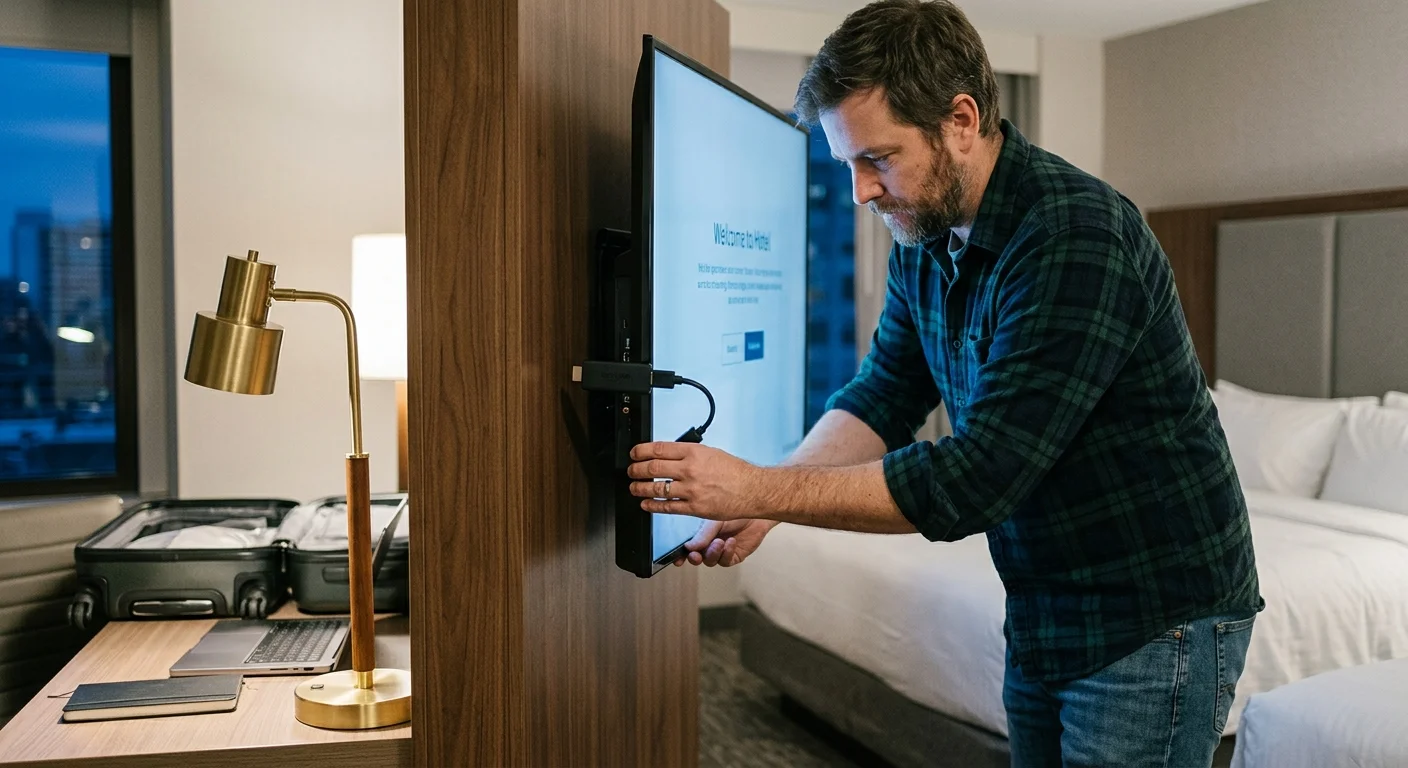
You can stream personal entertainment on a locked hotel television without disassembling the wall bracket or damaging commercial equipment. Corporate guest rooms disable video inputs through external management cables rather than irreversible hardware locks.
Learning how to bypass hotel tv input lock restrictions lets you deploy your gear using passive HDMI-CEC wake triggers or data link pauses. This approach redirects your screen safely while preserving hotel settings.
While standard advice tells you to settle for hotel cable, you can take control of your display in minutes. Our method avoids hardware damage and hotel damage fees.
Why Corporate Hotel TVs Block Your Streaming Hardware
Hotels install commercial displays designed specifically for the hospitality industry. Brands like Samsung, LG, and Philips manufacture screens running specialized firmware configured to lock out external sources.
These systems prioritize internal revenue channels, on-demand pay-per-view films, and institutional messaging. To prevent tampering, hotel managers disable the physical source buttons and input selection menus.
Most travelers want to watch their own streaming (watching video content over the internet instead of cable or satellite) subscriptions. However, hospitality software restricts you to linear broadcast channels.
Modern travelers embrace cord-cutting (canceling traditional cable/satellite TV in favor of streaming services) at home. Naturally, they expect the same flexible viewing experience while working on the road.
A smart TV (a television with built-in internet connection and apps) in a hotel often has its smart platform disabled. Instead, it relies on an external media integrator like Sonifi, Enseo, or World Cinema.
An auxiliary streaming device (a small box or stick, like Roku or Fire TV, that adds streaming to any TV) bypasses these clunky commercial interfaces completely. You only need an accessible HDMI port and a functional video signal path.
Hotels do not solder ports shut; they manage them through serial communication links. You can safely connect streaming stick hospitality tv setups by understanding these communication paths.
The Business Traveler Hardware Toolkit for Recessed Mounts
Corporate hotel rooms rarely leave generous clearance behind flat screens. Displays are often bolted directly against deep wooden cabinetry or mounted inside tight wall recesses.
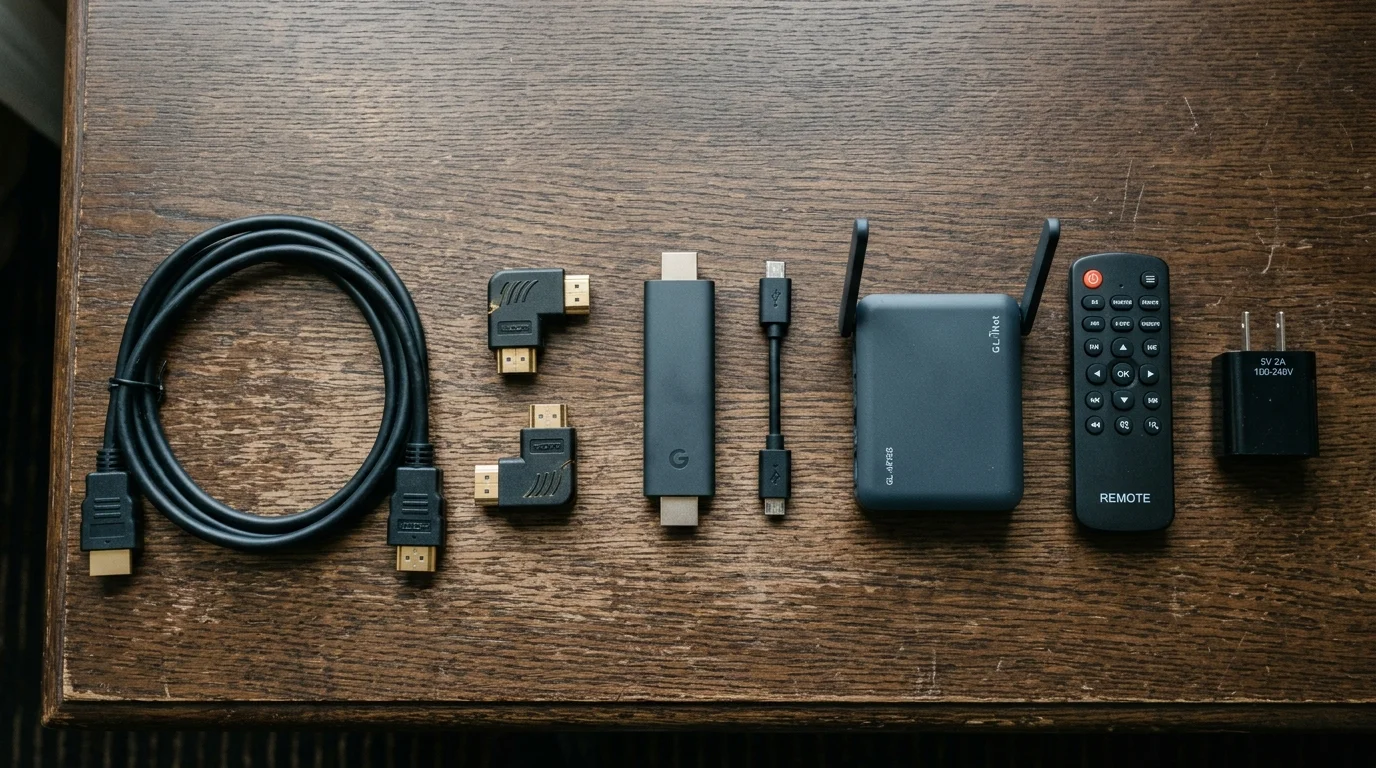
A standard 3-inch streaming stick will snap if you force it directly into a rear-facing HDMI port. A specialized travel kit prevents bent connectors and damaged chassis sockets.
Carry a flexible 1-foot HDMI extension cable in your computer bag. This cord relieves physical stress on the hotel TV circuit board while bringing the port forward.
Include a 90-degree right-angle HDMI adapter measuring less than 1 inch deep. This small adapter lets you connect cables in tight gaps where wall mounts provide under 2 inches of clearance.
Always pack an independent 15W to 20W USB-A/C wall power adapter. The USB service ports on commercial screens typically supply only 5V at 0.5A (2.5 watts), which causes boot-loop failures.
Pack a simple four-device universal remote control, such as the GE 33709 or Philips SRP9232D. These remotes cost roughly $10 to $12 and transmit direct IR input-switch codes.
Finally, bring a pocket travel router to manage hotel authentication. A compact dual-band router lets all your devices share a single authorized connection without individual captive portal logins.
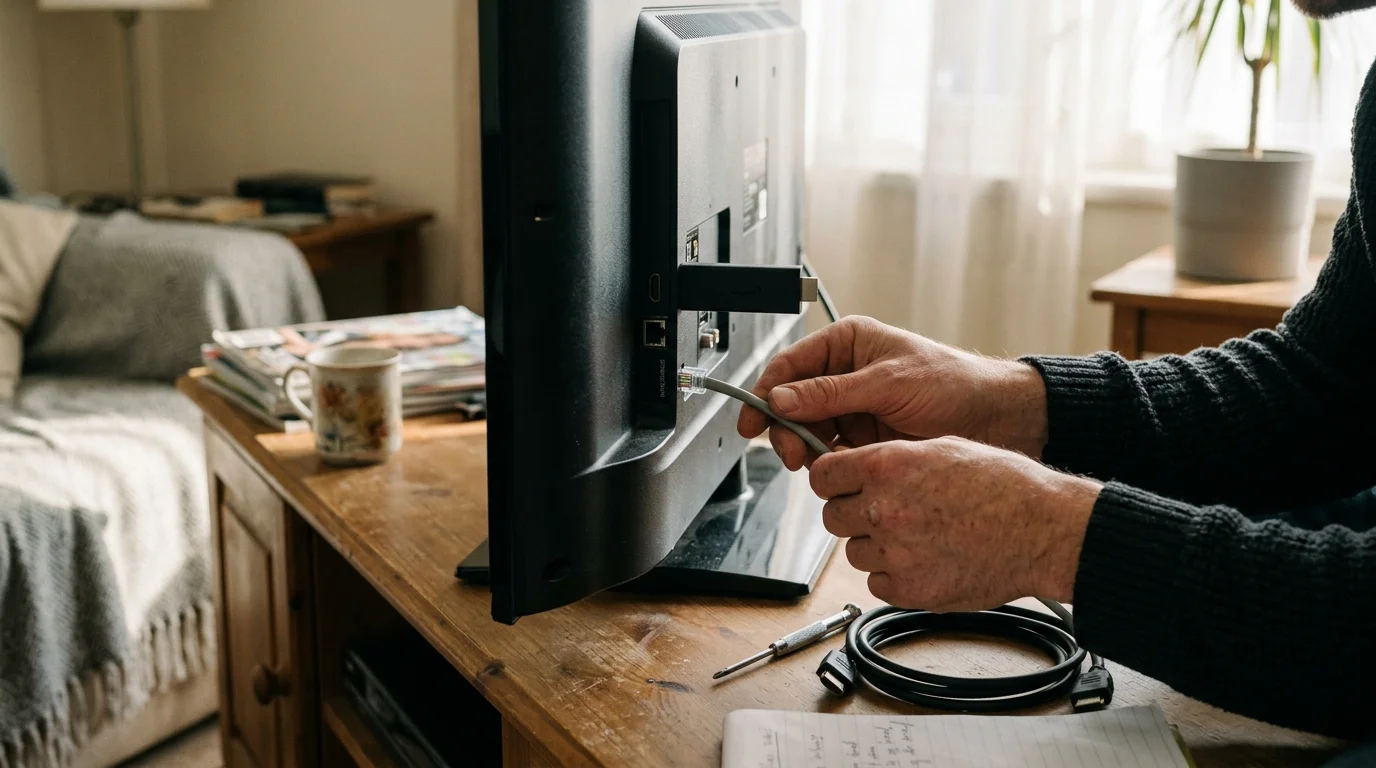
Method 1: The Non-Destructive RJ12 Data Cable Bypass
Commercial televisions run interactive software controlled by a secondary communication box hidden behind the screen or desk. This box communicates with the TV using a telephone-style data cable.
Inspect the rear input panel for a modular RJ11 or RJ12 port. It is usually labeled Data, MPI, RJP, or Ex-Link.
This serial connection instructs the TV processor to ignore input commands from local remotes. It constantly forces the panel back to the hotel welcome carousel.
Depress the small plastic retaining tab and slide the RJ12 modular plug out of the jack. Store the cable cleanly in sight so you can reconnect it later.
Unplug the television’s main AC power cord from the wall outlet or surge strip. Leave the TV unpowered for 30 seconds to flush volatile system memory.
Restore AC power and turn on the television using the front power button. Without the serial controller active, the screen reverts to standard commercial baseline firmware.
You can now switch inputs freely using the chassis controls or a standard replacement remote. Plug your streaming stick into HDMI 1 or HDMI 2.
“Commercial hospitality TVs rely on external controller signals to enforce menu locks; interrupting that data link safely restores native factory inputs.”
Never cut, splice, or alter this serial cable in any way. When you check out, plug the RJ12 connector back in to restore the hotel management system instantly.
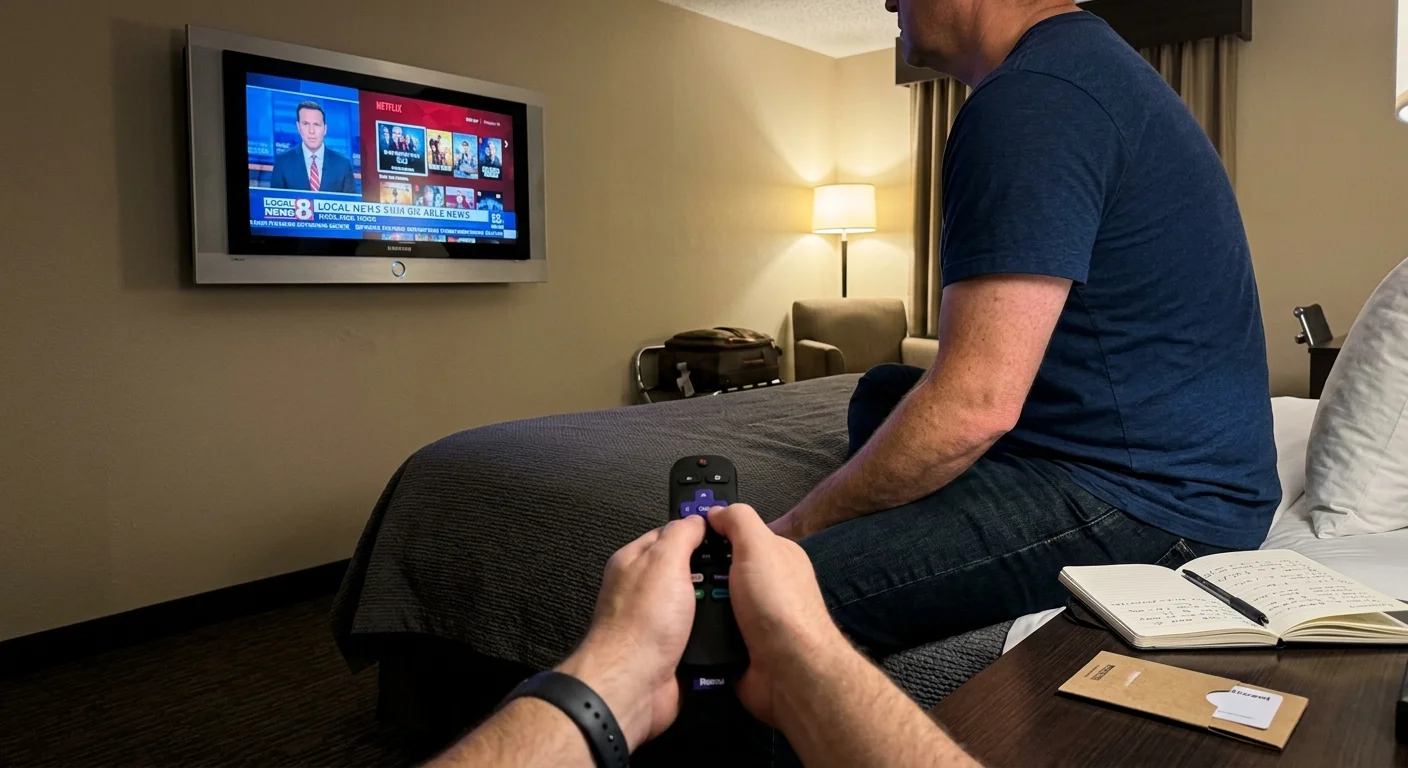
Method 2: HDMI-CEC Auto-Triggering Without Remote Controls
Many commercial screens feature disabled input buttons on the chassis and missing Source keys on the remote. You can override this limitation through Consumer Electronics Control (CEC) signaling.
Mastering CEC auto-switching is one of several practical streaming hacks that make managing displays on the road completely painless.
HDMI-CEC transmits commands across pin 13 of any standard HDMI connection. It allows external video sources to wake displays and change input channels automatically.
Samsung commercial displays call this feature Anynet+, while LG labels it SimpLink. Hospitality profiles frequently leave CEC listening subroutines active even when the physical remote is locked.
Plug your streaming media stick into an open HDMI port while the screen remains powered off. Ensure your streaming player receives power from an external wall outlet.
Press the Home or Power button on your streaming stick’s remote control. This action forces the stick to emit an active source CEC handshake signal.
The hotel television detects the incoming video handshake and switches automatically to your active HDMI port. This allows a seamless hotel remote hdmi input switch without touching hotel hardware.
Roku devices manage this feature under Settings > System > Control Other Devices (1-Touch Play). Fire TV platforms control it via Settings > Equipment Control.
As Wirecutter reports, modern media streamers feature robust HDMI-CEC implementations that reliably command external televisions and sound equipment.
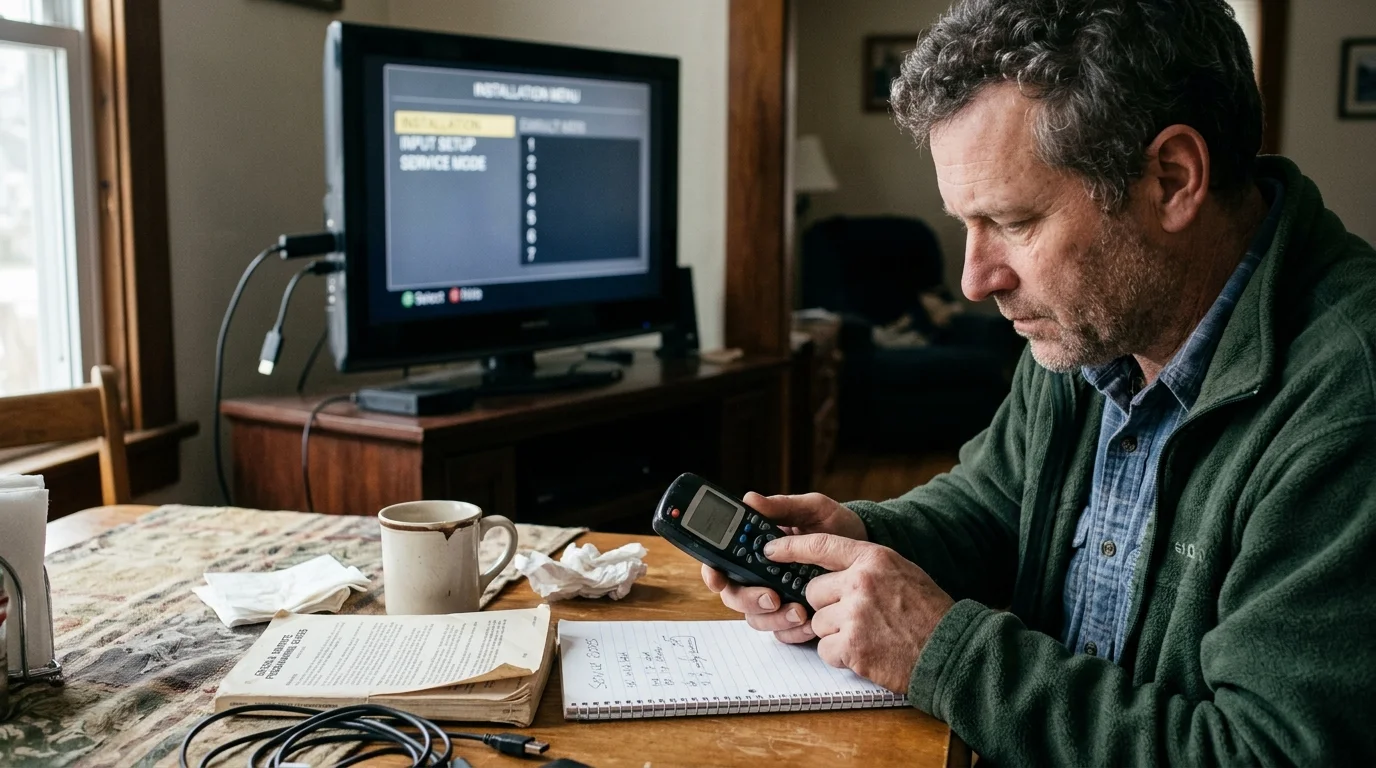
Method 3: Universal Remotes and Commercial Service Menus
If physical cable bypasses and CEC commands fail, a universal remote delivers the direct infrared commands you need. Hotel remotes simply lack the physical input-toggling key.
Point an inexpensive universal remote at the display’s infrared sensor. Enter the standard brand setup code for the television manufacturer to establish direct communication.
Press the dedicated Source, Input, or TV/Video button on your universal remote. In roughly 60% of corporate hotels, this single button bypasses the menu lock instantly.
For persistent Samsung hospitality displays, technicians access the administrative configuration menu. You can view these settings using a specific infrared sequence.
With the display turned on, press Mute, followed by 1, 1, 9, and Enter on the remote. This opens the Samsung Hospitality Mode setup screen.
Navigate carefully to Hospitality Mode or Hotel Mode using directional arrows. Toggle the setting from ON to OFF to reveal factory input menus.
Turn the display off and back on to apply your changes. You can now cycle through HDMI inputs without interference from the hospitality shell.
Never alter internal voltage tables, audio leveling configurations, or panel drive parameters in service menus. Before leaving your room, re-enter the menu and toggle Hospitality Mode back to ON.
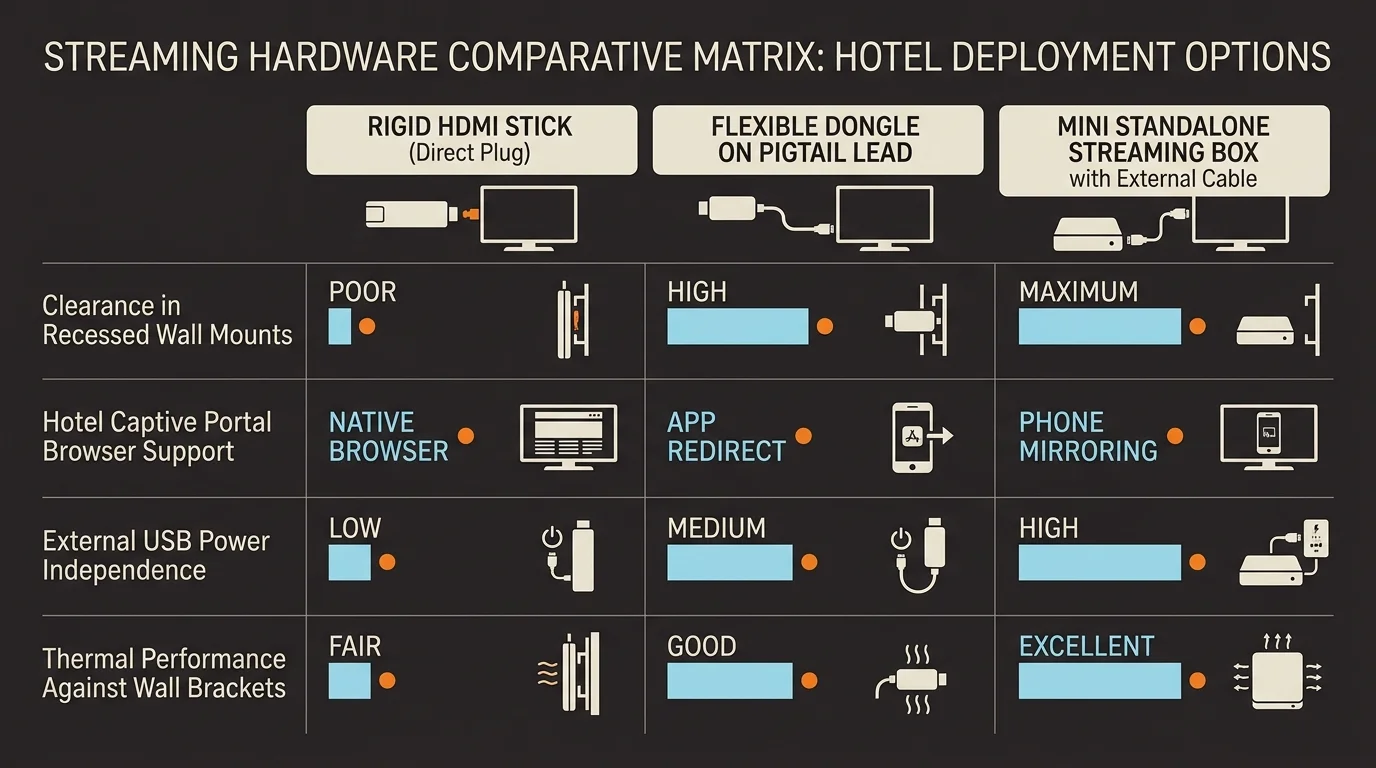
Streaming Hardware Comparison for Hospitality Deployments
Not all streaming hardware handles hotel deployments equally. Business travelers need players with compact physical profiles, strong wireless reception, captive portal authentication, and CEC control.
The table below compares the four most popular streaming options against strict corporate travel criteria. Measurable parameters reflect real-world hotel room performance.
| Device Model | Retail Price | Form Factor & Clearance | Wi-Fi Standards | Captive Portal Browser | HDMI-CEC Override |
|---|---|---|---|---|---|
| Roku Streaming Stick 4K | $49.99 | Stick (3.7 x 0.8 x 0.5 in) | Wi-Fi 5 (802.11ac) MIMO | Native Hotel & Dorm Connect | Very High (1-Touch Play) |
| Amazon Fire TV Stick 4K Max | $59.99 | Stick (4.2 x 1.2 x 0.6 in) | Wi-Fi 6E (802.11ax) | Native Silk Web Browser | High (Equipment Control) |
| Chromecast with Google TV 4K | $49.99 | Dongle with cable (6.4 x 2.4 in) | Wi-Fi 5 (802.11ac) | None (Requires Workaround) | High (Auto-Wake CEC) |
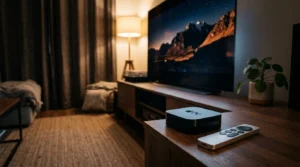
| Apple TV 4K (128GB Wi-Fi) | $149.00 | Box (3.66 x 3.66 x 1.2 in) | Wi-Fi 6 (802.11ax) MIMO | Requires Paired iPhone/iPad | Exceptional (Bridges CEC) |
According to Tom’s Guide, Roku and Fire TV players consistently provide the best value for portable travel setups thanks to versatile software.
The Roku Streaming Stick 4K stands out because its slim body fits narrow mounts easily. Its integrated Hotel and Dorm Connect software simplifies Wi-Fi authentication through a smartphone.
The Amazon Fire TV Stick 4K Max includes the Silk browser, letting you submit hotel captive forms directly using the remote. However, its wider chassis frequently demands an HDMI extender.
Chromecast with Google TV features an integrated flexible HDMI cable that fits recessed spaces easily. Unfortunately, its lack of an onboard browser makes hotel captive portals frustrating without an external router.
Apple TV 4K delivers exceptional processing speed and pristine color profiles. However, its bulky square chassis and high price tag make it less practical for light-packing travelers.
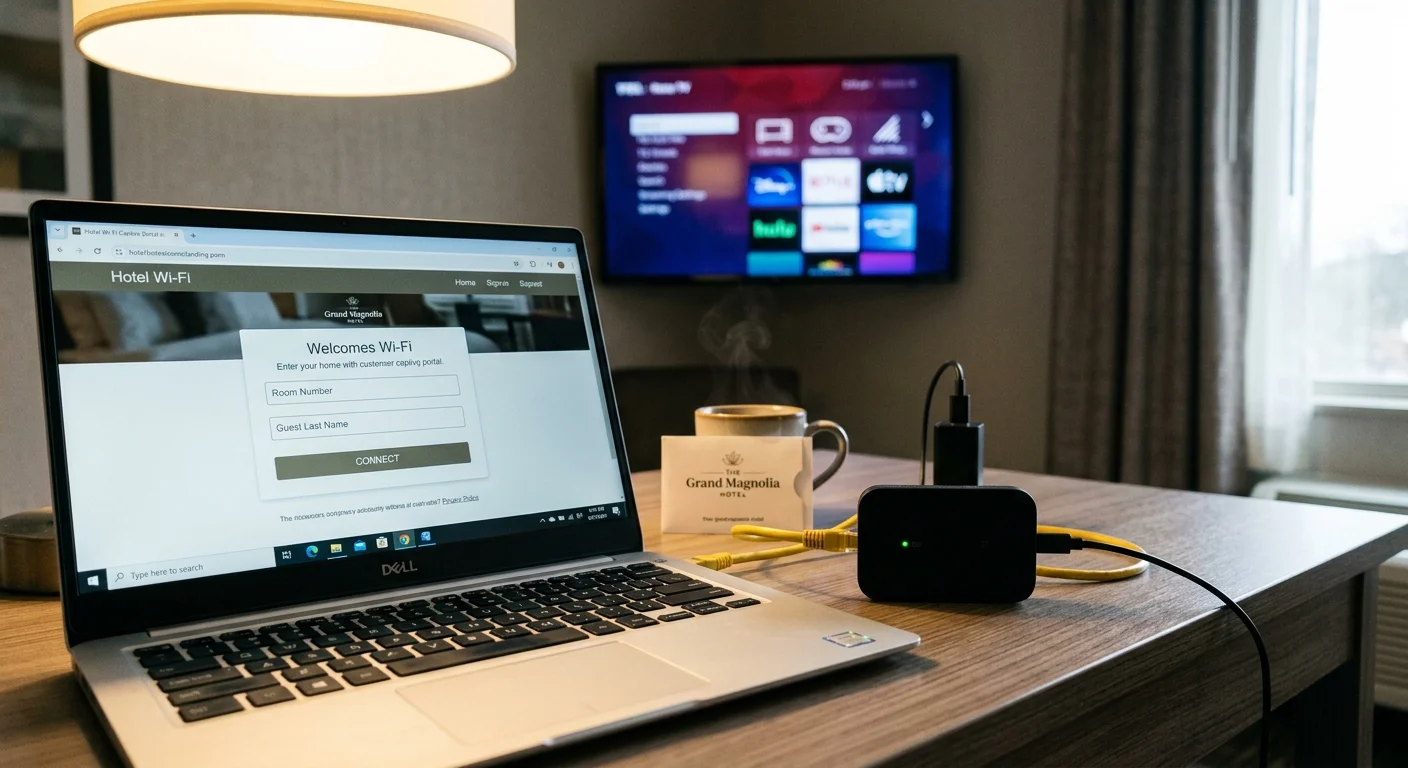
Navigating Hotel Captive Wi-Fi Networks Safely
Once you connect your player to the screen, you must connect it to the internet. Hotel networks use captive portals requiring room numbers and guest surnames.
Many streaming players do not feature native web browsers to load these login pages. Roku solves this via Hotel and Dorm Connect under network settings.
When Roku detects a splash page, it prompts you to select “I am at a hotel or college dorm.” You connect your smartphone to the temporary Roku Wi-Fi broadcast to complete authentication.
Amazon Fire TV launches its integrated Silk browser automatically when encountering network security gateways. You navigate check boxes and submission buttons using the remote’s directional pad.
A portable travel router offers a cleaner, more private solution for frequent corporate flyers. Devices like the GL.iNet Beryl AX cost around $99 and fit inside a coat pocket.
Connect your travel router to hotel Wi-Fi and complete the splash page once using your laptop. The router then broadcasts a secure, private network for all your gadgets.
Your streaming hardware, tablet, and phone connect instantly to your private travel network without re-authenticating. This keeps your personal devices isolated from other guests on the open hotel LAN.
Display Optimization: 4K, HDR, and Public Data Privacy
Hotel televisions run energy-saving configurations that degrade video quality. Picture modes are often locked to dynamic presets that wash out shadow details.
Most commercial screens support 4K (a display resolution measuring approximately 3840 by 2160 pixels) across their HDMI ports. However, older hotel distribution systems cap native signals at 1080p.
If the television supports HDR10 (a high dynamic range standard using static metadata for color and contrast), enable it in your device settings. This broadens dynamic contrast range significantly.
Premium tiers also feature Dolby Vision (an advanced HDR format using dynamic frame-by-frame metadata). Verify your display supports this format before enabling it to avoid purple color distortion.
Audio is similarly constrained on hospitality screens. While your player might decode Dolby Atmos (an object-based surround sound format delivering immersive spatial audio), thin hotel TV speakers cannot reproduce height channels.
Adjust your streaming device audio settings to Stereo PCM or basic Dolby Digital. This prevents quiet dialogue and abrupt volume spikes during explosive scenes.
You can choose between ad-supported (free or cheaper plans that show commercials) tiers or ad-free (plans that cost more but don’t show commercials) subscriptions on the road. Both deliver identical video streams.
Many travelers enjoy cloud DVR (digital video recorder, which lets you record and watch shows later) functionality to follow live sports while traveling across time zones. Others rely on on-demand (watching whatever you want, whenever you want) catalogs.
Public hotel networks carry distinct privacy risks. Smart TVs and media streamers constantly report user behavioral metrics unless you adjust privacy toggles.
Roku lets you limit ad tracking under Settings > Privacy > Advertising. Amazon and Google devices collect broader analytical data by default, which you should disable under account privacy settings.
As Consumer Reports emphasizes, protecting personal data on external networks requires active management of privacy permissions and guest profiles.
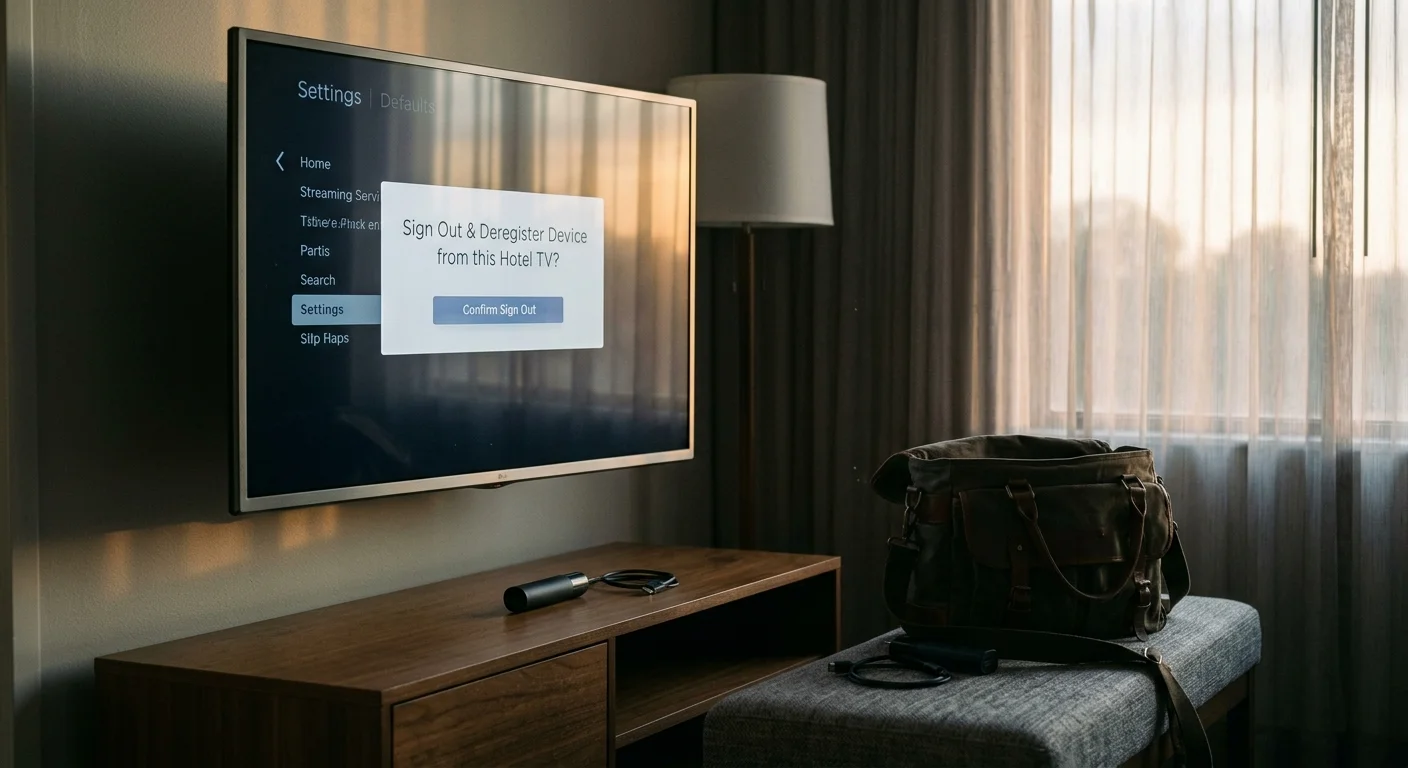
Always log out of your streaming accounts before packing up your gear. Alternatively, using your own hardware guarantees that passwords and session tokens never linger on hotel hardware.
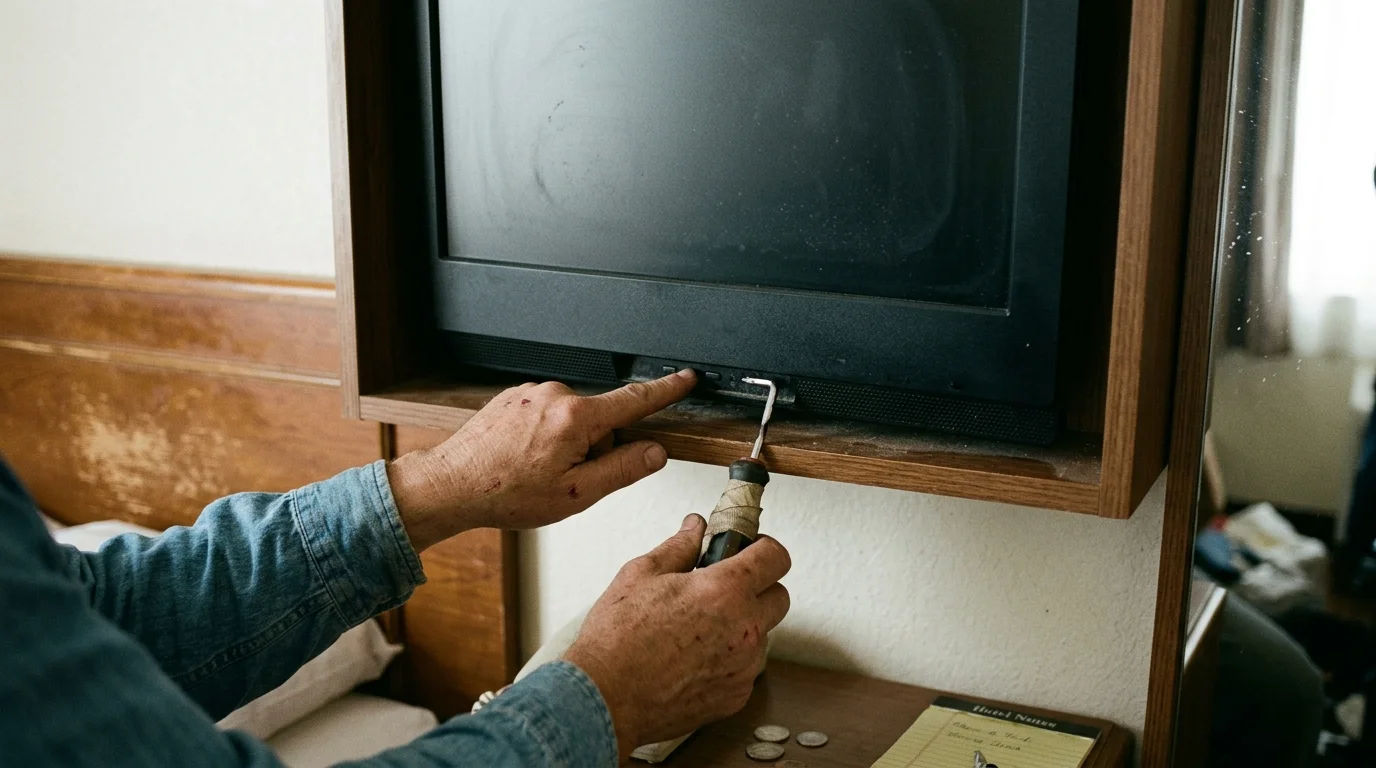
Worked Scenario: Unlocking a Recessed Samsung HG43NE470
Consider a practical scenario involving a corporate hotel room in Dallas. The room features a 43-inch Samsung HG43NE470 commercial hospitality television mounted inside a custom wooden surround.
The wooden cabinet leaves exactly 1.8 inches of clearance behind the left edge of the display. The hotel remote lacks an Input key, and the TV power button ignores source commands.
The traveler carries a 4K streaming stick, an 8-inch flexible HDMI extender, a 15W wall adapter, and a replacement universal remote. Total investment for these travel accessories was $24.
Step one: At 7:15 PM, the traveler inspects the rear input panel using a smartphone flashlight. They locate the RJ12 data cable plugged into the jack labeled DATA.
Step two: At 7:17 PM, they press the clear plastic tab and disconnect the RJ12 connector. They unplug the television’s main power cord for 30 seconds, then reconnect it.
Step three: At 7:18 PM, they connect the flexible HDMI extender to the side-facing HDMI 1 port. They attach the streaming stick to the extender and connect the 15W power supply to a wall outlet.
Step four: At 7:19 PM, they aim the universal remote at the display and press the Input button. The screen shifts immediately from the hotel channel to the streaming stick home interface.
The entire unlocking sequence requires four minutes without scratching the wooden surround or stressing the television circuit board. At 6:45 AM checkout the next morning, they unplug their accessories.
They reconnect the RJ12 cable into the DATA jack and power cycle the screen. The display boots smoothly into the corporate hotel welcome carousel, leaving no evidence of tampering.
Frequently Asked Questions
Will the hotel charge me a fee if I unplug the data cable?
Hotels will not penalize you if you reconnect all original cables before checkout. Fees only apply if guests damage ports, crack bezels, or alter internal administrative software irreversibly.
Why does my streaming stick continuously restart when plugged into the hotel TV?
The TV’s onboard USB port does not supply adequate electrical current for streaming hardware. Always plug your media device into a standalone AC wall charger supplying at least 2 amps.
Can I access Netflix using the built-in hotel TV interface?
Some newer hospitality screens provide built-in casting tools, but most corporate displays disable integrated application stores. Using your own streaming stick is significantly more reliable and keeps your login credentials private.
What should I do if the hotel TV ports are physically blocked by a metal plate?
Do not attempt to bend, pry, or unscrew security lock plates installed across commercial TV ports. In these properties, connect your streaming device to an external laptop and view content directly on your computer screen.
Disclaimer: Device prices and features may change. New models are released regularly, so check for the latest versions before purchasing. The “best” device depends on your specific needs, existing ecosystem (Apple, Google, Amazon), and budget.