You can cut your monthly streaming bill by combining your standalone Disney+, Hulu, and Max subscriptions into a single mega bundle without resetting your watch history. Streaming—watching video over the internet instead of cable—should not force you to restart recommendation algorithms.
Most setup guides tell you to cancel all your services first, but doing that wipes your saved profiles and triggers billing overlap. Smooth migration hinges entirely on synchronizing your Disney Identity email credentials before selecting your bundle tier.
If you manage legacy billing across multiple platforms, a single credential mismatch will cost you double next month. Here is how to execute the transition cleanly.
Pricing Breakdown and the Standalone vs. Bundle Math
Cord-cutting—canceling traditional cable TV in favor of streaming services—often becomes expensive when you maintain three individual subscriptions. Consolidating these services creates immediate monthly savings.
Consumers tracking the broader market can also monitor current streaming bundle deals to see how other entertainment partnerships compare.
Subscribers looking to minimize their monthly expenses can explore stacking credit card streaming perks to lower the effective cost of these services.
Disney and Warner Bros. Discovery officially launched this joint bundle on July 25, 2024, to counter customer churn. As reported by Variety, the joint venture combines massive content libraries across family entertainment, prestige television, and theatrical releases.
You can choose between ad-supported plans—cheaper options that show commercials—or ad-free tiers that cost more for uninterrupted viewing. The bundle supplies Max’s Standard tier, which caps output at 1080p HD and permits two concurrent streams.
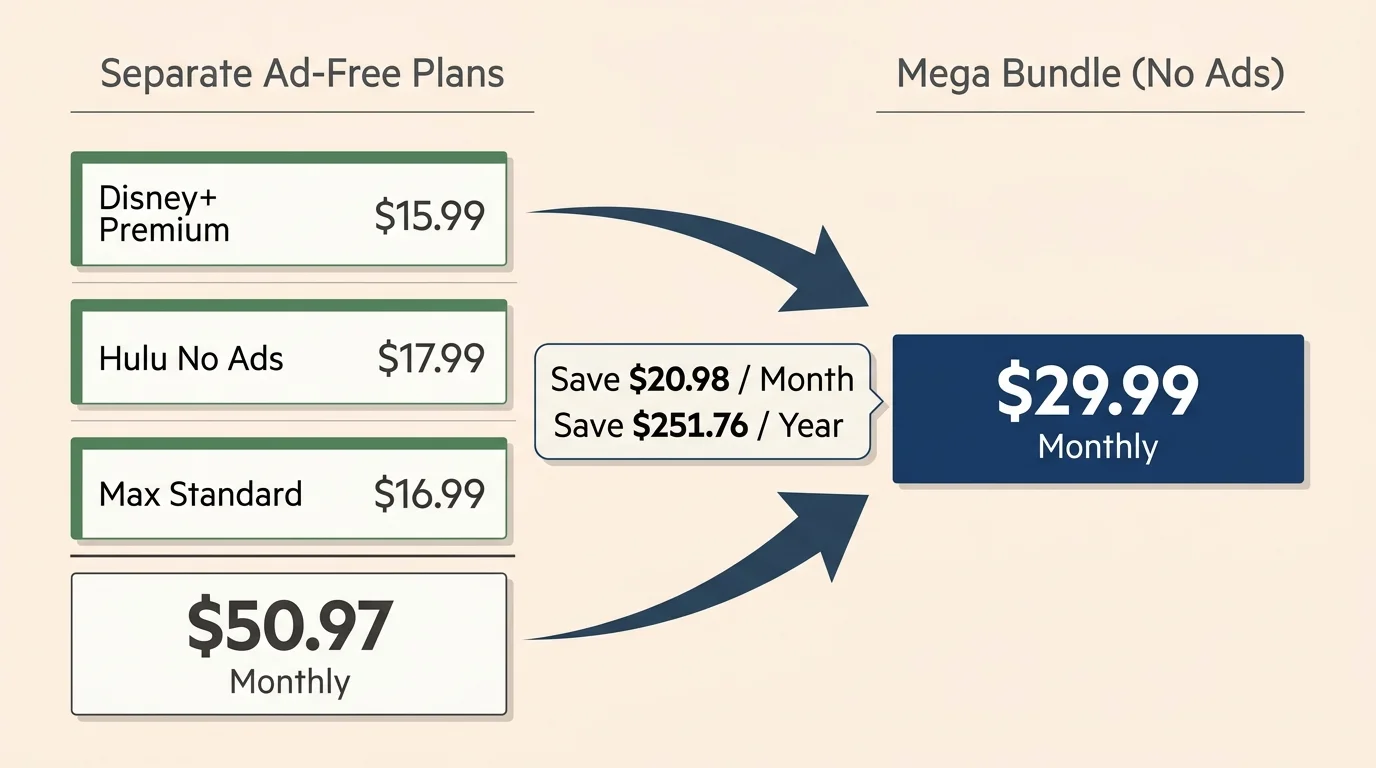
Consider a practical scenario: you currently pay $15.99 for Disney+ Premium, $17.99 for Hulu No Ads, and $16.99 for Max Standard. Your standalone total reaches $50.97 every month.
Switching to the ad-free bundle at $29.99 monthly immediately saves you $20.98 each billing cycle. That leaves $251.76 in your bank account over twelve months.
If regular price adjustments increase the bundle to $32.99 monthly, you still pocket $17.98 per month. The annual net savings remain significant at $215.76.
| Subscription Setup | Monthly Cost | Concurrent Streams | Video Resolution | Annual Expense |
|---|---|---|---|---|
| Separate Ad-Supported Plans | $29.97 | 2 per service | 1080p HD / 4K (Disney) | $359.64 |
| Mega Bundle (With Ads) | $16.99–$19.99 | 2 per service | 1080p HD / 4K (Disney) | $203.88–$239.88 |
| Separate Ad-Free Plans | $50.97 | 2 to 4 streams | 1080p HD / 4K (Disney) | $611.64 |
| Mega Bundle (No Ads) | $29.99–$32.99 | 2 per service | 1080p HD (Max) / 4K (Disney) | $359.88–$395.88 |
Notice the trade-off with Max video quality inside the bundle. The ad-free bundle does not include Max Ultimate Ad-Free, so you surrender 4K HDR streams on Warner Bros. Discovery content.
If 4K resolution on Max matters more than saving twenty dollars each month, keep your Max Ultimate plan separate. For most households, standard 1080p streaming across three distinct apps provides the best overall financial value.
The Master Credential Rule: Disney Identity and Max Accounts
Retaining your watch history, algorithmic preferences, and user profiles requires a unified credential framework. You cannot merge accounts after activation if you sign up using divergent email addresses.
This cross-platform integration is a prime example of how industry consolidation reshapes user access across competing entertainment companies.
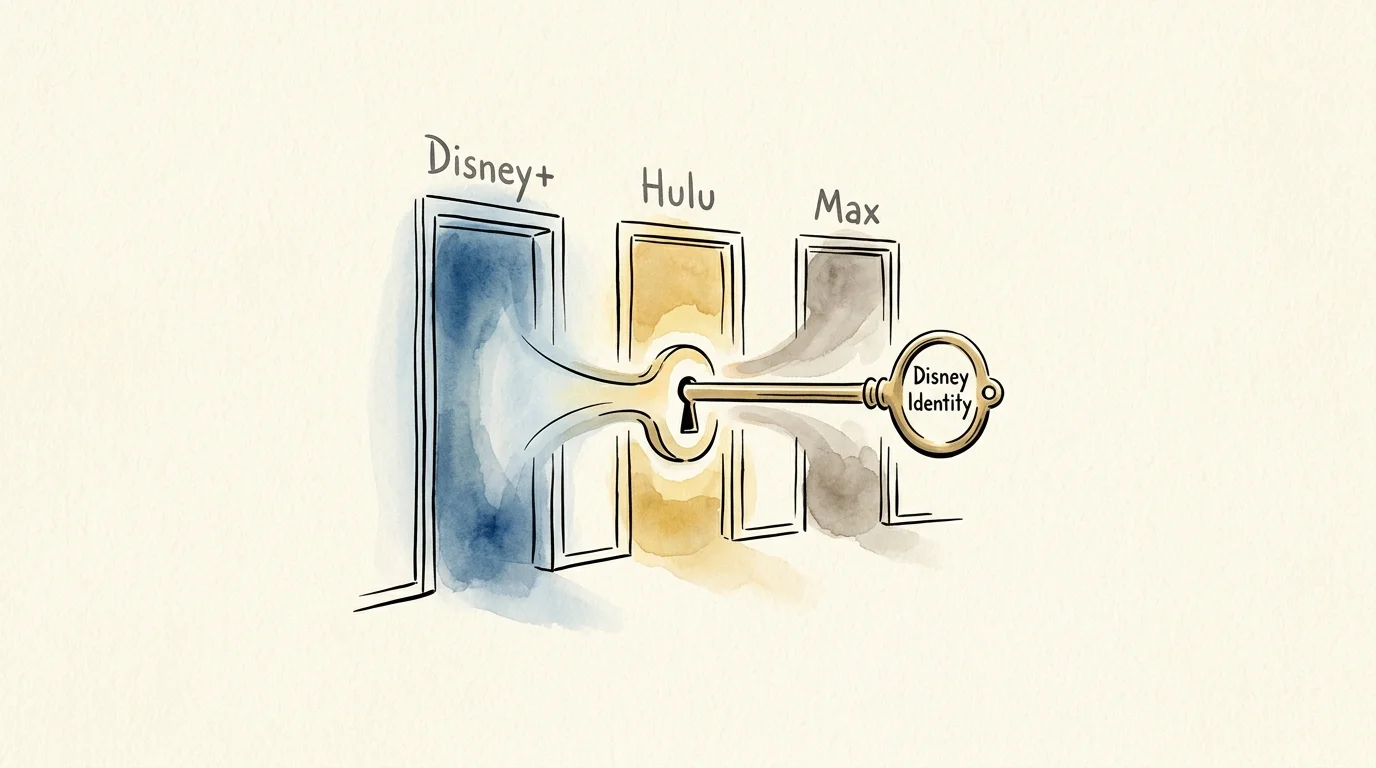
Disney manages authentication through Disney Identity Single Sign-On (SSO). This backend architecture links your login across Disney+, Hulu, ESPN+, and ABC digital properties.
When you subscribe to the disney hulu max bundle existing accounts must share one primary email address. If Disney+ uses one email and Hulu uses another, the bundle billing engine creates a duplicate account instead of merging.
A duplicate account creates two immediate problems. You lose your customized watch history, and you risk paying two separate bills indefinitely.
“Account unification relies entirely on identity matching at the authentication level. If your emails match before purchase, your profiles carry over without interruption.”
Max operates on its own proprietary account system outside the Disney ecosystem. However, it uses your sign-in email address to recognize legacy entitlements when you complete the post-purchase activation link.
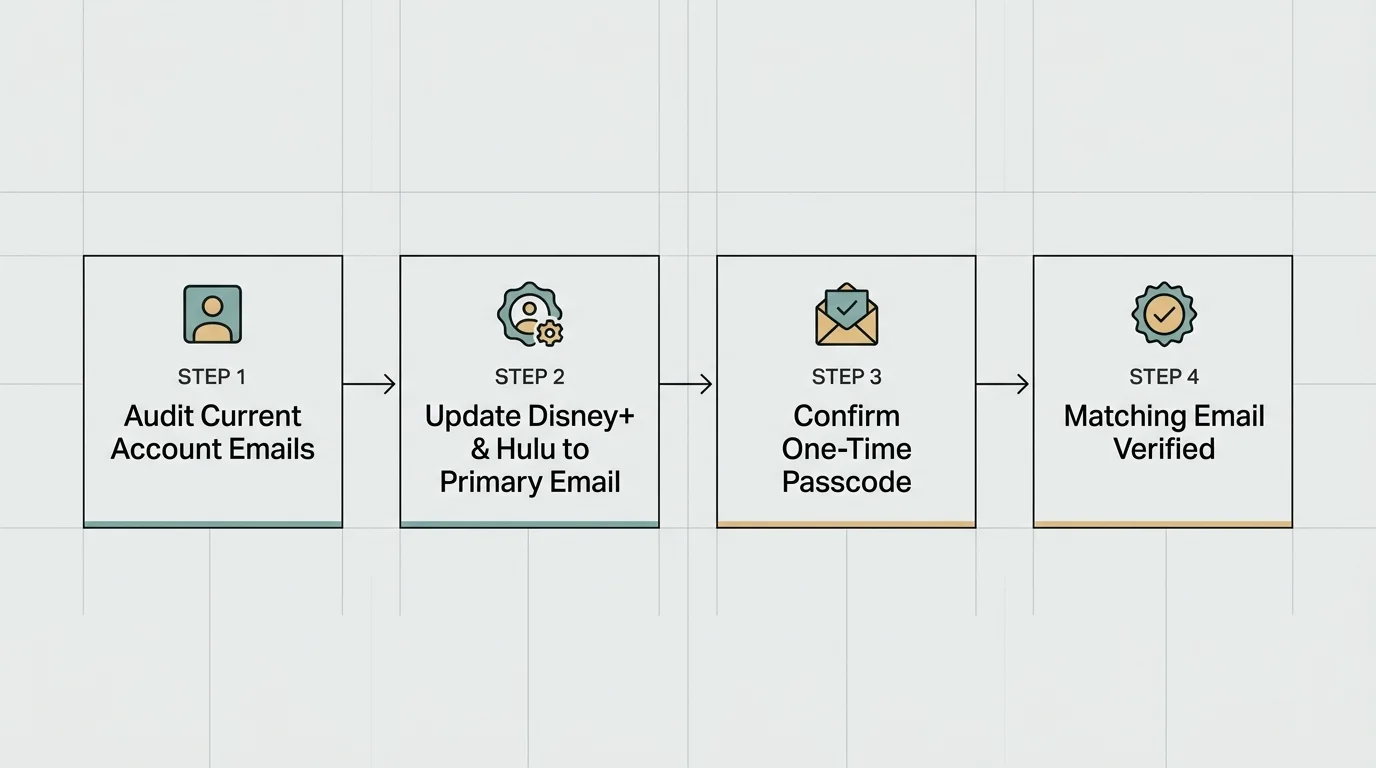
You must align your standalone logins to one universal email address before changing any subscription tiers. Do not buy the bundle until you complete this step.
Step-by-Step Email Synchronization Across Legacy Profiles
You can adjust your credentials across all three services in less than five minutes. Use a desktop browser rather than a mobile application to avoid operating system autofill conflicts.
Select the primary email address you plan to use for your unified monthly billing. Ensure you have direct access to that inbox to retrieve confirmation security codes.
- Log in to your Disney+ account page, open your profile settings, select Account, and update your email address.
- Check your email inbox for the six-digit verification code sent by Disney, enter it into the browser, and confirm the change.
- Log in to Hulu, navigate to your Account overview page, and verify that the email address automatically reflects your updated Disney Identity.
- Log in to Max, select your profile icon, click Settings, choose Account, and edit your email address to match the exact email used on Disney+.
- Log out of all three platforms across your smart TV and streaming device hardware, then sign back in with your unified email.
Testing your credentials across all three standalone apps confirms synchronization. You can now access your customized on-demand libraries—content you watch whenever you want—under a single login identity.
Take note of your password security during this process. Updating your email through Disney Identity updates your login across every connected Disney portal simultaneously.
How to Purchase the Bundle Without Triggering Duplicate Direct Charges
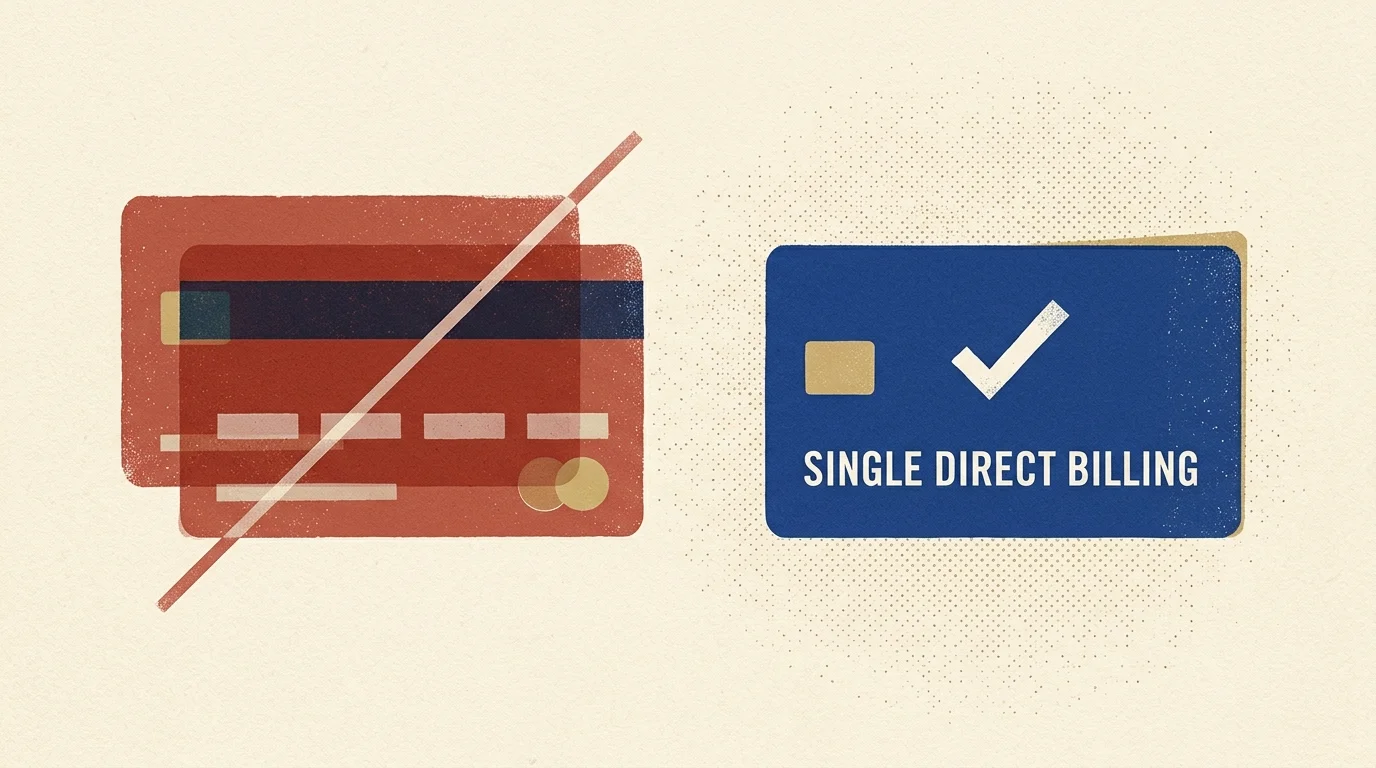
Once your email credentials match, you can switch to disney max bundle without double paying. The critical rule is initiating the purchase through the platform that directly bills your largest active subscription.
If long-term packages feel too restrictive, practicing strategic subscription rotation offers an alternative way to trim monthly costs without committing to year-round packages.
According to analysis from The Verge, streaming providers manage bundle conversions smoothly only when accounts originate through first-party direct billing. Third-party billing systems require separate handling.
If Disney+ currently bills you directly on a credit card, initiate your bundle upgrade through your Disney+ Account portal. Disney instantly adjusts your billing cycle and applies an immediate prorated credit for unused days on your previous plan.
Subscribers with direct annual Disney+ plans receive special handling. Disney converts your remaining annual balance into equal monthly credits against the new bundle charge until exhausted.
If Hulu bills you directly, log in to your Hulu account page and select Manage Add-ons. Locate the Disney+, Hulu, Max bundle tier and click Switch to This Plan.
Hulu automatically recalculates your billing balance. The system transfers your legacy profile history directly into the bundle structure without requiring account recreation.
Never sign up as a brand-new customer on a sales promotional landing page. Always log in to your existing account dashboard first before clicking upgrade links.
Review the final checkout screen carefully before submitting payment. The order summary must show an upgrade credit or note your existing subscription status.
Linking Your Existing Max Profile via Activation Portal
Purchasing the bundle through Disney+ or Hulu does not automatically grant you access inside the Max application. You must complete a secondary digital handshake to link existing hulu to max bundle assets.
Immediately after your purchase confirmation, Disney displays an activation screen containing individual setup tiles. You will also receive an email titled “Action Required: Activate Max.”
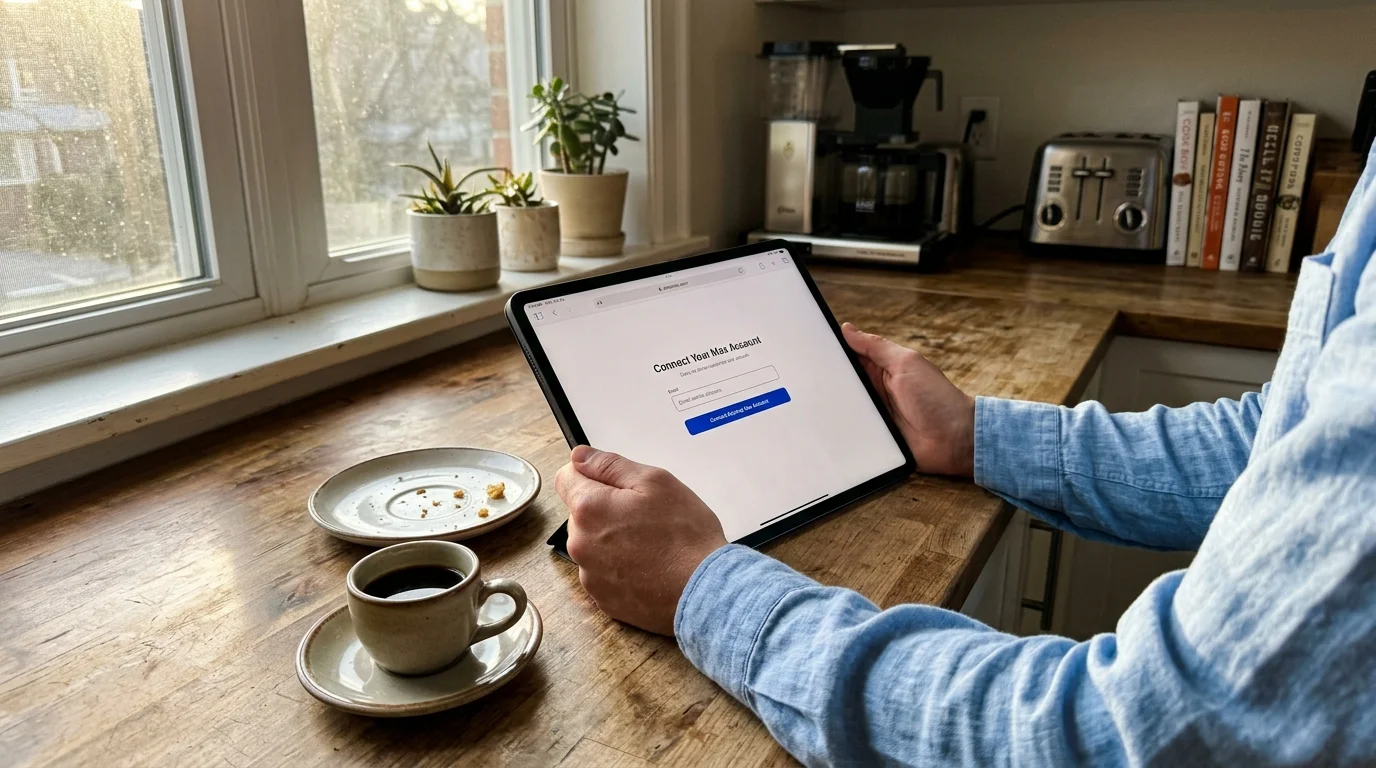
Click the activation link inside that email or select Activate next to Max on your Disney account screen. Your browser will redirect you to the Max account connection portal.
Enter the exact email address you synchronized earlier. Max will detect your existing profile history, watchlists, and viewing algorithms.
The screen will present a prompt stating: “Ready to Connect Your Account.” You will see two buttons: “Confirm” and “Cancel.”
You must select “Confirm” to merge your legacy Max database record with your new bundle entitlement. Selecting “Cancel” aborts the bridge and leaves your standalone account active.
If you mistakenly choose cancel, Max treats your next login as an unlinked user. You would then face ongoing standalone charges alongside your bundle bill.
Once you click Confirm, open the Max app on your smart TV or streaming stick. Sign in using your standard credentials to verify all existing user profiles remain intact.
The Third-Party Billing Trap: Apple, Google, Roku, and Amazon
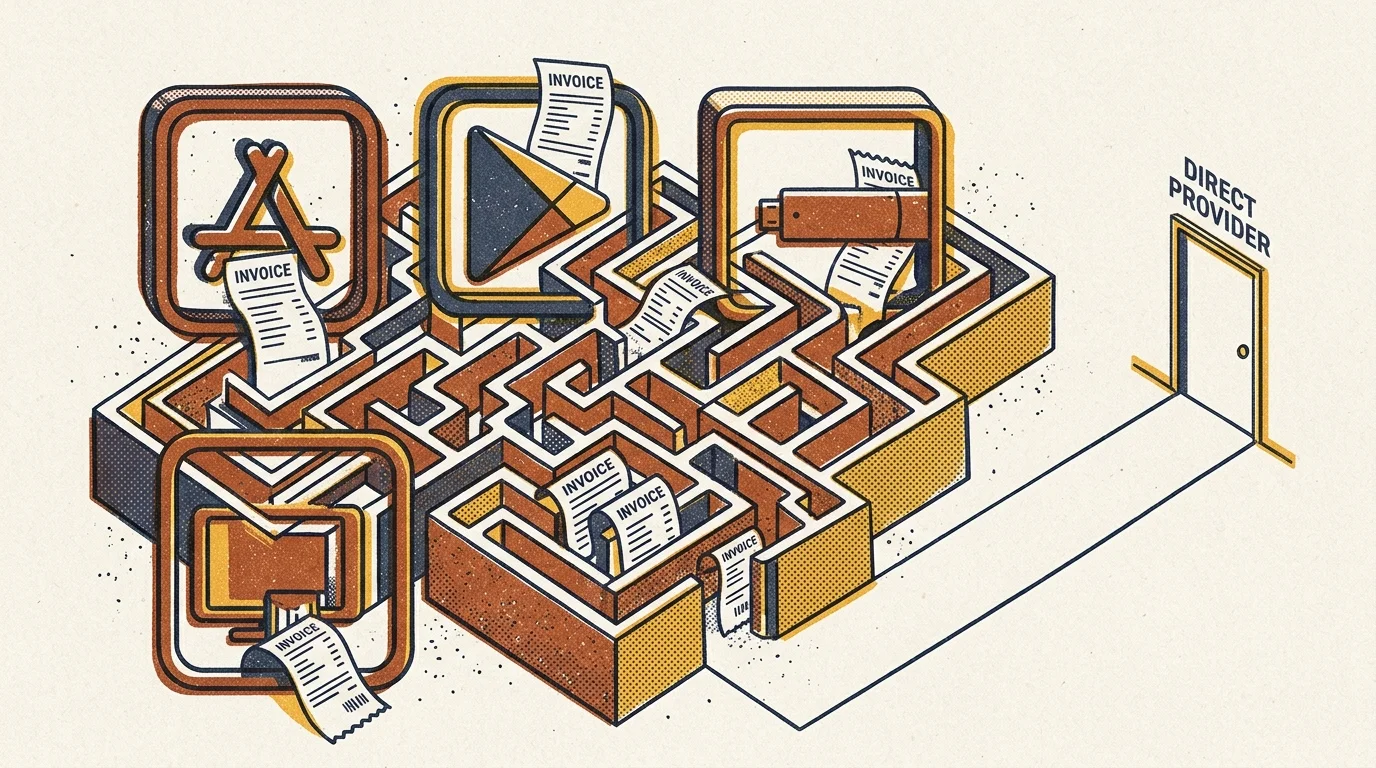
The single most expensive mistake subscribers make involves third-party app stores. Disney and Warner Bros. Discovery cannot cancel subscriptions managed by external digital storefronts.
If you originally signed up for Disney+, Hulu, or Max through Apple Subscriptions, Google Play, Amazon Appstore, or Roku Pay, those companies control your recurring renewals. Upgrading via Disney does not stop Apple or Roku from billing you.
Reports from Cord Cutters News consistently document subscribers who carry redundant charges for months because they assumed bundle activation canceled their old app-store subscriptions. Third-party intermediaries do not communicate cancellation triggers to third-party billing competitors.
“App stores operate as isolated billing silos. You must manually sever your app-store subscription before activating direct bundle billing to avoid overlapping invoices.”
To break this billing trap, identify who bills each service by checking your monthly credit card statements. If you see charges labeled “Apple.com/bill” or “Roku for Max,” a third party manages that account.
You must turn off auto-renew within that specific platform’s subscription management interface. Do this three to five days before your current billing period expires.
Wait until your third-party subscription fully lapses and your access downgrades to expired status. Your profile data and watch history remain saved on the provider’s servers during this dormant window.
Once the status shifts to expired, log in to Disney+ or Hulu directly and purchase the bundle using your matching email. Activate Max through the standard prompt to restore access to your preserved libraries.
This sequence guarantees that your historical profiles link up perfectly without a single day of double billing.
Plan Incompatibilities: Hulu + Live TV and Extra Member Add-Ons
The Disney-Hulu-Max mega bundle features strict system constraints regarding specialty subscription tiers. You cannot stack this bundle onto certain advanced account configurations.
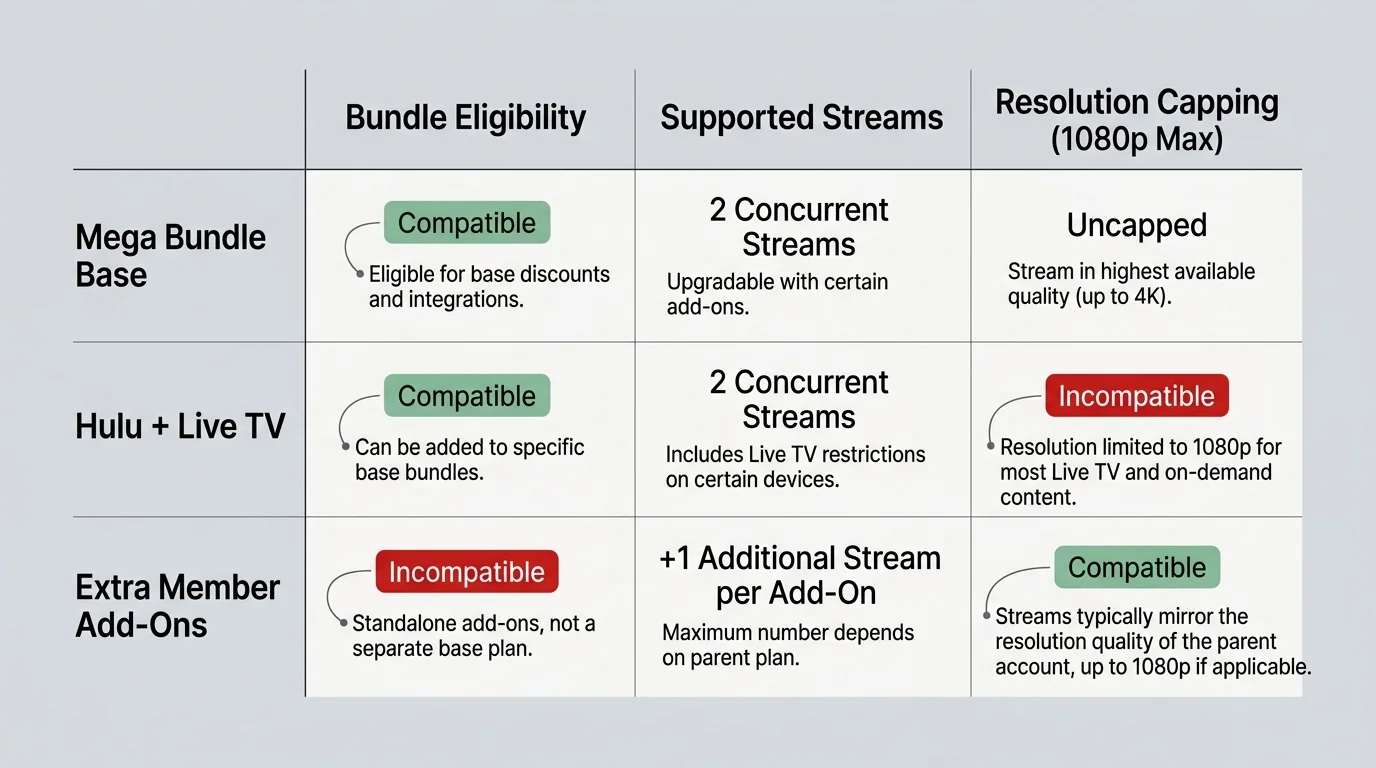
Hulu + Live TV subscribers cannot merge into this bundle framework. The mega bundle functions strictly as an on-demand entertainment product without live broadcast television integration.
If you want live channel streaming alongside Max, you must maintain Hulu + Live TV as an independent base subscription. You would then purchase Max as an optional $16.99 monthly add-on inside your Hulu live dashboard.
Attempting to purchase the standalone three-way mega bundle while holding an active Hulu + Live TV subscription produces an immediate checkout error. The billing system rejects the combination.
Disney’s paid sharing features present another structural limitation. If you currently pay for an “Extra Member” add-on to share your Disney+ account outside your household, upgrading to the mega bundle cancels that slot.
The mega bundle policy prohibits extra member add-on allocations. The system automatically drops the secondary user slot upon bundle confirmation, revoking remote access for that user.
Evaluate your household streaming arrangements before upgrading. If family members rely on an Extra Member profile in another home, they must establish their own independent subscription.
Frequently Asked Questions
Will I lose my custom watch history and saved profiles when I merge accounts?
No, you will keep all existing profiles and watchlists if you use the exact same email address across Disney+, Hulu, and Max. Account systems use your email credential to preserve user data during the billing switch.
What happens if I forget to cancel my third-party subscription through Apple or Roku?
You will experience double-billing until you manually intervene. Disney cannot cancel subscriptions managed by third parties, so you must open your device’s subscription menu and turn off recurring billing yourself.
Can I get Max’s 4K Ultimate Ad-Free tier through this bundle?
No, the mega bundle only includes Max’s Standard Ad-Free plan, which streams in 1080p HD on up to two devices. If you want 4K HDR video and Dolby Atmos on Max, you must maintain a standalone Max Ultimate plan.
Does the bundle work if I have an active annual subscription to Disney+?
Yes, Disney directly credits the remaining value of your annual plan toward your new monthly bundle payments. Your account dashboard will apply monthly credits automatically until your prepaid annual balance runs out.
Disclaimer: Streaming industry news changes rapidly. This article reflects information available at the time of publication. Check official service announcements for the most current information.