Sling TV was once the undisputed champion of budget streaming. It introduced many of us to the concept of “skinny bundles”—trimming away the bloat of cable to offer a lean, affordable live TV package. But over the years, prices have crept up. What used to be a $20 impulse buy has evolved into a $40 or $55 monthly commitment, and that is before you add extra channel packs or DVR upgrades.
Understanding the cheapest ways to stream live TV can help you navigate this crowded market without overspending.
If you are looking at your monthly bank statement and wondering if you can cut costs further without staring at a blank screen, you are not alone. The streaming market has fragmented, creating a new tier of ultra-low-cost services that might fit your viewing habits better than Sling.
Whether you are willing to give up live sports to save cash, or you are ready to install an antenna to get your local news for free, you have options. This guide analyzes the most practical, cost-effective alternatives to Sling TV, helping you decide which services deserve your subscription dollars.

Why Viewers Are Leaving Sling TV
Sling TV remains a solid service, but it sits in an awkward middle ground. It is no longer “cheap” enough to be an impulse buy, yet it lacks the comprehensive channel lineups of premium services like YouTube TV or Hulu + Live TV. Understanding the friction points with Sling helps identify which alternative is right for you.
The primary complaint for many users is the confusing “Orange” vs. “Blue” split. Sling separates channels into two base packages. If you want ESPN (Orange) and FS1 or NFL Network (Blue), you must buy the combined package, which significantly raises the price. Furthermore, local channel availability (ABC, NBC, FOX, CBS) is spotty. Depending on your zip code, you might get no local channels at all, forcing you to use an antenna anyway.
For cost-conscious viewers, paying $40+ a month for a service that still requires an antenna for local news feels counterintuitive. If you mostly watch lifestyle shows, documentaries, or movies, you are effectively subsidizing expensive sports channels you do not watch. This is where specialized, cheaper alternatives shine.

Philo: The Best Entertainment Value
If your main reason for subscribing to cable or streaming is entertainment—think HGTV, History, Discovery, Hallmark, and Nickelodeon—Philo is likely your best alternative. It is aggressively priced because it completely removes the most expensive components of a cable bill: sports and broadcast news.
What You Get
Philo offers over 70 channels for $28 per month. The interface is slick, modern, and highly responsive. One of its strongest features is the Unlimited DVR. You can record as many shows as you want, and Philo stores them for one year. This is a significant upgrade over Sling’s base DVR offering, which often limits storage hours unless you pay for an add-on.
The Trade-off
The catch is strictly content-based. You will not find ESPN, FS1, CNN, Fox News, or local channels like ABC and CBS on Philo. If you can live without live sports and national 24-hour news networks, Philo offers a premium user experience at nearly half the cost of Sling.
“Philo is the perfect example of a ‘skinny bundle’ done right. It doesn’t try to be everything to everyone; it focuses on entertainment and nails the price point.”
According to CNET’s review of live TV services, Philo remains a top pick for viewers who want to avoid the “sports tax” that inflates the price of competitors like YouTube TV and Sling.
Frndly TV: The Ultra-Budget Option
If $28 per month still feels too high, Frndly TV is the absolute floor for paid live TV streaming. Starting at around $7.99 per month (for SD quality) or roughly $9.99 for HD, it is designed specifically for family-friendly entertainment.
Target Audience
Frndly TV was built heavily around the Hallmark Channel ecosystem. If your household runs on Hallmark movies, The Weather Channel, Lifetime, and classic TV networks (like MeTV or DECADES), this service is a steal. It has slowly expanded its lineup to include A&E, History, and Vice, making it a surprisingly robust package for the price of a sandwich.
Key Limitations
To keep costs this low, the interface is functional but basic. The base plan typically does not include DVR capabilities and restricts you to Standard Definition (SD) streaming. To get HD quality and recording features, you have to bump up to the “Classic” or “Premium” tiers, though even the most expensive tier is still drastically cheaper than Sling Orange or Blue.

The “Free” Alternative: Antennas and OTA TV
The most effective way to replace Sling TV isn’t another subscription—it is hardware. An Over-the-Air (OTA) antenna receives broadcast signals directly from local towers for free. This is not the snowy, static-filled reception of the 1980s. Modern broadcast signals are digital, and in many cases, the picture quality is uncompressed High Definition (HD), looking crisper than cable or streaming.
Channels You Can Receive
Depending on your distance from broadcast towers, a simple indoor antenna can pull in:
- Major Networks: ABC, CBS, NBC, FOX, PBS, CW.
- Sub-channels: Retro TV networks (Antenna TV, Cozi TV), court TV, local weather radar, and foreign language channels.
- Live Sports: NFL games on Sunday afternoons and Sunday nights, major golf tournaments, NHL playoffs on ABC, and MLB games on FOX.
Hardware Setup
You need a digital antenna. Flat, “leaf” style antennas work well for urban areas, while attic or roof-mounted antennas are better for rural viewers. Once you buy the antenna (a one-time cost between $20 and $100), you never pay a monthly fee for those channels again.
As Tom’s Guide points out, combining an antenna with a budget streaming service is often the smartest financial move for cord-cutters, bridging the gap between local news and entertainment cable channels.
FAST Services: Free Ad-Supported TV
If you miss the experience of “channel surfing”—scrolling through a grid guide to find something to watch—but hate the bill, look into FAST services. FAST stands for Free Ad-Supported Streaming TV.
These platforms offer linear channels that run 24/7, just like cable, but they are free and monetized by commercials. You do not even need to create an account for most of them.
Top FAST Contenders
- Pluto TV: Owned by Paramount, it offers hundreds of channels, including news (CBS News, CNN Headlines), classic TV, and specific channels dedicated to single shows like Cops or Baywatch.
- Tubi: While known for its massive on-demand movie library, Tubi also has a robust “Live TV” section with news and sports replays.
- Sling Freestream: Ironically, Sling itself offers a free version. You can access hundreds of channels without a credit card. It is a great way to test the interface without paying the monthly fee.
- The Roku Channel: Available on any device (not just Rokus), this aggregator brings together live news and entertainment channels in a polished guide.
The downside? You typically cannot pause or rewind live TV on FAST services (no DVR), and the content is rarely brand-new. You won’t find the latest episode of a current hit drama here, but for background noise and casual viewing, it is an unbeatable value.
The Sports Dilemma: When Paying More Makes Sense
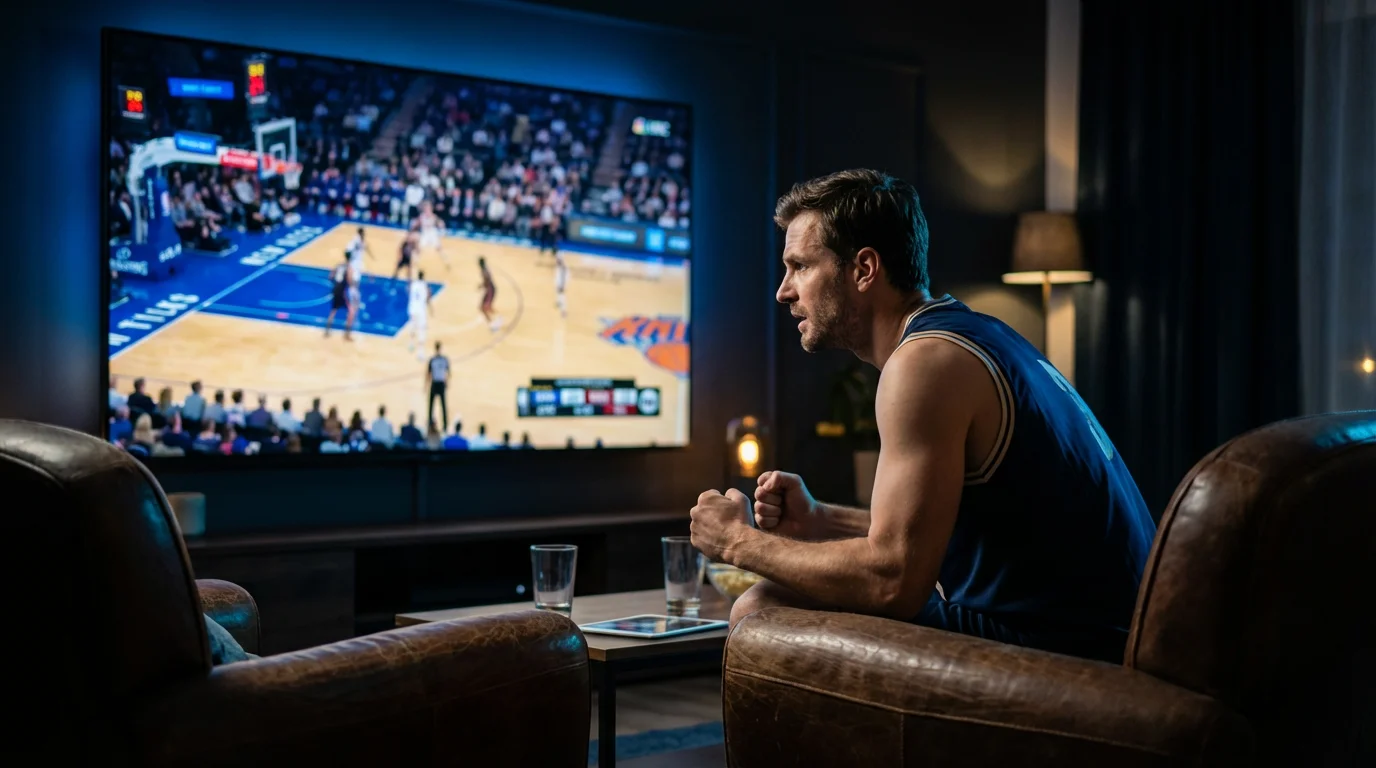
We must address the elephant in the room: Live Sports. If you subscribe to Sling primarily for ESPN, NFL RedZone, or TNT for NBA games, the “cheaper” alternatives listed above (Philo, Frndly) will not work for you. They achieve their low prices specifically by excluding sports.
If you need sports but want to leave Sling, you are usually looking at a “value” upgrade rather than a price cut. Services like YouTube TV ($72.99/mo) or Hulu + Live TV ($76.99/mo) are more expensive than Sling, but they include all local channels and all major sports networks in one base price.
When you do the math, Sling ($40) + an Antenna ($0 but hassle) + a News Add-on ($6) gets you close to $50. If you are frustrated with Sling’s interface or streams, paying the extra $20 for YouTube TV might offer better value, even if it isn’t “cheaper” in raw dollars.

Side-by-Side Comparison: Sling vs. Alternatives
The table below compares the base packages of Sling TV against its most viable budget competitors. Note that channel counts are approximate as lineups change frequently.
| Feature | Sling TV (Orange/Blue) | Philo | Frndly TV | YouTube TV (Premium Alt) |
|---|---|---|---|---|
| Base Price | $40.00 / mo | $28.00 / mo | ~$7.99 / mo | $72.99 / mo |
| Top Channels | ESPN, TNT, CNN, HGTV | HGTV, Hist, Disc, AMC | Hallmark, Weather, History | All locals + ESPN + TNT |
| Local Channels | Select Markets Only | None | None | ABC, CBS, NBC, FOX |
| DVR Storage | 50 Hours (Base) | Unlimited (1 year) | Unlimited (3 months)* | Unlimited (9 months) |
| Sports? | Yes | No | No | Yes |
*Frndly TV DVR requires the Classic or Premium plan. Basic plan has no DVR.
[INFOGRAPHIC PLACEHOLDER]
Visual Idea: A flowchart “Decision Tree.” Start with “Do you need Live Sports?” -> YES -> “Stick with Sling or upgrade to YouTube TV”. -> NO -> “Do you need Local News?” -> YES -> “Get an Antenna + Philo”. -> NO -> “Do you love Hallmark?” -> YES -> “Frndly TV”.

How to Choose the Right Alternative
Choosing the right service depends on auditing your actual viewing habits versus your “aspirational” viewing habits. Many of us pay for sports channels we haven’t watched in months.
Choose Philo if: You are an entertainment junkie. You love reality TV, home renovation shows, and dramas, and you get your news online. The Unlimited DVR is a massive quality-of-life improvement over Sling’s base offering.
Choose Frndly TV if: You are on a strict budget. If you primarily want family-safe content and movies, there is no better value per dollar in the industry.
Choose Antenna + FAST if: You are a casual viewer. If you only turn the TV on for the evening news or to have background noise while cooking, do not pay a monthly subscription. An antenna gives you the news, and Pluto/Tubi gives you the movies.
Frequently Asked Questions
Can I watch ESPN on Philo or Frndly TV?
No. Both Philo and Frndly TV keep their prices low by excluding expensive sports rights fees. If ESPN is non-negotiable for you, you must stick with Sling TV, YouTube TV, Hulu + Live TV, or Fubo.
Do I need a smart TV to use these alternatives?
You do not need a new TV, but you do need a way to connect to the internet. If your TV isn’t “smart,” you can purchase a streaming device like a Roku Stick, Amazon Fire TV Stick, or Google Chromecast. These affordable devices plug into your TV’s HDMI port and run all the apps mentioned in this guide.
Is an antenna difficult to install?
For most people living in suburbs or cities, installation is easy. You screw the coaxial cable into the back of your TV, place the antenna near a window, and run a “Channel Scan” in your TV’s menu. If you live in a rural area surrounded by hills or dense trees, you may need a roof-mounted antenna, which requires more effort to install.
Does cancelling Sling TV cost money?
Sling TV is a month-to-month service with no long-term contracts. You can cancel at any time without penalty. However, they do not offer refunds for partial months, so you will continue to have access until your billing cycle ends.
Disclaimer: Live TV streaming prices and channel lineups change frequently. Local channel availability varies by location. Always use the free trial to verify your local channels are included before committing. Sports blackout rules may affect some live events.