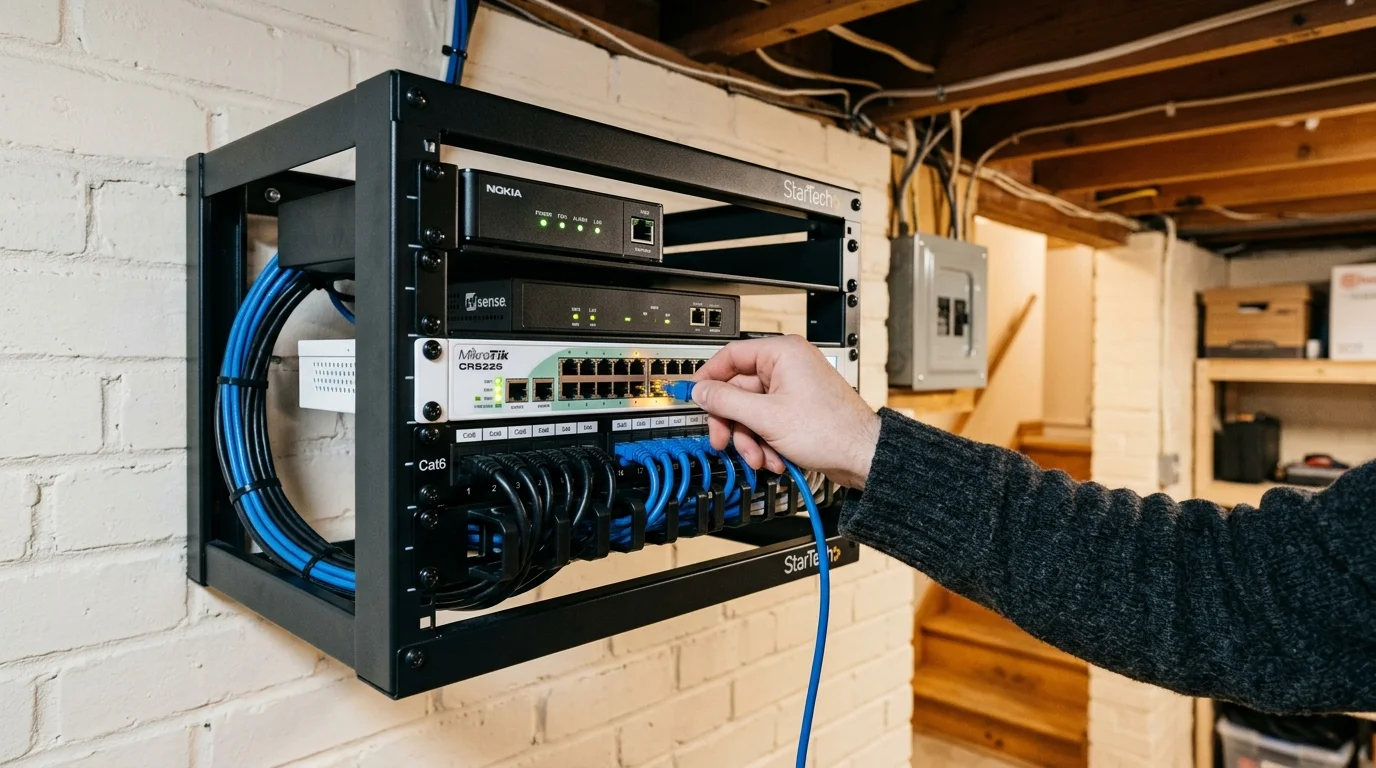
You can eliminate tenant streaming complaints on a shared duplex connection without paying for two separate internet lines. Managing duplex internet requires stopping bufferbloat at the router level rather than buying expensive gigabit speed tiers.
Most landlords assume high bandwidth prevents video freezing, but unchecked data bursts inevitably choke video packets. By pairing IEEE 802.1Q VLAN isolation with Smart Queue Management (SQM), you guarantee smooth 4K playback for both units simultaneously.
This guide shows you how to deploy enterprise-grade traffic shaping to share internet duplex streaming fairly and reliably.
The Real Cause of Duplex Streaming Buffers: Bufferbloat Explained
Streaming means watching video content over the internet instead of cable or satellite. When two households share a connection, streaming video frequently stutters during peak evening hours.
Most landlords blame inadequate bandwidth and immediately upgrade their subscription tier. However, raw speed rarely resolves router bufferbloat streaming issues that degrade real-time traffic.
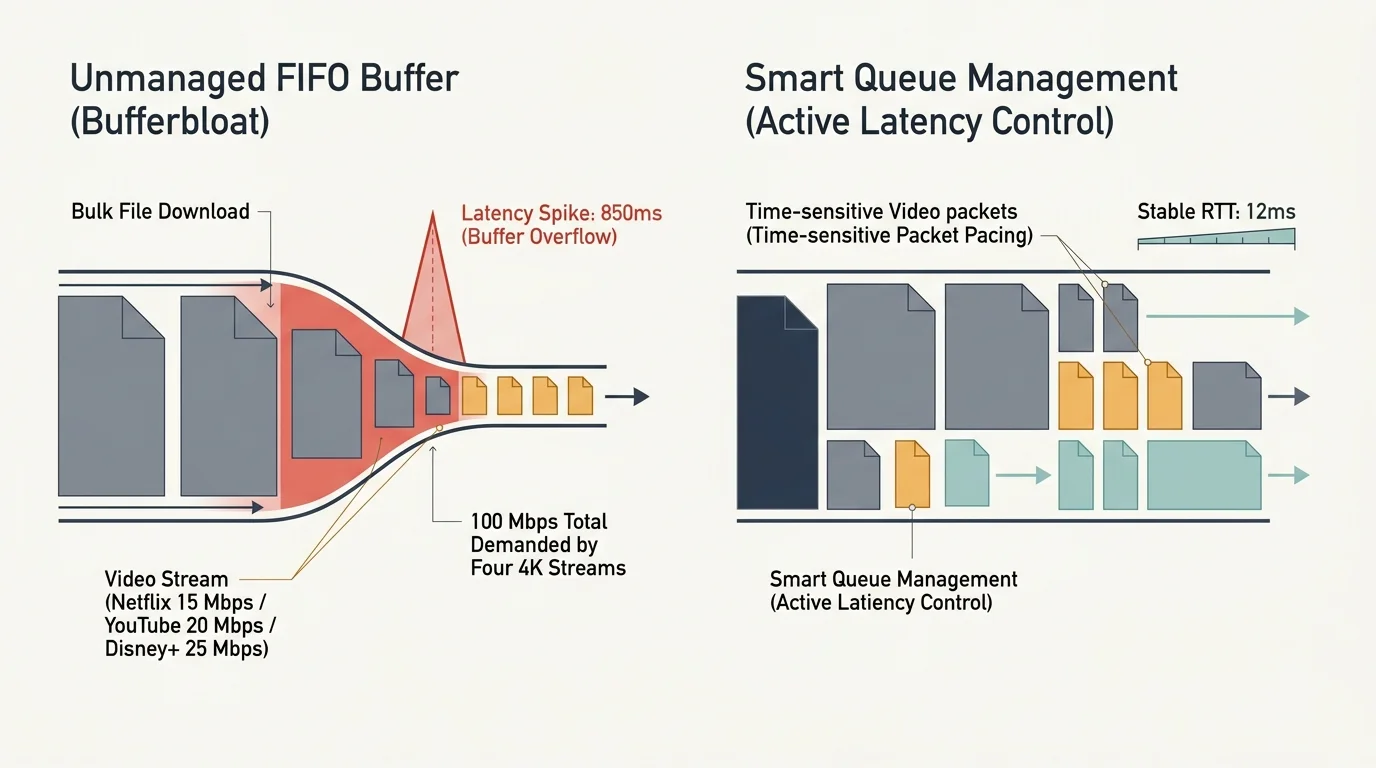
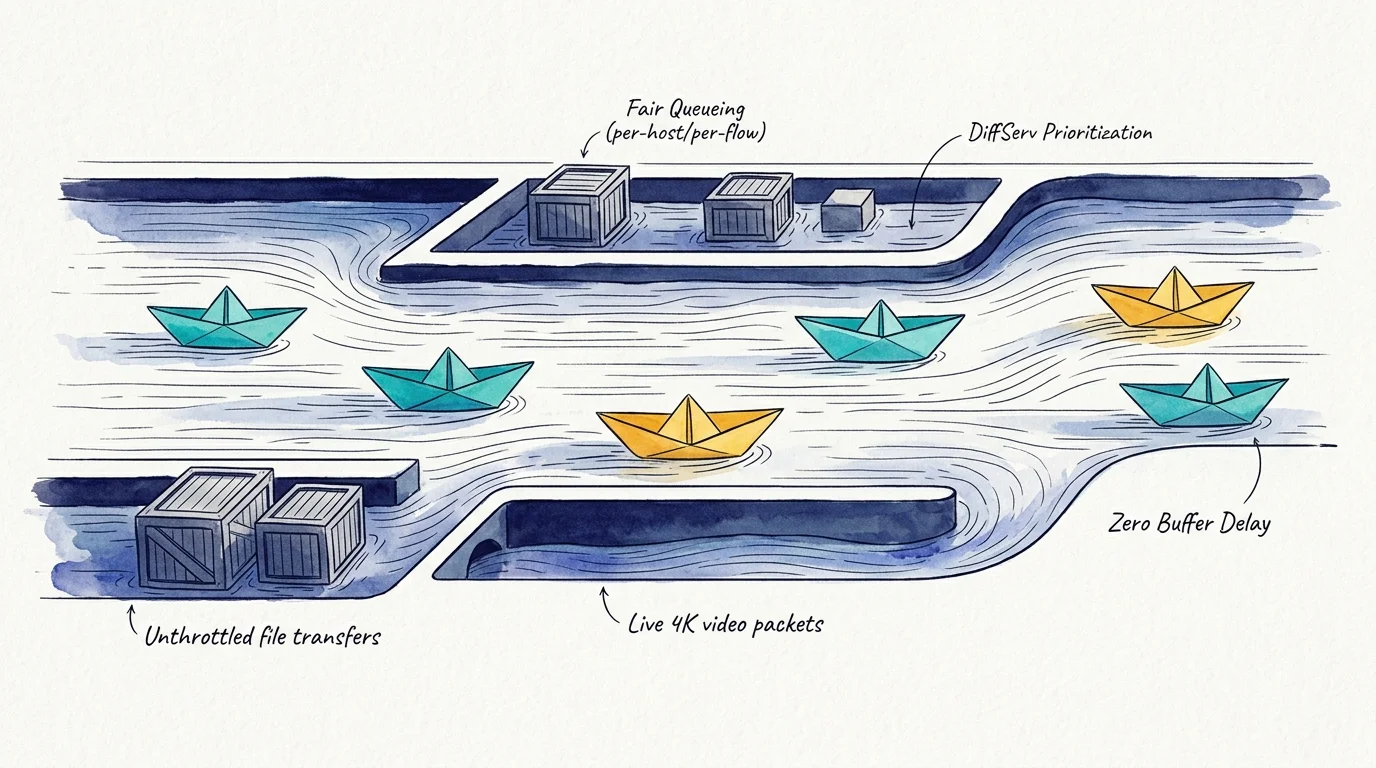
Bufferbloat occurs when network equipment holds excessive data packets in unmanaged physical memory buffers. When a tenant initiates an unthrottled file download, the router fills its buffers to maximum capacity.
This excessive queuing delays time-sensitive video packets, forcing the player to pause and display a loading spinner. Your tenants perceive this lag spike as an internet outage.
According to the FCC Consumer Guide, broadband connections require consistent delivery speeds and low latency to support interactive media. Symmetrical fiber lines easily handle multiple video streams if your router prioritizes traffic correctly.
Official playback benchmarks illustrate how modest baseline video demands actually are. Netflix requires 15 Mbps for a 4K stream, YouTube demands 20 Mbps, and Disney+ recommends 25 Mbps.
A duplex running four simultaneous 4K streams consumes no more than 100 Mbps aggregate downstream bandwidth. The real battle stems from transient latency spikes that cause packet drops, not raw bandwidth exhaustion.
Financial Breakdown: Shared Fiber vs. Separate Cable Subscriptions
Cord-cutting means canceling traditional cable or satellite TV in favor of internet streaming services. Offering shared internet as an included duplex amenity saves money for both you and your tenants.
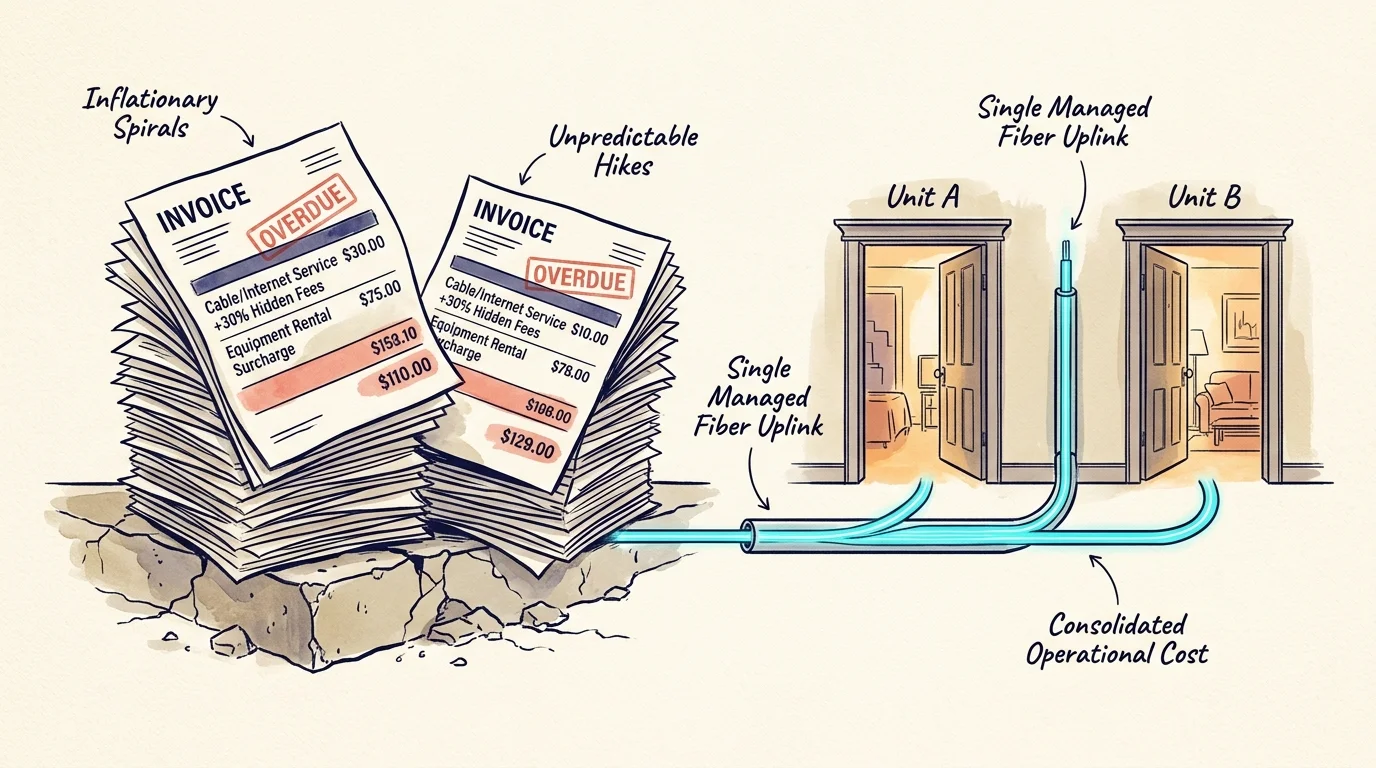
Traditional cable bundles burden tenants with hidden hardware rental fees, broadcast surcharges, and escalating contracts. Research published by Consumer Reports shows hidden cable fees add upwards of thirty percent to monthly bills.
Consolidating your property onto a single managed fiber uplink cuts operating expenses significantly. You capture higher rental value while freeing tenants from predatory multi-year telecommunications agreements.
| Metric / Attribute | Two Separate Cable Bundles | Two Separate ISP Fiber Lines | Single Shared Fiber with SQM & VLANs |
|---|---|---|---|
| Monthly Recurring Cost | $230.00 ($115 per unit) | $160.00 ($80 per unit) | $80.00 (Single 500 Mbps tier) |
| Upfront Hardware Cost | $0.00 (Leased hardware) | $0.00 (Leased hardware) | $280.00 (Commercial-grade router & APs) |
| Hardware Lease Fees | $30.00 monthly ($15 per unit) | $20.00 monthly ($10 per unit) | $0.00 (Customer-owned hardware) |
| First-Year Total Expenditure | $3,120.00 | $2,160.00 | $1,240.00 |
| Five-Year Total Expenditure | $15,600.00 | $10,800.00 | $5,080.00 |
| Tenant Network Isolation | Complete physical isolation | Complete physical isolation | Complete 802.1Q cryptographic isolation |
| Bufferbloat Mitigation | None (Consumer modem defaults) | None (Consumer modem defaults) | Active CAKE Queue Management |
Investing $280 in dedicated networking gear yields over $1,800 in total property savings during the first year alone. The hardware amortizes within three months of deployment.
Tenants gain high-speed wireless connectivity without navigating credit checks or dealing with installation technicians. You maintain full administrative authority over your property infrastructure.
Hardware Checklist for Duplex Multi-Tenant Networking
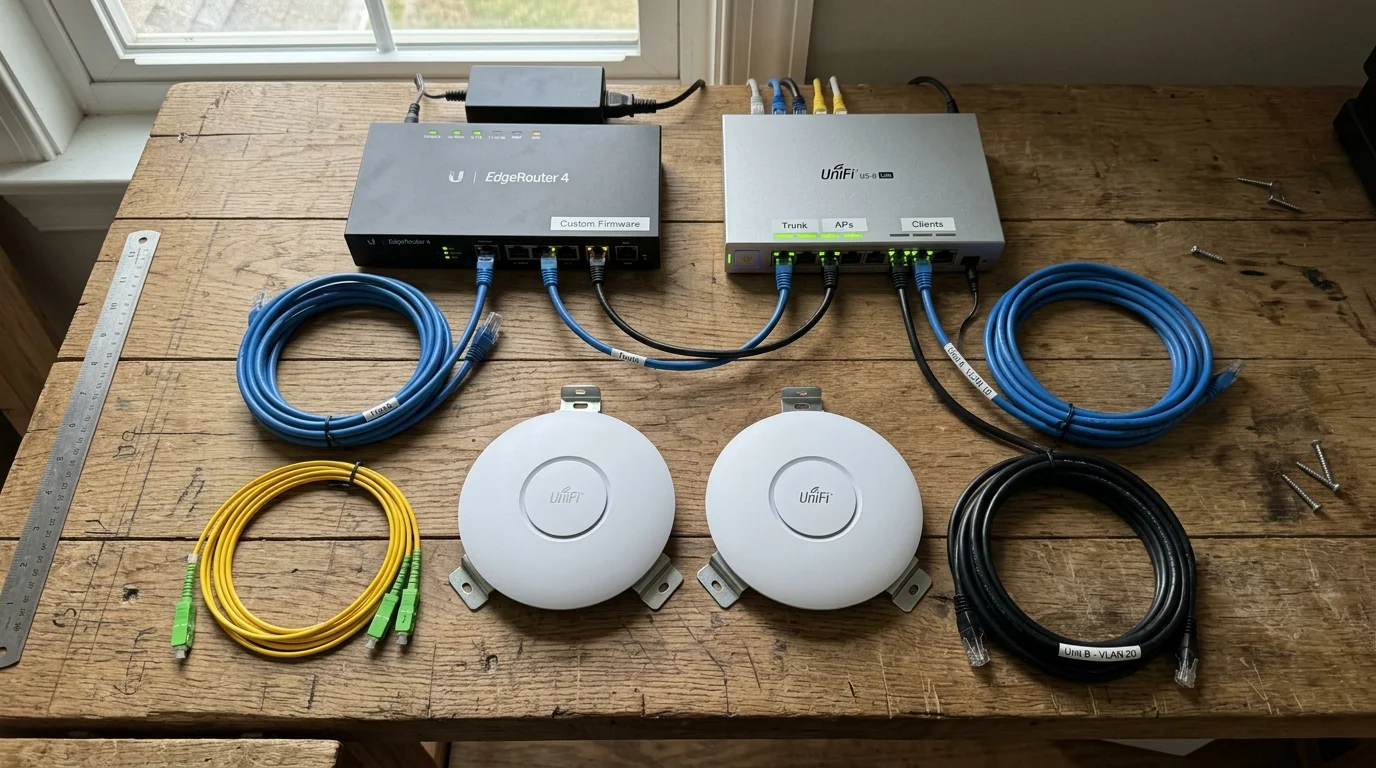
Delivering isolated multi-tenant access requires hardware that supports IEEE 802.1Q VLAN tagging and modern CPU-intensive queue disciplines. Standard ISP-supplied gateway routers cannot handle this workload.
Hardware testing from Wirecutter highlights that dedicated standalone routers provide the processor power necessary for advanced networking tasks. Avoid budget residential routers that throttle throughput under complex queue rules.
- Main Gateway Router: GL.iNet GL-MT6000 Flint 2 ($160) or Ubiquiti UniFi Cloud Gateway Ultra ($129). Both feature quad-core processors capable of running SQM at 500+ Mbps.
- Managed Gigabit Switch: TP-Link TL-SG108E 8-Port Managed Switch ($30). This unit handles IEEE 802.1Q port tagging between physical apartments.
- Dedicated Access Points: Two TP-Link Omada EAP610 ceiling access points or standalone Wi-Fi 6 routers operating in AP mode ($80 each).
- Structured Cabling: Cat6 CMR-rated solid copper twisted pair cable ($50 per 250-foot spool) to run between the central utility room and each unit.
A smart TV is a television with a built-in internet connection and streaming apps. A streaming device is a small external box or stick, like a Roku or Apple TV, that adds streaming apps to any display.
Your tenants will connect both smart TVs and mobile devices to their respective access points. Sizing your equipment correctly guarantees that one household never impacts the other.
“Hardware that enforces mathematical fairness at the gateway level prevents tenant disputes before they ever start.” — Network Engineering Best Practices
Configuring IEEE 802.1Q VLANs for Complete Tenant Isolation
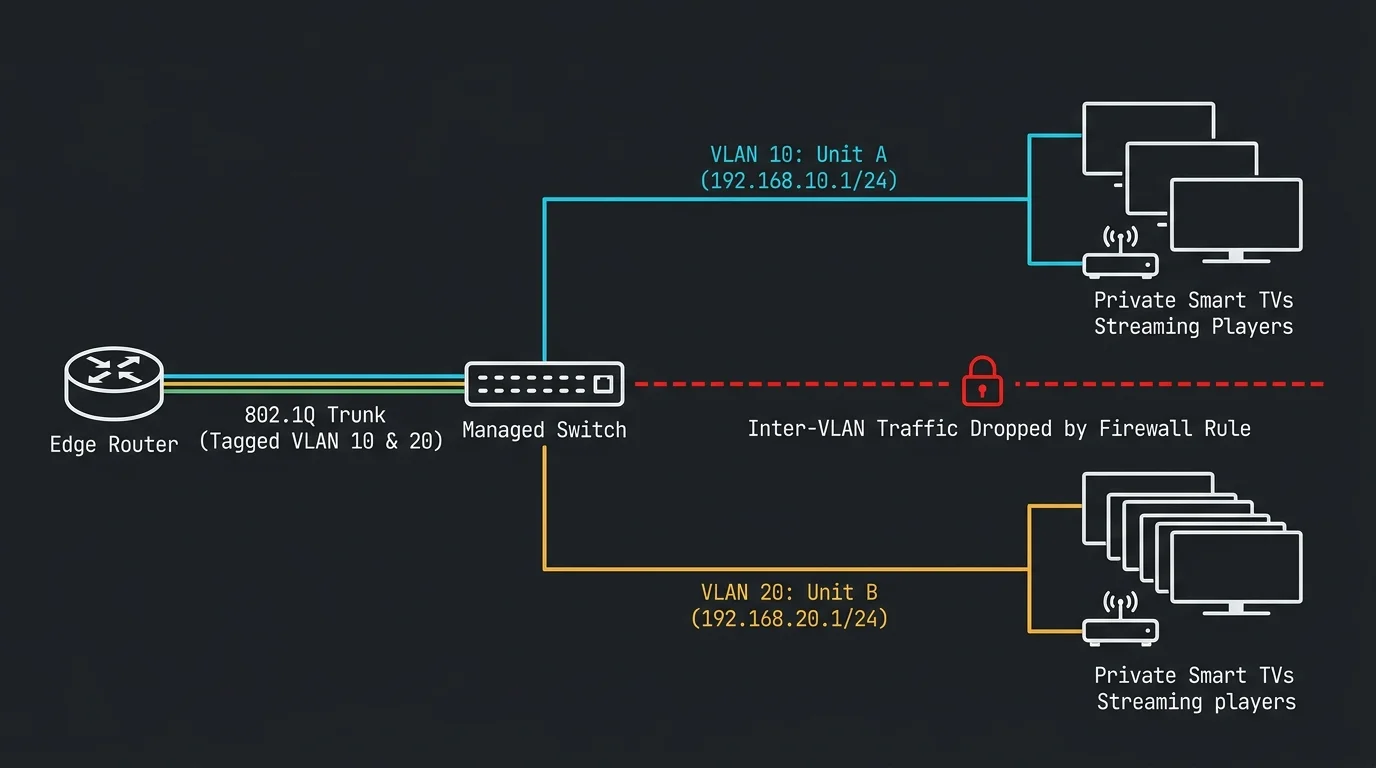
You must prevent tenants from accessing each other’s networked devices. Without virtual isolation, a tenant in Unit A could cast videos to a smart TV located inside Unit B.
The IEEE 802.1Q standard assigns numeric identifiers to Ethernet frames, partitioning a single physical router into distinct virtual networks. You will create two primary subnets to secure your rental units.
Log into your router administration panel to build your tenant interfaces. Assign VLAN 10 to Unit A and VLAN 20 to Unit B.
- Navigate to the network interface menu and generate a new interface named
TENANT_A. - Assign VLAN ID 10 with the IPv4 subnet
192.168.10.1/24. Enable an isolated DHCP pool spanning192.168.10.100to192.168.10.250. - Create a second interface named
TENANT_B. - Assign VLAN ID 20 with the IPv4 subnet
192.168.20.1/24. Enable a DHCP pool spanning192.168.20.100to192.168.20.250. - Access your managed switch. Set Port 1 as a tagged trunk linking to your router LAN port.
- Configure Port 2 as untagged VLAN 10 for Unit A’s cable run. Set its PVID to 10.
- Configure Port 3 as untagged VLAN 20 for Unit B’s cable run. Set its PVID to 20.
Next, configure strict firewall forward policies inside the router operating system. You must block inter-VLAN routing completely.
Create a rule dropping all traffic originating from TENANT_A addressed to TENANT_B. Duplicate this rule to block traffic originating from TENANT_B addressed to TENANT_A.
Ensure both interfaces permit outbound traffic to the WAN interface. This setup guarantees that both units access high-speed internet while remaining invisible to each other.
SQM Configuration Guide: Implementing CAKE for Cord Cutters
Once you secure your network boundaries, you must configure smart queue management to eliminate streaming buffer delays. Proper sqm configuration for cord cutters solves latency problems by reordering packets dynamically.
Traditional routers rely on drop-tail First-In, First-Out (FIFO) queueing. When buffers saturate, the router drops incoming packets blindly, breaking video streams.
CAKE (Common Applications Kept Enhanced) replaces dumb buffers with active scheduling. It balances bandwidth between active flows and suppresses latency spikes under load.
Install the luci-app-sqm package if you utilize an OpenWrt router. Open the SQM configuration tab to adjust your shaping parameters.
- Select your primary WAN interface from the interface dropdown menu.
- Check the box to enable the SQM instance.
- Select CAKE as your queueing discipline under the queue configuration tab.
- Choose piece_of_cake as your queue setup script.
- Set the link layer encapsulation to match your internet connection. Choose Ethernet for fiber connections or DOCSIS for cable modems.
You must never set your SQM bandwidth rate to one hundred percent of your ISP tier. Setting the shaper too high allows the ISP modem buffer to bloat first.
Apply the industry-standard provisioning rule by setting your upload and download rates to ninety percent of your measured throughput. This forces your router to control all packet queues.
“Throttling total throughput by ten percent eliminates ninety-nine percent of buffer latency across shared internet connections.” — Router Performance Standard

Worked Example: Calibrating a 500 Mbps Shared Fiber Connection
Consider a practical deployment in an owner-occupied duplex. You subscribe to a symmetrical 500 Mbps fiber tier through a local internet provider.
First, connect a laptop directly to the ISP optical network terminal (ONT). Run three speed tests at mid-day to determine your baseline performance.
Assume your tests deliver 520 Mbps download and 510 Mbps upload speeds with an idle latency of 5 milliseconds. Now calculate your active shaping limits.
Multiply 520 Mbps by 0.90 to reach a download shaper target of 468 Mbps (468,000 Kbps). Multiply 510 Mbps by 0.90 to achieve an upload target of 459 Mbps (459,000 Kbps).
Enter these exact values into your router SQM configuration page. Save and apply the settings.
Now simulate a heavy duplex traffic scenario. Unit A launches an uncapped 80 GB game download on a PC while playing an ad-supported 4K stream on Hulu.
Simultaneously, Unit B launches two Disney+ 4K streams (consuming 50 Mbps) and initiates a high-definition Zoom video conference. Without SQM, ping latency spikes to 380 milliseconds, causing video freezing and dropped calls.
With CAKE active, the router dynamically isolates the heavy download flow into separate queues. The round-trip ping latency increases by only 3 milliseconds, stabilizing at 8 milliseconds total.
The 4K streams maintain pristine bitrates without a single dropped frame. Unit A receives maximum available bandwidth without stealing resources from Unit B.
Offloading Live Broadcasts with Antennas and Streamlining Cable Cancellation
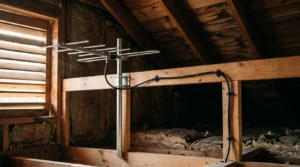
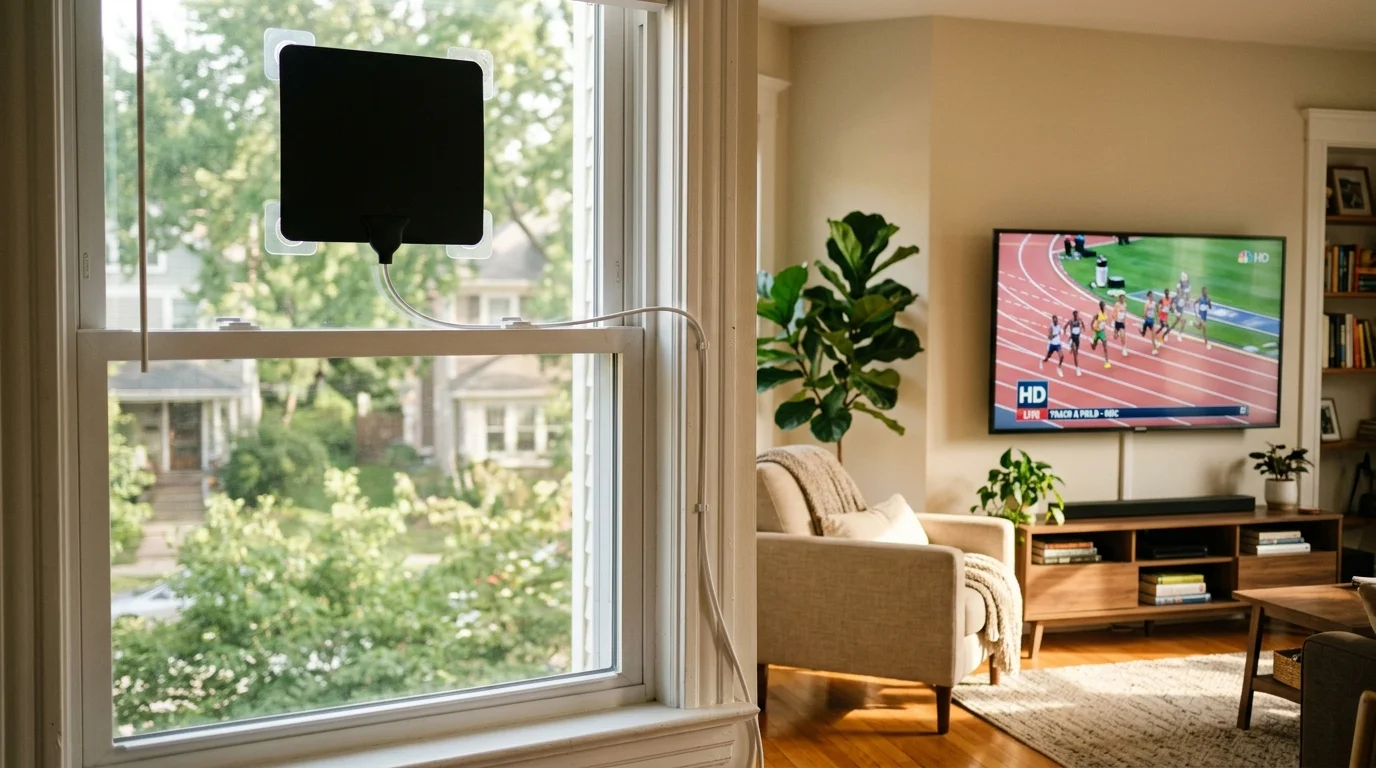
Live television events like local news and NFL broadcasts place substantial simultaneous loads on streaming services. You can offload this traffic by providing an over-the-air (OTA) HD antenna for broadcast networks.
An ad-supported plan is a cheaper or free streaming tier that includes commercial interruptions. An ad-free plan costs more each month but eliminates commercials.
A DVR (digital video recorder) lets viewers record live programming to watch later. On-demand programming lets tenants watch movies and series whenever they choose.
Installing an attic or roof antenna connected to a network tuner like an HDHomeRun sends local CBS, NBC, FOX, and ABC channels directly to streaming devices. This setup eliminates streaming bandwidth consumption entirely for live local events.
Industry analysis from Cord Cutters News shows that over-the-air broadcasts deliver higher picture fidelity than compressed cable streams. Supplying free broadcast television makes cutting cable effortless for your tenants.
When canceling your existing cable accounts, prepare for standard retention tactics. Follow this procedure to avoid unnecessary billing fees:
- Call your cable provider and state clearly that you are moving to a location where their service is unavailable.
- Decline all promotional bundle offers, pricing discounts, and cellular plan add-ons.
- Request an immediate equipment return receipt listing every serial number for set-top boxes, remotes, and modems.
- Drop off your hardware at an official retail store rather than using third-party drop boxes. Retain your stamped physical receipt for at least two years.
- Review your final statement carefully to confirm the company removed all recurring hardware lease charges and early termination fees.
Providing pristine shared fiber paired with an over-the-air antenna delivers an exceptional entertainment setup. Your tenants save money, and you protect your network from buffer wars forever.
Frequently Asked Questions
Will sharing an internet connection let tenants see each other’s browsing history?
No. Configuring IEEE 802.1Q VLANs separates traffic at the hardware level, keeping each tenant’s local network isolated. Furthermore, modern web traffic uses HTTPS encryption, preventing anyone on the network from viewing transmitted data or visited pages.
Does running SQM reduce maximum internet download speeds?
Yes, SQM intentionally throttles your connection to roughly 85 to 90 percent of your total capacity. Sacrificing 10 percent of excess speed prevents modem buffers from overloading, ensuring zero buffering across all streams.
Can one tenant bypass SQM by using a VPN?
No. SQM shapes all IP packets passing through the router WAN interface, regardless of encryption. The router treats VPN tunnels as active traffic flows and schedules their packets fairly alongside standard streams.
Do I need managed switches in each individual rental unit?
No. You only need a single managed switch located next to your central router in your utility space. Individual apartments only require standard access points or unmanaged switches connected to their dedicated port.
Disclaimer: Cable and streaming prices vary by location and change frequently. The cost comparisons in this article are estimates based on typical pricing. Your actual savings will depend on your current cable package, internet costs, and which streaming services you choose.