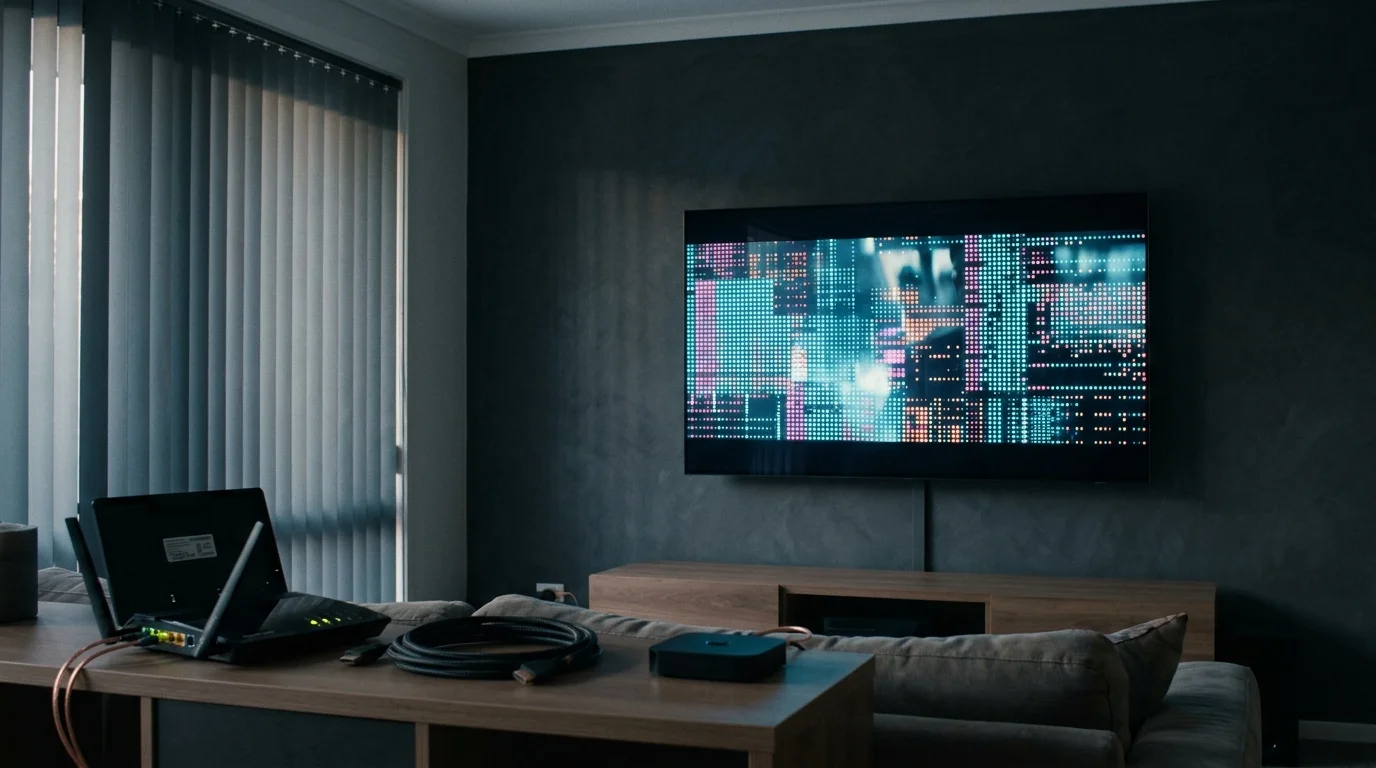
A home network administrator managing an unpatchable smart TV panel faces a hardware platform engineered to resist basic local privacy controls. Smart TVs sample display pixels across every HDMI port and built-in app, capturing visual fingerprints every 10 to 500 milliseconds even during ad-free streams.
Turning off snooping fails when administrators treat televisions like standard workstations instead of untrusted consumer appliances. Isolating an intrusive panel requires identifying the exact breakdown points between local router filtering, device menu settings, and physical network disconnection.
Silent Telemetry Leaks Through Hardcoded DNS Fallbacks
Standard local network configuration assumes client devices honor the DNS servers assigned by DHCP. Smart TV operating systems violate this convention by embedding secondary public resolvers directly into their network stacks.
When an internal sinkhole blocks an analytics endpoint, television firmware ignores the local router and queries external DNS resolvers like 8.8.8.8 or 1.1.1.1. Diagnostic pings and viewing telemetry successfully route around local blacklists without leaving records in standard Pi-hole query logs.
Subscribe your local resolver to verified entries from the Perflyst SmartTV blocklist. Then, isolate the television by assigning it a static DHCP reservation such as 192.168.1.145 on a router running OpenWrt, DD-WRT, or Asuswrt-Merlin.
Force all rogue outbound queries back through your local DNS sinkhole at 192.168.1.10 using destination network address translation:
iptables -t nat -A PREROUTING -s 192.168.1.145 -p udp --dport 53 -j DNAT --to-destination 192.168.1.10:53iptables -t nat -A PREROUTING -s 192.168.1.145 -p tcp --dport 53 -j DNAT --to-destination 192.168.1.10:53These two firewall rules intercept outbound UDP and TCP Port 53 packets directed at external resolvers. The router transparently rewrites the destination address, trapping automated telemetry fallbacks before packets leave the local gateway.
Encrypted Beacons Evade Inspection Across Port 853
Even with standard Port 53 queries redirected to a local sinkhole, modern connected displays employ encrypted transport to bypass network interception. Firmware updates on newer sets introduce native DNS-over-TLS capabilities directly into core telemetry daemons.
When plain port 53 traffic fails to connect, the TV initiates an encrypted handshake over TCP Port 853. Because this traffic is encrypted, the router cannot inspect domain queries or rewrite packet payloads without dropping the connection entirely.
A 2024 ACM Internet Measurement Conference study Watching TV with the Second-Party confirmed that ACR scans external HDMI inputs from game consoles and streaming players. Telemetry daemons bundle those fingerprints into outbound beacons that traverse open management ports.
Add an explicit packet-filtering drop rule on the router for the television’s static IP to halt encrypted DNS tunneling:
iptables -A FORWARD -s 192.168.1.145 -p tcp --dport 853 -j DROPDropping TCP Port 853 prevents television firmware from establishing an encrypted bypass tunnel. Denied encrypted pathways, the operating system either fails back to redirected port 53 lookups or ceases outbound transmission attempts.
Essential App Store Features Crash From Overzealous Domain Blocking
Over-filtering telemetry domains frequently breaks critical television functionality, causing system app storefronts and system service menus to freeze. Smart TV manufacturers often interleave essential service infrastructure with data collection endpoints on shared domains.
Blocking every domain registered to an electronics manufacturer prevents panels from retrieving required TLS certificates, software patches, and storefront catalog manifests. An administrative over-block leaves family members unable to launch installed services or complete software setups.
Add only verified telemetry and ACR domains to your local blacklist:
- Samsung: samsungacr.com, events.samsungadhub.com, nmetrics.samsung.com, log-config.samsungcloudplatform.com
- LG: aic.cdpbeacon.lgtvcommon.com, prov-lg.alphonso.tv, rdx2.lgtvsdp.com, us.ad.lgsmartad.com
- Vizio: control2.tvinteractive.tv, tvinteractive.tv, ads.vizio.com, device-metrics.vizio.com
Leave snu.lge.com, ngfts.lge.com, and api.vizio.com unblocked on your network. Blocking those service endpoints breaks LG Content Store assets, app launches, and firmware updates.
Put smart TVs and budget streaming sticks on your router’s Guest Network alongside domain filtering. Separating media displays prevents compromised television firmware from probing network-attached storage units or local administration interfaces.
Active HDMI Pixel Fingerprinting Continues Behind Generic Privacy Toggles
Resetting a generic advertising identifier does not stop automated content recognition inside the television’s hardware display pipeline. Automatic Content Recognition (ACR) samples pixel clusters before frames reach your panel and matches them against reference media databases.
Under default settings, LG webOS captures pixel fingerprints every 10 milliseconds and phones home every 15 seconds. Samsung Tizen samples displays every 500 milliseconds with 60-second beacons, generating 720 to 2,880 outbound ACR transmissions across three TVs running four hours daily.
Regulators have challenged silent ACR defaults, starting with Vizio’s $2.2 million FTC settlement in 2017 over 11 million updated TVs. Following a December 2025 Texas Attorney General lawsuit, Samsung settled in late February 2026 and agreed to require explicit opt-in consent in Texas.
Administrators outside regulated regions must manually disable manufacturer-specific ACR modules across all system menus:
- Samsung (Tizen): Disable Viewing Information Services under Settings > Support > Terms & Privacy > Privacy Choices. Turn off Interest-Based Advertisements and voice sharing.
- LG (webOS): Open All Settings > General > System > Additional Settings and toggle Live Plus to Off. Under User Agreements, uncheck Viewing Information and Interest-Based/Cross-Device Advertising.
- Vizio: Open Admin & Privacy (or System > Reset & Admin on older sets), turn off Viewing Data, enable Limit Ad Tracking, and select Reset Advertising ID.
- Roku TV: Open Privacy > Smart TV Experience and uncheck Use info from TV inputs to stop Roku ACR. Check Limit Ad Tracking under Advertising.
- Amazon Fire TV: Open Preferences > Privacy Settings. Turn off Device Usage Data, Collect App Usage Data, and Interest-based Ads.
- Google TV: Go to Ads to delete the advertising ID, and disable Samba Interactive TV under System on Sony or Hisense displays.
- Apple TV: Turn off Personalized Ads and unneeded Location Services under Privacy & Security.
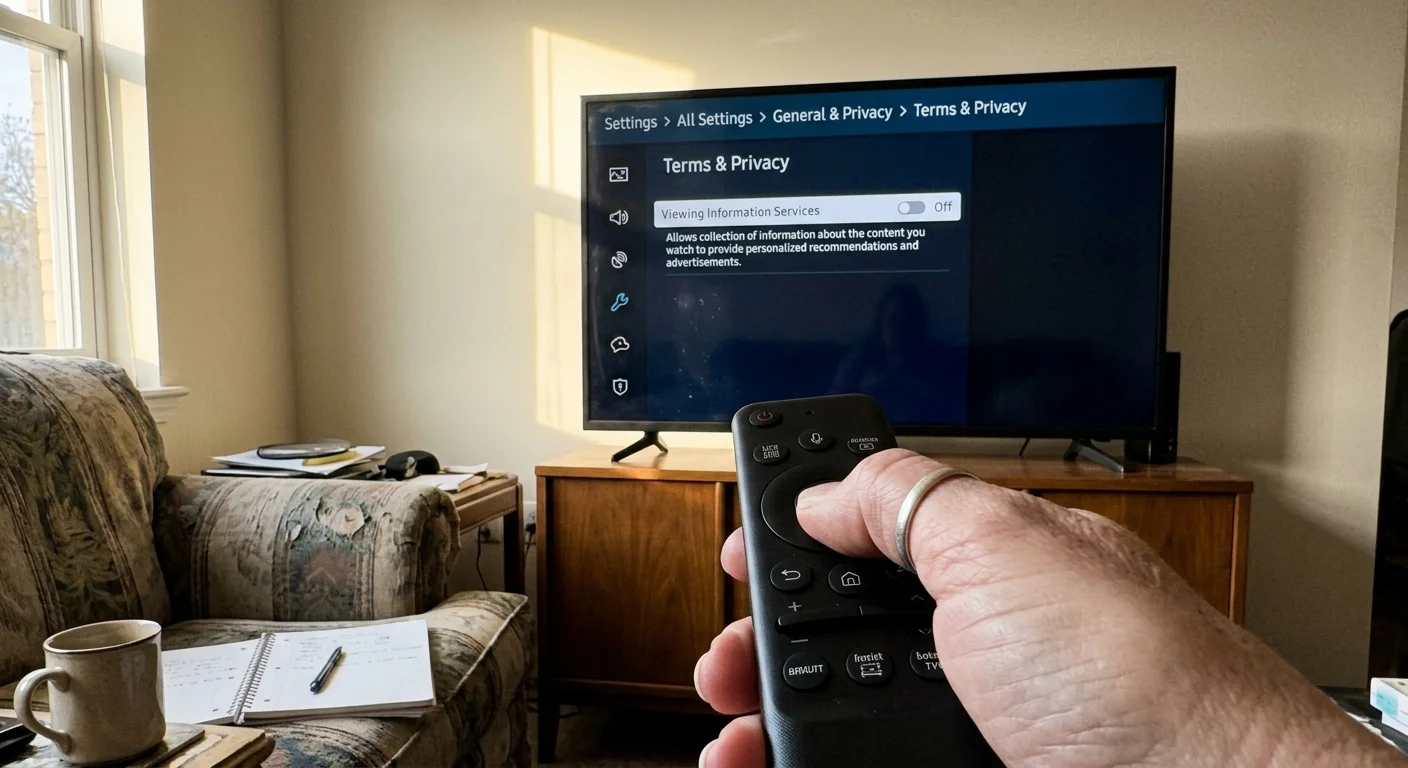
Even with toggles off, background smart TV traffic continues transmitting telemetry unless actively suppressed by your firewall.
Legacy Firmware Vulnerabilities Persist on Retired Operating Systems
Software maintenance lifecycles for television operating systems are notoriously brief compared to modern computing hardware. Television makers rarely patch built-in operating systems for more than a few years after release.
Older panels retain hardcoded telemetry daemons that no longer receive security fixes or updated certificate roots. Review our overview on streaming device update lifecycles to determine whether your platform has reached terminal end-of-life status.
Leaving an unpatched panel connected to home Wi-Fi introduces security liabilities. Cheap, uncertified Android TV boxes present similar hazards, which the FBI’s June 2025 BADBOX 2.0 alert linked to preloaded backdoor malware.
The definitive fix for an aging panel is complete physical network air-gapping. Navigate to the panel’s network setup menu, forget the Wi-Fi credentials, unplug the physical Ethernet cable, and treat the television purely as a passive monitor.
Connecting a dedicated dedicated streaming device shifts application processing to hardware with predictable security maintenance. A standalone player with its own privacy toggles eliminates display-level ACR uploads entirely.