
Cutting the cord—canceling traditional cable or satellite TV in favor of streaming services—was supposed to be the ultimate money-saving hack. The promise was simple: pay only for what you want to watch and leave the bloated cable bundles behind. However, the streaming landscape has shifted dramatically. While the base prices of services often grab headlines, the true cost of streaming is frequently buried in fine print, tiered pricing structures, and inevitable taxes.
If you have looked at your bank statement recently and wondered why your entertainment budget rivals your old cable bill, you are not alone. “Subscription creep” is real, and hidden fees are a major culprit. From 4K upcharges to data overage fees from your internet provider, the advertised price is rarely what leaves your wallet.
This guide breaks down the hidden costs lurking in your streaming subscriptions and provides actionable strategies to eliminate them. By understanding where the money goes, you can regain control of your monthly budget without sacrificing your favorite shows.
The Advertised Price vs. The Real Bill
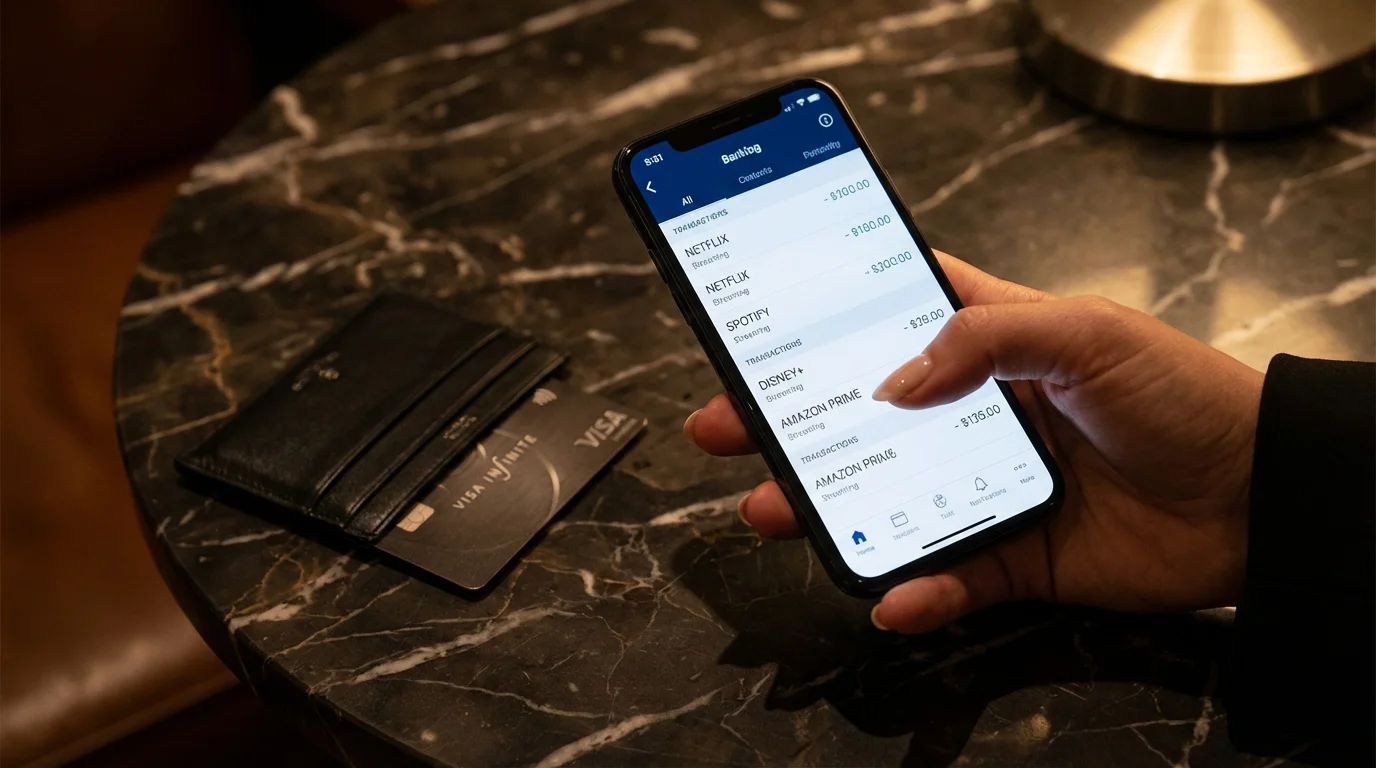
When you sign up for a service advertised at $9.99 a month, you naturally expect to see a charge of $9.99 on your credit card statement. Unfortunately, digital goods are increasingly subject to the same taxes and fees as physical goods. Depending on where you live, state and local governments may levy a “communications tax” or standard sales tax on streaming services.
With frequent streaming price increases hitting almost every major platform, that $9.99 sticker price is often just a starting point.
In some states like Florida or Pennsylvania, these taxes can add a significant percentage to your bill. While you cannot legally evade taxes, being aware of them helps you budget accurately. If you subscribe to five different services, those small tax additions compound quickly.
Regional Sports Fees and Local Channels
If you subscribe to live TV streaming services (like YouTube TV, Hulu + Live TV, or Fubo), you are essentially purchasing a digital cable package. These services are notorious for passing on specific fees similar to traditional cable companies.
You may encounter:
- Regional Sports Network (RSN) Fees: A surcharge for access to local sports teams, which can sometimes add $10 to $15 to your bill depending on your zip code.
- Broadcast TV Fees: A charge passed on to the consumer for the right to retransmit local ABC, NBC, CBS, and FOX stations.
Before committing to a live TV streaming service, always click through to the final checkout screen to see the “estimated total” including taxes and fees. Do not rely on the bold print on the homepage.

The “Quality Tax”: Paying Extra for 4K and HDR
One of the most frustrating hidden costs in modern streaming is the segmentation of video quality. A few years ago, 4K resolution (which offers four times the detail of standard HD) was a standard feature. Today, many major services treat high-definition and 4K quality as premium add-ons.
One way to avoid paying for high-tier quality year-round is through streaming rotation, where you only subscribe to premium plans when a specific blockbuster is released.
For example, a standard plan might only include 1080p (Full HD) resolution. If you bought a large, expensive Smart TV to enjoy cinematic quality, you are effectively throttled unless you upgrade to a “Premium” or “Ultimate” tier. This tier often costs significantly more—sometimes double the price of the ad-supported basic plan.
According to Consumer Reports, understanding these tiers is vital because paying for 4K is a waste of money if your hardware or internet speed cannot support it. If you are watching primarily on a tablet, phone, or an older 32-inch TV, you do not need the most expensive tier. You are paying for pixels you cannot see.
The Cost of “Ad-Free”
The industry has shifted aggressively toward ad-supported models. To make the advertised price look low, services promote their plans with commercials. If you want the traditional streaming experience—uninterrupted viewing—you must pay a premium.
Below is a comparison of how the “Ad-Free” tax increases costs across the industry (prices are illustrative of typical market gaps and subject to change):
| Feature | Ad-Supported Plan (Avg.) | Ad-Free Plan (Avg.) | Hidden Annual Cost Difference |
|---|---|---|---|
| Commercials | 4-5 minutes per hour | None | N/A |
| Download for Offline Viewing | Rarely Included | Usually Included | N/A |
| Monthly Price | $7.99 | $15.99 | +$96 per year |
If you subscribe to four major services and upgrade them all to “Ad-Free,” you could be paying an extra $300 to $400 per year just to avoid commercials.

Internet Data Caps: The Invisible Fee
The most dangerous hidden fee does not come from the streaming service itself, but from your Internet Service Provider (ISP). Many ISPs in the United States enforce data caps—typically around 1.2 Terabytes (TB) per month. While that sounds like a lot, it disappears quickly in a cord-cutting household.
Streaming 4K video consumes roughly 7 to 8 GB of data per hour. If a family of four watches two hours of 4K content each day, that household consumes nearly 2 Terabytes of data in a month—well over the standard cap. The result? Overage fees.
ISPs often charge $10 for every 50GB over the limit, usually capped at a maximum overage of $100 per month. This means your “cheaper” streaming setup could trigger a $50 or $100 penalty on your internet bill every single month.
“The best streaming service is the one that has the shows you actually watch—not the one with the most content.” — Streaming Expert
How to Check Your Usage
To avoid this hidden fee, log into your ISP’s account portal and look for a “Data Usage” meter. If you are consistently nearing the cap, you have two choices:
- Lower your streaming quality: Go into the settings of your apps (Netflix, Prime Video, Hulu) and manually set video quality to “Medium” or “1080p.” This reduces data usage from 7GB/hour to roughly 1.5GB/hour.
- Pay for unlimited data: Many ISPs offer an “unlimited data” add-on for an extra $30–$50 per month. While expensive, it is cheaper than repeated overage penalties.

The Password Sharing Crackdown
For years, sharing passwords was an accepted (and even encouraged) part of streaming culture. Friends and families split costs by sharing logins. That era is effectively over. Major services like Netflix, Disney+, and Hulu have implemented technology to detect when a device is using the service outside the primary household’s WiFi network.
Many of these pricing changes are driven by streaming service mergers that consolidate platforms and change account rules overnight.
To navigate these changes legally, look into streaming service family plans that are specifically designed for multi-user households.
When you are blocked, the service will prompt you to “add an extra member” for a fee. This fee is typically slightly less than a full subscription but still represents a significant new cost—usually around $7.99 per extra household.
If you were splitting a $20 premium plan among three households, your cost was roughly $7 each. Under the new rules, you must either buy separate full subscriptions or pay the “extra member” fees, effectively doubling or tripling the total cost for the group. Be wary of “Travel Mode” features; while they allow temporary access on the road, they require verification codes that make permanent account sharing annoying and difficult.
Zombie Subscriptions and the Free Trial Trap
A “zombie subscription” is a service you are paying for but no longer use. This often happens after signing up for a free trial to watch one specific movie or sporting event. The service requires a credit card upfront, hoping you will forget to cancel before the seven or thirty days are up.
Before you panic about closing an account, it is helpful to understand the truth about streaming service cancellation fees and why they rarely apply to digital platforms.
Services rely on consumer inertia. They know that once a $9.99 charge hits your card, you are likely to say, “I’ll cancel it next month,” and then forget again. CNET often highlights how difficult some services make the cancellation process, sometimes requiring you to click through four or five “Are you sure?” screens.
The “Channel” Confusion
A specific type of zombie subscription occurs within “Channels” marketplaces, such as those found on Amazon Prime Video, Roku, or Apple TV. You might subscribe to a niche channel (like Starz or AMC+) inside the Prime Video interface.
The problem arises when you decide to cancel. If you delete the Starz app from your phone, you have not canceled the subscription because it is billed through Amazon. You must go into your Amazon account settings to cancel it. Many users unknowingly pay for the same service twice—once directly through the app and once through a third-party aggregator.

Platform Fees and Third-Party Billing Confusion
Signing up for a streaming service directly through your Smart TV, iPhone, or Roku account is convenient, but it can lead to billing headaches and hidden limitations. Apple and Google take a commission (up to 30%) on subscriptions processed through their app stores. While they usually charge the user the same price, this third-party billing creates a disconnect.
The Hidden Issues:
- Missing Discounts: Services often run promotional pricing (e.g., “$1.99 for the first 3 months”) that is only available if you sign up directly on their website. If you sign up through the App Store on your iPad, you likely pay the full standard price.
- Upgrade Roadblocks: If you pay through Roku but want to upgrade to a bundle (like the Disney Bundle), you often have to cancel your Roku-billed subscription, wait for it to expire, and then sign up again directly with Disney.
- Refund Difficulties: If you need a refund, the streaming service cannot help you because they didn’t take your money—Apple or Roku did. You are then at the mercy of the platform’s refund policy, which is often stricter.
The Fix: Always use your computer or mobile browser to sign up for a service directly at their official website. Then, simply log in to the app on your TV with your new credentials.

Actionable Strategies to Slash Hidden Costs
Now that you understand where the money is leaking, here are practical ways to plug the holes and optimize your viewing experience.
1. Implement the “Churn” Strategy
Stop treating streaming services like utility bills. Unlike cable, there are rarely contracts. You should rotate your subscriptions based on what you are currently watching.
How to do it: Keep one “anchor” service (perhaps the one your family uses daily) and one “rotating” service. Subscribe to a service for one month, binge the specific shows you want (e.g., Stranger Things or House of the Dragon), and then cancel it immediately. Switch to a different service the next month. This ensures you never pay for more than two services at a time.
2. Audit Your Digital Wallet
Check your bank statements for the last three months. Look for:
- Duplicate charges (e.g., paying for Spotify directly and through iTunes).
- Annual renewals coming up for services you don’t use.
- Small charges ($4.99) that fly under the radar but add up annually.
3. Use Prepaid Cards for Free Trials
To avoid the zombie subscription trap, use a virtual credit card or a prepaid Visa gift card with a low balance when signing up for free trials. If you forget to cancel, the charge will decline because the card is empty, automatically canceling the service for you.
4. Leverage “Found” Money in Bundles
Check if you are already paying for streaming perks through other bills. Tom’s Guide frequently notes that cellular carriers often include streaming services in their unlimited data plans. For example:
- T-Mobile often includes Netflix, Hulu, or Apple TV+ depending on the plan.
- Verizon offers discounted bundle perks for Disney+, Hulu, and ESPN+.
- Walmart+ memberships include Paramount+.
- Amazon Prime includes Prime Video.
If you are paying for these separately while also paying for a qualifying mobile plan, you are throwing money away.
5. Opt for Annual Plans (With Caution)
If you know you will use a service year-round (like Disney+ for kids or a sports package), switch to the annual billing cycle. Most services offer a 15% to 20% discount for paying upfront. This effectively gives you two months free per year. However, only do this for services you are 100% sure you will use, as these are non-refundable.
Frequently Asked Questions
Do streaming services charge cancellation fees?
Generally, no. Standard on-demand streaming services operate on a month-to-month basis. You can cancel at any time, and your access will continue until the end of the current billing cycle. However, if you signed up for an annual plan, you will not get a refund for the remaining months; you simply won’t be charged the following year.
Why is my bill higher than the advertised price?
The advertised price typically excludes sales tax and “communications” taxes, which vary by state. Additionally, if you upgraded to a 4K plan, added extra member slots for password sharing, or subscribed to add-on channels (like HBO or Starz) through the main app, your total will reflect these premium additions.
Can I avoid ads without paying for the premium tier?
Usually, no. The only legal way to avoid ads is to pay for the ad-free tier. However, some ad-supported plans are less intrusive than others. For example, content aimed at young children on some platforms may remain ad-free even on the cheaper tiers due to privacy regulations, though this varies by service.
Does lowering video quality save me money?
It saves you money indirectly by reducing data usage. If your internet provider has a data cap (e.g., 1.2TB per month), lowering your streaming quality from 4K to 1080p prevents you from hitting that cap and incurring expensive overage fees from your ISP.
Disclaimer: Streaming service terms and pricing change frequently. Always review current terms of service before implementing any money-saving strategies. Some tips may not work with all services or in all regions.