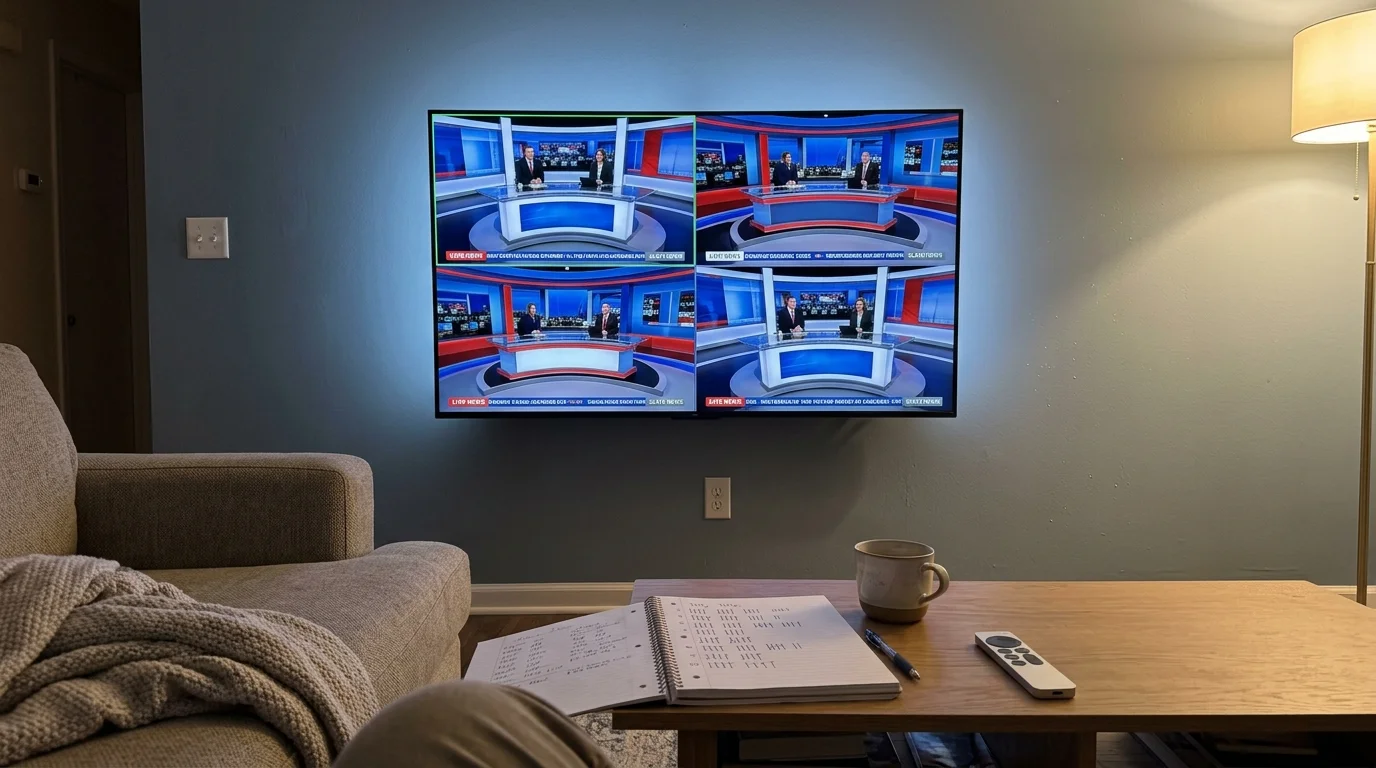
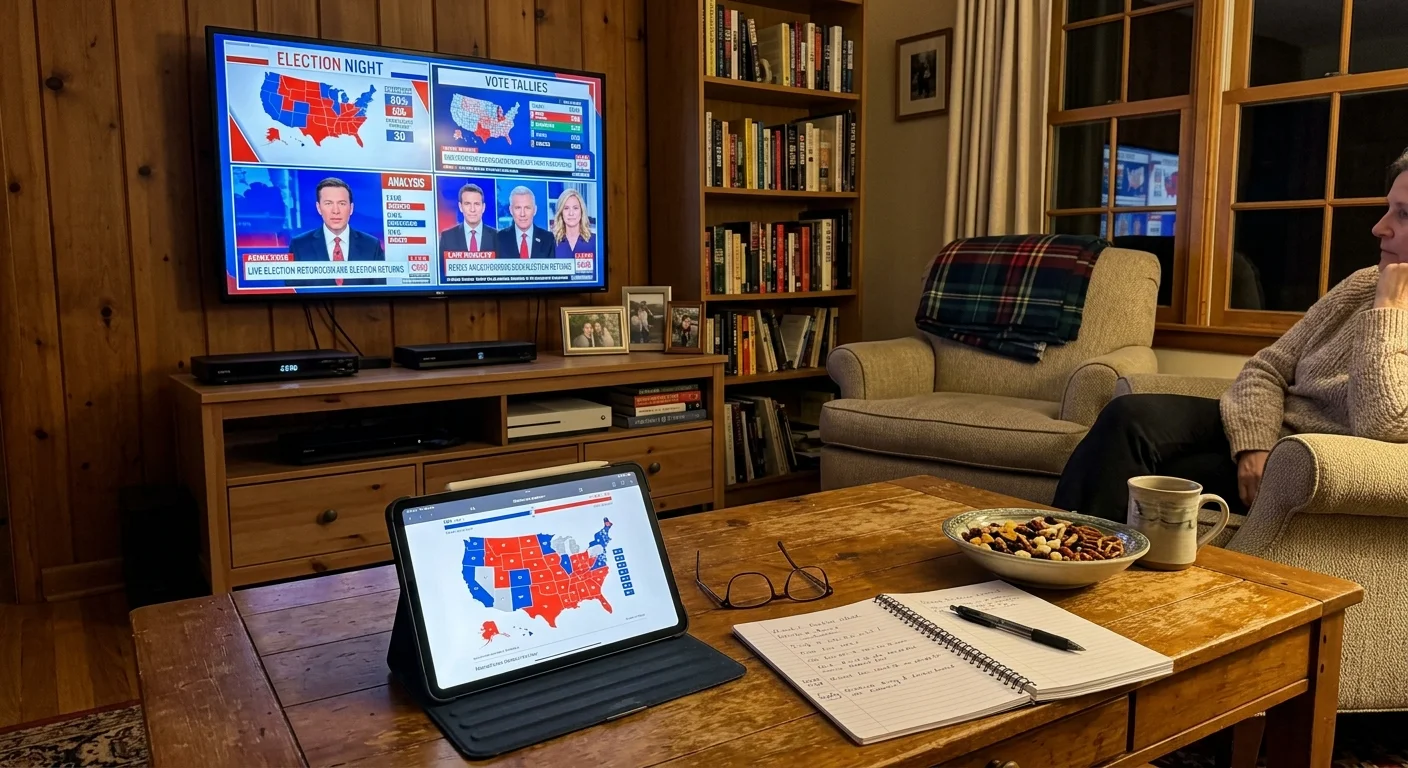
Tracking presidential election returns requires simultaneous monitoring across major network desks without manual channel switching. You can assemble a four-channel multiview live tv news split screen using either cloud-rendered streams or local tuner streams.
While YouTube TV limits your multi-window grid to its proprietary catalog, configuring an Apple TV with QuadStream delivers feed autonomy by merging broadcast, cable, and independent digital streams.
This guide outlines hardware costs, bandwidth calculations, and configuration steps for both platforms to ensure your live screen runs without latency or audio interference.
The Election Night Multiview Challenge: Cloud Curation vs Local Control
Live election tracking requires comparing commentary from multiple editorial perspectives simultaneously. Viewers turning to streaming, which means watching video content over the internet instead of cable or satellite, often struggle to tile feeds.
Exploring live TV streaming for news addicts helps pinpoint which providers deliver the continuous coverage required for high-stakes political events.
Traditional cord-cutting, the process of canceling traditional cable or satellite TV in favor of streaming services, fragmented how live networks deliver video. As a result, split-screen viewing requires distinct engineering solutions.
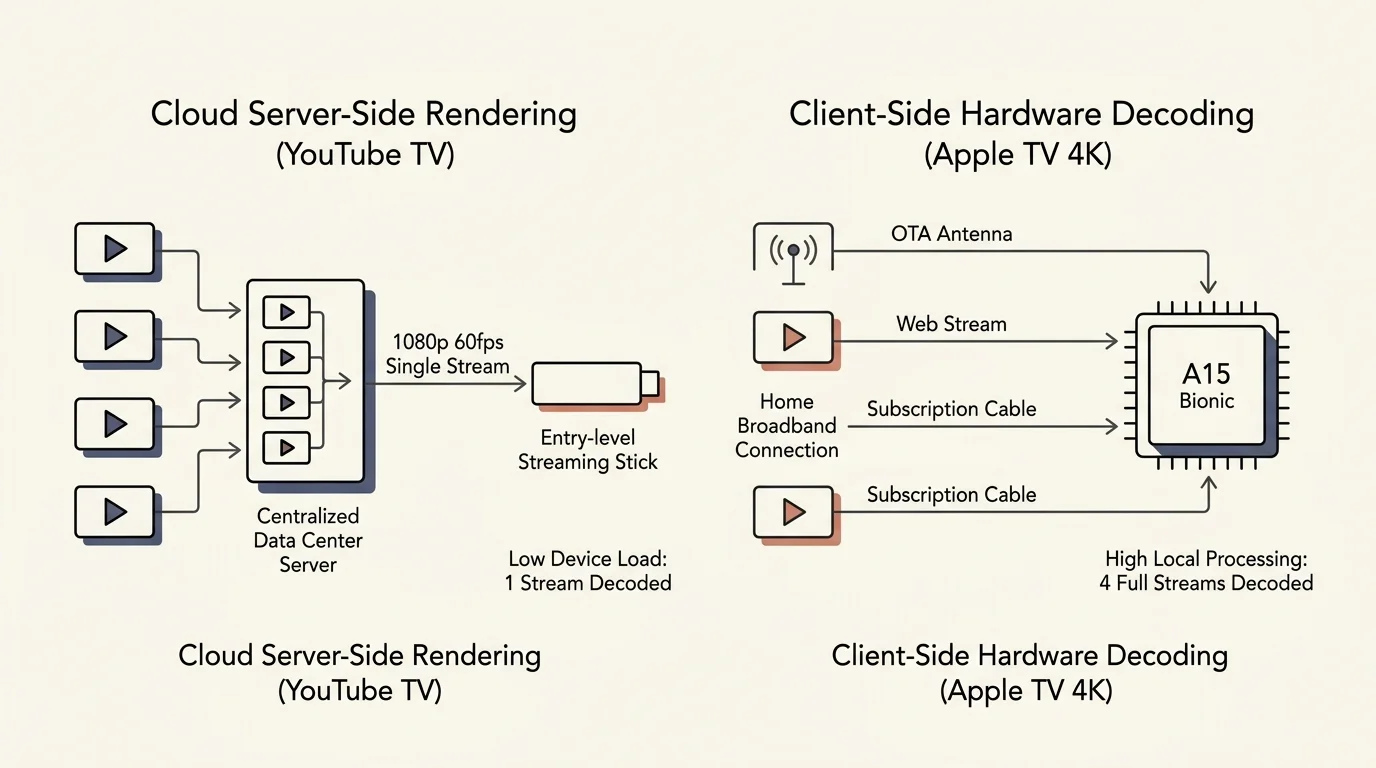
YouTube TV uses server-side processing to power its multiview features. Google’s data centers decode four distinct broadcast feeds and assemble them into a single 1080p composite video stream at 60 frames per second.
Your streaming device, a small box or stick like Roku or Fire TV that adds streaming to any TV, decodes only one feed. This architecture ensures smooth playback even on an entry-level smart TV, a television with built-in internet connection and apps.
According to reporting from Cord Cutters News, server-side rendering protects consumer hardware from overheating during extended multi-hour live streams. However, server processing prevents you from adding custom broadcast sources outside Google’s directory.
Conversely, the Apple TV 4K relies entirely on client-side decoding. The Apple A15 Bionic processor possesses enough processing power to decode four independent, full-bitrate video streams concurrently.
Client-side decoding allows you to tile subscription cable networks alongside free web channels and local over-the-air antennas. You gain total control over your channel grid, but you demand significantly more bandwidth from your local home network.
Configuring YouTube TV’s Custom Multiview for Live Election Coverage
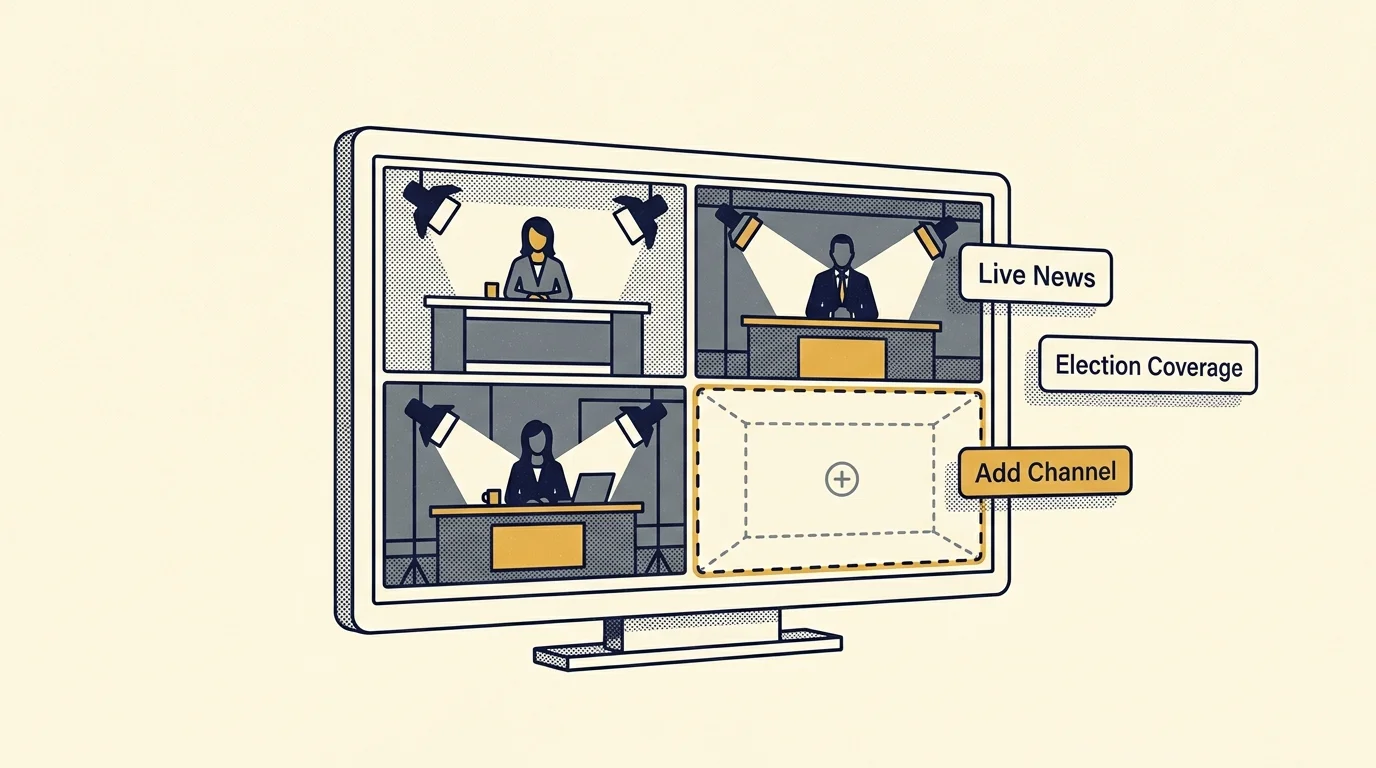
YouTube TV originally launched pre-curated multiview combinations in March 2023. In April 2024, the platform rolled out its dynamic Multiview Builder, letting users construct custom channel combinations within defined categories.
Checking a detailed YouTube TV vs Hulu Live vs Sling TV comparison can clarify differences in channel availability and interface features across competing live services.
The standard YouTube TV Base Plan costs $82.99 per month regularly (with promotional discounts for new users). YouTube TV’s specialized genre tiers start at $54.99 per month (Entertainment) and $64.99 per month (Sports), while the Sports + News plan costs $71.99 per month regularly.
Setting up your youtube tv custom multiview election night screen works on smart TVs, streaming boxes, and most iOS and Android mobile devices. You cannot watch or build multiview sessions in a desktop web browser or over AirPlay.
- Launch the YouTube TV application on your connected television device.
- Select your primary election desk from the Live guide, such as CNN, Fox News, or MSNBC.
- Press the Down button on your remote control directional pad to summon the player overlay.
- Navigate to the left and select the Watch in Multiview icon.
- Click the Build a Multiview button to view eligible channels in your market.
- Check the boxes for up to three additional news networks from the pre-filtered News category.
- Select Confirm to render your custom 2×2 quadrant grid.
Once loaded, YouTube TV places a white selection border around the active quadrant. Your sound system outputs audio only from the bordered channel, preventing competing audio tracks from overlapping.
To switch the audio focus, tap the directional pad on your remote toward any other quadrant. The white border shifts immediately, transferring audio playback without rebuffering the video feeds.
Pressing the Enter or Select button on any quadrant zooms that channel to full-screen view. Pressing the Back button returns your display to the quad-view tile without interrupting stream continuity.
Keep in mind that YouTube TV multiview functions exclusively with live linear broadcasts. You cannot tile content saved to your DVR, a digital video recorder that lets you record and watch shows later.
Furthermore, on-demand programming, which lets you watch whatever you want whenever you want, remains incompatible with the multiview builder. You must select from channels broadcasting live programming at that exact moment.
Building a Custom Quad-Split Screen on Apple TV Using QuadStream
Apple launched a native multiview interface inside tvOS 16.5 in May 2023. However, Apple strictly limits this native feature to live sporting events within the Apple TV app, such as MLS Season Pass and Friday Night Baseball.
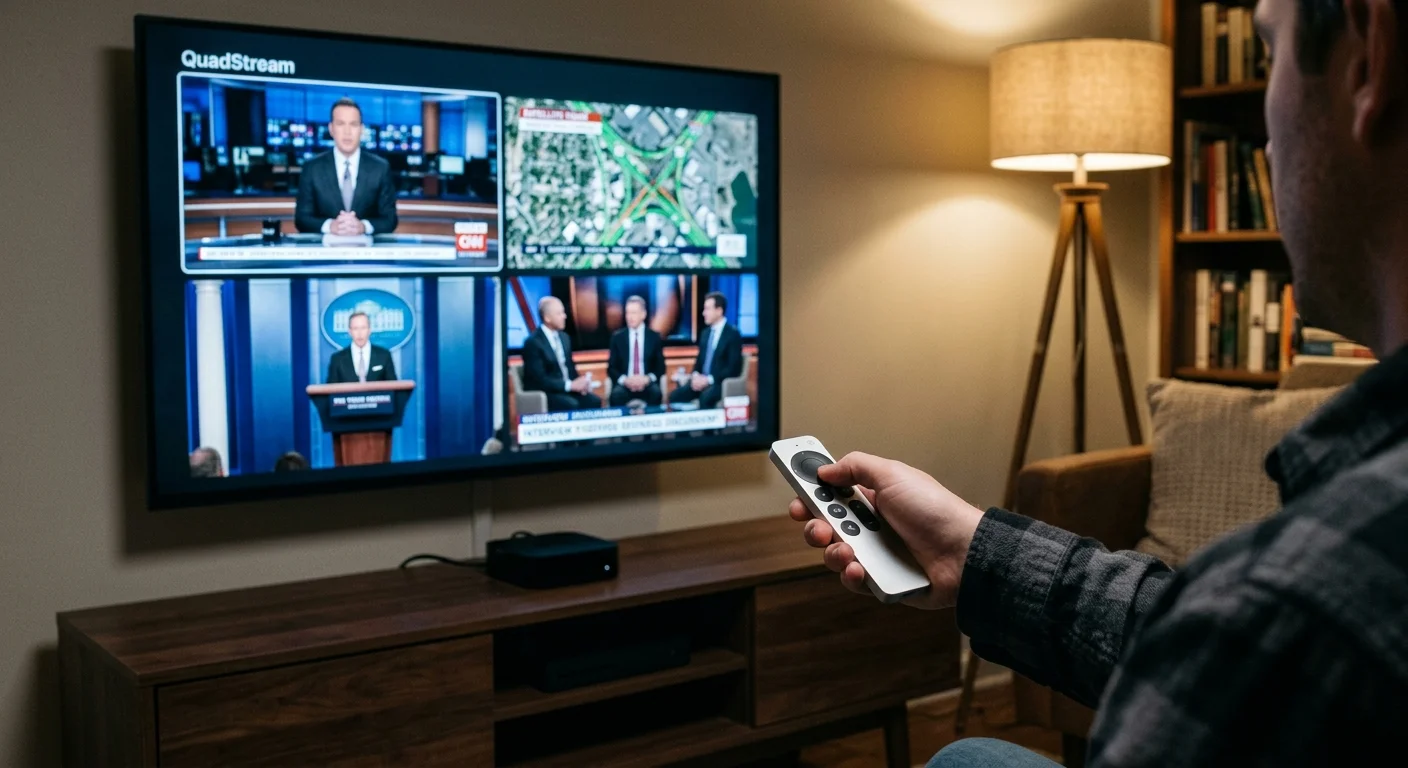
To tile four live news channels simultaneously on tvOS, you must use a dedicated third-party app. QuadStream, developed by Alive Media, is the premier utility for building custom quad-view screens on Apple TV.
QuadStream requires an Apple TV 4K. Apple’s 4th-generation Apple TV 4K retails for $299 (after 3rd-generation models rose to $199–$249 in June 2026).
The application relies on direct HTTP Live Streaming protocol links, commonly formatted as .m3u8 URLs. It also accepts Twitch video feeds and network tuner streams from an HDHomeRun connected to an over-the-air antenna.
- Purchase and install QuadStream ($0.99 one-time fee) from the tvOS App Store on your Apple TV 4K.
- Open QuadStream and select the Settings icon to retrieve your remote management PIN.
- Open a web browser on your laptop or smartphone and navigate to quadstream.tv/stream.
- Enter the pairing PIN displayed on your television screen to open the web management portal.
- Paste your desired live news stream URLs into Video Slots 1 through 4.
- Label each stream slot with the network name and select Save Presets.
Your quadstream apple tv setup will immediately populate all four quadrants on your television screen. QuadStream decodes each stream independently at native network resolution.
Managing audio on QuadStream requires simple remote gestures. Clicking the center touch surface on the Apple TV Siri Remote rotates the active audio feed sequentially through quadrants one through four.
A color-coded visual indicator marks the active quadrant in the lower corner of the screen. Clicking and holding the touch surface expands that specific quadrant to full screen instantly.
Clicking the Back button returns you to the four-way grid. Unlike cloud-rendered systems, QuadStream maintains all four streams at their native local frame rates without downsampling.
Feature and Cost Comparison: YouTube TV vs Apple TV Hardware Setups
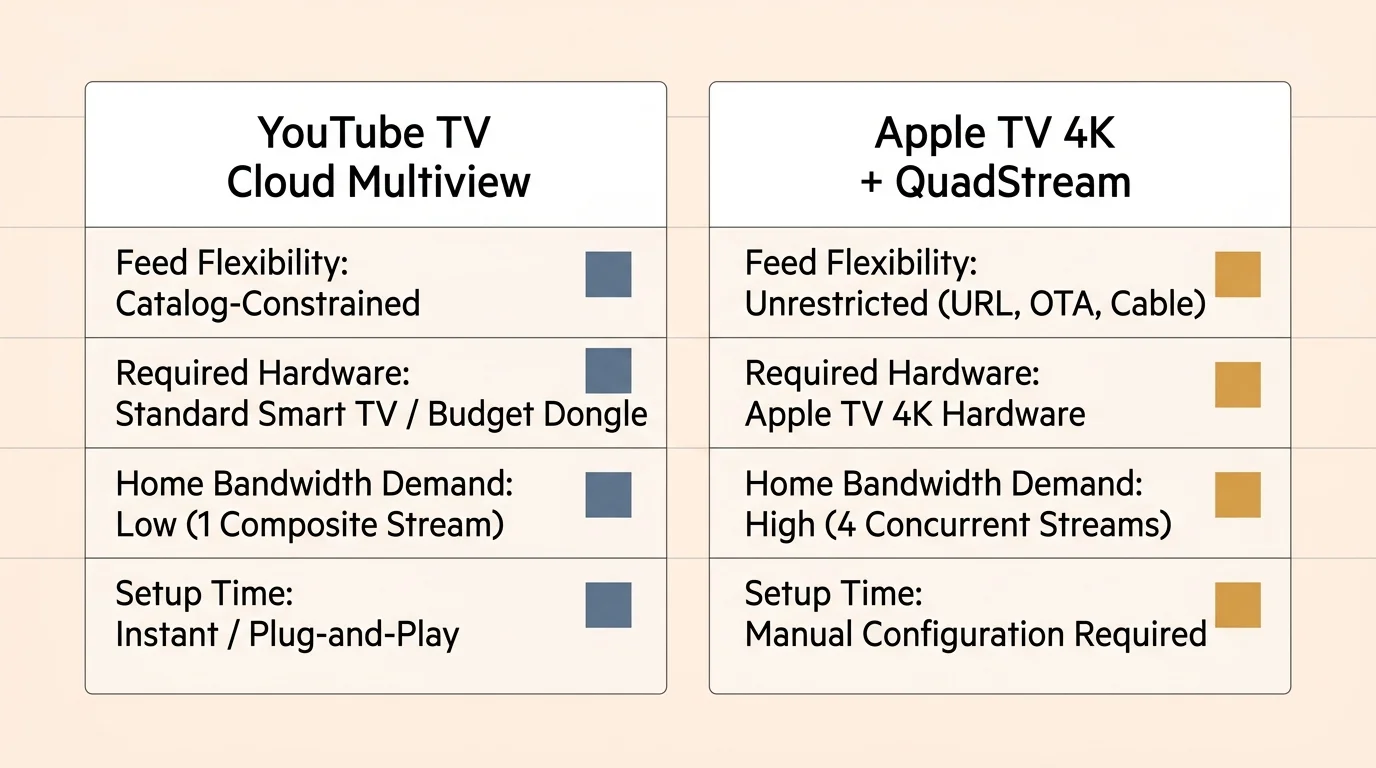
Choosing between YouTube TV and an Apple TV QuadStream setup depends on your technical tolerance and budget. YouTube TV prioritizes simplicity, while QuadStream offers unmatched streaming freedom.
According to analysis by PCMag, YouTube TV offers the most polished cloud interface on the market. However, that convenience requires a recurring monthly subscription fee.
Live news feeds operate primarily on ad-supported models, meaning free or cheaper plans that show commercials during broadcasts. Ad-free tiers, plans that cost more but eliminate commercials, generally do not apply to live linear news channels.
| Platform Setup | Hardware Cost | Monthly Software Fee | Supported Feed Types | Audio Switching Latency | Maximum Feed Resolution |
|---|---|---|---|---|---|
| YouTube TV Multiview | $30 – $50 (Roku) | $82.99/mo ($59.99/mo promo) | YouTube TV Live Roster Only | Instant | 1080p composite (540p per tile) |
| Apple TV 4K + QuadStream | $299 (4th-gen Apple TV 4K) | $0.99 (one-time app fee) | HLS (.m3u8), Twitch, Local Tuners | Instant | 1080p native per tile |
| Fubo TV Multiview | Supported on Apple TV ($299 for 4th-gen Apple TV 4K), select Roku devices, and 2024+ LG 4K/8K Smart TVs | $88.99/mo (Pro) + RSN fees | Fubo TV Live Roster Only | Moderate | 720p/1080p dynamic |
| Hardware HDMI Quad-Box | $150 – $300 (Multi-Viewer) | $0 (Hardware routing only) | External HDMI Inputs (Roku/Cable) | Physical button switch | 1080p/4K hardware scale |
YouTube TV limits video quality inside multiview by downscaling each quadrant to fit a single 1080p canvas. This means each channel renders at approximately 960×540 pixels.
Because the Apple TV 4K decodes four native video streams locally, it outputs higher graphical clarity on 4K television screens. High-density electoral maps and ticker text remain sharp across all four quadrants.
However, setting up QuadStream requires sourcing stable HLS URLs. If a network rotates its stream token, that tile drops offline until you update the address.
Live TV Streaming Channel Lineups and Local Broadcast Access
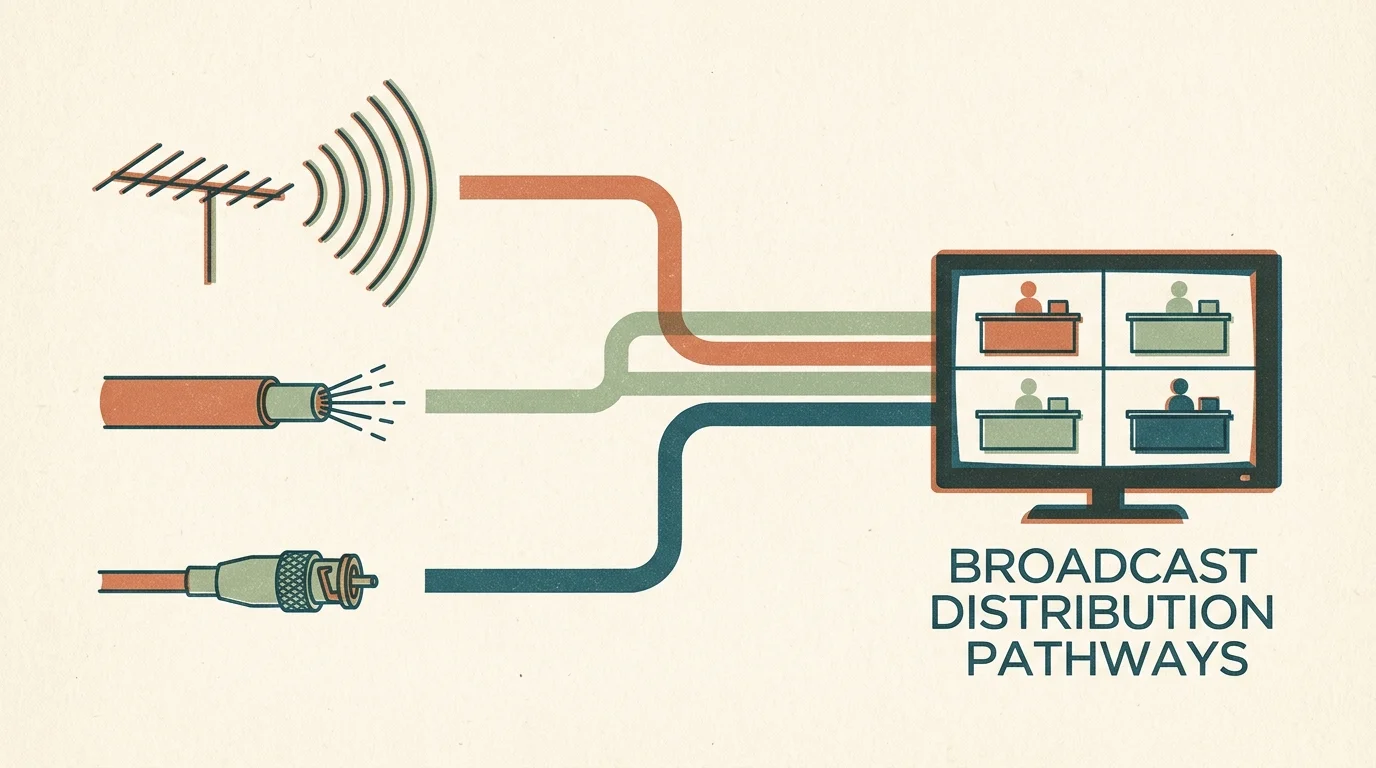
Assembling a comprehensive election night command center requires access to both cable news and major local broadcast affiliates. Major networks like ABC, CBS, FOX, and NBC deliver critical state-by-state race calls.
A comprehensive evaluation by Tom’s Guide highlights major channel lineup differences among top cord-cutting providers. Reviewing these lineups helps ensure your preferred news networks are available.
| Live Streaming Service | Base Monthly Price | CNN / MSNBC / Fox News | C-SPAN Inclusion | Big 4 Local Affiliates | Simultaneous Home Streams |
|---|---|---|---|---|---|
| YouTube TV | $82.99 ($59.99 promo) | Yes (All 3 Included) | Yes (C-SPAN, C-SPAN2, C-SPAN3) | ABC, CBS, FOX, NBC included | 3 streams (unlimited with add-on) |
| Hulu + Live TV | $99.99 – $109.99 | Yes (All 3 Included) | No | ABC, CBS, FOX, NBC included | 2 streams (unlimited with add-on) |
| Sling TV (Blue Plan) | $45.99 – $54.99 | CNN and Fox News only | No | ABC, FOX, and/or NBC (select markets) | 3 streams |
| Fubo TV | $88.99 (Pro) | Fox News and MSNBC (No CNN) | No | ABC, CBS, FOX, NBC included | 10 home streams |
| DirecTV Stream (Choice) | $99.99 (+ up to $23.99 RSN fee) | Yes (All 3 Included) | Yes (C-SPAN 1 & 2) | ABC, CBS, FOX, NBC included | Unlimited home streams |
| Philo | $25.00 | BBC News only (No Cable News) | No | None | 3 streams |
Local channel availability varies based on your specific geographic location and designated media market. Streaming services negotiate carriage contracts with individual local affiliate station owners.
Before purchasing any streaming subscription, enter your 5-digit ZIP code on the provider’s coverage checker tool. This step verifies that your local broadcast stations transmit live through the platform.
Sports-specific blackouts do not apply to live breaking political news. However, local affiliates occasionally preempt national network feeds to air local municipal election results.
Pairing an Apple TV with an over-the-air digital antenna shields you from regional preemption choices. An antenna captures uncompressed broadcast signals directly from transmission towers without streaming delays.

Bandwidth Math and Audio Switching: A Worked Election Night Scenario
To understand how these setups perform during live broadcasts, examine a practical four-hour election tracking scenario. In this worked example, a viewer monitors coverage continuously from 7:00 PM to 11:00 PM EST.
This worked scenario compares two setups: a YouTube TV Base Plan ($82.99) running on a Roku Ultra, and an Apple TV 4K ($299) running QuadStream with four independent 1080p HLS feeds.
YouTube TV transmits a single cloud-composited AVC stream running at an average bitrate of 8.5 megabits per second. Over four hours (14,400 seconds), your home network downloads approximately 15.3 gigabytes of data.
The math follows standard digital storage conversions: 8.5 megabits divided by 8 bits per byte equals 1.0625 megabytes per second. Multiplying by 14,400 seconds yields 15,300 megabytes, or roughly 15.3 gigabytes.
Conversely, the Apple TV QuadStream setup pulls four discrete live feeds simultaneously. Each 1080p network HLS feed streams at an average bitrate of 6.0 megabits per second, requiring 24.0 megabits per second of continuous downstream bandwidth.
Over that same four-hour period, QuadStream downloads 43.2 gigabytes of total data. This equals 3.0 megabytes per second multiplied across 14,400 seconds of continuous playback.
Viewers with strict monthly internet data caps must account for this difference. If your internet service provider caps data at 1.2 terabytes monthly, a multi-stream client setup uses data much faster.
Audio routing presents another critical variable during live election coverage. Running multiple audio streams simultaneously creates an indecipherable wall of competing speech.
Both YouTube TV and QuadStream enforce single-channel audio isolation by default. You hear only the highlighted tile, while the remaining three channels continue video playback silently in real time.
Connecting your television to an external soundbar via HDMI eARC eliminates audio synchronization lag. Avoid standard optical audio connections, which can introduce noticeable audio delay when switching between active video quadrants.
Best Streaming Setups: Sports Fans, Families, and Budget Trackers
No single multi-screen television setup fits every household budget or viewing habit. Selecting the right platform requires balancing equipment costs against content variety.
As noted in consumer guides from Consumer Reports, cord-cutters maximize savings by rotating services based on current viewing needs. You can subscribe for election week and cancel immediately without paying termination fees.
All major live television streaming services operate on month-to-month subscription models. You never need to sign an annual contract or pay equipment return fees.
Best for Sports Fans: YouTube TV remains the superior option for viewers who transition between breaking news and live sports. The platform provides multiview options across college football, NFL Sunday Ticket, and major news networks without extra hardware.
Fubo TV also offers native multiview on Apple TV, select Roku devices, and 2024+ LG 4K/8K Smart TVs. However, Fubo lacks Turner networks like CNN, making it less effective for comprehensive election coverage.
Best for Families: Hulu + Live TV delivers the best all-around household value. For $99.99 to $109.99 per month, the plan includes live news, unlimited DVR storage lasting nine months, and bundled access to Disney+ and ESPN Select.
While Hulu lacks a custom multiview builder on televisions, household members can stream separate channels concurrently on tablets and secondary smart TVs. The base plan permits two simultaneous streams, with an unlimited screen add-on available for $9.99 monthly.
Best Budget Option: Apple TV 4K paired with QuadStream represents the lowest long-term cost configuration. After purchasing the hardware and the $0.99 app, you can stream free ad-supported news feeds indefinitely with zero monthly subscription fees.
Services like ABC News Live, CBS News 24/7, LiveNOW from FOX, and Scripps News broadcast unencrypted HLS feeds online. Tiling these public channels creates a complete election command center without paying monthly cable fees.
Frequently Asked Questions
Can I watch four channels at once on YouTube TV using a web browser?
No, YouTube TV does not support multiview streaming on desktop web browsers. The Multiview Builder operates exclusively on connected television streaming devices, smart TVs, and mobile applications.
Does Apple TV native multiview work with live news apps like CNN and Fox News?
No, the native multiview feature introduced in tvOS 16.5 functions only within the Apple TV app for live sporting events. To tile third-party live news channels, you must use apps like QuadStream.
How much internet speed do I need for a 4-channel live news split screen?
YouTube TV multiview requires a stable connection of at least 25 Mbps because the streams are composited in the cloud. An Apple TV running QuadStream requires at least 50 Mbps down to decode four independent feeds without buffering.
Can I listen to audio from two news channels at the same time in multiview?
No, both YouTube TV and QuadStream restrict audio output to one active quadrant at a time. This prevents competing speech tracks from overlapping and creating distorted, unlistenable room audio.
Disclaimer: Live TV streaming prices and channel lineups change frequently. Local channel availability varies by location. Always use a free trial where available to verify your local channels are included before committing. Sports blackout rules may affect some live events.