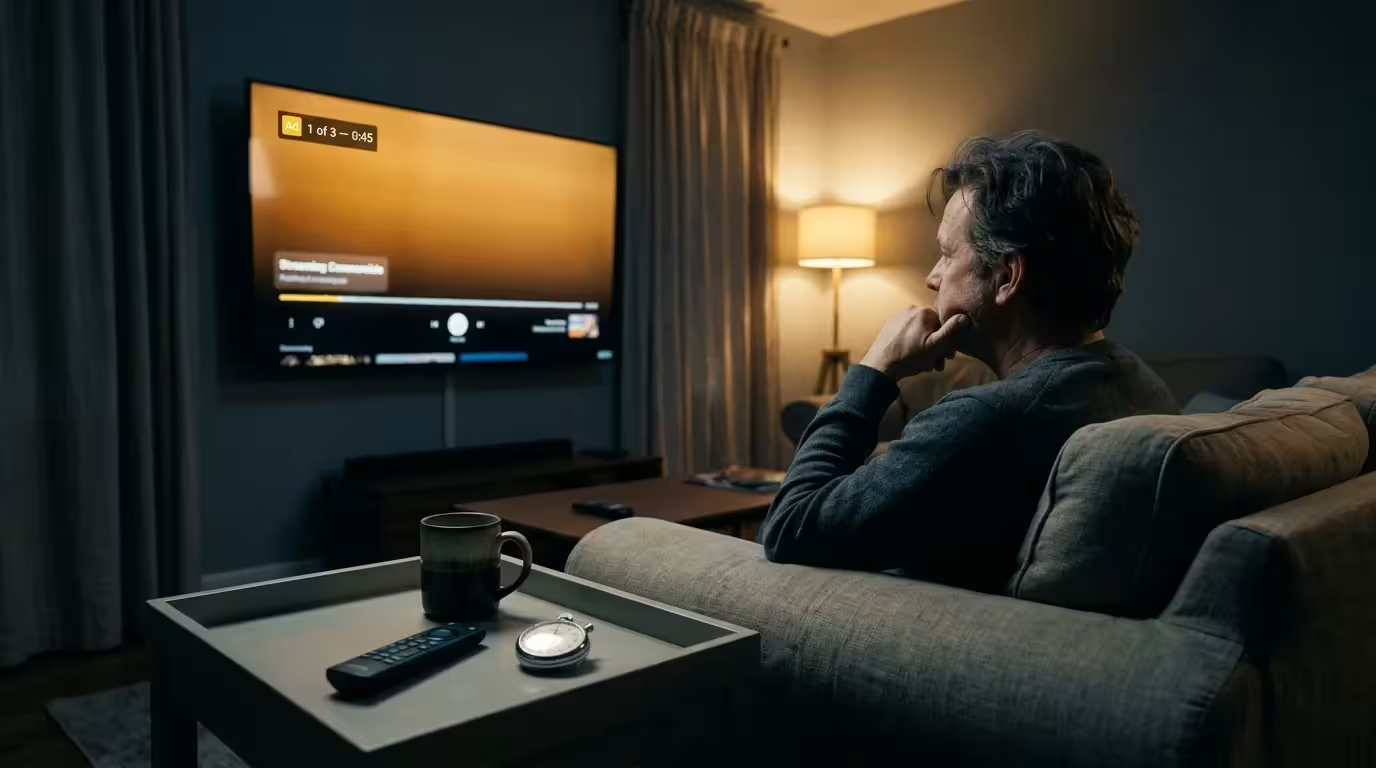
For a household sharing one account across a living-room 4K TV with a soundbar and secondary screens, Prime Video Ultra’s $4.99 monthly fee acts as an equipment tax. Upgrading only makes sense with 4K/UHD and Dolby Atmos gear and over six weekly viewing hours.
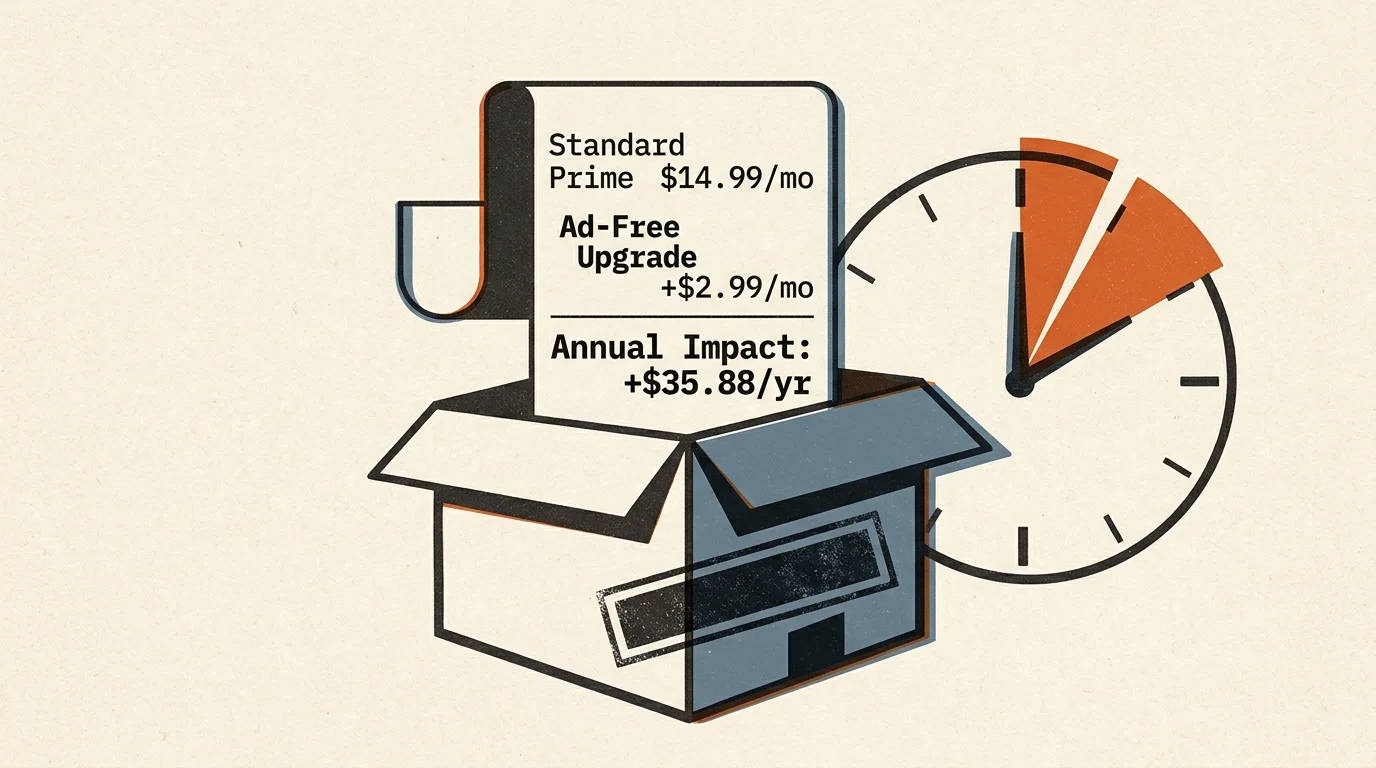
As of publication, Amazon Prime costs $14.99 monthly or $139 annually, standalone Prime Video costs $8.99 monthly, and removing ads via Prime Video Ultra adds $4.99 monthly (or $45.99 yearly for annual Prime members). Because rates change often, confirm current pricing on each provider’s page before upgrading or switching plans.
Comparing Prime Video, Hulu, and Peacock by Screen, Format, and Ad Load
As reported by Variety, Amazon moved standard United States accounts to ad-supported streaming on January 29, 2024, without lowering base subscription prices. Use the table below to match each service against what your household watches and which living-room gear you own.
| Streaming Plan (Confirm Current Rates) | What Your Household Watches | Screens and Shared Profiles | Which TV and Soundbar Formats Work |
|---|---|---|---|
| Amazon Prime Video (Default Ad Tier): $8.99 monthly standalone or $14.99 Prime ($139 yearly) | 240–360 seconds per hour across 3–5 breaks in dramas; roughly 500 seconds in two-hour feature films; standard ads on live sports | Shared across linked profiles in one Amazon Family (formerly Amazon Household) on smart TVs and external players | Includes HDR10, HDR10+, and Dolby Vision video; 4K/UHD and Dolby Atmos require Prime Video Ultra |
| Prime Video Ultra (Ad-Free Upgrade): +$4.99 monthly ($45.99 yearly for annual Prime members) | Zero commercials on on-demand series and movies; live sports and Prime Video’s free ad-supported ‘Watch for Free’ catalog (formerly Amazon Freevee) still show ads | Extends ad-free playback to profiles under the subscriber’s own Amazon login, but does not carry over to the second adult’s separate Amazon account within an Amazon Family (formerly Amazon Household) | Unlocks 4K/UHD streaming and Dolby Atmos spatial audio on compatible TVs, soundbars, Roku Ultra, and Apple TV 4K |
| Hulu (With Ads): $12.49 monthly (+$9.00 monthly upgrade to Hulu Premium No Ads at $21.49/month) | 450–500 seconds per hour across 4–6 breaks in series; roughly 450 seconds in two-hour films | Base ad tier streams on standard household TVs and external streaming boxes | Maintains 4K HDR and Dolby Atmos audio on the base plan where available |
| Peacock Premium (With Ads): $12.99 monthly (+$7.00 ad-free upgrade to Premium Plus at $19.99/month; the $8.99/month Peacock Select tier is ad-supported only and excludes movies, live sports, and Peacock Originals) | 240–345 seconds per hour across 3–4 breaks; 192–240 seconds front-loaded in two-hour films | Base ad tier runs across living-room and bedroom streaming devices | Delivers 4K HDR and Dolby Atmos audio on the base plan where available |
Unlike Hulu and Peacock, Prime Video ties 4K/UHD video and Dolby Atmos spatial audio directly to commercial removal. That policy turns the ad-free upgrade into a hidden gatekeeper for living-room home theater setups.
Hardware Diagnostic Checklist to Verify 4K/UHD and Atmos Support
As documented by The Verge, Amazon placed 4K/UHD streaming and Dolby Atmos spatial audio behind the $4.99 monthly Prime Video Ultra paywall. Core ad-supported accounts include HD, HDR10, HDR10+, and Dolby Vision video, while 4K/UHD and Dolby Atmos require Prime Video Ultra.
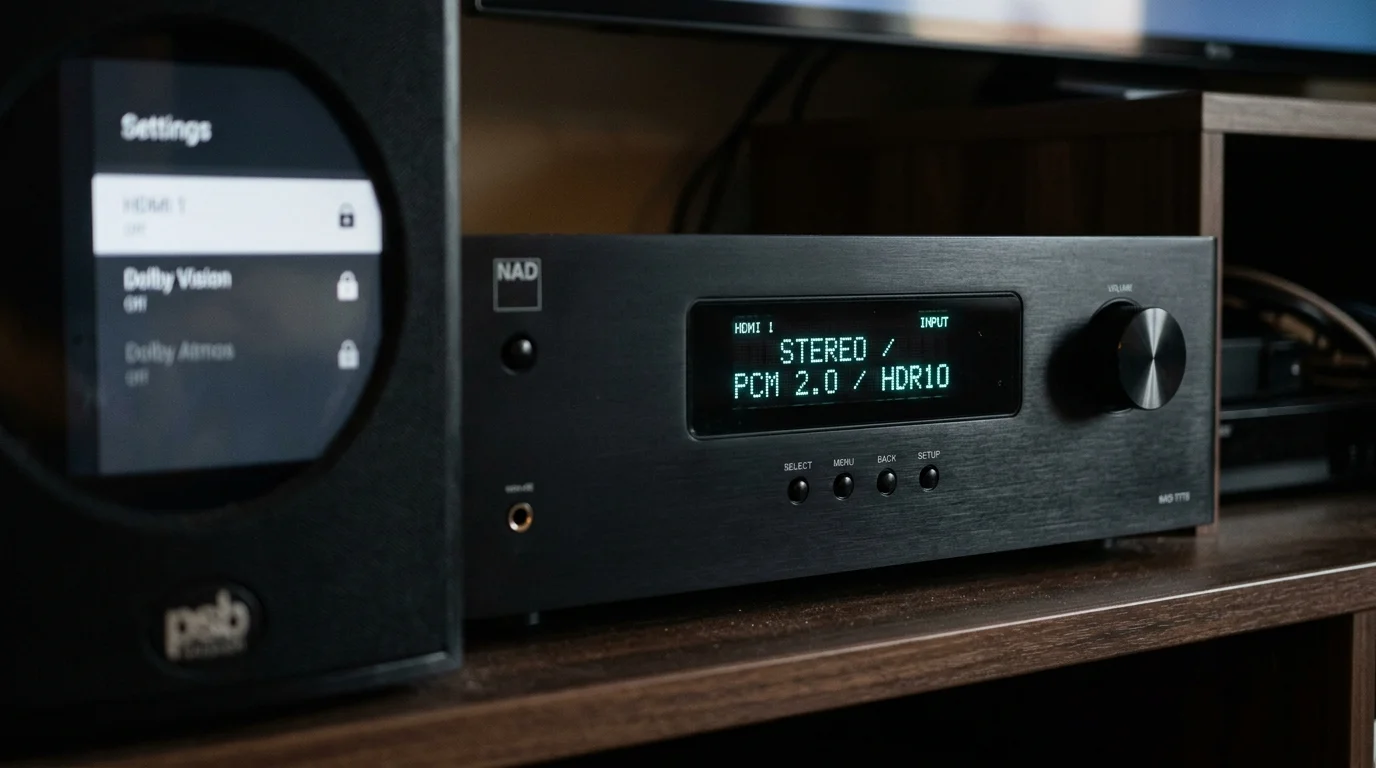
This restriction affects both built-in smart TV apps and external streaming devices such as a Roku Ultra or Apple TV 4K. Run through this five-point hardware diagnostic on your living-room setup before paying extra:
- Check your TV video format: Open your television picture settings or owner specs to confirm the panel supports 4K/UHD resolution rather than topping out at HD.
- Read your soundbar or receiver display: Play a supported title on Hulu or Peacock to see if your soundbar outputs Dolby Atmos or drops to Dolby Digital 5.1 or stereo PCM.
- Inspect external streaming box output: Confirm that an attached Roku Ultra or Apple TV 4K is configured to output 4K HDR and spatial audio to your television.
- Separate living-room and bedroom needs: Secondary bedroom TVs using built-in speakers gain no format benefit from Dolby Atmos or 4K/UHD upgrades.
- Skip the year-round upgrade on older gear: If neither your television nor your soundbar decodes 4K/UHD and Dolby Atmos, paying $4.99 monthly solely for format access provides zero physical benefit.
Because Hulu and Peacock include 4K HDR and Dolby Atmos on their base plans, your diagnostic test on those apps shows what your living-room hardware can actually decode.
How Commercial Breaks Disrupt Your Household Across Series, Movies, and Live Sports
When Amazon introduced commercials, executives promised roughly two to three and a half minutes of ads per hour. Stopwatch timing logs cited by Cord Cutters News show Prime Video now runs far heavier breaks.
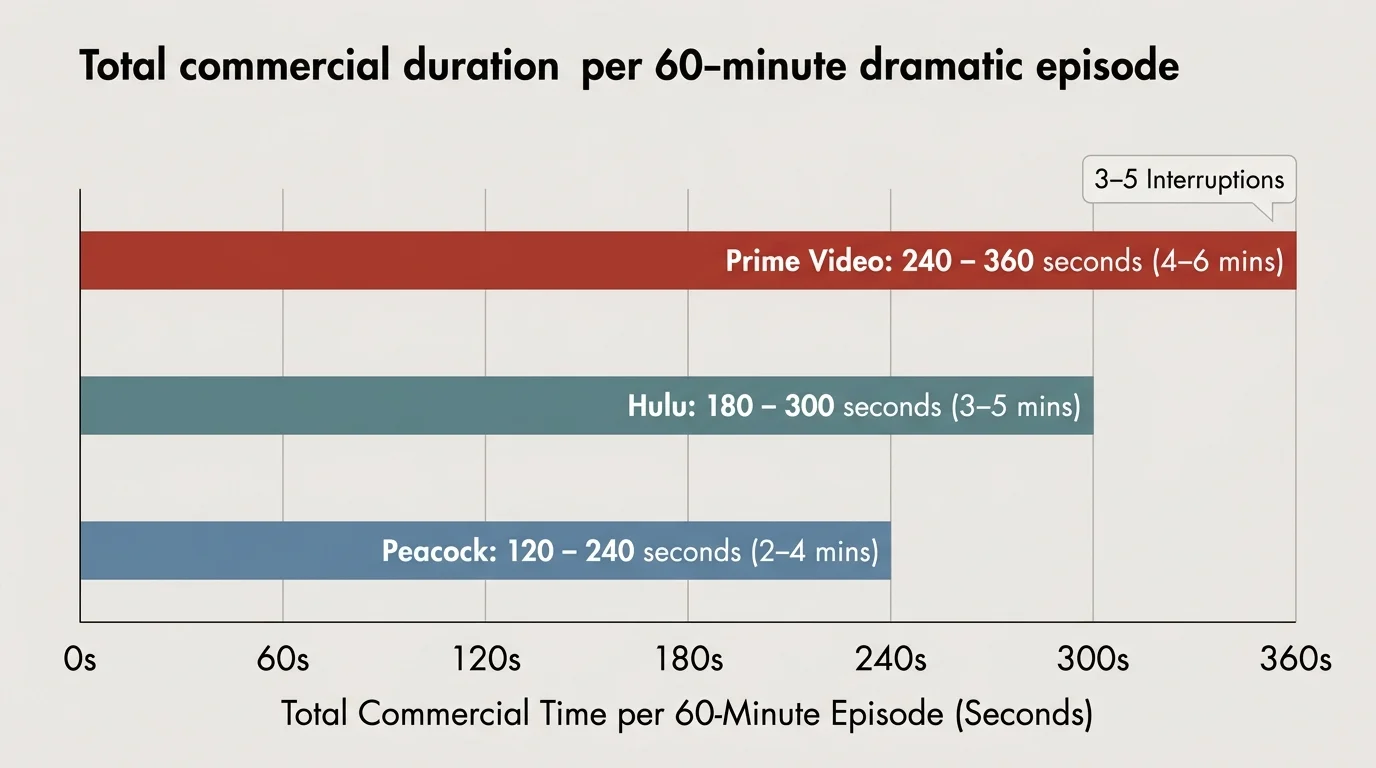
Hour-long Prime Video dramas now run 240 to 360 seconds (four to six minutes) of ads across three to five breaks. Peacock averages 240 to 345 seconds under its 300-second cap, while Hulu runs 450 to 500 seconds hourly.
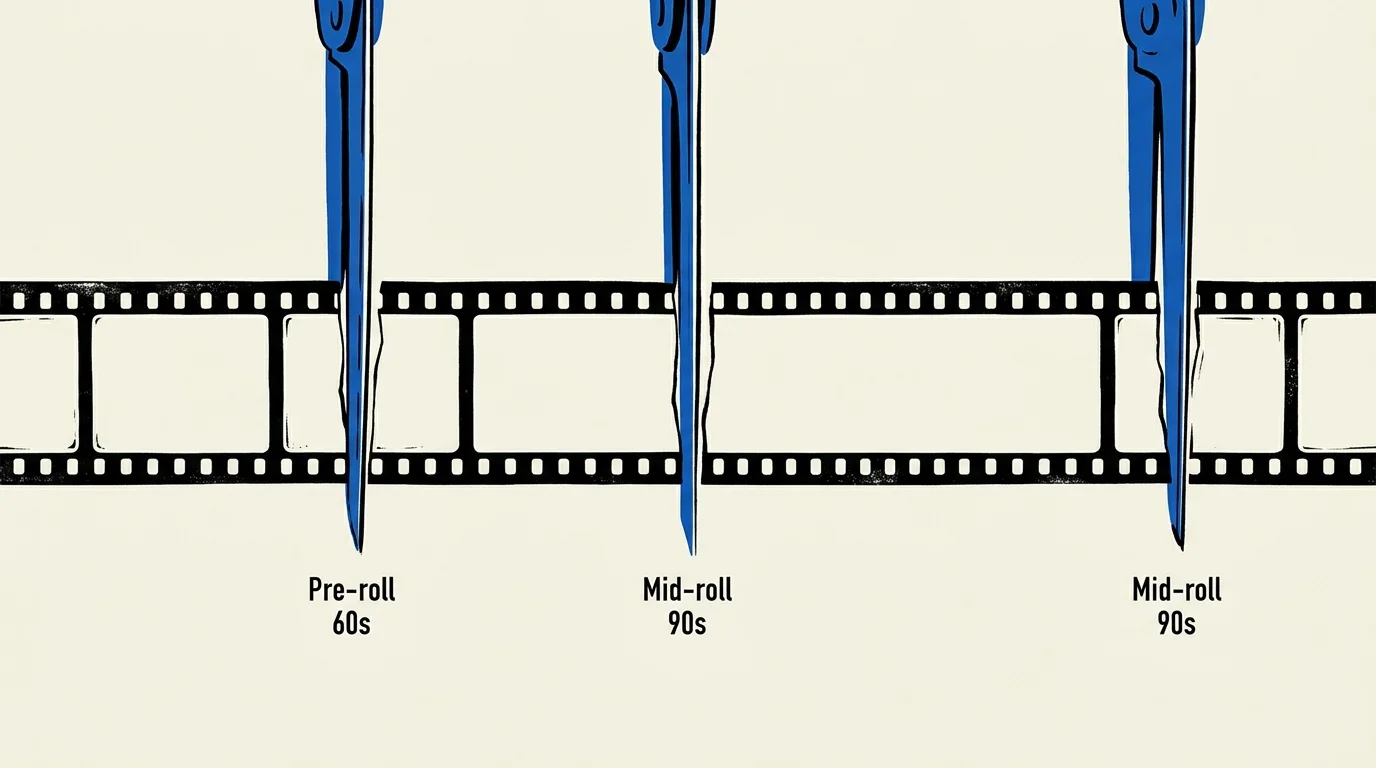
Feature-length movie nights take the biggest hit on Prime Video, which inserts roughly 500 seconds (eight minutes and 20 seconds) of mid-roll ads during a two-hour film. That places Prime Video 50 seconds ahead of Hulu’s 450 seconds in total movie interruptions.
Peacock limits two-hour films to 192 to 240 seconds of commercials by front-loading pre-roll promos before playback begins. Prime Video slices 30-to-90-second pods straight into dramatic scenes, and Amazon disables fast-forwarding during every commercial break across all devices.
Even after paying $4.99 monthly for Prime Video Ultra, live sports such as Thursday Night Football still carry standard broadcast commercials. Titles in Prime Video’s free ad-supported ‘Watch for Free’ catalog (formerly Amazon Freevee) also keep their ads.
Calculating Whether Six Weekly Hours Justify the Upgrade Cost
Before adding $4.99 monthly (or $45.99 yearly for annual Prime members) to your bill, compare your household’s weekly Prime Video hours against the ad time you actually eliminate. Remember that modern streaming apps lock scrubbing controls during commercials, forcing you to wait out every second.
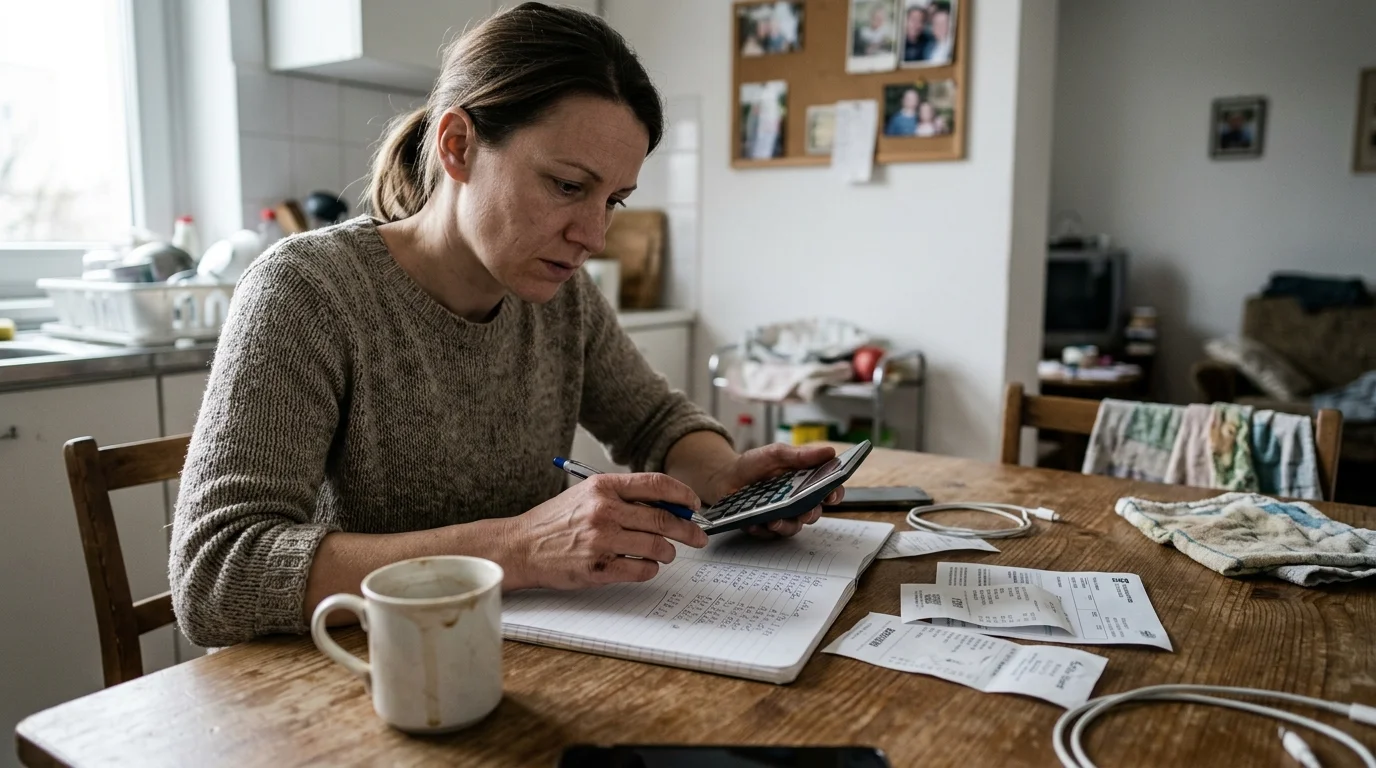
Suppose your household streams 10 hours of Prime Video weekly, totaling 40 hours over a four-week month. At 360 seconds (six minutes) of ads per hour, you sit through 14,400 seconds—240 minutes, or four hours—of commercials each month.
Dividing the $4.99 monthly surcharge by four reclaimed hours works out to roughly $1.25 per saved hour. For living-room setups with confirmed 4K/UHD and Dolby Atmos support, paying about $1.25 per hour while restoring full audiovisual output easily justifies the upgrade.
In contrast, watching just two hours weekly totals eight hours per month and 2,880 seconds (48 minutes) of commercials. Paying $4.99 to skip 48 minutes costs roughly $6.24 per reclaimed hour, a poor return for occasional viewers.
Use six hours per week as your household threshold. Below six weekly hours, skip the permanent surcharge unless a two-hour movie marathon or 4K/UHD and Dolby Atmos series makes a one-month upgrade worthwhile.
Toggling the Upgrade for Big Releases Across Profiles on Your Amazon Login
When the primary account holder activates the $4.99 monthly Prime Video Ultra tier, profiles under that subscriber’s own Amazon login receive ad-free on-demand playback, though it does not carry over to a second adult’s separate Amazon account within an Amazon Family (formerly Amazon Household). Your living-room TV and secondary bedroom screens signed into that same Amazon login all benefit from a single monthly charge.
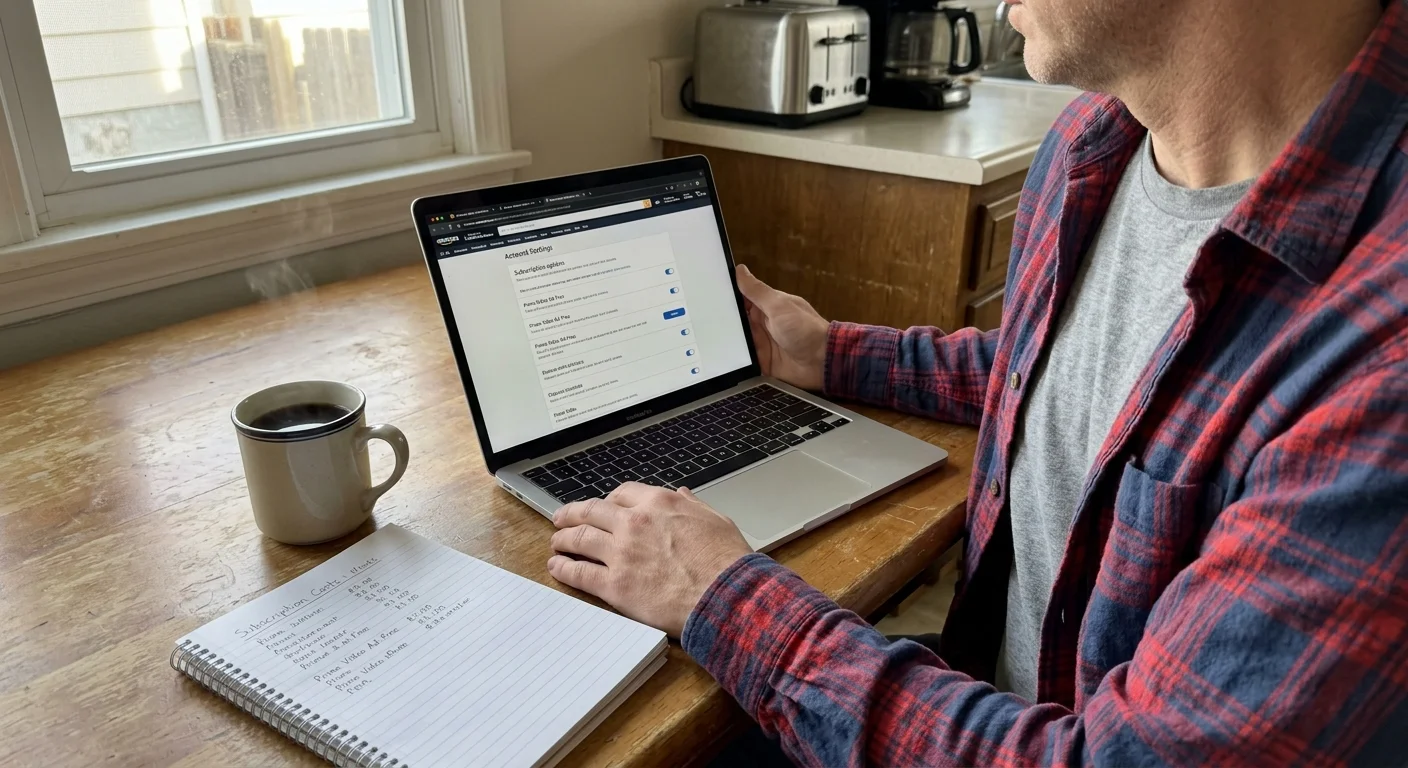
Consumer guidance from CNET recommends rotating streaming add-ons rather than paying year-round fees. Follow these four steps in a web browser to toggle your Prime Video ad-free status:
- Open a web browser, go to Amazon.com, and sign in to your primary Amazon account.
- Select Accounts and Lists, then open Your Prime Membership.
- Scroll to the Prime Video section and choose Manage Prime Video Settings.
- Select the Prime Video Ultra option to subscribe or cancel.
Activate the upgrade only during months when your household plans to binge flagship series such as The Boys, Fallout, or The Lord of the Rings. Cancel the add-on as soon as you finish the season.
Rotating the upgrade for two or three active months keeps your annual ad-removal cost near $10 to $15 instead of $45.99. You still get 4K/UHD, Dolby Atmos, and commercial-free movie nights when your living room uses them most.
Disclaimer: Streaming industry news changes rapidly. This article reflects information available at the time of publication. Check official service announcements for the most current information.