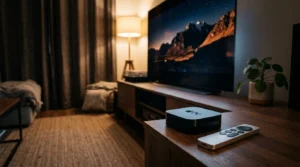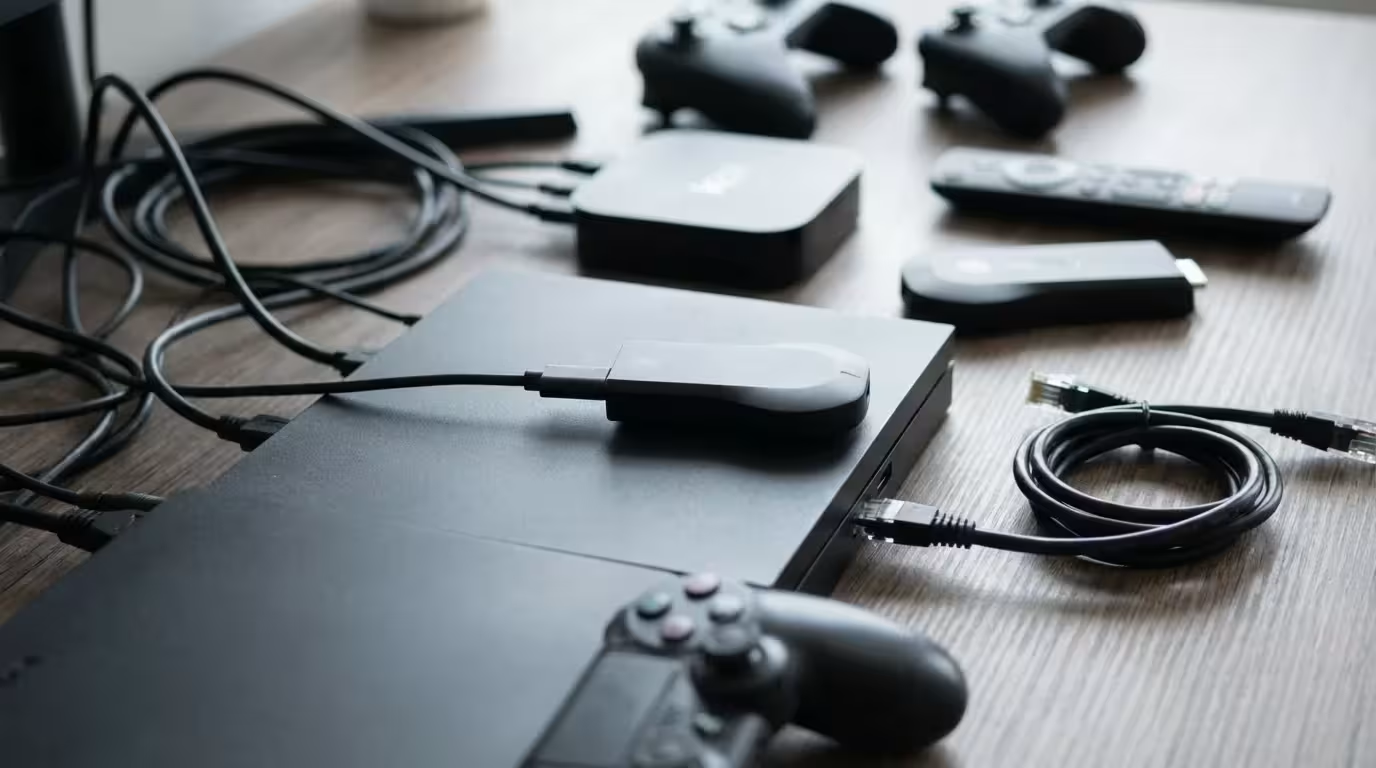
For years, streaming devices were simple tools designed to do one thing: play movies and TV shows. If you wanted to game, you bought a console or a PC. That line has blurred significantly. With the rise of cloud gaming services like Xbox Game Pass (xCloud), NVIDIA GeForce Now, and Amazon Luna, your humble streaming stick can now transform into a capable gaming machine without the $500 price tag.
If you are new to these gadgets, check out our guide on how to set up your first streaming device before diving into advanced gaming configurations.
If your current hardware is struggling with lag, you might want to speed up a slow streaming device before investing in a completely new setup.
However, not all streaming devices are created equal. While almost any stick can play Netflix in 4K, gaming requires much more horsepower. You need low latency to ensure your button presses register instantly, robust WiFi (or Ethernet) to prevent lag spikes, and a processor fast enough to handle complex apps. If you choose the wrong device, you’ll end up with a stuttering, unplayable mess.
This guide analyzes the best streaming hardware specifically through the lens of a gamer. We will look at performance, controller compatibility, and cloud gaming support to help you find the right setup for your budget.
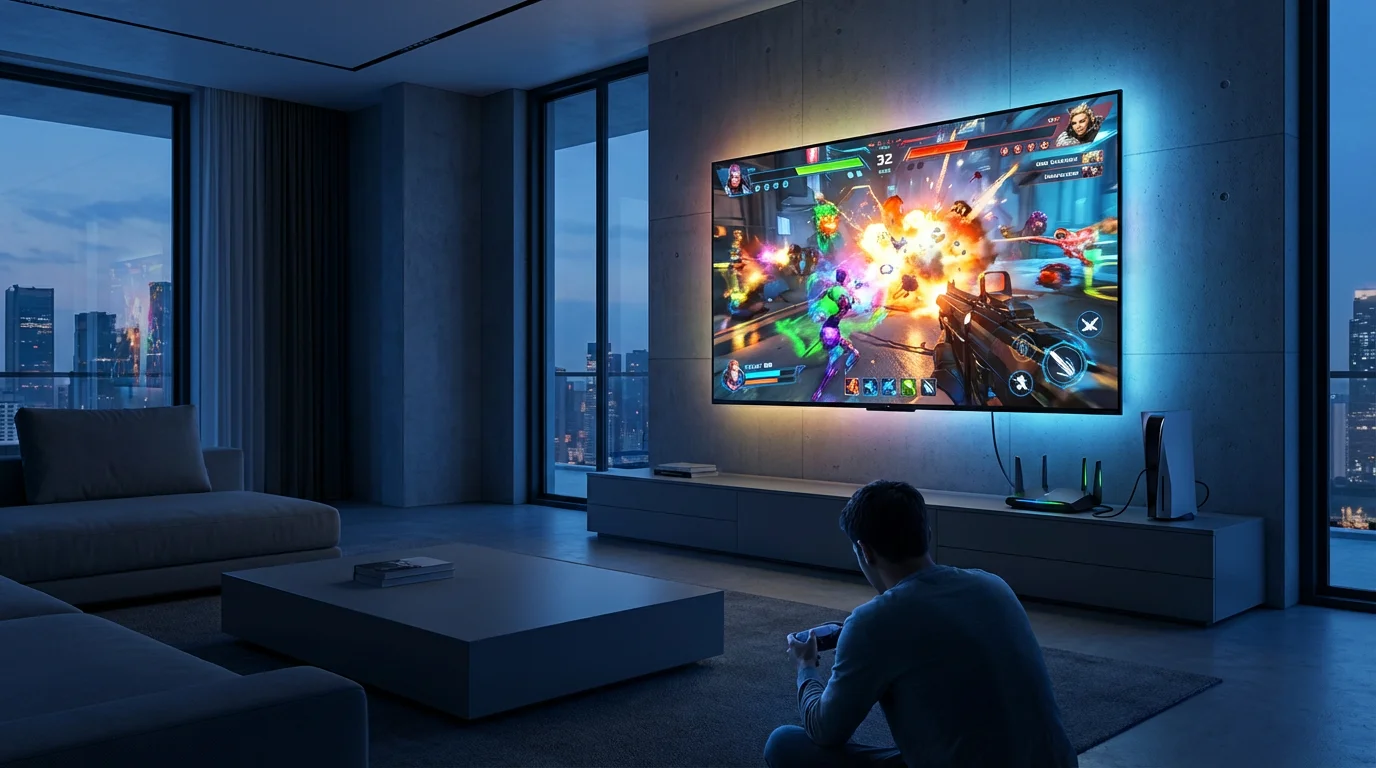
Why Latency and Hardware Matter for Gaming
Before we dive into specific products, you need to understand two technical concepts that will define your experience: latency and network stability.
In video streaming (like watching YouTube), “buffering” allows the device to load video ahead of time. If your internet dips for a second, you won’t notice because the device has already downloaded the next 30 seconds of the movie. Cloud gaming cannot do this. Because the game reacts to your controller inputs in real-time, every frame must be generated and sent to you instantly.
If your streaming device has a slow processor or an older WiFi chip, you will experience “input lag.” This is the delay between pressing “jump” on your controller and seeing the character jump on screen. In fast-paced games like Fortnite or Call of Duty, even a split-second delay makes the game unplayable.
To get the best performance, you should look for devices with:
- WiFi 6 or 6E support: These newer standards handle network congestion better than WiFi 5.
- Ethernet ports: A wired connection is always faster and more stable than WiFi.
- Bluetooth 5.0+: Ensures your wireless controller stays connected without dropouts.
- Fast Processors: Necessary for decoding high-bitrate video streams quickly.
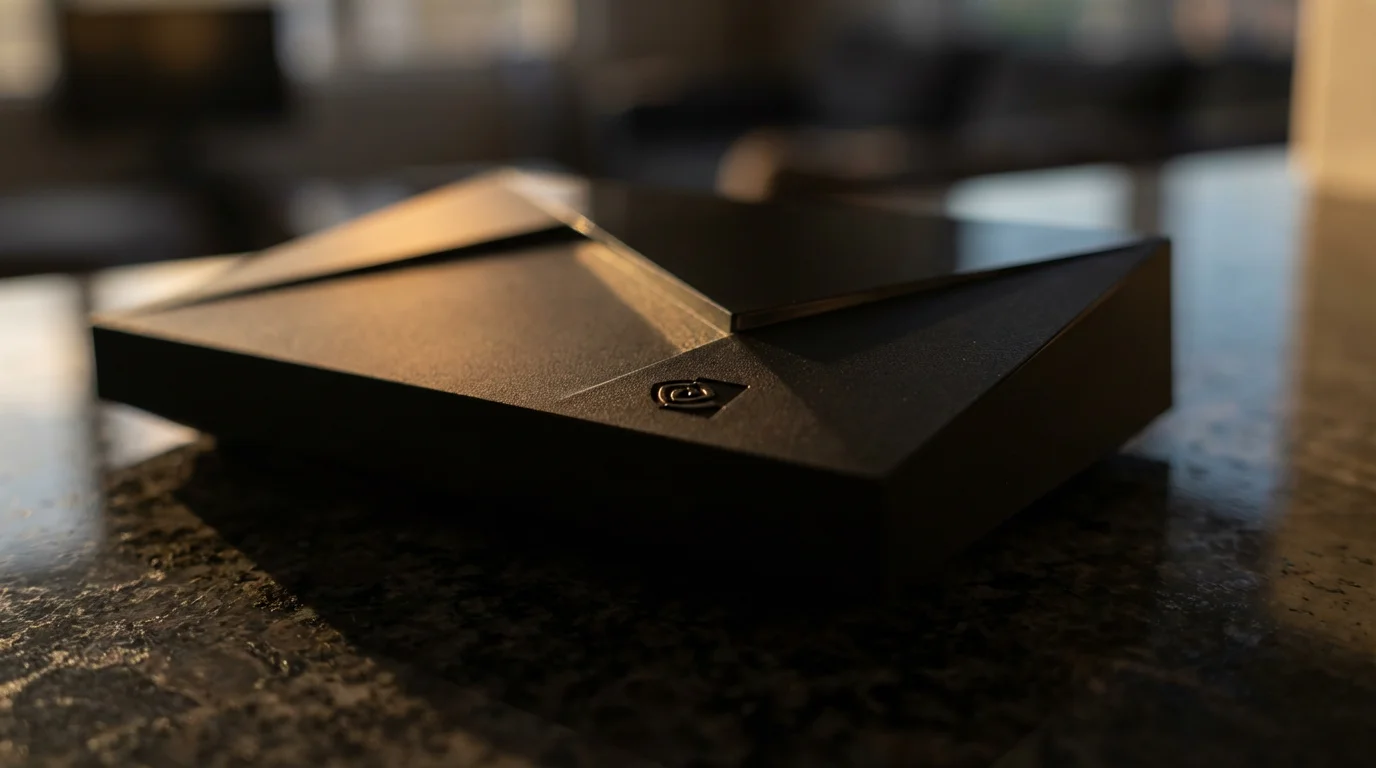
The Heavyweight Champion: NVIDIA Shield TV Pro
If you take gaming seriously and want the absolute best performance, the NVIDIA Shield TV Pro is the undisputed king. Despite being released a few years ago, it remains the most powerful Android TV device on the market.
Since this pro-level hardware is rarely on sale, you might consider looking for refurbished streaming devices to get these premium features at a lower price point.
NVIDIA is a graphics card company first, and it shows. The Shield TV Pro uses the Tegra X1+ processor—the same family of chips found in the Nintendo Switch. This gives it raw power that standard streaming sticks simply cannot match.
Gaming Features
The standout feature here is native support for GeForce Now, NVIDIA’s own cloud gaming service. This allows you to stream games you already own on PC stores (like Steam or Epic Games Store) at incredibly high quality. Because the hardware is built by NVIDIA, the integration is seamless.
Furthermore, the Shield TV Pro includes two USB 3.0 ports. This is a game-changer. You can plug in wired controllers, fight sticks, or even a keyboard and mouse for zero-latency input. Most other streaming sticks force you to use Bluetooth, which introduces a tiny bit of lag.
According to TechRadar, the Shield TV Pro remains a top choice for enthusiasts specifically because of its ability to double as a legitimate gaming console and a Plex server.
Pros and Cons
- Pros: Gigabit Ethernet built-in, two USB ports for wired controllers, best-in-class AI upscaling, runs Android games natively.
- Cons: Expensive (usually around $200), the hardware hasn’t been updated since 2019.
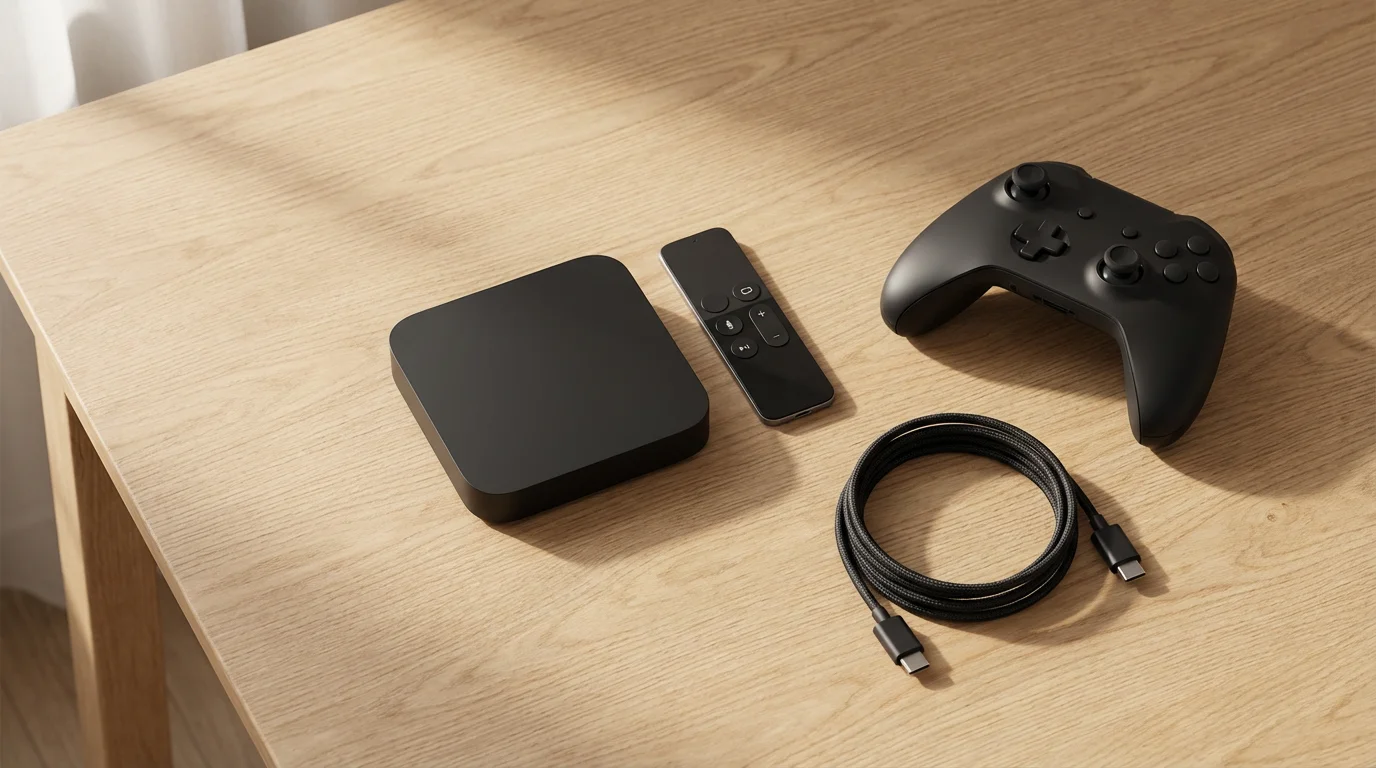
The Powerhouse: Apple TV 4K (3rd Gen)
The Apple TV 4K is an absolute beast when it comes to raw processing speed. It houses the A15 Bionic chip—the same processor found in the iPhone 13 lineup. This chip is significantly faster than anything Roku, Amazon, or Google puts in their devices.
The Apple Arcade Ecosystem
Apple approaches gaming differently. Instead of focusing on cloud streaming services like Xbox or GeForce Now, Apple pushes Apple Arcade. This is a subscription service that lets you download and play games locally on the device. Because the A15 chip is so powerful, it can render beautiful graphics locally without relying on your internet connection speed for gameplay.
Games like NBA 2K24 Arcade Edition, Sneaky Sasquatch, and Fantasian run incredibly smoothly. The Apple TV 4K also has excellent Bluetooth management, making it easy to pair PlayStation, Xbox, and Nintendo Switch Pro controllers.
“The Apple TV 4K is overkill for just streaming movies, but that extra power makes it the snappiest, most responsive navigation experience you can buy.”
The Cloud Gaming Limitation
There is one major catch: Apple has restrictive policies regarding cloud gaming apps. You won’t find a native Xbox Game Pass or GeForce Now app on the App Store. While you can sometimes use workarounds (like Steam Link to stream from your local PC), this device is best for people who want to play mobile-style games or Apple Arcade titles on the big screen.
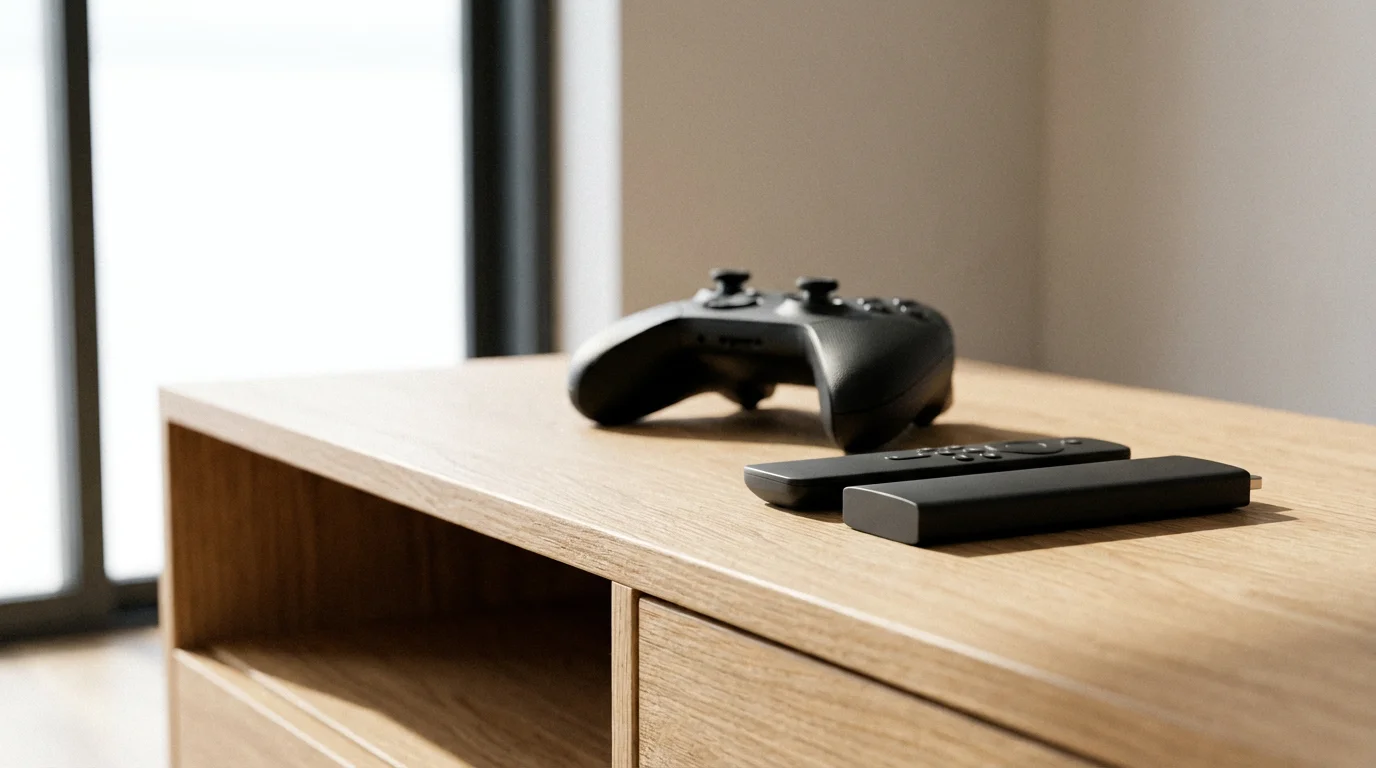
The Budget Gamer’s Choice: Fire TV Stick 4K Max
For gamers on a budget, the Amazon Fire TV Stick 4K Max (2nd Gen) offers the best price-to-performance ratio. Typically priced around $60 (and often cheaper on sale), it punches well above its weight class.
The Xbox Partnership
The killer feature for the Fire TV Stick 4K Max is its official partnership with Microsoft. You can download the Xbox app directly onto the stick. If you have an Xbox Game Pass Ultimate subscription, you can stream hundreds of console-quality games like Halo Infinite or Forza Horizon 5 directly to your TV without needing an Xbox console.
Amazon also has its own cloud gaming service called Luna, which is integrated directly into the Fire TV interface. If you are a Prime member, you typically get a rotating selection of Luna games for free every month.
Connectivity
This version of the Fire Stick supports WiFi 6E. If you have a compatible router, this provides a much cleaner, faster wireless connection, which is vital for reducing lag in cloud gaming. It does not have an Ethernet port built-in, but you can buy a separate adapter if your WiFi isn’t up to the task.
Tom’s Guide highlights the Fire TV Stick 4K Max as a top value pick, noting its speedy performance relative to its low price point.
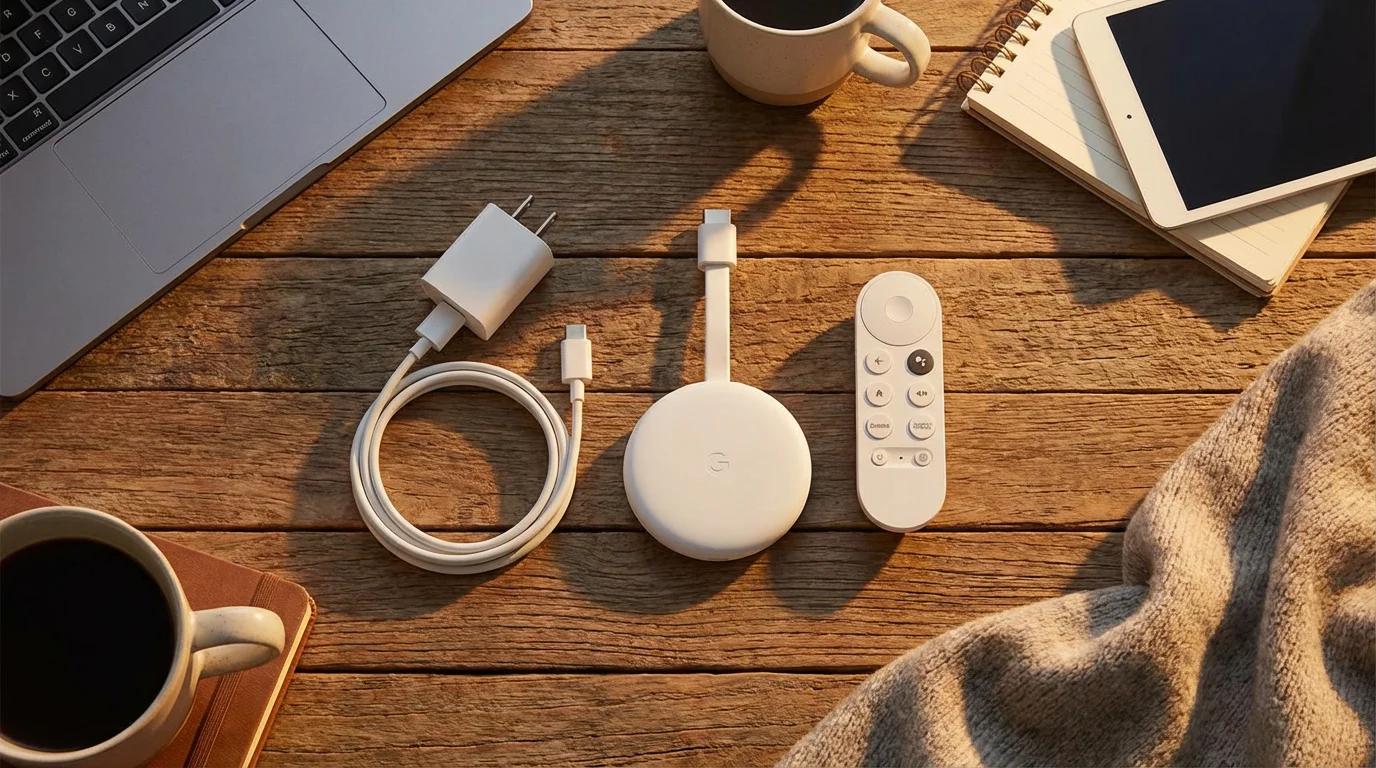
The Flexible Option: Chromecast with Google TV
The Chromecast with Google TV (4K) is a solid middle-ground option. Since it runs on the Android TV OS (specifically the Google TV interface), it offers a high degree of flexibility. While Google shut down its own “Stadia” gaming service, the device is still excellent for third-party services.
You can easily install the GeForce Now app, Steam Link (to stream games from your bedroom PC to your living room TV), and various Android mobile games optimized for TV. It supports Bluetooth controllers effortlessly.
However, the hardware is not as robust as the NVIDIA Shield or the Apple TV. It has less RAM and storage, so you might experience occasional sluggishness in menus if you have too many apps open. It’s a great choice if you are deeply integrated into the Google ecosystem and want a device that balances media streaming with casual gaming.
Why You Should Avoid Roku for Gaming
Roku makes fantastic devices for watching TV. Their interface is simple, clean, and easy to use. However, if gaming is a priority, you should avoid Roku.
If you aren’t a gamer and just want the best OS for movies, our guide on Roku vs Fire TV vs Apple TV vs Chromecast can help you decide.
Roku uses a proprietary operating system that is not compatible with Android apps. This means:
- No Xbox Game Pass app.
- No GeForce Now app.
- No Steam Link.
- No VPN support (which some gamers use to reduce lag or access different servers).
Roku’s “game” selection is largely limited to simple, retro-style games like Snake or Tetris clones, often filled with ads. While Roku is arguably the best streamer for pure video content (as noted by many reviews, including those from CNET), it is a dead end for anyone wanting a modern gaming experience.
Smart TV Hubs vs. Dedicated Devices
Do you actually need a separate device? In 2024, the answer might be “no,” depending on your TV brand.
Samsung has aggressively pushed its “Samsung Gaming Hub” on 2022 and newer smart TVs. This built-in software hub includes native apps for Xbox, GeForce Now, Luna, and Utomik. Samsung has optimized the TV’s internal hardware to handle Bluetooth controller inputs with lower latency than many external sticks.
LG also offers gaming integration on its WebOS platform, including GeForce Now support.
The Verdict: If you have a high-end Samsung or LG TV from 2022 or later, try the built-in gaming apps first. They are often “good enough” for most users. However, dedicated devices like the Shield Pro or Apple TV usually offer faster processors, better WiFi antennas, and smoother long-term performance than the chips built into televisions.
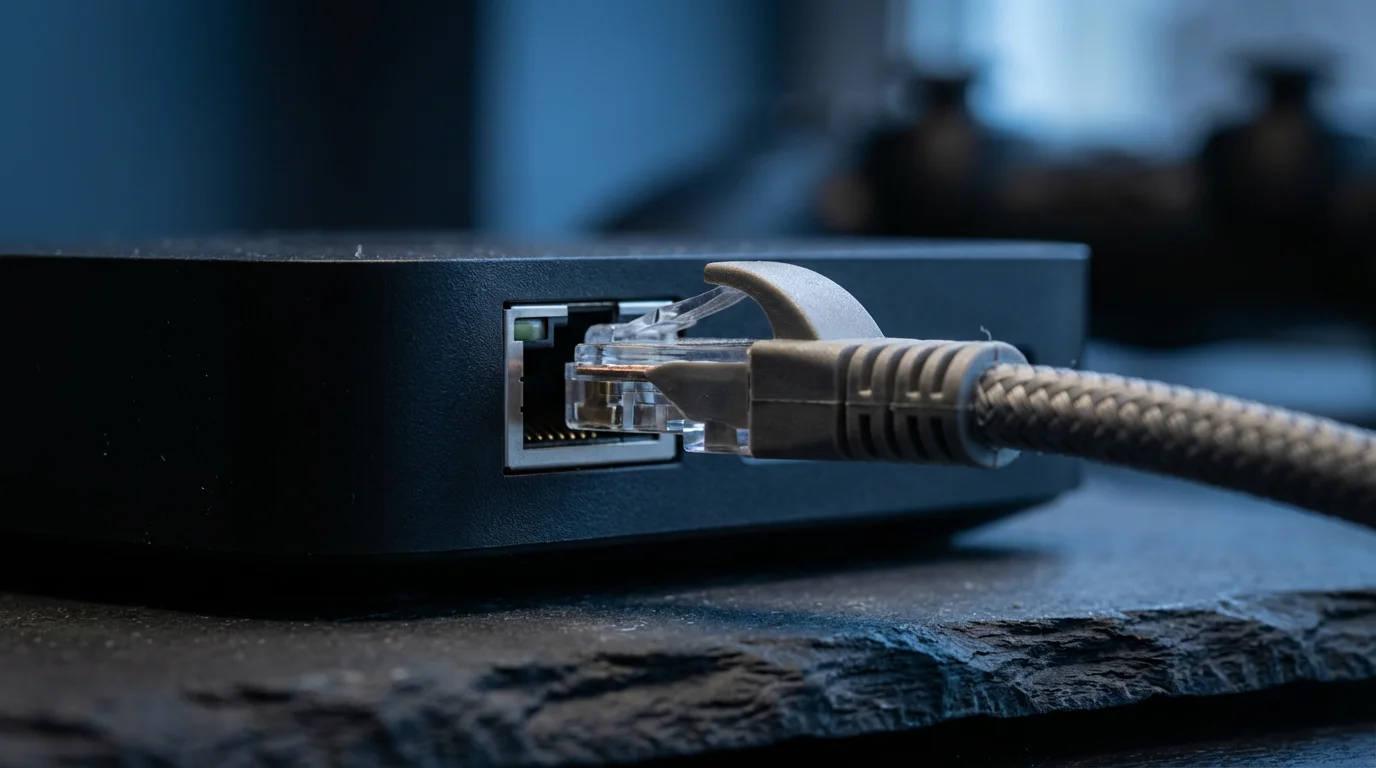
Comparison: Specs and Gaming Features
A side-by-side comparison matrix showing the four main devices. Columns: Device Name, Max Resolution, Processor Power (Low/Med/High), Native Cloud Gaming Apps (Xbox/GeForce/Luna), Ethernet Support, Price Tier.
| Device | Primary Gaming Strength | Cloud Apps Support | Ethernet | Price Tier |
|---|---|---|---|---|
| NVIDIA Shield TV Pro | High Performance / Local & Cloud | GeForce Now (Native), Steam Link | Built-in (Gigabit) | $200 (Premium) |
| Apple TV 4K (3rd Gen) | Local Processing / Arcade | Limited (Steam Link via App) | Built-in (128GB model) | $130-$150 |
| Fire TV Stick 4K Max | Xbox Game Pass Value | Xbox (Native), Luna | Via Adapter (Sold separately) | $60 (Budget) |
| Chromecast w/ Google TV | Versatility / Android Games | GeForce Now, Steam Link | Via Adapter (Sold separately) | $50 (Budget) |
How to Optimize Your Setup for Low Latency
Even the best device will fail if your environment isn’t set up correctly. Follow these actionable steps to reduce lag and improve your kill/death ratio.
1. Use Ethernet Whenever Possible
WiFi is convenient, but it is prone to interference from your neighbor’s router, your microwave, or even thick walls. If your device has an Ethernet port (Shield TV Pro, Apple TV 4K), use it. Hardwiring your connection is the single most effective way to stabilize cloud gaming.
2. Enable “Game Mode” on Your TV
Your TV likely has settings designed to make movies look pretty—motion smoothing, noise reduction, and vivid colors. These processes take time, adding significant delay to the image. Go into your TV’s picture settings and turn on “Game Mode.” This disables extra processing and ensures the image appears on screen as fast as possible.
3. Use 5GHz or 6GHz WiFi
If you must use WiFi, ensure you are connected to the 5GHz band (or 6GHz if you have a WiFi 6E router and compatible device). The 2.4GHz band is crowded and slow; it is the enemy of cloud gaming.
4. Controller Connection
Bluetooth is good, but wired is better. If you are using an NVIDIA Shield, plug your controller in via USB. If you are using a Fire Stick or Chromecast, ensure there is a clear line of sight between your controller and the device (don’t bury the stick behind a thick metal TV cabinet).
Frequently Asked Questions
Can I play Call of Duty or Fortnite on a Fire Stick?
Yes, but via cloud streaming. You cannot download these large games directly to the stick’s storage. You can play Fortnite via Xbox Cloud Gaming or Amazon Luna on the Fire Stick 4K Max. The experience depends heavily on your internet speed.
What internet speed do I need for cloud gaming?
For 720p or 1080p gaming, most services recommend at least 15–20 Mbps. However, for a smooth 4K experience (where supported), you should aim for at least 50 Mbps. More importantly, you need low “ping” (latency), ideally under 40ms to the game server.
Does Apple TV support Xbox Game Pass?
Not natively. There is no Xbox Game Pass app on the Apple TV App Store. You can stream games from a local PC using the Steam Link app or Moonlight, but direct cloud streaming from Xbox servers is currently not supported on Apple TV.
Is the NVIDIA Shield TV Pro still worth buying in 2024?
Yes. Despite its age, it remains the only mainstream streaming device with AI upscaling that works on games and full support for advanced audio formats. It is still the gold standard for Android enthusiasts and gamers.
Disclaimer: Device prices and features may change. New models are released regularly, so check for the latest versions before purchasing. The “best” device depends on your specific needs, existing ecosystem (Apple, Google, Amazon), and budget.