For decades, college football fans stayed tethered to expensive cable contracts for one reason: fear of missing the big game. The landscape has changed. Today, you can catch every touchdown, upset, and rivalry game without renting a cable box or paying hidden equipment fees. Cutting the cord—canceling traditional cable or satellite service in favor of internet-based streaming—has never been more viable for sports fans.
Before you dive in, make sure you avoid the common cord-cutting mistakes that can lead to unexpected costs or technical headaches.
However, the fragmentation of sports rights means watching your favorite team requires a strategic approach. Games are spread across broadcast networks, cable channels, and exclusive streaming apps. This guide cuts through the confusion, offering a clear playbook on how to stream college football, save money, and optimize your viewing experience.
Understanding the College Football Channel Landscape
Before selecting a service, you must identify where your team actually plays. Unlike the NFL, which has a relatively predictable broadcast schedule, college football rights are a complex web of contracts. To watch a full season, you generally need access to three categories of channels.
1. Local Broadcast Networks
The biggest games of the week usually air on the major local networks: ABC, CBS, FOX, and NBC. If you follow a “Power 4” conference team (SEC, Big Ten, ACC, Big 12), a significant portion of their games will air here.
2. Major Cable Networks
The ESPN family of networks is the backbone of college football broadcasting. A robust streaming package must include ESPN, ESPN2, and ESPNU. Additionally, FS1 (Fox Sports 1) and CBS Sports Network carry a heavy load of games. If you choose a service that lacks ESPN, you will miss the vast majority of bowl games and the College Football Playoff.
3. Conference-Specific Networks
Die-hard fans need access to conference networks. These channels carry lower-tier matchups, documentaries, and analysis shows:
- SEC Network: Vital for Southeastern Conference fans.
- Big Ten Network (BTN): Essential for the expanded Big Ten.
- ACC Network: Required for Atlantic Coast Conference followers.
Note: The Pac-12 Network’s availability has shifted significantly due to conference realignment, so check the specific broadcast schedule for remaining West Coast teams.
Top Live TV Streaming Services for College Football
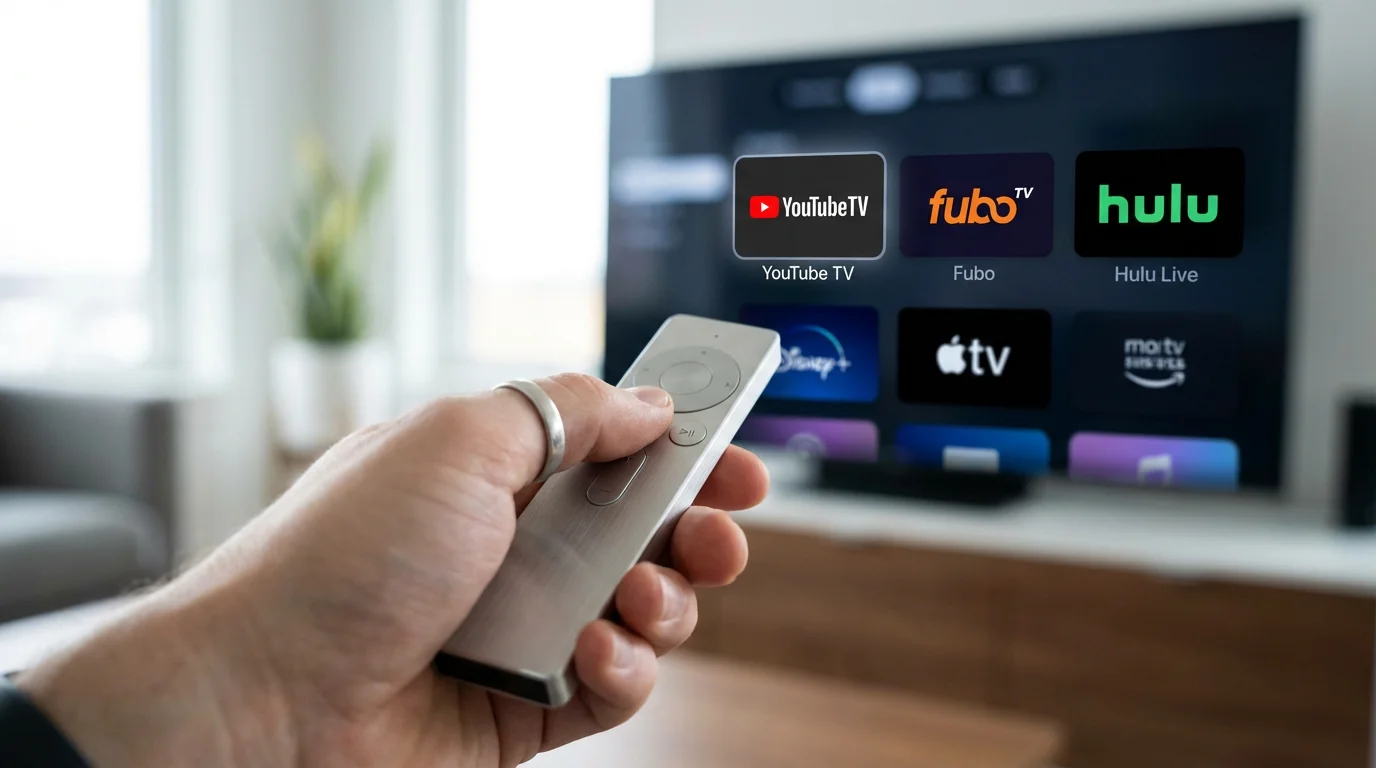
Live TV streaming services replace your cable box. They deliver linear TV channels over the internet. Here is how the major players stack up for college football fans.
Finding the right provider is part of a larger strategy for cord cutting for sports fans looking to maintain full coverage of all their favorite leagues.
YouTube TV: The Best All-Around Option
YouTube TV has established itself as the premier destination for sports fans. It offers all local networks (ABC, CBS, FOX, NBC) in almost every market, along with the complete ESPN suite, FS1, and the three major conference networks (SEC, ACC, BTN) in its base plan.
Two features set YouTube TV apart for football:
- Multiview: This allows you to watch up to four pre-selected games on a single screen. It is a game-changer for chaotic Saturdays with overlapping kickoffs.
- Key Plays: If you join a game late, you can select “Catch up through Key Plays” to watch a highlight reel of big moments before jumping into the live action.
According to CNET’s review of live TV services, YouTube TV is often rated as the top overall pick due to its intuitive interface and unlimited cloud DVR, which lets you record every single bowl game if you wish.
Hulu + Live TV: The Best Value Bundle
Hulu + Live TV is a strong contender because it bundles live TV with two critical streaming services: Disney+ and ESPN+. Since ESPN+ carries hundreds of exclusive college football games (especially for smaller conferences and FCS schools), this bundle solves a major coverage gap without requiring a separate subscription.
The interface can be more cluttered than YouTube TV, but the channel lineup is equally robust for sports, covering all local channels and major cable sports networks.
Sling TV: The Budget-Friendly Choice
Sling TV allows you to build a leaner, cheaper package, but it requires careful selection. Sling offers two base tracks:
- Sling Orange: Includes ESPN, ESPN2, and ESPN3.
- Sling Blue: Includes FS1 and NFL Network (and local FOX/NBC in select markets only).
To get comprehensive coverage, you usually need the Sling Orange + Blue combination. Even combined, the price is often lower than competitors. However, be aware that Sling has poor coverage for local channels (ABC, CBS, FOX, NBC) in many areas. You may need to pair Sling with a digital antenna to get those channels for free.
Fubo: The Volume Leader
Originally launched as a soccer-centric service, Fubo (formerly fuboTV) streams more sports channels than almost anyone else. It excels at carrying regional sports networks (RSNs) that other services dropped. For college football, it carries all the essentials: locals, ESPN, FS1, and conference networks.
However, Fubo charges a Regional Sports Fee in most areas, which raises the monthly cost. As Tom’s Guide notes in their comparison, Fubo is a powerhouse for sports lovers but can become pricey once you factor in these mandatory fees.
DirecTV Stream: The Cable-Like Experience
If you want a service that feels exactly like traditional cable, DirecTV Stream is the answer. It has the most comprehensive list of Regional Sports Networks and local channels. It is an excellent choice if you also follow MLB or NBA teams that air on RSNs like Bally Sports. The downside is the price; it is typically the most expensive option on this list.
Comparing Channel Lineups and Features
Use this table to quickly identify which service carries the networks you need. Note that “Add-on” means the channel requires an extra sports package on top of the base monthly fee.
Many of these providers offer streaming service student discounts that can help university fans catch the game for even less.
| Feature/Channel | YouTube TV | Hulu + Live TV | Sling TV (Orange + Blue) | Fubo (Pro Plan) |
|---|---|---|---|---|
| Base Price (Est.) | $$$ | $$$ | $$ | $$$ |
| Locals (ABC, CBS, FOX, NBC) | Yes (Full coverage) | Yes (Full coverage) | Select Markets Only | Yes (Full coverage) |
| ESPN / ESPN2 | Yes | Yes | Yes | Yes |
| FS1 | Yes | Yes | Yes | Yes |
| SEC / ACC Network | Yes | Yes | Add-on (Sports Extra) | Yes (in some tiers) / Add-on |
| Big Ten Network | Yes | Yes | Add-on (Sports Extra) | Yes |
| DVR Storage | Unlimited | Unlimited | 50 Hours | Unlimited |
| Simultaneous Streams | 3 | 2 | 1-3 (varies by channel) | 10 (at home) |
The Rise of Streaming Exclusives: ESPN+ and Peacock
Having a live TV subscription is no longer enough to see every game. Broadcasters have moved specific matchups exclusively to their standalone streaming apps to drive subscriptions.
To stay updated on seasonal promotions and new platform additions, check out our guide to the latest live sports streaming deals.
Peacock (NBC)
NBC has moved a significant slate of Big Ten games exclusively to Peacock. Additionally, Notre Dame home games are simulcast on Peacock, with some potentially being exclusive to the platform. You cannot watch these exclusive games on YouTube TV or cable; you must have a separate Peacock subscription.
ESPN+
ESPN+ is the massive overflow bucket for college sports. While it rarely hosts the “Game of the Week,” it is the exclusive home for hundreds of games from the Big 12, SEC (non-conference matchups), and the majority of “Group of 5” conference games (Sun Belt, MAC, AAC). If you follow a smaller school, ESPN+ is mandatory.
“The most frustrating trend for fans is the fragmentation of content. You might need a live TV service for the afternoon game and a standalone app like Peacock for the night game.” — Streaming Analyst
The Free Option: Using an OTA Antenna
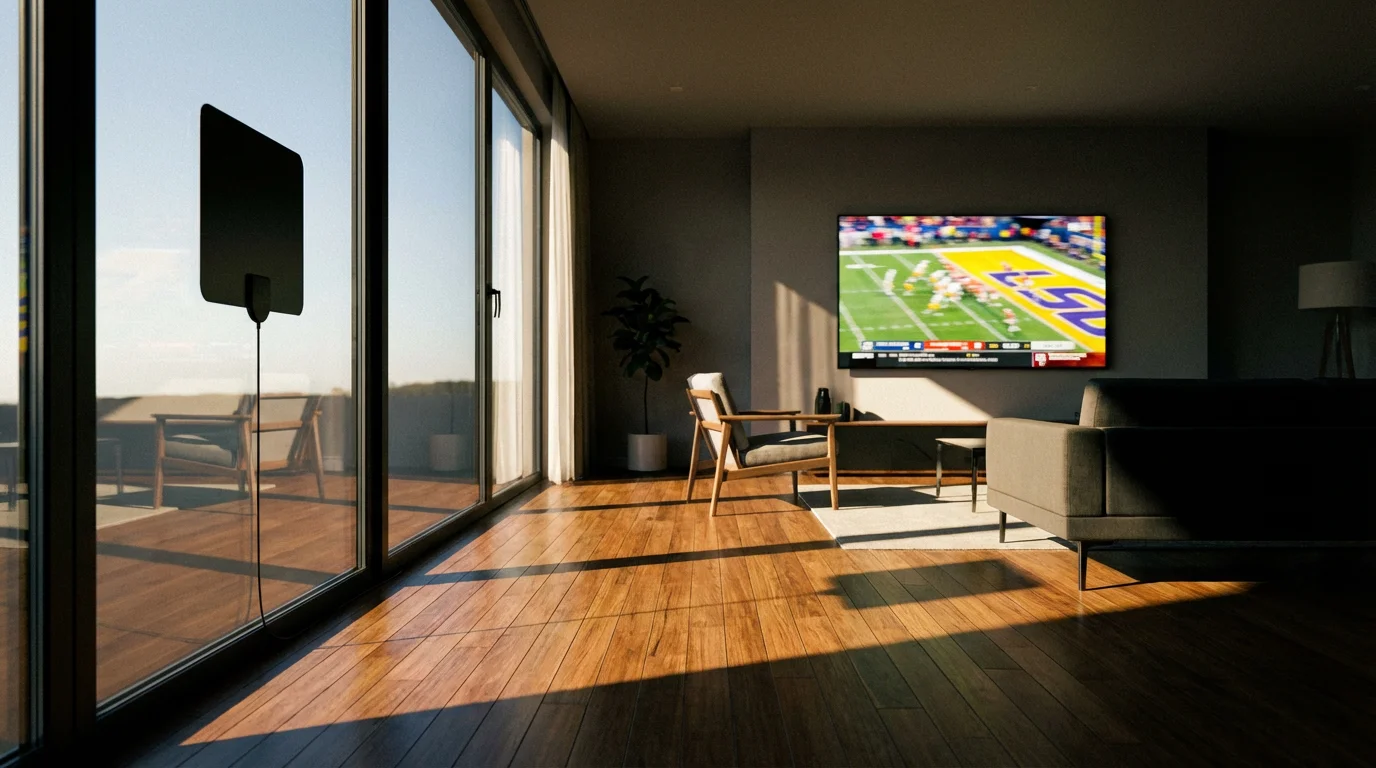
If you want to save the maximum amount of money, do not overlook the technology that has existed for decades: the Over-the-Air (OTA) antenna. Modern antennas are sleek, flat devices you can stick to a window or hide behind your TV.
An antenna is also the perfect tool to watch the Olympics without cable whenever they air on local broadcast networks.
In most US cities, an antenna will pull in high-definition feeds of ABC, CBS, FOX, and NBC for free. This grants you access to:
- Most top-25 matchups on Saturday afternoons and evenings.
- NFL Sunday games.
- Local news and weather.
The picture quality via antenna is often superior to streaming because the signal is uncompressed. There is zero buffering and zero delay, meaning you will see the touchdown seconds before your friends watching on streaming hear about it on Twitter.
Hardware and Internet Requirements for Live Sports
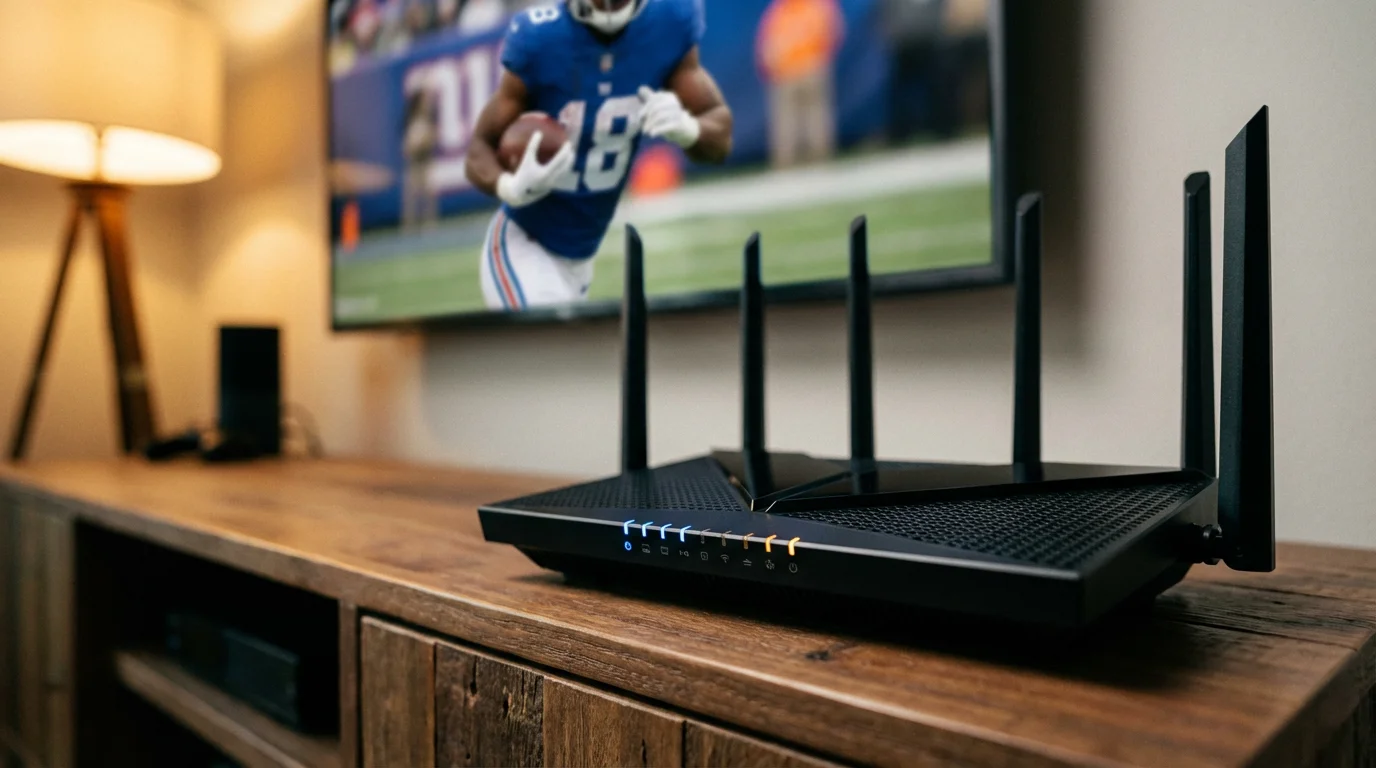
Live sports are the ultimate stress test for your internet connection. Unlike Netflix, which can buffer a few minutes of video ahead of time, live TV requires a constant, stable feed.
For a breakdown of routers and streaming sticks that can handle high-intensity games, refer to our cord-cutting equipment checklist.
Internet Speed Recommendations
To avoid the dreaded “spinning circle of death” during a 4th quarter drive:
- 25 Mbps: Minimum for a single stream of HD sports.
- 50+ Mbps: Recommended if you have multiple people using the internet while you watch.
- Hardwire Connection: If possible, use an Ethernet cable to connect your streaming device to your router. Wi-Fi is convenient, but a wired connection offers the stability live sports require.
Recommended Streaming Devices
While most modern Smart TVs have built-in apps, dedicated streaming devices usually offer faster performance and longer app support. The Roku Streaming Stick 4K, Amazon Fire TV Stick 4K Max, and Apple TV 4K are industry leaders. They process fast-moving sports action better than the underpowered processors found in budget smart TVs.
Frequently Asked Questions
Can I watch college football in 4K?
Yes, but it is limited. YouTube TV and Fubo both offer 4K add-on packages. Fox Sports broadcasts select big games in 4K (upscaled from 1080p HDR), and NBC and ESPN occasionally offer 4K feeds for championship events. You will need a compatible 4K TV and a high-speed internet connection (at least 25 Mbps) to view these streams.
How do I deal with stream delay?
Streaming services typically lag 30 to 60 seconds behind the live action due to the time it takes to process and transmit the data. To avoid spoilers from text messages or social media, put your phone down during clutch moments. Antenna users do not experience this delay.
Can I share my account with friends?
Most services like YouTube TV and Hulu + Live TV are designed for a single household. They use your IP address and device location services to enforce this. If you try to share a password with a friend in a different state, one of you will likely get kicked off or blocked from accessing local channels.
Disclaimer: Live TV streaming prices and channel lineups change frequently. Local channel availability varies by location. Always use the free trial to verify your local channels are included before committing. Sports blackout rules may affect some live events.