Every two years, the world stops to watch the Olympics. Whether it is the Summer Games in Paris or the Winter Games in Milan, the desire to witness history is universal. However, for years, watching the Olympics meant tethering yourself to an expensive cable contract. Those days are over.
If you follow other professional leagues throughout the year, you may also want to learn how to watch NHL hockey without a traditional contract.
You can now watch every medal ceremony, every sprint, and every gymnastics routine without a cable box. With the rise of streaming (watching video content over the internet) and cord-cutting (canceling traditional cable/satellite TV), you have more control over your viewing experience and your wallet than ever before.
The broadcasting rights for the Olympics in the United States are held by NBCUniversal. This means coverage spans a specific family of networks: NBC, USA Network, E!, CNBC, and the Golf Channel. To watch without cable, you simply need a service that delivers these specific channels or direct access to the NBC streaming platform, Peacock.
This guide breaks down exactly how to configure your setup to catch every moment of the action, from budget-friendly apps to comprehensive live TV replacements.
Understanding the NBC Universal Ecosystem
Before you subscribe to a service, you must understand where the games actually air. NBCUniversal spreads coverage across broadcast television, cable networks, and digital streaming. If you want the full experience, you cannot rely on just one channel.
Many of these same streaming platforms are also the best way to watch cable news without cable for channels like CNN and MSNBC.
The Primary Channels:
- NBC (Local Station): This is where the opening and closing ceremonies, primetime coverage, and marquee events (like track and field or swimming finals) air.
- USA Network: Often covers team sports like soccer, basketball, and volleyball, running nearly 24/7 coverage during the games.
- CNBC & E!: These channels frequently air additional coverage, often focusing on specific sports or morning/afternoon preliminary rounds.
- Golf Channel: As the name implies, this is the home for Olympic golf tournaments.
- Telemundo/Universo: These channels provide extensive Spanish-language coverage.
To replicate the “cable experience,” you need a live TV streaming service that carries your local NBC affiliate plus USA, CNBC, and E!. However, there is a cheaper, app-based alternative that has changed the landscape entirely.
The Best Budget Option: Peacock
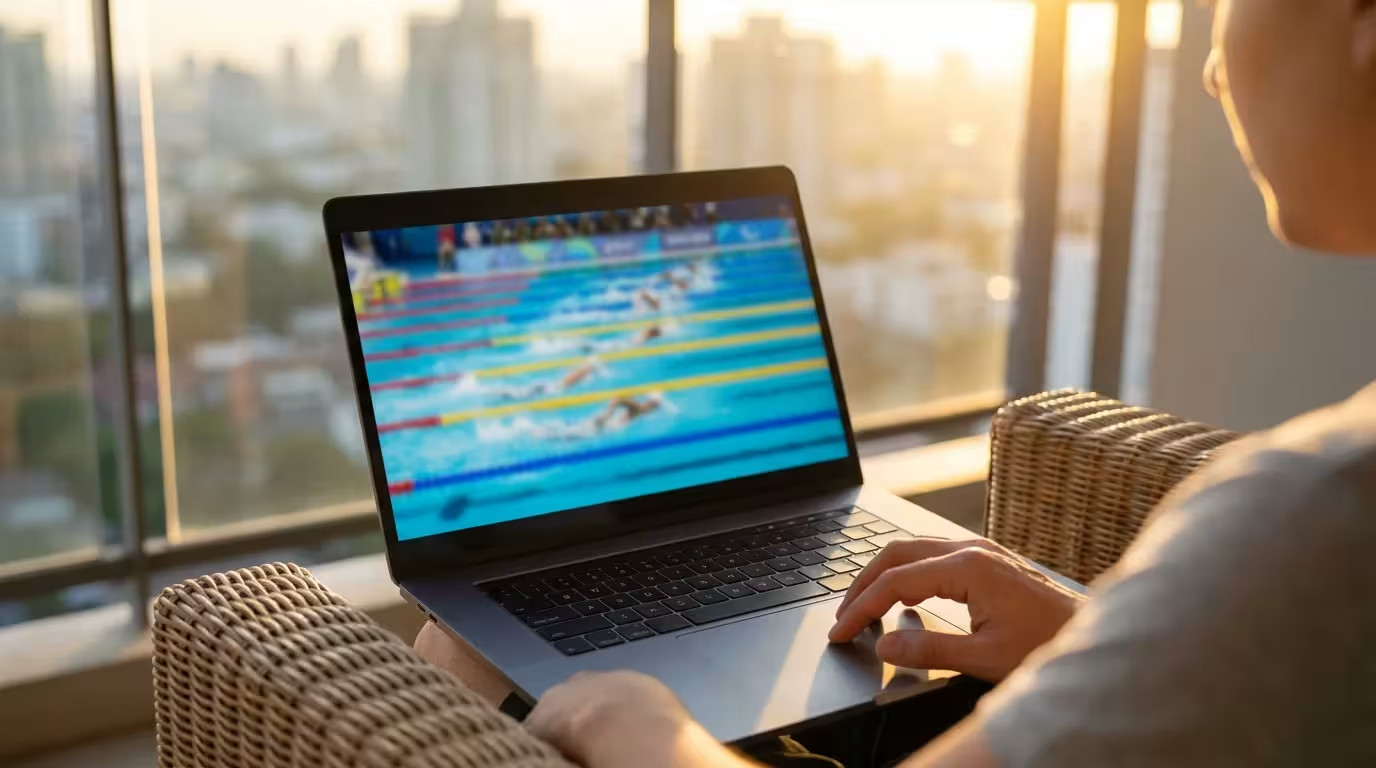
If your primary goal is to watch the Olympics for the lowest possible price, Peacock is your answer. Peacock is NBCUniversal’s standalone streaming app. Unlike the services listed later in this guide, Peacock does not try to replace your entire cable package with 100+ channels. Instead, it offers a catalog of NBC content.
For more ways to save, check out our guide to free, legal streaming options that don’t require a monthly subscription.
For recent Olympic Games, Peacock has streamed every single event live. This includes events that are not airing on the main NBC broadcast channel at that moment. You also get access to replays, highlights, and the “Gold Zone” (a whip-around show that jumps between big moments happening simultaneously).
“The best streaming service is the one that has the shows you actually watch—not the one with the most content.” — Streaming Expert
Peacock Plans:
- Premium ($7.99/month): This ad-supported plan (commercials are shown) gives you full access to all Olympic live streams and replays.
- Premium Plus ($13.99/month): This plan removes ads from on-demand content and your local NBC channel stream, though live sports broadcasts will still have standard commercial breaks.
Pros: Unbeatable price; access to every single event live; full replays on demand.
Cons: The user interface can be cluttered; it is an app, not a channel guide, so channel surfing isn’t possible.
Top Live TV Streaming Services
While Peacock is great for the games, it doesn’t offer channels like ESPN, CNN, or HGTV. If you want to cut the cord but keep a traditional TV experience—where you can flip channels and record shows on a DVR—you need a “Live TV Streaming Service.”
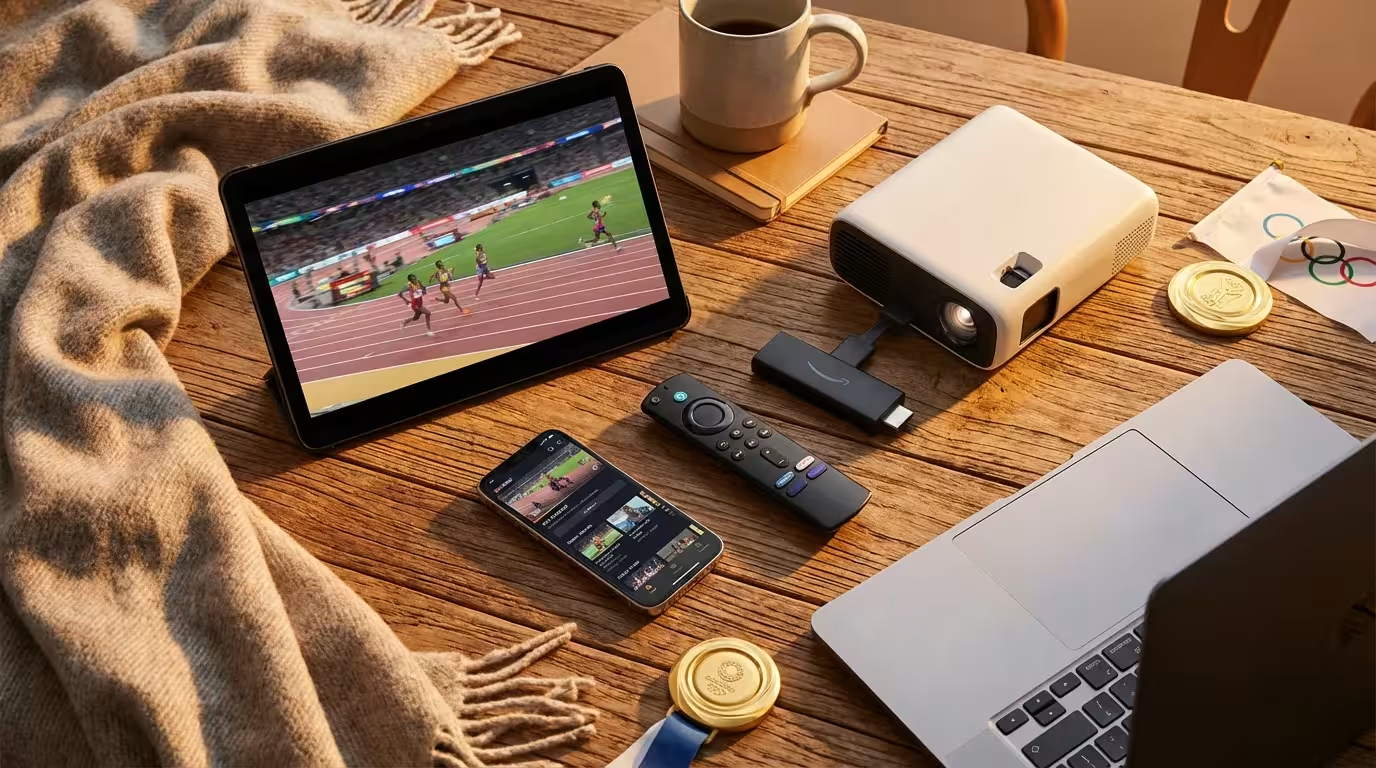
These services work just like cable but are delivered over the internet. You install an app on your Smart TV (a television with built-in internet) or streaming device (like a Roku, Amazon Fire TV Stick, or Apple TV), log in, and start watching.

YouTube TV: Best for Sports Fans
YouTube TV has solidified itself as the market leader for live TV streaming, and for good reason. It offers a clean interface and arguably the best technology for sports fans.
Because of its multiview and recording features, YouTube TV is also frequently cited as the best service for NFL football fans.
The Olympic Experience:
YouTube TV carries local NBC affiliates in almost every market in the US, along with USA, E!, CNBC, and the Golf Channel. You won’t miss any broadcast coverage.
Key Feature: Key Plays & Multiview
YouTube TV offers a “Multiview” feature that allows you to watch up to four streams at once on a single screen. During the Olympics, where gymnastics, swimming, and track might happen simultaneously, this feature is invaluable.
DVR Capabilities:
You get unlimited cloud DVR (storage for recordings kept on the internet rather than a box in your home). You can add “The Olympics” to your library, and it will record every single airing event automatically. Recordings last for 9 months.
According to CNET’s review of live TV services, YouTube TV remains the best overall premium replacement for cable due to its superior DVR and ease of use.
Sling TV: Best Mid-Range Value
If Peacock is too limited but YouTube TV ($72.99/month) is too expensive, Sling TV is the middle ground. Sling allows you to build a smaller, cheaper bundle.
The Strategy: Sling Blue
Sling offers two base packages: Orange and Blue. For the Olympics, you want Sling Blue (approx. $40/month). Sling Blue includes NBC (in select markets), USA Network, and E!. It does not usually include ESPN (that’s on Sling Orange).
Warning on Local Channels:
Sling TV only carries the local NBC station in select major markets (like New York, Los Angeles, Chicago, Dallas, etc.). If you live outside these designated market areas (DMAs), Sling Blue will provide USA and E!, but you will need a digital antenna to watch your local NBC station.
DVR:
Sling offers 50 hours of DVR storage in the base plan. This is significantly less than YouTube TV, so you will need to manage your recordings carefully.

Hulu + Live TV: Best Bundle Value
Hulu + Live TV is a strong contender if your household watches a variety of entertainment beyond sports. The subscription price (approx. $76.99/month) includes the Live TV service, the standard Hulu on-demand library, Disney+, and ESPN+.
The Olympic Experience:
Like YouTube TV, Hulu covers nearly all local NBC affiliates and the necessary cable networks. The interface is slick, though some users find the Live TV guide harder to navigate than YouTube TV’s.
Why Choose Hulu?
If you already pay for Disney+ and Hulu separately, combining them into this live TV package often saves money. While ESPN+ doesn’t carry the Olympics (since it’s owned by Disney, not NBC), it adds value for other sports fans in the house.
Fubo: The Sports-Centric Alternative
Fubo (formerly fuboTV) began as a soccer-streaming service and has evolved into a massive sports-first platform. It carries NBC, USA, E!, CNBC, and the Golf Channel.
Pros for Olympics:
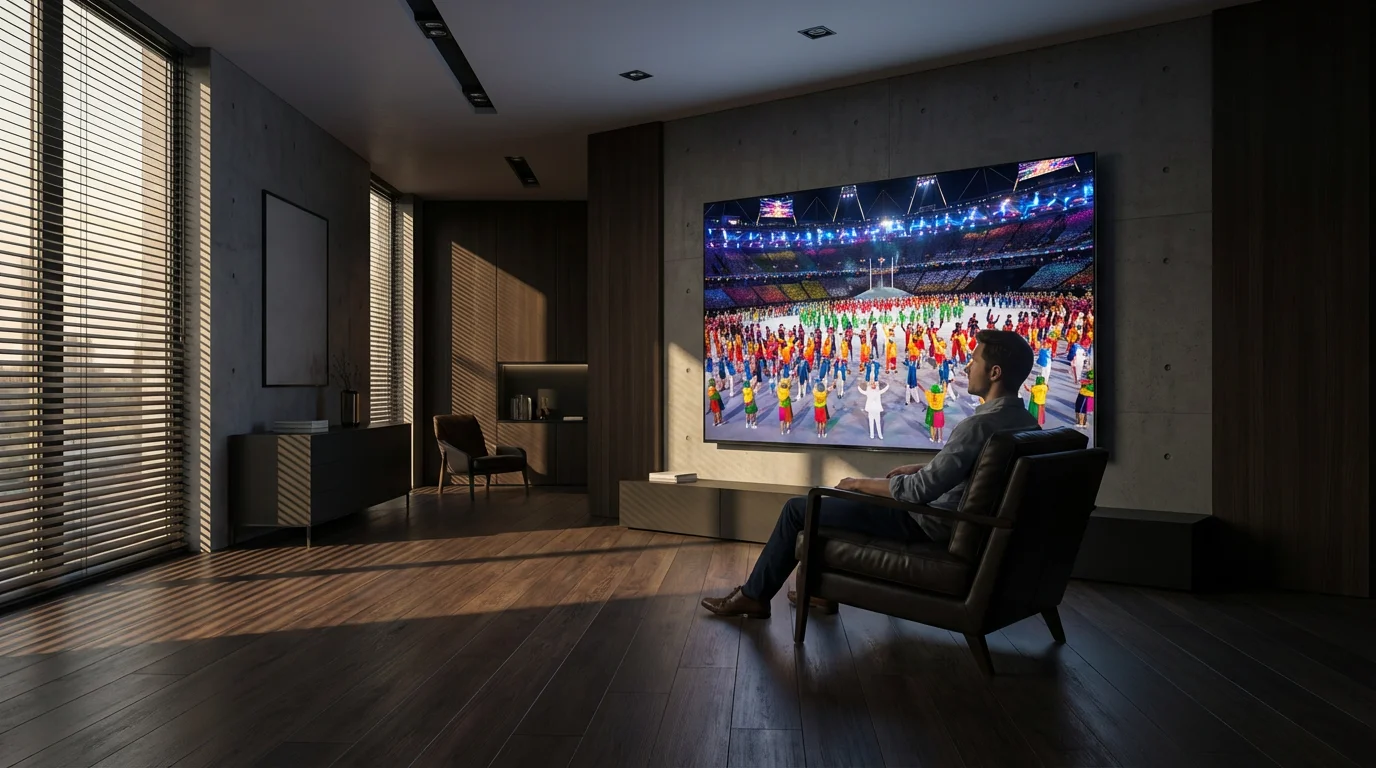
Fubo often carries the 4K feeds of Olympic events for subscribers with compatible hardware. Seeing the opening ceremony in 4K HDR is a stunning experience that standard cable often cannot match.
Cons:
Fubo is one of the more expensive options, often charging a regional sports fee on top of the base price. Additionally, it lacks the Turner networks (TNT, TBS, TruTV), which doesn’t matter for the Olympics but hurts if you also watch the NBA or MLB playoffs later in the year.
As Tom’s Guide highlights, Fubo is excellent for international sports coverage, making it a great choice if you follow specific soccer leagues alongside the Olympics.
Comparison: Price and Features
Here is how the major services stack up for Olympic viewing. Prices are subject to change, so always check the current offer.
| Service | Base Price (Est.) | NBC & USA Network? | DVR Storage | Free Trial? |
|---|---|---|---|---|
| Peacock | $7.99/mo | Yes (Streaming Feed) | None (Replays only) | Rarely |
| YouTube TV | $72.99/mo | Yes | Unlimited (9 mos) | Yes |
| Hulu + Live TV | $76.99/mo | Yes | Unlimited (9 mos) | No |
| Sling TV (Blue) | $40.00/mo | Select Markets Only | 50 Hours | Sometimes |
| Fubo | $79.99/mo | Yes | Unlimited | Yes |
How to Watch for Free: Antennas & Trials
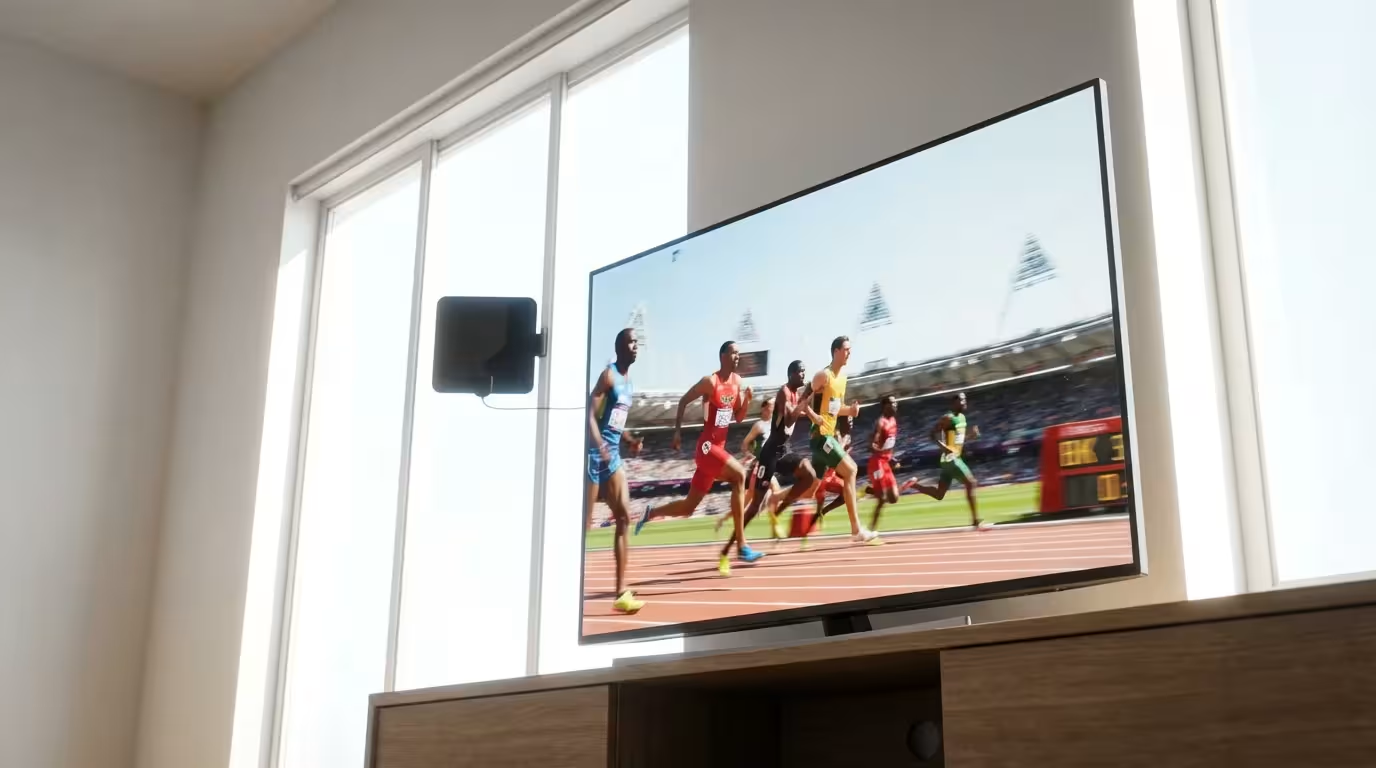
If you want to watch the primetime broadcasts on NBC absolutely free, you don’t even need the internet. You can use an Over-the-Air (OTA) antenna.
Modern antennas are sleek, flat plastic squares that can stick to a window or hide behind your TV. They capture the high-definition signals broadcast by local towers. Because these signals are uncompressed, the picture quality on an antenna is often better than cable or streaming, which compress the video to save data.
How to do it:
- Buy a decent indoor antenna (Mohu and Winegard are reputable brands).
- Screw the coaxial cable into the “Antenna/Cable” port on your TV.
- Go to your TV settings and select “Scan for Channels.”
- Tune into your local NBC station.
The Free Trial Strategy
Since the Olympics typically last about 17 days, you can utilize free trials strategically. YouTube TV and Fubo typically offer 5-day to 7-day free trials. If you time it right, you can watch roughly half the Olympics for free by testing a service, canceling, and trying another. Just remember to set a calendar reminder to cancel before you are charged!
Frequently Asked Questions
Can I watch the Olympics in 4K?
Yes, but availability is limited. NBCUniversal typically produces 4K feeds for specific events (like Opening Ceremonies and primetime track events). YouTube TV (with the 4K Plus add-on) and Fubo generally offer the best support for these 4K broadcasts. You will need a 4K-compatible streaming device and a TV that supports 4K HDR.
Do I need high-speed internet to stream the Olympics?
Yes. For a smooth high-definition (HD) stream, you generally need download speeds of at least 5-10 Mbps. If you plan to watch in 4K or have multiple people streaming at once, you should aim for internet speeds of 25 Mbps or higher. If your video is buffering (pausing to load), try connecting your streaming device directly to your router with an Ethernet cable.
Can I watch full event replays if I miss them live?
Yes. If you use Peacock, all events are available as on-demand replays shortly after they conclude. If you use a service like YouTube TV or Hulu + Live TV, you must add the event to your DVR library beforehand to record it. However, Peacock is generally the most comprehensive library for on-demand replays of niche sports.
What if I am traveling outside the US during the Olympics?
Streaming services like Peacock, YouTube TV, and Hulu are geo-restricted to the United States. If you travel internationally, you will likely be blocked from viewing content. You would need to use a VPN (Virtual Private Network) to access your US-based subscriptions, though many services actively block VPN traffic. Alternatively, you can subscribe to the local broadcaster’s service in the country you are visiting.
Disclaimer: Live TV streaming prices and channel lineups change frequently. Local channel availability varies by location. Always use the free trial to verify your local channels are included before committing. Sports blackout rules may affect some live events.