
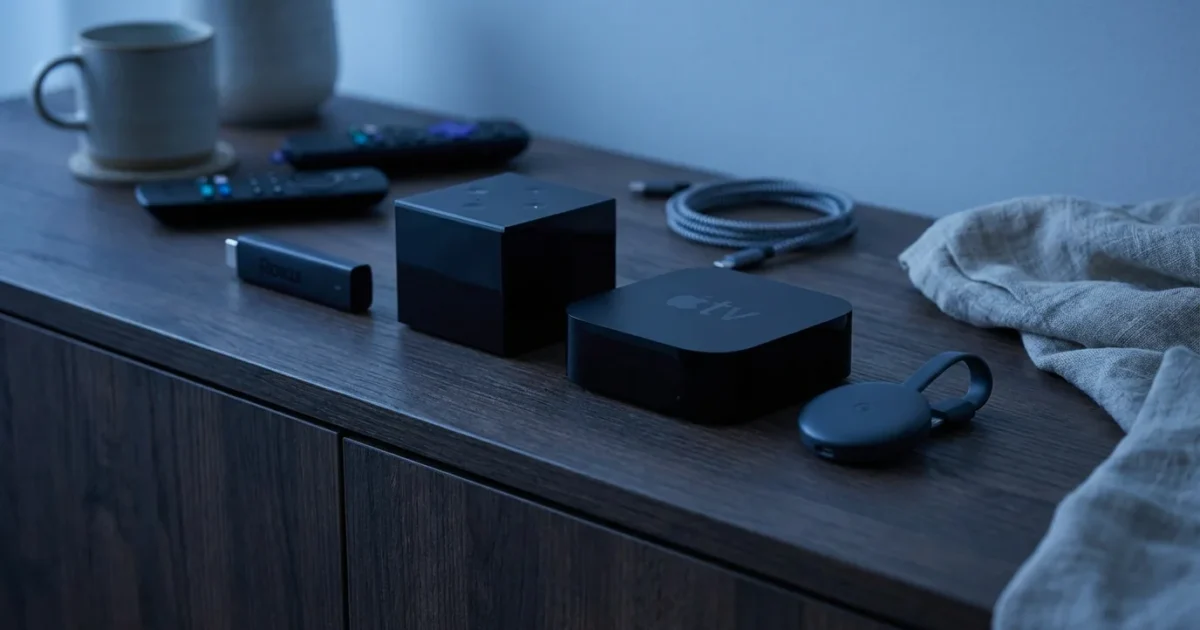
You want to stream your favorite shows and movies, but the world of streaming devices feels overwhelming. Rising costs for entertainment, the desire to cut the cord, and the sheer number of options make choosing a streaming device a daunting task. Many people feel frustrated by the complexity and fear making the wrong choice. This guide simplifies your decision, helping you understand the differences between Roku, Amazon Fire TV, Apple TV, and Google Chromecast. You will receive practical, actionable insights to select the perfect streaming device for your home, ensuring you save money and enjoy your entertainment.
If this is your first time moving away from cable, you might find our complete beginner’s guide to setting up your first streaming device helpful for getting started.
Disclaimer: Device prices and features may change. New models are released regularly, so check for the latest versions before purchasing. The “best” device depends on your specific needs, existing ecosystem (Apple, Google, Amazon), and budget.
Understanding Your Streaming Device Options
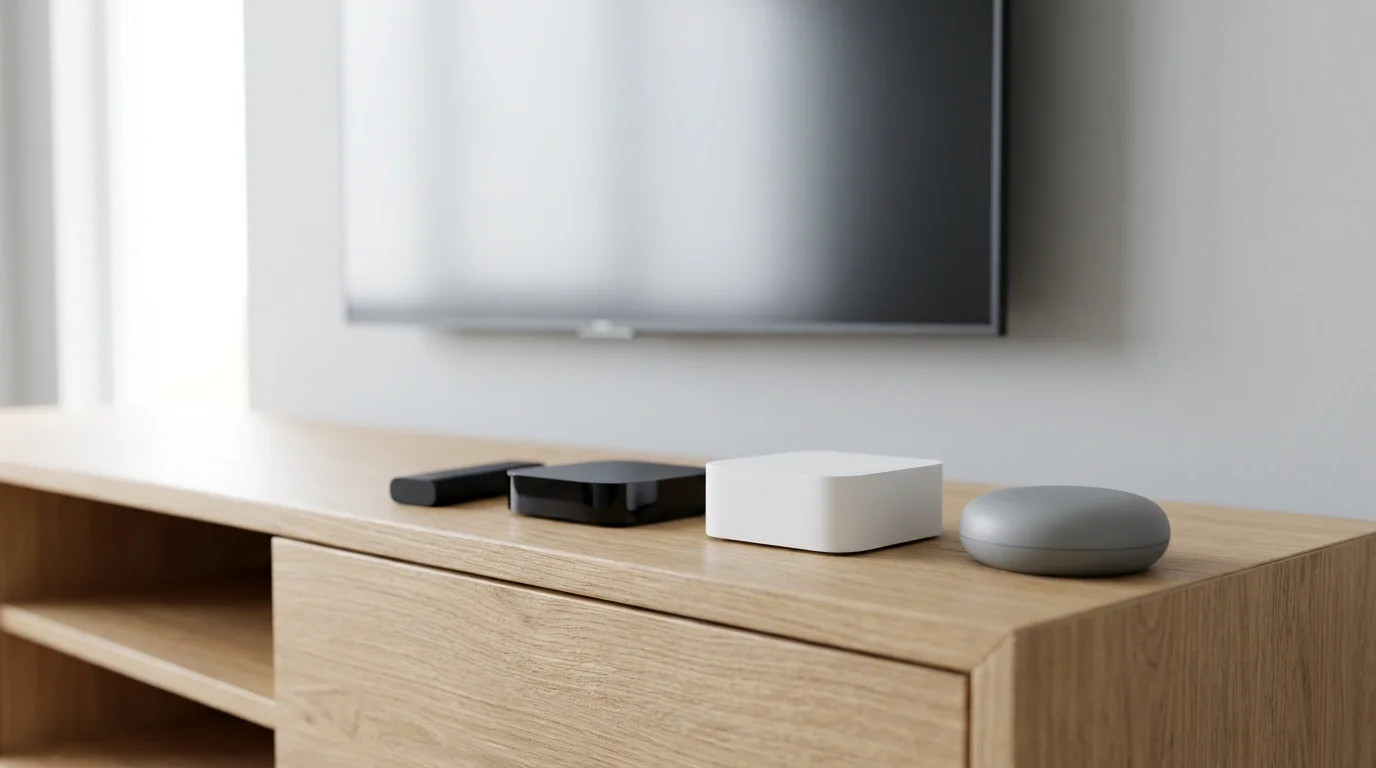
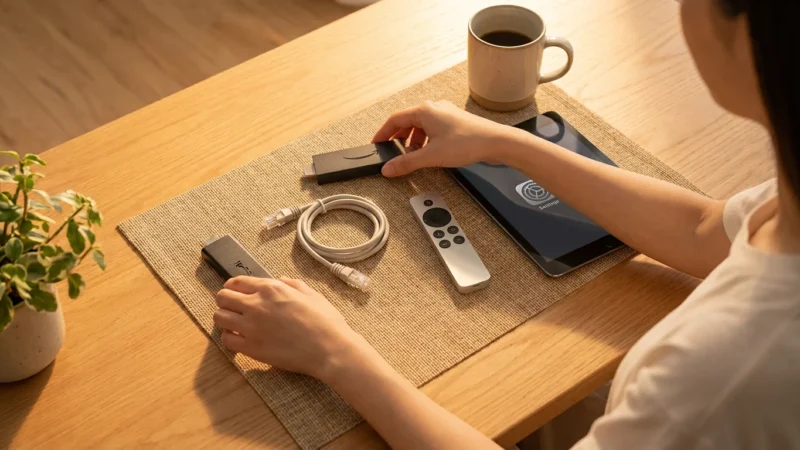
As you move away from traditional cable or satellite TV, a process known as cord-cutting, you engage in streaming. This means watching video content over the internet. A streaming device is a small piece of hardware that connects to your TV and provides access to various streaming services. These devices offer a dedicated, often superior, experience compared to the built-in apps on your smart TV, which is a television with an internet connection and embedded applications.
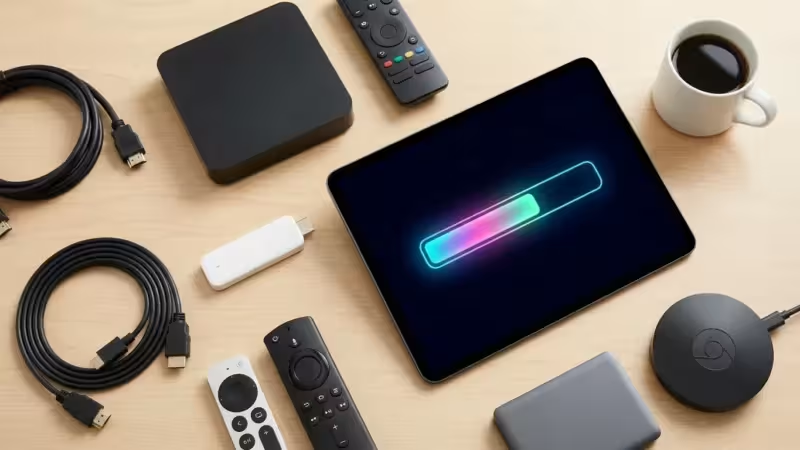
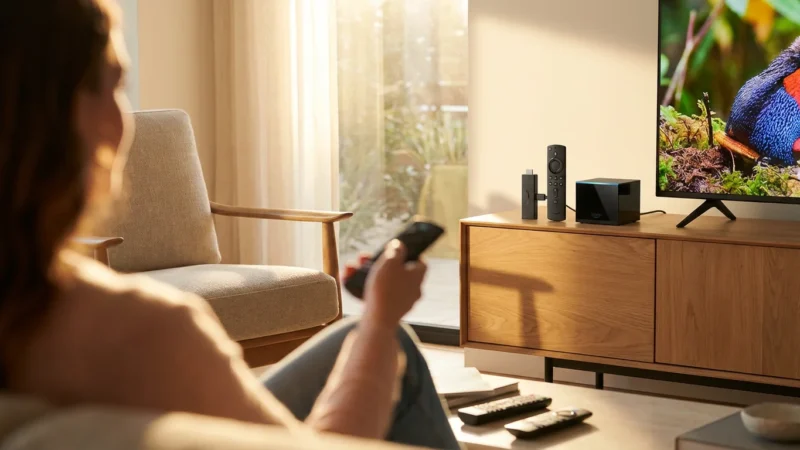
The market primarily features four major players: Roku, Amazon Fire TV, Apple TV, and Google Chromecast. Each platform offers unique strengths, catering to different preferences and budgets. Understanding their core philosophies helps you narrow down your choices. Roku focuses on simplicity and content agnosticism, Fire TV emphasizes Amazon’s ecosystem and Alexa integration, Apple TV offers a premium experience for Apple loyalists, and Chromecast excels at content casting, with newer models providing a full interface.
“The best streaming device for you is the one that seamlessly integrates with your existing technology, provides access to all your must-have apps, and fits your budget. Don’t overpay for features you won’t use.”
Feature Face-Off: What Matters Most?
When comparing streaming devices, several technical features significantly impact your viewing experience. Understanding these terms helps you identify what you truly need.
For a deeper look at which hardware best supports these high-end visuals, see our guide on the best streaming device for 4K and HDR content.
- 4K Resolution: This refers to a display resolution of roughly 4,000 pixels horizontally (3840×2160 pixels). It offers four times the detail of standard Full HD (1080p), providing a sharper, more immersive picture if you have a 4K TV and 4K content.
- HDR (High Dynamic Range): HDR enhances the contrast and color accuracy of your video. It delivers brighter whites, deeper blacks, and a wider range of colors, making images appear more vibrant and lifelike.
- Dolby Vision: This is an advanced HDR format developed by Dolby. It uses dynamic metadata, meaning it can optimize picture quality scene by scene or even frame by frame. This often results in a more precise and impactful HDR experience compared to standard HDR10, which uses static metadata.
- HDR10: An open-standard HDR format, HDR10 is widely supported across TVs and content. It offers significant improvements over standard dynamic range but with static metadata for the entire movie or show.
- Dolby Atmos: This immersive audio technology creates a three-dimensional soundscape. Sounds appear to come from all around you, including overhead, offering a much richer audio experience if you have a compatible sound system.
- WiFi 6 Support: The latest generation of Wi-Fi technology, WiFi 6 (802.11ax), offers faster speeds, lower latency, and improved performance in congested network environments. This is beneficial for smooth 4K streaming, especially if multiple devices use your home network simultaneously.
Here is a comparison of typical features across the different device categories:
| Feature | Roku (Stick 4K/Ultra) | Amazon Fire TV (Stick 4K Max/Cube) | Apple TV 4K | Chromecast with Google TV 4K |
|---|---|---|---|---|
| Max Resolution | 4K HDR | 4K HDR | 4K HDR | 4K HDR |
| HDR Formats | HDR10, HDR10+, HLG, Dolby Vision | HDR10, HDR10+, HLG, Dolby Vision | HDR10, HDR10+, HLG, Dolby Vision | HDR10, HDR10+, HLG, Dolby Vision |
| Audio Support | Dolby Atmos, DTS Digital Surround | Dolby Atmos, DTS-HD, 7.1 surround | Dolby Atmos, Dolby Digital 7.1/5.1 | Dolby Atmos, DTS Digital Surround |
| Voice Assistant | Roku Voice | Amazon Alexa | Apple Siri | Google Assistant |
| WiFi 6 Support | Yes (most 4K models) | Yes (4K Max, Cube) | Yes (latest models) | Yes (4K model) |
| Ethernet Port | Ultra (via adapter), Streambar | Fire TV Cube (built-in), adapters for others | Yes (built-in) | Yes (via power adapter) |
| User Interface | Simple, app-focused | Content-forward, Amazon-centric | Sleek, iOS-like | Google TV, content discovery |
Roku: Simplicity and Broad App Support
Roku devices stand out for their straightforward, user-friendly interface. The platform prioritizes content accessibility, acting as an agnostic portal to nearly every major streaming service available. This means you will find Netflix, Hulu, Disney+, Max, Apple TV+, and countless others without bias towards a particular content provider.
To help you decide which model is right for you, we compare the Roku Express vs Roku Streaming Stick vs Roku Ultra in our dedicated breakdown.
Pros of Roku
- Simplicity: Roku’s interface is easy to navigate, presenting apps in a grid format without excessive recommendations or clutter. This makes it ideal for users who simply want to find an app and start watching.
- Broad App Availability: Roku offers one of the widest selections of streaming apps, often supporting new services quickly. If a service exists, chances are Roku has it.
- Affordable Options: You can find Roku devices at various price points, from basic HD streamers to powerful 4K HDR models. The Roku Express (around $30) provides an excellent entry point for budget buyers, while the Roku Streaming Stick 4K (around $50) offers a balance of features and value. The Roku Ultra (around $100) provides premium performance and additional features like an Ethernet port.
- Less Ecosystem Bias: Unlike Amazon or Google, Roku does not heavily push its own content or services, providing a more neutral streaming experience.
- Privacy Focus: While any streaming device collects some data, Roku generally appears less aggressive in its data collection and ad targeting compared to Amazon or Google.
Cons of Roku
- Ad-Supported Interface: The home screen features prominent ad placements, which some users find intrusive.
- Limited Ecosystem Integration: Roku does not deeply integrate with smart home ecosystems like Alexa or Google Assistant naturally, though you can control some Roku devices via these assistants.
- Less Advanced Features: While premium Roku devices offer strong performance, they generally lack some of the advanced gaming or smart home hub capabilities found in higher-end Fire TV or Apple TV devices.
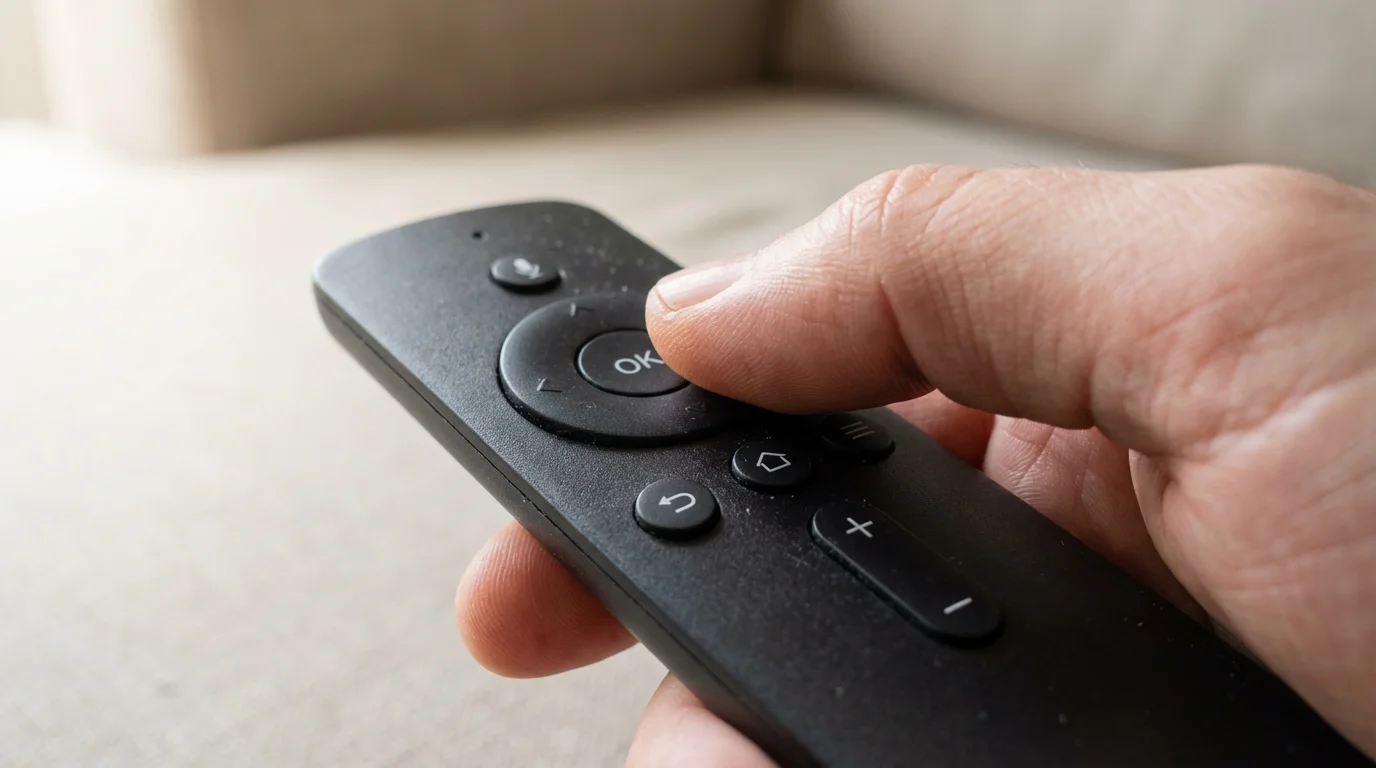
Roku Voice Remote
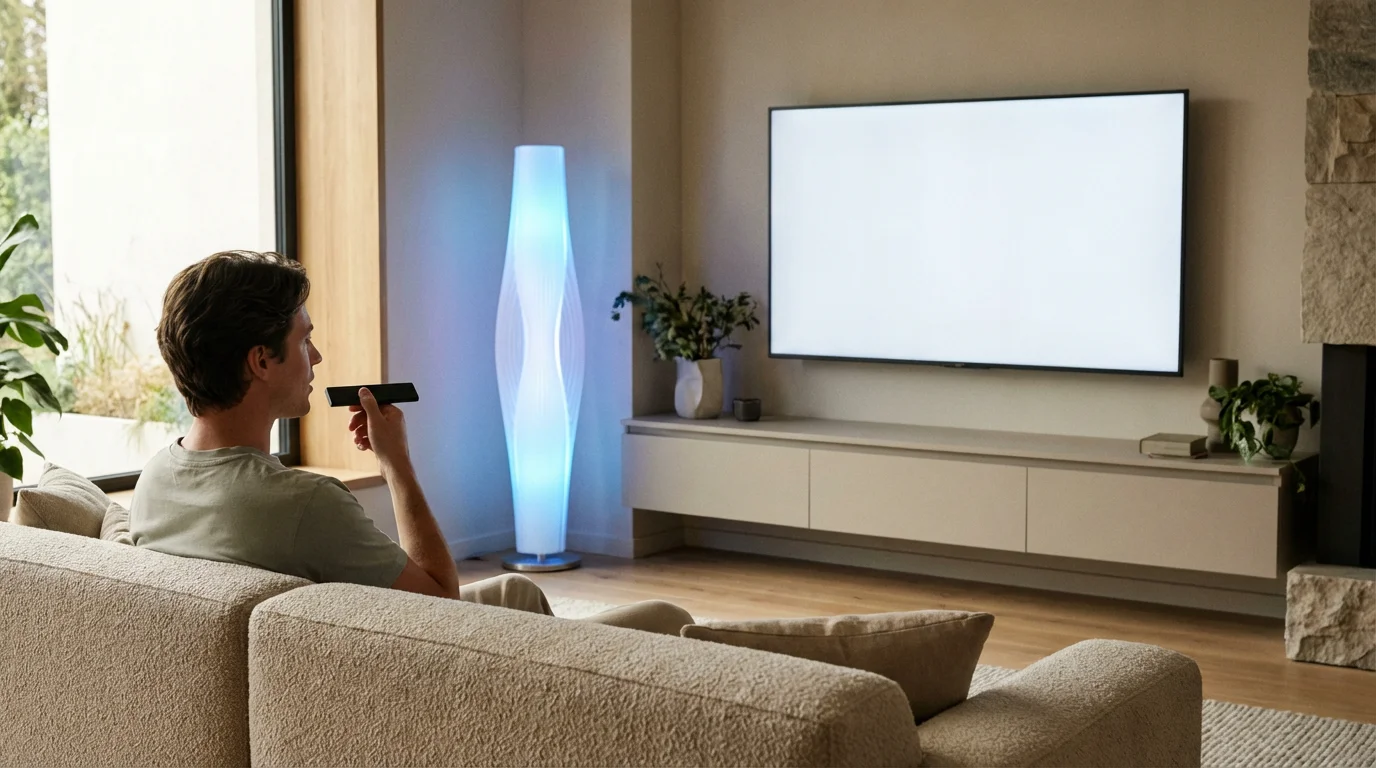
Roku devices come with easy-to-use remotes. Basic models offer essential controls, while higher-end devices include a voice remote. Press the microphone button and speak your command to search for content, launch apps, or control playback. Roku Voice is effective for basic commands but lacks the deeper conversational intelligence of Alexa or Google Assistant.
Amazon Fire TV: Alexa Integration and Value
Amazon’s Fire TV devices integrate deeply into the Amazon ecosystem, making them a natural choice for Prime members and users of Alexa-enabled smart home devices. These sticks and cubes offer a feature-rich experience, often at competitive prices, particularly during sales events.
If you are interested in the Amazon ecosystem, we have Amazon’s lineup explained to show the differences between the Stick and the Cube.
Pros of Amazon Fire TV
- Alexa Integration: Fire TV devices serve as excellent hubs for Alexa. You can ask Alexa to find shows, control smart home devices, check weather, or play music directly from your TV remote.
- Strong Value: Amazon frequently offers deals on its Fire TV Stick models, making them very affordable entry points into 4K streaming. The Fire TV Stick Lite (around $30) and Fire TV Stick 4K Max (around $55) deliver significant features for their price. The Fire TV Cube (around $140) combines a streaming device with an Echo smart speaker.
- Gaming Options: Higher-end Fire TV devices support cloud gaming services and some casual games, offering more than just video streaming.
- Content-Forward Interface: The Fire TV interface emphasizes content discovery, especially from Amazon Prime Video, but also prominently features other services.
Cons of Amazon Fire TV
- Amazon-Centric: The interface heavily promotes Amazon content and services, which can feel biased if you primarily use other platforms.
- More Ads: Like Roku, Fire TV devices incorporate advertising throughout the interface, often more prominently than Roku.
- Privacy Concerns: As a Google-owned platform, Amazon’s data collection practices are more extensive, often leveraging your viewing habits to inform advertising and service recommendations. This is a common concern among some users.
Amazon Fire TV Remote and Alexa
All Fire TV remotes include a microphone button for Alexa voice commands. This integration is seamless, allowing you to ask complex questions, control smart home devices, and navigate content efficiently. The Fire TV Cube includes far-field microphones, allowing hands-free Alexa commands without needing to pick up the remote.
Apple TV: Premium Experience for Apple Users
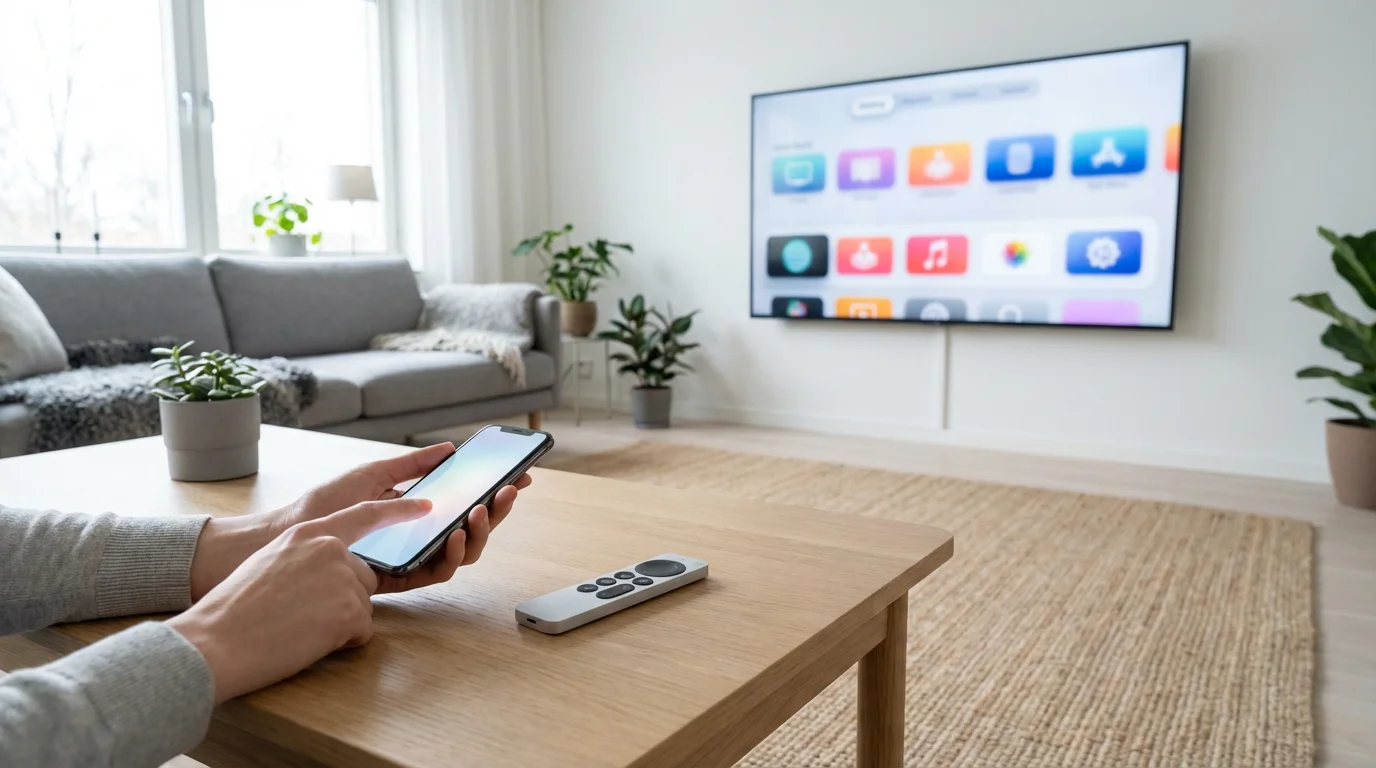
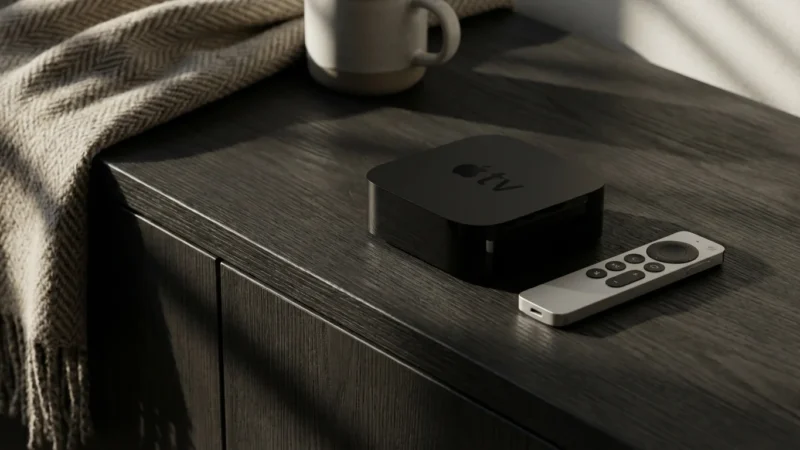
The Apple TV 4K is Apple’s high-end streaming device, offering a polished, premium experience specifically tailored for users within the Apple ecosystem. It prioritizes performance, privacy, and seamless integration with other Apple devices and services.
Pros of Apple TV
- Seamless Apple Ecosystem Integration: If you own an iPhone, iPad, or Mac, the Apple TV offers unparalleled integration. Features like AirPlay, HomeKit control, shared photo albums, and easy setup with an iPhone make it ideal for Apple households.
- Premium Performance: Apple TV devices feature powerful processors, delivering incredibly fast, fluid navigation and app loading. This makes for a smooth, frustration-free experience, especially with demanding apps or games.
- High-Quality Audio/Video: Apple TV 4K supports all major HDR formats, including Dolby Vision, and Dolby Atmos audio, ensuring a top-tier cinematic experience.
- Strong Privacy Focus: Apple emphasizes user privacy more than Amazon or Google, offering a streaming experience with less aggressive data collection and personalized advertising.
- Sleek, Ad-Free Interface: The interface is clean, intuitive, and largely ad-free, prioritizing content and user experience.
Cons of Apple TV
- High Price: The Apple TV 4K (starting around $129-$149, depending on storage) is significantly more expensive than comparable 4K streamers from Roku or Amazon. This price point makes it less appealing for budget-conscious buyers.
- Less Flexible for Non-Apple Users: While it works with any TV, many of its premium features and conveniences are best utilized if you are already invested in the Apple ecosystem.
- Siri Remote: While updated, some users find the Siri Remote’s trackpad a bit sensitive, though it offers precise control.
Siri Remote
The Siri Remote provides a touch-enabled clickpad for intuitive navigation. You can swipe, click, and use Siri for voice commands. Siri on Apple TV allows you to search for content, control playback, launch apps, and even control HomeKit-enabled smart home devices. Its integration is deep and responsive, providing a powerful voice control experience.
Google Chromecast: Cast-Centric or Full Interface
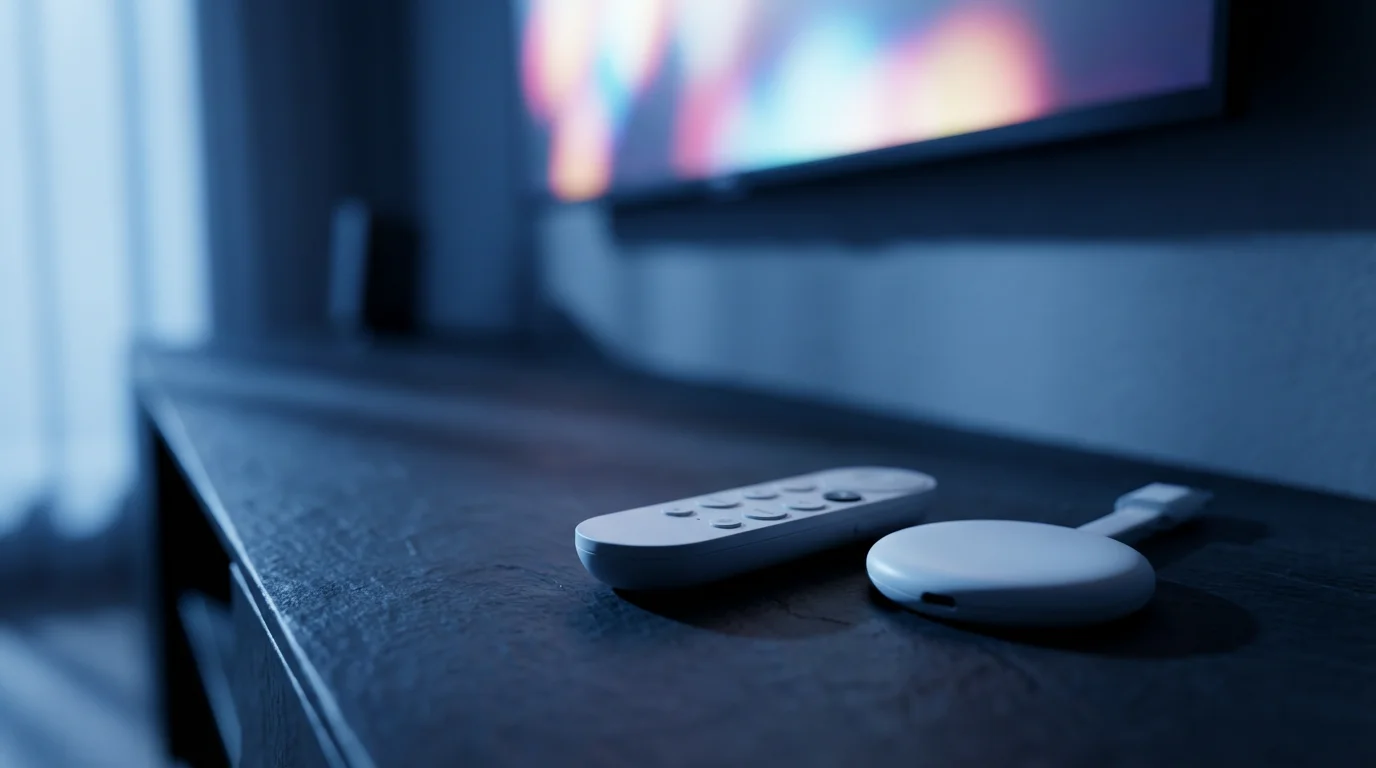
Google’s Chromecast line has evolved from a simple casting device to a full-fledged streaming platform with the introduction of Chromecast with Google TV. These devices integrate deeply with the Google ecosystem, including Google Assistant and Android apps.
Pros of Google Chromecast
- Excellent Casting Abilities: All Chromecast devices excel at casting content directly from your phone or tablet. You can “cast” videos, music, and even browser tabs from compatible apps and websites.
- Google Ecosystem Integration: If you use Google services like YouTube, Google Photos, or Google Assistant, these devices offer seamless integration.
- Google TV Interface: Chromecast with Google TV models provide a unified interface that aggregates content from various streaming services, offering personalized recommendations. This can be great for content discovery.
- Affordable Entry: The Chromecast with Google TV HD (around $30) provides an extremely affordable way to get a full smart TV interface, while the 4K version (around $50) offers excellent value for 4K streaming.
Cons of Google Chromecast
- Older Models Lack Interface: Original Chromecast devices require a phone or tablet to control, which can be less convenient for traditional TV watching. The newer Google TV models address this.
- Google-Centric: Like Amazon, the interface naturally prioritizes Google services and content, though it integrates well with third-party apps.
- Privacy Concerns: Similar to Amazon, Google’s extensive data collection across its services translates to its streaming devices, potentially raising privacy concerns for some users.
Google Assistant Remote
Chromecast with Google TV devices include a remote with a dedicated Google Assistant button. Press and hold it to issue voice commands, search for content across your installed apps, get information, or control smart home devices integrated with Google Assistant. The assistant is highly capable and understands a wide range of queries.
Smart TV Apps vs. Dedicated Streaming Device: When to Upgrade
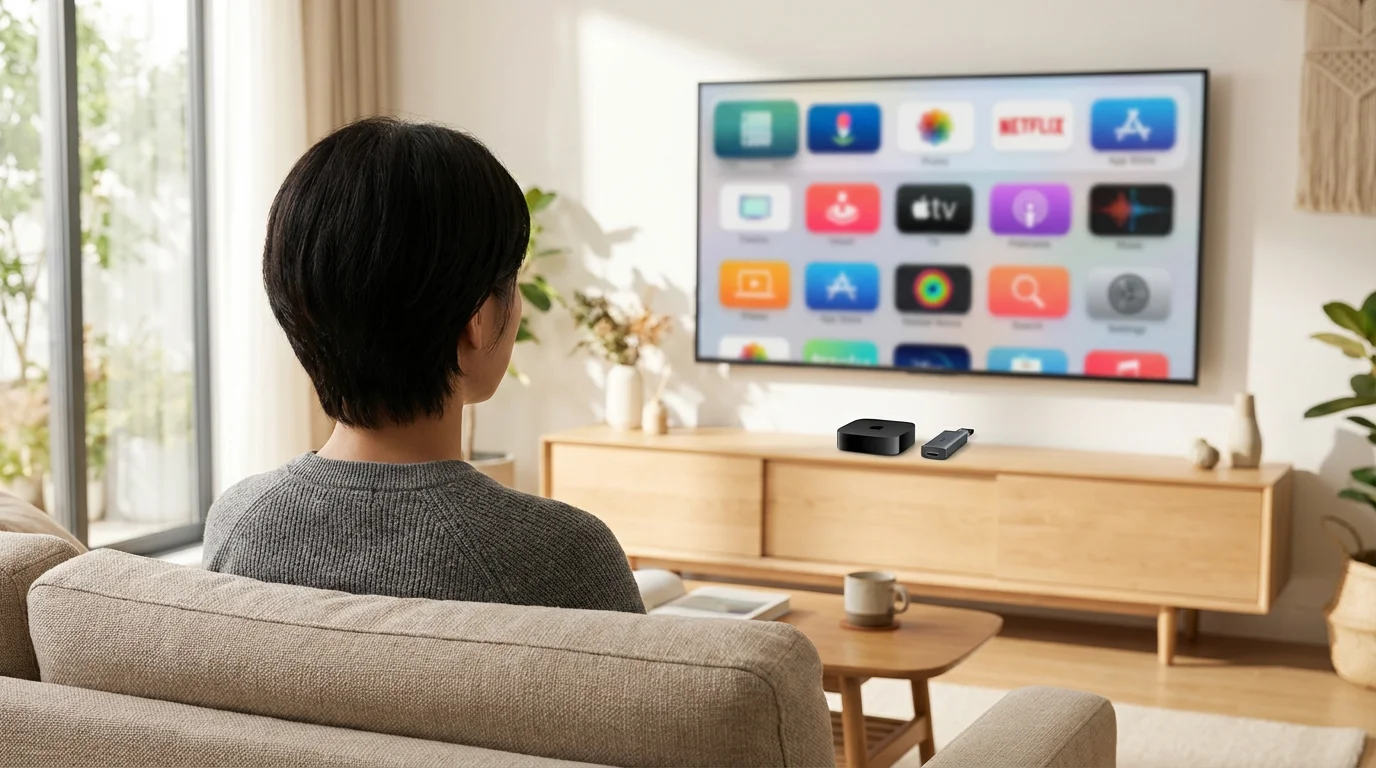
Your smart TV likely comes with built-in streaming apps. For many users, these integrated apps are “good enough” for casual viewing. If you only watch one or two streaming services, do not need the fastest performance, and own a newer TV, you might find your smart TV’s apps suffice. However, a dedicated streaming device often offers a superior experience for several key reasons:
Reasons to Choose a Dedicated Streaming Device:
- Performance and Speed: Dedicated devices typically feature more powerful processors and more RAM than smart TVs. This results in faster app loading, smoother navigation, and less lag, especially with 4K or graphically intensive apps.
- Consistent Updates: Streaming device manufacturers (Roku, Amazon, Apple, Google) consistently update their software, ensuring compatibility with new streaming formats, security patches, and app improvements. Smart TV manufacturers often stop updating older models after a few years, leaving them vulnerable or slow.
- Unified Interface: A dedicated device provides a consistent user experience across different TVs. If you move it to another TV, your apps and preferences remain. Smart TV interfaces vary widely by brand.
- Advanced Features: Dedicated devices often include cutting-edge features like WiFi 6, advanced voice assistants, or an Ethernet port for a more stable connection, which many smart TVs lack.
- App Availability: While smart TVs have many apps, some niche or newer services might debut on dedicated platforms first.
- Longevity: You can replace an inexpensive streaming stick every few years to keep up with the latest technology without replacing your entire television.
According to Wirecutter’s streaming device guide, dedicated streamers often surpass smart TV apps in speed, ease of use, and overall longevity, providing a better long-term viewing experience. If your smart TV’s apps feel sluggish, crash frequently, or lack desired features, upgrading to a dedicated streaming device offers a significant improvement.
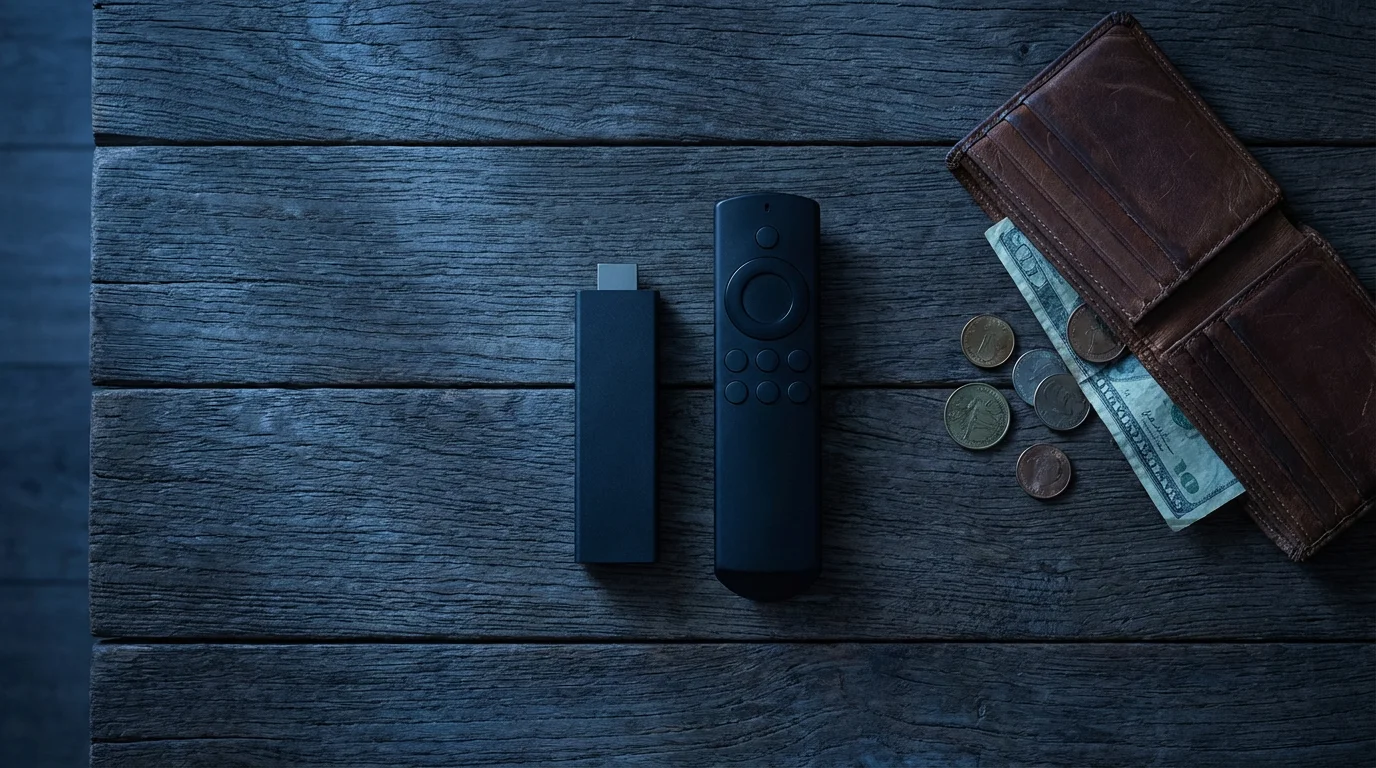
Budget Breakdown: Finding the Right Device for Your Wallet
Your budget plays a crucial role in selecting a streaming device. Here is a breakdown of what you can expect at different price tiers:
For a current look at the most cost-effective hardware, check out our list of the best streaming device for every budget in 2024.
Tier 1: Under $30
At this price point, you find entry-level HD streaming devices. These are perfect for older TVs, secondary TVs in bedrooms, or for users who simply need basic streaming without 4K. They provide excellent value for money.
- Roku Express: Offers a simple, app-focused interface for HD streaming.
- Amazon Fire TV Stick Lite: Provides HD streaming with Alexa voice control, heavily integrated with Amazon.
- Chromecast with Google TV (HD): A full smart TV interface with Google Assistant and 4K capabilities (if available in an HD model, or HD version of the 4K model).
Tier 2: $30-$60
This is the sweet spot for many users, offering 4K HDR streaming with enhanced performance and features. These devices are ideal for your primary living room TV.
- Roku Streaming Stick 4K: Compact, powerful, and supports all major HDR formats, including Dolby Vision. Excellent all-around performance.
- Amazon Fire TV Stick 4K Max: Amazon’s fastest stick, with WiFi 6 support and deep Alexa integration. Great for power users in the Amazon ecosystem.
- Chromecast with Google TV (4K): Offers the full Google TV interface with personalized recommendations and Google Assistant, plus 4K HDR.
Tier 3: $60-$100
Devices in this range offer premium features, enhanced performance, or unique capabilities like Ethernet ports or advanced audio. You get a noticeable step up in speed and reliability.
- Roku Ultra: Roku’s top-tier box, providing the fastest performance, a lost remote finder, and an Ethernet port for a wired connection.
- Roku Streambar: Combines a Roku streamer with a soundbar, offering an all-in-one audio and streaming upgrade.
- Chromecast with Google TV (4K) with Ethernet Adapter: While the device itself is $50, adding Google’s optional Ethernet adapter pushes it into this tier, providing a more stable connection.
Tier 4: $100+
This tier represents the high-end, premium streaming experience. These devices boast the fastest processors, most robust connectivity, and often integrate tightly with specific ecosystems, justifying their higher cost with superior performance and advanced features.
- Apple TV 4K: The top choice for Apple users, offering unmatched speed, a clean interface, excellent privacy, and seamless integration with the Apple ecosystem.
- Amazon Fire TV Cube: Combines a powerful 4K streaming device with a full-fledged Echo smart speaker. Offers hands-free Alexa, excellent performance, and an Ethernet port.
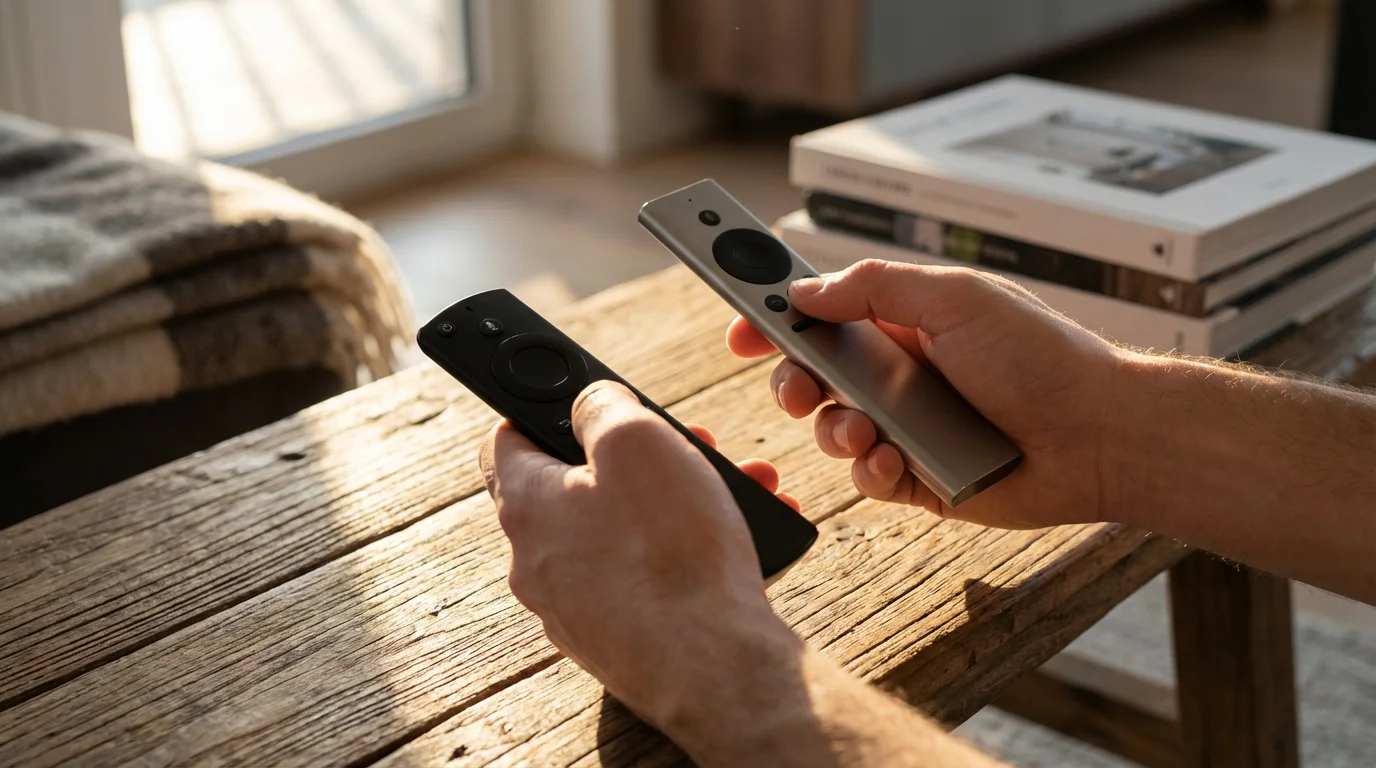
Best Device for Your Specific Needs
The “best” streaming device is subjective, depending entirely on your household’s unique requirements and preferences. Consider these use cases to help you choose:
- Best for Budget Buyers (Under $30):
- Roku Express: Simple, reliable, and great for basic HD streaming.
- Amazon Fire TV Stick Lite: Adds Alexa voice control for a similar price point.
- Best for Apple Households:
- Apple TV 4K: If you own an iPhone, iPad, or Mac, the Apple TV’s seamless integration, AirPlay capabilities, and HomeKit control make it an unparalleled choice. Its strong performance and privacy features also appeal.
- Best for Amazon/Alexa Users:
- Amazon Fire TV Stick 4K Max: Excellent performance, WiFi 6, and deep Alexa integration at a competitive price.
- Amazon Fire TV Cube: For those who want hands-free Alexa and premium streaming performance combined with a smart speaker.
- Best for Google/Android Users:
- Chromecast with Google TV (4K): Integrates well with Google Assistant, YouTube, and Android devices. The Google TV interface provides excellent content discovery.
- Best for Simplicity & App Variety:
- Roku Streaming Stick 4K: The easiest interface to navigate, with access to virtually every streaming app. A great choice for those who value straightforward content access.
- Roku Ultra: Offers the fastest Roku experience with added connectivity and features.
- Best for Sports Fans:
- Any device that offers excellent performance and reliable app support will work for sports fans. The key is ensuring your preferred sports streaming apps (e.g., ESPN+, FuboTV, Sling TV, YouTube TV) are available and run smoothly. High-performance devices like the Apple TV 4K or Fire TV Cube often provide the smoothest live streaming experience.
According to CNET’s comprehensive review of streaming devices, the Fire TV Stick 4K Max and Roku Streaming Stick 4K consistently rank as top choices for most users, offering the best blend of features, performance, and value. The Apple TV 4K remains the top premium pick for Apple loyalists.
Frequently Asked Questions
What is cord-cutting and why should I consider it?
Cord-cutting means canceling traditional cable or satellite TV in favor of streaming services delivered over the internet. You should consider it to save money, gain more control over what you watch with on-demand content, and avoid contracts or hidden fees often associated with cable. Many find the flexibility and cost savings compelling.
Do I need a 4K TV to buy a 4K streaming device?
No, you do not need a 4K TV, but you will only experience 4K resolution if your TV supports it. A 4K streaming device will still work on an HD TV, scaling down the content to fit your screen. Buying a 4K device future-proofs your setup if you plan to upgrade your TV later.
What is the difference between ad-supported and ad-free streaming?
Ad-supported streaming plans are either free (like Peacock’s free tier or The Roku Channel) or cheaper paid subscriptions that include commercials. Ad-free plans cost more but provide an uninterrupted viewing experience without advertisements. Your preference for convenience versus cost determines which plan is right for you.
Can I record live TV with a streaming device?
You cannot record live TV directly onto most streaming devices like you would with a traditional DVR. However, many live TV streaming services (such as YouTube TV, Hulu + Live TV, Sling TV) include a cloud DVR feature. This allows you to record live broadcasts to their servers and watch them later, similar to a physical digital video recorder. Your streaming device simply acts as the interface to access these cloud recordings.

Leave a Reply