
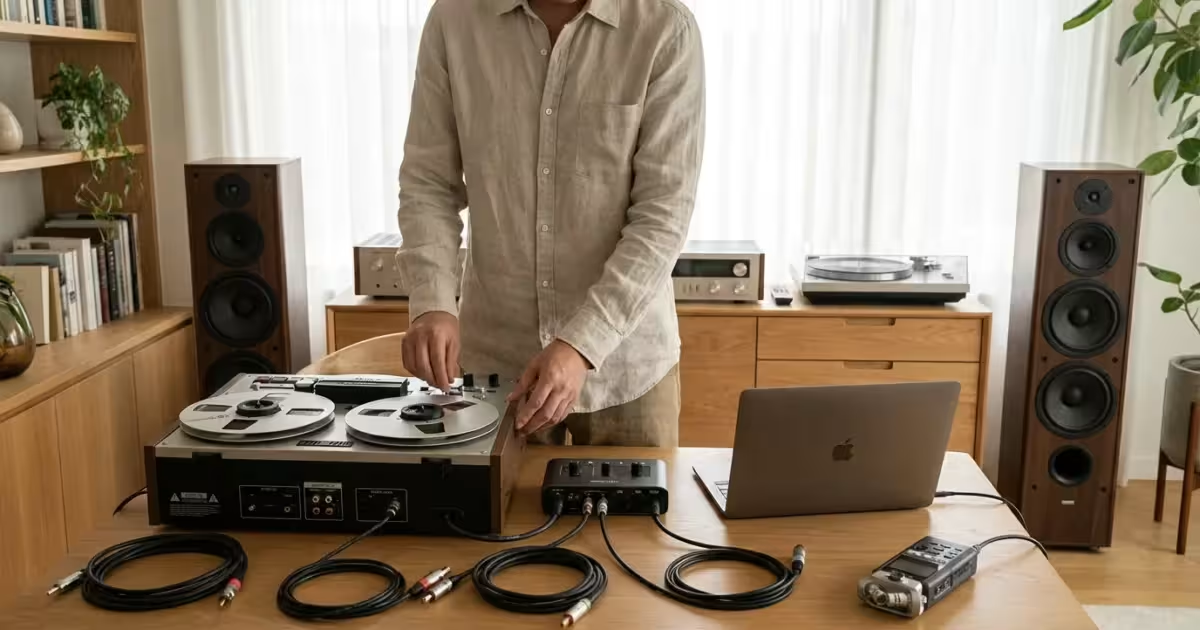
You have built a curated collection of vinyl records over the decades, or perhaps you possess a high-quality vintage stereo receiver that delivers a warmth modern soundbars just can’t match. Yet, you also live in a digital world where convenience is king. You want the ability to stream that rich analog sound to wireless speakers in the kitchen, or you want to integrate your classic hardware into a modern multi-room ecosystem. This is where the bridge between analog and digital becomes essential.
Converting analog audio to digital for streaming sound systems is not just for audiophiles with unlimited budgets. It is a practical way to extend the life of equipment you already own and save money by avoiding the purchase of redundant smart speakers. By digitizing your analog signals, you create a flexible home entertainment network where your turntable, cassette deck, or legacy amplifier can communicate with modern Bluetooth, AirPlay, or Wi-Fi speakers.
Understanding the Basics: Analog vs. Digital Signals
Before you start plugging cables in, it helps to understand what you are actually doing to the sound. This ensures you buy the right adapters and don’t overspend on technology you don’t need.
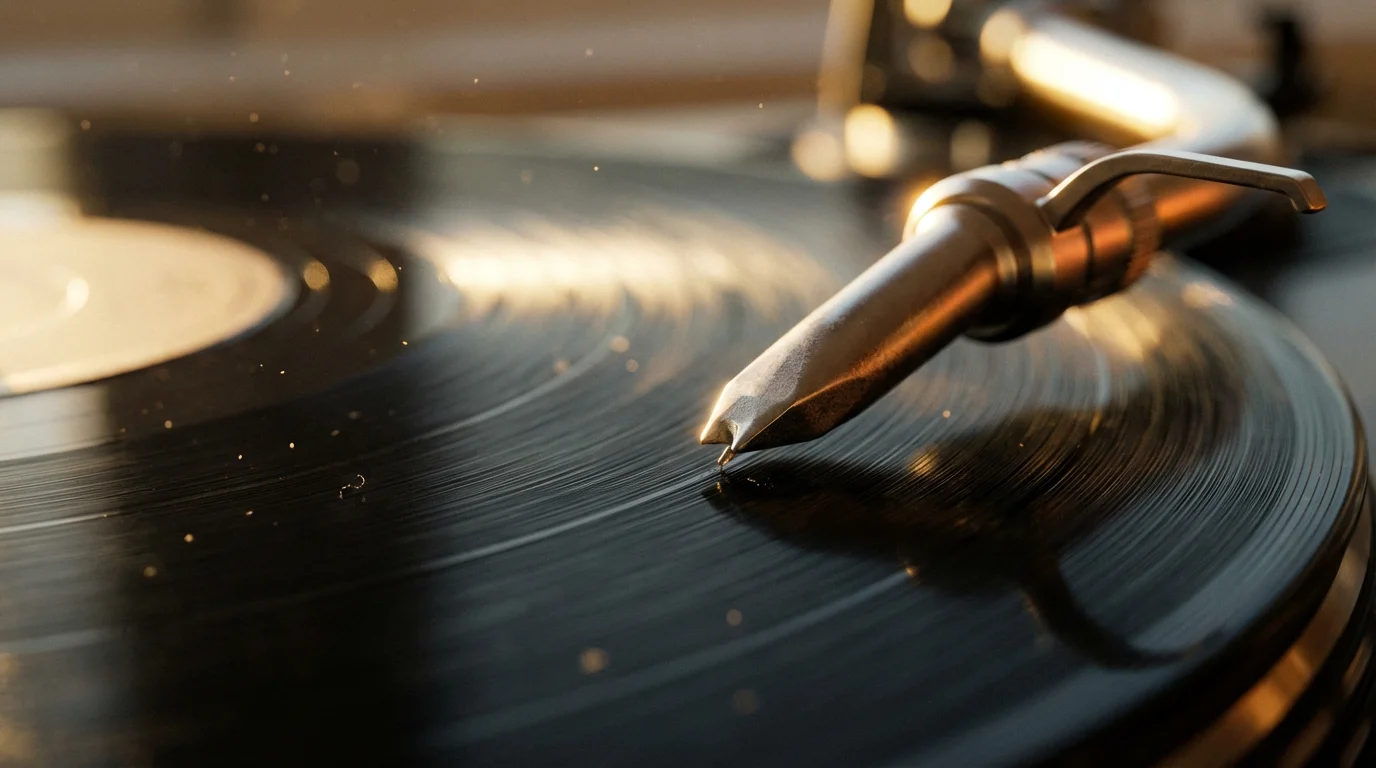
Analog audio is a continuous signal. When a needle rides the groove of a record, it creates an electrical voltage that mimics the sound wave perfectly. It is smooth and infinite in resolution, but it is tied to physical cables. It cannot fly through the air to your patio speaker on its own.
Digital audio takes that continuous wave and takes snapshots of it thousands of times per second. This process is called “sampling.” Once the audio is turned into data (ones and zeros), your Wi-Fi network can send it anywhere in your house. The goal of converting analog to digital is to take those snapshots accurately enough that your ears can’t tell the difference between the original record and the digital stream playing in the other room.
Why Convert? The Benefits of Hybrid Sound Systems
You might wonder why you should bother complicating your setup. Why not just keep the vintage gear separate from your streaming devices? There are significant financial and functional benefits to merging them.
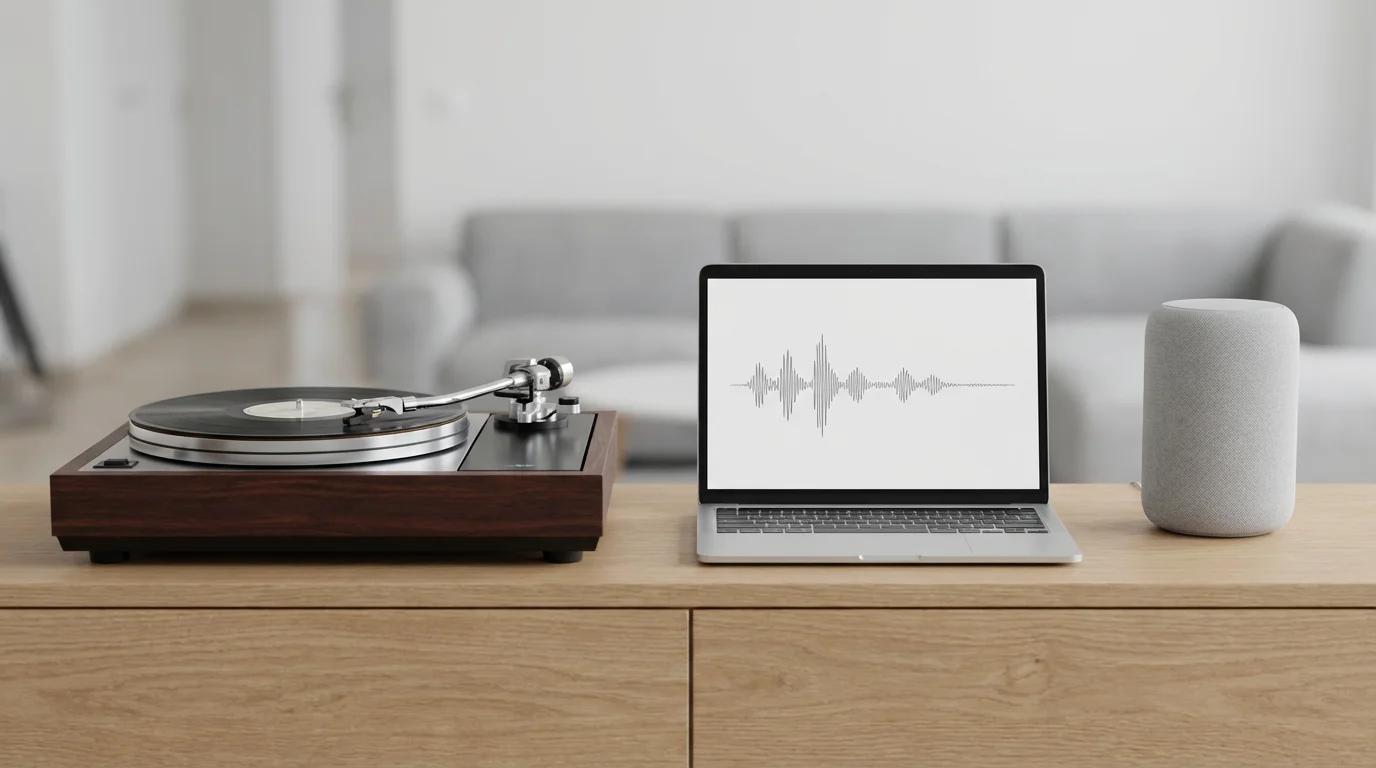
First, you save money on hardware. Instead of buying a separate turntable for the living room and a smart speaker for the bedroom, a digitized system lets one turntable serve both rooms. You maximize the utility of the gear you already own.
Second, you preserve your physical media. If you digitize your vinyl collection as you listen, you can stream the digital version for casual listening later, reducing wear and tear on your rare LPs.
“The best sound system is the one that gets you listening to music more often. Convenience often trumps perfection.”
Finally, it solves the aesthetic problem. Large vintage receivers and massive speakers might fit in a den, but not in a minimalist kitchen. By converting the signal to digital, you can keep the big gear where it fits and stream the audio to discreet, small speakers elsewhere in the home.
Scenario: Streaming Vinyl or Tape to Wireless Speakers
This is the most common use case for modern cord-cutters and music lovers. You want to drop the needle on a record in the living room and hear it on your Sonos, Bose, or Echo speakers throughout the house. To do this, you need an Analog-to-Digital Converter (ADC).
The signal path generally looks like this:
- Source: Turntable or Cassette Deck.
- Pre-amplification: Phono Pre-amp (crucial for vinyl).
- Conversion: The ADC device (creates the digital stream).
- Transmission: Wi-Fi or Bluetooth.
- Output: Wireless Smart Speaker.
Many modern “smart” turntables come with this tech built-in, but they often lack the build quality of vintage decks. It is usually more cost-effective to add an external streamer to your existing high-quality turntable than to buy a cheap all-in-one unit.
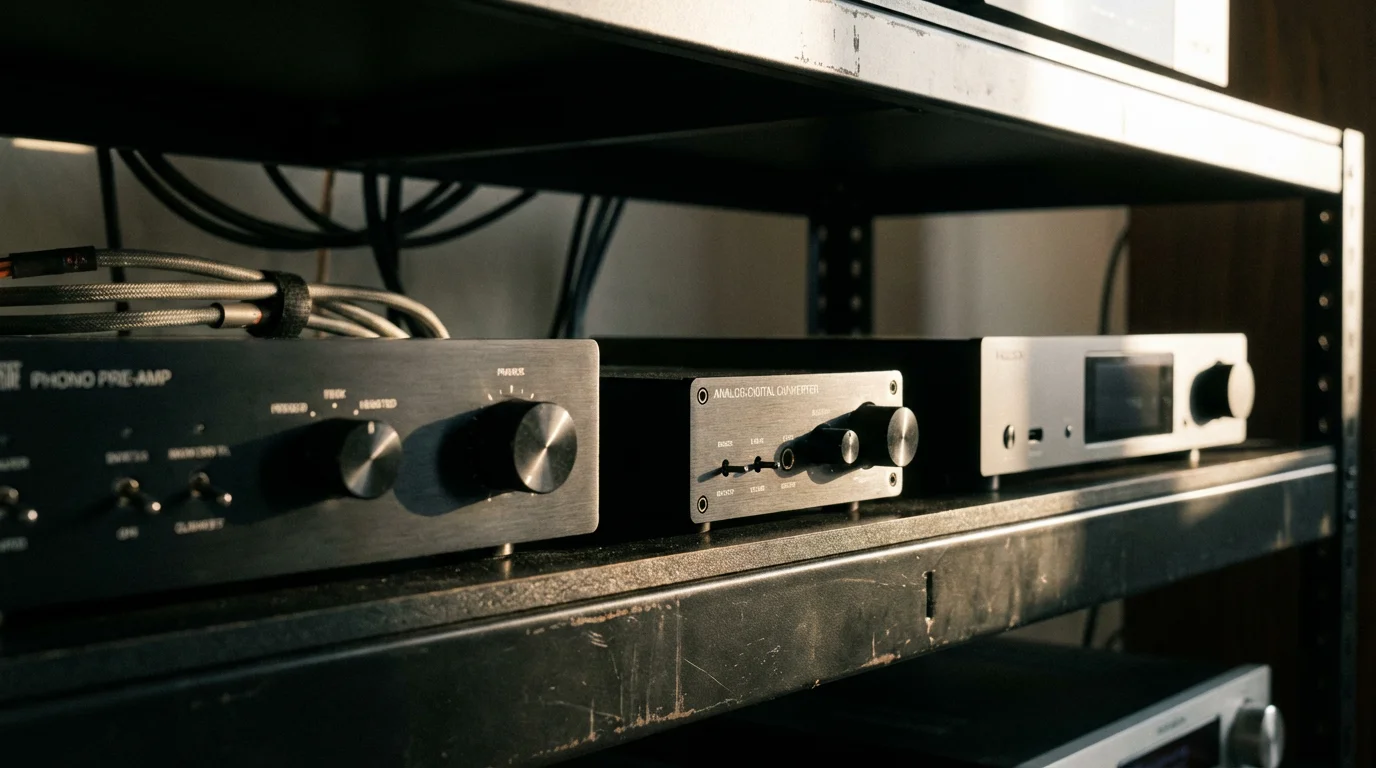
Essential Gear: Pre-amps, ADCs, and Network Streamers
To make this work, you need specific hardware. The market is flooded with devices, so let’s break down what is actually necessary.
1. The Phono Pre-amp
If you are using a turntable, the signal it produces is incredibly quiet. It requires a specific boost and equalization curve (called RIAA equalization) before it can be digitized. Some turntables have this built-in (look for a switch on the back labeled “Line/Phono”). If yours does not, or if you are using a vintage deck, you must place a phono pre-amp between the turntable and your digital converter. Without it, the sound will be faint and tinny.
2. The “Streamer” with Line-In
This is the brain of the operation. You need a streaming device that accepts an analog input (usually via RCA cables or a 3.5mm jack) and broadcasts it to your network. Popular options include the Sonos Port, the Wiim Pro, or devices using the DTS Play-Fi ecosystem.
According to Wirecutter, finding a device with a dedicated line-in input is the key feature to look for when shopping for multi-room audio components. Simple Bluetooth transmitters are cheaper, but Wi-Fi based streamers offer significantly better range and audio quality without the compression artifacts found in standard Bluetooth.
3. Cables
You do not need to spend hundreds on “audiophile” cables, but you should avoid the dollar-store variety. Look for shielded RCA cables. Shielding prevents electrical interference from power cords and Wi-Fi routers from creating a buzzing noise in your stream.
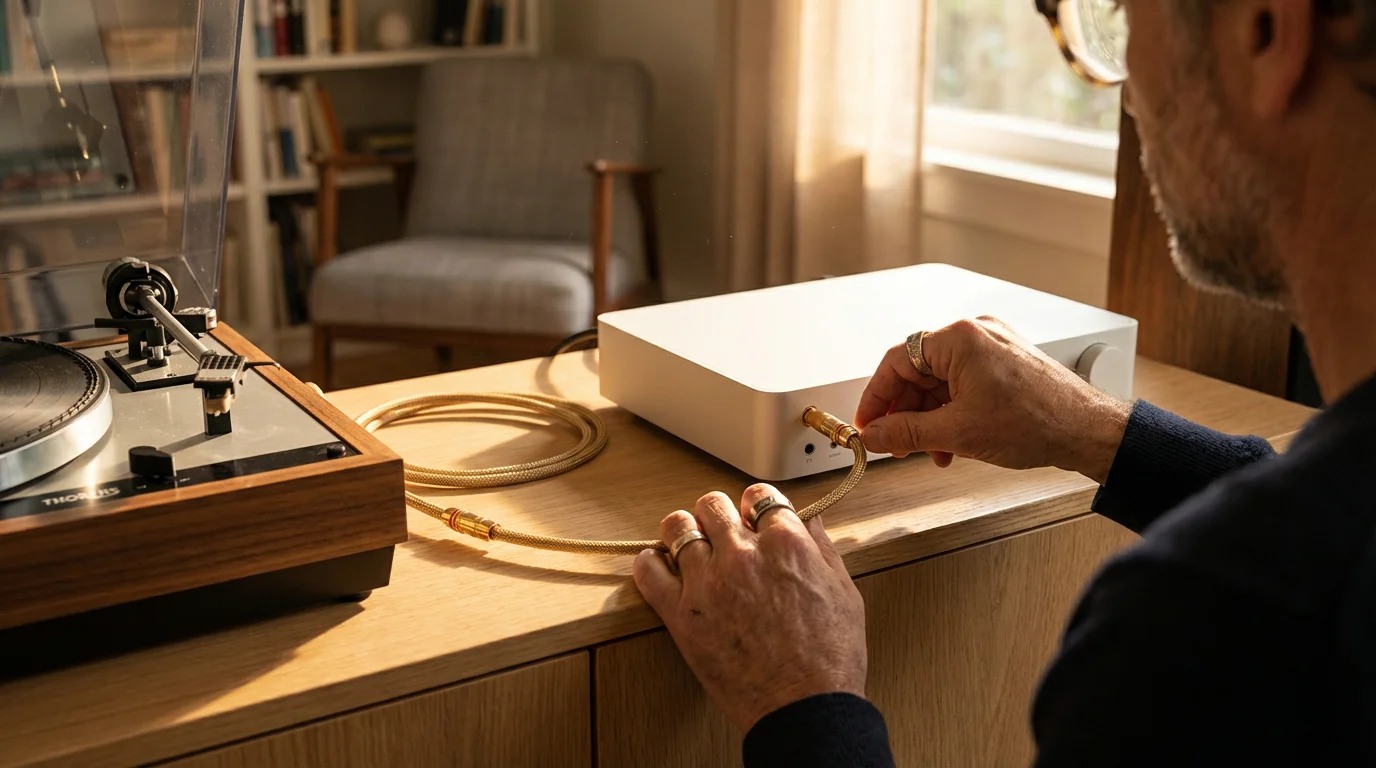
Step-by-Step Guide: Setting Up Your Audio Bridge
Follow this process to connect your analog gear to a digital streaming ecosystem. We will assume you are using a standalone network streamer (like a Wiim or Sonos) and a vintage turntable.
Step 1: Check Your Levels
Determine if your turntable has a built-in pre-amp. If it has a switch set to “Line,” you can plug directly into the streamer. If it is set to “Phono” or lacks a switch, connect the turntable to a standalone phono pre-amp first.
Step 2: Connect to the Streamer
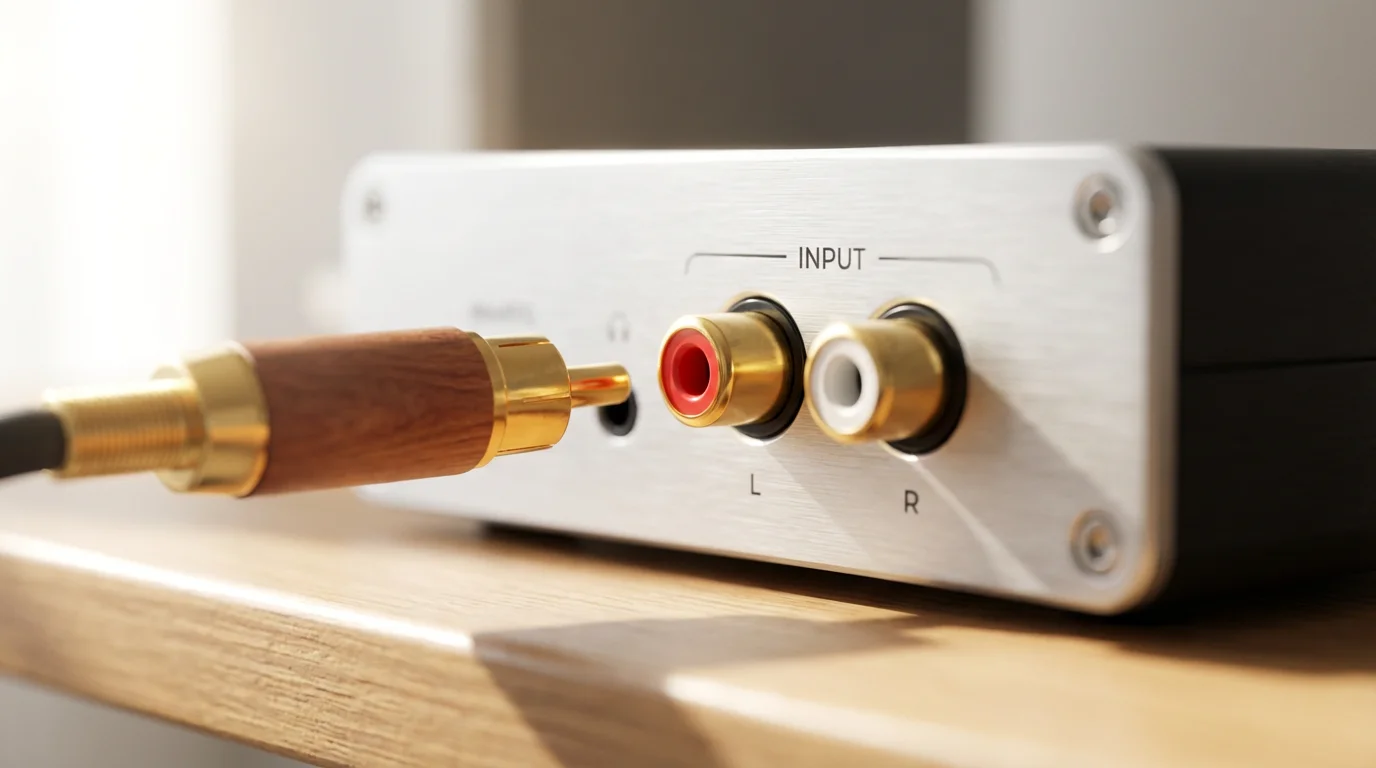
Take the RCA cables (Red and White) from your pre-amp output and plug them into the “Line-In” or “Aux-In” on your network streamer. If your streamer only has a 3.5mm jack (like a headphone jack), you will need an RCA-to-3.5mm adapter cable.
Step 3: Configure the App
Open the app associated with your streamer. Navigate to the device settings and look for “Line-In Settings” or “Source.” You may need to manually tell the device to listen to the analog input. Some apps allow you to name this source (e.g., “Turntable”).
Step 4: Adjust Input Sensitivity
This is a hidden setting many users miss. Analog signals vary in volume. In the app settings, look for “Source Level” or “Input Sensitivity.” Play a loud track on your record. Adjust the sensitivity level so the music is loud but not distorted. If it sounds crunchy or fuzzy, lower the sensitivity. If it is too quiet, raise it.
Step 5: Group Your Speakers
Once the audio is playing into the streamer, use the app to “group” other speakers in your house with that streamer. You should now hear your vinyl record playing in every room perfectly synced.
Optimizing Audio Quality and Sample Rates
When you convert analog to digital, you are choosing a sample rate. Standard CD quality is 16-bit/44.1kHz. This is sufficient for most listeners and consumes less Wi-Fi bandwidth.
However, if you have a robust Wi-Fi network and high-end speakers, you might want to adjust your settings to “High Resolution” (24-bit/96kHz or higher) if your hardware supports it. This captures more nuance from the vinyl source. Be aware that high-res streams require a stronger Wi-Fi signal to prevent dropouts.
CNET often emphasizes that for most home setups, the quality of your speakers and room acoustics will have a bigger impact on sound than moving from CD-quality to Hi-Res audio, so prioritize speaker placement first.
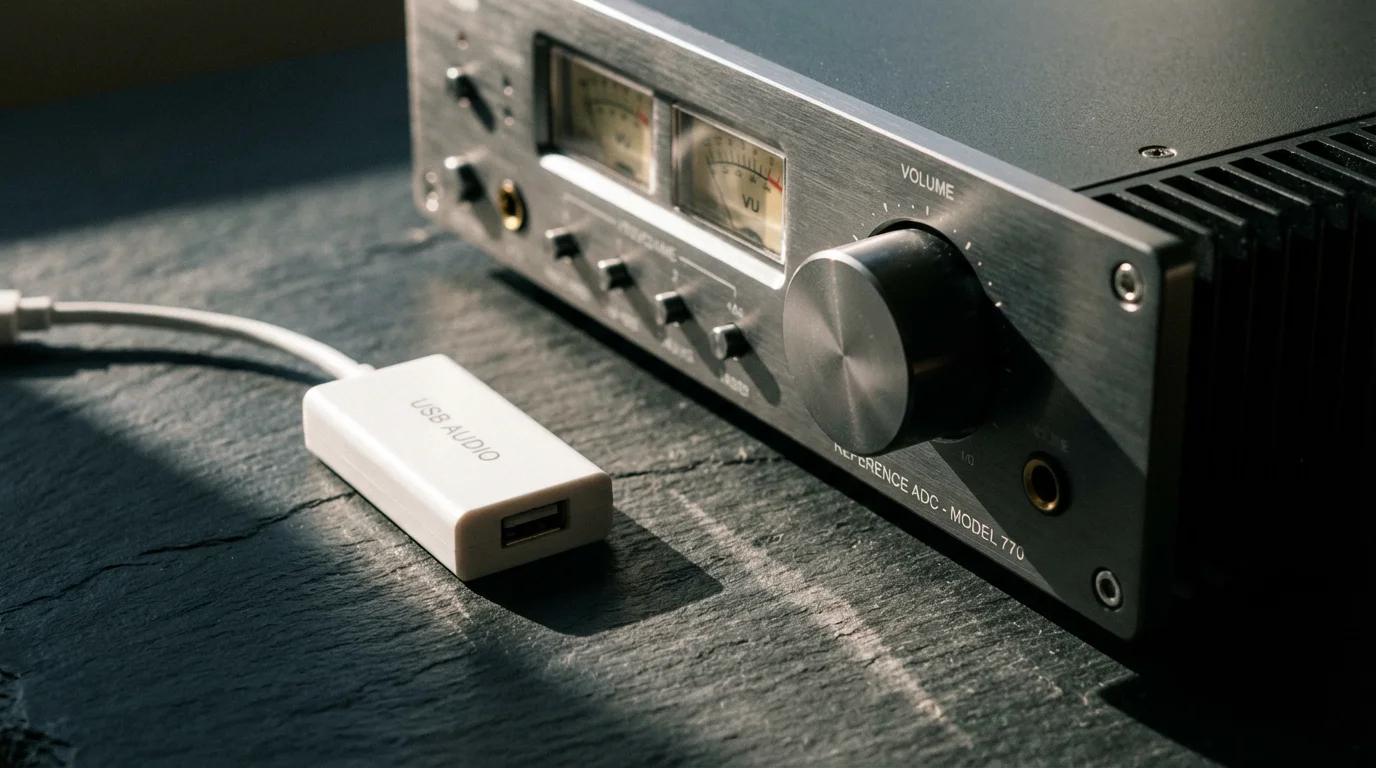
Budget-Friendly Solutions vs. Audiophile Grade
You can accomplish this task with a twenty-dollar dongle or a five-hundred-dollar component. Here is how the options stack up so you can decide where to spend your money.
| Feature | Budget (Bluetooth Transmitter) | Mid-Range (Wiim Pro / AirPlay) | High-End (Sonos Port / Bluesound) |
|---|---|---|---|
| Approximate Cost | $25 – $50 | $150 – $220 | $450 – $600+ |
| Connection Type | Bluetooth (lossy compression) | Wi-Fi (lossless) | Wi-Fi (lossless high-res) |
| Range | 30 feet (line of sight) | Whole Home (Wi-Fi network) | Whole Home (Wi-Fi network) |
| Latency (Delay) | High (lip-sync issues common) | Low (adjustable) | Extremely Low |
| Multi-Room Sync | Difficult/Impossible | Excellent | Excellent (Ecosystem specific) |
| Best For | Casual listening, single speaker | Budget-conscious whole-home audio | Existing Sonos/Bluesound owners |
Troubleshooting Common Hum and Latency Issues
Merging analog and digital worlds often introduces gremlins. Here is how to fix the two most common problems.
The Dreaded Hum (Ground Loop)
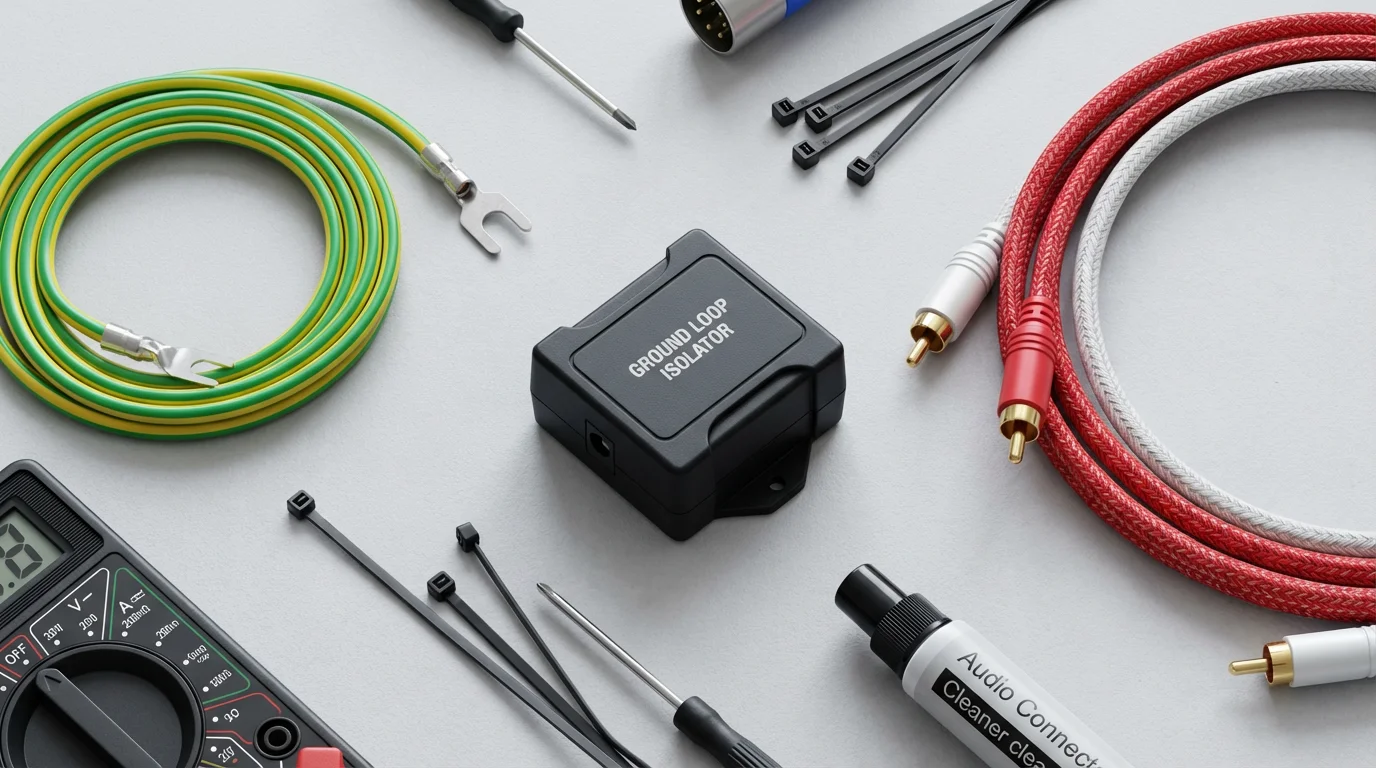
If you hear a persistent low-frequency hum (60Hz hum) when you select your analog input, you likely have a grounding issue. This happens because the turntable and the digital streamer are on different electrical potentials.
- Fix 1: Ensure the grounding wire (the thin U-shaped spade connector) from your turntable is firmly screwed into the grounding post on your phono pre-amp or receiver.
- Fix 2: Try plugging the streamer and the turntable into the same power strip.
- Fix 3: If the hum persists, buy a “Ground Loop Isolator” (available for under $15). You place this inline between the RCA cables. It can slightly reduce bass response, but it kills the hum instantly.
Latency (The Echo Effect)
If you have the volume up on your main analog speakers and your wireless speakers simultaneously, you might hear an echo. This is latency. It takes time (milliseconds) for the streamer to digitize the audio and send it over Wi-Fi.
You cannot eliminate latency entirely due to physics. The practical fix is to either listen only through the wireless speakers (turn down the main analog amp) or adjust the “Audio Delay” settings in your streaming app to try and tighten the sync. However, for critical listening, it is best to choose one output path at a time.
Frequently Asked Questions
Can I use a cheap Bluetooth transmitter for my turntable?
Yes, you can use a Bluetooth transmitter that plugs into the headphone jack or RCA output of your turntable setup. However, Bluetooth compresses the audio, which negates the high-fidelity benefits of vinyl. It also has limited range compared to Wi-Fi streamers. It is a good starting point for a single room, but not ideal for whole-home audio.
Do I need a computer to convert the audio?
No, not for streaming purposes. While you need a computer if you want to record files to a hard drive (using software like Audacity), you do not need one for live streaming. A dedicated network streamer (like a Wiim or Sonos device) handles the real-time conversion and broadcasting without a PC.
Will digitizing vinyl ruin the “warm” sound?
This is a subject of great debate. Technically, converting to digital removes the infinite resolution of the analog wave. However, a high-quality Analog-to-Digital Converter (ADC) running at a high sample rate preserves the unique characteristics, crackles, and dynamic range of the vinyl mastering. For most listeners, the convenience of hearing their records in any room outweighs the subtle loss in absolute fidelity.
Can I connect my TV audio to my vintage stereo?
Yes, but you need a Digital-to-Analog Converter (DAC). Most modern TVs only have optical (Toslink) or HDMI ARC outputs. You would connect a cable from the TV’s optical out to an inexpensive DAC, and then run RCA cables from the DAC to the “Aux” or “Tape” input on your vintage receiver. This lets you enjoy streaming movies with the power of your classic sound system.
Disclaimer: Streaming service terms and pricing change frequently. Always review current terms of service before implementing any money-saving strategies. Some tips may not work with all services or in all regions.
Leave a Reply