
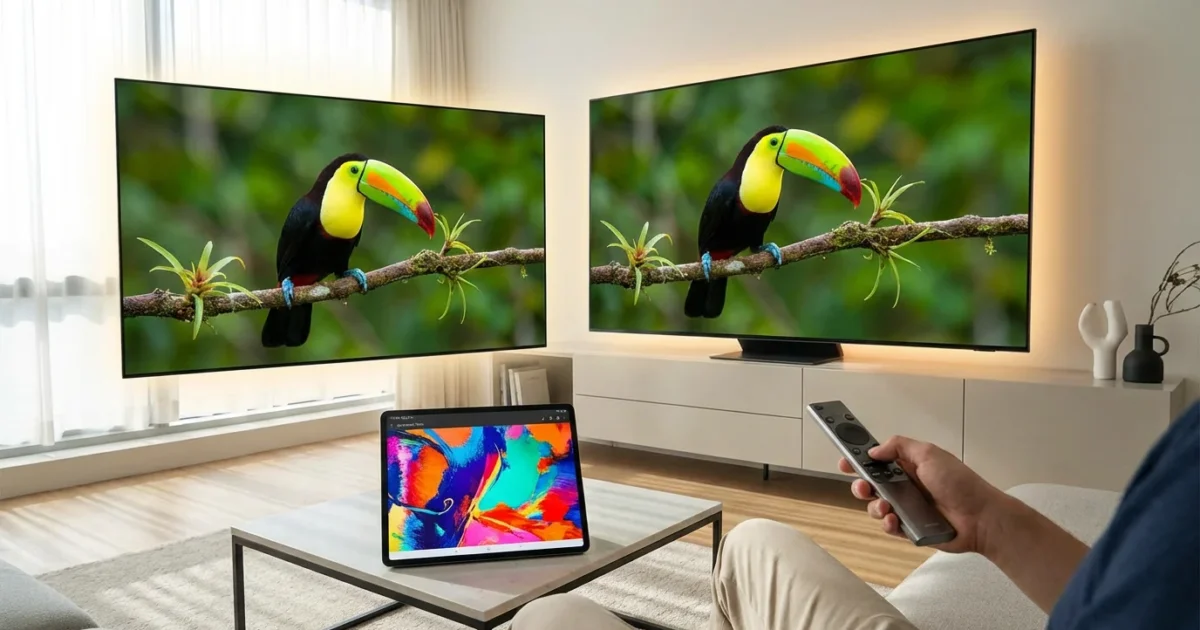
You want the best picture quality available from your streaming services, and that often means seeking out 4K and HDR content. As a cost-conscious viewer focused on optimizing your entertainment setup, understanding which services deliver this premium experience, and what it costs, is crucial. High-quality visuals transform your viewing, making shows and movies more immersive. This guide helps you navigate the options, highlighting services that support 4K and High Dynamic Range, or HDR, and detailing what you need to access them.
This information empowers you to make smart decisions about your entertainment choices, ensuring you get the most visual bang for your buck without paying for features you cannot use or do not need.
Understanding 4K and HDR: Why Picture Quality Matters
You often hear terms like “4K” and “HDR” in discussions about modern television and streaming. But what do they actually mean for your viewing experience?
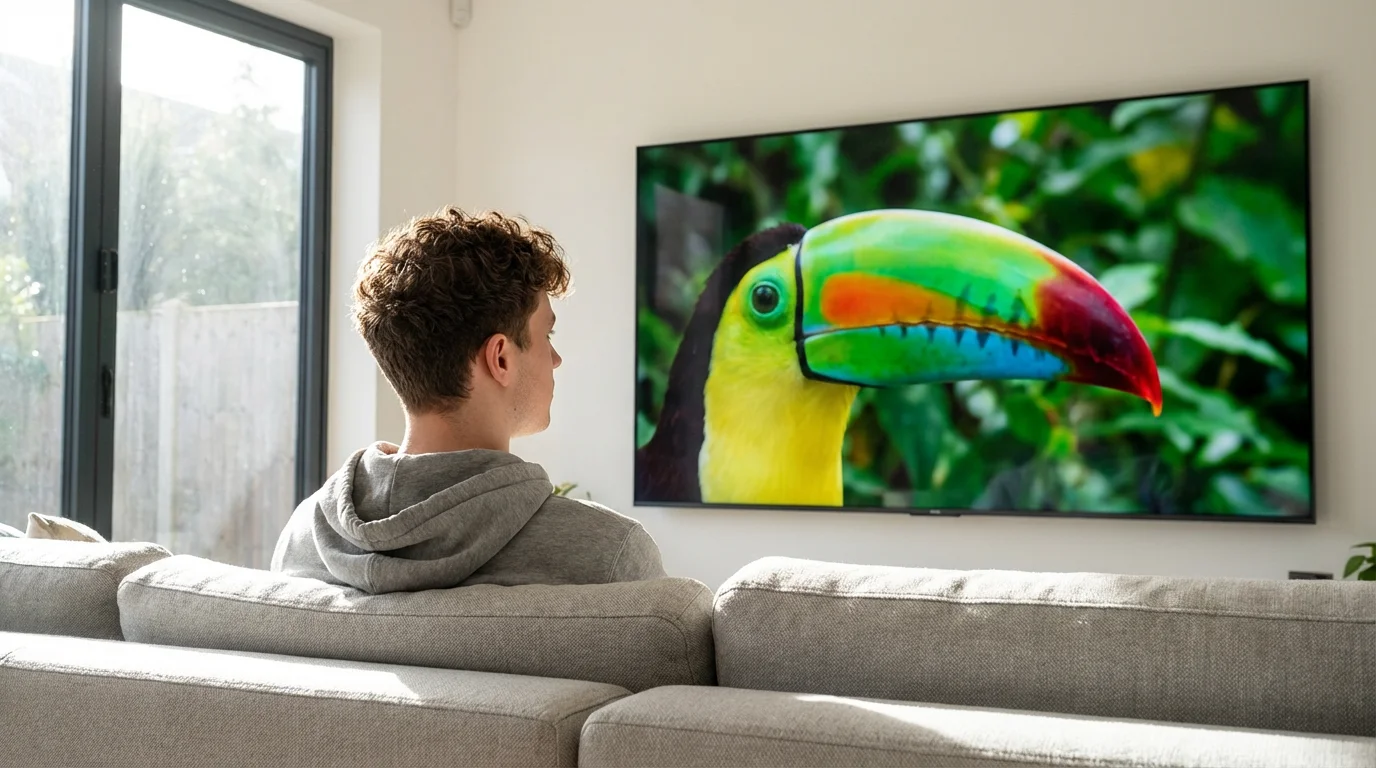
4K resolution, often called Ultra High Definition or UHD, refers to the number of pixels on your screen. A standard 1080p High Definition TV has about 2 million pixels. A 4K TV quadruples that, offering roughly 8 million pixels. This significant increase in pixel density creates a much sharper, more detailed image, especially noticeable on larger screens or when you sit closer to the television. You see finer textures, clearer edges, and an overall more lifelike picture.
High Dynamic Range, or HDR, goes beyond just pixel count. It focuses on contrast and color accuracy. HDR expands the range between the darkest blacks and the brightest whites your TV can display, while also offering a wider spectrum of colors. This results in images that appear more vibrant, realistic, and three-dimensional. Shadows reveal more detail, bright highlights pop without washing out, and colors look richer and more accurate to how they appear in the real world. Common HDR formats include HDR10, Dolby Vision, and HLG (Hybrid Log-Gamma).
Combined, 4K and HDR offer a dramatically superior picture compared to standard HD. For someone interested in cutting the cord from cable and embracing streaming, investing in services that offer this quality maximizes your entertainment value. This upgrade transforms a good show into a stunning visual spectacle.

Essential Gear for Premium Streaming Quality
Accessing 4K and HDR content from streaming services requires more than just a subscription. You need a compatible setup to fully appreciate the enhanced visuals. Here is what your entertainment system needs:
- A 4K HDR Compatible TV: This is the foundation of your setup. Your television must support both 4K resolution and at least one HDR format (HDR10, Dolby Vision, HLG). Most TVs sold in the last few years meet this standard, but check your TV’s specifications if you are unsure. Many newer TVs are also “smart TVs,” meaning they have built-in internet connections and apps for popular streaming services.
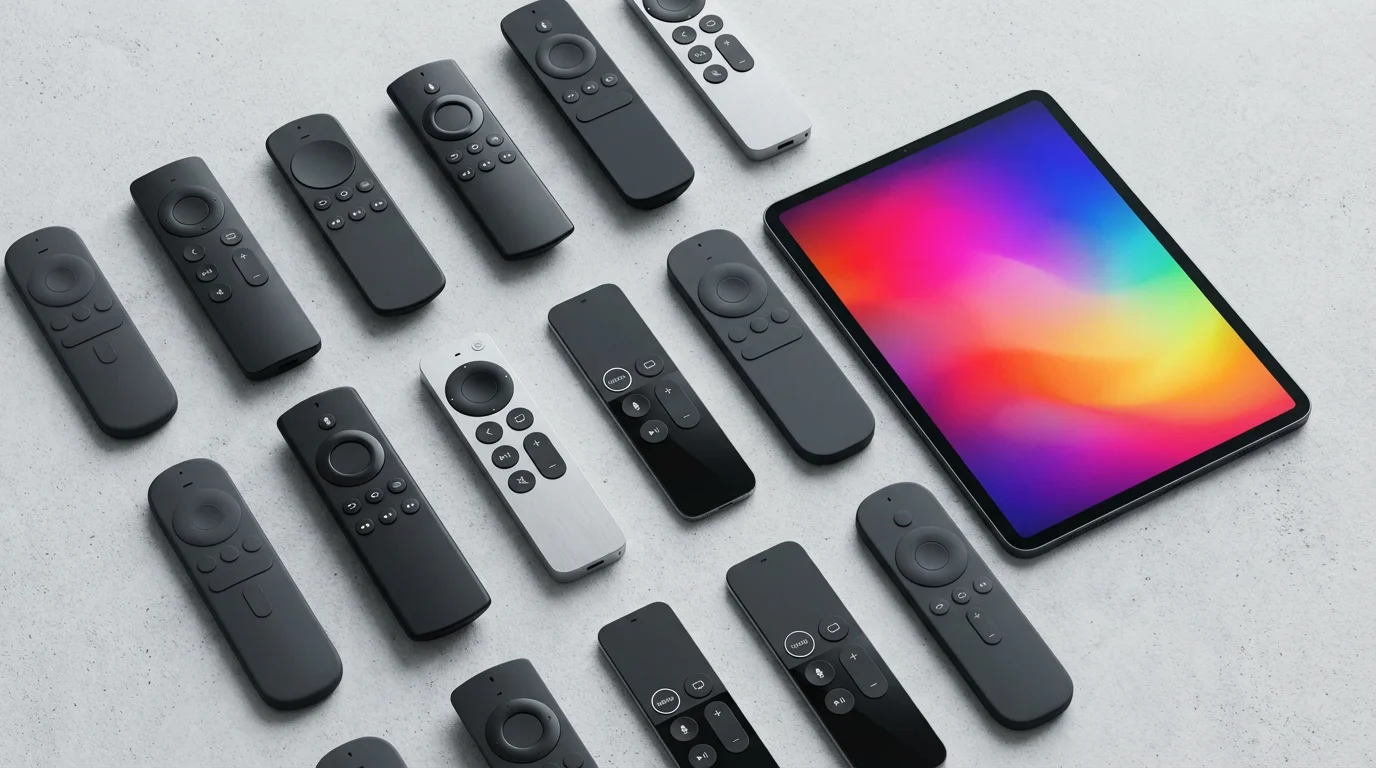
- A Compatible Streaming Device: While many smart TVs have built-in apps, a dedicated streaming device often offers better performance, more frequent updates, and broader compatibility with HDR formats. Popular 4K HDR streaming devices include the Roku Ultra, Amazon Fire TV Stick 4K Max, Apple TV 4K, and NVIDIA Shield TV Pro. These small boxes or sticks add streaming capabilities to any TV.
- High-Speed Internet Connection: Streaming 4K HDR content demands significant bandwidth. Netflix, for instance, recommends a minimum of 25 Mbps (megabits per second) for 4K streaming. Other services have similar requirements. If your internet connection is too slow, you will experience buffering, or the service will downgrade the picture quality to standard HD. According to CNET, a reliable and fast internet connection is paramount for a smooth 4K experience.
- Premium Subscription Plan: Not all subscription tiers offer 4K and HDR. Many services gate this feature behind their higher-priced “premium” plans. We detail specific plan requirements for each service below.
- High-Speed HDMI Cables: If you are using an external streaming device, ensure you use HDMI 2.0 or newer cables. Older HDMI cables may not support the bandwidth required for 4K HDR signals, leading to blank screens or reduced picture quality.
Netflix: A Leader in 4K and HDR Availability
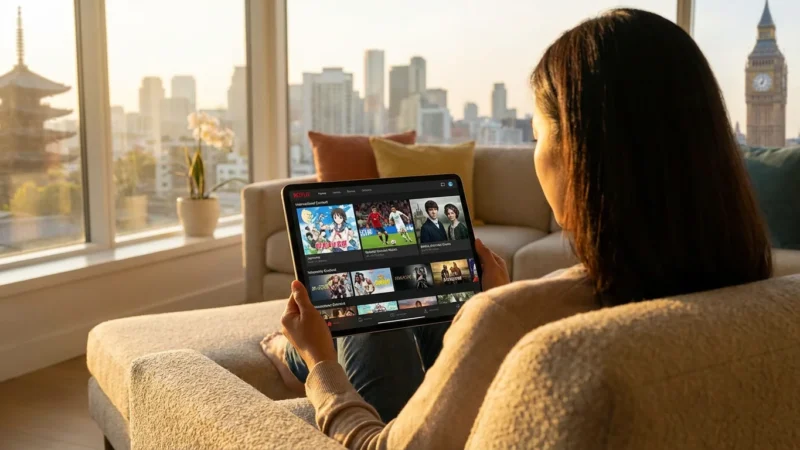
Netflix stands out as a pioneer in offering a vast library of 4K and HDR content, encompassing original series, movies, and documentaries. If you seek a service with consistent high-quality visuals, Netflix often appears at the top of the list.
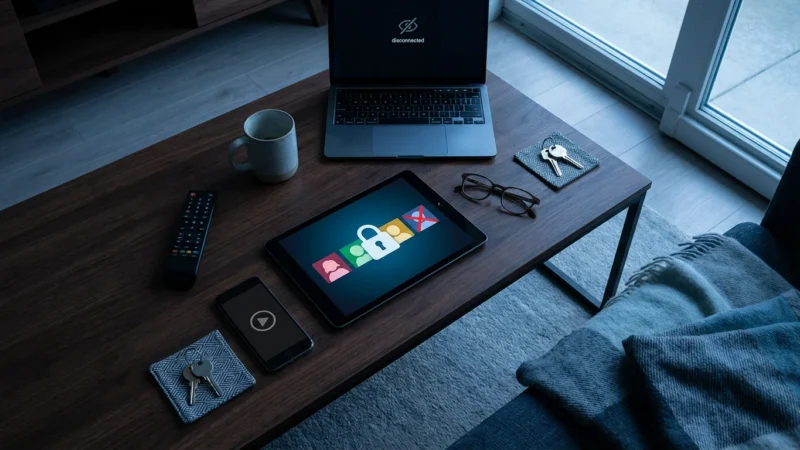
When choosing the Premium tier for its visual benefits, it is also important to stay informed on which streaming services are cracking down on password sharing as it may affect how your household uses the account.
Accessing Netflix 4K and HDR:
To stream in 4K and HDR on Netflix, you must subscribe to their Premium plan. This tier typically costs more than their Standard or Standard with Ads plans, but it grants you access to all available 4K and HDR titles. The Premium plan also allows streaming on four devices simultaneously, which can be beneficial for larger households. Netflix automatically delivers the best quality your device and internet connection support, so ensure your setup meets the technical requirements mentioned above.
Content Library and Formats:
Netflix offers content in both HDR10 and Dolby Vision, with many newer originals optimized for Dolby Vision for superior contrast and color. Their UI often indicates available resolutions and HDR formats on individual title pages. You find 4K and HDR content across various genres, from critically acclaimed dramas to action-packed thrillers and vibrant nature documentaries.
“Netflix invested heavily in 4K and HDR early on, making it a benchmark for visual quality in streaming. Subscribers should factor the Premium plan cost into their budget if high resolution is a priority.” — Streaming Expert

Max: Delivering Cinematic 4K and HDR
Max, the streaming home for HBO originals, Warner Bros. films, and other Discovery content, significantly expanded its 4K and HDR offerings following its rebranding from HBO Max. It now delivers a more consistent high-quality experience for many of its premium titles.
The shift from HBO Max to this expanded service is part of a broader wave of streaming service mergers that continue to change where 4K content is hosted.
Accessing Max 4K and HDR:
You need the “Ultimate Ad-Free” plan to access 4K UHD with HDR on Max. This is their highest tier, costing more than the “Ad-Free” or “With Ads” plans. This plan provides 4K UHD content, Dolby Vision, Dolby Atmos audio, and allows up to four simultaneous streams.
Content Library and Formats:
Max’s 4K HDR library includes many new Warner Bros. theatrical releases shortly after their cinema run, iconic HBO series (like “House of the Dragon” and “Succession”), and a growing selection of Max Originals. Most of their premium 4K content utilizes Dolby Vision and Dolby Atmos, offering a truly immersive audio-visual experience. This focus on Dolby standards helps Max deliver a cinematic quality directly to your living room.

Disney+: High-Quality Content for All Ages
Disney+ quickly became a household name for its vast library of content from Disney, Pixar, Marvel, Star Wars, and National Geographic. The service generally provides a robust 4K HDR experience, often without requiring an additional premium tier for picture quality.
Accessing Disney+ 4K and HDR:
Most of Disney+’s content, particularly originals and recent films, streams in 4K UHD and HDR (Dolby Vision or HDR10) on all ad-free plans. The Ad-Supported plan typically delivers content in 1080p, so you need the “Disney Bundle Duo Premium” or “Disney Bundle Trio Premium” or standalone “Disney+ Premium” to ensure 4K HDR. This is a significant advantage if you already subscribe to an ad-free tier.
Content Library and Formats:
The service is a treasure trove of 4K HDR content, from epic Star Wars sagas and Marvel blockbusters to visually stunning Pixar animations and breathtaking National Geographic documentaries. Most content supports Dolby Vision and often Dolby Atmos audio, maximizing the visual and auditory impact of these beloved franchises. For families and fans of these specific brands, Disney+ offers excellent value for high-quality streaming.

Amazon Prime Video: Premium Quality With Nuances
Amazon Prime Video is unique because it comes bundled with an Amazon Prime subscription. It offers a selection of 4K and HDR content, but the availability can be more complex than other services.
Accessing Amazon Prime Video 4K and HDR:
Many Amazon Originals and a growing selection of licensed titles are available in 4K UHD and HDR (HDR10, HDR10+, or Dolby Vision) as part of your standard Prime membership. However, Amazon also offers a substantial library of 4K content available for rent or purchase. This means some 4K movies you want to watch may require an additional payment, even if you are a Prime member. Ensure you distinguish between content included with Prime and content available for purchase when browsing.
Content Library and Formats:
Amazon’s original series, such as “The Boys” and “The Marvelous Mrs. Maisel,” frequently receive praise for their excellent 4K HDR presentation. Amazon notably supports HDR10+, an open-source HDR format that provides dynamic metadata similar to Dolby Vision. Their device compatibility is broad, supporting various streaming devices and smart TVs.
Apple TV+: Uncompromising Visual Excellence
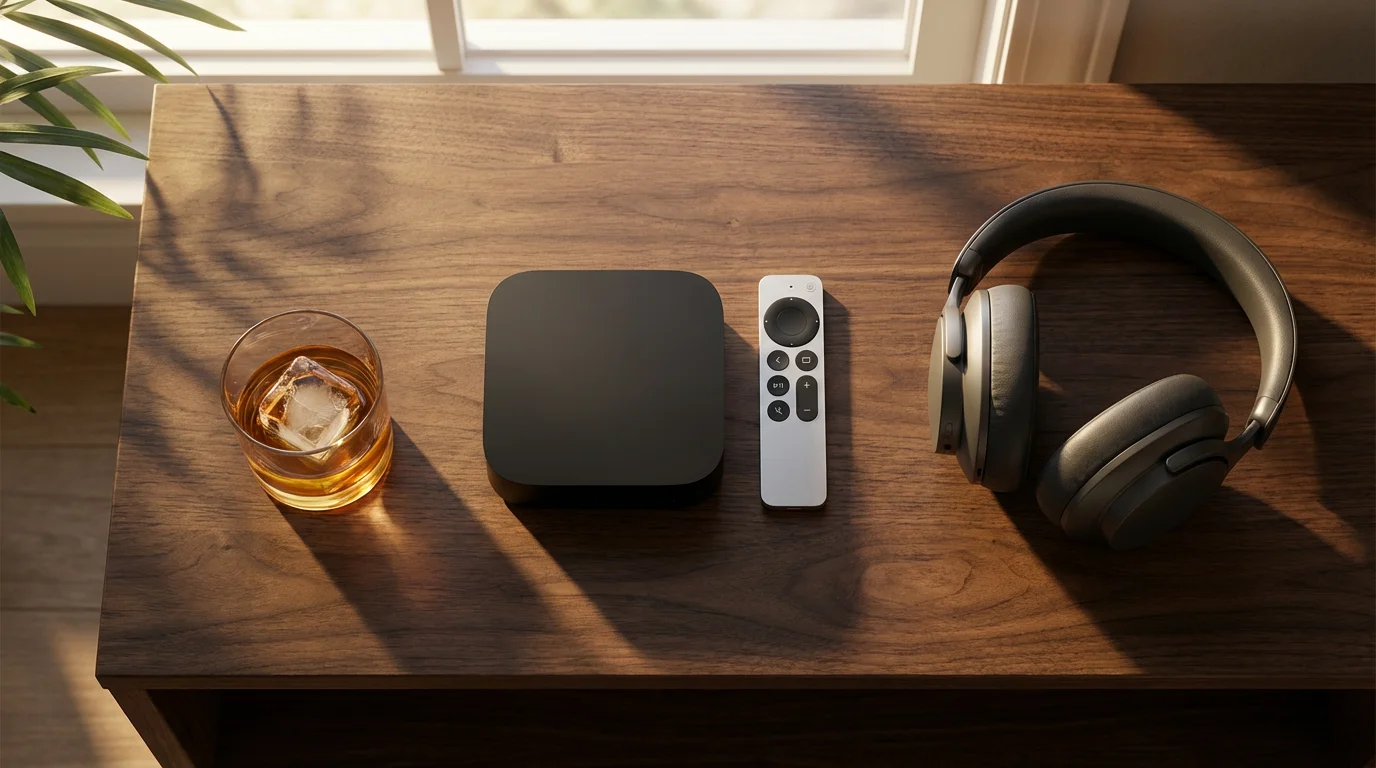
Apple TV+ distinguishes itself through its commitment to premium production quality, often delivering all its content in 4K HDR, typically Dolby Vision, from the outset. If you value consistent, top-tier visuals and immersive sound, Apple TV+ sets a high bar.
Accessing Apple TV+ 4K and HDR:
Every show and movie on Apple TV+, from its launch, is available in 4K UHD with HDR (primarily Dolby Vision) and Dolby Atmos audio, provided your viewing setup supports it. The service offers a single subscription tier, so you do not need to upgrade to a more expensive plan to get the best picture quality. This straightforward approach simplifies access for viewers who prioritize visual fidelity.
Content Library and Formats:
While its library is smaller than some competitors, Apple TV+ focuses on high-budget original productions like “Ted Lasso,” “Severance,” and “Foundation.” Each title receives meticulous attention to detail in its visual and audio presentation. This makes Apple TV+ an excellent choice for those who want a guarantee of the highest technical quality for every piece of content they watch.
Other Contenders: Hulu, Peacock, YouTube TV, and More
While Netflix, Max, Disney+, Amazon Prime Video, and Apple TV+ lead the pack for widespread 4K HDR availability, other services offer limited or specific 4K content. Your streaming choices depend heavily on the content you want to watch.
Because digital libraries change monthly, it is a good idea to monitor content leaving streaming services so you can prioritize 4K films before they move to another platform.
- Hulu: Hulu offers some 4K UHD content, primarily Hulu Originals. Its live TV component, Hulu + Live TV, occasionally streams select live sports events in 4K, but this is often limited to specific compatible devices and events. Check individual titles for 4K availability. Hulu does not widely support HDR across its library.
- Peacock: Peacock, NBCUniversal’s streaming service, provides some limited 4K content, primarily for major sporting events like the Olympics or Super Bowl, and a handful of its original series. Similar to Hulu, its 4K offerings are not as extensive or consistently available as the top-tier services.
- YouTube TV: YouTube TV offers an optional “4K Plus” add-on for an additional monthly fee. This add-on provides access to a limited selection of live and on-demand content in 4K, including some major sports, original series, and documentaries. It does not provide 4K for all channels or all content. The value of this add-on depends entirely on how often you watch the specific 4K content it provides.
- Vudu/Fandango at Home: These transactional video-on-demand services offer a wide selection of movies for rent or purchase, with many titles available in 4K UHD and HDR (Dolby Vision and HDR10). If you primarily want to buy or rent specific 4K movies, these platforms provide extensive choices without a monthly subscription fee.
- Google Play Movies & TV/Apple TV (iTunes): Similar to Vudu, these digital storefronts allow you to rent or buy 4K HDR movies. Your purchases often upgrade to 4K if available, providing a future-proof way to build a digital library.

Comparing Services: 4K HDR Availability and Cost
To help you compare the options, this table summarizes key details about 4K and HDR availability across major streaming services. Prices are approximate and subject to change, reflecting typical US monthly costs at the time of publication.
| Streaming Service | 4K HDR Availability | Required Plan/Add-on (Approx. Monthly Cost) | Primary HDR Formats | Key Content Examples (4K HDR) |
|---|---|---|---|---|
| Netflix | Extensive library | Premium Plan ($22.99) | Dolby Vision, HDR10 | Stranger Things, The Crown, Our Planet |
| Max | Growing library of premium content | Ultimate Ad-Free Plan ($19.99) | Dolby Vision, HDR10 | House of the Dragon, Dune: Part Two, Succession |
| Disney+ | Most originals & new releases | Premium (Ad-Free) Plan ($13.99) | Dolby Vision, HDR10 | Mandalorian, Black Panther, Encanto |
| Amazon Prime Video | Many originals, some licensed. Rentals/purchases separate. | Included with Prime membership ($14.99) | HDR10, HDR10+, Dolby Vision | The Boys, Rings of Power, Reacher |
| Apple TV+ | All original content | Standard Plan ($9.99) | Dolby Vision, HDR10 | Ted Lasso, Severance, Foundation |
| Hulu | Limited originals, some live sports | Hulu (Ad Free) or + Live TV ($17.99+) | Limited HDR, mostly HDR10 | The Handmaid’s Tale (select episodes) |
| Peacock | Limited, mainly live sports & some originals | Premium Plus ($11.99) | Limited HDR, mostly HDR10 | Super Bowl (select years), Olympics (select events) |
| YouTube TV | Limited live & on-demand with add-on | 4K Plus Add-on ($9.99/month, on top of base $72.99) | Limited HDR, mostly HDR10 | NCAA Football, NBA, select documentaries |
You can see a clear pattern: premium 4K HDR access often comes with a higher-tier subscription. Factor these costs into your overall cord-cutting budget when prioritizing picture quality.

Optimizing Your 4K HDR Streaming Setup
Achieving the best 4K HDR experience requires more than just the right subscription. You need to ensure your entire setup works harmoniously. Here are actionable steps you can take:
- Check Your Internet Speed: Use an online speed test to verify you consistently get at least 25-50 Mbps download speed. If your speed is low, consider upgrading your internet plan or troubleshooting your Wi-Fi signal. A wired Ethernet connection to your streaming device often provides a more stable connection than Wi-Fi, especially for bandwidth-intensive 4K streams.
- Verify HDMI Connections: Ensure you use HDMI 2.0 or 2.1 cables. Also, check your TV’s settings. Many TVs have specific HDMI ports designated for “Enhanced” or “UHD Deep Color” mode, which you must enable for 4K HDR signals. Consult your TV manual for specific instructions.
- Update Your Devices: Keep your smart TV software and streaming device apps updated to their latest versions. Manufacturers frequently release updates to improve performance, add new features, and enhance 4K HDR compatibility.
- Adjust TV Picture Settings: Your TV’s default picture settings may not be optimized for 4K HDR content. Look for picture modes like “Cinema,” “Movie,” or “Dolby Vision Bright” (if applicable). These often provide a more accurate and vibrant picture. Avoid modes like “Dynamic” or “Vivid,” which can make colors look oversaturated and unnatural.
- Confirm Subscription Tier: Double-check your streaming service subscription. Many services clearly state if your current plan includes 4K UHD. If it does not, upgrade to the appropriate tier.
- Troubleshoot Buffering and Quality Drops: If you experience buffering or your picture quality suddenly drops to HD, pause the stream for a moment to allow it to buffer more data. Close other applications or devices using your home network bandwidth. If issues persist, power cycle your modem, router, and streaming device.
Frequently Asked Questions
Does my TV automatically show 4K HDR if the service offers it?
Not always. Your TV and streaming device must both support 4K and the specific HDR format (like Dolby Vision or HDR10). You also need a fast internet connection and the correct premium subscription tier from the streaming service. If any component is missing, the service will likely default to the highest quality it can achieve, usually HD.
Is 4K HDR streaming worth the extra cost?
The value depends on your priorities and setup. If you own a large 4K HDR TV and appreciate superior picture quality, the enhanced detail and vibrant colors of 4K HDR significantly improve your viewing experience, making the premium plan worthwhile. For those with smaller TVs or less critical eyes, the difference might not justify the additional expense. Consider a trial period if available, or compare side-by-side with a friend’s setup.
Why does my 4K content sometimes look blurry or pixelated?
This often indicates an issue with your internet connection speed or network congestion. 4K streaming demands consistent bandwidth. If your internet slows down, the streaming service will reduce the picture quality to maintain playback. Ensure your Wi-Fi signal is strong, minimize other internet usage during streaming, or try a wired connection for your streaming device.
Can I watch 4K HDR content on an older TV?
No, you need a television explicitly manufactured to support 4K resolution and High Dynamic Range. An older HD TV lacks the necessary display panel to render the increased pixel count or the wider color and contrast range of HDR content. While some services might still send a 4K signal, your TV will downscale it to its native resolution, typically 1080p.
Do all streaming devices support 4K HDR?
No. While many newer streaming devices do, older models or basic entry-level sticks often support only up to 1080p HD. Always check the specifications of your streaming device to confirm its 4K and HDR capabilities. Devices like the Roku Ultra, Apple TV 4K, and Fire TV Stick 4K Max are designed for premium 4K HDR streaming.

Making Smart Choices for Your 4K HDR Streaming
Navigating the world of streaming quality means making informed choices that align with your budget and viewing preferences. You now understand that getting the best picture involves more than just picking a service. It requires compatible hardware, a fast internet connection, and often a higher-tier subscription.
If crystal-clear images and vibrant colors are paramount for your entertainment, then investing in a service like Netflix Premium, Max Ultimate Ad-Free, Disney+ Premium, Amazon Prime Video, or Apple TV+ makes sense. These services offer the most consistent and highest quality 4K and HDR content. For specific content, consider the limited 4K offerings on Hulu, Peacock, or YouTube TV’s 4K Plus add-on.
Remember that the “best” streaming service depends entirely on your personal content preferences. Prioritize the services that carry the shows and movies you most want to watch. Then, apply this guide to ensure you can watch them in the best possible quality your setup allows. By understanding these nuances, you optimize your streaming experience, getting maximum visual impact for your entertainment dollars.
Disclaimer: Streaming industry news changes rapidly. This article reflects information available at the time of publication. Check official service announcements for the most current information.







Leave a Reply