
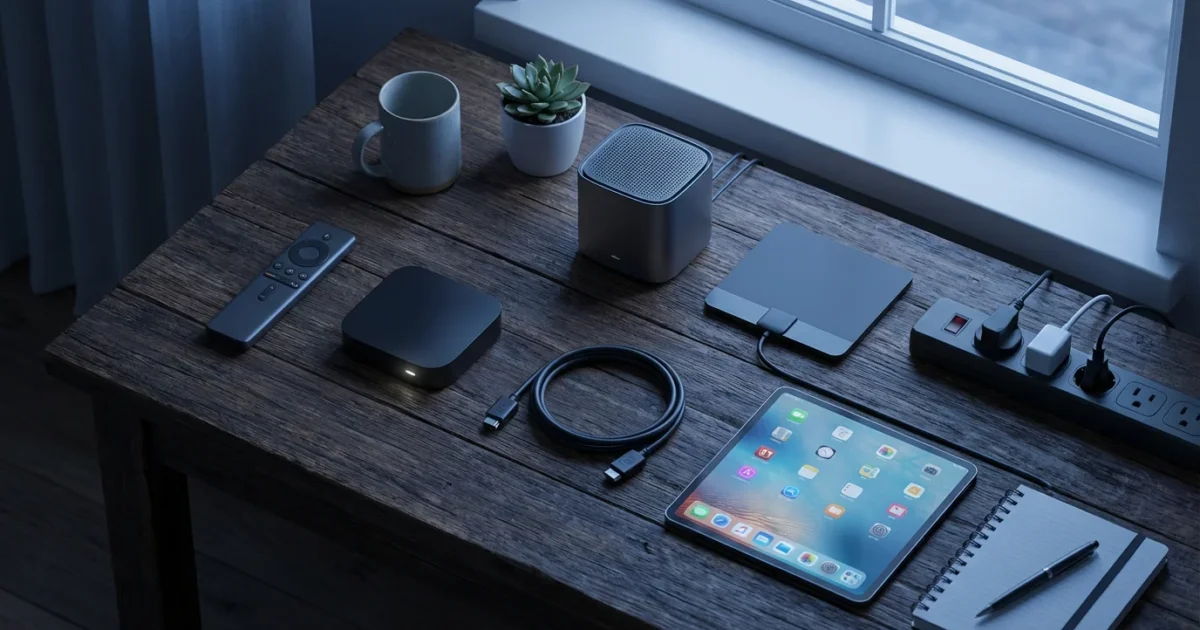
Cutting the cord, which means canceling traditional cable or satellite TV in favor of streaming services, offers a fantastic opportunity to save money and customize your entertainment. Many people feel overwhelmed by the sheer number of options and the perceived complexity of the switch. This comprehensive guide helps you understand exactly what equipment you need to make a smooth transition to streaming, ensuring you do not miss your favorite shows or sports.
Understanding Cord Cutting: The Basics
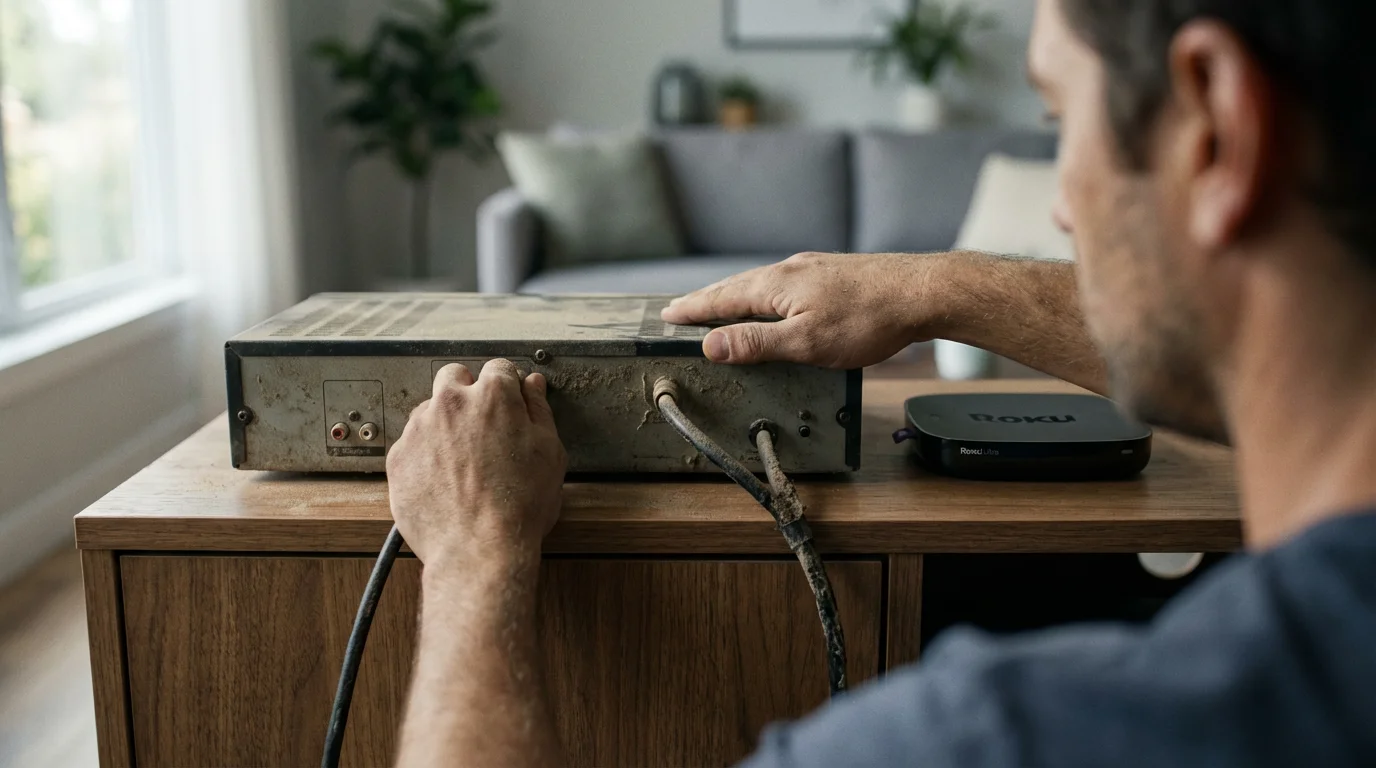
Cord-cutting involves canceling traditional cable or satellite TV in favor of watching video content over the internet, a process called streaming. You replace expensive monthly packages with a combination of dedicated streaming services, free content, and over-the-air broadcasts. This transition puts you in control of what you watch and, crucially, how much you pay. The goal is to build a personalized streaming setup that meets your viewing habits without the hefty price tag of a cable bill.
If you are brand new to this process, you might want to start with our complete cord-cutting guide for beginners to see the whole journey from start to finish.
“The best streaming setup is not about having the most services. It is about having the right services that deliver the content you actually want to watch, saving you money in the process.”
Your Internet Connection: The Foundation of Streaming
Your internet service is the most critical piece of cord cutting equipment. Without a reliable, fast internet connection, your streaming experience will be frustrating, filled with buffering and low-quality video. Streaming requires consistent data transfer, and different activities demand different speeds. For example, standard definition streaming uses less bandwidth than 4K ultra-high definition.
If you are worried about speeds in remote locations, see our guide on rural cord cutting for helpful tips and specialized solutions.
Recommended Internet Speed
Internet speed is measured in megabits per second (Mbps). Here are general guidelines for a smooth streaming experience:
- Standard Definition (SD): 3-5 Mbps per stream
- High Definition (HD): 5-8 Mbps per stream
- 4K Ultra HD: 20-25 Mbps per stream
Remember these are per-stream requirements. If multiple people in your household stream simultaneously, or if you also game online and browse the web, your total bandwidth needs increase significantly. For a household with 2-3 simultaneous HD streams, gaming, and general browsing, aim for at least 100-200 Mbps. According to the FCC Consumer Guide, broadband internet typically refers to download speeds of at least 25 Mbps and upload speeds of 3 Mbps, but most streaming households will benefit from much higher speeds.
Router and Wi-Fi Considerations
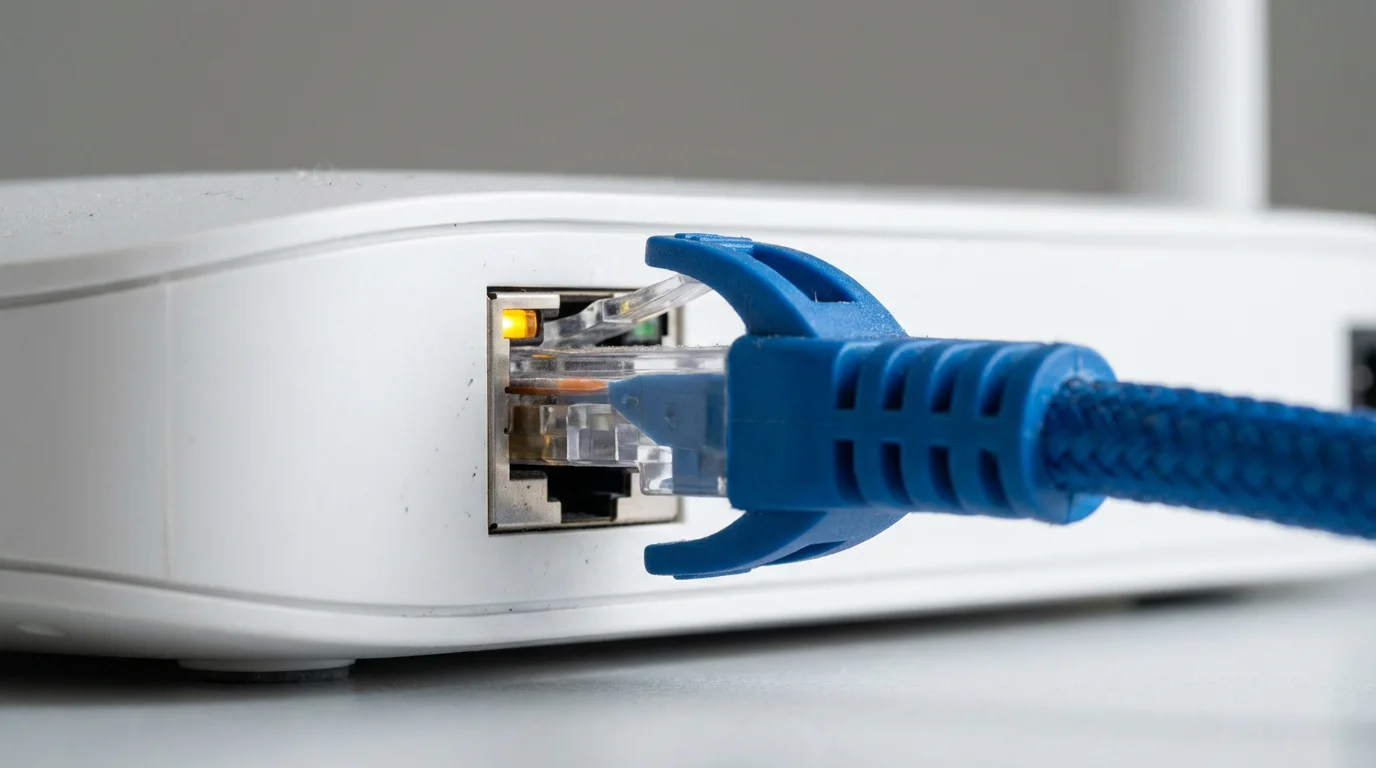
Your internet speed is only as good as your router. An outdated router can bottleneck your connection, even if you pay for high speeds. Ensure your router supports modern Wi-Fi standards, such as Wi-Fi 5 (802.11ac) or Wi-Fi 6 (802.11ax), for optimal performance. Placing your router centrally and ensuring good signal strength to your streaming devices is also crucial. For devices far from the router, consider using an Ethernet cable for a more stable connection, if possible.
The Heart of Your Setup: Streaming Devices
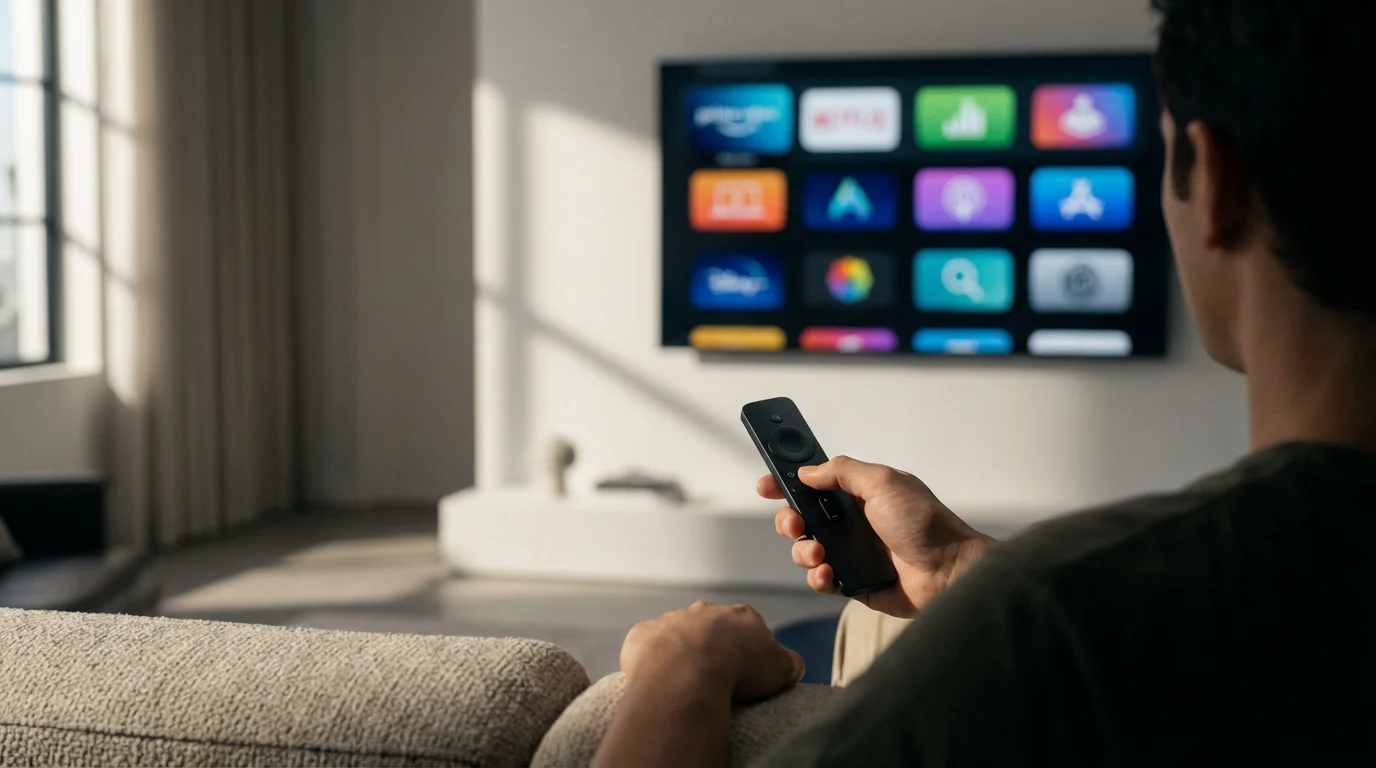
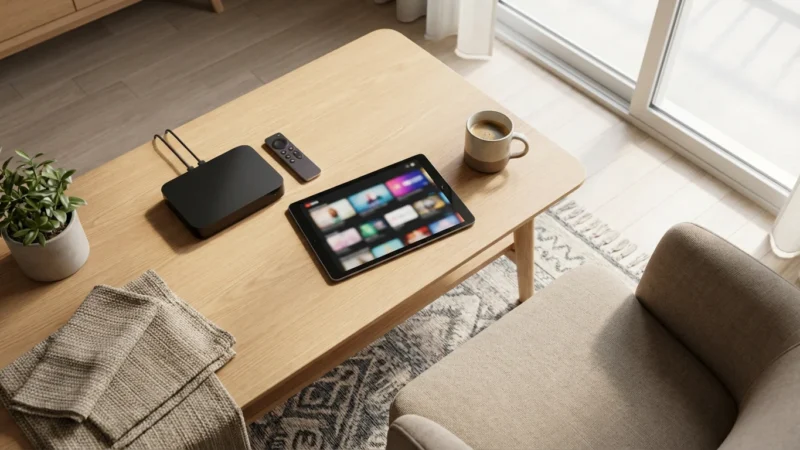
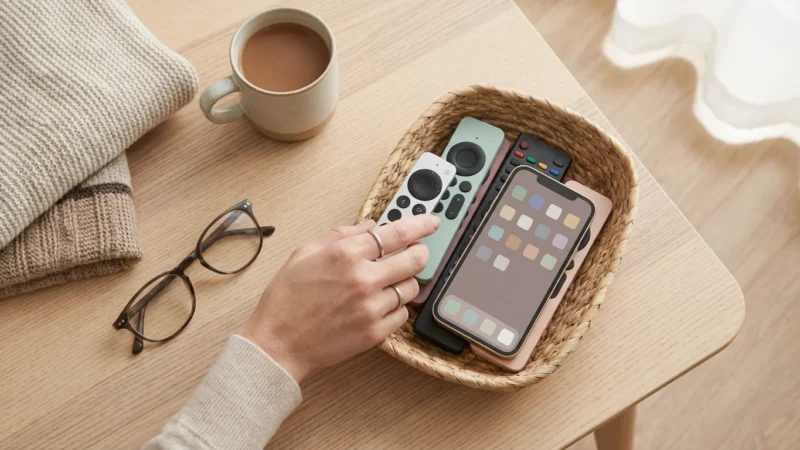
A streaming device is a small box or stick, like a Roku or Fire TV, that connects to your TV and allows you to access streaming services. While many newer televisions are smart TVs, meaning they have built-in internet connections and apps, a dedicated streaming device often offers a snappier interface, more app options, and better long-term support. If your TV is not a smart TV, or if its built-in apps are slow, a streaming device is essential.
Types of Streaming Devices
The market offers several popular and reliable streaming devices:
- Roku Devices: Known for their simple interface and wide selection of apps. Roku offers various models from basic streaming sticks to more powerful boxes supporting 4K HDR. Their universal search feature is highly praised. Prices range from about $30 to $100.
- Amazon Fire TV Devices: Integrates deeply with Amazon services and features the Alexa voice assistant. Fire TV sticks are popular for their portability and affordability. Like Roku, they offer a range of devices, including Cube models for more advanced users. Expect to pay $30 to $140.
- Apple TV: Geared towards Apple ecosystem users, offering seamless integration with Apple services, including Apple Arcade and Fitness+. Apple TV devices are generally more expensive but offer powerful performance and a polished user experience. Costs are typically $130 to $180.
- Google Chromecast: These devices often focus on “casting” content from your phone or computer to your TV, though newer models like the Chromecast with Google TV feature a full interface and remote control. They integrate well with Android devices and Google services. Prices from $30 to $50.
- Game Consoles: PlayStation and Xbox consoles also serve as capable streaming devices, supporting most major apps. If you already own one, it can double as your primary streaming player.
Choosing the Right Streaming Device
Consider these factors when selecting your streaming device:
- Resolution Support: Ensure it supports the resolution of your TV (HD or 4K).
- Interface: Some prefer Roku’s simplicity, others Google TV’s personalization, or Apple TV’s polish.
- Ecosystem: If you use Apple products extensively, an Apple TV might be a natural fit. Amazon users might prefer Fire TV.
- Voice Control: Do you want a device with a dedicated voice assistant button and microphone?
- Price: Budget-friendly sticks offer excellent value, while premium boxes provide more features and speed.
Unlocking Local Channels: Over-the-Air Antennas
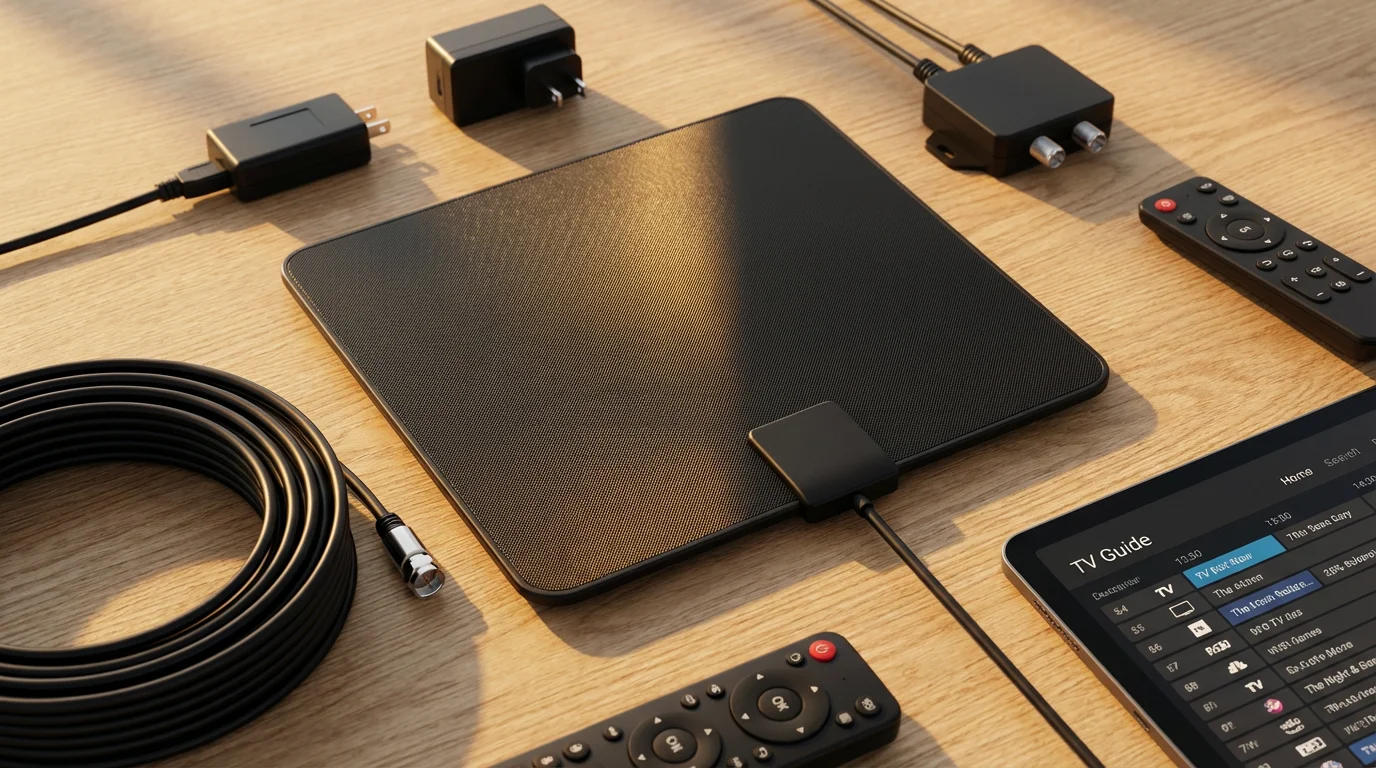
Many people worry about losing access to local news, sports, and major network shows (ABC, CBS, FOX, NBC, PBS) when they cut the cord. An over-the-air (OTA) antenna provides free access to these channels in high definition. This is a one-time purchase, eliminating monthly fees for basic network programming.
Types of Antennas
Antennas come in various forms, each suited to different situations:
- Indoor Antennas: These are flat, often rectangular antennas that you place near a window or mount on a wall. They are ideal for urban or suburban areas close to broadcast towers. They are easy to install but generally less powerful. Prices range from $20 to $60.
- Outdoor Antennas: Larger and more powerful, these mount on your roof or an outdoor mast. They offer the best reception, especially for rural areas or homes far from broadcast towers. Installation can be more complex and may require professional help. Costs vary from $50 to $200.
- Attic Antennas: A compromise between indoor and outdoor, these are mounted in your attic. They offer better reception than indoor antennas without the external exposure of outdoor ones.
Antenna Selection and Setup Tips
- Check Signal Strength: Use online tools, such as the FCC’s DTV Reception Maps, to determine which channels are available in your area and the recommended antenna type. This helps you understand the strength and direction of local broadcast signals.
- Experiment with Placement: The best spot for an antenna is often near a window facing the broadcast towers. Try different orientations and heights for optimal signal.
- Consider Amplification: If you live far from towers, an amplified antenna can boost weaker signals, improving reception.
- DVR for Antennas: To record live TV from your antenna, consider a dedicated OTA DVR. Devices like Tablo or HDHomeRun allow you to record shows, pause live TV, and even stream local channels to your streaming devices or mobile phones. These typically cost $150 to $250, plus optional subscription fees for enhanced features like program guides.
Replacing Your Cable Channels: Streaming Services
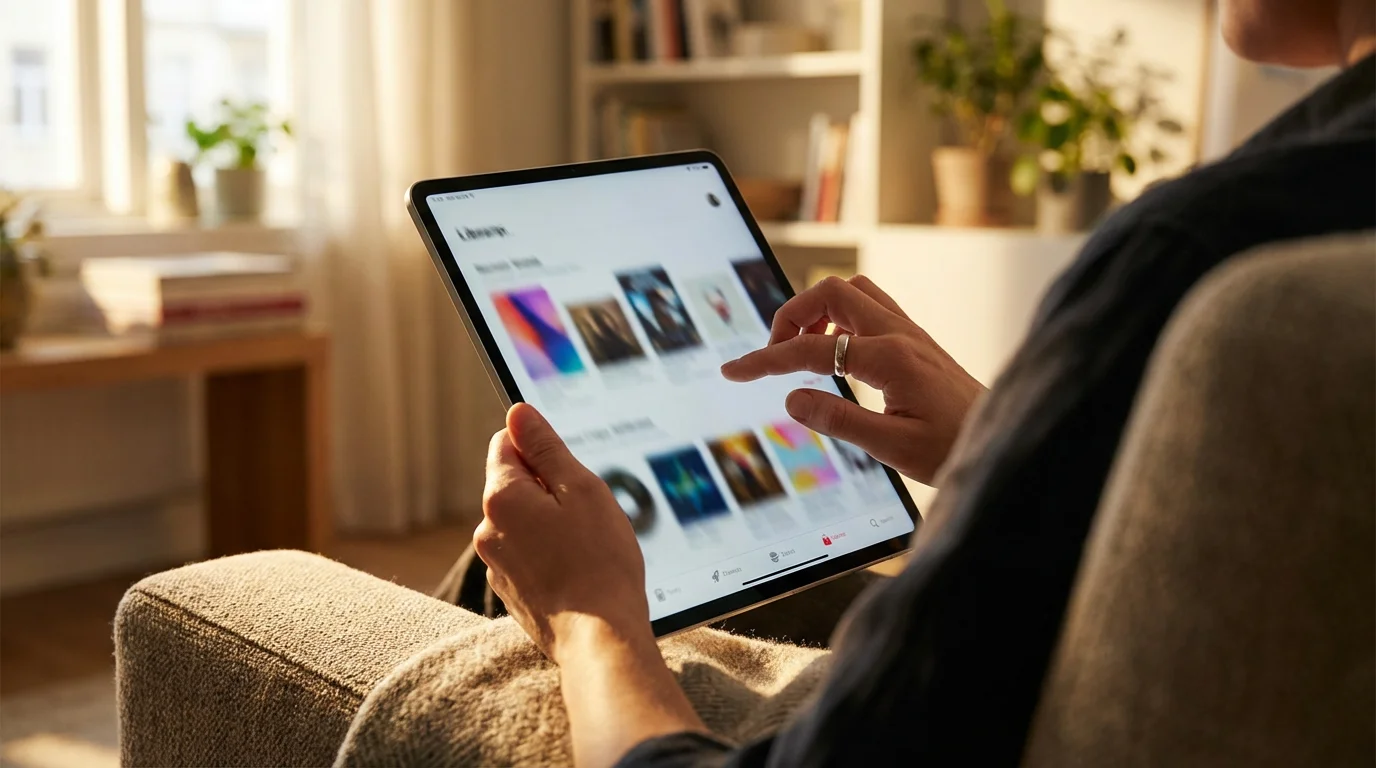
Replacing specific cable channels is often a primary concern for cord-cutters. The good news is that nearly every popular cable channel has a streaming alternative, either through standalone services or live TV streaming bundles. Streaming, or watching video content over the internet instead of cable or satellite, offers flexible choices.
On-Demand Streaming Services
These services provide a vast library of shows and movies that you can watch whenever you want, known as on-demand viewing. They are typically ad-supported (free or cheaper plans that show commercials) or ad-free (plans that cost more but don’t show commercials).
- Netflix: Original programming, movies, and TV shows across various genres. Plans from $7 to $23 per month.
- Max (formerly HBO Max): Premium movies, HBO series, and content from Warner Bros., DC, and more. Plans from $10 to $20 per month.
- Disney+: Disney, Pixar, Marvel, Star Wars, and National Geographic content. Plans from $8 to $14 per month.
- Hulu: Current TV shows from major networks, a growing library of original content, and a large catalog of movies. Plans from $8 to $18 per month.
- Peacock: NBCUniversal content, including current shows, movies, and live sports. Offers both free ad-supported tiers and premium ad-free options. Plans from $6 to $12 per month.
- Paramount+: CBS shows, movies, live sports, and original series. Plans from $6 to $12 per month.
Live TV Streaming Services
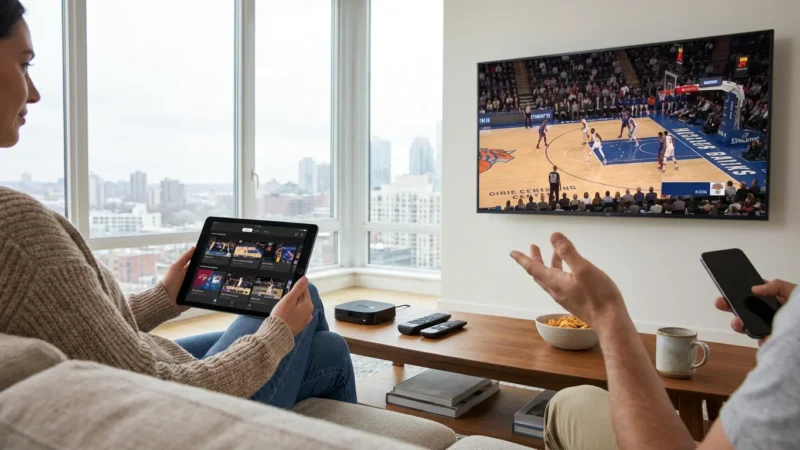
If you cannot live without live sports, news, and traditional channel surfing, live TV streaming services mimic the cable experience over the internet. These services often include cloud DVR functionality, a digital video recorder that lets you record and watch shows later.
- YouTube TV: Offers a wide array of live channels, unlimited cloud DVR, and local sports. Costs around $73 per month.
- Hulu + Live TV: Combines Hulu’s on-demand library with live TV channels, including many sports networks. Starts at about $77 per month.
- Sling TV: A more customizable and often cheaper option, allowing you to choose smaller channel bundles. Offers various add-ons. Plans start around $40 per month.
- FuboTV: Strong focus on sports channels, but also includes news and entertainment. Prices start around $80 per month.
To identify the best live TV streaming service for you, make a list of your absolute must-have channels. Then, compare the channel lineups of each service to see which one aligns best with your preferences. According to Cord Cutters News, comparing channel lineups and DVR features is key to avoiding frustration after the switch.
Calculating Your Savings: Cable vs. Streaming Costs
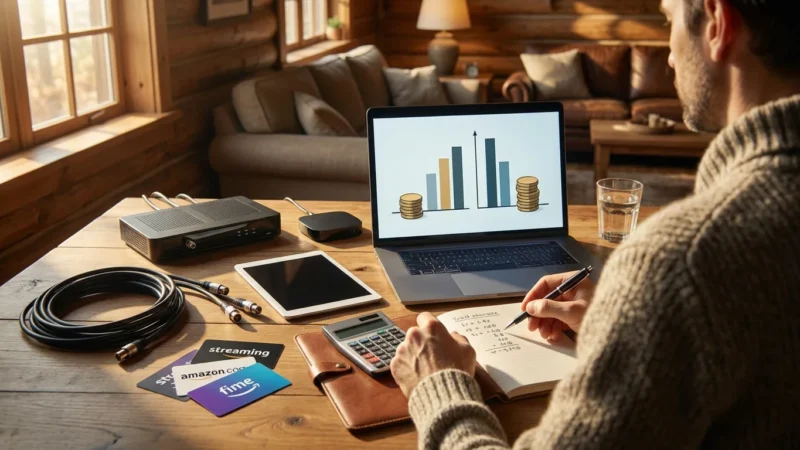
One of the biggest motivators for cord-cutting is financial savings. It is crucial to conduct a realistic comparison between your current cable bill and a potential streaming bundle. Many users initially save a significant amount, often between $50 and $100 per month, by making the switch.
Typical Cable Bill Breakdown
A typical cable bill for internet and TV in the USA can easily range from $150 to $250 per month, or even more, depending on your package, regional sports fees, and equipment rental. For example, a common bill might look like this:
- Internet: $70-$90
- Cable TV Package: $80-$120
- Regional Sports Fee: $10-$15
- Broadcast TV Fee: $10-$15
- Equipment Rental (Cable box, DVR): $10-$20 per device
- Total Estimated Cable Bill: $180-$260+ per month
Estimated Streaming Costs
Your streaming costs depend entirely on which services you choose. You can combine a few on-demand services with a live TV streaming package or opt for a lean bundle of just a few on-demand options and an antenna.
| Service Type | Example Combination | Estimated Monthly Cost |
|---|---|---|
| Internet Only | High-Speed Internet (100-200 Mbps) | $70 – $90 |
| Basic On-Demand & Antenna | Internet + Netflix (Standard) + Hulu (Ad-Supported) + Antenna (one-time cost) | $70 + $15.49 + $7.99 = $93.48 |
| Mid-Tier On-Demand & Live TV | Internet + Netflix + Max + YouTube TV | $70 + $15.49 + $15.99 + $72.99 = $174.47 |
| Premium On-Demand & Live TV | Internet + Netflix + Max + Disney+/Hulu/ESPN+ Bundle + FuboTV | $70 + $15.49 + $15.99 + $19.99 + $79.99 = $201.46 |
As you see in the table, even a comprehensive streaming setup can be cheaper than many cable packages. The key is to avoid “streaming creep,” where you subscribe to too many services. Periodically review your subscriptions and cancel any you are not actively using. This ensures your entertainment choices remain cost-conscious.
Your Cord-Cutting Equipment Checklist
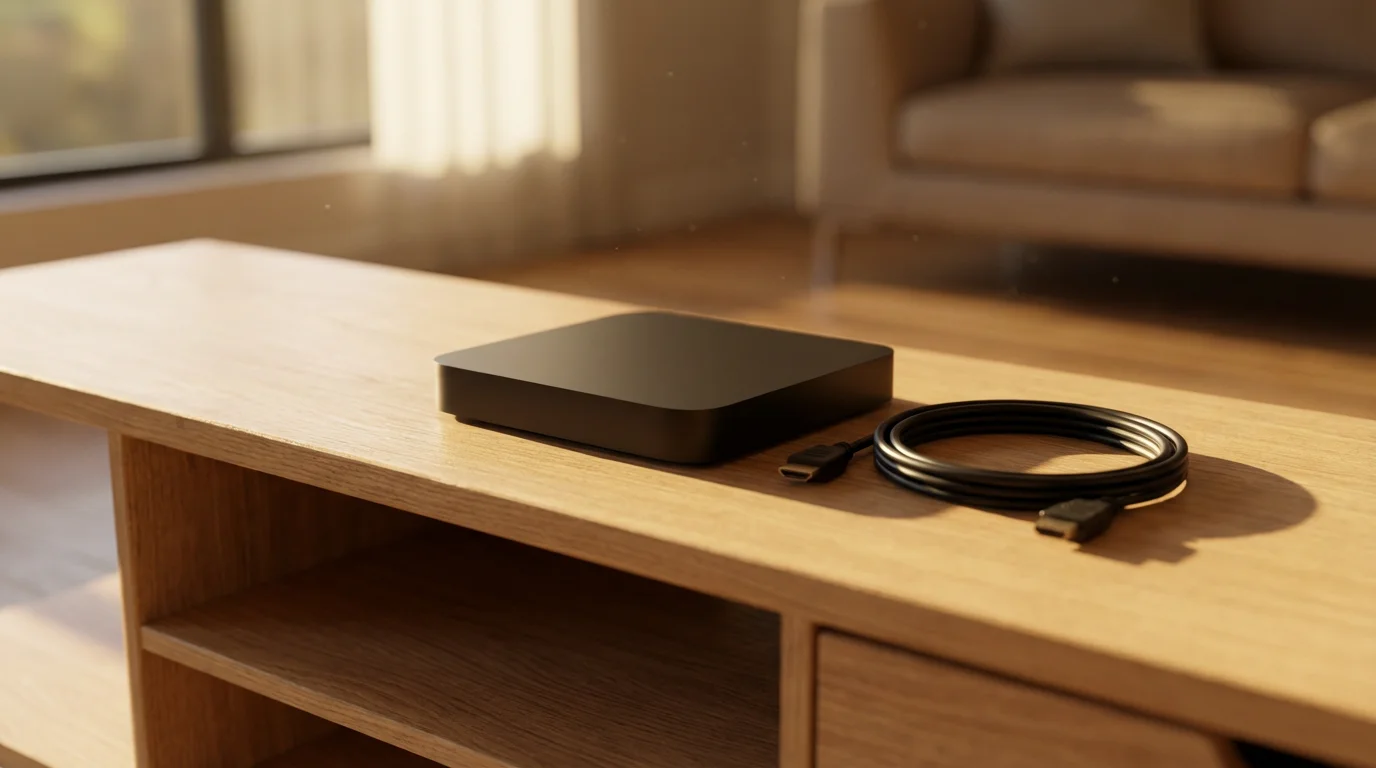
To successfully transition from cable to streaming, you need a few key pieces of equipment. This checklist provides a clear overview of what to consider and typical costs involved.
Mandatory Equipment
- Reliable High-Speed Internet Service: This is non-negotiable. Ensure your plan offers enough bandwidth for your household’s needs (at least 100 Mbps for most families). Approximate monthly cost: $70 – $90.
- Streaming Device(s): One per TV you plan to stream on, unless your smart TV’s apps are sufficient.
- Roku Streaming Stick 4K: ~$40
- Amazon Fire TV Stick 4K Max: ~$50
- Chromecast with Google TV: ~$50
- Apple TV 4K: ~$130 – $180
Recommended Optional Equipment
- Over-the-Air Antenna: For free local channels (ABC, CBS, FOX, NBC, PBS).
- Indoor Antenna: ~$20 – $60
- Outdoor/Attic Antenna: ~$50 – $200
- OTA DVR (Optional): To record antenna TV, pause live TV, and skip commercials.
- Tablo or HDHomeRun: ~$150 – $250 (plus optional service fees)
- New Router (If Needed): Upgrade if your current router is old or cannot handle your internet speed and multiple devices.
- Wi-Fi 5 or Wi-Fi 6 Router: ~$80 – $200
- Ethernet Cables (Optional): For a more stable connection to your primary streaming device, especially if Wi-Fi is weak.
- Cat5e/Cat6 Cables: ~$5 – $20 (depending on length)
Pre-Switch Action Items
- Audit Your Viewing Habits: List your must-watch shows, movies, and sports. Identify which channels are essential.
- Check Internet Speed: Confirm your current internet speed meets streaming requirements. Upgrade if necessary.
- Research Streaming Services: Match your must-have channels and content with available streaming services.
- Test Antenna Reception: Purchase and test an antenna to see which local channels you receive before committing to live TV streaming.
- Budget Comparison: Create a spreadsheet comparing your current cable bill to your projected streaming costs.
Common Mistakes to Avoid on Your Cord-Cutting Journey
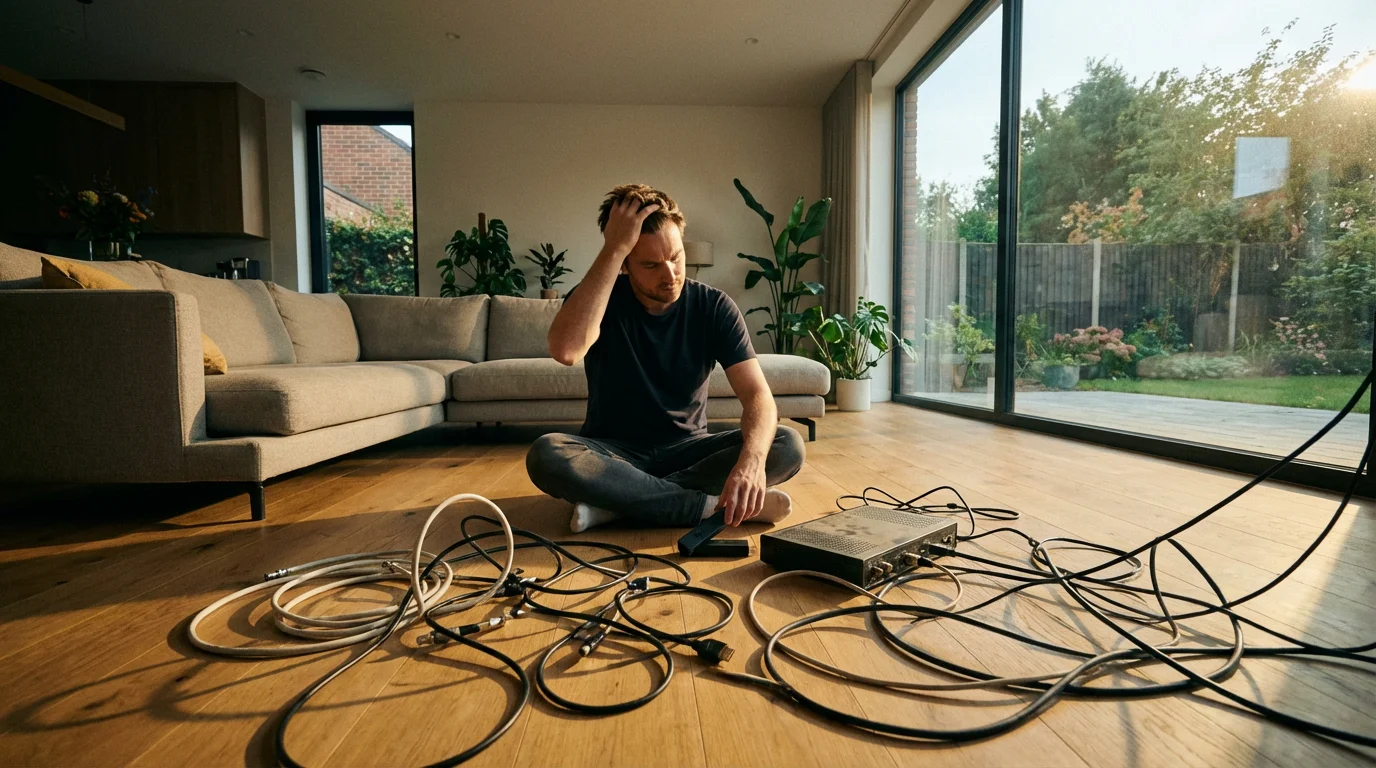
While cord-cutting offers substantial benefits, avoiding common pitfalls ensures a smooth transition and maximizes your savings. These are practical mistakes that many new cord-cutters make.
- Underestimating Internet Speed Needs: Many people cut the cord only to find their internet connection cannot handle multiple streams, leading to buffering and frustration. Ensure you have adequate bandwidth, especially for 4K streaming or multiple users.
- Subscribing to Too Many Services (Streaming Creep): The goal is to save money, but it is easy to accumulate numerous streaming subscriptions, making your monthly bill comparable to or even higher than cable. Regularly review your subscriptions and only keep services you actively use.
- Not Utilizing Free Content: Do not overlook free ad-supported streaming services like Pluto TV, Tubi, The Roku Channel, and Freevee. These offer thousands of movies and TV shows at no cost. Your OTA antenna also provides free, high-definition local channels.
- Ignoring Local Channel Access: Assuming you need a live TV streaming service for local networks is a common error. An inexpensive over-the-air antenna can provide these channels for free.
- Failing to Test Before Canceling: Before you call your cable provider, ensure your new streaming setup works perfectly. Test your streaming device, internet speed, and antenna reception. This prevents a gap in your entertainment.
- Forgetting About Early Termination Fees (ETFs): Review your cable contract for any early termination fees. If your contract has an ETF, calculate if the immediate savings from cord-cutting outweigh this one-time charge. Sometimes waiting until your contract expires is more cost-effective.
- Not Returning Equipment: Cable companies charge for unreturned equipment. Make a list of all rented modems, cable boxes, and remote controls. Get a receipt when you return them to avoid future charges.
Preparing to Cancel Your Cable Service
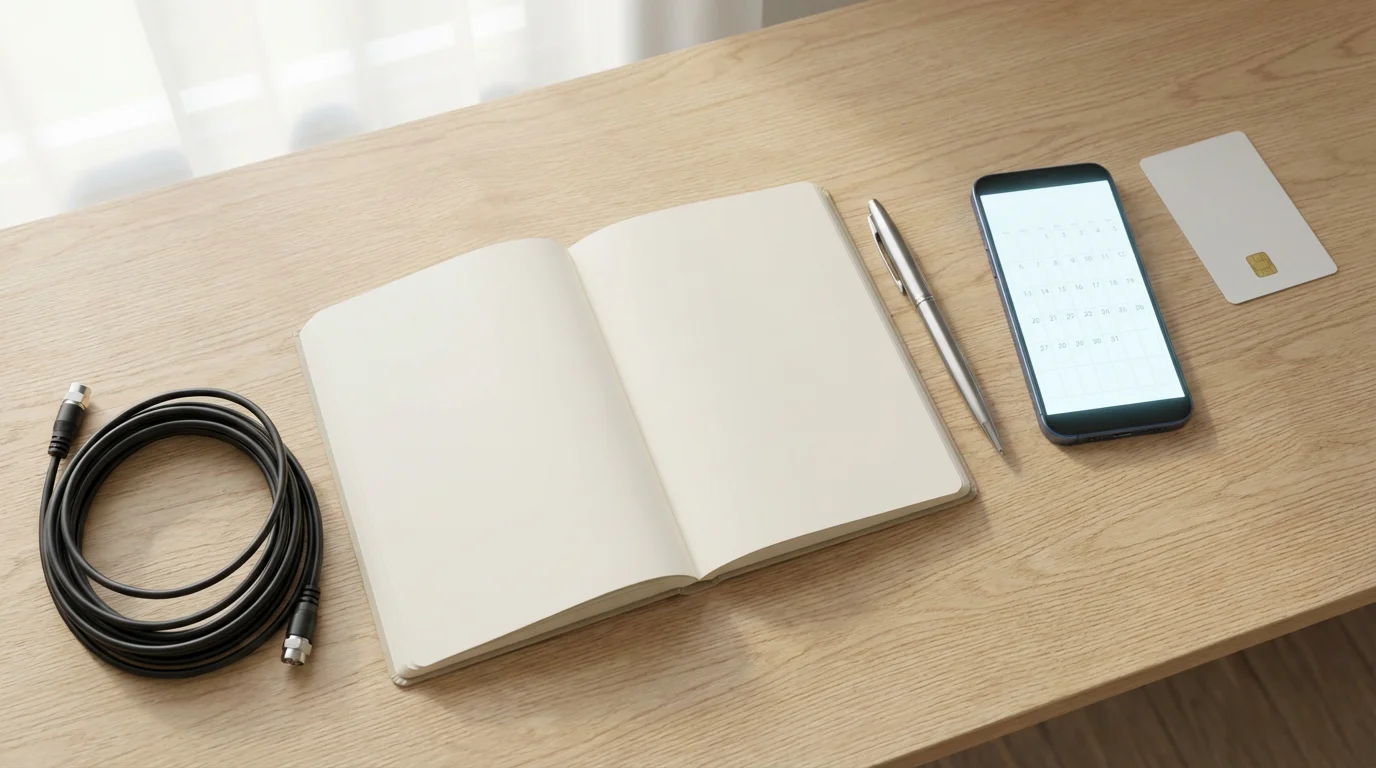
Canceling cable can seem daunting, but a structured approach simplifies the process. This guide helps you navigate the necessary steps.
Step-by-Step Cancellation Guide
- Review Your Contract and Bill: Before calling, know your contract end date, any potential early termination fees, and precisely what equipment you are renting. Check your last bill for account numbers and customer service contact information.
- Gather Your Equipment: Collect all cable boxes, modems (if rented), remote controls, and power cords. Ensure they are clean and in good working order.
- Call Customer Service: Be prepared for retention offers. Cable companies often try to keep you by offering discounts or different packages. Be firm but polite. State clearly that you want to cancel your TV service, or all services if you are switching internet providers.
- Confirm Cancellation Details: Ask for a confirmation number for your cancellation. Inquire about the exact date your service will cease and the final bill amount. Confirm the process for returning equipment.
- Return Equipment: Follow the instructions for equipment return. Many providers have local service centers or provide prepaid shipping labels. Always get a receipt or proof of shipment when you return equipment. This document is essential if there are any disputes later regarding unreturned items.
- Monitor Your Final Bill: Carefully review your last bill and any subsequent statements to ensure all services are canceled and no incorrect charges appear. If you receive a charge for unreturned equipment that you did return, use your receipt as proof.
Being prepared and organized streamlines the cancellation process, preventing frustration and unexpected fees.
Frequently Asked Questions
What is “streaming” and how does it differ from cable?
Streaming means watching video content over the internet instead of through a traditional cable or satellite connection. The key difference is flexibility: with streaming, you typically choose specific services, pay for them monthly, and can cancel anytime. Cable bundles many channels together, often with long contracts and set-top box rentals.
Do I need a “smart TV” to cut the cord?
No, you do not need a smart TV. While a smart TV has built-in internet and apps, any TV with an HDMI port can become “smart” by connecting an external streaming device like a Roku, Amazon Fire TV Stick, or Google Chromecast. These devices offer a superior streaming experience compared to many built-in smart TV platforms.
Can I still record shows after cutting the cord?
Yes, you can still record shows. Many live TV streaming services, such as YouTube TV and Hulu + Live TV, include cloud DVR (digital video recorder) functionality, allowing you to record and save shows in the cloud. For local channels received via an antenna, you can purchase a separate over-the-air DVR like a Tablo or HDHomeRun.
Will I save money immediately after cutting the cord?
Most people save money quickly, but immediate savings depend on a few factors. You might incur one-time costs for new streaming devices or an antenna. Also, check your cable contract for early termination fees. Over the long term, however, the vast majority of cord-cutters report significant monthly savings by only paying for the content they truly want.
What if I miss my favorite sports teams or local news?
You do not have to miss out. For local news and major network sports, an over-the-air antenna provides free access in HD. For specific regional or national sports networks, live TV streaming services like FuboTV, YouTube TV, or Hulu + Live TV offer comprehensive sports packages. Many individual sports leagues also offer their own streaming subscriptions.
Disclaimer: Cable and streaming prices vary by location and change frequently. The cost comparisons in this article are estimates based on typical pricing. Your actual savings will depend on your current cable package, internet costs, and which streaming services you choose.
If you live in a multi-unit building, check out our tips for cord cutting for apartment dwellers to navigate antenna placement and shared internet issues.
Leave a Reply