
You open your monthly bank statement, and there it is again—the cable bill. It seems to creep up every few months, laden with “broadcast fees” and “equipment rentals,” costing you over $100 a month for hundreds of channels you never watch. You are not alone in this frustration. Millions of Americans are cutting the cord every year, but many trade one expensive bill for a dozen smaller subscription fees to Netflix, Hulu, and Disney+, ending up right back where they started.
There is a better way. You can build a robust, diverse, and completely legal entertainment system for zero dollars a month (excluding your internet bill). This approach utilizes the booming market of FAST services and the reliable technology of over-the-air antennas.
In this guide, we will walk you through exactly how to replace your expensive cable package with free alternatives without resorting to shady, illegal websites. We will define the jargon, list the best services, help you choose the right equipment, and provide a timeline for making the switch.

Understanding the Free Streaming Landscape
Before diving into specific apps, you need to understand how “free” works in the legal streaming world. When you pay for cable, you pay for access. When you pay for Netflix, you pay for a subscription. In the free market, you pay with your time.
Most free services operate on a model called FAST (Free Ad-supported Streaming TV). These platforms function similarly to traditional television: you watch a show, and occasionally, you watch a commercial break. The difference is that you do not pay a monthly fee, and you do not need a cable box.
Key Definitions
- Streaming: Watching video content over the internet instantly, rather than downloading a file or receiving a signal through a cable wire.
- Cord-Cutting: The act of canceling a traditional cable or satellite TV subscription in favor of internet-based streaming services.
- Ad-Supported: A streaming plan or service that is free (or cheaper) because it interrupts programming with commercials.
- On-Demand: Content you can select and watch at any specific moment, allowing you to pause, rewind, or fast-forward.
- Linear Channels: Digital “live” channels that run on a schedule, just like traditional TV guide grids. You cannot fast-forward through these.
If you can tolerate 2 to 4 minutes of commercials per hour—often significantly less than traditional broadcast TV—you can unlock thousands of movies and TV shows without spending a dime.
The Titans of Free Streaming: Apps You Need
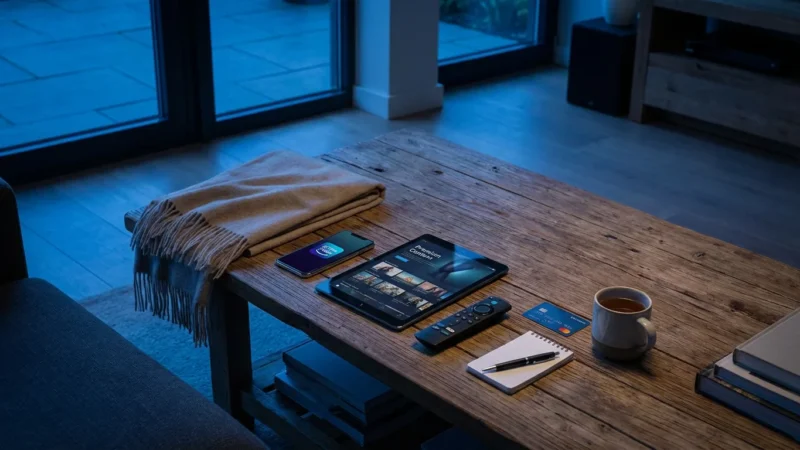
The free streaming market has matured rapidly. Major media corporations now own the best free services, ensuring high-quality video and recognized content. You do not need to download 50 different apps; you just need the heavy hitters.
1. Pluto TV
Owned by Paramount, Pluto TV is the closest experience to traditional cable you will find. It offers hundreds of “linear” channels organized in a grid. You can flip through channels dedicated to Star Trek, news, classic sitcoms, and movies. If you miss the feeling of “channel surfing,” this is the app for you.
2. Tubi
Tubi, owned by Fox Corporation, is an on-demand powerhouse. Unlike Pluto’s focus on live channels, Tubi focuses on a massive library of movies and TV shows you can start whenever you want. Their library is enormous, often featuring blockbuster movies just a few years old, along with a surprising amount of quality anime and British television.
3. The Roku Channel
You do not need a Roku device to watch The Roku Channel; it is available as an app on most devices and via web browsers. It aggregates live channels and on-demand content. They have also started producing “Roku Originals,” exclusive content you cannot find elsewhere.
4. Amazon Freevee
Formerly known as IMDb TV, Freevee is Amazon’s entry into the ad-supported market. It features high-budget original programming (like Bosch: Legacy) and a rotating selection of popular movies. The interface is slick, though it is heavily integrated into the Amazon Prime Video ecosystem.
Comparison of Major Free Services
| Service | Best For | Login Required? | Original Content? |
|---|---|---|---|
| Pluto TV | Live TV experience & channel surfing | No | No |
| Tubi | Massive on-demand movie library | No | No |
| Roku Channel | Mix of live news and movies | Optional | Yes |
| Freevee | High-quality originals & current hits | Yes (Amazon acct) | Yes |
| Crackle | Classic TV and action movies | Optional | Yes |
Hidden Gems: Library and Niche Services
Beyond the corporate giants, your local public library offers a digital backdoor to premium content. If you have a valid library card, you likely have access to two distinct services that are completely ad-free.
Kanopy
Kanopy focuses on “thoughtful entertainment.” This is where you go for Criterion Collection films, award-winning documentaries, and independent cinema. It is entirely ad-free. The catch is a credit system; most libraries grant you a certain number of “play credits” (usually 5 to 10) per month.
Hoopla
Hoopla is similar to Kanopy but offers a broader range of pop culture content, including e-books, comics, and audiobooks alongside movies. Like Kanopy, it is ad-free and powered by your library card, usually with a monthly borrowing limit.
The Antenna Advantage: Local Channels for Free
Streaming apps are fantastic for movies and reruns, but they often lack live local news, major sports broadcasts, and primetime network shows from ABC, CBS, NBC, Fox, and PBS. To get these for free, you need to go analog.
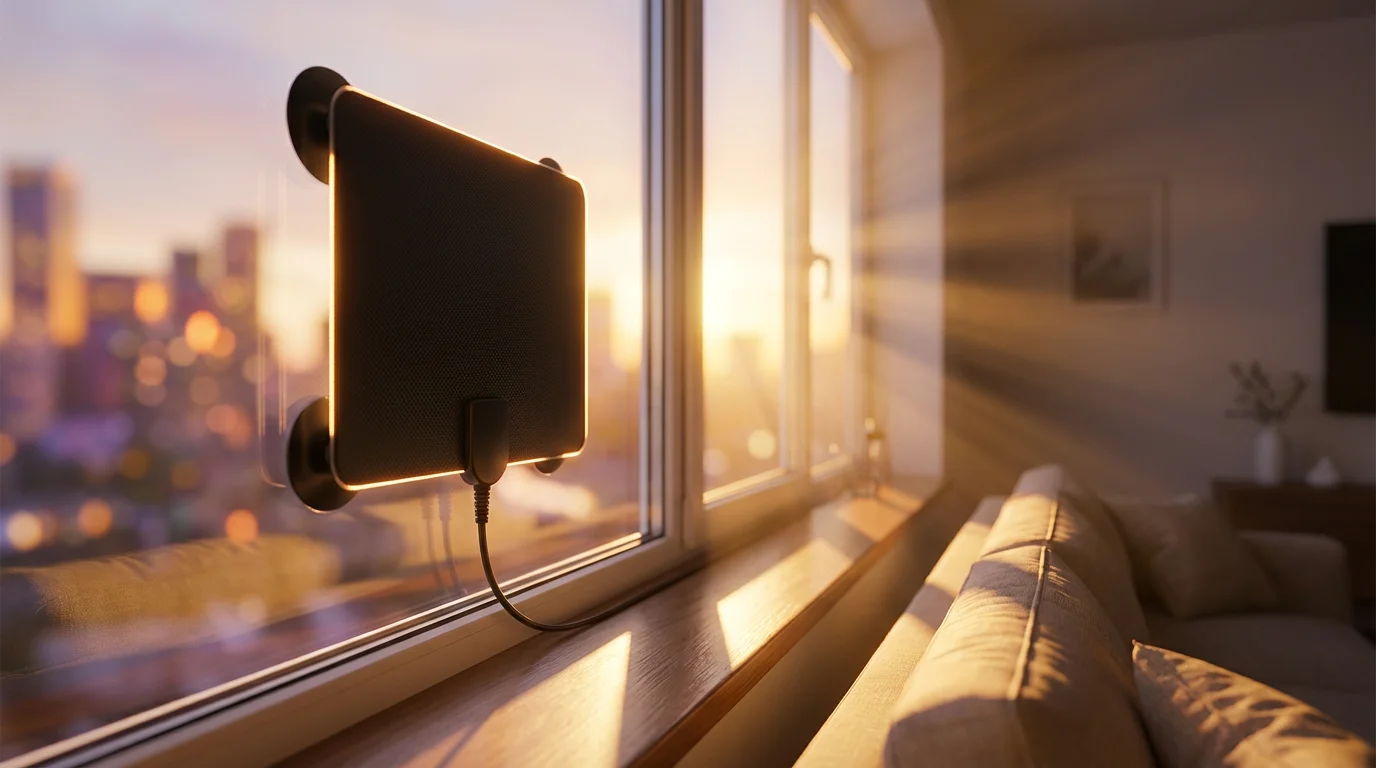
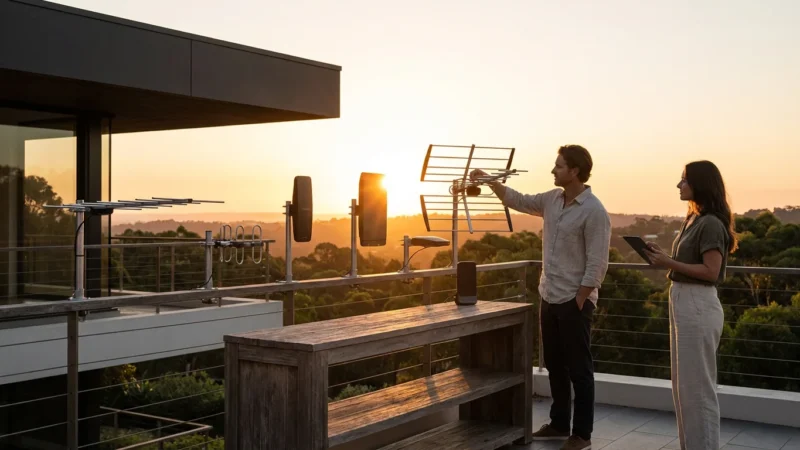
An Over-the-Air (OTA) antenna receives digital signals broadcast from towers in your area. Modern antennas are not the rusty metal coat hangers of the past; they are sleek, flat plastic sheets you can hide behind your TV or stick to a window.
According to the FCC Consumer Guide, the reception you receive depends heavily on your distance from broadcast towers and the terrain around your home. A simple indoor antenna usually works within 30 miles of a tower, while rural viewers may need an attic or roof-mounted outdoor antenna.
Why You Need an Antenna
- Superior Picture Quality: Cable companies compress video signals to fit hundreds of channels down the line. OTA signals are less compressed, often providing a crisper HD picture than what you pay for.
- Live Sports: Major events like the Super Bowl, the World Series, and Sunday NFL games are broadcast on major networks. An antenna gets you a front-row seat for free.
- Resilience: When the internet goes down during a storm, your antenna usually keeps working, keeping you connected to local weather and emergency news.
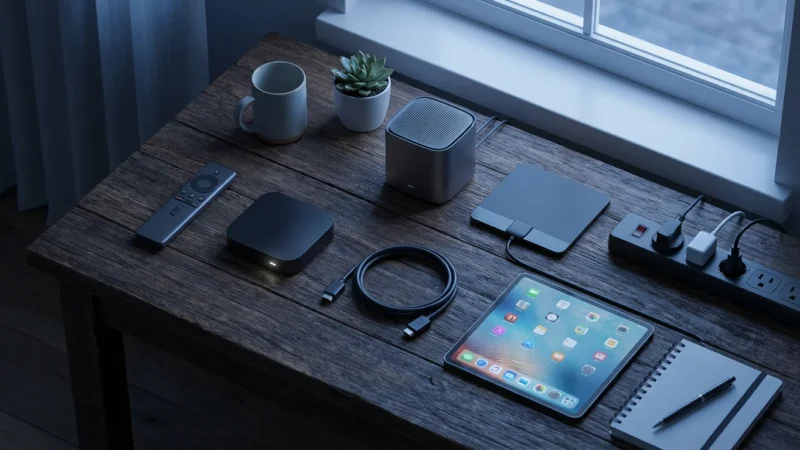
Equipment Checklist: What You Actually Need
You do not need to spend a fortune to save a fortune. However, a small upfront investment ensures a smooth experience. Here is the hardware you need to cut the cord effectively.
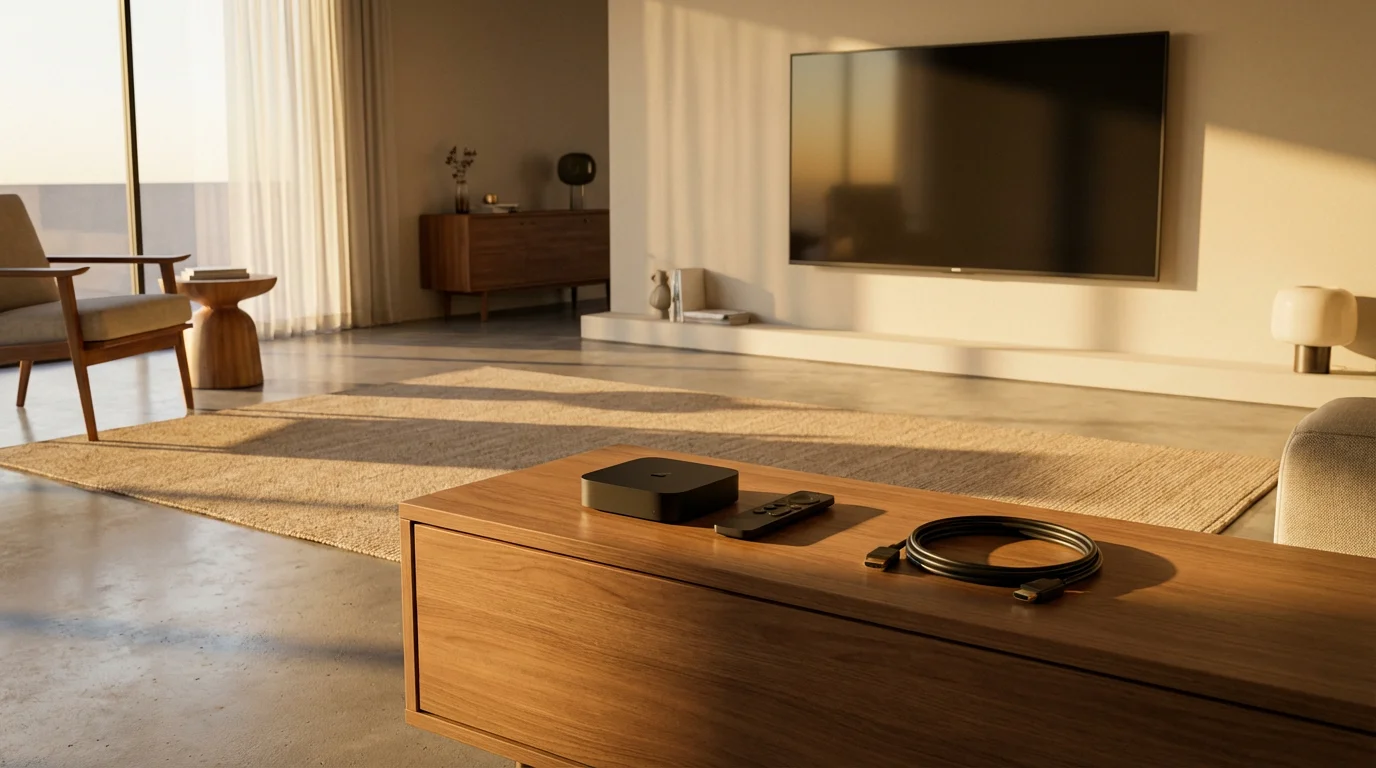
1. A Smart TV or Streaming Device
A “Smart TV” is simply a television that connects to the internet and has built-in apps. If you bought a TV in the last five years, it is likely smart. However, TV manufacturers often stop updating their software after a few years, making apps slow or buggy.
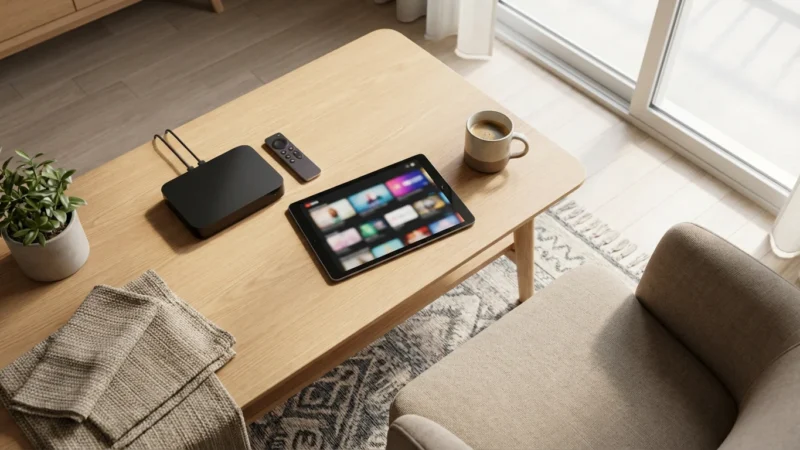
For the best experience, we recommend a dedicated streaming device. These are small gadgets (sticks or boxes) that plug into your TV’s HDMI port. Popular options include Roku, Amazon Fire TV, Apple TV, and Google Chromecast. They are affordable (usually $30–$50), faster than most built-in TV software, and receive updates for years.
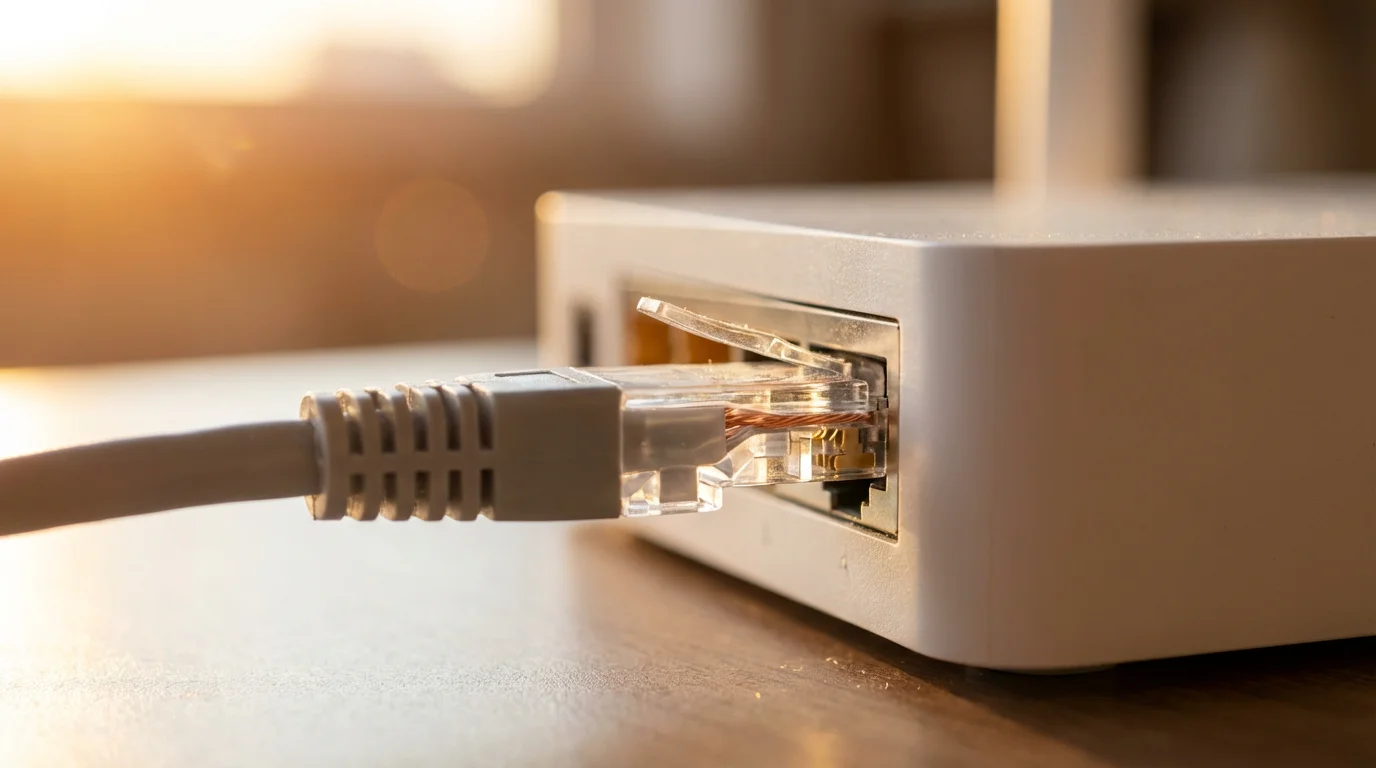
2. High-Speed Internet Router
Your streaming experience is only as good as your router. If you are renting a router from your internet service provider (ISP) for $10 or $15 a month, stop. Buying your own router pays for itself in less than a year and usually offers better performance.
3. Digital Antenna
- Indoor (Flat) Antenna: Best for city dwellers and suburbs within 20–30 miles of towers. Cost: $20–$40.
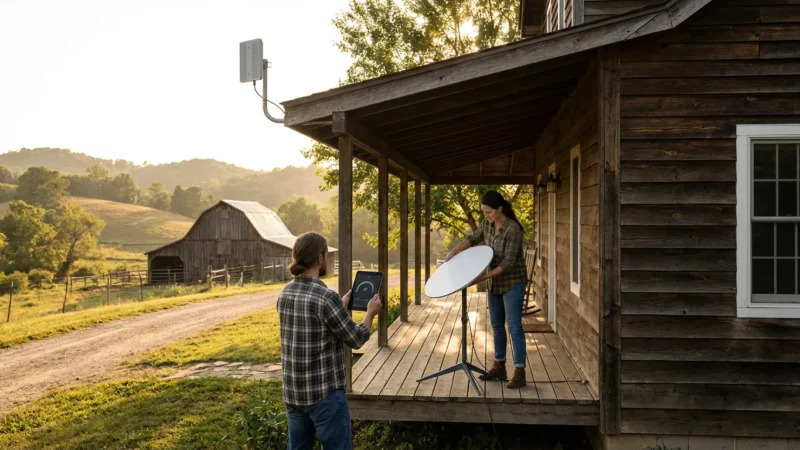
- Attic/Outdoor Antenna: Essential for rural areas or homes surrounded by dense trees/hills. Cost: $60–$150.
Internet Speed: The Backbone of Streaming
Buffering is the enemy of entertainment. To stream video reliably, your internet connection must meet specific speed thresholds. Speed is measured in Megabits per second (Mbps).
While streaming services claim low minimum requirements, those numbers assume you are doing absolutely nothing else on your network. In a real-world household, phones, laptops, and smart home devices all compete for bandwidth.
Consumer Reports suggests that while 25 Mbps might suffice for a single 4K stream, households with multiple people streaming simultaneously should aim for speeds of 100 Mbps or higher to avoid interruptions.
Recommended Speeds for Households
- 1 Person (HD Streaming): 25 Mbps
- 2-3 People (HD/4K Mix): 100 Mbps
- 4+ People (Heavy 4K Streaming/Gaming): 200–500 Mbps
Note: Always connect your streaming device via Ethernet cable if possible. Wired connections are faster and more stable than Wi-Fi.

The Math: Calculating Your Savings
Let’s look at the numbers. Fear of the unknown often keeps people tethered to cable, but the math is undeniable.
Scenario A: The Cable Loyalist
- Cable Package (TV + Internet): $160.00/month
- Broadcast TV Fees & Taxes: $25.00/month
- Equipment Rental (2 boxes + Modem): $30.00/month
- Total Annual Cost: $2,580
Scenario B: The Free Streamer
- Internet Only (100 Mbps): $60.00/month
- Streaming Subscriptions: $0.00 (Tubi, Pluto, Antenna)
- Equipment Purchase (One-time): $100 (Roku + Antenna)
- Total First Year Cost: $820
Total First Year Savings: $1,760.
Even if you decide to splurge and add one paid service like Netflix or Hulu later, you are still saving well over $1,500 a year. That is the price of a family vacation, purely from changing how you watch TV.
Common Mistakes to Avoid
Transitioning to streaming is generally easy, but there are pitfalls. Avoid these common errors to ensure a frustration-free experience.
1. Using Illegal “Jailbroken” Devices
You may see ads for “fully loaded” sticks that promise every channel, movie, and sports game for free. These utilize illegal piracy streams. They are unreliable, often riddled with malware that compromises your home network, and prone to shutting down without warning. Stick to legal options; the video quality and security are far superior.
2. Ignoring Data Caps
Some Internet Service Providers (ISPs) place a cap on how much data you can use per month (commonly 1 Terabyte). Streaming 4K video consumes a lot of data (approx. 7GB per hour). If you leave your TV running while you sleep, you could hit your cap and face overage fees. Check your internet contract for data limits.
3. Buying Cheap, Generic Antennas
Not all antennas are created equal. Avoid the cheapest $9 option at the dollar store. Look for reputable brands or well-reviewed models. A bad antenna leads to frustration and pixelated channels.
Your Step-by-Step Transition Timeline
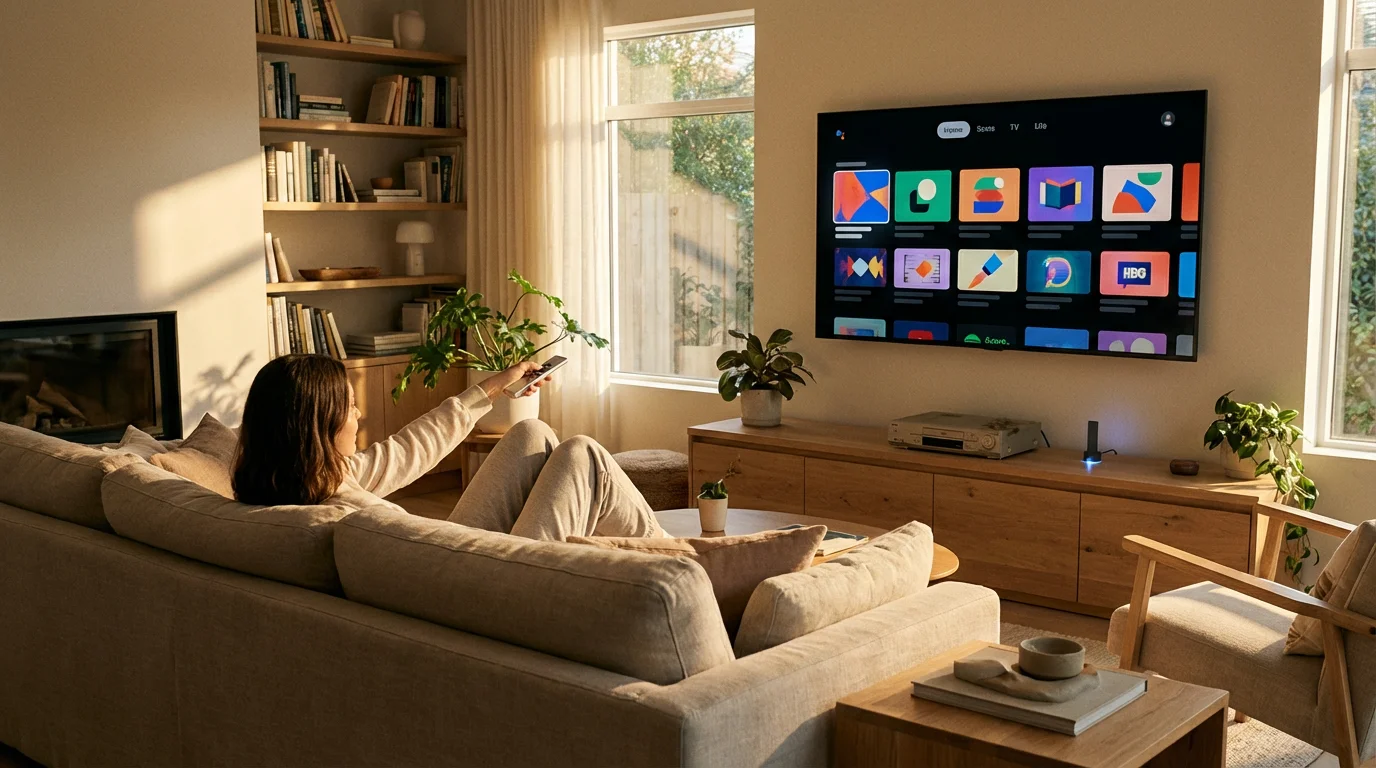
Do not cancel cable today. Follow this timeline to ensure you are comfortable before you cut the cord.
Week 1: The Audit and Setup
- Audit your viewing: Write down the 5 shows or channels you actually watch. Check if they are available via antenna or on free apps using a search engine like JustWatch.
- Buy your gear: Purchase a streaming device and an antenna.
- Install and Test: Set up the antenna and scan for channels. Install the free apps (Pluto, Tubi, etc.) on your device.
Week 2: The Test Drive
Stop using your cable box. Pretend it does not exist. For one full week, use only your antenna and streaming apps. This “trial run” helps you identify any missing content or technical issues while you still have cable as a backup.
Week 3: The Call
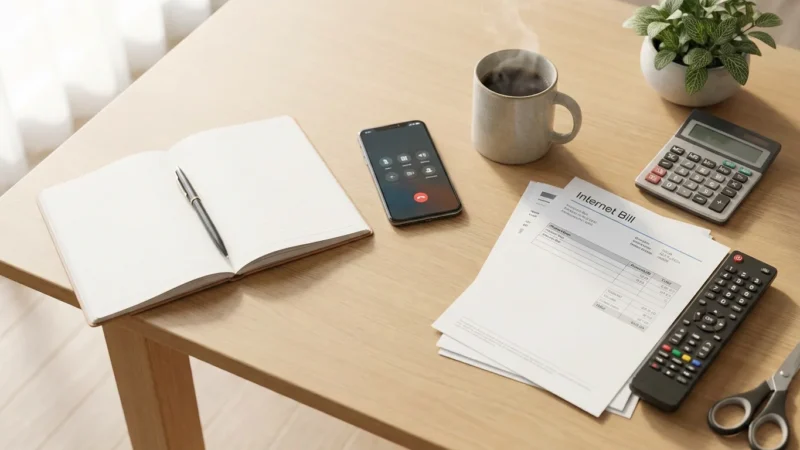
Once you are confident, call your cable provider. Be polite but firm. Tell them you are cancelling television service but keeping internet (or switching internet providers if you found a better deal). As noted by Cord Cutters News, retention agents are trained to keep you subscribed, often offering temporary discounts. Stick to your plan; the long-term savings of cutting the cord outweigh a temporary $20 discount.
Week 4: The Return
Gather your cable boxes, remotes, and power cords. Return them to the provider’s local store. Crucial Step: Get a receipt for the returned equipment and keep it forever. Cable companies are notorious for billing customers for “unreturned equipment” months later.
Frequently Asked Questions
Can I really watch live sports for free?
Yes, but with limitations. An antenna gives you access to NFL games, MLB, and NBA games broadcast on major networks (NBC, CBS, FOX, ABC). However, games on cable-exclusive networks like ESPN or TNT are not free. You would need a paid live TV streaming service like Sling or YouTube TV for those.
Do I need a Smart TV to stream?
No. As long as your TV has an HDMI port (which most TVs made after 2006 do), you can plug in an inexpensive streaming stick from Roku or Amazon to access all these services. You can even breathe new life into an old “dumb” TV this way.
Is there a DVR for antenna TV?
Yes. If you miss the ability to record shows, you can purchase an Over-the-Air DVR (like the Tablo or HDHomeRun). These devices connect to your antenna and let you record broadcast TV to a hard drive to watch later, skipping commercials just like cable.
Disclaimer: Cable and streaming prices vary by location and change frequently. The cost comparisons in this article are estimates based on typical pricing. Your actual savings will depend on your current cable package, internet costs, and which streaming services you choose.
Leave a Reply