
Disclaimer: Cable and streaming prices vary by location and change frequently. The cost comparisons in this article are estimates based on typical pricing. Your actual savings will depend on your current cable package, internet costs, and which streaming services you choose.
You want to save money, streamline your entertainment, and escape the ever-increasing cost of traditional cable TV. You are not alone. Millions of households have made the switch to streaming, a process known as cord-cutting, which means canceling traditional cable or satellite TV in favor of watching video content over the internet. While cord cutting often leads to significant savings, a clear understanding of the true cost means looking beyond the sticker price of streaming subscriptions. Hidden fees, necessary equipment purchases, and often overlooked internet service costs can quickly erode your anticipated savings if you do not plan effectively.
Understanding the “Hidden” in Cord Cutting
Many consumers envision cord cutting as simply dropping cable and signing up for Netflix. This simplified view often overlooks several crucial expenses that impact your overall savings. These hidden costs are not necessarily nefarious; they are simply expenses you did not pay directly when bundled into a cable package. When you transition, you take on more responsibility for your entertainment setup, which translates into new line items on your budget. Identifying these early ensures a smooth, cost-effective transition.
If you are new to this process, following a complete cord-cutting guide for beginners can help you navigate the transition without missing important steps.
The primary goal of cord-cutting remains financial savings. However, a significant benefit also includes customization and control over your viewing experience. You choose only the channels and services you want, avoiding hundreds of channels you never watch. This article equips you with the knowledge to make informed decisions, ensuring you achieve maximum savings without sacrificing the content you value.
Internet Service: Your Essential Foundation
Your internet connection forms the bedrock of any successful cord-cutting strategy. Streaming means watching video content over the internet, so a reliable and fast internet plan is non-negotiable. For cable TV subscribers, internet service is often bundled, with the cost sometimes appearing lower than standalone internet. When you cut the cord, your internet bill may increase if you were previously on a promotional bundle rate or if you need to upgrade your speed to support multiple streaming devices.
Required Internet Speeds
The speed you need depends on your household’s usage habits. According to the FCC Consumer Guide, typical households require specific minimum speeds for streaming:
- Standard Definition (SD) Streaming: 3-5 Mbps per stream. This supports basic viewing on one device.
- High Definition (HD) Streaming (720p/1080p): 5-8 Mbps per stream. Most common for everyday viewing on modern TVs.
- 4K Ultra HD Streaming: 20-25 Mbps per stream. Essential for newer TVs capable of displaying ultra-high-definition content.
If multiple people stream simultaneously, or you have other internet-connected devices like gaming consoles, smart home devices, or work-from-home setups, you need significantly more bandwidth. A family of four, with two simultaneous HD streams and general browsing, should aim for at least 50-100 Mbps total download speed. For 4K streaming and heavy multi-device usage, 200 Mbps or higher offers a smoother experience.
Data Caps and Overages
Some internet service providers (ISPs) impose data caps, limiting the amount of data you can use each month. Streaming video consumes a lot of data. A single hour of HD streaming uses approximately 3 GB, while 4K streaming can consume up to 7 GB per hour. If your data cap is 1 TB (1000 GB) per month, you might hit it faster than you expect, incurring expensive overage charges. Always check your ISP’s policy on data caps and choose an unlimited plan if available and affordable. Unlimited data plans often come with a slightly higher monthly fee, which becomes a part of your true cost of cord cutting.
“Your internet speed and data plan are the foundational elements of successful cord cutting. Skimping here leads to frustrating buffering and unexpected bills.”
Modem and Router Costs
Many ISPs charge a monthly rental fee for their modem and router, typically $10-15 per month. Over a year, this adds up to $120-180. You can often save money by purchasing your own compatible modem and router. A decent modem and router combination costs between $100 and $300 upfront. While an initial expense, this purchase pays for itself in less than two years, eliminating a recurring “hidden” fee from your monthly bill. Research compatible equipment with your ISP before purchasing.
Streaming Devices: The Gateway to Entertainment
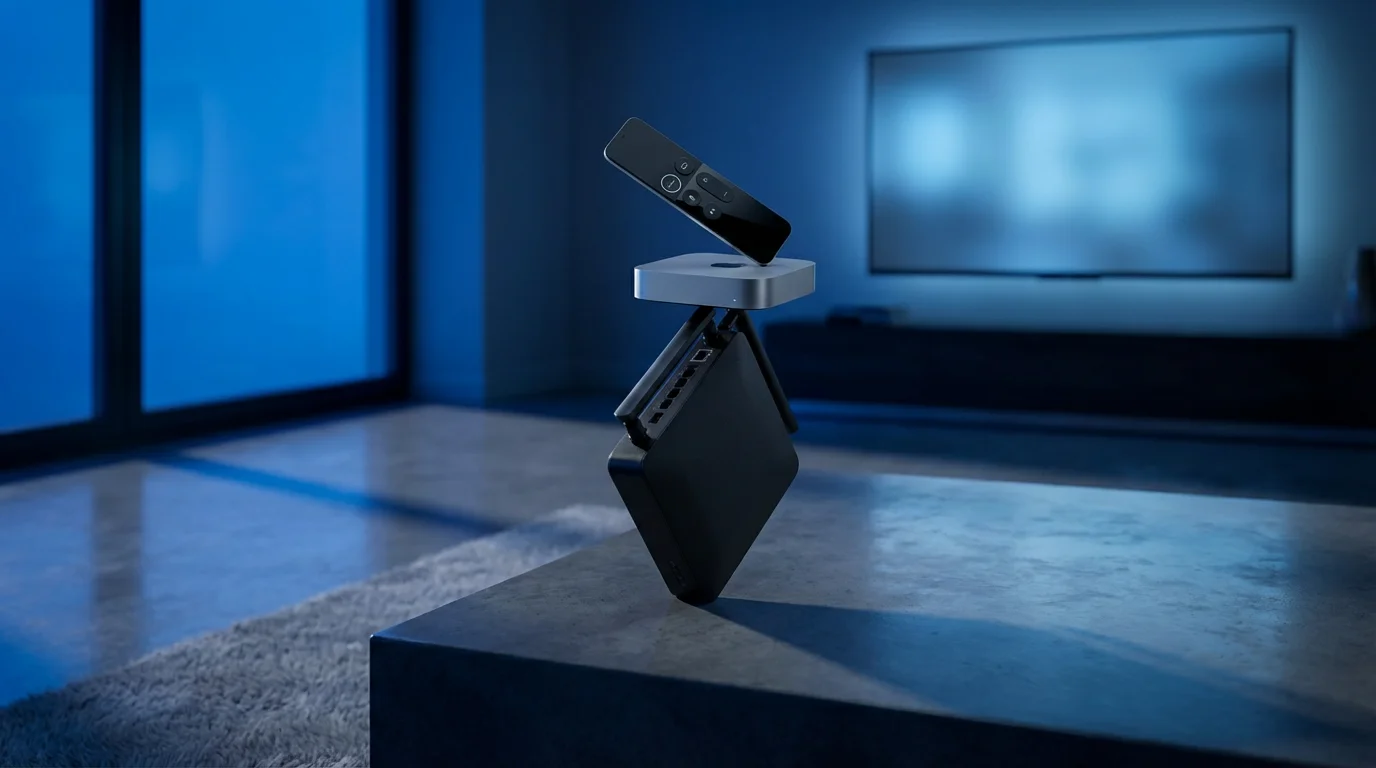
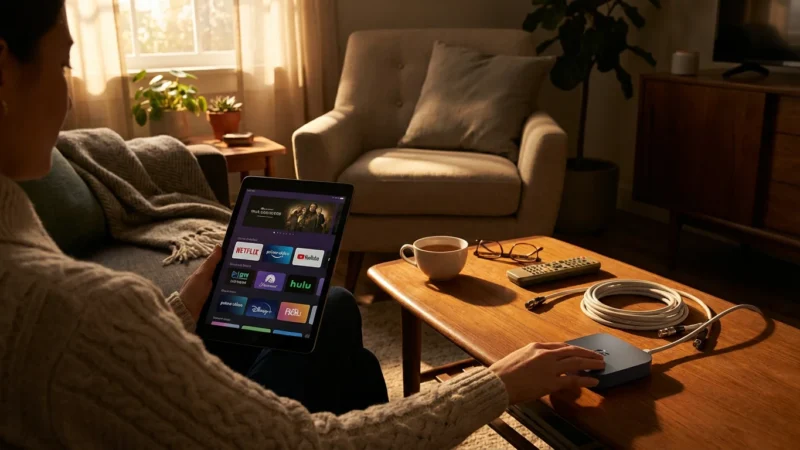
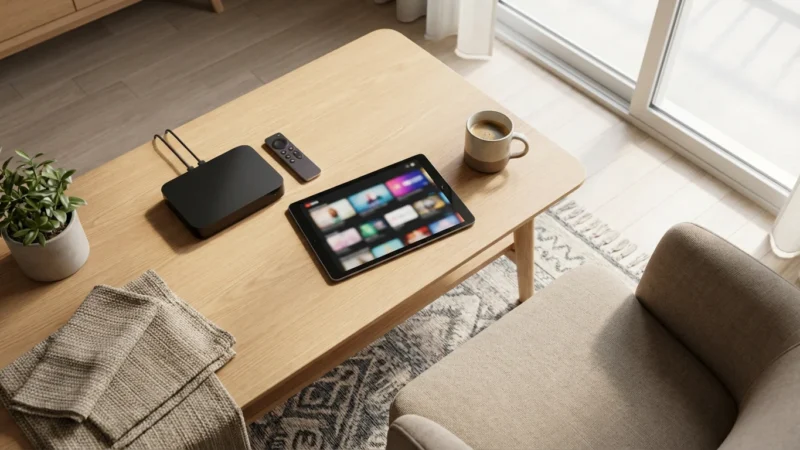
To watch streaming content on your television, you need a smart TV or a dedicated streaming device. A smart TV is a television with built-in internet connection and apps, allowing you to access services directly. If your TV is not smart, or if its built-in apps are slow or outdated, you will need a streaming device. These small boxes or sticks, like a Roku, an Amazon Fire TV Stick, an Apple TV, or a Google Chromecast, add streaming capabilities to any TV with an HDMI port.
Types and Costs of Streaming Devices
- Basic Sticks (e.g., Roku Express, Fire TV Stick Lite): Cost around $30-40. These are suitable for HD streaming on one TV, offering essential app access.
- Mid-Range Sticks/Boxes (e.g., Roku Streaming Stick 4K, Fire TV Stick 4K Max, Chromecast with Google TV): Cost around $50-70. These support 4K resolution, offer faster performance, and often include voice remote features.
- Premium Boxes (e.g., Apple TV 4K, Nvidia Shield TV Pro): Cost upwards of $150-200. These provide the fastest performance, superior picture quality, advanced gaming capabilities, and often integrate better with specific smart home ecosystems.
Factor in one device per television you plan to use for streaming. If you have three TVs, this could mean an initial investment of $90 for basic sticks or $150-210 for mid-range 4K devices. While a one-time cost, it is a necessary part of your cord-cutting budget.
Antennas: Reclaiming Local Channels
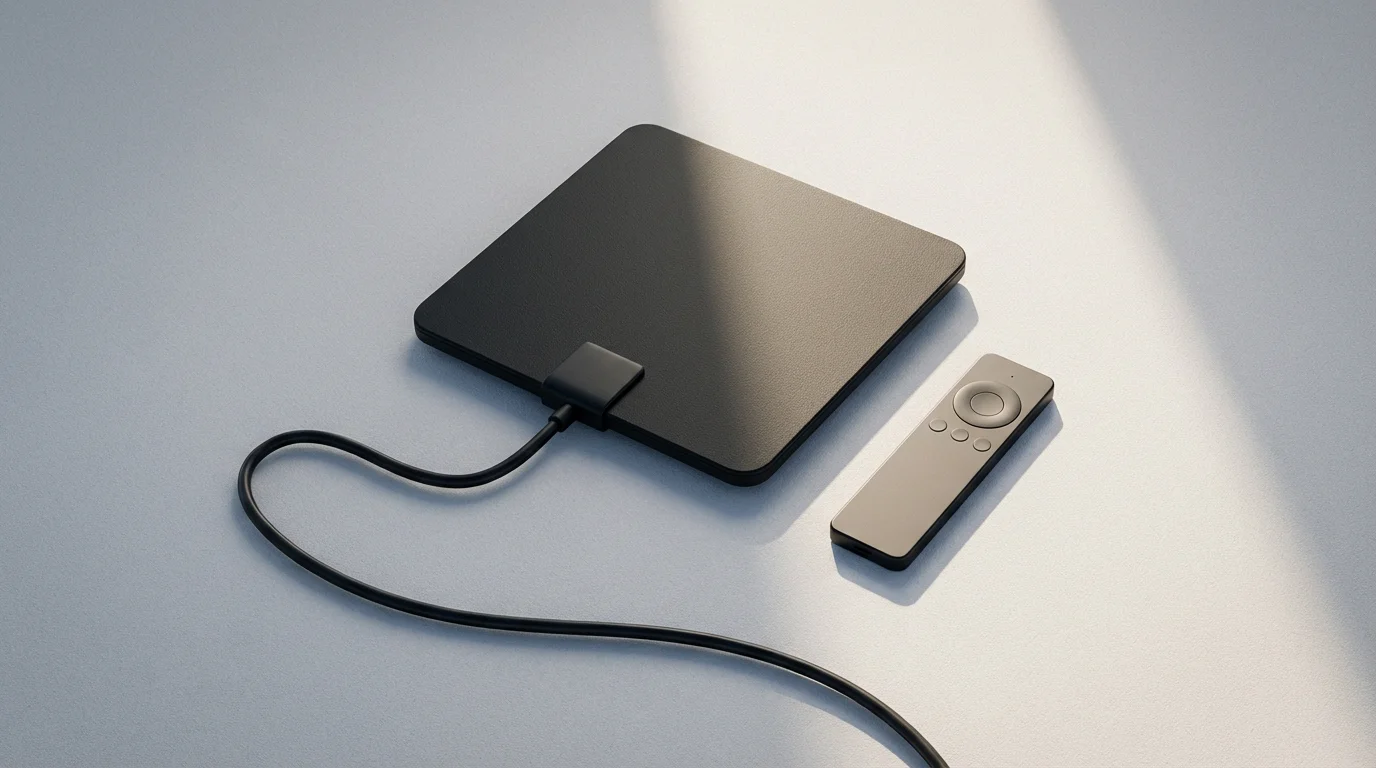
Many cable subscribers worry about losing local channels like ABC, CBS, Fox, and NBC when they cut the cord. An over-the-air (OTA) antenna provides a free, legal way to receive these channels in high definition, often with better picture quality than cable. The availability and number of channels depend heavily on your location, distance from broadcast towers, and terrain.
Antenna Types and Costs
- Indoor Antennas: Priced $20-50. These are flat, rectangular antennas that stick to a window or wall. They work best if you live close to broadcast towers (within 30 miles) and have a clear line of sight. Performance can be inconsistent in challenging environments.
- Outdoor/Attic Antennas: Priced $50-150, sometimes more for professional installation. These provide the best reception and are recommended for those further from towers or in areas with signal obstructions. They require installation, which can be a DIY project or a paid service.
- Amplified Antennas: Many indoor and outdoor antennas come with an amplifier, increasing their range and ability to pull in weaker signals. These usually cost slightly more.
Websites like AntennaWeb.org or the FCC’s DTV Reception Maps help you determine which channels are available in your area and what type of antenna you might need. A one-time antenna purchase replaces a portion of your monthly cable bill, offering significant long-term savings for local content.
DVR for Antenna TV
If you enjoy recording live TV, a DVR for your antenna adds functionality similar to cable DVRs. Devices like Tablo or HDHomeRun connect to your antenna and home network, allowing you to record shows and stream them to your devices. These systems range from $100-250 upfront, with some offering optional subscription services for advanced features like program guides. This is an optional but often desired “hidden” cost for those who value recording live broadcasts.
Evaluating Streaming Services: The Real Content Costs
This is where the flexibility and potential savings of cord cutting truly shine, but it is also where costs can creep up if you are not disciplined. Streaming services fall into several categories:
- Subscription Video On-Demand (SVOD): Services like Netflix, Hulu (on-demand), Max, Disney+, Prime Video, Paramount+, Peacock, and Apple TV+ offer vast libraries of movies and TV shows for a monthly fee. Costs range from $6.99 (ad-supported) to $19.99 (ad-free) or more per service. Ad-supported plans are cheaper, showing commercials, while ad-free plans cost more but eliminate commercials.
- Live TV Streaming Services: These replace traditional cable bundles by offering live channels over the internet. Services like YouTube TV, Hulu + Live TV, Sling TV, and FuboTV provide a package of live news, sports, and entertainment channels. These are typically the most expensive streaming options, ranging from $40 (Sling TV’s basic) to $70-80+ per month (YouTube TV, Hulu + Live TV). Many include a digital video recorder (DVR) feature, letting you record and watch shows later.
- Free Ad-Supported Streaming TV (FAST): Services like Pluto TV, Tubi, Freevee, and The Roku Channel offer thousands of movies and TV shows, and often live linear channels, for free. They generate revenue through commercials. These services are excellent for supplementing your paid subscriptions without adding to your monthly bill.
Avoiding “Streaming Creep”
A common pitfall is “streaming creep,” where you sign up for multiple services, one by one, until your combined monthly bill rivals or exceeds your old cable bill. To prevent this:
- Prioritize Content: List your must-have shows and channels. Use tools like Reelgood or JustWatch to see which services carry them.
- Rotate Subscriptions: You do not need every service every month. Subscribe to Max for a few months to binge a specific series, then cancel and switch to Disney+ for new Marvel shows.
- Utilize Free Trials: Almost every service offers a free trial. Use them to test the service and ensure it meets your needs before committing.
- Consider Bundles: Some services offer discounts when bundled, like the Disney Bundle (Disney+, Hulu, ESPN+). This can provide savings compared to subscribing individually.
Be honest about how much content you actually consume. “On-demand” means you watch whatever you want, whenever you want. You are paying for access, not necessarily for watching everything. As Consumer Reports’ streaming guide highlights, identifying your essential services prevents overspending.
Comparing Costs: Cable Bill vs. Streaming Bundle
Let us create a realistic comparison to illustrate potential savings and the true cost of cord cutting. This example assumes a household needs internet, a handful of popular channels, and wants DVR functionality.
Typical Cable Bill (Estimate)
| Item | Monthly Cost (Estimate) | Notes |
|---|---|---|
| Cable TV Package (100-200 channels) | $80.00 | Mid-tier package, often promotional pricing initially. |
| Internet Service (100-200 Mbps) | $70.00 | Often discounted as part of a bundle. |
| Cable Box Rental | $15.00 | Per box, multiple boxes increase cost. |
| DVR Service | $10.00 | Additional monthly fee. |
| Broadcast TV Fee | $20.00 | Mandatory fee for local channels. |
| Regional Sports Network (RSN) Fee | $15.00 | Mandatory fee for regional sports. |
| TOTAL CABLE BILL | $210.00 | Excludes taxes, additional surcharges, and potential rate increases after promotions. |
Cord-Cutting Alternative (Estimate)
This alternative assumes you need a fast internet connection, want access to live TV, and some on-demand content.
| Item | Initial Cost (One-time) | Monthly Cost (Estimate) | Notes |
|---|---|---|---|
| Internet Service (200-300 Mbps) | $0 (if existing) | $85.00 | Standalone internet, potentially higher speed than bundled. |
| Own Modem/Router | $150.00 | Replaces rental fee over time. | $0 |
| 4K Streaming Devices (2 units) | $120.00 | For main TV and bedroom TV. | $0 |
| OTA Antenna (Outdoor) | $75.00 | For free local channels. | $0 |
| Live TV Streaming (e.g., YouTube TV) | $0 (free trial) | $73.00 | Includes DVR, major networks, sports, news, many cable channels. |
| On-Demand SVOD (e.g., Netflix Standard Ad-Free) | $0 (free trial) | $15.49 | Essential movies and TV shows. |
| Another SVOD (e.g., Disney+/Hulu/ESPN+ Bundle) | $0 (free trial) | $14.99 | Specific content, family-friendly options. |
| TOTAL INITIAL COST | $345.00 | One-time investment in equipment. | |
| TOTAL MONTHLY STREAMING BILL | $188.48 | Excludes free streaming services like Tubi. |
In this example, your initial investment for equipment is $345. Your new estimated monthly bill is $188.48, compared to $210 for cable. You save approximately $21.52 per month, which amounts to $258.24 per year *after* the initial equipment costs are factored in. The savings grow significantly over time as the initial equipment cost becomes a sunk cost. This calculation does not even include the potential for lower-cost live TV options like Sling TV ($40-55/month) if your channel needs are more specific.
The Cancellation Process: Avoiding Early Termination Fees
Canceling cable sounds simple, but providers make it challenging to retain customers. Follow these steps carefully to avoid unexpected fees.
- Review Your Contract: Before you call, understand your current contract. Look for early termination fees (ETFs). Many contracts include a clause allowing the provider to charge a fee, often hundreds of dollars, if you cancel before your contract term expires. If you are still under contract, weigh the ETF against your projected savings. Sometimes, paying the ETF makes financial sense in the long run. If you are month-to-month, you likely will not have an ETF.
- Gather Account Information: Have your account number, billing address, and any relevant service dates ready.
- Call Your Provider: Do not attempt to cancel online or via email. You usually must speak to a retention specialist over the phone. Be polite but firm. They will likely offer you various discounts, promotions, or even a basic TV package to keep you. Be prepared to decline these offers if your goal is full cord cutting.
- Keep Records: Note the date and time of your call, the name of the representative you spoke with, and any confirmation numbers. This documentation is vital if disputes arise later.
- Return Equipment Promptly: Cable providers typically rent you equipment, including cable boxes, DVRs, and sometimes modems/routers. You must return all leased equipment to avoid unreturned equipment fees, which can be substantial. Get a receipt for every piece of equipment you return. Take photos or a video of the equipment condition before returning it as proof.
- Monitor Your Final Bill: Scrutinize your last cable bill and subsequent statements. Ensure all services are canceled, and no erroneous charges appear. Dispute any incorrect charges immediately with your recorded information.
This process can be frustrating, but persistence pays off. Many users report that calling and patiently working through the retention offers is the most effective path to a clean break.
Common Mistakes and How to Avoid Them
Even with careful planning, some common errors trip up new cord cutters. Avoiding these ensures a smoother transition and maximizes your savings.
To protect your budget, review these common cord-cutting mistakes that often lead to higher monthly expenses.
- Underestimating Internet Needs: Do not choose the cheapest internet plan if it means sacrificing speed or hitting data caps. Buffering and overage charges quickly negate any savings. Invest in adequate bandwidth for your household’s usage.
- Failing to Test Antenna Reception: Do not assume an indoor antenna will work for you. Use online tools to check local tower proximity and signal strength first. If signals are weak, plan for an outdoor or attic antenna, and factor in potential installation costs.
- Over-Subscribing to Streaming Services (Streaming Creep): This is perhaps the most common mistake. Resist the urge to sign up for every service. Start with one or two must-haves, then add or rotate based on your viewing habits. There are numerous free ad-supported streaming TV (FAST) services you can use to supplement your content without adding to your monthly bill.
- Ignoring Early Termination Fees: Canceling your cable contract prematurely can result in hundreds of dollars in fees. Always review your contract terms before initiating cancellation.
- Forgetting to Return Equipment: Unreturned cable boxes, modems, and remote controls can lead to hefty charges. Always get a receipt or proof of return.
- Not Factoring in VPN Costs (Optional but Relevant): If you plan to use a Virtual Private Network (VPN) for privacy or to access geo-restricted content, add this to your monthly streaming budget. VPNs typically cost $5-12 per month.
- Neglecting to Compare ISP Prices: While your current provider may offer a standalone internet plan, research other ISPs in your area. New customer promotions from competitors can provide faster speeds at a lower cost, which further improves your cord-cutting savings.

Your Cord-Cutting Checklist and Timeline
Follow this step-by-step timeline for a successful transition:
- Month 1: Research and Planning
- Audit Your Current Bill: Understand exactly what you pay for cable, internet, and associated fees.
- Identify Must-Have Content: List your essential channels, shows, and sports.
- Check Internet Options: Research standalone internet plans from your current provider and competitors. Verify speeds and data caps.
- Assess Antenna Needs: Use online tools to check local channel availability and determine if an indoor or outdoor antenna is suitable.
- Explore Streaming Services: Research SVOD and Live TV options that carry your must-have content. Note their monthly costs.
- Review Cable Contract: Determine if you are under contract and if early termination fees apply.
- Month 2: Acquire Equipment and Test Services
- Upgrade Internet (if needed): Contact your ISP to adjust your plan or switch providers.
- Purchase Streaming Devices: Buy enough devices for all TVs you plan to stream on.
- Install Antenna: Set up your antenna and scan for local channels. Ensure good reception.
- Start Free Trials: Sign up for free trials of your chosen streaming services. Test them out, ensure they meet your needs, and get familiar with their interfaces.
- Test All Equipment: Ensure your internet, streaming devices, and antenna work seamlessly together.
- Month 3: Make the Switch
- Finalize Streaming Subscriptions: Convert free trials to paid subscriptions for services you want to keep.
- Contact Cable Provider to Cancel: Follow the steps outlined in “The Cancellation Process.” Be prepared for retention offers. Secure a confirmation number for your cancellation.
- Return Leased Equipment: Gather all cable boxes, modems, remotes, etc., and return them promptly. Obtain and keep a receipt.
- Monitor Bills: Check your final cable bill and subsequent internet bills for accuracy.
By following this structured approach, you address all potential hidden costs and navigate the transition confidently, ensuring you maximize your savings and enjoyment.
Frequently Asked Questions
What is cord cutting?
Cord cutting means canceling traditional cable or satellite television service and choosing to get your entertainment through streaming services over the internet instead. You replace a single, large cable bill with multiple, smaller subscriptions you control.
Do I need faster internet if I cut the cord?
Yes, you likely need a faster and more reliable internet connection. Streaming video consumes more bandwidth than basic internet use. Plan for at least 50-100 Mbps for a household with multiple users and devices, and more for 4K streaming or heavy usage, to avoid buffering and ensure a smooth experience.
Can I still watch local channels without cable?
Absolutely. Many local channels like ABC, CBS, Fox, and NBC are available for free over the air using a one-time purchase of an over-the-air (OTA) antenna. Your ability to receive them depends on your location relative to broadcast towers. Alternatively, live TV streaming services like YouTube TV or Hulu + Live TV also include local channels, though these come with a monthly fee.
How can I avoid “streaming creep” and keep my costs low?
To avoid streaming creep, identify your essential content, then subscribe only to the services that offer it. Practice “rotation,” where you subscribe to one service for a few months to watch specific shows, then cancel and switch to another. Utilize free ad-supported streaming services for additional content without extra cost, and always use free trials before committing to a paid subscription.
What if my cable provider charges an early termination fee?
Review your contract to understand the early termination fee (ETF) amount. You must pay this fee if you are still under contract and decide to cancel. Compare the ETF to your projected long-term savings from cord cutting. If the savings outweigh the fee within a year or two, paying the ETF might still be the financially prudent choice. Otherwise, consider waiting until your contract expires.




Leave a Reply