

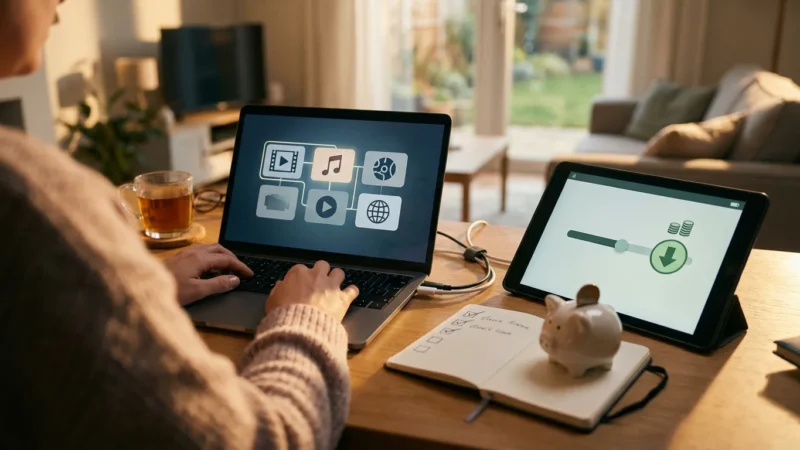
You have likely glanced at your cable bill recently and felt a familiar frustration. The price creeps up every year, fees for equipment you barely use accumulate, and you find yourself scrolling through hundreds of channels only to realize there is nothing on. For years, the primary argument for cord-cutting—canceling traditional cable or satellite TV in favor of streaming services—has been immediate financial relief. While saving $50 to $100 a month is a compelling reason to switch, focusing solely on the dollar amount misses the bigger picture.
The streaming lifestyle offers profound long-term benefits that transform how you interact with media. It grants you control over your entertainment diet, frees you from restrictive contracts, and utilizes superior technology that adapts to your life, not the other way around. This guide explores why the switch is an upgrade to your lifestyle, not just a downgrade to your expenses.
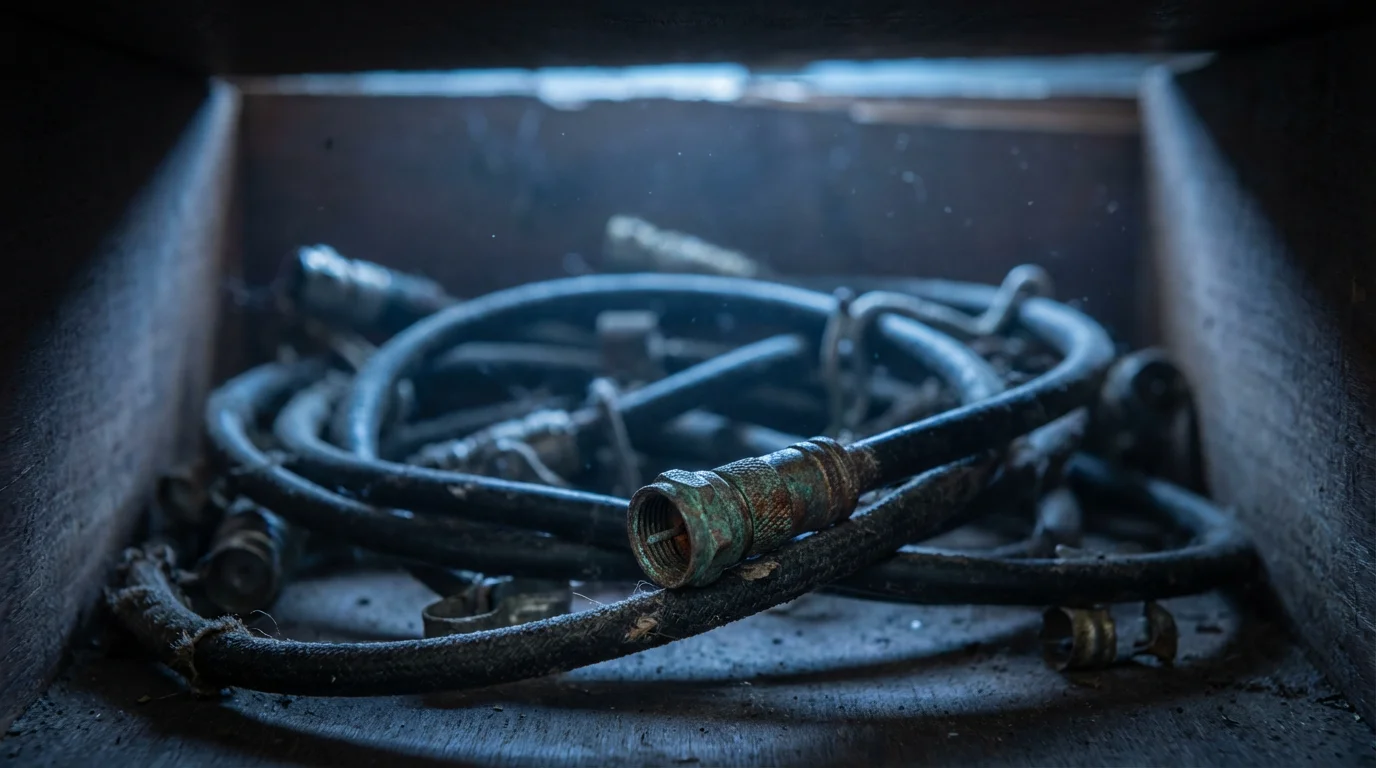
Unmasking the True Cost of Cable vs. Streaming
When you compare the advertised price of a cable bundle with the cost of a few streaming services, the math looks simple. However, cable pricing models are designed to obscure the true cost of the service. Long-term savings come from eliminating the hidden fees that traditional providers tuck into the fine print.
Cable bills are notorious for “below the line” fees. These include Broadcast TV surcharges (local channels you could get for free with an antenna), Regional Sports Network fees, and monthly rental costs for cable boxes and DVRs. A “digital video recorder” or DVR allows you to record shows to watch later, a feature that cable companies often charge $10 to $20 per month for per room.
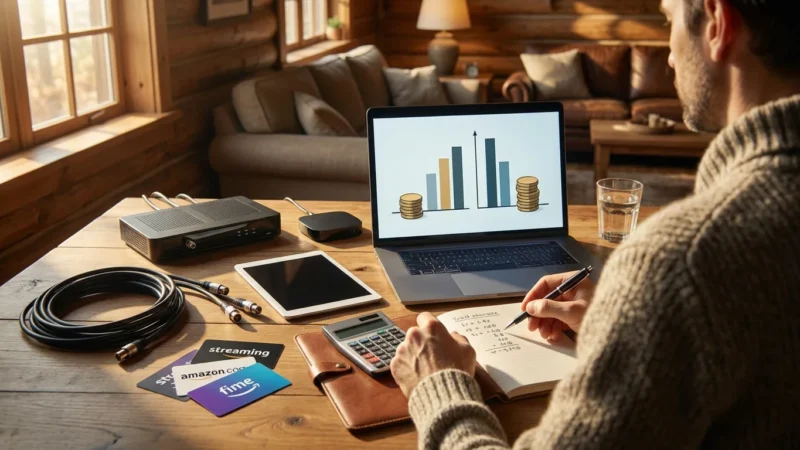
In contrast, the streaming model is transparent. The price you see is generally the price you pay, plus applicable sales tax. There are no equipment rental fees because you own your streaming device. According to Consumer Reports, checking your bill for these grey charges is the first step in realizing how much money is actually leaving your account unnecessarily. Over five years, eliminating $40 in monthly equipment rentals and surcharges alone saves you $2,400—before you even calculate the difference in the base package price.
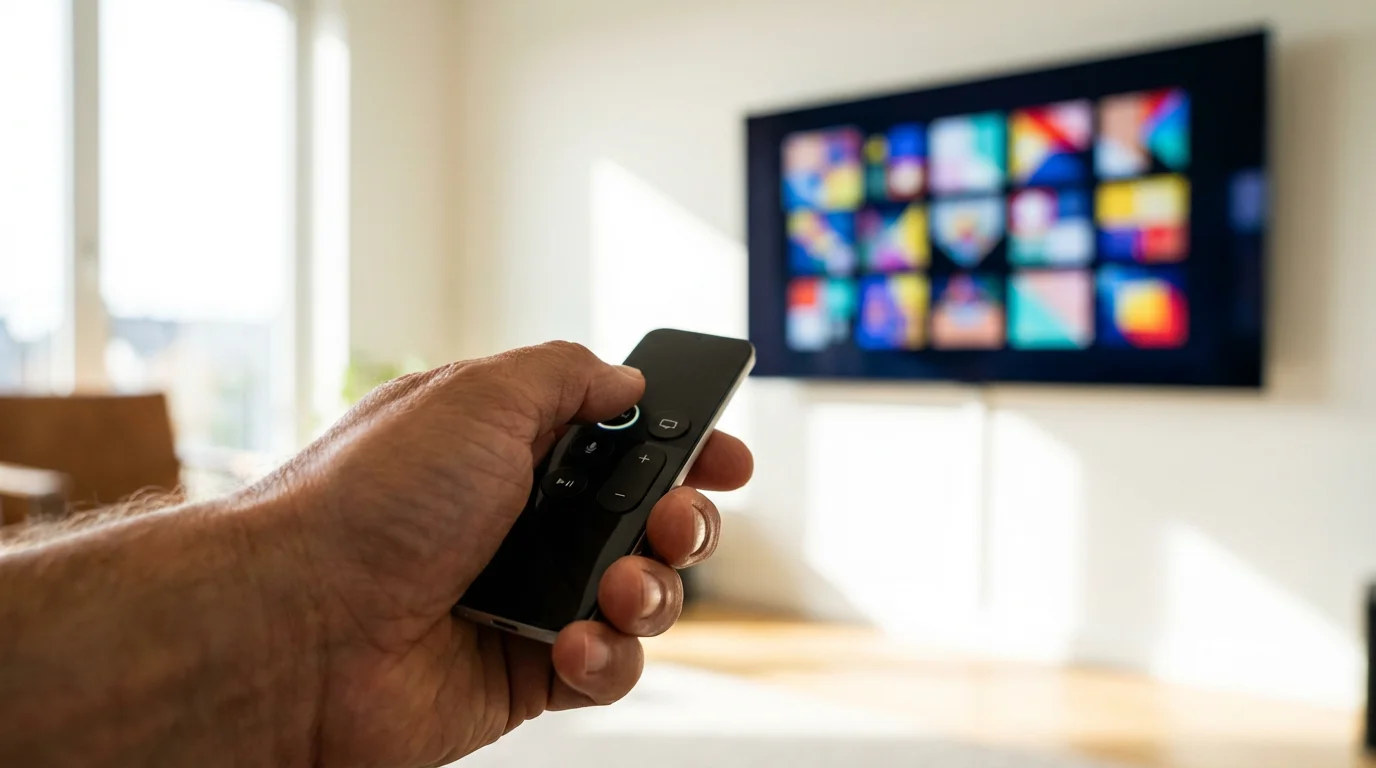
The Power of Customization and Control
The most significant lifestyle change you gain from cord-cutting is the shift from a “push” model to a “pull” model. Cable pushes a bloated bundle of 200 channels at you, forcing you to subsidize content you never watch. Streaming allows you to pull only the content you want.
This is often referred to as “unbundling.” You might choose Netflix for movies, Hulu for next-day TV shows, and a specialized service like ESPN+ for sports. If you stop watching sports in the off-season, you cancel that specific service. You are no longer tethered to a static package.
“The best streaming service is the one that has the shows you actually watch—not the one with the most content.”
This control extends to “churning,” a strategy where savvy viewers rotate their subscriptions. You might subscribe to HBO Max for two months to watch a specific series, then cancel it and switch to Disney+ to catch up on a new movie release. This flexibility prevents subscription fatigue and ensures every dollar you spend goes toward active entertainment.
Technological Superiority and User Experience
Traditional cable boxes are often clunky, slow, and tethered to a specific room in your house. Streaming relies on modern software and cloud infrastructure, offering a superior user experience.
Portability and Cloud DVR
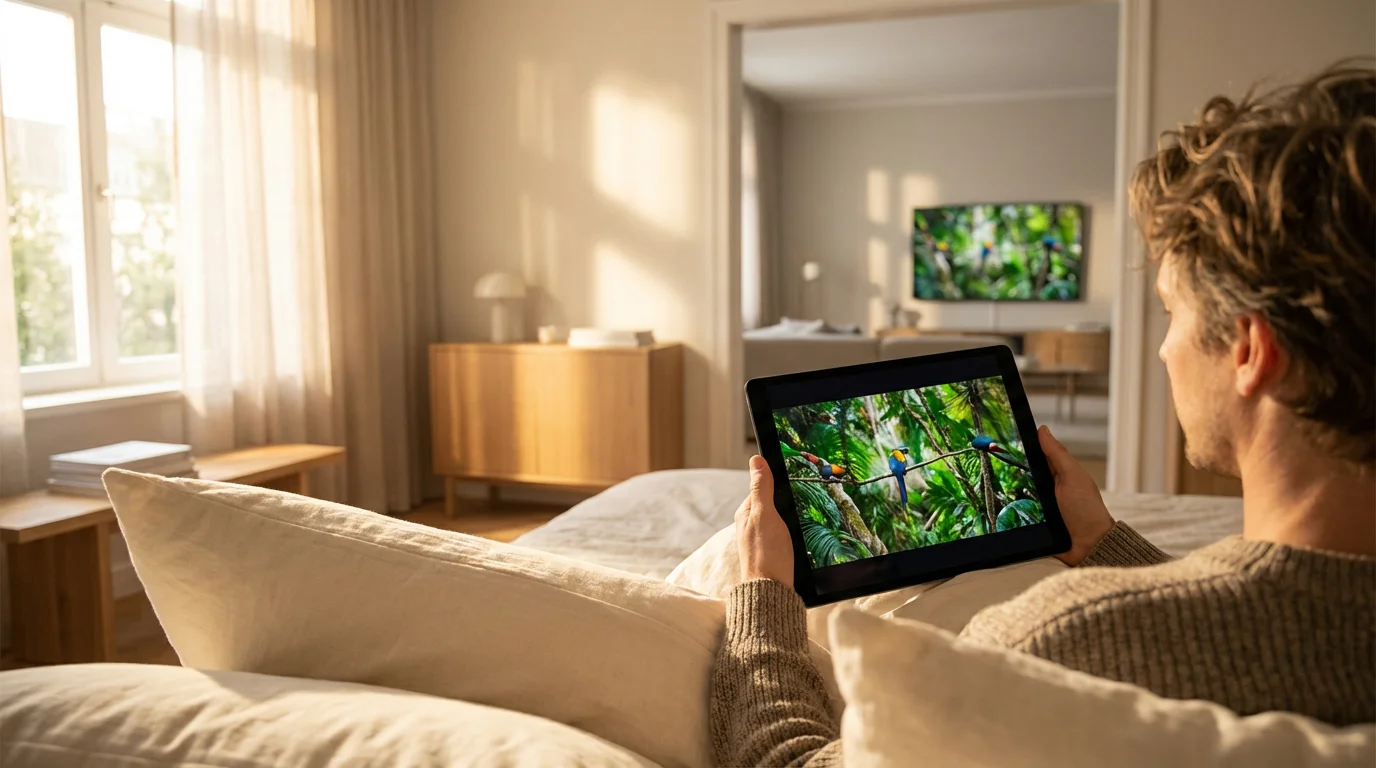
Streaming services travel with you. You can start a movie on your living room TV, pause it, and finish it on your tablet while in bed or on your phone while waiting at the dentist. Most live TV streaming services—such as YouTube TV or Hulu + Live TV—offer Cloud DVR. This stores your recordings on the provider’s servers rather than a physical hard drive in your living room. This means you have unlimited or massive storage capacities and can access your recorded shows from anywhere in the world with an internet connection.
Personalized Profiles
Unlike a cable box which serves the whole household, streaming apps allow for individual profiles. Your recommendations remain separate from your children’s or your spouse’s. If you watch gritty crime dramas, the algorithm won’t suggest cartoons just because your kids watched TV earlier that morning. This personalization saves you time searching for content and helps you discover new favorites faster.
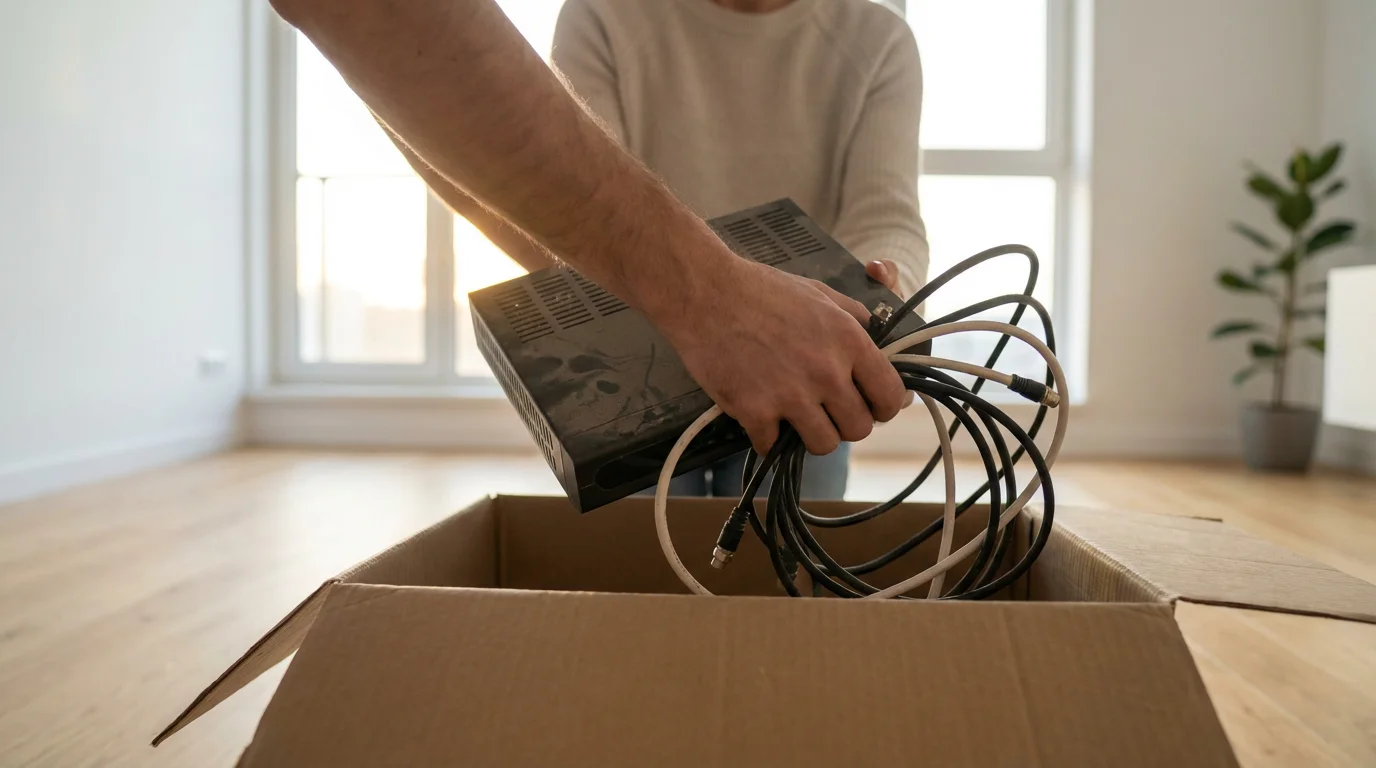
Freedom from Contracts and Loyalty Penalties
One of the most frustrating aspects of cable is the “promotional pricing” trap. You sign a two-year contract to lock in a low rate. After 12 months, the price jumps by $30 or $40. To lower it, you must call customer service, threaten to cancel, and negotiate a new deal. This “cable dance” is stressful and time-consuming.
Streaming services operate on a month-to-month basis. There are no cancellation fees, no early termination penalties, and no contracts. If a service raises its price, you can cancel immediately with a few clicks online. This puts the power back in your hands as the consumer. Services must continuously earn your loyalty through quality content and stable pricing, rather than locking you in with legal agreements.
As CNET notes in their guides, the ability to walk away without penalty is the ultimate consumer leverage. It forces providers to compete on merit rather than monopoly.
Essential Equipment for the Modern Viewer
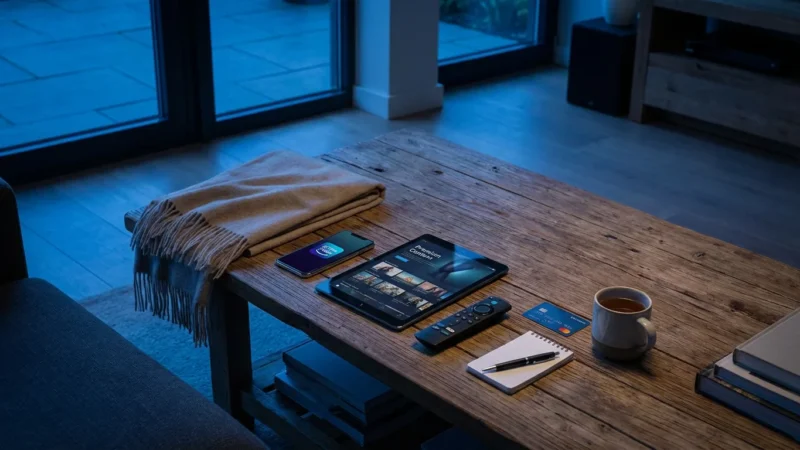
Transitioning requires a small upfront investment in hardware, but these one-time purchases pay for themselves within months by eliminating rental fees.
1. Streaming Devices
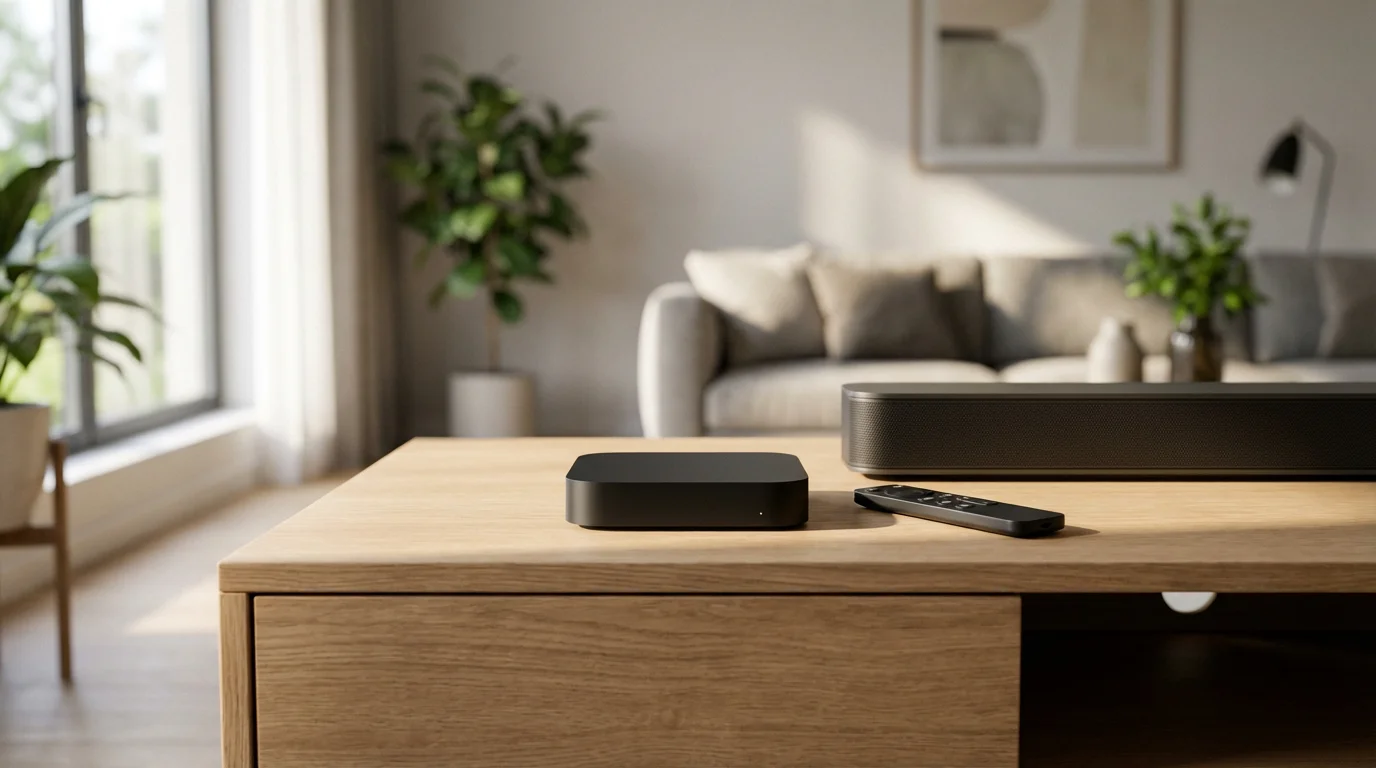
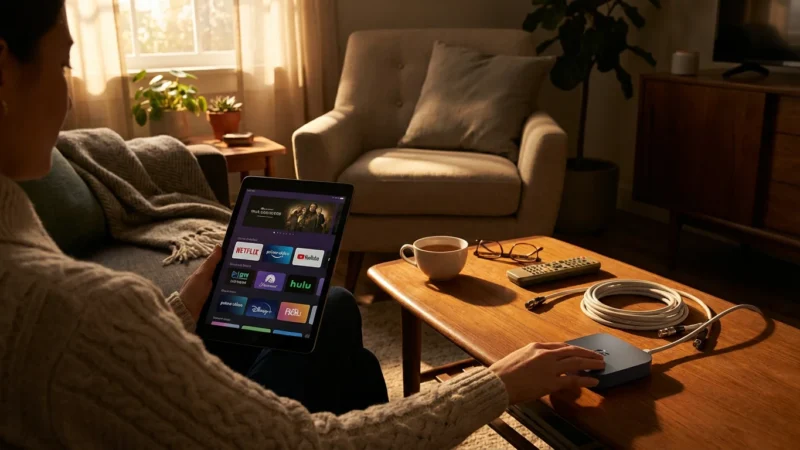
While many people have a “smart TV” (a television with built-in internet and apps), standalone streaming devices often provide a smoother, faster experience and receive updates longer than TVs do. Popular options include:
- Roku: Known for a simple, user-friendly interface.
- Amazon Fire TV Stick: Great for those integrated into the Amazon Prime ecosystem.
- Apple TV: A premium option that integrates seamlessly with iPhones and iPads.
- Google Chromecast with Google TV: Excellent for voice search and personalized recommendations.
2. Over-the-Air (OTA) Antenna
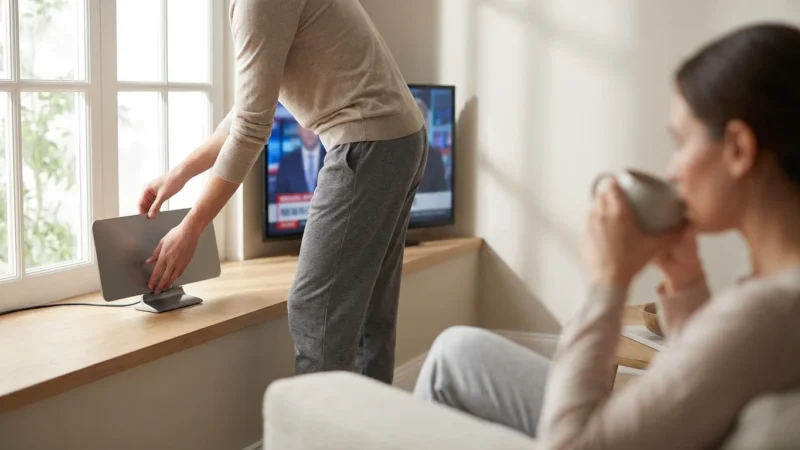
For local news and major network sports (ABC, CBS, NBC, FOX), an antenna is your best friend. Modern antennas are sleek, flat squares that can hide behind your TV or mount on a window. Once purchased, the content they pull in is 100% free forever.
If you live in a city, a simple indoor antenna usually suffices. If you are in a rural area, you may need an attic or outdoor antenna. Wirecutter frequently updates their reviews on the best indoor and outdoor antennas, testing them in real-world environments to ensure signal reliability.
Understanding Internet Bandwidth Requirements
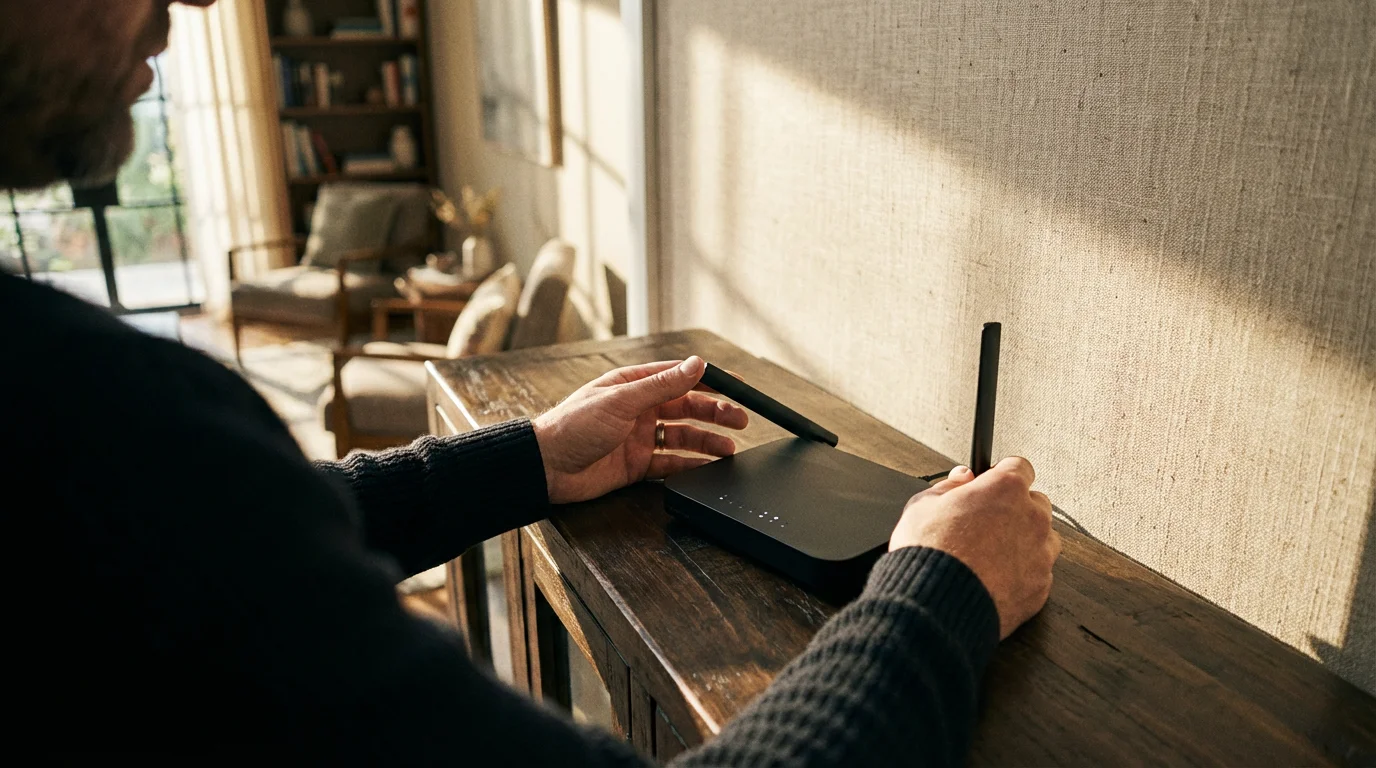
Since “streaming” means watching video content over the internet, your home network becomes the backbone of your entertainment system. You do not need the most expensive gigabit plan, but you do need stability.
The FCC Consumer Guide suggests different speeds based on your activity. Here is a practical breakdown for streaming households:
- 5 Mbps: Minimum for streaming one HD video stream.
- 25 Mbps: Recommended for 4K streaming or households with 1-2 devices.
- 100+ Mbps: Ideal for families where multiple people stream 4K video, game, or work from home simultaneously.
Note: If you are canceling a cable/internet bundle, check your data cap. Streaming 4K video uses a significant amount of data (up to 7GB per hour). Ensure your internet plan has a high data cap (1TB or more) or is unlimited.
Comparison: The Old Ecosystem vs. The New
To visualize the differences, compare the traditional cable model against a modern streaming setup.
| Feature | Traditional Cable | Streaming Setup |
|---|---|---|
| Contract | 1-2 year binding agreements | Month-to-month; cancel anytime |
| Equipment | Rented monthly (Perpetual cost) | Owned (One-time purchase) |
| Content Delivery | Schedule-based (Linear) | On-demand & Live options |
| Hidden Fees | Broadcast, Regional Sports, DVR fees | Rare; usually just tax |
| Location | Tethered to the cable box | Mobile, Tablet, any Smart TV |
| Ad Experience | Heavy commercial load | Ad-free tiers available |

A Strategic Timeline for Making the Switch
Moving away from cable can feel daunting if you try to do it all in one afternoon. Follow this phased timeline to ensure a smooth transition without service interruption.
Phase 1: The Audit (1 Week Before)
Track your viewing habits. Which channels do you actually watch? Make a list. If you only watch HGTV and live sports, you don’t need a replacement package that includes 80 kids’ channels.
Phase 2: The Setup (3 Days Before)
Purchase your streaming device and, if necessary, an antenna. Connect them to your TV and ensure your internet signal is strong enough in the room where you watch. Sign up for free trials of the services you think you want (e.g., YouTube TV, Hulu, or Sling TV).
Phase 3: The Overlap (The Weekend Before)
Live with both cable and streaming for a few days. Force yourself to use the new streaming setup. Get comfortable with the remote and the interface. Teach other family members how to navigate the apps.
Phase 4: The Breakup (Launch Day)
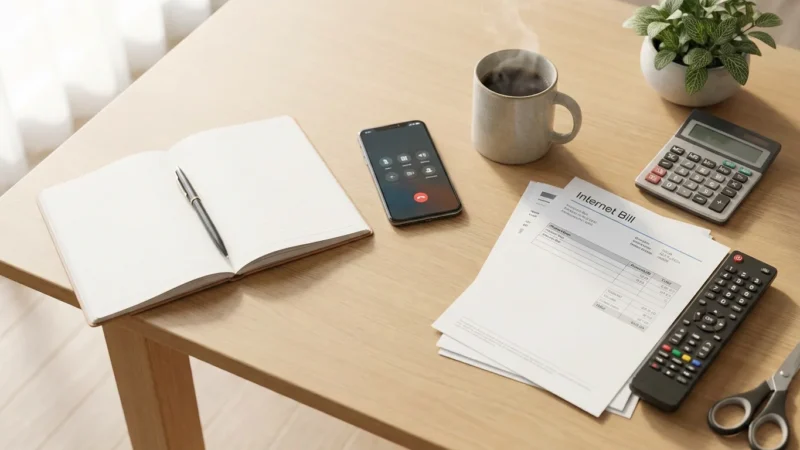
Call your cable provider. Be prepared for them to transfer you to a “retention specialist” whose job is to keep you as a customer. They will offer deals. Stick to your script: “I am canceling my TV service effective immediately. I have already set up my new service.” Ask specifically where to return your cable boxes to avoid unreturned equipment fees. Get a receipt when you drop them off!
Frequently Asked Questions
Will I lose my local channels if I cut the cord?
No. You have two main ways to keep local channels like ABC, NBC, CBS, and FOX. The most cost-effective way is using a digital antenna, which pulls these channels in for free in high definition. Alternatively, live TV streaming services like YouTube TV, Hulu + Live TV, and FuboTV include local channels in their subscription packages in most zip codes.
Can I keep my internet service if I cancel TV?
Yes. Cable companies often bundle these services, but they are sold separately. When you call to cancel TV, specify that you want to keep your internet service as “internet-only.” Be aware that the price of the internet may rise slightly because you lose the “bundle discount,” but the total savings from dropping TV will still be significant.
Is streaming actually cheaper if I subscribe to everything?
It can be expensive if you try to recreate the exact cable experience by subscribing to every available service. This is a common mistake known as “subscription bloat.” The key to savings is rotation. Only subscribe to services you are actively watching. Unlike cable, you can cancel Netflix for a few months while you watch shows on Max, then switch back.
How do I watch live sports without cable?
Sports are the biggest hurdle for many cord-cutters, but it is easier now than ever. Local games often air on broadcast networks accessible via antenna. For cable sports channels (ESPN, FS1), you can use live TV streaming services like Sling TV, FuboTV, or YouTube TV. Additionally, specific leagues offer standalone streaming packages, though you must be careful of local blackout restrictions.
Disclaimer: Cable and streaming prices vary by location and change frequently. The cost comparisons in this article are estimates based on typical pricing. Your actual savings will depend on your current cable package, internet costs, and which streaming services you choose.
Leave a Reply