

For decades, the cable television model relied on a simple, albeit frustrating, premise: if you wanted to watch ten specific channels, you had to pay for a bundle of two hundred. You essentially subsidized content you never watched just to keep access to the few networks you loved. That era is effectively over. The rise of streaming—watching video content over the internet instead of through a hardwired cable box—has shifted the power back to the viewer.
Today, you can replicate the best parts of a cable subscription while trimming the fat. By mixing and matching different services, you can build a personalized entertainment lineup that fits your viewing habits and your budget. However, navigating the fragmented world of streaming apps requires a strategy. If you aren’t careful, you might end up paying just as much as your old cable bill.
This guide will walk you through the process of unbundling your entertainment, selecting the right equipment, and calculating the true cost of cutting the cord.
Understanding the Landscape: Live TV vs. On-Demand
Before you cancel your service, you must understand the two distinct types of streaming alternatives available. Your choice between these two (or a combination of both) will dictate your monthly savings.
1. Live TV Streaming Services (vMVPDs)
These services function almost exactly like cable. You get a grid guide, a DVR (digital video recorder) to record shows, and a bundle of 50 to 100+ live channels. The difference is that the video comes through your internet connection rather than a cable wire. Examples include YouTube TV, Hulu + Live TV, and Sling TV. These are the easiest transition for cable users but are generally the most expensive option.
2. On-Demand Streaming Apps (SVOD)
This is the true “pick and choose” model. Instead of paying for a live feed of a network, you pay a small monthly fee for access to that network’s library of shows. You watch what you want, when you want. Examples include Netflix, Disney+, Peacock, and Paramount+. While you generally lose the ability to watch shows the exact minute they air, you gain control and significantly lower costs.
Live TV Streaming Services: The “Cable Lite” Approach
If you absolutely need live sports, 24-hour news channels (like CNN or Fox News), or you simply enjoy “channel surfing,” you likely need a Live TV streaming service. While these are “bundles,” they are often cheaper than traditional cable because they lack hidden equipment rental fees and broadcast surcharges.
Here is how the major players compare for someone looking to replace a standard cable package:
| Service | Best For | Key Features |
|---|---|---|
| YouTube TV | The Premium Experience | Excellent user interface, unlimited DVR storage, and local channels (ABC, CBS, NBC, Fox) included in almost all markets. |
| Hulu + Live TV | Value Seekers | Includes live channels plus the massive Disney bundle (Disney+, ESPN+, and Hulu on-demand library). |
| Sling TV (Blue or Orange) | Budget Conscious | The most customizable option. You pick a base “track” (Blue for news/entertainment, Orange for sports/Disney) and add small “extra” packs for a few dollars more. |
| Fubo | Sports Fanatics | Offers the widest selection of regional sports networks (RSNs) and international soccer, though it is often pricier. |
According to CNET, YouTube TV is often rated as the best overall cable replacement due to its ease of use and reliability, but Sling TV remains a strong contender for those strictly looking to lower their bill.
Building Your Own Bundle: The On-Demand Strategy
This is where the real savings happen. If you are willing to give up live feeds and wait a few hours (or a day) to watch new episodes, you can construct a highly personalized lineup for a fraction of the cost of cable.
Most major networks now have a direct streaming counterpart:
- NBC Content: Found on Peacock. You can watch new episodes of NBC shows the day after they air. It also includes live sports like Sunday Night Football and Premier League soccer.
- CBS Content: Found on Paramount+. This app offers a live feed of your local CBS station (on premium plans) and a vast library of CBS shows, movies, and NFL games.
- ABC/FOX Content: Largely found on Hulu (the on-demand version). Most shows appear the next day.
- Discovery/HGTV/Food Network: Found on Discovery+ or merged into Max (formerly HBO Max).
By subscribing only to the apps that carry the shows you actually watch, you eliminate the “filler” cost. For example, if you only watch home renovation shows and football, a combination of Discovery+ and Peacock might cost you under $20 a month, compared to a $120 cable bill.
The Power of Free TV: Antennas and FAST Channels
You do not need to pay a subscription for everything. Two major resources often get overlooked by new cord-cutters: over-the-air signals and free ad-supported streaming television (FAST).
The Digital Antenna
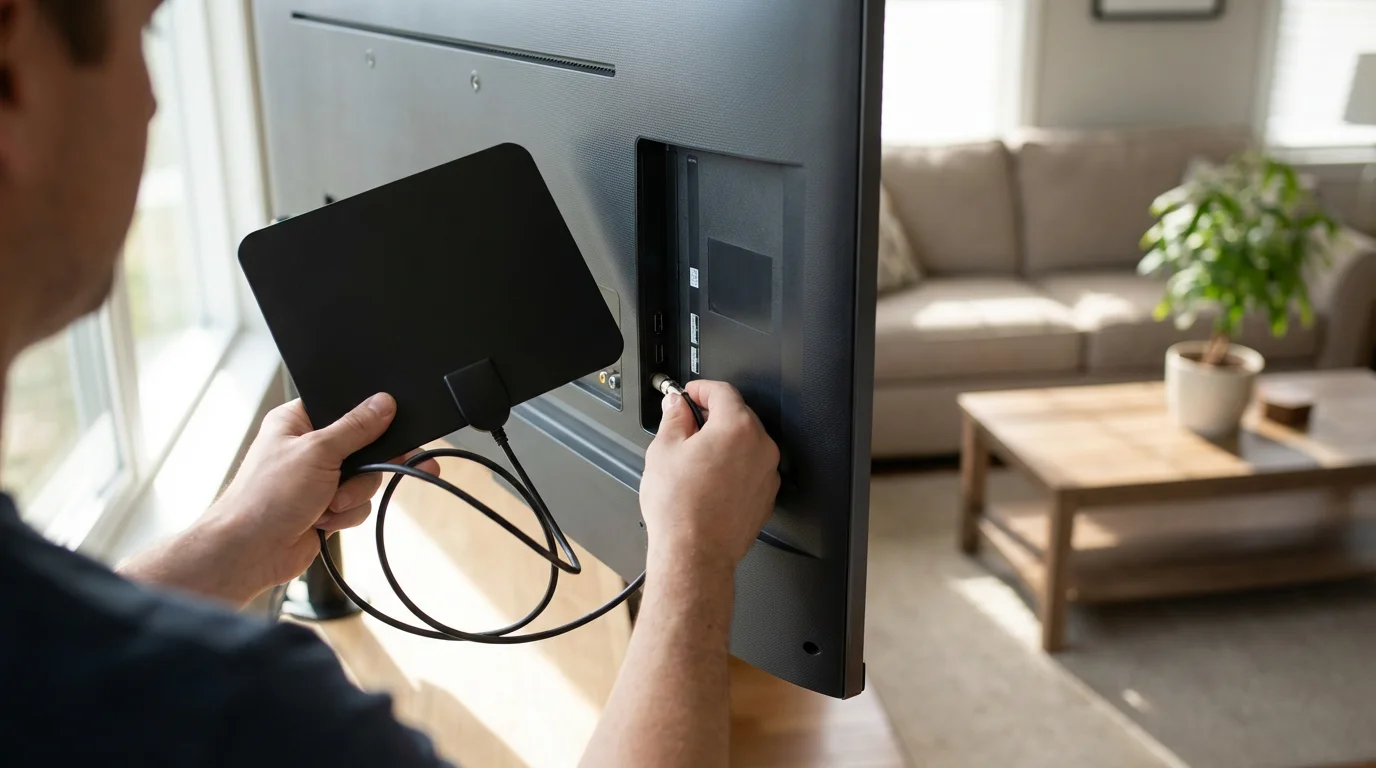
An HD antenna is a one-time purchase that can provide free access to major broadcast networks like ABC, CBS, NBC, FOX, PBS, and The CW. The picture quality is often superior to cable because the signal is uncompressed.
Before buying, you should verify which channels are available at your specific address. The FCC Consumer Guide suggests checking reception maps to determine if you need an indoor antenna (for those living close to towers) or an attic/outdoor antenna (for those in rural areas).
FAST Services
If you miss the experience of mindless channel surfing, FAST apps are the solution. Services like Pluto TV, Tubi, and The Roku Channel offer hundreds of curated channels playing movies, classic TV, news, and reality shows 24/7. They are completely free and legal, supported by commercial breaks.
Essential Equipment for Your New Setup
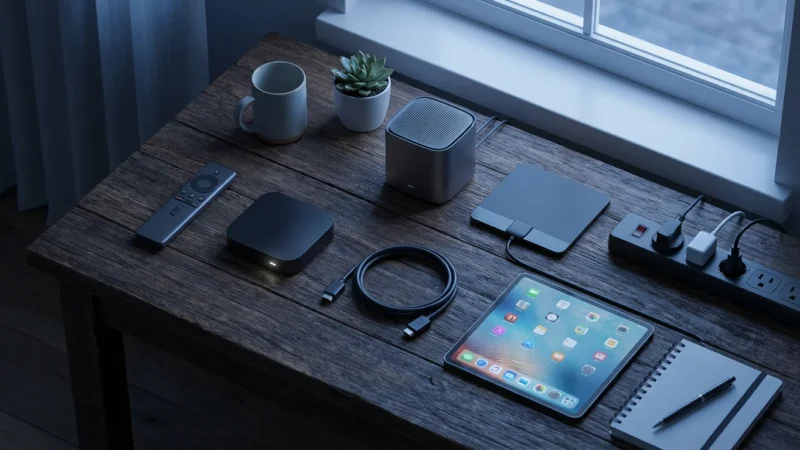
Transitioning to streaming requires specific hardware. While a “Smart TV” (a television with built-in internet and apps) is common, many experts recommend a dedicated streaming device for a faster, smoother experience.
1. Internet Speed
Streaming video requires a robust internet connection. If your internet is too slow, you will experience buffering (when the video pauses to load).
Recommended Speeds:
- Standard Definition (SD): 3 Mbps per stream
- High Definition (HD): 5–8 Mbps per stream
- 4K Ultra HD: 25 Mbps per stream
Keep in mind that these numbers are “per stream.” If your household has three people watching different shows in 4K at the same time, you will need at least 75 Mbps download speed.
2. Streaming Devices
While you can use the apps built into your TV, standalone devices often receive updates longer and have better Wi-Fi antennas.
- Roku (Stick or Ultra): Known for a simple, tile-based interface that is easy for non-tech-savvy users.
- Amazon Fire TV Stick: Great if you use Alexa or have Amazon Prime, though the interface is heavy on ads.
- Apple TV 4K: A premium, high-speed option for users deep in the Apple ecosystem.
- Chromecast with Google TV: excellent voice search and personalized recommendations.
Reviews from Wirecutter consistently rank the Roku Streaming Stick 4K as a top pick for most people due to its balance of price, speed, and agnostic platform.
Cost Showdown: Cable vs. Custom Streaming Mix
Let’s look at the numbers. The average cable bill in the US hovers around $110 to $130 per month, often excluding internet costs. Here is how three different “streaming personalities” stack up against that price.
Profile A: The Minimalist
Goal: Wants local news and occasional movies.
- Digital Antenna: $0/mo (One-time purchase of $40)
- Netflix (Standard with ads): $6.99/mo
- Peacock (Premium): $5.99/mo
- Total: $12.98/mo
- Annual Savings: ~$1,200
Profile B: The Reality & Drama Fan
Goal: Wants HGTV, Bravo, CBS dramas, and NBC comedies.
- Sling Blue (Live TV): $40/mo
- Paramount+ (Essential): $5.99/mo
- Hulu (With ads): $7.99/mo
- Total: $53.98/mo
- Annual Savings: ~$700
Profile C: The “I Want Everything” Viewer
Goal: Live Sports, HBO, Disney, and Local Channels.
- YouTube TV: $72.99/mo
- Disney Bundle (Disney+, Hulu, ESPN+): $14.99/mo
- Max (Ad-Free): $15.99/mo
- Total: $103.97/mo
- Annual Savings: ~$100 – $200
As you can see, Profile C saves the least. If you try to replicate every single aspect of cable, the savings diminish. The key is to be like Profile A or B—paying only for what you truly value.
Common Mistakes to Avoid When Switching
Cutting the cord is liberating, but pitfalls exist. Avoid these common errors to ensure your transition is smooth and cost-effective.
1. Signing Up for Everything at Once
Unlike cable contracts, streaming services are month-to-month. You do not need to subscribe to Netflix, Hulu, Max, and Apple TV+ simultaneously. A smart strategy is to “churn” your services. Subscribe to Apple TV+ for a month, binge the show you want to watch, cancel it, and then switch to Disney+. This keeps your monthly bill incredibly low.
2. Ignoring Data Caps
Some internet service providers (ISPs) place a limit on how much data you can use per month (commonly 1 Terabyte). Streaming 4K video consumes a lot of data. Check your internet contract to ensure you have a high data cap or an unlimited plan before switching all your viewing to the internet.
3. Renting the Modem/Router
If you are canceling cable TV but keeping the internet, check your bill. Are you paying $10–$15 a month to rent a modem? Buying your own modem pays for itself in less than a year and often provides better performance for streaming.
“The beauty of streaming is the lack of commitment. If a service raises its price or cancels your favorite show, you can cancel your subscription in seconds. You are never locked in.” — Streaming Industry Expert
Step-by-Step Timeline for Cutting the Cord
Ready to make the switch? Follow this timeline to ensure you don’t lose service during the transition.
- Audit Your Viewing (Week 1): Keep a list of the shows and channels you actually watch for one week. Be honest—do not list channels you just scroll past.
- Check Your Internet (Week 1): Run a speed test. Call your ISP to see what “internet-only” pricing looks like.
- Test the Waters (Week 2): Buy a streaming device (like a Roku) and sign up for free trials of services like YouTube TV or Hulu + Live TV. Do this while you still have cable. This lets you compare the experience side-by-side.
- Install an Antenna (Week 2): Purchase and set up an antenna to see which local channels you receive clearly.
- The Cancellation Call (Week 3): Call your cable provider. Be polite but firm. Decline their “retention offers” if they involve long-term contracts. Ask for a receipt for any equipment you need to return.
- Return Equipment (Week 4): Physically return your cable boxes and remotes to the provider’s local store. Keep the receipt of return forever—providers are notorious for charging “unreturned equipment fees” months later.
Frequently Asked Questions
Can I keep my phone number and internet if I cancel cable TV?
Yes. Cable companies are legally required to sell you internet service (and phone service) as a standalone product. However, they may remove the “bundle discount,” so the price of the internet alone might be slightly higher than it was within the package, though your total monthly spending will still likely drop significantly.
Will I get local channels like ABC, CBS, and NBC?
You have three ways to get locals: using a digital antenna (free), subscribing to a Live TV streaming service like YouTube TV (included in the price), or using the premium tiers of apps like Paramount+ and Peacock for their respective local feeds. Always check the channel lineup of a streaming service for your specific zip code before signing up.
Is it hard for seniors to switch to streaming?
There is a learning curve, but it is manageable. Switching inputs and navigating apps is different from typing in a channel number. For seniors, devices with voice remotes (like the Roku Voice Remote) are very helpful. You can simply press a button and say, “Play NCIS,” and the device does the work.
Disclaimer: Cable and streaming prices vary by location and change frequently. The cost comparisons in this article are estimates based on typical pricing. Your actual savings will depend on your current cable package, internet costs, and which streaming services you choose.



Leave a Reply