
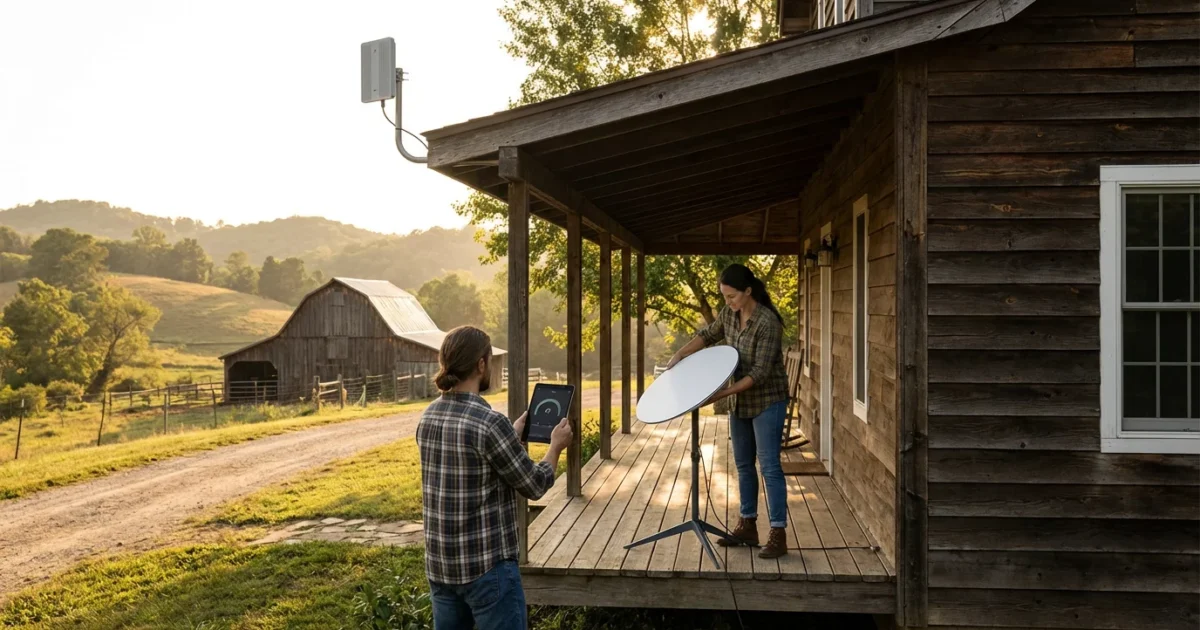
For many living in rural areas, the dream of cutting the cord, which means canceling traditional cable or satellite TV in favor of streaming services, often collides with a significant hurdle: slow internet. Watching video content over the internet requires a reliable connection. You want to save money and gain flexibility, but you also worry about buffering, data caps, and whether streaming will even work where you live. This guide addresses your unique challenges and provides practical, actionable solutions for rural cord cutting, even with slow internet.
Disclaimer: Cable and streaming prices vary by location and change frequently. The cost comparisons in this article are estimates based on typical pricing. Your actual savings will depend on your current cable package, internet costs, and which streaming services you choose.
Understanding Your Rural Internet Options
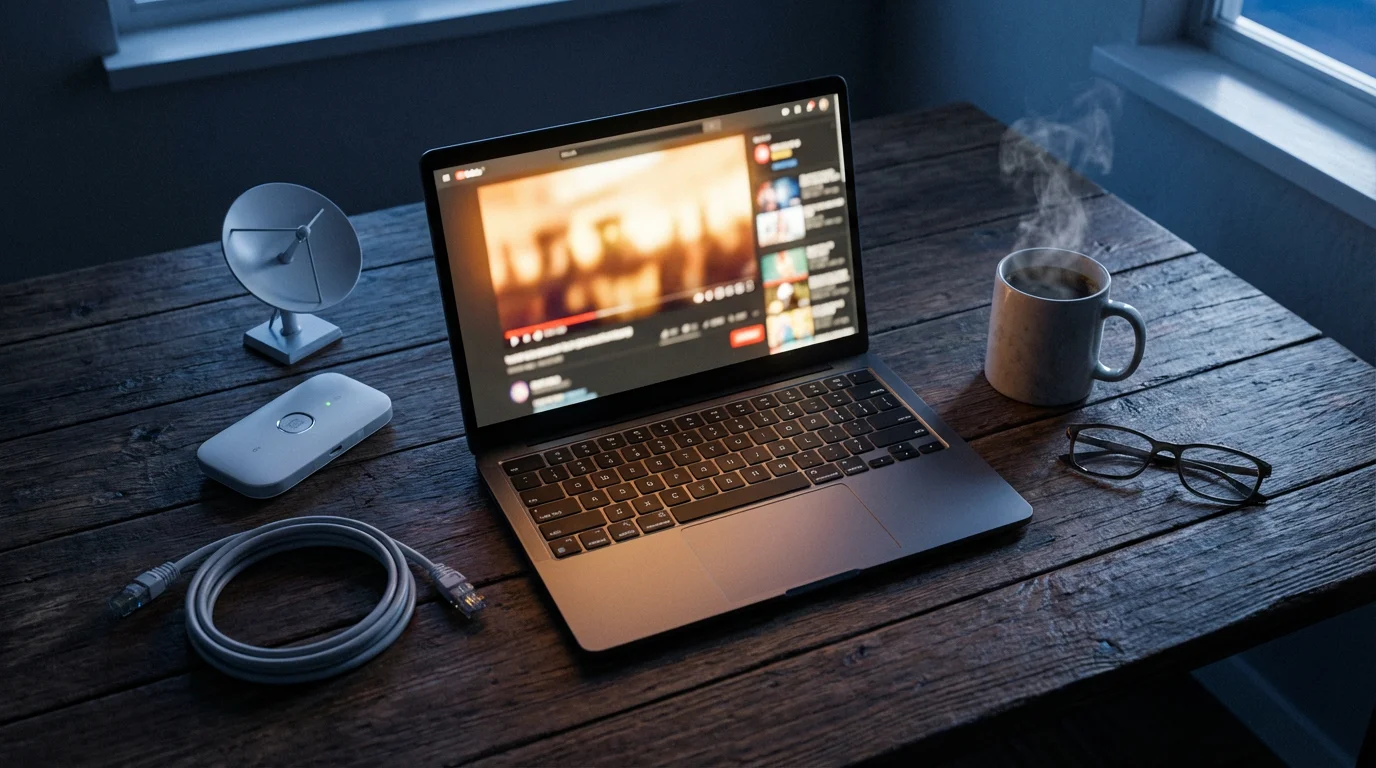
Your journey to successful rural streaming begins with understanding your internet connection. Traditional broadband, like fiber or cable internet, often remains unavailable in less populated areas. This leaves rural residents with a narrower set of choices, each with its own advantages and limitations for streaming.
Since internet costs are often higher in remote areas, learning how to negotiate a lower internet bill can help keep your monthly budget in check.
Let’s examine the common internet types you might encounter:
- DSL (Digital Subscriber Line): This service uses existing phone lines to deliver internet. Speeds vary greatly based on your distance from the provider’s central office. While it can be affordable, DSL often offers speeds barely above basic requirements, typically ranging from 1 Mbps to 25 Mbps. It is generally more reliable than satellite in terms of latency, which is the delay before a transfer of data begins following an instruction.
- Satellite Internet: Services like Viasat or HughesNet historically served many rural homes. They broadcast internet signals from satellites in orbit to a dish at your home. While widely available, satellite internet often comes with significant latency due to the distance the signal must travel, impacting real-time activities like gaming or live streaming. Data caps, which limit the amount of data you can use monthly, are also a common concern, especially for high-bandwidth activities like streaming. Speeds can range from 12 Mbps to 100 Mbps, but performance varies based on weather and network congestion.
- Fixed Wireless Internet (FWI): FWI transmits internet over radio waves from a local tower to a receiver at your home. It acts similarly to a cellular signal, but often targets specific areas. FWI can offer better speeds and lower latency than traditional satellite, with typical speeds between 25 Mbps and 100 Mbps. Its availability depends on line of sight to a nearby tower, making it more common in some rural areas than others. Data caps can still be a factor, though often more generous than satellite.
- Cellular Home Internet (4G/5G): Major mobile carriers now offer dedicated home internet services using their cellular networks. If you have good cell reception, this can be a strong option. Speeds vary significantly based on signal strength and network congestion, often ranging from 50 Mbps to 300 Mbps or more with 5G. Data caps or deprioritization policies, where your speeds might slow down during peak network usage, are important considerations.
- Starlink (Satellite Internet): A newer generation of satellite internet, Starlink uses a constellation of low-Earth orbit (LEO) satellites. This technology significantly reduces latency compared to traditional geostationary satellite internet, making it much more suitable for streaming and even online gaming. Speeds typically range from 50 Mbps to 250 Mbps. While the equipment cost is higher, Starlink often offers unlimited data and performance that rivals traditional broadband in many areas. Availability can still involve waitlists depending on your location.
Each of these options has distinct implications for your streaming experience. Understanding their characteristics helps you manage expectations and optimize your setup.
Internet Speed and Data Requirements for Streaming
To successfully cut the cord, you need adequate internet speed. Streaming, which refers to watching video content over the internet instead of cable or satellite, consumes bandwidth. The higher the quality of the video, the more bandwidth it requires. Here is a breakdown of typical speed recommendations:
- Standard Definition (SD, 480p): 3-5 Mbps per stream. This works for basic viewing but offers lower visual quality.
- High Definition (HD, 720p/1080p): 5-8 Mbps per stream. This is the sweet spot for most casual viewing, providing clear images.
- 4K Ultra HD (UHD): 20-25 Mbps per stream. This offers superior detail but demands significantly more bandwidth.
If multiple people stream simultaneously or you have other devices using the internet, you need to multiply these numbers. For example, two people watching separate HD streams require 10-16 Mbps. According to the FCC Consumer Guide, 25 Mbps download speed is the minimum standard for broadband in the US, generally suitable for one or two HD streams. For households with more users or 4K aspirations, aim for 50 Mbps or higher.
Data Caps: Many rural internet plans, especially satellite and fixed wireless, include data caps. A data cap limits the amount of data you can use monthly. Exceeding this cap often results in significantly throttled speeds or additional charges. Streaming is data-intensive:
- An hour of SD streaming uses about 0.7 GB.
- An hour of HD streaming uses about 1.5-3 GB.
- An hour of 4K streaming uses about 7-10 GB.
A household watching two hours of HD content daily per person could easily consume hundreds of GBs per month. If your plan has a 100 GB cap, you will quickly hit it. Strategies to manage data include watching in lower quality (SD), downloading content during off-peak hours if your provider offers a “free zone,” and monitoring your data usage regularly through your internet provider’s portal. Some streaming services, like Netflix, also allow you to adjust playback quality settings directly, helping you conserve data.
Essential Equipment for Rural Streaming
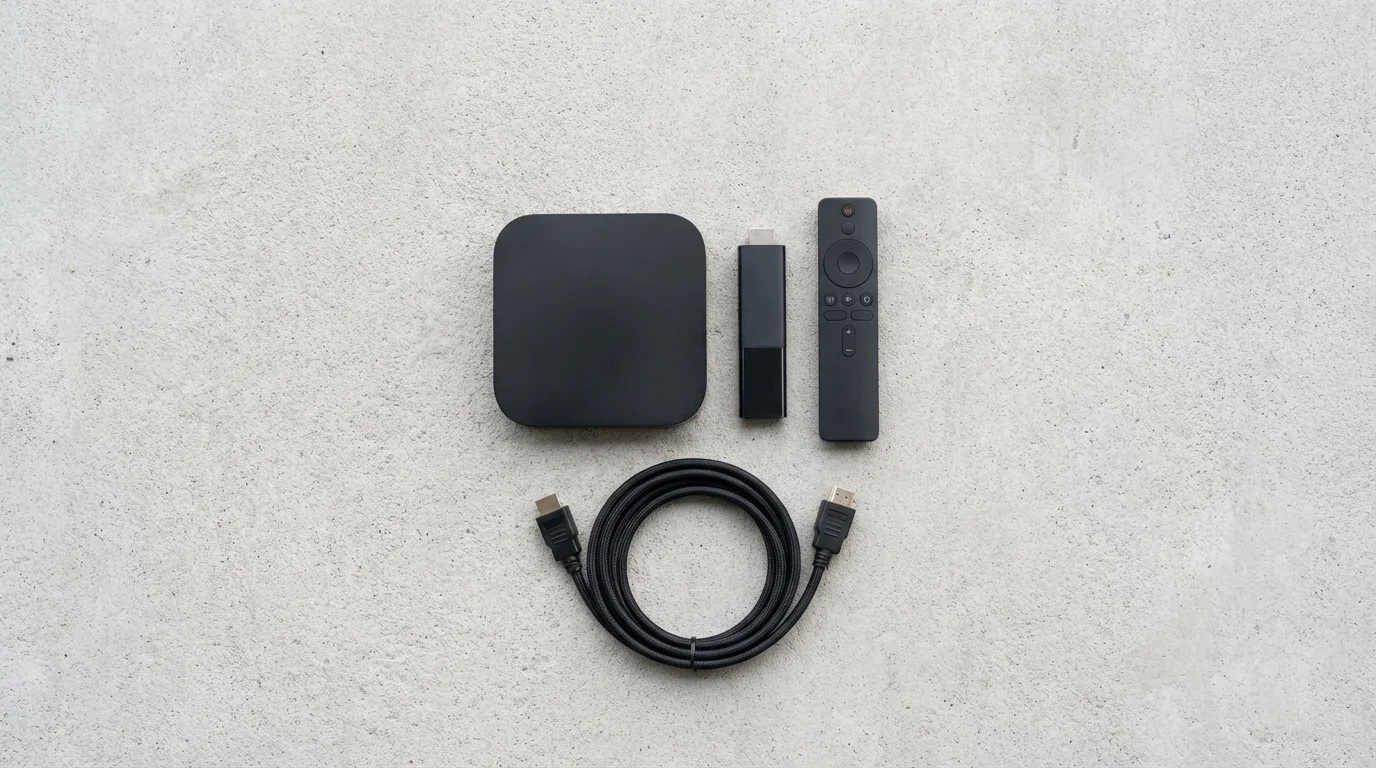
Beyond a reliable internet connection, you need a few key pieces of equipment to make your rural cord cutting successful. These items convert your internet signal into entertainment on your television.
1. Streaming Device
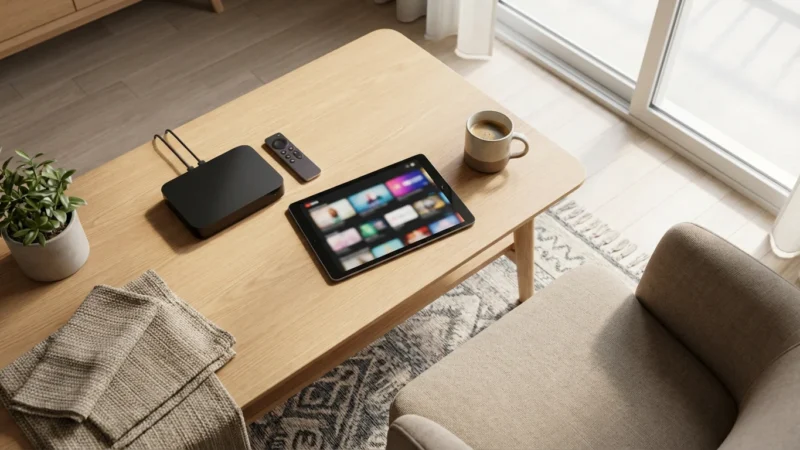
A streaming device is a small box or stick, like a Roku, Amazon Fire TV, or Apple TV, that connects to your television and adds internet connectivity. It allows you to download apps for streaming services and watch content. Even if you have a smart TV, which is a television with built-in internet connection and apps, a dedicated streaming device often provides a faster, more responsive interface and better app support over time. These devices typically cost between $30 and $150, depending on features and 4K capability.
- Roku: User-friendly interface, wide range of apps, various models from sticks to boxes. Good for beginners.
- Amazon Fire TV: Integrates well with Amazon’s ecosystem (Prime Video, Alexa). Offers diverse devices including cubes and sticks.
- Apple TV: Premium experience, integrates seamlessly with Apple devices, higher price point. Excellent for those already in the Apple ecosystem.
- Chromecast with Google TV: Offers a Google-centric interface, aggregates content from various services, affordable.
2. Over-the-Air (OTA) Antenna
Many major networks (ABC, CBS, FOX, NBC, PBS) broadcast free over-the-air signals. An OTA antenna allows you to receive these local channels without any monthly fee. This is crucial for many rural cord cutters, as live TV streaming services can be expensive. Antennas range from small indoor models (around $20-40) to powerful outdoor units (around $70-200+). Your proximity to broadcast towers and surrounding terrain determine the type of antenna you need. A quick search on tools like TVFool.com or AntennaWeb.org using your address helps identify available channels and recommended antenna types.
Antenna Tip: If you live far from broadcast towers, consider an outdoor, directional antenna with a signal amplifier. Proper placement, usually high up and with a clear line of sight, significantly improves reception.
3. Wi-Fi Router
Your internet provider usually supplies a modem (to connect to the internet) and sometimes a router (to create your Wi-Fi network). For optimal streaming performance, especially in a larger rural home, consider upgrading your router if your provider’s equipment feels inadequate. Look for a router that supports Wi-Fi 5 (802.11ac) or Wi-Fi 6 (802.11ax) for faster speeds and better handling of multiple devices. A good router can cost $70-200. Mesh Wi-Fi systems (e.g., Google Nest Wi-Fi, Eero) can extend coverage across large homes or properties, eliminating dead zones.
Here is an infographic outlining the essential equipment:
Infographic diagram: ‘Rural Streaming Equipment Checklist’
“Invest in your internet first. A reliable, fast connection is the foundation. Without it, even the best streaming devices and services will fall short.”
Replacing Your Cable Channels: Streaming Alternatives
One of the biggest fears when cutting the cord is losing access to your favorite shows and channels. The good news is that almost every popular cable channel has a streaming alternative. You just need to know how to combine them effectively. Streaming services fall into two main categories: on-demand and live TV.
On-Demand Streaming Services
These services offer a library of movies and TV shows that you can watch whenever you want, which is known as “on-demand.” They are often the most affordable way to get started with streaming. Many offer both ad-supported (free or cheaper plans that show commercials) and ad-free (plans that cost more but don’t show commercials) tiers.
- Netflix: Huge library of original content, movies, and TV shows across many genres. Plans from $6.99 (ad-supported) to $22.99 (ad-free).
- Max (formerly HBO Max): Home to HBO originals, Warner Bros. movies, and content from Discovery. Plans from $9.99 (ad-supported) to $19.99 (ad-free).
- Disney+, Hulu, ESPN+ Bundle: A popular combination for families. Disney+ offers Disney, Pixar, Marvel, Star Wars, National Geographic. Hulu provides current TV shows and a large library. ESPN+ focuses on sports. The bundle starts around $14.99/month (ad-supported Hulu, Disney+, ESPN+).
- Peacock: NBCUniversal content, including current NBC shows, movies, and live sports. Free ad-supported tier, paid tiers from $5.99.
- Paramount+: CBS, Paramount movies, and original content. Plans from $5.99 (ad-supported) to $11.99 (ad-free).
- Amazon Prime Video: Included with an Amazon Prime subscription ($14.99/month or $139/year), offering a vast library of movies, TV shows, and originals.
Live TV Streaming Services
These services emulate a traditional cable package, offering live channels over the internet. They are generally more expensive than on-demand services but provide access to news, sports, and prime-time programming as it airs. Most also include a DVR, a digital video recorder, allowing you to record and watch shows later.
- Sling TV: One of the most affordable live TV options, with channel bundles starting around $40/month. Offers specific “Orange” (ESPN, Disney Channel) and “Blue” (FOX, NBC, NFL Network) packages, or both.
- Philo: Very budget-friendly at $25/month, but focuses heavily on entertainment and lifestyle channels (A&E, AMC, HGTV, History, MTV) with no sports or local networks.
- Hulu + Live TV: A comprehensive option at around $76.99/month, including the full Hulu on-demand library, Disney+, ESPN+, and over 90 live channels, including local networks in most areas.
- YouTube TV: Strong channel lineup with over 100 channels, unlimited cloud DVR, and local networks. Costs around $72.99/month.
- FuboTV: Excellent for sports fans, offering a wide array of sports channels alongside entertainment and news. Plans start around $79.99/month.
Replacing Specific Cable Channels:
- ESPN: Find it on Sling TV (Orange package), Hulu + Live TV, YouTube TV, or FuboTV. ESPN+ offers additional sports content but not the main linear channels.
- HBO: Max is the standalone streaming service.
- Disney Channel/Nickelodeon: Disney+ (for Disney content), Hulu + Live TV, YouTube TV, or Sling TV (Orange).
- Discovery Channel/HGTV: Philo, Hulu + Live TV, YouTube TV, or Sling TV.
- Local ABC, CBS, FOX, NBC: Use an OTA antenna for free. If that’s not feasible, Hulu + Live TV, YouTube TV, or FuboTV typically include them in most markets.
Calculating Your True Costs: Cable vs. Streaming
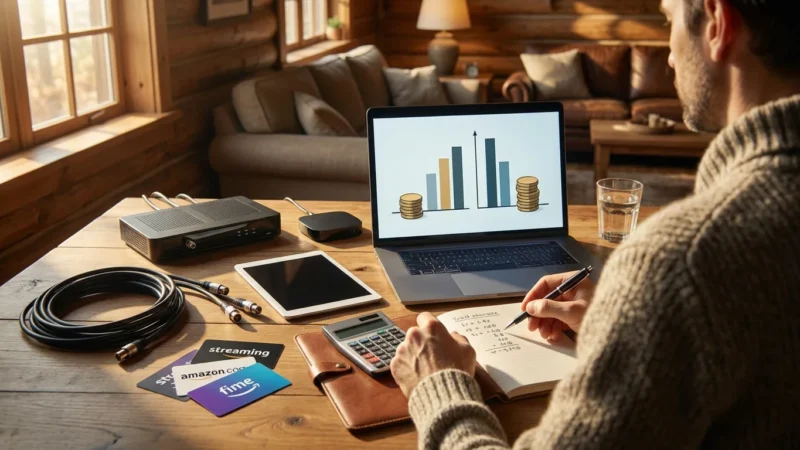
The primary driver for cord cutting is often cost savings. To truly understand your potential savings, you must compare your current cable bill to a realistic streaming bundle. Many people underestimate their cable bill’s hidden fees, while others over-subscribe to streaming services.
To see if the switch is right for you, check out our real cost analysis of cutting the cord for a breakdown of every expense.
Analyzing Your Current Cable Bill
Grab your latest cable statement. Look beyond the base package price. You will likely find:
- Broadcast TV Fees: Charges for local channels, even if you could get them free with an antenna.
- Regional Sports Network (RSN) Fees: Surcharges for regional sports channels.
- Set-Top Box Rental Fees: Monthly charges for each cable box.
- DVR Service Fees: Additional costs for recording capabilities.
- Taxes and Surcharges: Various governmental and company-imposed fees.
A typical cable TV package in the US might start at $70-90, but after all these fees, it often climbs to $120-$150+ per month. This does not even include your internet bill, which you will still need for streaming.
Estimating Streaming Bundle Costs
A smart streaming strategy involves picking services that genuinely replace your must-have content, not every service available. Let’s look at a sample comparison:
| Category | Typical Cable Bill (Estimate) | Sample Streaming Bundle (Estimate) |
|---|---|---|
| Internet Service (essential for both) | $70-100/month (often required from cable company) | $70-100/month (your existing or new rural internet) |
| Base TV Package (channels, basic cable) | $70-90/month | On-Demand: Netflix Basic with Ads ($6.99) + Disney+/Hulu/ESPN+ Bundle w/ Ads ($14.99) = $21.98 |
| Live TV/Sports/News (if desired) | Included in base, or add-ons | Live TV: Philo ($25) for entertainment, or Sling TV Blue/Orange ($40) for specific channels/sports. For comprehensive: Hulu + Live TV ($76.99). Let’s use Sling Blue for $40. |
| Local Channels | Included (Broadcast TV Fee: $20-30) | OTA Antenna (One-time cost: $30-150, then free) |
| Equipment Rental (set-top boxes, DVR) | $15-30/month | Streaming Device (One-time cost: $30-150 per TV) |
| Regional Sports Fees | $10-15/month | Often included in Live TV (Sling, Hulu Live, YouTube TV) or specific sports passes (e.g., ESPN+). No additional fee beyond service cost. |
| Total Estimated Monthly Cost (TV only) | $120-$150+ (plus internet) | $21.98 (On-Demand) + $40 (Live TV) = $61.98 (plus internet, and one-time equipment costs) |
As you can see, even with a mid-tier live TV service, the monthly streaming cost is often less than half of a typical cable bill. Over 12 months, this translates to hundreds, even thousands, in savings. Remember to factor in the one-time costs for streaming devices and an OTA antenna, which quickly pay for themselves.
Common Mistakes to Avoid When Cutting the Cord in Rural Areas
Rural cord cutting presents unique challenges. Avoiding these common pitfalls ensures a smoother transition and prevents frustration.
- Underestimating Your Internet Needs: Do not assume your current slow internet connection will handle streaming effectively. Before canceling anything, run speed tests (e.g., using Speedtest.net) at various times of day. Know your actual download and upload speeds. If you are consistently below 25 Mbps, especially with multiple users, you will likely experience buffering and poor quality. Explore all available rural internet options before committing.
- Ignoring Data Caps: Streaming video consumes significant data. If your rural internet plan has a low data cap (e.g., 50-200 GB), you will hit it quickly, leading to overage charges or throttled speeds. Factor in your household’s viewing habits. Consider plans with higher or unlimited data, or adjust your streaming quality to conserve data.
- Not Testing Local Antenna Reception: Many rural areas are far from broadcast towers, making OTA reception challenging. Before relying on an antenna for local channels, purchase an inexpensive indoor antenna and test its performance. If indoor reception is poor, research outdoor, amplified antennas. Do not assume you will get all locals without testing.
- Canceling Cable Too Soon: Never cancel your cable TV service before fully setting up and testing your streaming alternatives. This includes installing your streaming devices, testing your internet’s capability to stream various services, and confirming your antenna provides the local channels you expect. Give yourself a buffer period (e.g., a week or two) where you have both cable and streaming running to iron out any issues.
- Over-Subscribing to Streaming Services: It is easy to sign up for every tempting free trial. This “streaming bloat” can lead to a monthly bill that rivals or exceeds your old cable bill. Identify your absolute must-have shows and channels, then select services strategically. You can rotate subscriptions, signing up for one service for a month or two, then canceling and switching to another, saving money.
By being proactive and aware of these potential issues, you gain control over your entertainment choices and budget.
Your Cord-Cutting Timeline and Checklist
Making the switch to streaming in a rural environment requires a structured approach. Follow this step-by-step guide to ensure a smooth transition.
Phase 1: Research and Planning (2-4 Weeks Before)
- Assess Your Current Internet:
- Run speed tests at different times of day (morning, afternoon, evening) using a tool like Speedtest.net.
- Note your average download and upload speeds.
- Identify your data cap (if any) and your typical monthly data usage from your internet provider’s billing statement.
- Explore Rural Internet Alternatives:
- Research DSL, Fixed Wireless, Cellular Home Internet, and Starlink availability in your specific location.
- Compare speeds, data caps, reliability, and pricing for each option.
- Contact providers for quotes and installation timelines.
- If your current internet is insufficient, arrange for an upgrade or new service installation.
- Identify Your Must-Have Content:
- List all your favorite shows, movies, live sports, and news channels.
- Determine which streaming services offer this content (e.g., use websites like JustWatch.com).
- Prioritize services based on your household’s viewing habits.
- Check Local Channel Reception:
- Use AntennaWeb.org or TVFool.com to determine which local channels you can receive via an OTA antenna and what type of antenna you need.
- Purchase a recommended antenna (indoor or outdoor).
Phase 2: Setup and Testing (1-2 Weeks Before)
- Install and Test Your Internet (if upgrading):
- Ensure your new or upgraded rural internet service is fully functional and meeting expected speeds.
- Perform speed tests again after installation.
- Purchase and Set Up Streaming Devices:
- Buy your chosen streaming device(s) (Roku, Fire TV, Apple TV, etc.).
- Connect them to your TVs and internet.
- Download the apps for your chosen streaming services.
- Install and Test Your OTA Antenna:
- Connect your antenna to your TV.
- Run a channel scan on your TV to find available local channels.
- Adjust antenna placement for optimal signal.
- If outdoor, ensure secure and safe installation.
- Trial Streaming Services:
- Sign up for free trials of your chosen streaming services.
- Actively watch content, including live TV if applicable, to test for buffering or quality issues.
- Ensure all family members can easily navigate the new setup.
Phase 3: The Big Switch (Day of or Week Of)
- Confirm Satisfaction:
- Are you happy with your internet speed for streaming?
- Do you receive all your essential local channels via antenna?
- Are your chosen streaming services meeting your content needs?
- Contact Your Cable Provider to Cancel:
- Call your cable company to cancel your TV service. You do not need to cancel internet if you want to keep it.
- Be prepared for retention offers; politely decline if you are set on cutting the cord.
- Ask about any early termination fees (ETFs) if you are still under contract. Factor this into your savings calculation. Some providers may waive the fee if you downgrade to internet-only service.
- Get a confirmation number for your cancellation.
- Return Equipment:
- Ask your cable provider for clear instructions on how and where to return cable boxes, modems (if not keeping their internet), and other leased equipment.
- Obtain a receipt or tracking number for all returned items to avoid future charges. Take photos of the equipment before packaging as proof of condition.
- Enjoy Your Savings!
- Monitor your streaming subscriptions monthly to avoid unnecessary costs.
- Track your internet data usage, especially if you have a cap.
This systematic approach helps you tackle the unique challenges of rural cord cutting, leading to a successful and cost-effective entertainment setup. As Consumer Reports emphasizes, due diligence in planning saves you money and prevents headaches.
Frequently Asked Questions
What is the minimum internet speed I need for streaming in rural areas?
For a single stream in standard definition (SD), you need at least 3-5 Mbps. For a single high-definition (HD) stream, aim for 5-8 Mbps. If multiple people stream simultaneously or you want to watch 4K content, you should target 25-50 Mbps or higher. Always test your actual speeds, as advertised speeds can vary.
Can I stream effectively with satellite internet like Viasat or HughesNet?
While possible, traditional satellite internet often has high latency and strict data caps, which can hinder the streaming experience. High latency causes delays, and data caps mean you could quickly run out of data, leading to throttled speeds or extra charges. Newer low-Earth orbit (LEO) satellite services like Starlink offer significantly lower latency and often higher data allowances, making them a much better option for rural streaming.
Do I still need an antenna if I have streaming services?
An Over-the-Air (OTA) antenna is highly recommended for rural cord cutting. It provides free access to local network channels (ABC, CBS, FOX, NBC, PBS), which often include local news, sports, and prime-time shows. Adding an antenna can significantly reduce your reliance on more expensive live TV streaming services that carry these channels, saving you money in the long run.
How do I avoid going over data caps when streaming?
To manage data usage, first, monitor your consumption through your internet provider’s portal. Second, adjust the streaming quality settings on your streaming services to a lower resolution, such as standard definition (SD) or 720p HD, instead of 1080p or 4K. Third, if your provider offers off-peak “free zones,” download content during those hours. Finally, be mindful of background updates and other internet-consuming activities on all your devices.
What if my rural area has no good internet options for streaming?
If traditional broadband, fixed wireless, cellular home internet, and LEO satellite internet (like Starlink) are not viable, you face a tougher challenge. Consider options like mobile hotspots (if you have strong cellular signal and an unlimited data plan, though often speeds can be inconsistent), or even DVD/Blu-ray rentals from services like Netflix DVD. In rare cases where internet is extremely limited, a physical media collection might be your primary entertainment source, supplemented by any low-bandwidth streaming possible. It highlights the importance of reliable internet as the foundation for cord cutting.
Leave a Reply