
Are you tired of skyrocketing cable bills that seem to offer more channels you never watch than ones you actually enjoy? You are not alone. Many households pay over $100, sometimes even $200, every month for a service that feels outdated and overpriced. The good news is you can take control of your entertainment budget. This guide will show you how to build your ideal streaming bundle, which means combining various internet-based video services, to replace traditional cable and save significant money.
If you are helping an older family member transition, our cord cutting for seniors guide offers simplified, no-stress advice.
This process, known as cord-cutting, involves canceling traditional cable or satellite TV in favor of watching video content over the internet. It can seem overwhelming with so many options, but by following a clear, step-by-step approach, you will optimize your viewing experience and achieve substantial streaming savings. We focus on practical, actionable advice to help you navigate the world of streaming, ensuring you get the entertainment you want without overpaying.
Understanding Cord-Cutting: What It Means for You
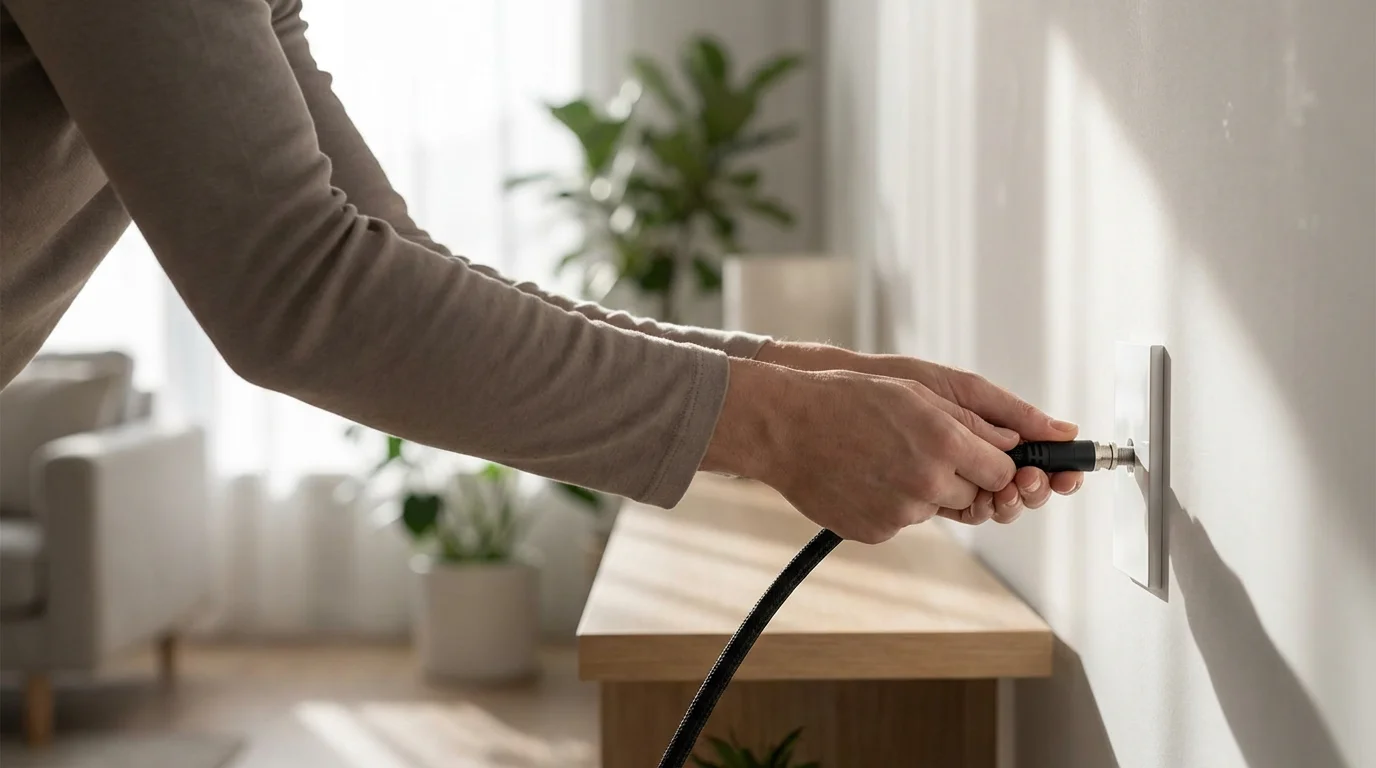
Cord-cutting is the act of canceling your traditional cable or satellite TV subscription and transitioning to watching television and movies exclusively through internet-based services. These services, collectively referred to as streaming, deliver content directly to your devices over your home internet connection. This shift offers several advantages: lower costs, more flexible content choices, and the ability to watch what you want, when you want.
While the initial appeal is often cost savings, cord-cutting also empowers you to customize your entertainment package. You choose only the services that offer the specific shows, movies, and live events you care about. This contrasts sharply with cable, where you often pay for hundreds of channels you never tune into. Understanding this fundamental difference is your first step toward effective streaming savings.
Calculate Your Current Cable Costs (The First Step to Savings)
Before you can truly appreciate the savings from a streaming bundle, you need a clear picture of what you currently spend. Many people underestimate their true cable costs because they overlook various fees. Grab your latest cable bill and identify the following:
To see a detailed breakdown of potential ROI, read our full real cost analysis of cutting the cord.
- Base Package Price: The core cost for your channel lineup.
- Equipment Rental Fees: Charges for cable boxes, DVRs, or modems. These often add $10-25 per month per device.
- Broadcast TV Fees: A surcharge for local channels.
- Regional Sports Fees: A charge for sports networks, even if you do not watch sports.
- Taxes and Surcharges: Various governmental and company-specific fees.
- Promotional Discounts: Note if you are currently on a promotional rate that will expire soon. Your bill could jump significantly then.
Add all these up. A typical cable bill in the USA averages between $80 and $120 for basic TV and internet, but can easily exceed $150-200 for packages with premium channels and multiple boxes. For example, if your cable TV bill is $100 per month, and you are paying an additional $20 for equipment rentals and fees, your total is $120 before your internet bill. Your goal with a streaming bundle is to come in significantly under this total, while still getting the content you love.
Here is a simplified comparison to illustrate potential savings:
| Expense Category | Typical Cable TV Cost (Monthly) | Estimated Streaming Bundle Cost (Monthly) |
|---|---|---|
| TV Package / Services | $70 – $120 (for ~200+ channels) | $30 – $80 (for focused live TV or 2-3 on-demand services) |
| Equipment Rental | $15 – $30 (per box/DVR) | $0 (uses your own streaming device) |
| Broadcast/Regional Sports Fees | $10 – $25 | $0 (if using antenna for local; varies with live TV streaming) |
| Internet (separate cost for both) | $50 – $80 | $50 – $80 |
| Total Estimated Cost | $145 – $255+ | $80 – $160+ |
As you can see, the difference can be substantial. Even accounting for your internet service, which you need for streaming, you can save $60 or more each month by making smart choices.

Assess Your Viewing Habits: What Do You Actually Watch?
One of the biggest mistakes people make when switching to streaming is trying to replicate their entire cable package channel-for-channel. This often leads to “streaming creep,” where you subscribe to too many services and end up paying as much or more than your old cable bill. Instead, focus on what you actually watch.
Ask yourself these questions:
- Which specific shows, movies, or sports events are “must-have” for you and your family?
- Do you primarily watch live TV, or do you prefer to watch shows and movies on-demand, meaning whenever you want?
- Are there specific channels you absolutely cannot live without (e.g., ESPN, HBO, Disney Channel)?
- How often do you watch local news or network shows (ABC, CBS, NBC, Fox) live?
Make a list of your top 5-10 favorite channels or programs. This list forms the core of your ideal streaming bundle. You might find that many of your favorite shows are available on a single streaming service, or through a combination of just two or three. Do not fall into the trap of thinking you need a service with “everything” when you only consume a fraction of it. You will not miss your favorite shows if you identify where they live now.
Essential Equipment for a Seamless Streaming Experience
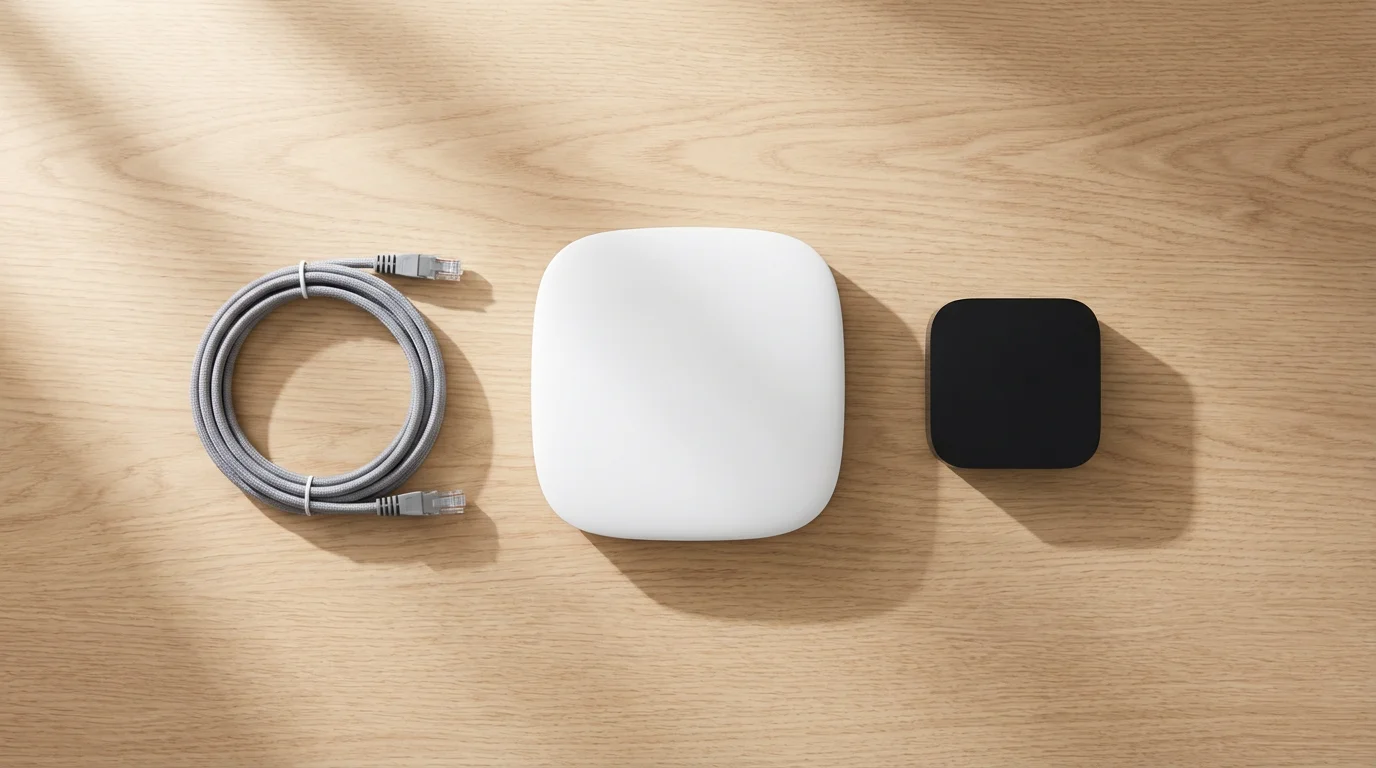
To cut the cord effectively, you need a few pieces of equipment. The good news is these are usually one-time purchases, unlike recurring cable box rental fees.
1. Reliable Internet Service
This is the foundation of your streaming experience. You cannot stream without a strong, stable internet connection. The Federal Communications Commission (FCC) recommends specific speeds for smooth streaming. According to the FCC Consumer Guide, you need at least 3-8 Mbps for standard definition streaming, and 5-25 Mbps for high-definition (HD) streaming. For 4K Ultra HD streaming, you will need 25 Mbps or higher. If multiple people in your household stream simultaneously or use the internet heavily, aim for at least 100-200 Mbps download speeds.
- Recommendation: Contact your internet service provider (ISP) to check your current speed. Upgrade if necessary. Expect to pay $50-80+ per month for adequate speeds.
2. Streaming Device or Smart TV
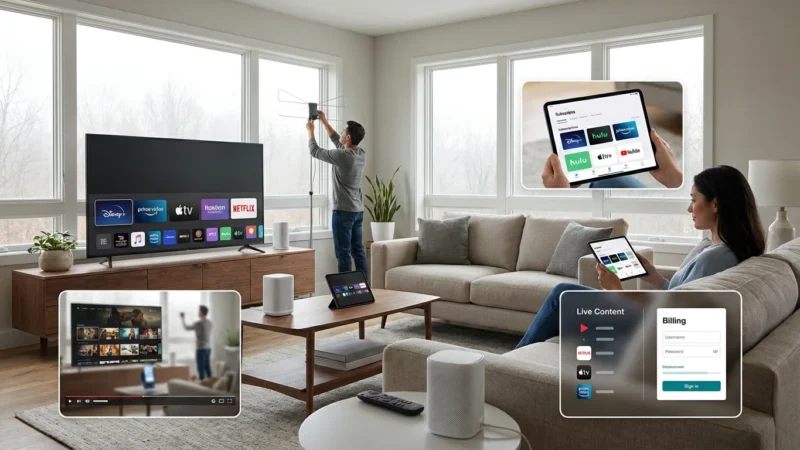
A streaming device is a small box or stick (like a Roku, Amazon Fire TV Stick, Apple TV, or Google Chromecast) that plugs into your television and connects to the internet, allowing you to access streaming apps. Many newer televisions are also smart TVs, meaning they have built-in internet connections and streaming apps, eliminating the need for a separate device.
- Roku Devices (Sticks, Boxes): User-friendly interface, wide app selection. Price: $30-100.
- Amazon Fire TV Devices (Sticks, Cubes): Integrated with Amazon ecosystem, voice control with Alexa. Price: $30-140.
- Apple TV: Premium device, best for Apple users, robust performance. Price: $150-200.
- Google Chromecast with Google TV: Google-centric, organizes content well. Price: $50-70.
- Smart TVs: If your TV is less than 5 years old, it likely has smart capabilities. Check its app store. Price: Included with TV.
If you already own a smart TV, you might not need a separate streaming device. However, dedicated streaming devices often offer faster performance and more frequent updates than built-in smart TV platforms.
3. HDTV Antenna for Local Channels
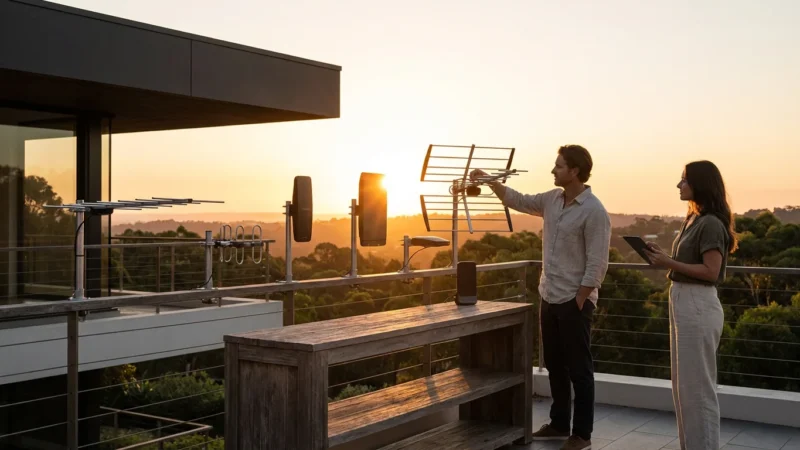
Many people worry about losing access to local news, sports, and network shows (ABC, CBS, NBC, Fox, PBS) when they cut the cord. An HDTV antenna solves this problem. It allows you to receive over-the-air (OTA) broadcasts in crystal-clear HD, completely free, once you buy the antenna.
- Indoor Antennas: Generally less powerful, suitable for urban areas close to broadcast towers. Price: $20-50.
- Outdoor Antennas: More powerful, better for rural areas or homes further from towers. Requires installation. Price: $50-150.
To determine which channels you can receive, visit a website like AntennaWeb.org and enter your address. This will show you available channels and recommended antenna types. A good antenna is a crucial component of any effective streaming bundle, ensuring you retain access to essential local content without monthly fees.
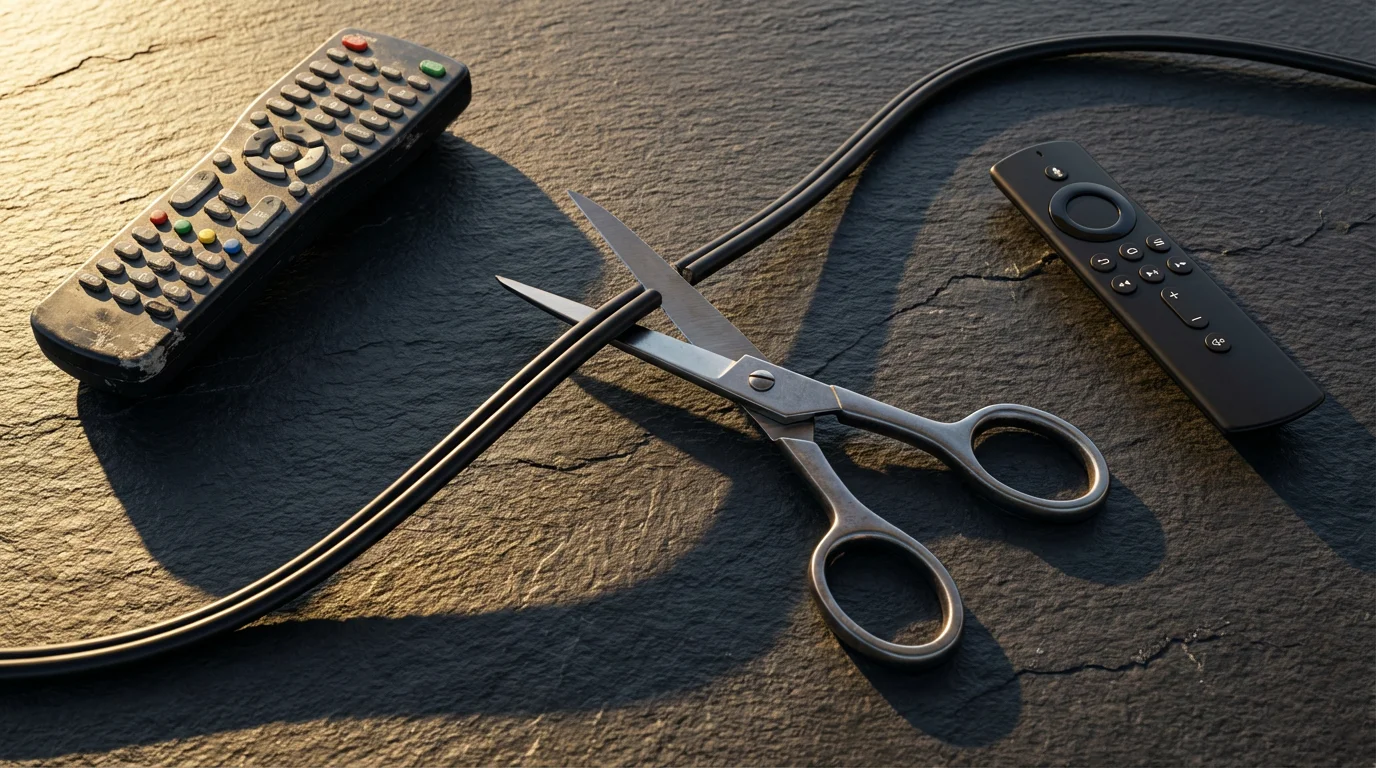
Replacing Your Cable Channels: Streaming Alternatives
Now that you understand your viewing habits and have the right equipment, let’s explore how to replace your cable channels with streaming alternatives. Streaming services generally fall into a few categories:
Live TV Streaming Services
These services are the closest replacements for traditional cable, offering a bundle of live channels streamed over the internet. They often include a cloud-based DVR (digital video recorder) to record shows and watch them later.
- YouTube TV: Offers a wide range of live sports, news, and entertainment channels. Includes unlimited cloud DVR. Price: ~$73/month.
- Hulu + Live TV: Combines live TV channels with Hulu’s extensive on-demand library. Price: ~$77/month (ad-supported) or ~$90/month (ad-free).
- Sling TV: More customizable and generally cheaper, offering smaller bundles of channels. Good for specific interests (e.g., sports, news). Price: ~$40-55/month for base packages.
- FuboTV: Strong focus on sports, with many regional sports networks. Price: ~$75-85/month.
These services are excellent for households that still want a traditional channel surfing experience or need access to specific live sports or news. However, their cost can add up, so choose one carefully based on your “must-have” channel list.
On-Demand Subscription Services
These services focus on libraries of movies and TV shows available to watch anytime. They do not typically offer live TV channels.
- Netflix: Huge library of original content, movies, and TV shows. Price: $7 (ad-supported) – $23/month (premium ad-free).
- Max (formerly HBO Max): Premium movies, HBO originals, Warner Bros. content. Price: $10 (ad-supported) – $20/month (ad-free).
- Disney+, Hulu, ESPN+ Bundle: A popular combination for families and sports fans. Price: ~$15-25/month depending on ad-supported vs. ad-free tiers.
- Prime Video: Included with Amazon Prime membership ($14.99/month or $139/year), offering a vast library and original content. Can be purchased standalone.
- Apple TV+: Focuses on high-quality original series and movies. Price: ~$10/month.
Most households will subscribe to 2-3 of these, rotating them based on current shows or movies of interest. This approach helps create a flexible and cost-effective streaming bundle.
Free Ad-Supported Television (FAST) Services
These services offer a wealth of content completely free, supported by commercials. They can significantly augment your streaming lineup without adding to your monthly bill.
- Pluto TV: Hundreds of channels covering movies, TV shows, news, and sports.
- Tubi: Large library of movies and TV series, including cult classics and independent films.
- Freevee (Amazon): Movies, TV shows, and Amazon Originals, accessible through Prime Video or a standalone app.
Do not underestimate the value of FAST services. They provide thousands of hours of content for zero cost, making them an excellent addition to any streaming bundle.

Building Your Perfect Streaming Bundle: A Step-by-Step Guide
Creating your ideal streaming bundle combination requires a strategic approach. Here is how to create a setup that delivers the content you want while maximizing streaming savings.
- Start with Free Local Channels: If you watch local news or network shows, purchase and set up an HDTV antenna. This immediately covers a significant portion of what many people watch on cable, at no recurring cost.
- Identify Your “Core” Service: Based on your viewing habits, decide if a live TV streaming service (e.g., YouTube TV for sports/news, Hulu + Live TV for a mix) is essential, or if you primarily want on-demand content.
- If live TV is a must, choose one service that covers most of your essential channels. Do not subscribe to more than one live TV service simultaneously unless absolutely necessary for specific, conflicting needs.
- If live TV is less critical, your core might be Netflix, Max, or the Disney Bundle, depending on your family’s preferences.
- Add Supplemental On-Demand: Once you have your core service, add 1-2 additional on-demand services that complement it. For example, if your core is YouTube TV, you might add Netflix for movies and original series, and Max for premium shows. If your core is the Disney Bundle, you might add Netflix for broader appeal.
- Integrate Free Services: Do not forget about Pluto TV, Tubi, and Freevee. These free platforms offer a surprising amount of content that can fill gaps and reduce the need for additional paid subscriptions.
- Practice “Churn and Rotate”: This is a powerful money-saving strategy. Instead of subscribing to every service all the time, subscribe to a service for a month or two, watch everything you want, then cancel it. When new shows or seasons drop on another service, re-subscribe to that one. Most services make it easy to cancel and resubscribe online.
“The most effective way to save money on streaming is to be ruthless about your subscriptions. Watch what you want, then unsubscribe. You can always come back.”
This method prevents “streaming creep” and ensures you only pay for services when you actively use them. Your best streaming bundle combination is not a static list of services, but a dynamic, optimized set tailored to your current viewing interests and budget.
Common Mistakes to Avoid When Cutting the Cord
While the benefits of cord-cutting are clear, a few missteps can undermine your savings and enjoyment. Be aware of these common pitfalls:
- Underestimating Internet Speed Needs: Many people cut cable only to find their internet cannot handle the increased demand for streaming, leading to buffering and frustration. As CNET reports, having sufficient bandwidth is critical. Ensure your plan provides at least 100 Mbps for a household with multiple users.
- Forgetting Local Channels: Assuming streaming services will cover all your local channels is a common error. While some live TV streaming services include them, an antenna provides a reliable, free alternative that ensures you do not miss local news or major network events.
- “Streaming Creep” (Over-Subscribing): This is the most dangerous trap. You start with 2-3 services, then add another for one show, and another for a movie, quickly accumulating a bill similar to or even higher than your old cable package. Regularly review your subscriptions and cancel those you are not actively using.
- Ignoring Early Termination Fees (ETFs): Your cable contract might include an early termination fee if you cancel before the agreement expires. Check your contract carefully. Sometimes, waiting a few months until your contract ends can save you hundreds of dollars.
- Not Returning Equipment: Cable providers typically require you to return their equipment (cable boxes, modems, remotes). Failing to do so can result in significant unreturned equipment fees. Get confirmation that all equipment has been received and your account closed.
- Failing to Negotiate Internet-Only Plans: When you call to cancel cable TV, your provider will likely try to retain you. They might offer a better deal on an internet-only plan. Do not just accept the first offer; negotiate for the best price, comparing it with other ISPs in your area.
Avoiding these mistakes will ensure a smooth transition and maximize your streaming savings.
The Cord-Cutting Timeline and Checklist: Your Action Plan
Making the switch from cable to a streaming bundle is a process that benefits from planning. Here is a recommended timeline and checklist to guide you:
Phase 1: Research and Preparation (2-4 Weeks Before Canceling Cable)
- Review Your Cable Bill: Understand your current costs, contract end date, and potential early termination fees.
- Assess Viewing Habits: List your “must-have” shows, channels, and sports.
- Check Internet Speed: Confirm your internet plan provides adequate speed for streaming (100+ Mbps recommended). Upgrade if necessary.
- Research Streaming Services: Identify which live TV and on-demand services carry your essential content. Create a tentative streaming bundle combination.
- Purchase Equipment: Buy a streaming device (if needed) and an HDTV antenna.
- Test Drive Services (Optional): Many streaming services offer free trials. Sign up for a few to test their interface, content, and performance before committing.
Phase 2: Transition and Setup (1-2 Weeks Before Canceling)
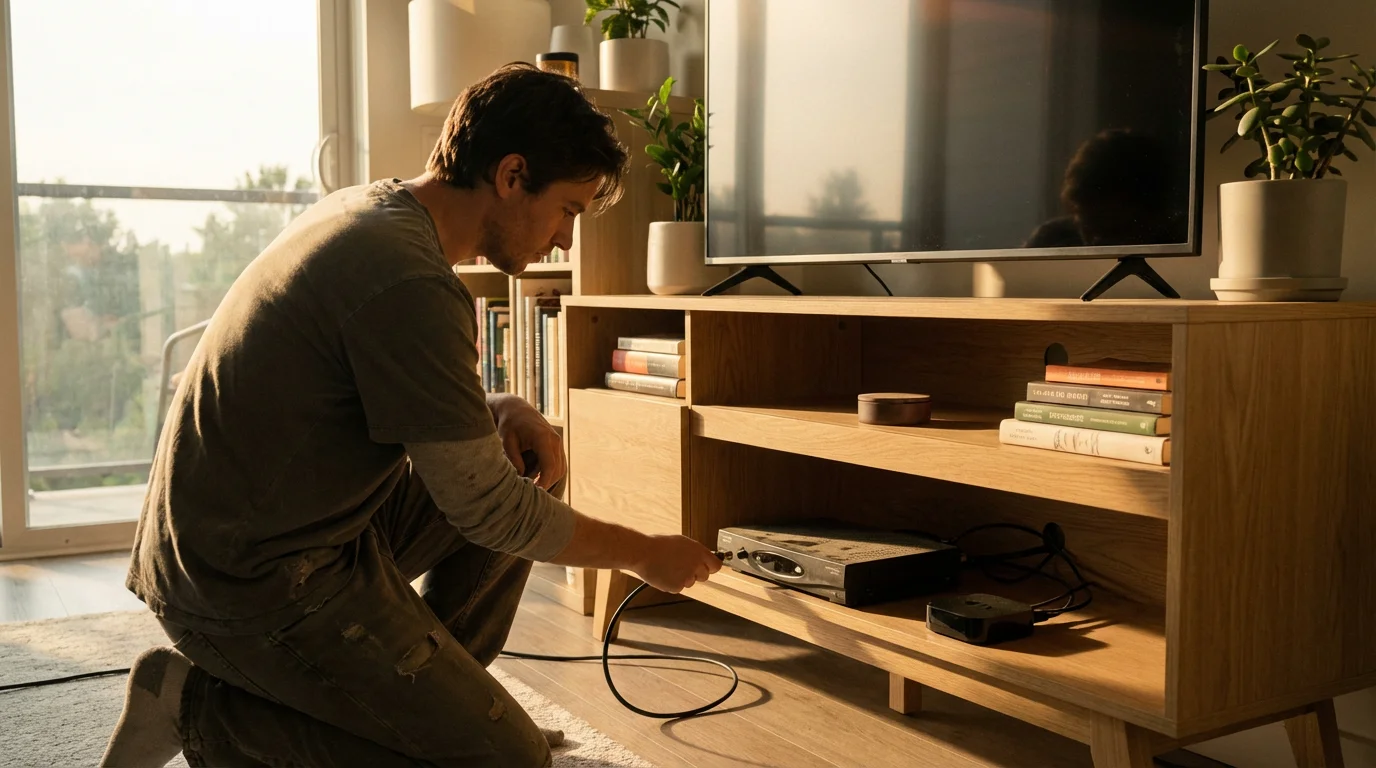
- Install Equipment: Set up your streaming device and antenna. Scan for local channels.
- Subscribe to Core Services: Sign up for your primary live TV or on-demand streaming services.
- Familiarize Yourself: Spend time learning the new interfaces and apps. Ensure everyone in the household understands how to find their favorite content.
- Backup Recordings: If you have a DVR with shows you want to keep, make arrangements to watch them before your service ends.
Phase 3: Canceling Cable (Day of or Week Of)
- Contact Your Cable Provider: Call their customer retention or cancellation department. Be firm but polite. State that you want to cancel your TV service. They will likely try to offer deals to keep you; stick to your decision. This step is critical, as Cord Cutters News advises to be prepared for the sales pitch.
- Negotiate Internet-Only: If you keep the same provider for internet, negotiate a new, lower price for an internet-only plan.
- Confirm Cancellation and Equipment Return: Get a confirmation number for your cancellation. Ask about the process for returning equipment (cable boxes, modems, remotes). Many providers require you to drop them off at a local store or ship them back.
- Return Equipment: Return all leased equipment promptly. Keep receipts or tracking numbers as proof of return. Failure to do so can result in hefty unreturned equipment fees.
- Review Final Bill: Check your final cable bill carefully for any incorrect charges or unexpected fees. Dispute anything that seems wrong.
Following this timeline ensures a smooth, stress-free transition to your new, cost-effective streaming life.
Frequently Asked Questions
Is cutting the cord really cheaper?
Yes, for most people, cutting the cord results in significant savings. While your internet bill will remain, you eliminate equipment rental fees, broadcast fees, and the high cost of bloated channel packages. A typical cable bill often runs $100-200+, while a comprehensive streaming bundle with internet can often be put together for $80-160, saving you $50 or more monthly. Your exact savings depend on your current cable plan and your chosen streaming services.
What internet speed do I need for streaming?
For a single streamer watching in HD, 10-25 Mbps is usually sufficient. However, for households with multiple people streaming simultaneously, or if you watch in 4K Ultra HD, you should aim for at least 100-200 Mbps download speeds. This ensures smooth, buffer-free viewing across all your devices.
Can I still watch local channels without cable?
Absolutely. The most reliable and cost-effective way to get local channels (ABC, CBS, NBC, Fox, PBS) for free is by using an over-the-air (OTA) HDTV antenna. Many live TV streaming services also include local channels, but availability can vary by location. An antenna is a one-time purchase that pays for itself quickly.
Will I miss my favorite sports without cable?
Not necessarily. While sports broadcasting can be complex, many options exist. For local and national major network games, an HDTV antenna helps. For specific leagues or teams, services like ESPN+, MLB.TV, NBA League Pass, or FuboTV (which has a strong sports focus) can cover most needs. You might need to combine a few services or use the “churn and rotate” strategy for seasonal sports.
How do I avoid getting locked into new contracts with streaming services?
Most streaming services operate on a month-to-month basis with no long-term contracts. This flexibility allows you to cancel or resubscribe at any time without penalty. Always confirm the terms when you sign up for a new service to ensure you maintain this flexibility and avoid hidden commitments.
Creating your perfect streaming bundle is a journey towards smarter, more affordable entertainment. By understanding your needs, choosing the right tools, and being strategic about your subscriptions, you will enjoy a richer viewing experience and keep more money in your pocket.
Disclaimer: Cable and streaming prices vary by location and change frequently. The cost comparisons in this article are estimates based on typical pricing. Your actual savings will depend on your current cable package, internet costs, and which streaming services you choose.

Leave a Reply