
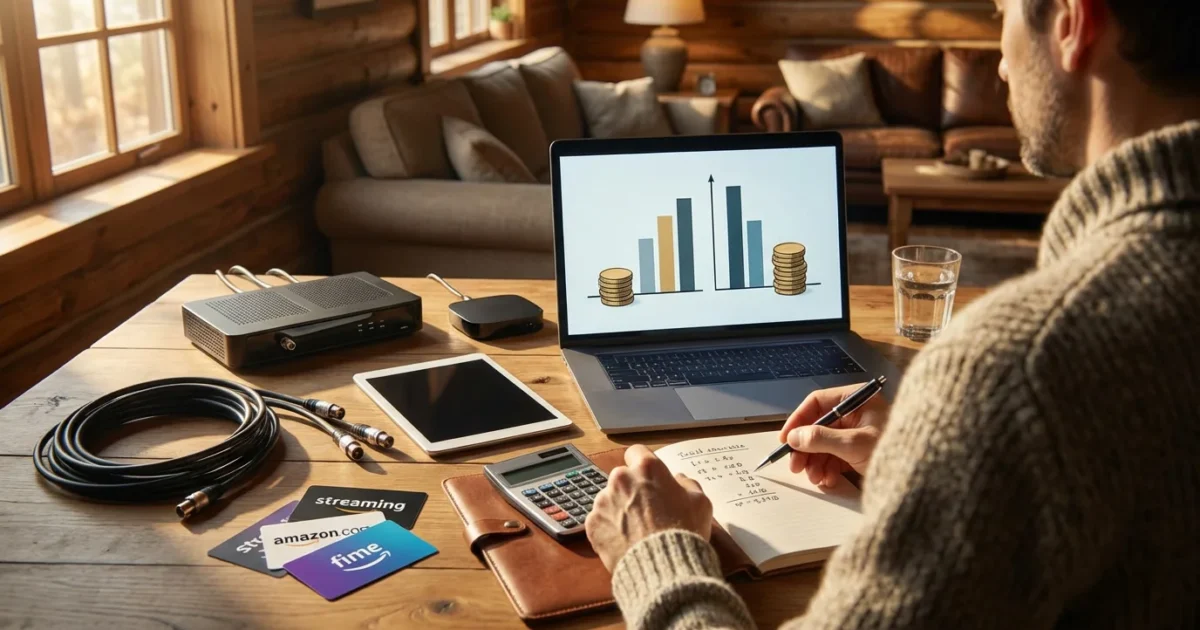
Disclaimer: Cable and streaming prices vary by location and change frequently. The cost comparisons in this article are estimates based on typical pricing. Your actual savings will depend on your current cable package, internet costs, and which streaming services you choose.
For those who find the technology transition daunting, our cord cutting guide for seniors provides a simplified, no-stress approach.
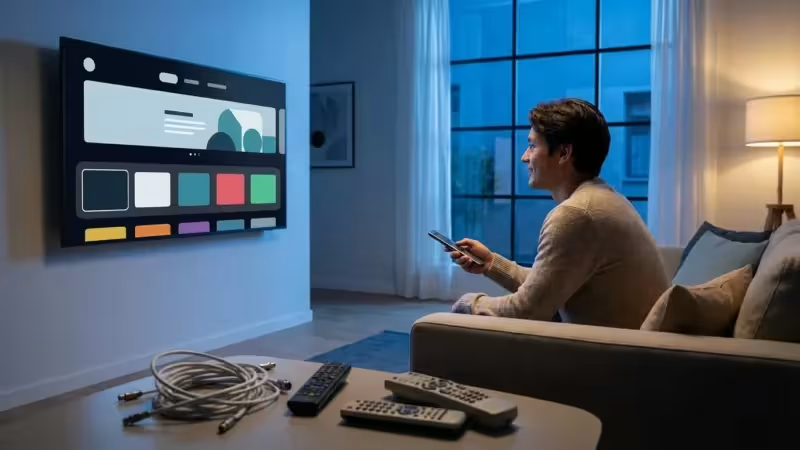
Many Americans feel frustrated by ever-increasing cable bills. You receive a monthly statement that seems to climb without clear justification, packed with channels you rarely watch and hidden fees you do not understand. If you are considering canceling traditional cable or satellite TV in favor of streaming services, known as cord-cutting, you are in good company. Millions already made the switch, seeking more control over their entertainment budget.
This comprehensive guide helps you understand the real financial implications of cutting the cord. You will learn exactly how much money you can save, what equipment you need, and how to make the transition seamlessly. We provide practical insights and actionable steps, ensuring you make informed decisions about your home entertainment.

Understanding Your Current Cable Bill
Before you can accurately calculate your potential `cord cutting savings`, you must understand your current spending. Many people overlook hidden fees or bundle discounts that disappear when they cancel cable TV. Take a close look at your most recent cable statement. You are probably paying for more than just TV channels.
A typical cable bill breaks down into several components:
- Base Package Cost: This covers the core set of channels you receive.
- Premium Channels: Charges for services like HBO, Showtime, or Starz.
- Equipment Rental Fees: Monthly costs for cable boxes, DVRs (digital video recorders, which let you record and watch shows later), and modems. These fees often add $10-$30 per month.
- Broadcast TV Fee: A charge from your provider to carry local channels, usually $15-$25.
- Regional Sports Fee: Another charge to cover regional sports networks, often $10-$20.
- Taxes and Other Surcharges: Various governmental and company-specific fees.
According to research, the average US cable bill, including internet, often exceeds $150-$200 per month. Some households pay significantly more, especially with multiple premium add-ons or DVRs. Identify the exact amount you pay each month for cable TV services, excluding your internet service if it is bundled. This figure forms your baseline for comparison. Remember, you will still need reliable internet for `streaming` (watching video content over the internet instead of cable or satellite), so your internet cost will remain, or potentially increase if you lose a bundle discount.
The True Cost of Streaming: A Breakdown
When you cut the cord, you replace your traditional TV package with a combination of services. The perception that streaming is “free” is a common misconception. While many free ad-supported streaming services exist, you generally pay for premium content. Here is a breakdown of the costs you will encounter:
To keep costs low, it is essential to learn how to create the perfect streaming bundle without overspending on unnecessary apps.
- Internet Service: This is non-negotiable. Streaming relies entirely on your internet connection. Your current internet bill might be around $60-$80 per month, sometimes more or less depending on your provider and speed. This cost forms the foundation of your streaming budget.
- Streaming Services: These are your replacements for cable channels. Options range from on-demand libraries like Netflix, Hulu, and Max, to live TV streaming services like YouTube TV or Sling TV.
- On-Demand Services: Provide libraries of movies and TV shows to watch whenever you want, known as on-demand. Examples include Netflix, Disney+, Amazon Prime Video, Hulu, Max, and Paramount+. Prices range from $5 to $20+ per month, with options for ad-supported (free or cheaper plans that show commercials) or ad-free (plans that cost more but do not show commercials) tiers.
- Live TV Streaming Services: Mimic traditional cable, offering live channels, cloud DVRs, and on-demand content. Examples include YouTube TV ($72.99/month), Hulu + Live TV ($76.99/month), Sling TV ($40-$55/month), and FuboTV ($79.99/month). These are often the most expensive part of a cord-cutting bundle but replace the bulk of a cable package.
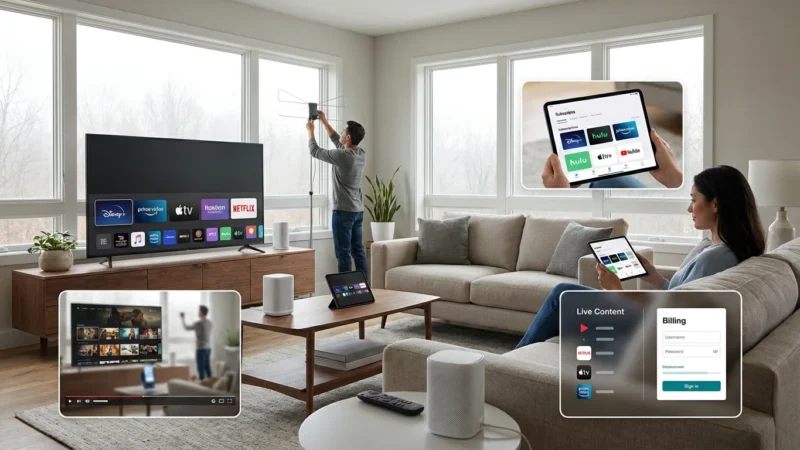
- Equipment Costs: While many homes have smart TVs (televisions with built-in internet connection and apps), you might need a dedicated streaming device (a small box or stick, like Roku or Fire TV, that adds streaming to any TV) or a digital antenna. These are typically one-time purchases.
The key to `save money streaming` involves selecting only the services you genuinely use and rotating subscriptions. You do not need every service simultaneously.
Essential Equipment for Cord Cutting
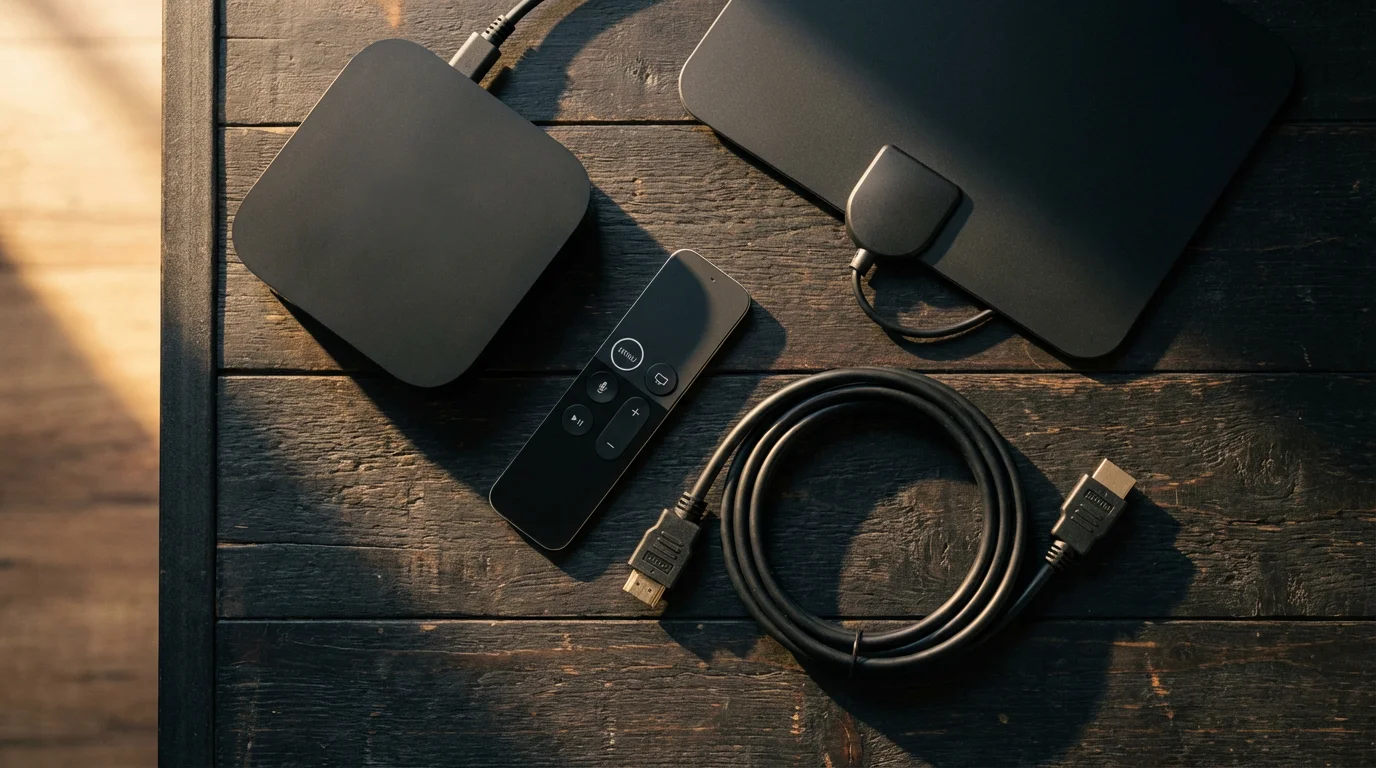
You need a few key pieces of equipment to ensure a smooth transition and enjoyable streaming experience. Most of these are one-time investments that pay for themselves quickly.
1. High-Speed Internet Service
As mentioned, robust internet is paramount. You need enough bandwidth for all your devices. We discuss specific speed requirements shortly, but factor this into your ongoing monthly expenses.
2. A Reliable Streaming Device
While many modern TVs are smart TVs, a dedicated streaming device often offers a smoother user experience, faster performance, and access to more apps. Popular options include:
- Roku Devices (Express, Streaming Stick, Ultra): User-friendly interface, wide app selection. Prices typically range from $30-$100.
- Amazon Fire TV Devices (Stick, Cube): Integrated with Alexa, excellent for Amazon Prime users. Prices range from $30-$140.
- Apple TV 4K: Premium experience, best for Apple ecosystem users. Costs around $130-$150.
- Chromecast with Google TV: Integrates well with Google services, great for content discovery. Around $50.
Consider the number of TVs in your home that need streaming capabilities. You might need one device per TV, or fewer if you have smart TVs already. For an in-depth look at options, Consumer Reports’ guide to streaming devices offers comprehensive reviews and recommendations.
3. An Over-the-Air (OTA) Antenna
An antenna provides access to free local broadcast channels like ABC, CBS, FOX, NBC, and PBS in high definition, without a monthly fee. This is crucial for sports, local news, and network prime-time shows. Antennas range from simple indoor models to powerful outdoor versions:
- Indoor Antennas: Flat, thin antennas that stick to a window or wall. Good for urban areas close to broadcast towers. Costs $20-$50.
- Attic/Outdoor Antennas: More powerful, better for rural areas or homes further from towers. May require professional installation. Costs $50-$150+.
Use a tool like AntennaWeb to determine which channels are available in your area and what type of antenna you need. A good antenna can significantly reduce your reliance on expensive live TV streaming services.

Replacing Your Favorite Channels and Content
A major concern for many contemplating cord-cutting is missing their favorite shows or sports. The good news is nearly every channel and type of content has a streaming equivalent. The trick is identifying what you truly watch and then finding the most cost-effective way to access it.
Step 1: Inventory Your Must-Have Channels
For one month, track every show, movie, and channel you and your family regularly watch. Be honest. Do you really watch 300+ channels, or do you stick to a handful?
Step 2: Find Streaming Alternatives
Use this list to find direct replacements:
- Local Channels (ABC, CBS, FOX, NBC, PBS): A digital antenna is your most cost-effective solution. If reception is poor, live TV streaming services (YouTube TV, Hulu + Live TV) include them.
- News Channels (CNN, Fox News, MSNBC): Live TV streaming services carry these. Many news organizations also offer free live streams online or via their apps. Sling TV offers more affordable news packages.
- Sports (ESPN, regional sports networks): This is often the trickiest. ESPN is available on most live TV streaming services. Regional Sports Networks (RSNs) are harder to find without a premium live TV package, and specific team streaming passes sometimes exist.
- Premium Channels (HBO, Showtime, Starz): All are available as standalone streaming subscriptions (Max, Paramount+ with Showtime add-on, Starz app). You can subscribe directly for specific shows and cancel when finished.
- Kids’ Content: Disney+, Paramount+, and Netflix offer vast libraries. YouTube Kids provides free, ad-supported content.
- Specific Networks (HGTV, Food Network, AMC, FX): Many networks have their own apps that allow you to watch recent episodes on-demand using credentials from a live TV streaming service. Some offer a limited selection for free.
Consider rotating streaming services. Subscribe to Max for a few months to binge shows, then cancel and subscribe to Netflix for a while. This strategy maximizes content access while minimizing your monthly bill.
Internet Speed Requirements for Smooth Streaming
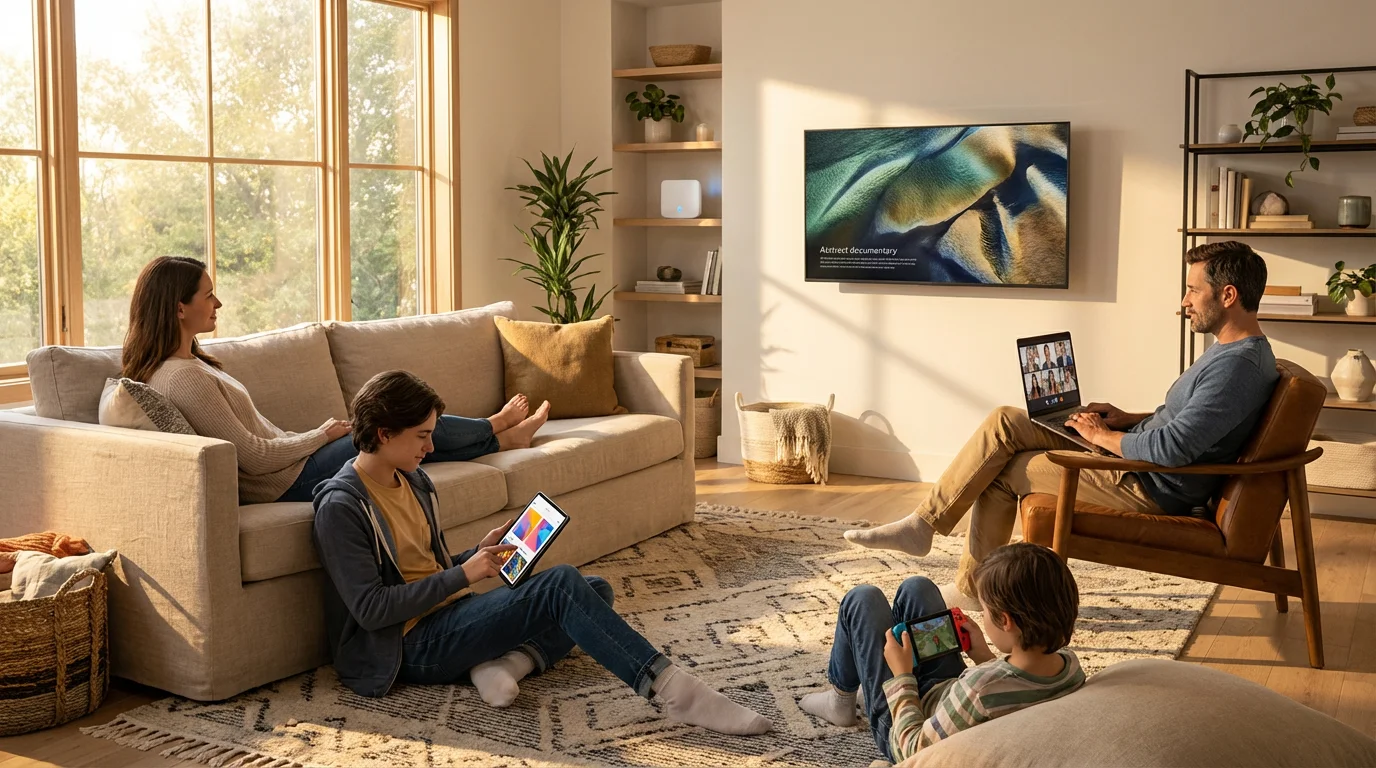
Your internet connection is the backbone of your streaming setup. Without sufficient speed, you will experience buffering, low-quality video, and frustration. Here is what you need to know:
Since you will rely more on your data connection, knowing how to negotiate a lower internet bill can help preserve your overall savings.
- Standard Definition (SD): 3-5 Megabits per second (Mbps).
- High Definition (HD): 5-10 Mbps per stream.
- 4K Ultra HD: 15-25 Mbps per stream.
These are per-stream requirements. Most households have multiple devices streaming simultaneously: a TV watching Netflix, a tablet streaming YouTube, and a phone browsing social media. Add in video calls, online gaming, and work-from-home activities, and your needs quickly add up.
Recommendation:
- Single User / Light Streaming: 50-100 Mbps.
- Small Household (2-3 people, multiple devices, some 4K): 100-200 Mbps.
- Large Household / Heavy Streaming (4+ people, frequent 4K, gaming): 200+ Mbps.
Check your current internet speed using an online speed test. If your speed is inadequate, you might need to upgrade your internet plan, which could impact your `cable vs streaming cost` comparison. Your internet provider can advise on available plans. Sometimes, upgrading your internet is necessary and a worthwhile investment for a seamless cord-cutting experience.
Your Step-by-Step Cord-Cutting Checklist
Making the switch does not have to be intimidating. Follow this timeline and checklist to cut the cord efficiently and without unnecessary stress.
Phase 1: Preparation (1-2 Months Before)
- Audit Your Current Bill: Understand every charge. Identify your average monthly cost for TV services only.
- Assess Your Viewing Habits: Track what you watch for a few weeks. List your essential channels and shows.
- Check Internet Speed: Confirm your internet speed meets streaming requirements. Upgrade if necessary.
- Research Streaming Services: Explore free trials for services that replace your must-have content. Consider a rotation strategy.
- Purchase Equipment: Buy your chosen streaming devices and an OTA antenna. Set them up and test them out while you still have cable.
Phase 2: The Transition (2-4 Weeks Before Cancellation)
- Test Drive Streaming: Start using your streaming services and antenna exclusively. See if you can comfortably live without cable for a week or two. This helps identify gaps in your content or technical issues.
- Inform Your Household: Ensure everyone understands the change and is comfortable with the new setup. Address any concerns.
- Backup DVR Content: If you use a DVR, watch or record anything essential before you lose access.
Phase 3: Cancellation Day (The Big Switch)
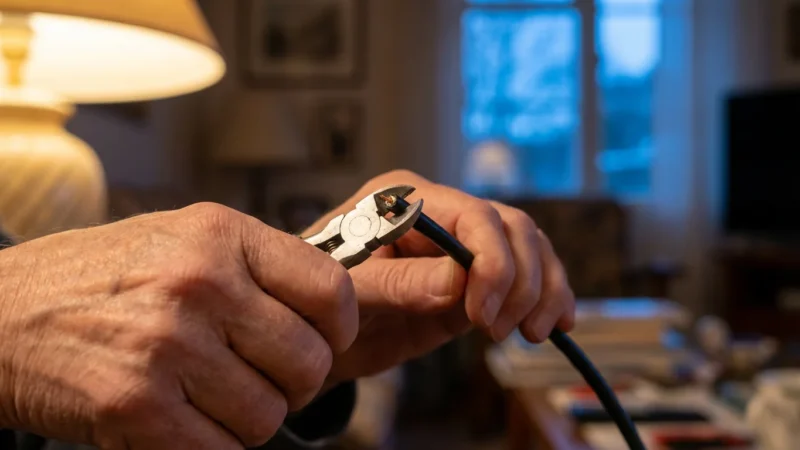
- Call Your Cable Provider: Be prepared. State clearly that you want to cancel your TV service, not just downgrade. Do not be swayed by “retention offers” unless they genuinely make sense for your budget. The FCC Consumer Guide offers advice on resolving billing disputes if issues arise.
- Ask About Early Termination Fees (ETFs): Many contracts have ETFs if you cancel before your term ends. Ask specifically about this and any prorated charges. Factor this one-time cost into your initial savings calculation.
- Confirm Equipment Return: Get clear instructions on how and where to return your cable boxes, DVRs, and modems (if you were renting theirs). Get a receipt for all returned equipment. Failure to return equipment can result in significant charges.
- Verify Final Bill: Check your next bill carefully to ensure all cable TV charges are removed and no unexpected fees appear.
By following these steps, you minimize surprises and maximize your `how much money does cord cutting save` potential.
“Successfully cutting the cord requires a clear understanding of your viewing habits and a willingness to adapt. Focus on value, not just quantity of channels.” — Streaming Expert
Common Mistakes to Avoid When Cutting the Cord
While `cord cutting savings` are significant for many, certain pitfalls can erode your potential savings or lead to frustration. Avoid these common mistakes:
- Underestimating Internet Needs: Do not stick with a slow internet plan. Streaming demands consistent bandwidth, especially with multiple users or 4K content. Upgrading your internet might be necessary, and worth the cost.
- Subscribing to Too Many Services: The “streaming bundle creep” happens when you sign up for every popular service. Your streaming bill can quickly rival or exceed your old cable bill. Be selective and consider rotating subscriptions.
- Ignoring Free Content: Many apps and websites offer free, ad-supported content (e.g., Pluto TV, Tubi, Peacock Free, The Roku Channel). Your antenna also provides free local channels. Utilize these resources.
- Forgetting About Equipment Return: Failing to return rented cable boxes or modems results in hefty unreturned equipment fees. Always get a receipt.
- Not Checking for Early Termination Fees: Review your cable contract for ETFs. If you have a few months left, sometimes waiting it out saves you money.
- Canceling Before Testing: Do not cancel cable cold turkey. Test your streaming setup for a few weeks first to ensure it meets your needs and expectations.
- Ignoring the Learning Curve: Streaming platforms, app navigation, and device settings differ from traditional cable boxes. Give yourself time to adjust and learn.
By being mindful of these errors, you ensure your transition is smooth and truly cost-effective, validating your `cable vs streaming cost comparison` positively.
Calculating Your Potential Cord-Cutting Savings: A Real Comparison
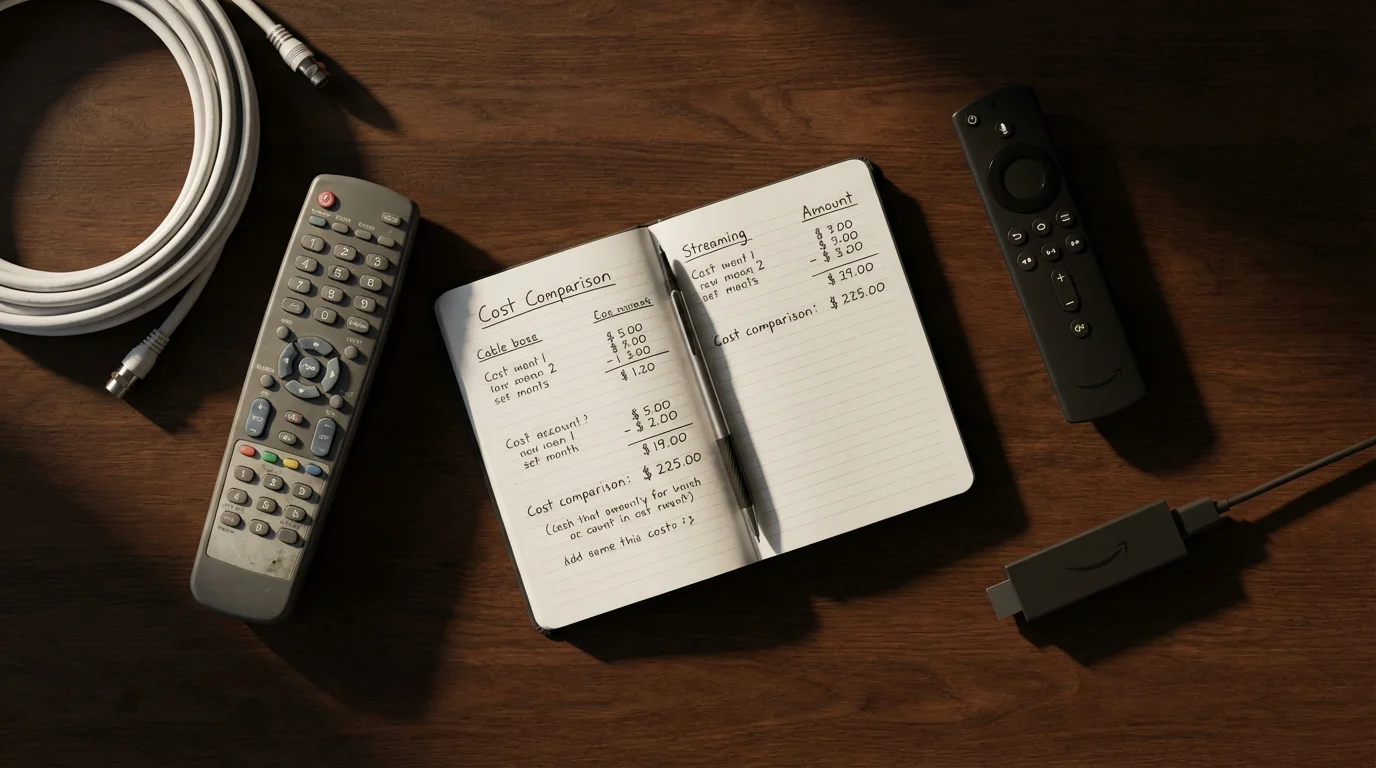
Let us create a realistic `cable vs streaming cost` comparison. We will assume a household with two TVs, current cable TV service, and internet, looking to replace similar content.
Scenario: Cable TV User
- Cable TV Package: Includes 200+ channels, 2 premium channels (e.g., HBO, Showtime), 2 DVR boxes.
- Internet: 200 Mbps.
| Cable Bill Component | Estimated Monthly Cost |
|---|---|
| Base Cable TV Package | $85.00 |
| Premium Channels (HBO, Showtime) | $30.00 |
| Equipment Rental (2 DVRs) | $25.00 |
| Broadcast TV Fee | $18.00 |
| Regional Sports Fee | $12.00 |
| Taxes & Surcharges | $10.00 |
| Total Cable TV Cost (Excluding Internet) | $180.00 |
| Internet Service (200 Mbps) | $75.00 |
| Grand Total (Cable TV + Internet) | $255.00 |
Scenario: Cord-Cutter
- Internet: Same 200 Mbps service.
- Live TV Streaming: YouTube TV for live sports, news, and network channels.
- On-Demand: Netflix (Standard Ad-Free), Max (Ad-Free).
- Local Channels: Over-the-air antenna.
- Equipment: 2 Roku devices, 1 indoor antenna (one-time purchase amortized over 12 months for comparison).
| Cord-Cutting Component | Estimated Monthly Cost | One-Time Cost |
|---|---|---|
| Internet Service (200 Mbps) | $75.00 | N/A |
| YouTube TV | $72.99 | N/A |
| Netflix (Standard Ad-Free) | $15.49 | N/A |
| Max (Ad-Free) | $15.99 | N/A |
| Roku Devices (2x$50 amortized over 12 months) | $8.33 ($100 / 12) | $100.00 |
| Indoor Antenna (1x$40 amortized over 12 months) | $3.33 ($40 / 12) | $40.00 |
| Total Streaming Service & Amortized Equipment Cost | $191.13 | $140.00 |
Cost Comparison:
- Old Cable TV + Internet: $255.00 per month
- New Streaming + Internet (with amortized equipment): $191.13 per month
Monthly Savings: $255.00 – $191.13 = $63.87 per month
Annual Savings: $63.87 x 12 = $766.44 per year
This example demonstrates that your `how much money does cord cutting save` can be substantial. Even with the initial investment in equipment, the long-term `cord cutting savings` are significant. Remember, this is just one combination. You could save even more by opting for cheaper live TV alternatives like Sling TV, utilizing more free ad-supported streaming services, or rotating your premium subscriptions.
As Cord Cutters News reports, the streaming landscape constantly evolves, offering consumers more flexible and often more affordable ways to access entertainment.
Frequently Asked Questions
What is “streaming” and “cord-cutting”?
Streaming means watching video content over the internet instead of traditional cable or satellite TV. Cord-cutting is the act of canceling your traditional cable or satellite TV subscription in favor of these internet-based streaming services.
Do I need a “smart TV” to stream?
No, you do not need a smart TV. While smart TVs have built-in internet connections and apps, you can use a dedicated streaming device like a Roku, Amazon Fire TV Stick, or Apple TV to add streaming capabilities to any television with an HDMI port. This makes virtually any modern TV a “smart TV” for streaming purposes.
Will I lose access to local channels if I cut the cord?
Not at all. You can access local channels like ABC, CBS, FOX, and NBC for free using a digital over-the-air (OTA) antenna. For consistent access, especially if you have poor antenna reception or want DVR capabilities, most live TV streaming services also include local channels as part of their package.
How much internet speed do I really need for streaming?
For smooth high-definition (HD) streaming, you generally need at least 5-10 Mbps per stream. If multiple people stream simultaneously or you watch in 4K Ultra HD, you will need more. A household with 2-3 active streamers should aim for an internet plan offering at least 100-200 Mbps total speed to avoid buffering and ensure a positive experience.
What if my cable company charges an early termination fee?
Check your contract for details on early termination fees (ETFs). If you have one, you have options. You could wait until your contract expires, or you could pay the fee if your projected long-term `cord cutting savings` outweigh the one-time charge. Some providers might waive the fee if you upgrade your internet package or if you move to an area they do not serve, but this is less common.





Leave a Reply