
For many households, the monthly “Triple Play” bundle—cable TV, internet, and a landline phone—has become a source of financial frustration. You open the bill, see a total pushing $200 or more, and decide it is finally time to cut the cord. Transitioning to streaming services to replace television is a well-trodden path, but one component often stops people in their tracks: the home phone.
Whether you need a landline for a home security system, reliable 911 access, or simply because family members prefer it over a mobile device, losing the home phone is a dealbreaker. The cable companies know this. They often price their bundles so that dropping the TV portion causes the price of the phone and internet to skyrocket, making the switch feel pointless.
However, you can break this cycle. By utilizing Voice over Internet Protocol (VoIP) and understanding how to unbundle your services correctly, you can keep your home phone number, maintain high-quality service, and still save hundreds of dollars a year. This guide will walk you through the hardware, the services, and the exact steps to separate your phone from your cable company without losing your connection.
Understanding VoIP Technology
Before you cancel your service, you need to understand what will replace your traditional copper wire or cable-bundled phone line. The industry standard is VoIP.
Voice over Internet Protocol (VoIP) allows you to make voice calls using a broadband internet connection instead of a regular (or analog) phone line. If you have ever used Skype, WhatsApp Audio, or Zoom, you have used a form of VoIP. However, for a home phone replacement, we use specific hardware that allows you to plug in your existing cordless or corded phones, so the experience feels exactly like a traditional landline.
How It Works in a Home Setup
In a typical cord-cutting scenario, the setup looks like this:
- The Internet Source: Your modem brings the internet into your house.
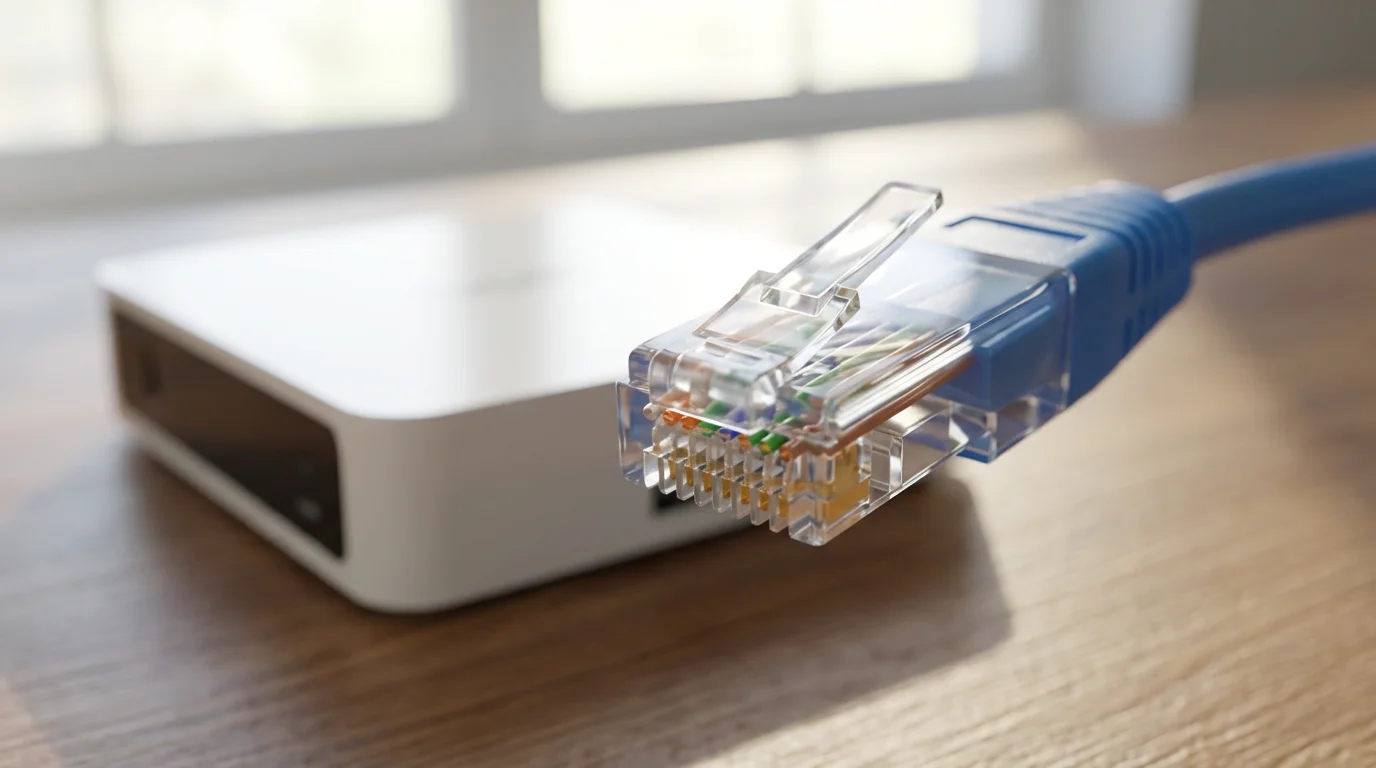
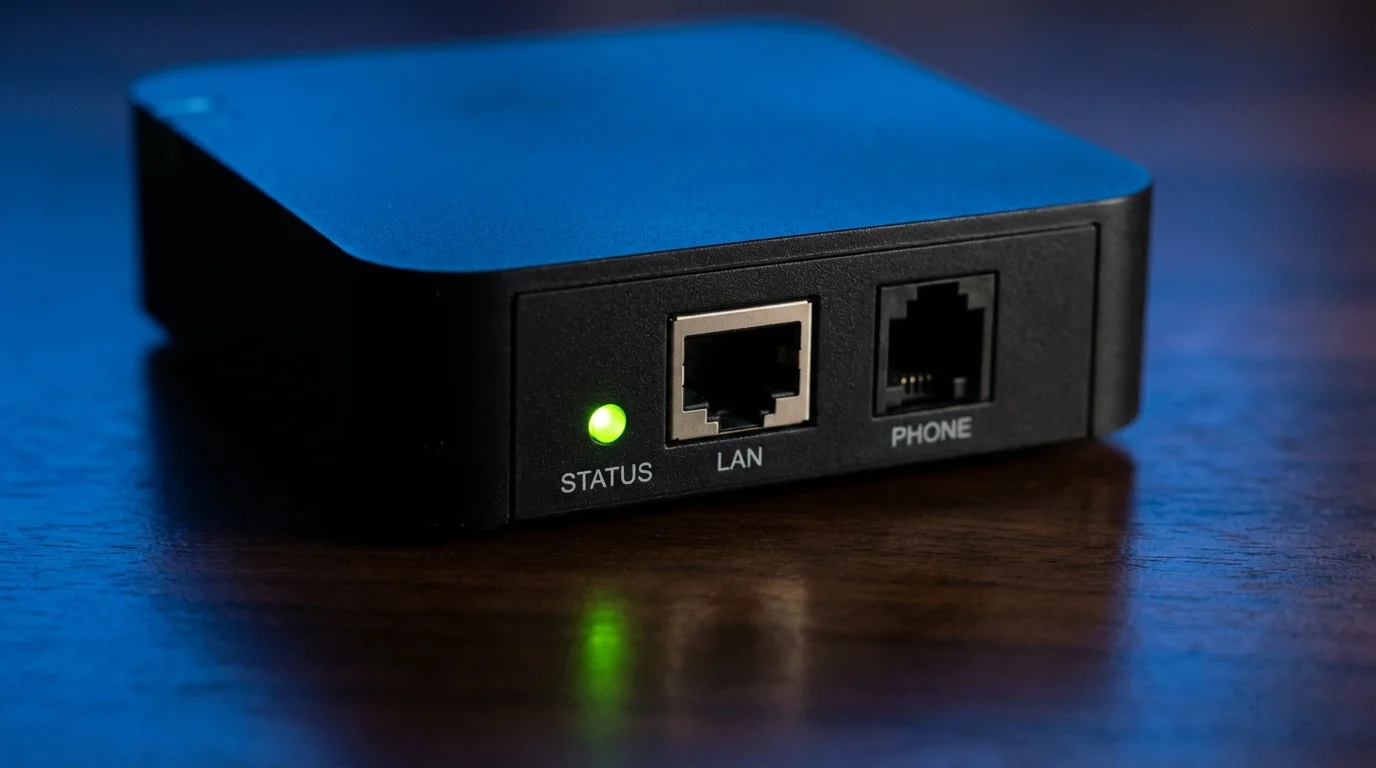
- The Adapter: A small device (often called an ATA or Analog Telephone Adapter) plugs into your router via an ethernet cable.
- The Phone: Your standard home phone base station plugs into the Adapter, rather than the wall jack.
Once connected, you pick up the handset and hear a dial tone. You dial a number, and the call connects. To the user, it is indistinguishable from a standard landline, but the backend technology is digital.
According to the FCC Consumer Guide, the transition from copper to IP-based networks is a major shift in communications technology, offering consumers more features at lower prices, though it does require power to operate—a critical distinction we will cover in the safety section.
Breaking the Triple Play Bundle
The first hurdle is administrative, not technical. Cable providers are aggressive about retaining customers. When you call to cancel your TV service, the representative will likely tell you that your internet bill will increase if you unbundle.
This is often true, but the math usually still works in your favor. For example, a “Triple Play” might cost $180. If you drop TV and Phone, the “naked internet” (internet only) might jump to $70 or $80. While that seems high compared to the bundled internet price, it is significantly lower than $180. The trick is finding a phone solution that costs $5 to $15 a month, rather than the $30 to $40 usually attributed to the phone portion of a cable bundle.
Negotiating the Internet-Only Rate
When you call to cancel:
- Be Firm: State clearly that you are cancelling TV and phone service.
- Ask for “New Customer” Rates: If you live in a household with another adult, you may be able to cancel service entirely and have the other person sign up as a new customer to get the promotional internet rate.
- Check Competitors: If fiber optic internet (like Verizon Fios, AT&T Fiber, or Google Fiber) is available, this is the perfect time to switch. Fiber offers superior upload speeds which are beneficial for VoIP clarity.
Top VoIP Hardware and Services
Once you have secured your internet-only plan, you need a third-party VoIP provider. These services function independently of your Internet Service Provider (ISP). This independence is powerful; if you switch ISPs in the future, your phone service and number stay exactly where they are.
1. Ooma Telo
Ooma is widely considered the gold standard for easy consumer VoIP. You buy a piece of hardware (the Telo) for a one-time fee (typically around $100). After that, the basic service is technically free; you only pay monthly taxes and fees, which usually range from $4 to $7 depending on your zip code.
- Pros: Excellent call quality, very low monthly cost, easy setup.
- Cons: Upfront hardware cost, advanced features (like spam blocking) require a “Premier” subscription.
2. MagicJack
MagicJack is the budget option. You buy a small dongle that plugs into your router. It usually includes 12 months of service in the purchase price. Renewals are incredibly cheap, often averaging out to $3 or $4 a month.
- Pros: Lowest possible cost, compact hardware.
- Cons: Call quality can vary more than Ooma; customer support is limited.
3. Vonage
Vonage is one of the original VoIP pioneers. They operate more like a traditional phone company with a set monthly fee (often $10–$25) rather than the “free + taxes” model of Ooma.
- Pros: Reliable, international calling plans are robust, no upfront hardware cost (usually provided).
- Cons: More expensive monthly than other DIY options.
4. Google Voice (with Obihai)
For the technically inclined, you can use Google Voice. This service provides a free phone number. By purchasing a specific adapter (like an invalid Obihai device), you can route Google Voice to a physical phone.
- Pros: Zero monthly fees (not even taxes).
- Cons: Setup is complex; 911 service is NOT included and must be purchased separately through a third-party integration, which is a significant safety consideration.
Internet Speed Requirements for VoIP
A common fear is that VoIP will slow down your streaming or gaming, or conversely, that watching Netflix will make your phone calls choppy. Fortunately, modern internet speeds have largely made this a non-issue.
Streaming (watching video content over the internet) consumes a lot of bandwidth. A 4K stream might require 25 Mbps. In contrast, a high-quality VoIP call requires roughly 0.1 Mbps (100 Kbps) of upload and download speed.
However, latency (ping) and jitter (consistency of the connection) matter more than raw speed. If you are using a fiber connection or a standard cable internet plan (100 Mbps or higher), your phone clarity will be crystal clear.
“The best streaming setup is useless if your internet connection is unstable. When switching to VoIP, use an ethernet cable to connect your phone adapter directly to the router. Do not rely on Wi-Fi for your home phone line if you can avoid it.”
According to CNET‘s testing of home internet setups, ensuring your router has Quality of Service (QoS) settings enabled can prioritize voice traffic over video downloads, ensuring your calls never drop even if someone is downloading a large game file in the next room.
Cost Breakdown: Bundle vs. Unbundled
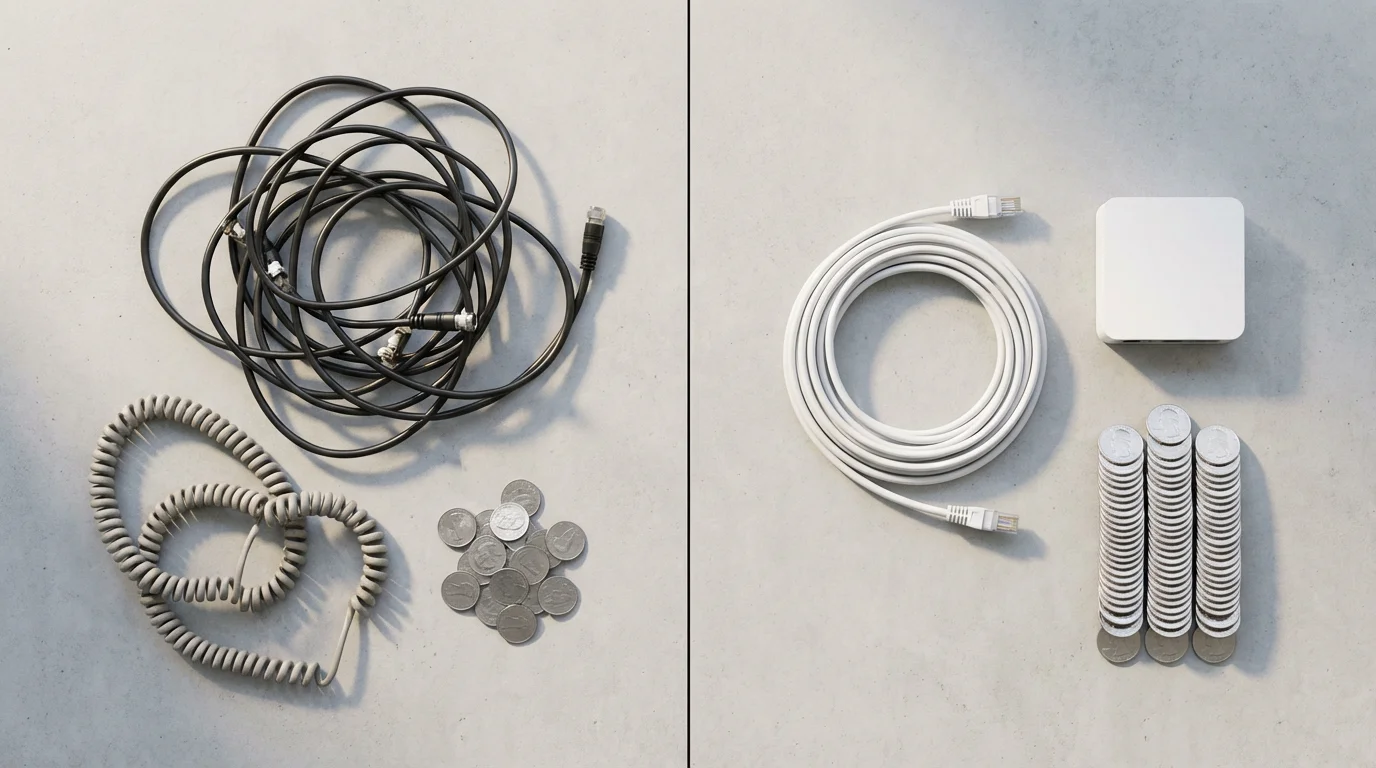
Let’s look at the numbers. This comparison assumes a typical scenario where a user switches from a Cable Triple Play to an Internet-only plan plus Ooma Basic.
| Expense Category | Cable Triple Play (Monthly) | Cord-Cutting + VoIP (Monthly) |
|---|---|---|
| TV Package | $90.00 | $50.00 (Live TV Streaming Service) |
| Internet | $60.00 (Bundle rate) | $70.00 (Standalone rate) |
| Phone Service | $30.00 | $6.00 (Ooma Taxes/Fees) |
| Equipment Rentals (Boxes/Modems) | $35.00 | $0.00 (Own your modem) |
| Broadcast/Sports Fees | $25.00 | $0.00 (Included in streaming price) |
| TOTAL MONTHLY | $240.00 | $126.00 |
| ANNUAL COST | $2,880.00 | $1,512.00 |
Total Annual Savings: $1,368.00
Even if you factor in the one-time purchase of a VoIP adapter ($100) and a high-quality modem/router ($150), you break even in two months. From month three onward, the savings are pure profit.
Step-by-Step: Porting Your Number
You do not have to give up the home phone number you have had for 20 years. The FCC mandates “Local Number Portability” (LNP), which allows you to take your number with you.
WARNING: Do NOT cancel your current cable phone service yet. If you cancel your service before the number is ported, you will lose the number forever.
The Porting Checklist
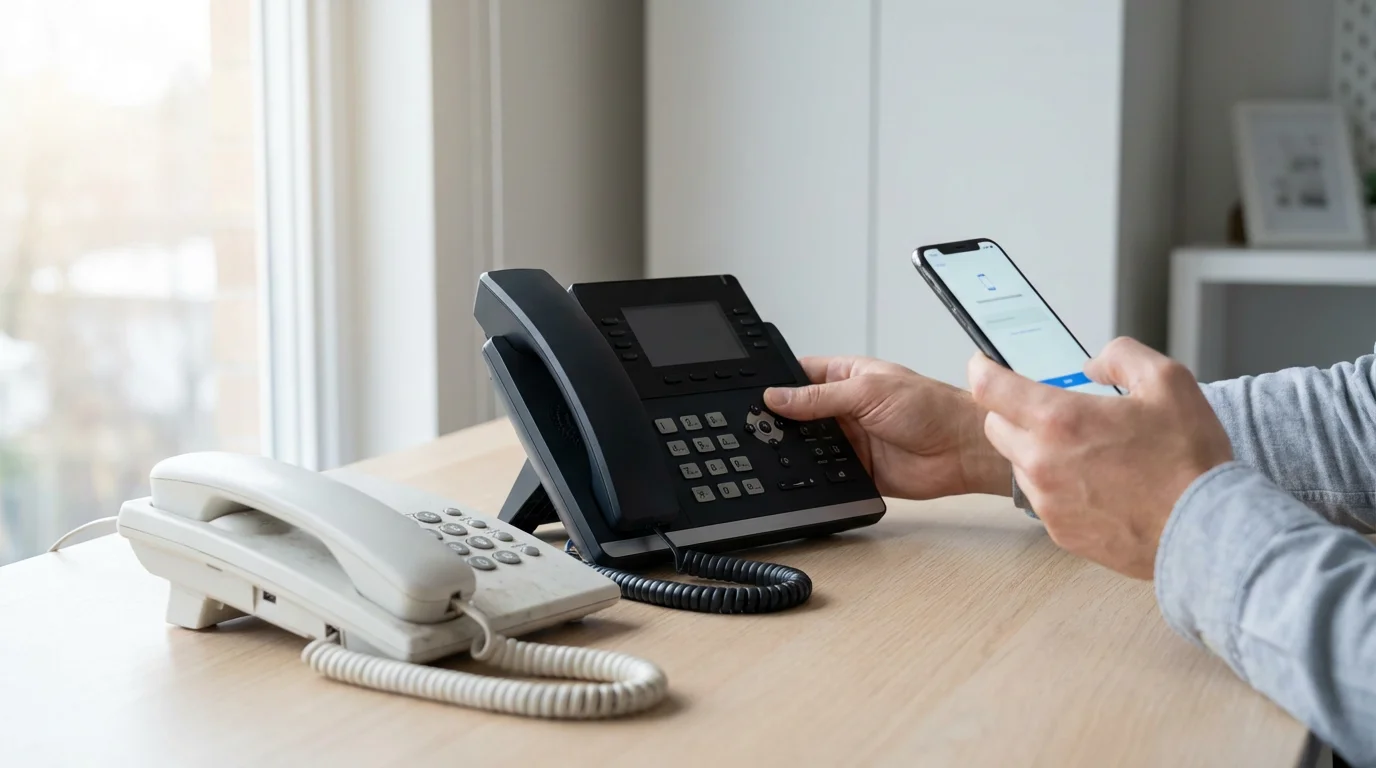
- Purchase your VoIP device: Buy your Ooma, MagicJack, or Vonage kit and set it up.
- Initiate the Port: Log into your new VoIP provider’s online account. Select the option to “Transfer a Number” or “Port Number.”
- Provide Details: You will need your current cable account number and the PIN or password associated with that account. The name on the order must match the name on the cable bill exactly.
- Wait: Porting a landline can take anywhere from 3 days to 3 weeks. During this time, you can make calls on your new VoIP device, but incoming calls will still ring on your old cable line.
- Confirmation: You will receive an email when the port is complete. Incoming calls will now ring on your new VoIP setup.
- Cancel Cable: Once you confirm the number is active on the new device, call your cable company and cancel the TV and Phone portion of your service.
Critical Considerations: Alarms and 911
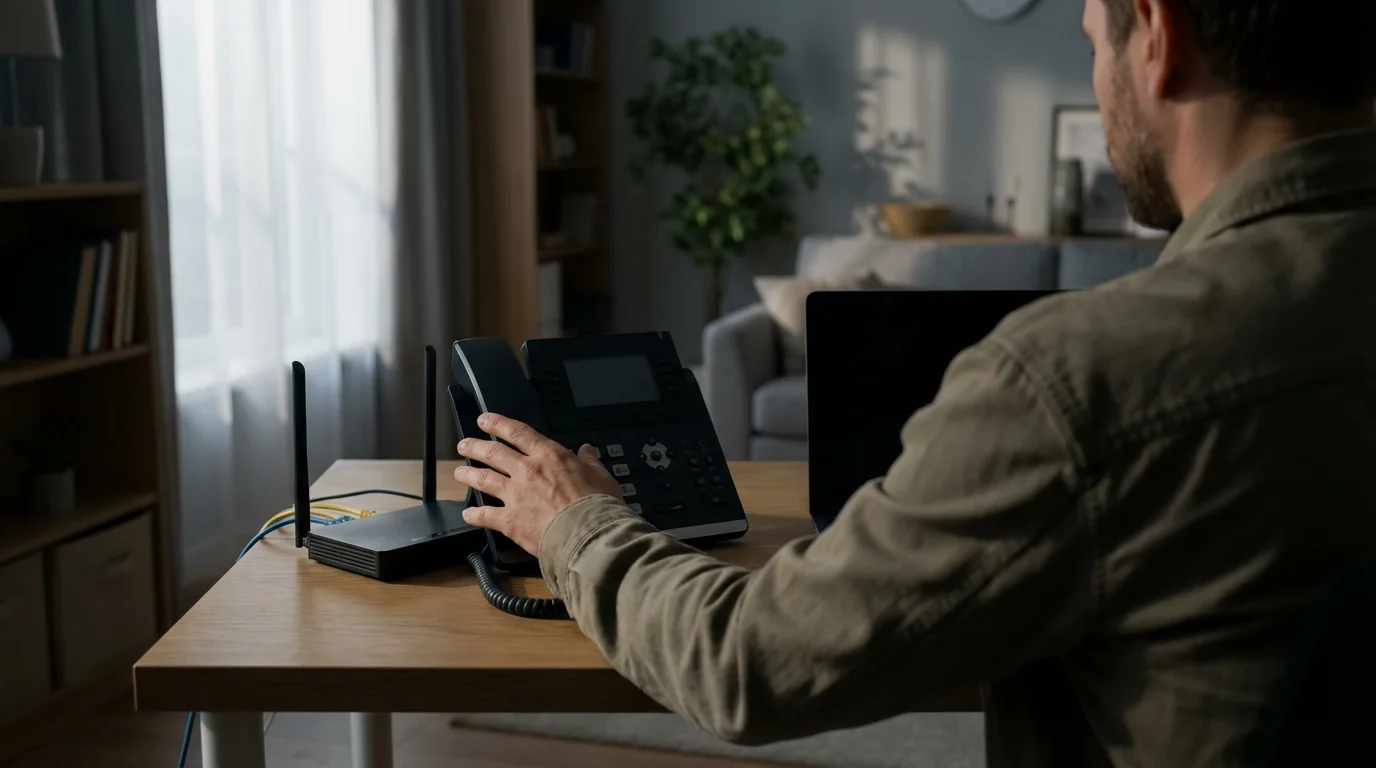
While VoIP is fantastic, it has two major vulnerabilities compared to traditional copper landlines: power outages and compatibility with old security systems.
Power Outages
Traditional copper phone lines carry their own electricity. If the power goes out, the phone still works. VoIP relies on your internet connection and household power. If your house loses power, your internet modem goes dark, and your phone stops working.
The Fix: Purchase a Uninterruptible Power Supply (UPS) or battery backup. Plug your modem, router, and VoIP adapter into the battery backup. This will keep your internet and phone running for 1–4 hours during an outage.
Home Security Systems
Older home security systems dial out over the phone line to reach the monitoring center. Many of these analog systems cannot communicate reliably over VoIP due to digital compression.
The Fix: Contact your security provider. Most modern systems use a cellular backup module (GSM) that communicates via cell towers, independent of any wires cut on the outside of the house or internet outages. If you still rely on a landline for your alarm, you must upgrade to cellular monitoring before cutting the cord.
E911 Services
When you call 911 from a landline, the operator instantly sees your address. With VoIP, the device can technically be plugged in anywhere in the world. Therefore, you must register your physical address (E911 location) in your VoIP provider’s settings.
Consumer Reports emphasizes that you must update this address immediately if you move. If you move your VoIP adapter to a vacation home but forget to update the address, emergency responders will be sent to your primary residence if you dial 911.
Frequently Asked Questions
Can I use my existing cordless phones with VoIP?
Yes. You do not need special “IP phones.” You simply plug the base station of your existing cordless phone system into the phone jack on the back of the VoIP adapter (Ooma, MagicJack, etc.). All satellite handsets in other rooms will work exactly as they did before.
Does VoIP support fax machines?
It can, but it is not guaranteed. Because VoIP compresses audio data, the analog screech of a fax machine can sometimes get distorted, causing failures. Some providers like Ooma offer specific “fax mode” settings to improve success rates, but for heavy fax users, an online e-fax service is a better alternative.
Is the sound quality as good as a landline?
In most cases, it is actually better. VoIP supports “HD Voice” technology which offers a wider frequency range than old copper networks. However, clarity depends heavily on the stability of your internet connection and keeping your upload speeds free of heavy congestion.
What happens if I lose my internet connection?
If the internet goes down, your home phone will not work. However, most VoIP providers allow you to set up a “Network Outage Forwarding” number. If the VoIP system detects your device is offline, it will automatically forward all incoming calls to your mobile phone so you never miss a call.
Disclaimer: Cable and streaming prices vary by location and change frequently. The cost comparisons in this article are estimates based on typical pricing. Your actual savings will depend on your current cable package, internet costs, and which streaming services you choose.


Leave a Reply