
Are you feeling the pinch of ever-increasing cable bills? Do you wonder if there is a simpler, more affordable way to enjoy your favorite shows and movies? You are not alone. Many seniors find themselves frustrated with complex cable packages, rising costs, and a lack of control over their entertainment choices. This guide provides a straightforward, no-stress path to cord cutting, which means canceling traditional cable or satellite TV in favor of watching content over the internet using streaming services. We will walk you through everything you need to know, from understanding the basics of seniors streaming to replacing your favorite channels and saving money.
Disclaimer: Cable and streaming prices vary by location and change frequently. The cost comparisons in this article are estimates based on typical pricing. Your actual savings will depend on your current cable package, internet costs, and which streaming services you choose.
Why Consider Cord Cutting? Your Path to Savings
The primary reason most people choose to cut the cord is to save money. Cable and satellite TV bills have climbed steadily, often including hidden fees and channels you never watch. By switching to streaming, you gain control over what you pay for. You pick only the services you want, and many options offer significant savings compared to traditional TV packages.
Beyond cost, cord cutting offers flexibility. You watch what you want, when you want, without being tied to a rigid schedule. Many streaming services provide vast libraries of movies, TV shows, and documentaries available on-demand, meaning you watch whenever you choose. You can also pause, rewind, and fast-forward content with ease. For seniors seeking an easy cord cutting experience, understanding these benefits is the first step.
You might worry about losing access to your favorite shows or local news. Rest assured, robust alternatives exist for nearly every cable channel and local broadcast. We will explore how you can replace your current viewing habits with streaming solutions that fit your budget and preferences.
Understanding Streaming: What It Means for You
Streaming simply means watching video content over the internet instead of through a traditional cable box or satellite dish. Instead of signals coming into your home via coaxial cable, they arrive through your internet connection. This is how you watch videos on YouTube, Netflix, or Hulu.
To start streaming, you need a device that connects to your TV and the internet, along with subscriptions to streaming services. Think of streaming services like individual channels or bundles of channels you pay for monthly. There are two main types:
- On-Demand Services: These offer libraries of movies and TV shows to watch anytime. Examples include Netflix, Disney+, and HBO Max. They typically do not have live TV channels.
- Live TV Streaming Services: These mimic a traditional cable package, offering live channels like ESPN, CNN, or local networks over the internet. Examples include YouTube TV, Hulu + Live TV, and Sling TV. Many of these also include cloud DVR (digital video recorder) functionality, letting you record and watch shows later.
Most streaming services offer different subscription tiers. An ad-supported plan costs less or is free, but includes commercials. An ad-free plan costs more, but lets you watch without interruptions. You always have the choice to pick what works best for your budget and viewing comfort.
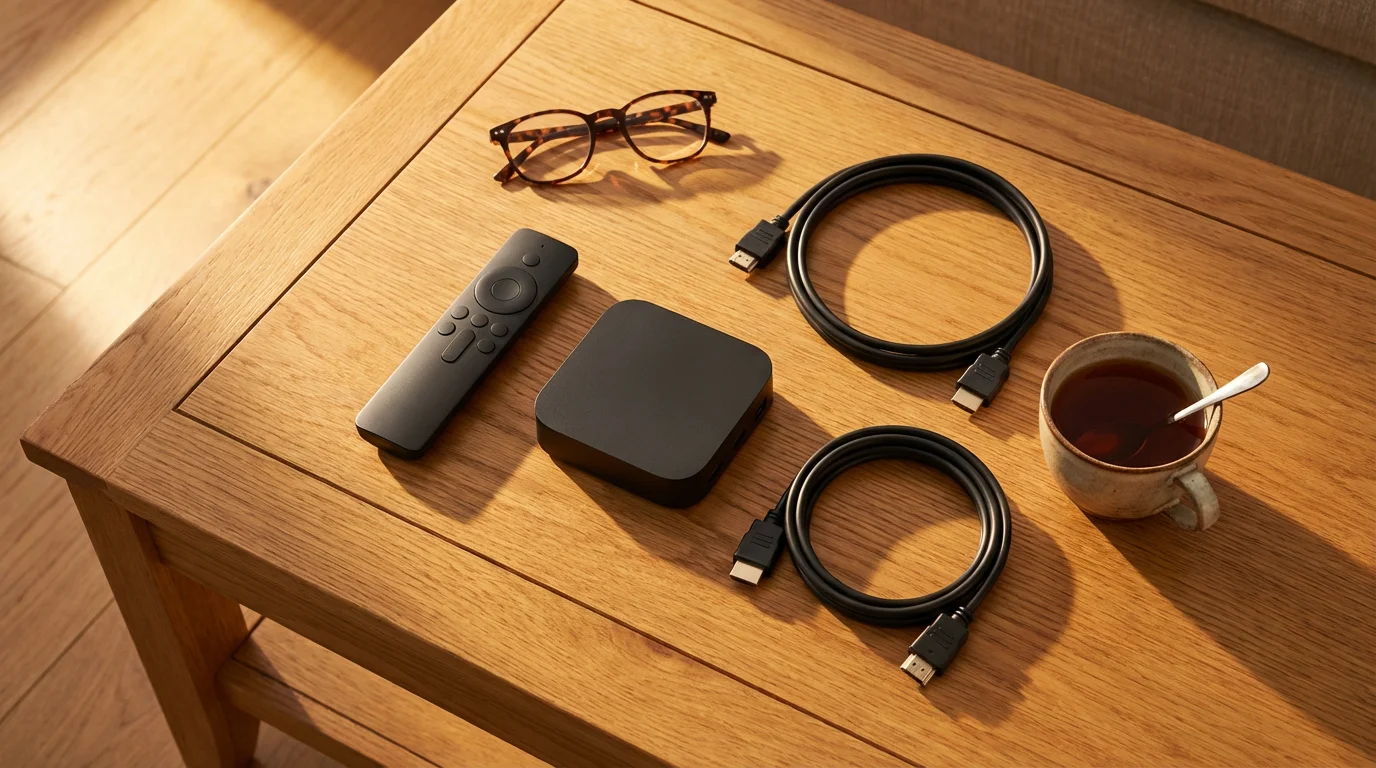
Essential Equipment for Seniors: What You Need
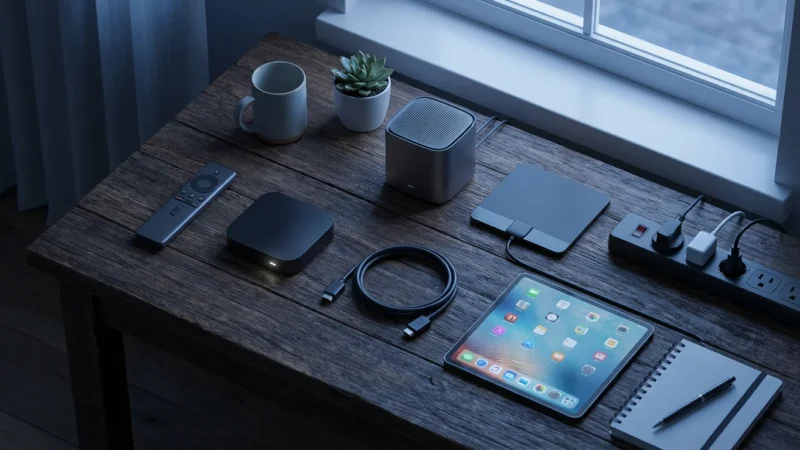
Making the switch to streaming requires a few pieces of equipment. Do not worry; this is simpler than it sounds. You likely already own some of these, and the others are one-time purchases that pay for themselves quickly with your cable savings.
1. A Television
Most modern TVs work perfectly for streaming. If your TV is less than 10-15 years old, it likely has the necessary HDMI ports. Many newer televisions are “smart TVs,” meaning they have built-in internet connections and apps like Netflix already installed. If you have a smart TV, you might not even need a separate streaming device.
2. A Streaming Device
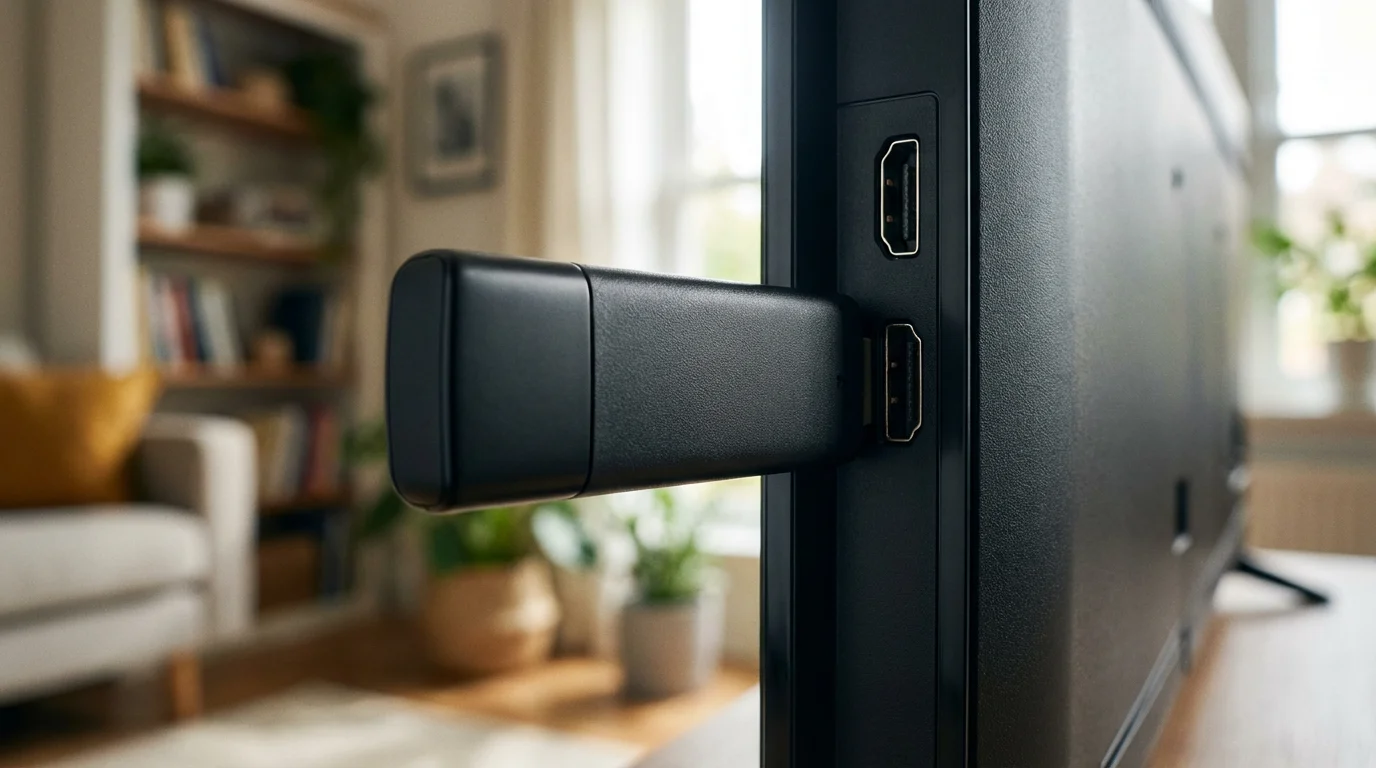
If you do not have a smart TV or if your smart TV’s apps are slow, a dedicated streaming device is your best friend. These small boxes or sticks plug into your TV’s HDMI port and connect to your internet. They make your TV “smart” and give you access to all the streaming apps. They are also often easier to use and update than built-in smart TV features.
- Roku (Roku Express, Roku Streaming Stick, Roku Ultra): Roku devices are incredibly popular, especially for seniors, due to their simple, intuitive menu system. The remote control is straightforward, with clear buttons for common functions. Prices typically range from $30 to $100.
- Amazon Fire TV (Fire TV Stick Lite, Fire TV Stick 4K): These devices are another excellent choice, often featuring voice remote capabilities that can be very helpful for navigation. If you are already an Amazon Prime member, these integrate well. Prices range from $30 to $70.
- Apple TV (Apple TV 4K): A premium option that offers a smooth experience and integrates well if you use other Apple products. It is more expensive, typically starting around $150.
- Google Chromecast with Google TV: Offers a modern interface and includes a remote. Prices around $50.
According to Consumer Reports’ streaming device guide, Roku and Fire TV devices consistently rank high for ease of use and value, making them ideal for someone looking for an easiest way to cut cable for elderly users.
3. An Over-the-Air (OTA) Antenna
An antenna provides free access to local broadcast channels like ABC, CBS, FOX, NBC, and PBS in high definition. This is not the rabbit-ears antenna of the past; modern digital antennas are sleek and powerful. Many people find they get excellent reception with an indoor antenna, which simply sticks to a window or sits near your TV. Outdoor antennas provide even stronger reception, especially if you live further from broadcast towers.
Prices for indoor antennas range from $20 to $60. Outdoor antennas can cost $50 to $150, plus installation if you hire someone. This is a one-time purchase with no monthly fees, and it is crucial for replacing local news and sports without a live TV streaming subscription.
“An antenna is often the most overlooked part of cord cutting. It gives you reliable, free access to essential local news and major network shows without any monthly cost, making your streaming setup truly robust.”
Your Internet Connection: The Foundation of Streaming
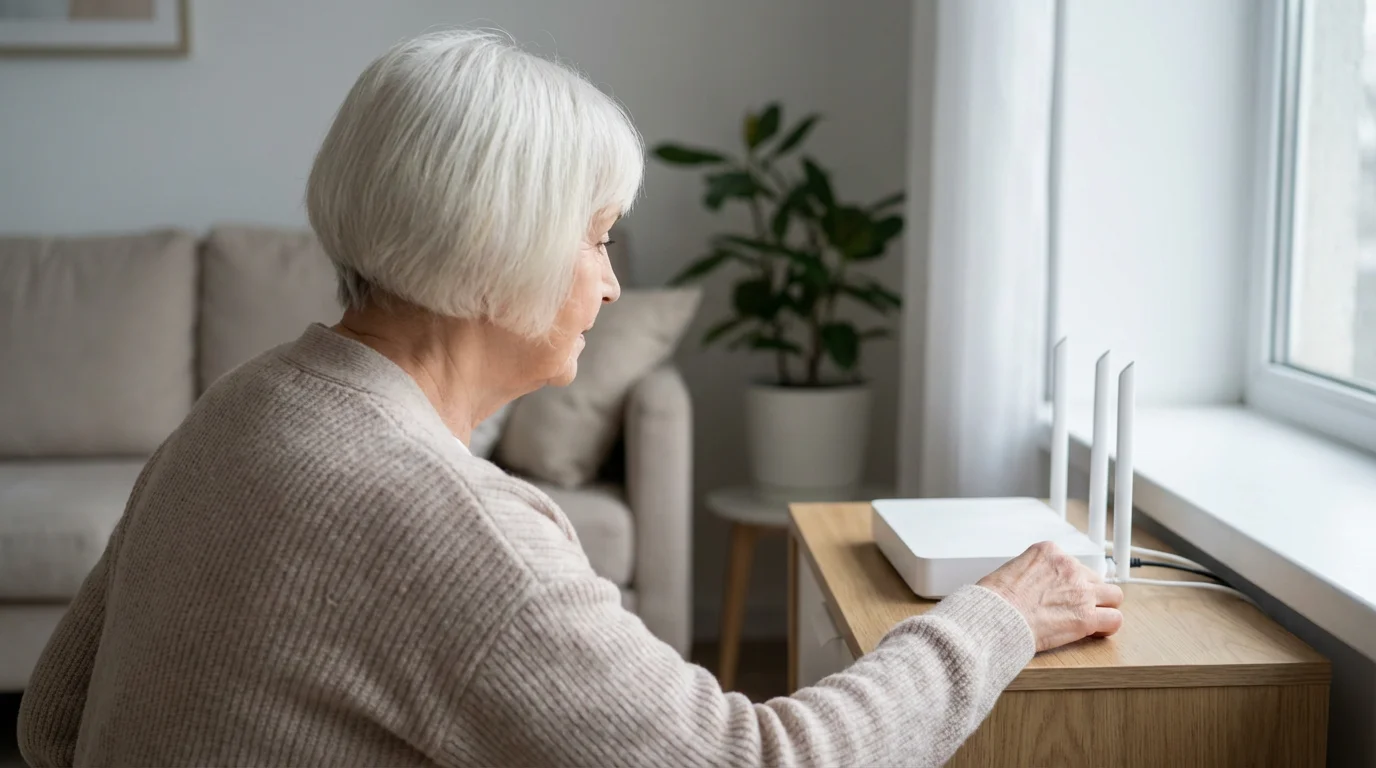
A reliable internet connection is non-negotiable for streaming. Since all your content comes through the internet, you need sufficient speed to avoid buffering, which is when your video pauses to load. The good news is that standard home internet plans are usually more than enough.
To maximize your monthly savings, you may even want to how to negotiate a lower internet bill once you switch to an internet-only plan.
Internet Speed Requirements
Streaming does not require incredibly fast speeds, especially if you are watching alone or with just one other person. Here are general guidelines for recommended download speeds:
- Standard Definition (SD): 3-5 Mbps (megabits per second)
- High Definition (HD) 720p/1080p: 5-10 Mbps per stream
- 4K Ultra HD: 20-25 Mbps per stream
If you live alone or with one other person and typically stream on one or two devices at a time, an internet plan offering 25-50 Mbps download speed is more than sufficient for high-quality streaming. If you have multiple people streaming simultaneously, or if you also use the internet heavily for other tasks like video calls, aim for 100 Mbps or more. Most internet providers offer plans starting at 100 Mbps for a reasonable monthly fee.
Your Current Internet Provider
In many cases, your current cable company is also your internet provider. You do not have to switch internet providers when you cut the TV cord. You simply call them to cancel your TV service and keep your internet-only plan. Be aware that sometimes bundles offer slightly better pricing for internet, so compare your internet-only rate to your current bundle’s cost. You might find you save more by switching internet providers too, if competitive options like fiber internet are available in your area.
Replacing Your Favorite Channels: Streaming Alternatives
The biggest concern for many seniors when contemplating cord cutting is whether they will miss their favorite channels and shows. The answer is a resounding “no.” Almost every popular cable channel has a direct streaming alternative or is part of a streaming bundle.
Local Channels (ABC, CBS, FOX, NBC, PBS)
As mentioned, a simple antenna often provides crystal-clear local channels for free. If antenna reception is poor in your area, or you prefer the convenience of having them within a streaming app, live TV streaming services like YouTube TV, Hulu + Live TV, or Sling TV include local channels in most markets.
Popular Entertainment Channels (HGTV, Food Network, History Channel, Hallmark, etc.)
- On-demand services: Many shows from these channels eventually arrive on services like Hulu or Peacock.
- Dedicated apps: Many networks offer their own apps (e.g., Food Network GO, HGTV GO), which you can often access by subscribing to a live TV streaming service.
- Live TV Streaming Services: These are the best option for directly replacing a wide range of cable channels.
- Sling TV: One of the most affordable options, starting around $40/month. Offers customizable channel packages, great for a more tailored and budget-friendly experience. You can choose packages like “Sling Orange” (ESPN, Disney Channel) or “Sling Blue” (FOX, NBC, NFL Network) or combine them.
- Philo: Very budget-friendly at around $28/month, but it focuses on entertainment, lifestyle, and documentary channels (Hallmark, HGTV, Food Network, AMC, History Channel, MTV). It does not include news or sports.
- YouTube TV: A comprehensive option, priced around $73/month. It includes a wide array of channels, including local networks, sports, and news. It also boasts an excellent unlimited cloud DVR.
- Hulu + Live TV: Similar to YouTube TV in scope and price (around $77/month), it bundles live TV with Hulu’s extensive on-demand library and often includes Disney+ and ESPN+.
Premium Channels (HBO, Showtime, Starz)
These are easily accessible as standalone subscriptions:
- Max (formerly HBO Max): For HBO original series, movies, and Warner Bros. content.
- Paramount+ with Showtime: Includes Showtime originals, movies, and Paramount content.
- Starz: Another premium movie and series service.
You subscribe to these directly, often for $10-16 per month each, rather than paying inflated cable prices.
Sports
This is often a key concern for sports fans. You have several options:
- Live TV Streaming Services: YouTube TV and Hulu + Live TV include many major sports channels like ESPN, FS1, TNT, and local sports networks in many areas.
- Dedicated Sports Services: ESPN+ offers a wide range of live sports, original content, and documentaries for a separate fee (around $11/month). NFL+, MLB.TV, NBA League Pass, and other league-specific services let you follow your favorite teams.
- Antenna: Remember, your antenna brings in major network games (NFL, college football, NBA Finals) for free.
Here is an infographic illustrating how you might combine services for an optimal viewing experience while keeping costs down:
INFOGRAPHIC: “Your Customized Streaming Bundle”
[Visual showing a central “Internet Provider” box, with arrows pointing to:
1. “Over-the-Air Antenna” (Free Local Channels, News, Major Sports)
2. “Core On-Demand Service” (e.g., Netflix OR Hulu OR Max, ~ $10-20/month)
3. “Optional Live TV Service” (e.g., Philo for entertainment, OR Sling TV for some sports/news, OR YouTube TV for comprehensive live TV, ~ $28-75/month)
4. “Optional Premium Add-ons” (e.g., Paramount+ for Showtime, ~ $12/month)
Total estimated cost range below the streaming services: “$38 – $107+/month (excluding internet)”]

Calculating Your Savings: Cable vs. Streaming Costs
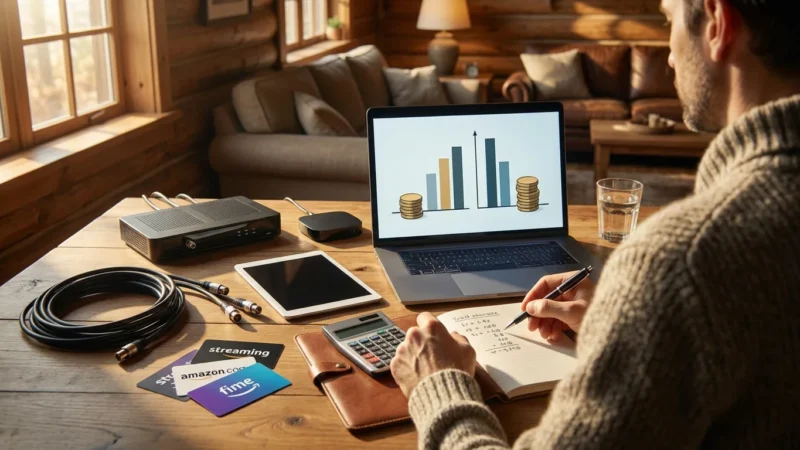
This is where the financial benefits of cord cutting become clear. Let us compare a typical cable bill to a common streaming setup. Remember, your current cable bill might be higher or lower, and your streaming choices will dictate your exact monthly cost. Always factor in your internet bill, as you will need that regardless.
| Category | Typical Cable Bill (Monthly Estimate) | Example Streaming Bundle (Monthly Estimate) | Savings per Month |
|---|---|---|---|
| Base TV Package | $80 – $120 | Included in Live TV | N/A |
| Premium Channels (e.g., HBO, Showtime) | $30 – $40 | Max ($16), Paramount+ with Showtime ($12) = $28 | $2 – $12 |
| DVR/Set-Top Box Rental | $15 – $25 | Included in Live TV service or not needed for on-demand | $15 – $25 |
| Broadcast TV Fee/Regional Sports Fee | $20 – $30 | Not applicable (covered by antenna/Live TV) | $20 – $30 |
| Total Cable TV Cost (excluding internet) | $145 – $215 | N/A | N/A |
| Example Streaming Services (excluding internet) | N/A | Option 1 (Basic): Antenna (one-time cost) + Hulu (ad-supported, $8) + Philo ($28) = $36 | $109 – $179 |
| N/A | Option 2 (Comprehensive): Antenna (one-time cost) + YouTube TV ($73) + Max ($16) = $89 | $56 – $126 |
As you can see, even with a comprehensive streaming package, you stand to save a significant amount each month. The initial cost for equipment (streaming device, antenna) typically pays for itself within one to three months. The average American household spends around $83 on internet service monthly, which is a constant cost you will already factor into your budget. By choosing streaming, you have the power to tailor your entertainment budget precisely to your needs, making it a truly simple streaming solution for your finances.
Common Mistakes Seniors Make (And How to Avoid Them)
While the process is straightforward, a few pitfalls can make your cord-cutting journey less smooth. By being aware of these, you ensure an easy cord cutting experience.
- Keeping Too Many Subscriptions: It is easy to sign up for several free trials and then forget to cancel them. Be mindful of your subscriptions. Review your credit card statements monthly to ensure you only pay for services you actively use. Many services offer monthly plans with no long-term commitment, letting you subscribe for a few months for a specific show and then cancel.
- Underestimating Internet Needs: Do not skimp on internet speed. While basic streaming does not demand ultrafast speeds, a slow connection leads to buffering and frustration. Ensure your internet plan meets at least 50 Mbps download speed for a comfortable experience, especially if multiple people use the internet.
- Ignoring the Antenna: Many people overlook the value of an OTA antenna. It provides free, reliable access to local news, weather, and major network shows. Do not pay for a live TV streaming service primarily for local channels if an antenna works well in your area. Use the FCC’s DTV Reception Maps to check signal strength near you.
- Not Returning Cable Equipment: When you cancel cable, you must return all leased equipment (set-top boxes, modems, remotes) promptly. Failure to do so results in hefty unreturned equipment fees. Get a receipt when you return equipment.
- Forgetting About Early Termination Fees: If you are still under a contract with your cable provider, canceling early can trigger early termination fees (ETFs). Review your last cable bill or call your provider to check your contract status before canceling. Sometimes, waiting a few months until your contract expires saves you more money in the long run.
Your Step-by-Step Cord Cutting Checklist
Ready to make the switch? Follow this simple, organized checklist to ensure a smooth transition to seniors streaming.
- Assess Your Current Viewing Habits:
- List your must-have channels, shows, and types of content (news, sports, movies, specific genres).
- Note your current cable bill total, including all fees.
- Evaluate Your Internet Service:
- Check your current internet speed. If it is below 50 Mbps, consider upgrading.
- Research alternative internet providers in your area for potential savings on an internet-only plan.
- Choose Your Streaming Device(s):
- If you have a smart TV, test its built-in apps.
- Consider a Roku or Fire TV device for ease of use. Purchase and set it up.
- Select Your Streaming Services:
- Identify which services replace your must-have channels (e.g., Philo for entertainment, YouTube TV for live news/sports).
- Start with 1-2 core services and add more later if needed. Take advantage of free trials.
- Consider an Antenna:
- Use the FCC’s tool to check local channel availability.
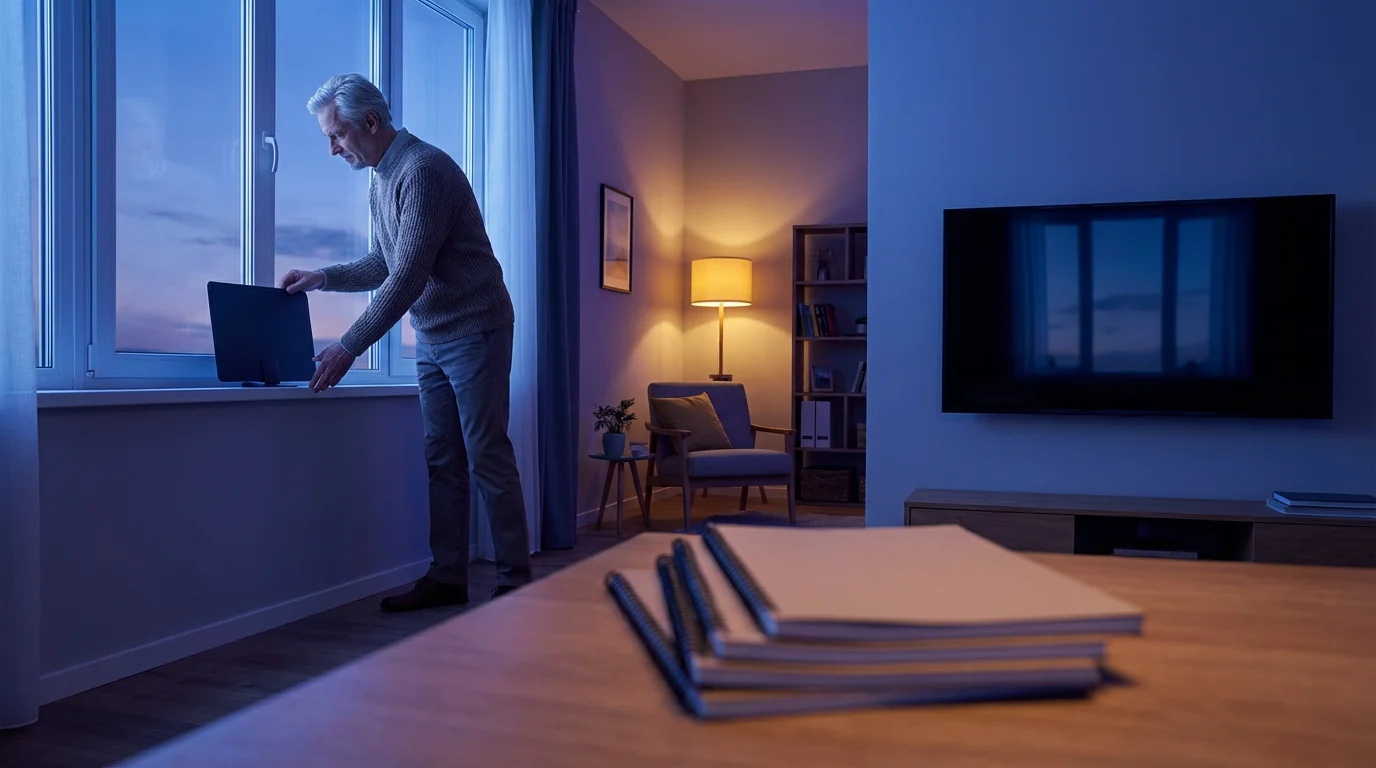
- Purchase and install an indoor or outdoor antenna for free local broadcasts.
- Test Your New Setup:
- Before canceling cable, use your new streaming setup exclusively for at least a week.
- Ensure everything works well and you can find your favorite content. This builds confidence and helps confirm your choices.
- Contact Your Cable Provider:
- Call your cable company to cancel your TV service. Be firm. They will likely offer incentives to keep you. Politely decline if you are set on cutting the cord.
- Confirm your contract end date and any potential early termination fees.
- Clarify how to return leased equipment and get a confirmation number for your cancellation.
- Return Equipment:
- Promptly return all cable boxes, modems (if not keeping their internet), and remotes.
- Always get a receipt confirming the return of all items.
- Enjoy Your Savings!
- Monitor your first few streaming bills to ensure accuracy.
- Re-evaluate your streaming subscriptions every few months. Cancel services you are not using, or subscribe to a new one to catch a specific show. This flexibility is a key benefit of streaming.
Frequently Asked Questions
Can I still get my local news and weather without cable?
Yes, absolutely. A simple over-the-air (OTA) antenna is often the best and free way to receive major local channels like ABC, CBS, FOX, and NBC. Many live TV streaming services also include local channels as part of their packages, provided they have agreements in your area.
Is streaming complicated to use for seniors?
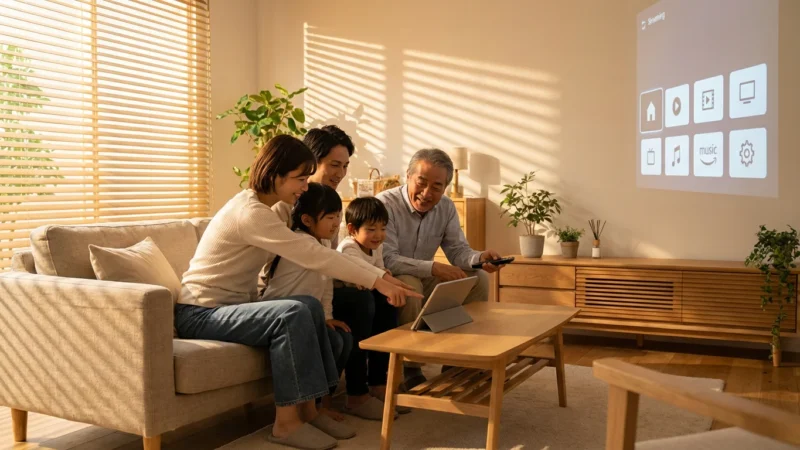
Streaming devices like Roku and Amazon Fire TV are designed with simplicity in mind. They feature straightforward menus, large icons, and often offer voice control options, making them very user-friendly. Most seniors quickly adapt to the interface, especially with a little practice.
What if I do not have a smart TV?
You do not need a smart TV to stream. Any television with an HDMI port can become a smart TV by plugging in an inexpensive streaming device like a Roku stick or an Amazon Fire TV Stick. These devices handle all the streaming functions.
Will I miss live events like sports or award shows?
No, you will not miss them. Major live events often air on local broadcast channels, which you can receive for free with an antenna. For a wider range of sports and live entertainment, live TV streaming services such as YouTube TV or Hulu + Live TV offer many of the same channels you would find on cable.
Can I try streaming before canceling my cable?
Yes, and we highly recommend it! Many streaming services offer free trials, allowing you to test them out for a week or a month. You can purchase a streaming device and an antenna, set up a few free trials, and run your new streaming setup alongside your cable for a transition period. This ensures you are comfortable before making the final cut.
Leave a Reply