
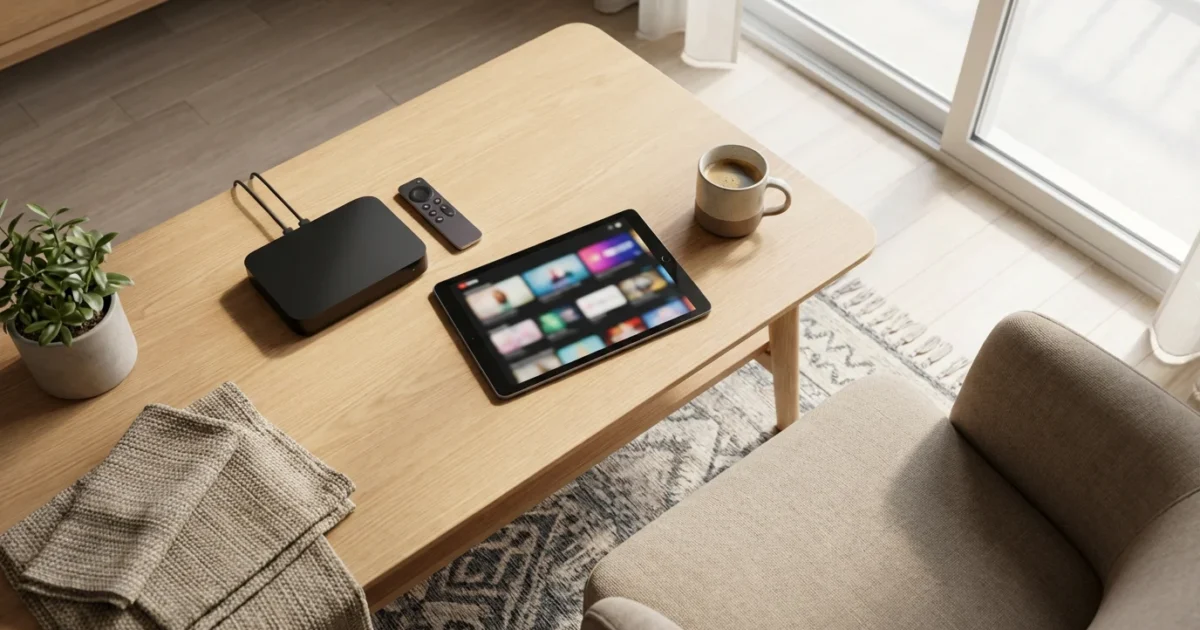
For apartment dwellers, the dream of ditching expensive cable can feel out of reach. Perhaps your landlord restricts satellite dishes, or you simply want to avoid complicated installations and visible wires. The good news is that you absolutely can cut the cord, freeing yourself from high monthly bills and unlocking a world of flexible entertainment. This comprehensive guide provides actionable steps and practical advice specifically tailored for those living in apartments, ensuring you transition to streaming seamlessly and save money.
Disclaimer: Cable and streaming prices vary by location and change frequently. The cost comparisons in this article are estimates based on typical pricing. Your actual savings will depend on your current cable package, internet costs, and which streaming services you choose.
Why Cord Cutting Makes Sense for Apartment Dwellers
Cord cutting, the act of canceling traditional cable or satellite TV in favor of streaming services, offers significant advantages. For apartment residents, these benefits are even more pronounced. You eliminate the need for unsightly satellite dishes, which are often prohibited by landlord agreements or simply impractical for installation. You also gain flexibility, choosing only the content you want without expensive bundles of channels you never watch.
Consider the typical cable bill, which often ranges from $80 to over $200 per month, not including internet. Streaming services, on the other hand, allow you to create a customized entertainment package for a fraction of that cost. Many services offer month-to-month subscriptions, providing freedom to add or remove services as your viewing habits change. This flexibility ensures you maintain control over your entertainment budget, a crucial factor for many cost-conscious viewers.
“The beauty of apartment streaming lies in its simplicity and cost-effectiveness. You avoid complex installations, equipment rental fees, and long-term contracts, putting you in complete control of your entertainment choices.”
Understanding Internet Speed Requirements
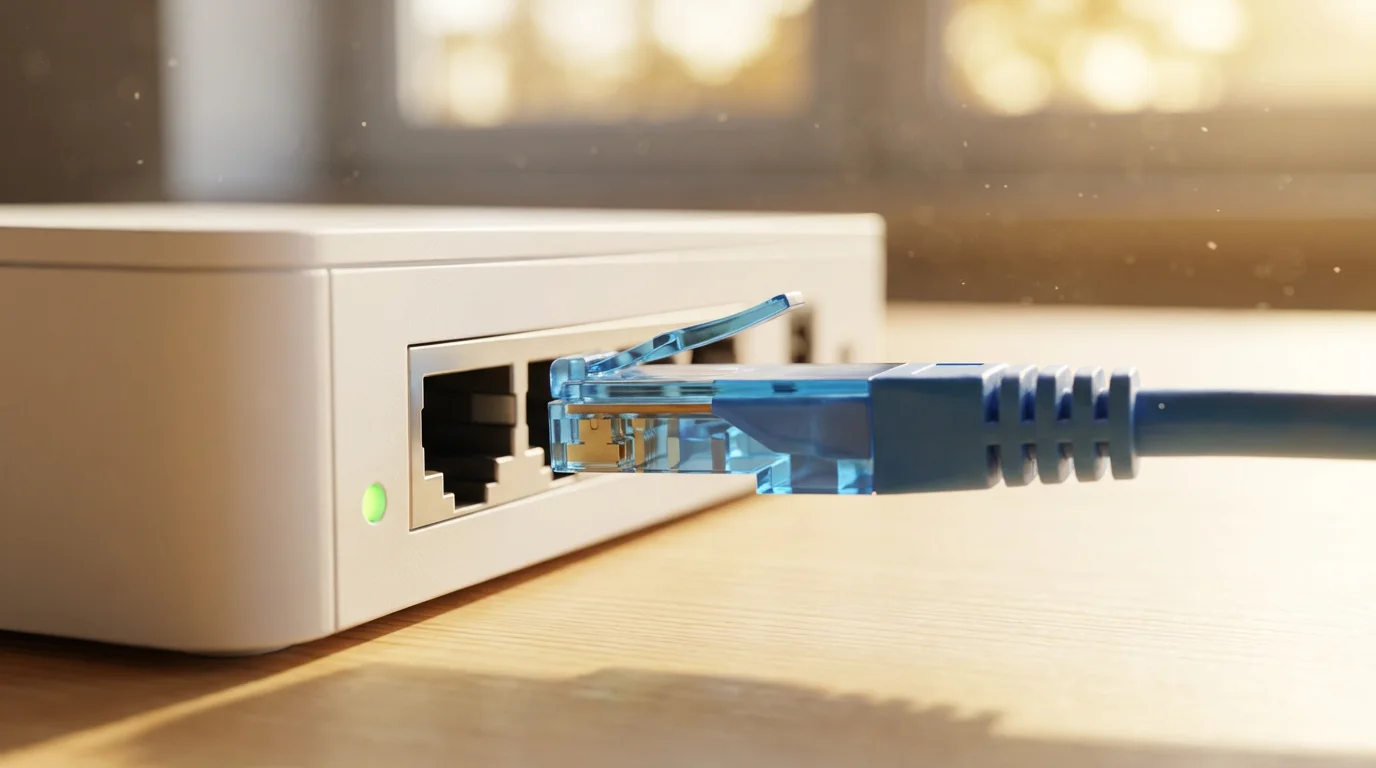
Your internet connection forms the backbone of your streaming experience. Without adequate speed, you will encounter buffering, poor video quality, and frustrating delays. Streaming, which involves watching video content over the internet, demands a stable and sufficiently fast connection.
Recommended Internet Speeds for Streaming
Internet service providers (ISPs) advertise speeds in megabits per second (Mbps). Here is a general guideline for streaming:
- Standard Definition (SD) Streaming: 3-5 Mbps per stream. Suitable for basic viewing, but most modern TVs and services prioritize higher quality.
- High Definition (HD) Streaming (720p or 1080p): 5-8 Mbps per stream. This is the minimum recommended for a clear, crisp picture on most TVs.
- 4K Ultra HD (UHD) Streaming: 15-25 Mbps per stream. Required for the highest quality video, particularly on larger screens.
If multiple people in your apartment will stream simultaneously, or if you also use the internet for gaming and working from home, increase these recommendations. For example, a household with two people streaming HD content and one person browsing might need 25-50 Mbps. For 4K streaming and multiple users, aim for 100 Mbps or higher. Many ISPs now offer plans starting at 200 Mbps or even 1 Gigabit (1,000 Mbps), providing ample bandwidth for even the most demanding streaming households. You should regularly check your internet speed using online tools to ensure you meet these requirements.
According to the FCC Consumer Guide, understanding your home’s internet usage patterns is key to choosing the right speed, ensuring a smooth online experience for everyone. Contact your internet provider to review your current plan and consider an upgrade if your speed falls below these recommendations. Remember, the cost of your internet service is typically a fixed expense whether you have cable TV or not, so allocate your savings from dropping cable towards a faster, more reliable internet plan if necessary.
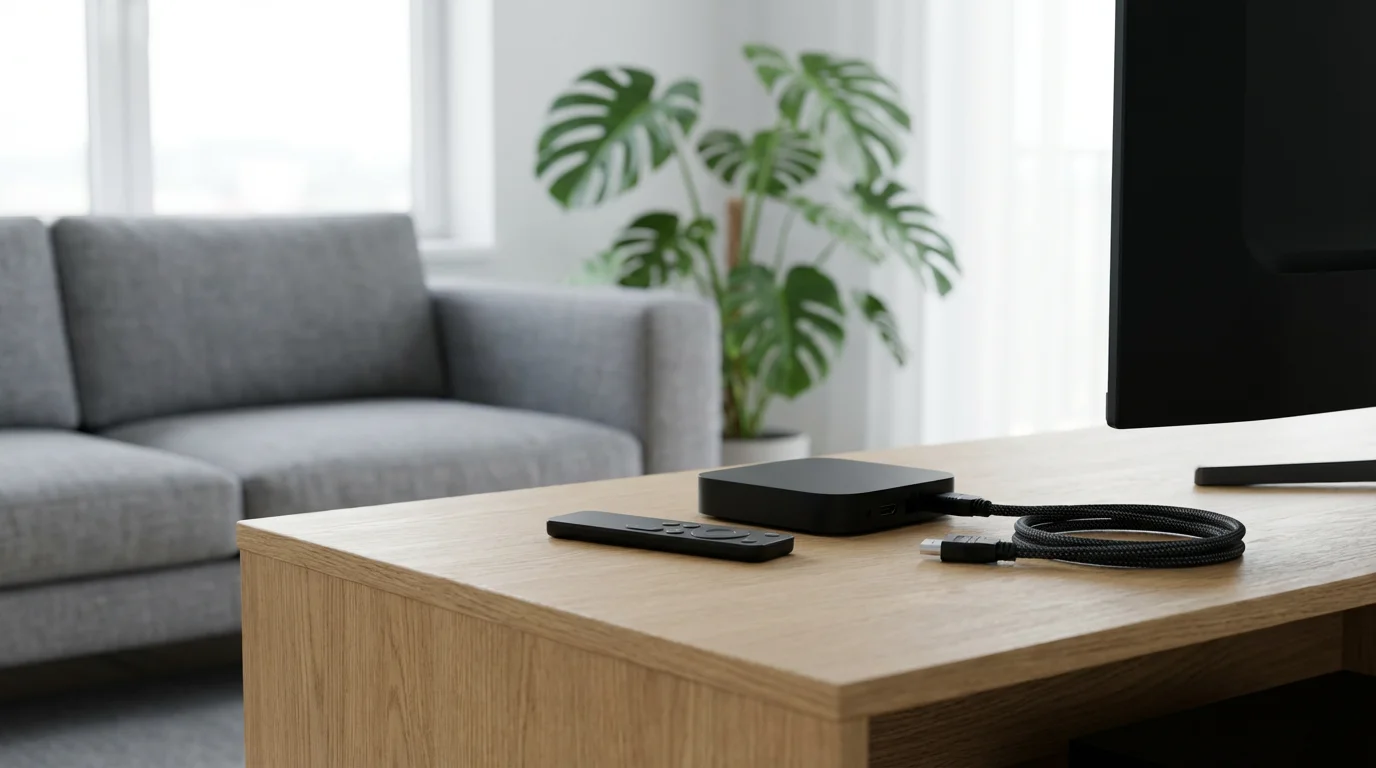
Essential Gear for Apartment Streaming: No Satellite Dish Needed
Transitioning to streaming requires minimal equipment. You likely already own some of these components, making the switch even easier.
1. Reliable Internet Connection
As discussed, a stable, fast internet connection is non-negotiable. This is your foundation. Ensure your router is modern and capable of handling multiple streaming devices.
2. A TV Capable of Streaming
- Smart TV: A smart TV is a television with built-in internet connection and apps, allowing you to stream directly without additional devices. Most TVs sold in recent years are smart TVs.
- Older TV with a Streaming Device: If you own an older TV, you can easily upgrade it with a streaming device.
3. Streaming Devices
A streaming device is a small box or stick that adds streaming capabilities to any TV with an HDMI port. These devices provide access to hundreds of streaming apps. Key players include:
- Roku Devices (Sticks, Express, Ultra): Known for their simple interface and vast app selection. Prices range from $30-$100.
- Amazon Fire TV Devices (Sticks, Cubes): Integrate well with Amazon’s ecosystem and Alexa voice control. Prices range from $30-$140.
- Apple TV (HD, 4K): Premium devices with excellent performance, especially for Apple users. Higher price point, typically $150-$200.
- Google Chromecast with Google TV: Offers a modern interface and excellent Google integration. Prices around $50.
Consider the Wirecutter’s comprehensive reviews when choosing a streaming device, as they offer detailed comparisons of features, performance, and user experience.
Streaming Device Comparison Table
| Device Category | Typical Price Range | Pros | Cons |
|---|---|---|---|
| Roku Streaming Stick/Express | $30 – $50 | User-friendly interface, wide app support, affordable | Limited advanced features, some models lack 4K |
| Amazon Fire TV Stick | $30 – $60 | Alexa voice control, seamless Amazon integration, portable | Interface can push Amazon content heavily, some models lack 4K |
| Chromecast with Google TV | $50 – $70 | Google TV interface, content recommendations, good value | Requires Google account, less powerful than premium devices |
| Apple TV 4K | $150 – $200 | Premium performance, Apple ecosystem integration, excellent picture quality | High price point, best for Apple users |
4. Antenna for Local Channels (Optional but Recommended)
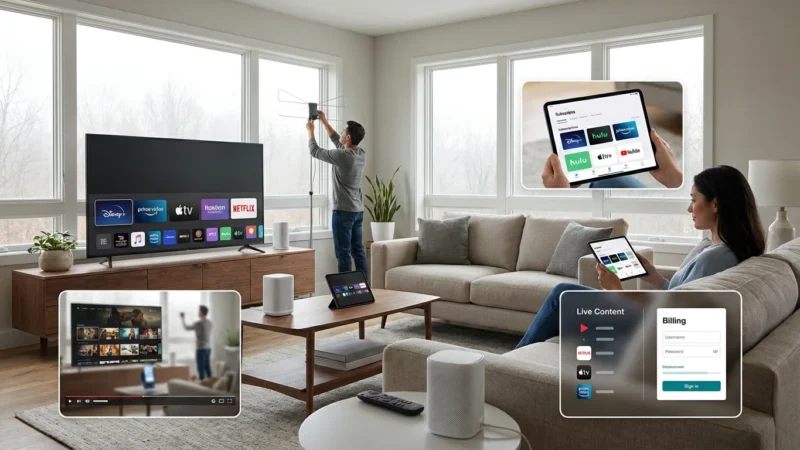
Many apartment dwellers worry about losing local channels like ABC, CBS, NBC, and FOX when cutting the cord. An antenna apartment setup solves this problem. Over-the-air (OTA) antennas pick up free broadcast signals from local stations. The best part? No satellite dish required.
- Indoor Antennas: These are flat, thin antennas you can attach to a window or wall. They are discreet and require no outdoor installation, perfect for apartments. They typically cost $20-$60.
- Window Antennas: Similar to indoor antennas, these are specifically designed for optimal placement near a window to maximize signal reception.
Before purchasing an antenna, use a tool like the FCC’s DTV Reception Map to see which channels are available in your area and the strength of their signals. This helps you determine if an indoor antenna will suffice. Performance varies based on your proximity to broadcast towers, building materials, and local terrain.
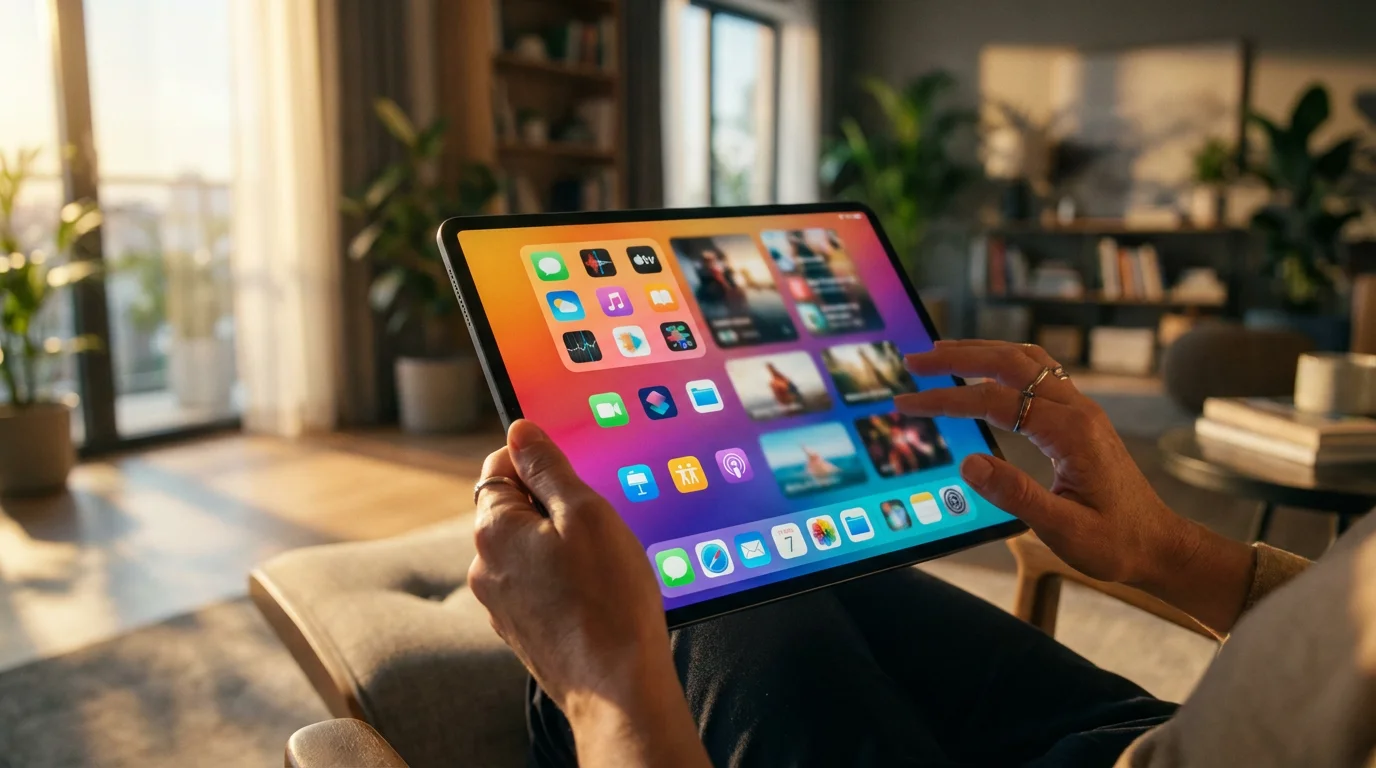
Replacing Your Favorite Cable Channels with Streaming Alternatives
One of the biggest concerns for cord cutters is losing access to their favorite shows and networks. Fortunately, the streaming landscape offers robust alternatives for almost every cable channel. This involves a combination of live TV streaming services and on-demand subscriptions.
Live TV Streaming Services (Cable Replacements)
These services offer bundles of live channels, often including local affiliates, sports, and popular cable networks. They effectively replace your traditional cable package, often at a lower price point. Most include DVR, which means digital video recorder, letting you record and watch shows later.
- Sling TV (starting around $40/month): Offers two base packages (Orange, Blue) with different channel lineups, allowing customization. It’s a budget-friendly option for specific channels.
- Hulu + Live TV (starting around $77/month): Includes a vast on-demand library, Hulu Originals, and over 90 live channels, including many local networks and popular cable channels.
- YouTube TV (starting around $73/month): Offers over 100 channels, unlimited cloud DVR, and a user-friendly interface. Strong for local channels and sports.
- fuboTV (starting around $75/month): Primarily focuses on sports channels but also includes entertainment and news.
On-Demand Streaming Services (Specific Content & Movies)
These services provide a library of content you can watch whenever you want, which is called on-demand. They are typically cheaper than live TV services and focus on movies, TV shows, and original programming. Many also offer ad-supported plans, which are free or cheaper plans that show commercials, and ad-free plans, which cost more but don’t show commercials.
- Netflix (starting around $7/month with ads, $15.50/month ad-free): Massive library of movies, TV shows, and award-winning originals.
- Max (starting around $10/month with ads, $16/month ad-free): Home to HBO, Warner Bros. films, DC content, and more.
- Disney+ (starting around $8/month with ads, $14/month ad-free): Disney, Pixar, Marvel, Star Wars, National Geographic content.
- Paramount+ (starting around $6/month with ads, $12/month ad-free): CBS, Showtime, Paramount movies, and original series.
- Peacock (starting around $6/month with ads, $12/month ad-free): NBC content, Universal movies, live sports, and WWE.
- Apple TV+ (around $10/month): Exclusive original series and movies.
You can mix and match these services to perfectly replicate your viewing habits. For example, combine an indoor antenna for local news, YouTube TV for live sports, and Netflix for movies and original series. This combination often costs significantly less than a traditional cable package.
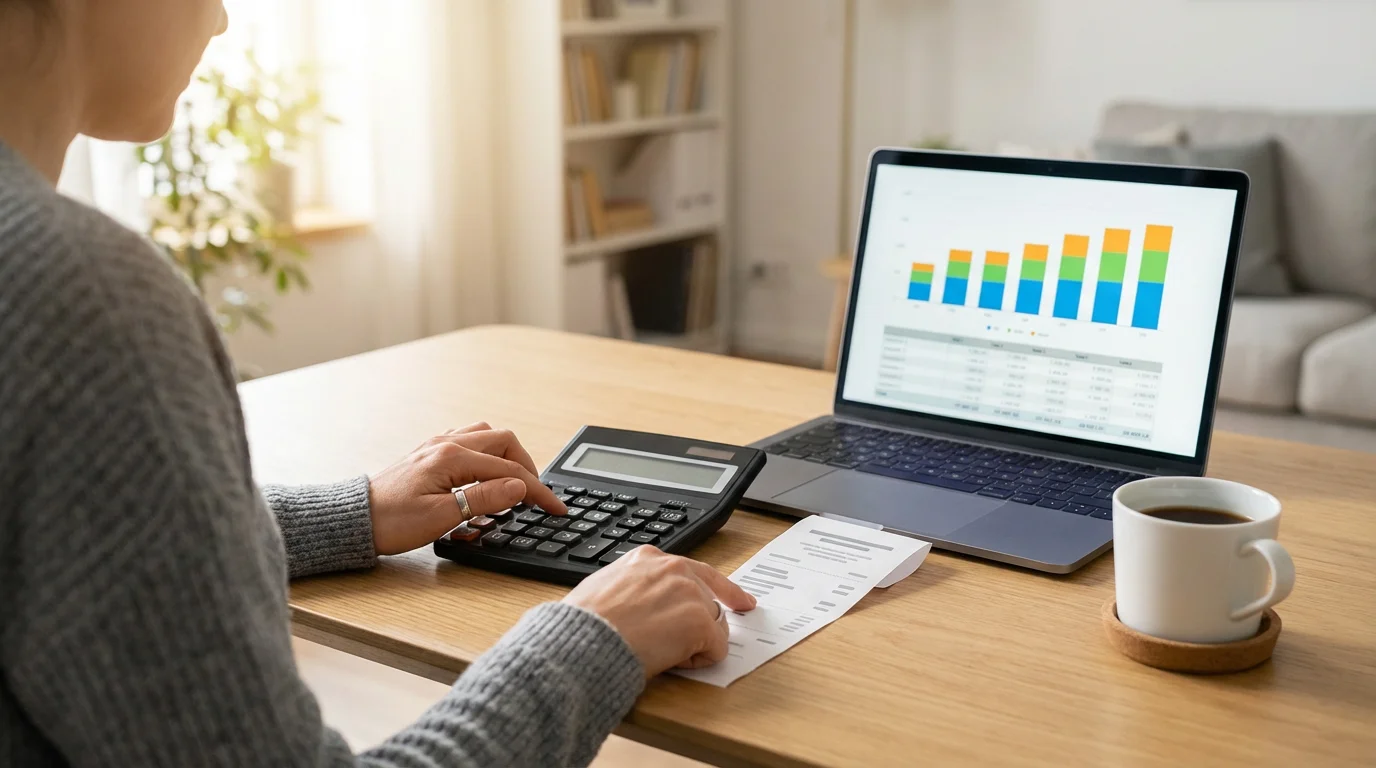
Calculating Your True Savings: Cable vs. Streaming
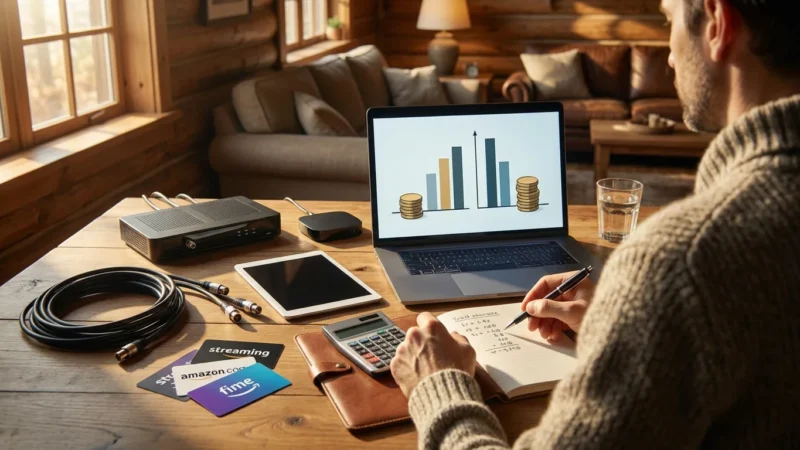
Understanding your potential savings is a major motivator for cutting the cord. Let’s break down a typical comparison. Remember, these are estimates, and your specific savings depend on your choices.
Typical Cable Bill Components
- Base Package: $70 – $120/month
- Premium Channels (HBO, Showtime): $15 – $30/month per channel
- Equipment Rental (Cable Box, DVR): $10 – $25/month per box
- Broadcast TV Fee: $10 – $20/month
- Regional Sports Fee: $5 – $15/month
- Taxes and Other Fees: Varies
- Total Estimated Cable Bill (excluding internet): $110 – $220+ per month
For this comparison, assume your internet bill remains constant, as it is a necessity for streaming. Let’s use a hypothetical cable bill of $160 per month (excluding internet).
Streaming Bundle Combinations
You can build a powerful streaming setup that often costs far less.
Example 1: Budget-Friendly (Local Channels, Basic Live TV, On-Demand)
- Indoor Antenna: One-time cost $40 (amortized over 12 months = ~$3.33/month)
- Sling TV Orange & Blue (Live TV): $60/month (includes many popular cable channels)
- Netflix Standard (Ad-Free): $15.50/month (for movies and originals)
- Total Estimated Streaming Cost: ~$78.83/month
- Estimated Monthly Savings: $160 (cable) – $78.83 (streaming) = ~$81.17/month
Example 2: Premium-Lite (More Live TV, Sports, Premium On-Demand)
- Indoor Antenna: One-time cost $40 (amortized over 12 months = ~$3.33/month)
- YouTube TV (Live TV, Local, Sports): $73/month
- Max (Ad-Free): $16/month (for HBO content)
- Disney+ (Ad-Free): $14/month
- Total Estimated Streaming Cost: ~$106.33/month
- Estimated Monthly Savings: $160 (cable) – $106.33 (streaming) = ~$53.67/month
These calculations clearly demonstrate significant potential savings, even with comprehensive streaming packages. The initial investment in a streaming device ($30-$200) and an antenna ($20-$60) quickly pays for itself through these monthly savings. CNET offers detailed breakdowns and tools to help you compare specific services and their features, helping you tailor a package to your exact needs and budget.

Your Step-by-Step Apartment Cord-Cutting Checklist
Making the switch requires a methodical approach. Follow these steps for a smooth transition:
- Assess Your Current Viewing Habits:
- List your must-have channels and shows.
- Identify which premium channels you actually watch.
- Determine how often you watch live TV versus on-demand content.
- Evaluate Your Internet Service:
- Check your current internet speed using an online speed test.
- Compare your speed to the recommendations for your household’s streaming needs.
- Contact your ISP if an upgrade is necessary. Account for any potential price changes.
- Research Streaming Alternatives:
- Identify live TV streaming services that offer your essential channels.
- Select on-demand services for your favorite movies and exclusive shows.
- Use an antenna for local channels if available and desired.
- Utilize free trials offered by many services to test them out.
- Gather Your Equipment:
- Purchase a streaming device (Roku, Fire TV, Apple TV, Chromecast).
- Obtain an indoor or window antenna if you need local over-the-air channels.
- Ensure your TV has an available HDMI port for your streaming device.
- Set Up Your Streaming System:
- Connect your streaming device to your TV and power.
- Connect the device to your Wi-Fi network.
- Download and install your chosen streaming apps.
- Scan for local channels with your antenna.
- Test all services and channels to ensure everything works correctly.
- Plan Your Cable Cancellation:
- Note your current cable contract end date to avoid early termination fees.
- Gather information about equipment return procedures.
- Be prepared to firmly state your intention to cancel when speaking with your cable provider.
- Cancel Your Cable Service:
- Follow the steps outlined in the next section for a hassle-free cancellation.
- Return all rented equipment promptly and obtain a receipt.
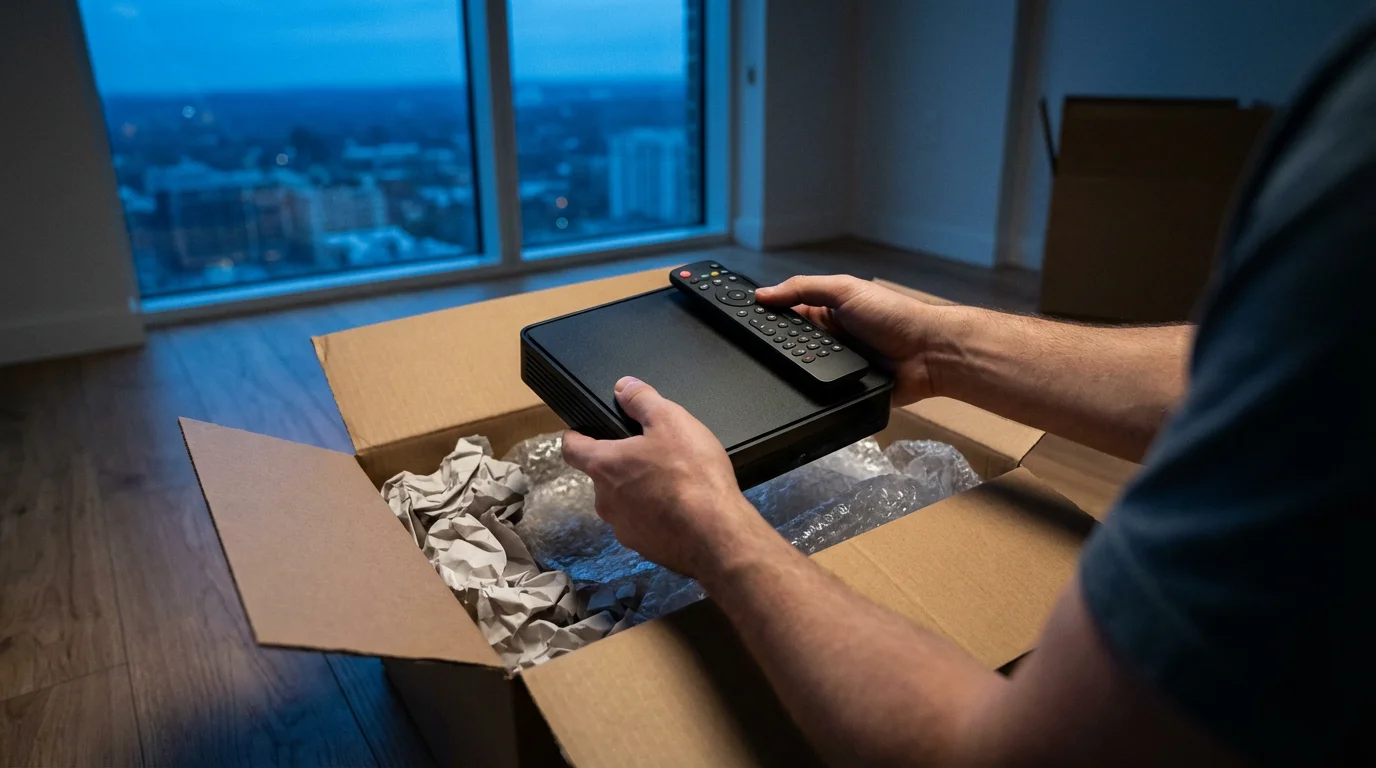
Canceling Cable: Provider-Specific Advice and Avoiding Fees
Canceling cable can sometimes feel like a negotiation, but armed with the right information, you can navigate the process effectively. Be firm, polite, and persistent.
Key Considerations Before You Call
- Early Termination Fees (ETFs): Review your cable contract for any early termination fees. If you are under contract, canceling before the term ends might incur a penalty, often ranging from $100 to $400. In such cases, consider waiting until your contract expires.
- Equipment Return: All rented equipment, including cable boxes, DVRs, modems (if rented from the cable company and you are not keeping their internet service), and remote controls, must be returned. Keep a detailed list of all items and get a receipt when you return them.
- Keep Your Internet: If you plan to keep your internet service with the same provider, clearly state you are only canceling TV and phone services.
General Cancellation Steps for Major Providers (e.g., Xfinity, Spectrum, AT&T U-verse, Cox)
- Call Customer Service: Do not try to cancel online, as providers typically require a phone call for TV service cancellation. Look for the “cancel service” or “retention” department.
- Be Direct: State clearly, “I want to cancel my TV service.” Do not elaborate unnecessarily.
- Decline Retention Offers: Customer service representatives are trained to offer discounts, special bundles, or free upgrades to keep you. Politely but firmly decline these offers. You have already made your decision.
- Confirm Cancellation Date: Get a clear cancellation date and ask if any prorated charges will appear on your final bill.
- Ask About Equipment Return: Inquire about the exact process for returning equipment. Many providers offer options:
- Drop-off at a local service center.
- Ship via UPS or FedEx with a pre-paid label (ensure you get a tracking number and keep it).
- Get Confirmation: Request an email confirmation of your cancellation.
- Return Equipment: Return all equipment promptly. Take photos of the equipment before returning it, and always obtain a physical receipt proving the return. This protects you from future charges for “unreturned” equipment.
By following these steps, you can minimize hassle and ensure a clean break from your cable provider.
Common Cord-Cutting Mistakes to Avoid
While cord cutting offers many benefits, some common pitfalls can detract from the experience. Avoid these mistakes to ensure a smooth transition:
- Underestimating Internet Speed: This is arguably the biggest mistake. A slow or unreliable internet connection will lead to buffering and frustration, making you regret cutting the cord. Invest in sufficient speed.
- Not Planning for Local Channels: Many people cut cable without considering how they will access ABC, CBS, NBC, and FOX. An indoor antenna is often the simplest and most cost-effective solution for apartment dwellers. Live TV streaming services also offer local channels in many markets.
- Signing Up for Too Many Services: The “à la carte” nature of streaming can tempt you to subscribe to every service. This leads to “streaming fatigue” and potentially a bill as high as your old cable bill. Start with a few core services and rotate subscriptions as needed.
- Not Utilizing Free Trials: Most streaming services offer free trials (7-30 days). Use these to test interfaces, content libraries, and ensure the service meets your needs before committing to a monthly subscription.
- Forgetting About Equipment: Neglecting to purchase a streaming device or an antenna, or not accounting for these one-time costs, can lead to delays and frustration. Budget for these essential items.
- Failing to Return Cable Equipment: This is a costly oversight. Unreturned equipment often results in significant charges on your final bill. Always get a receipt for returned items.
- Not Researching Early Termination Fees: Canceling a cable contract prematurely can negate much of your anticipated savings due to hefty ETFs. Know your contract terms.
- Overlooking Public Library Resources: Many public libraries offer free access to streaming services like Kanopy or Hoopla, which provide movies, documentaries, and TV shows. Explore your local library’s digital offerings.
Frequently Asked Questions
Can I really get local channels in an apartment without an outdoor antenna?
Yes, absolutely. Many apartment dwellers successfully receive local channels like ABC, CBS, NBC, and FOX using an indoor or window antenna. The effectiveness depends on your proximity to broadcast towers, the type of antenna you choose, and any obstructions from your building or surrounding structures. Use online tools to check signal availability in your specific apartment location before purchasing an antenna.
Do I need a Smart TV to cut the cord?
No, you do not need a smart TV. While a smart TV has built-in apps and an internet connection for streaming, any TV with an HDMI port can become a “smart” TV with an external streaming device, such as a Roku Stick, Amazon Fire TV Stick, Apple TV, or Google Chromecast. These devices plug into an HDMI port and provide access to all major streaming services.
How do I know if my internet speed is fast enough for streaming?
You can test your internet speed using various free online speed test websites. For standard HD streaming, aim for at least 5-8 Mbps per stream. If multiple people in your apartment will stream simultaneously or if you plan to watch 4K content, you will need higher speeds, typically 25 Mbps or more per 4K stream. Check your internet plan with your provider and consider an upgrade if your current speed is insufficient for your streaming habits.
What if my landlord restricts satellite dishes? Does that prevent me from getting live TV?
Landlord restrictions on satellite dishes do not prevent you from getting live TV. You can still access live TV channels in several ways: use an indoor or window antenna for free over-the-air local broadcasts, or subscribe to a live TV streaming service like YouTube TV, Hulu + Live TV, Sling TV, or fuboTV, which deliver channels over your internet connection. These services do not require any external dish installation.
Is it really cheaper to cut the cord, or do streaming costs add up?
It is almost always cheaper to cut the cord, provided you are mindful of your subscriptions. While individual streaming services are relatively inexpensive, signing up for too many can lead to costs rivaling or exceeding your old cable bill. The key is strategic selection: choose a few core services, take advantage of free trials, and consider rotating subscriptions throughout the year. Most cord cutters save significantly, often $50-$100+ per month, compared to traditional cable packages.
Leave a Reply