
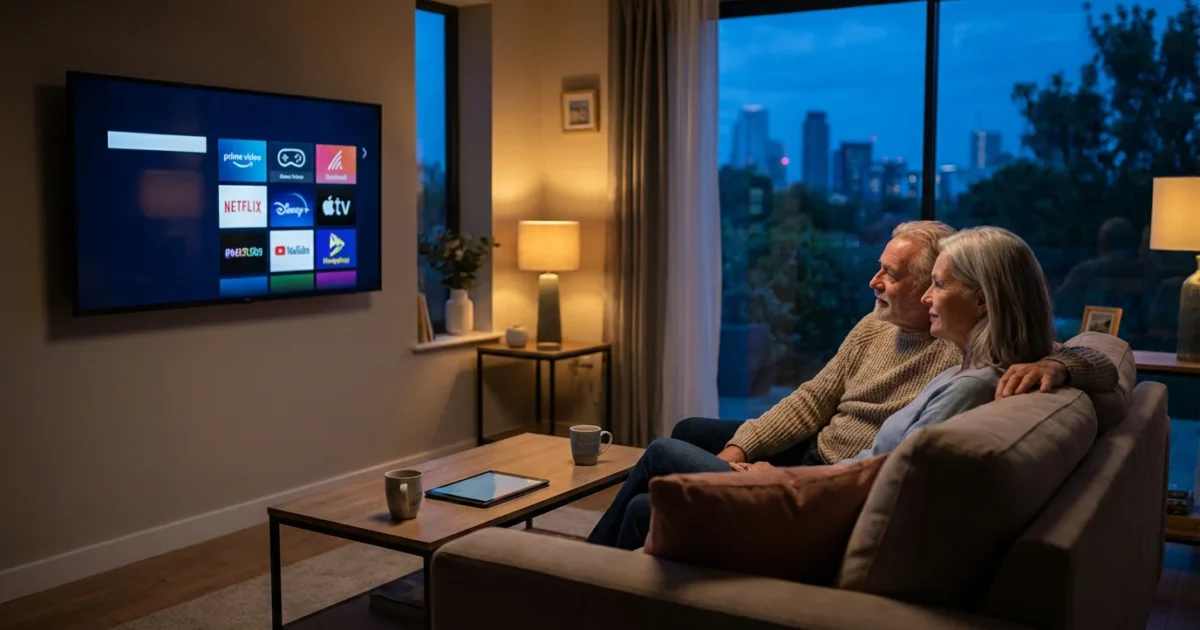
Retirement often signals a shift in lifestyle. You finally have the time to watch the shows, movies, and sports you love, but you also face the reality of living on a fixed income. For many seniors, the monthly cable bill has become a significant financial burden, often rivaling the cost of utilities or even groceries. Prices for traditional cable packages continue to rise, frequently exceeding $150 or $200 a month once hidden fees are added.
Cord-cutting—canceling traditional cable or satellite TV in favor of streaming services—is one of the most effective ways to lower your monthly expenses without sacrificing entertainment. However, the technology can feel intimidating, and the sheer number of options is overwhelming. You might worry about losing your local news, your favorite weather channel, or the ability to navigate a new remote control.
This guide cuts through the noise. It provides a practical, step-by-step roadmap designed specifically for retirees who want to protect their budget while enjoying a better viewing experience.
The Financial Case for Cord-Cutting in Retirement
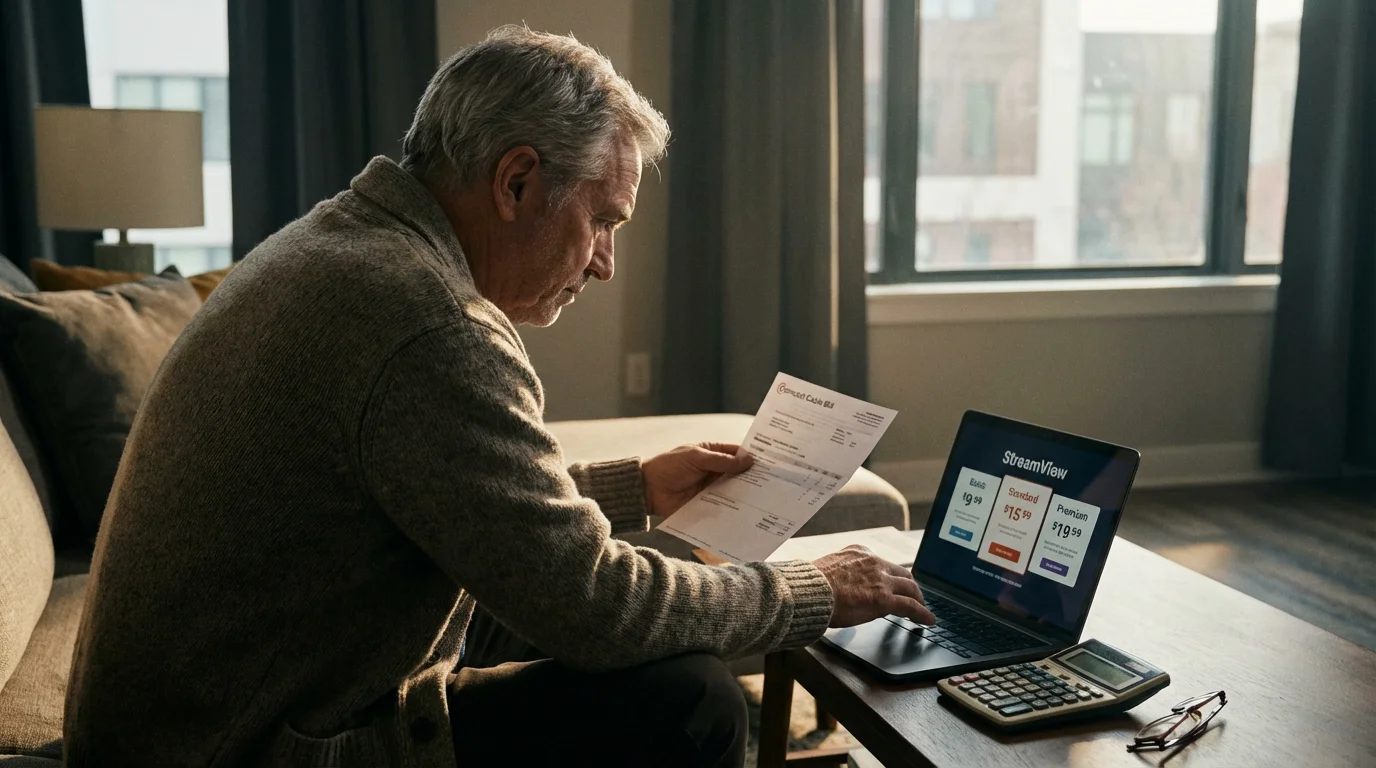
If you rely on Social Security, a pension, or retirement savings, inflation strikes hard. Cable companies rely on long-term customers not checking their bills closely. They add “Broadcast TV Fees,” “Regional Sports Fees,” and equipment rentals that can add $30 to $50 on top of the advertised price.
By switching to streaming, you move from a rigid contract to a month-to-month model. You pay only for what you use. If you travel for a month to visit grandchildren, you can pause your subscriptions. If money is tight one month, you can cancel a service and restart it later with no penalties. This flexibility is essential for managing a fixed income.
Step 1: Audit Your Viewing Habits
Before you buy a single device, you must understand what you actually watch. Most cable packages include over 180 channels, yet the average household watches fewer than 20 regularly.
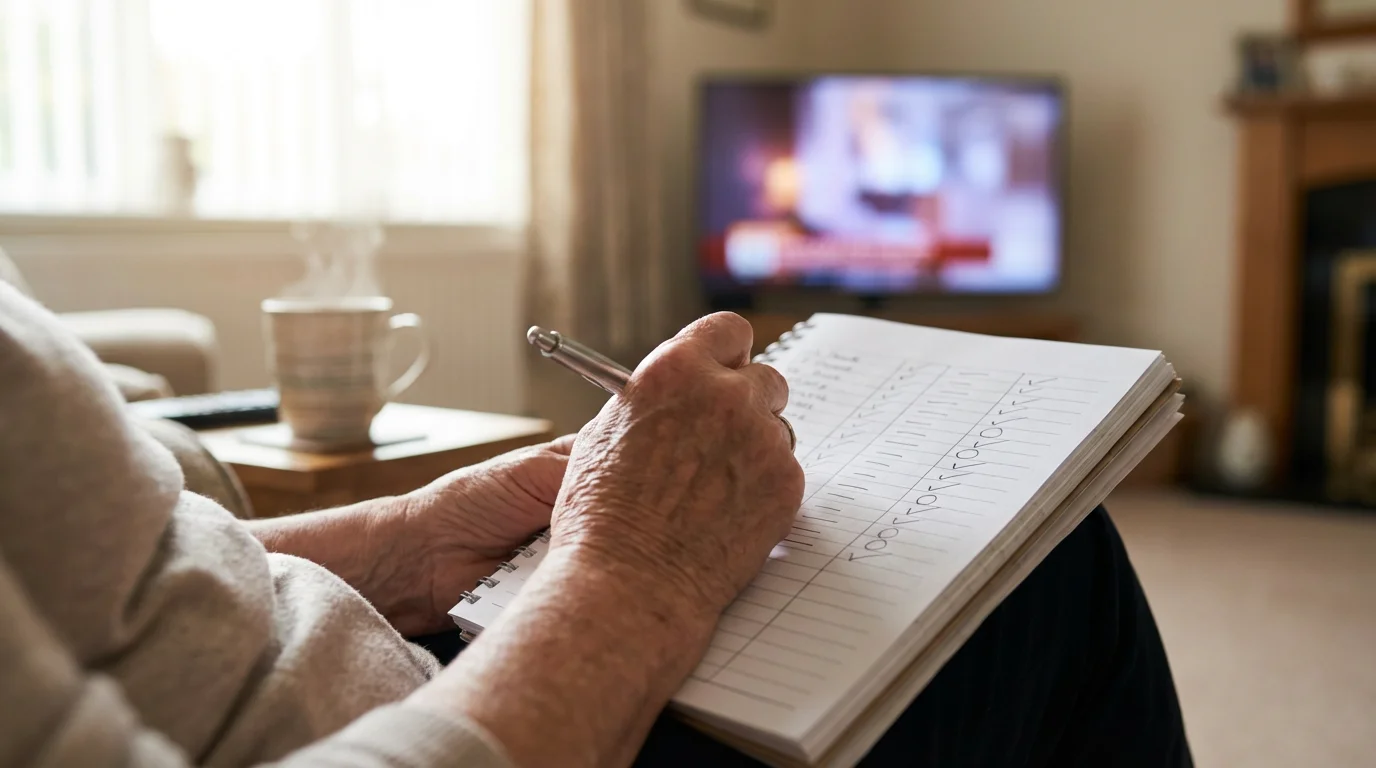
Take a piece of paper and track your viewing for one week. Categorize your must-haves:
- Local Channels: ABC, CBS, NBC, FOX, PBS (News and Weather).
- Cable News: Fox News, CNN, MSNBC.
- Entertainment: Hallmark, HGTV, History Channel, Turner Classic Movies (TCM).
- Sports: ESPN, Regional Sports Networks (RSNs).
Be honest about the “nice-to-haves” versus the “must-haves.” If you only watch the History Channel once a month, is it worth paying for a higher tier of service? Understanding your specific needs prevents you from overspending on a streaming bundle that mimics the bloated cable package you just left.
Step 2: Understanding Internet Needs and Costs
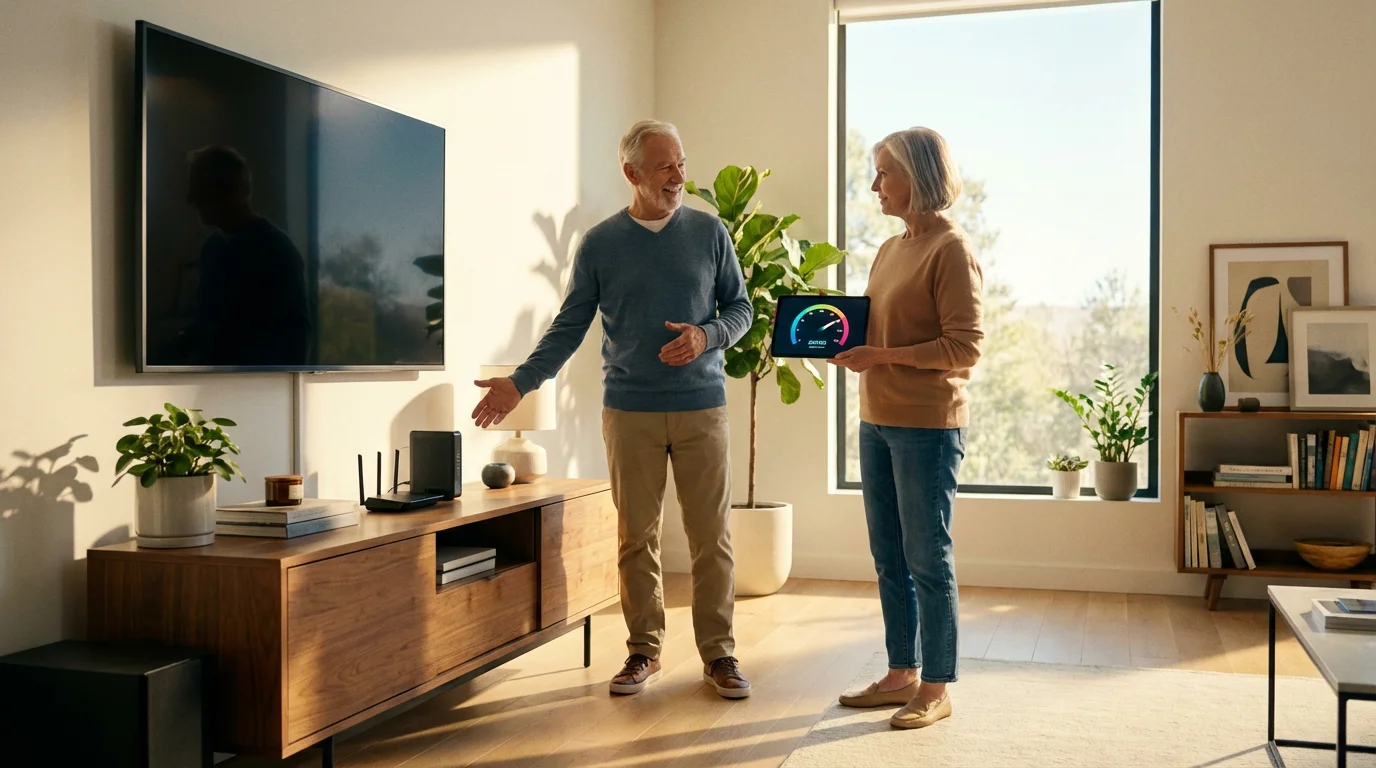
Streaming requires an internet connection. If you are keeping your internet service from your cable provider, you need to negotiate an “internet-only” price. Do not let them talk you into a “triple play” bundle (phone, TV, internet) just to keep a promotional rate.
How Much Speed Do You Need?
Internet Service Providers (ISPs) often upsell seniors on gigabit speeds (1,000 Mbps) that they do not need. Streaming video uses less bandwidth than you might think.
- Standard Definition (SD): Requires roughly 3 Mbps.
- High Definition (HD): Requires roughly 5-8 Mbps.
- 4K Ultra HD: Requires roughly 25 Mbps.
If you are a household of two people streaming on two different TVs simultaneously, a plan with 50 to 100 Mbps is more than sufficient. According to Consumer Reports, paying for speed you don’t use is a primary reason consumers overpay for internet service.
Step 3: Choosing the Right Equipment
You need a way to get the streaming apps onto your television. You generally have two choices: a Smart TV or a dedicated streaming device.
Smart TVs
Most modern televisions are “Smart TVs,” meaning they connect directly to the internet and have apps built-in. If you bought a TV in the last five years, you likely already have this capability.
Pros: No extra equipment to buy; one remote control.
Cons: TV software often becomes slow and outdated after a few years; interfaces can be cluttered.
Streaming Media Players
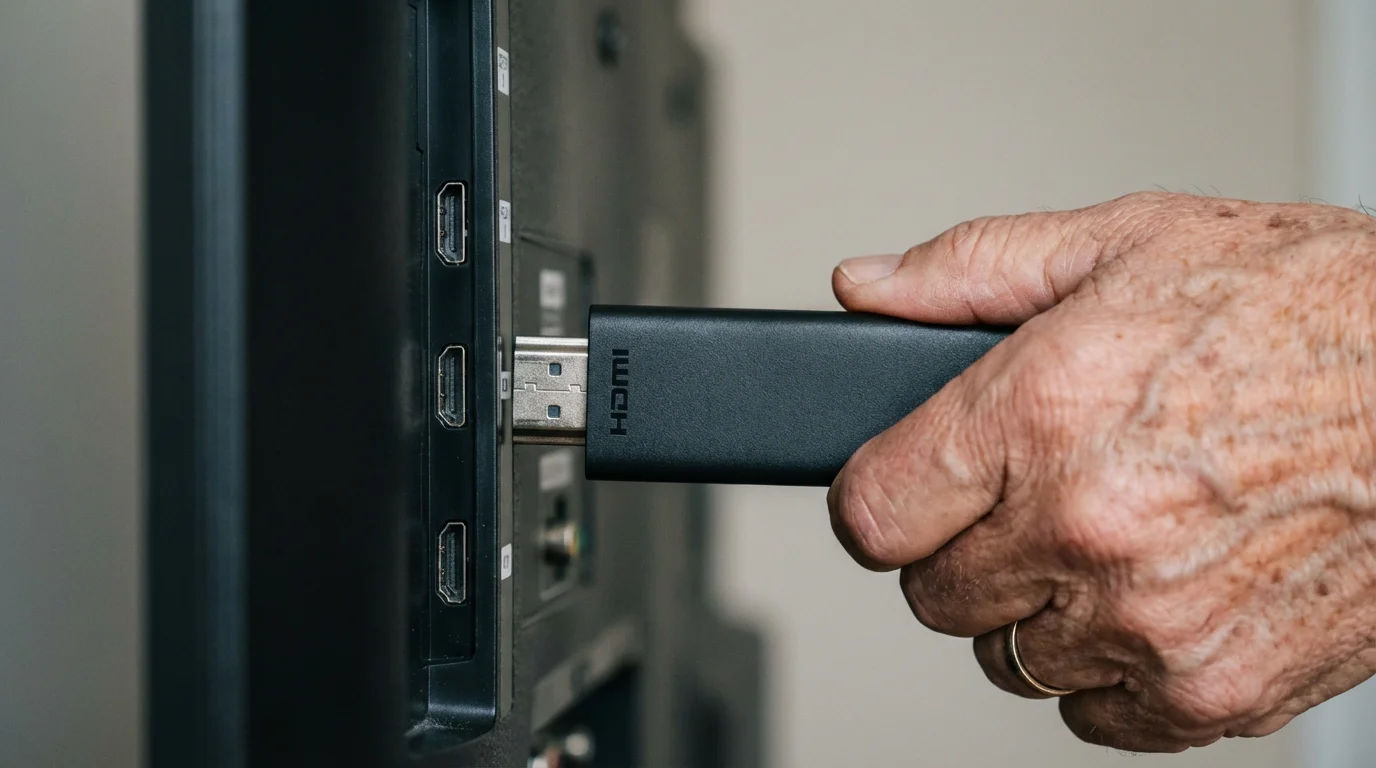
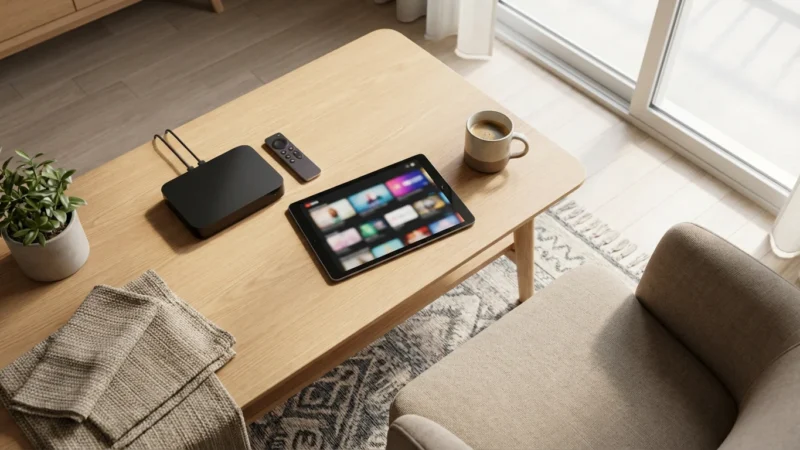
If your TV is older, or if you find your Smart TV difficult to use, buy a dedicated streaming stick. These plug into the HDMI port on the back of your TV. For seniors, simplicity is key.
“The best streaming device for most people is the one that gets out of your way and lets you watch TV.”
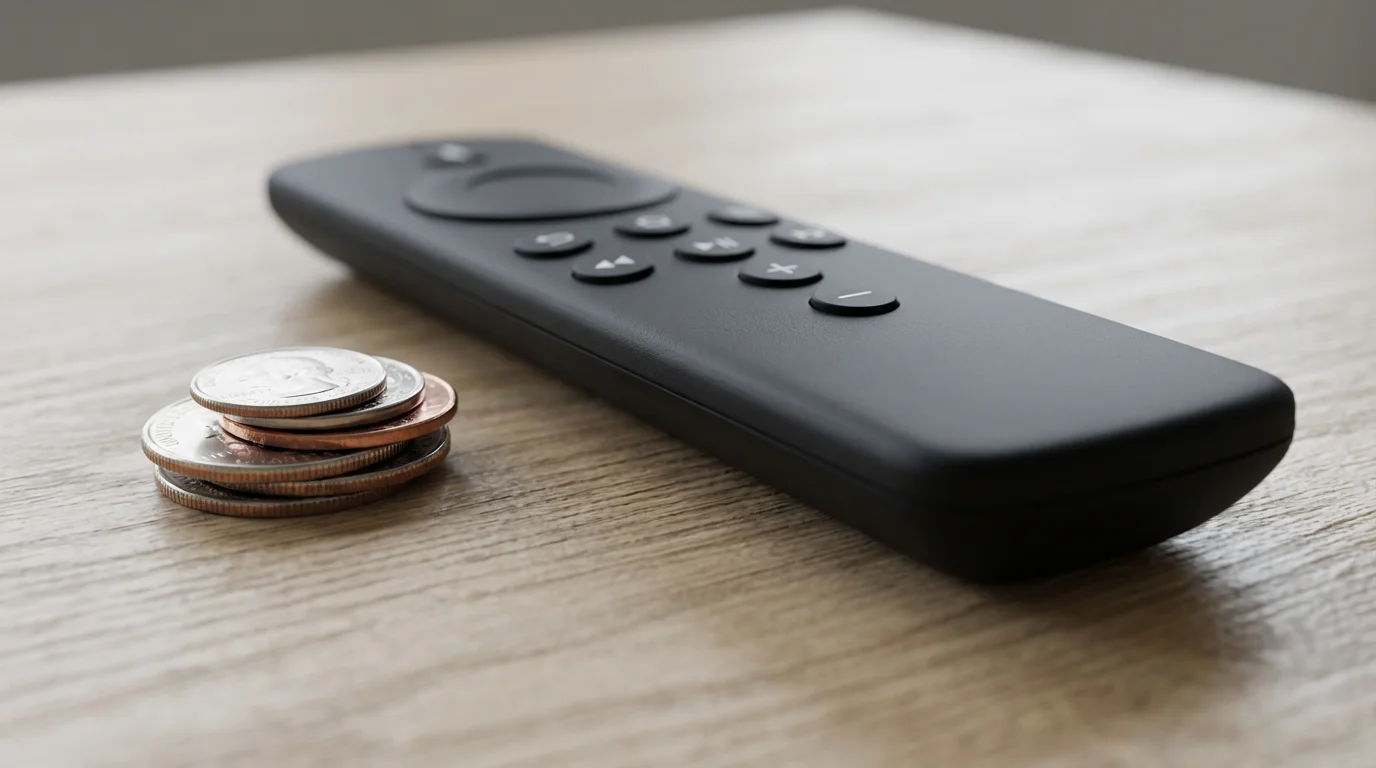
Top Recommendation: Roku. Roku devices feature a simple grid layout with large icons. The remote has few buttons, and the interface does not push paid content as aggressively as competitors. The Roku Express 4K+ is an affordable entry point that includes voice control, allowing you to say “Launch PBS” instead of navigating menus.
Title: The Cord-Cutting Decision Tree
Visual description: A flowchart starting with “Do you have high-speed internet?” pointing to Yes/No. Branches include “Do you need live sports?” and “Are local channels essential?” leading to specific equipment recommendations (Antenna vs. Live TV Streaming Service vs. On-Demand Apps).

Step 4: The Power of Free TV (Antennas and FAST)
You can replicate a surprising amount of the cable experience for exactly $0 per month. This is the cornerstone of a fixed-income strategy.
The Digital Antenna
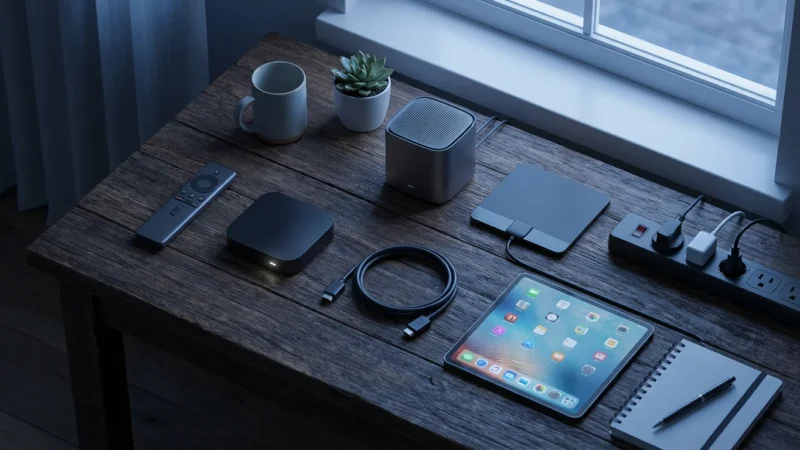
An Over-the-Air (OTA) antenna receives signals from local broadcast towers. Depending on where you live, you can receive ABC, CBS, NBC, FOX, PBS, and sub-channels like MeTV, Grit, and Antenna TV (which air classic westerns and sitcoms) for free.
Modern antennas are thin, flat sheets that you can stick to a window or hide behind the TV. CNET reviews typically highlight that a simple indoor antenna costing between $20 and $40 is sufficient for urban and suburban areas.
FAST Services (Free Ad-Supported Streaming TV)
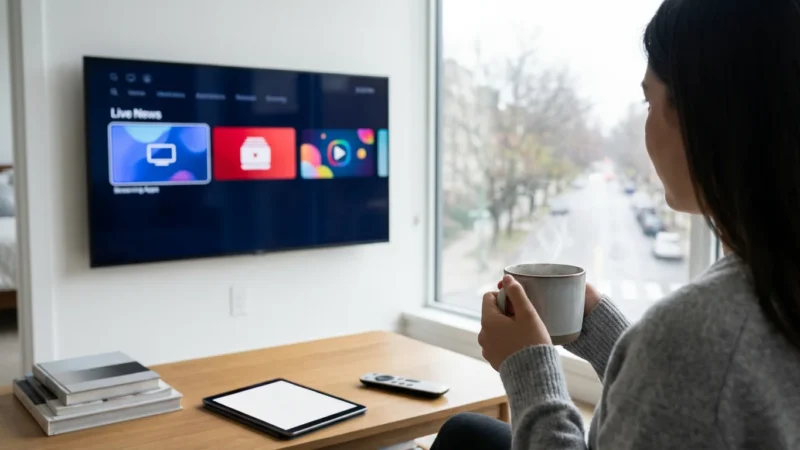
FAST services look exactly like cable TV. They have a grid guide, channels that run 24/7, and they include commercials. You do not need a subscription or a credit card.
- Pluto TV: Owned by Paramount, it offers news, classic movies, and channels dedicated to specific shows like Gunsmoke or The Andy Griffith Show.
- Tubi: Offers a massive library of on-demand movies and TV shows.
- Freevee: Amazon’s free service featuring originals and popular licensed movies.
Step 5: Budget-Friendly Streaming Services
If an antenna doesn’t work in your area, or you need specific cable channels (like HGTV or Hallmark), you will need a paid subscription. Avoid the trap of signing up for expensive services like YouTube TV ($72.99/month) or Hulu + Live TV ($76.99/month) unless you absolutely require live sports and major cable news networks.
Consider these “skinny bundles” that are perfect for fixed incomes:
- Frndly TV ($7.99/month): Designed specifically for budget-conscious viewers. It includes roughly 40 channels, focusing on Hallmark, The Weather Channel, History, and classic TV networks. It includes a DVR so you can record shows.
- Philo ($28/month): Offers over 70 entertainment channels like HGTV, Food Network, AMC, and Hallmark. It omits sports and local news to keep the price low.
- Peacock or Paramount+ ($6 – $12/month): These offer live feeds of your local NBC (Peacock) or CBS (Paramount+) station, plus thousands of movies and shows.

Real-World Cost Comparison
Let’s look at the numbers. Below is a comparison of a typical cable bill versus a “Retiree Cord-Cutting Bundle” designed for entertainment and local news.
| Expense Category | Traditional Cable Bundle | Optimized Streaming Setup |
|---|---|---|
| TV Package | $110.00 (Standard Package) | $7.99 (Frndly TV) |
| Equipment Fees | $35.00 (2 TV Boxes + DVR) | $0.00 (Owned Roku/Fire TV) |
| Broadcast/Sports Fees | $25.00 | $0.00 |
| Internet Service | $60.00 (Bundle Price) | $70.00 (Internet Only Price) |
| Additional Content | $0.00 | $0.00 (Free Antenna & Pluto TV) |
| Monthly Total | $230.00 | $77.99 |
| Annual Cost | $2,760.00 | $935.88 |
| Annual Savings | $1,824.12 |
Even if you add a premium service like Netflix or Acorn TV (British dramas) for another $10-$15 a month, your savings remain substantial.
Common Mistakes to Avoid
Transitioning to streaming requires a change in mindset. Avoid these traps to keep your experience smooth and affordable.
1. Subscription Creep
It is easy to sign up for “just one more” $10 service. Before you know it, you are paying $100 a month. Use the “Rule of Three”: Limit yourself to three paid services at a time. If you want a new one, cancel an old one first. Remember, there are no contracts—you can always come back.
2. Ignoring the Input Button
The most common technical frustration for seniors is turning on the TV and seeing a black screen or “No Signal.” This usually happens because the TV is on the wrong “Input” or “Source.” Label your remote or ask a family member to help you simplify the setup so your TV defaults to your streaming device.
3. Buying Cheap, Off-Brand Devices
Avoid generic streaming boxes found on discount websites. They often lack security updates, have confusing interfaces, and may not support the apps you want. Stick to major brands like Roku, Amazon Fire TV, or Apple TV. As Cord Cutters News frequently advises, sticking to supported ecosystems ensures your apps will continue to work for years.
How to Cancel Cable Without the Headache
Cable companies train their representatives to prevent you from leaving. They will use confusing language and limited-time offers to keep you hooked. Prepare yourself before you make the call.
- Check your bill for contract dates: Ensure you aren’t leaving a contract early, which could trigger an Early Termination Fee (ETF). If you are close to the end date, wait it out.
- Have your new internet plan ready: If possible, switch to a different internet provider (like T-Mobile 5G Home Internet or Verizon 5G) to completely break ties with the cable company. If that isn’t possible, research the “new customer” internet pricing in your area so you know what a fair price looks like.
- Be firm but polite: Use a script. “I am canceling my TV service because I am on a fixed income and can no longer afford it. I am not interested in promotions. Please process the cancellation effective [Date].”
- Get a receipt for equipment: When you return your cable boxes, take them to the store in person if possible. Get a physical receipt. Cable companies are notorious for charging “unreturned equipment fees” months later.
Frequently Asked Questions
Will I lose my home phone number if I cancel my bundle?
Many “Triple Play” bundles include a landline. If you cancel the bundle, you can lose the number unless you “port” it. You can move your number to a mobile phone or a VOIP (Voice Over IP) service like Ooma or Vonage, which costs significantly less than a cable landline. You must set this up before you cancel your cable service.
Can I still watch my local sports teams?
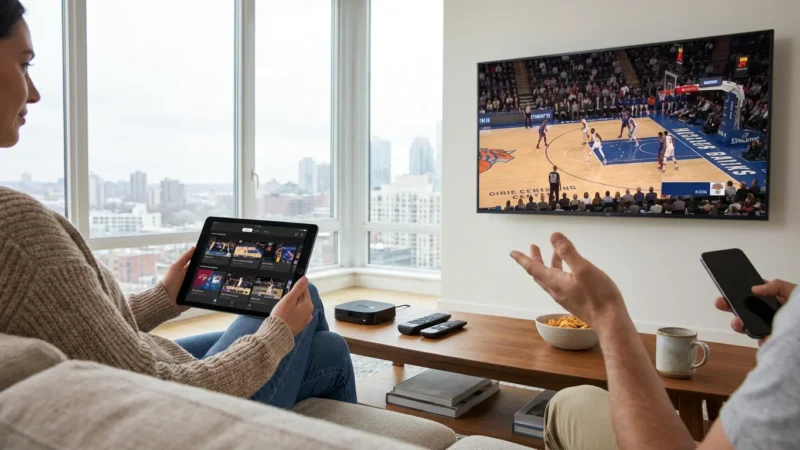
This is the trickiest part of cord-cutting. Games on major networks (CBS, FOX, NBC) are available free with an antenna. However, if your team plays on a Regional Sports Network (like Bally Sports or NBC Sports Regional), you may need a more expensive streaming package like Fubo or the dedicated app for that specific sports network. Always check which channel airs your team’s games before switching.
Does streaming use a lot of data?
Yes, streaming video consumes data. Many internet plans have a “Data Cap” (often 1.2 Terabytes per month). For most retirees, this is plenty of data for hours of daily TV watching. However, if you watch in 4K resolution all day, you might approach the limit. Check your internet bill to see if you have a data cap.
Do I need a Smart TV to stream?
No. You do not need to buy a new TV. As long as your television has an HDMI port (which looks like a flat, wide USB slot and has been standard on TVs since roughly 2008), you can plug in a Roku or Fire TV Stick and start streaming immediately.
Disclaimer: Cable and streaming prices vary by location and change frequently. The cost comparisons in this article are estimates based on typical pricing. Your actual savings will depend on your current cable package, internet costs, and which streaming services you choose.

Leave a Reply