
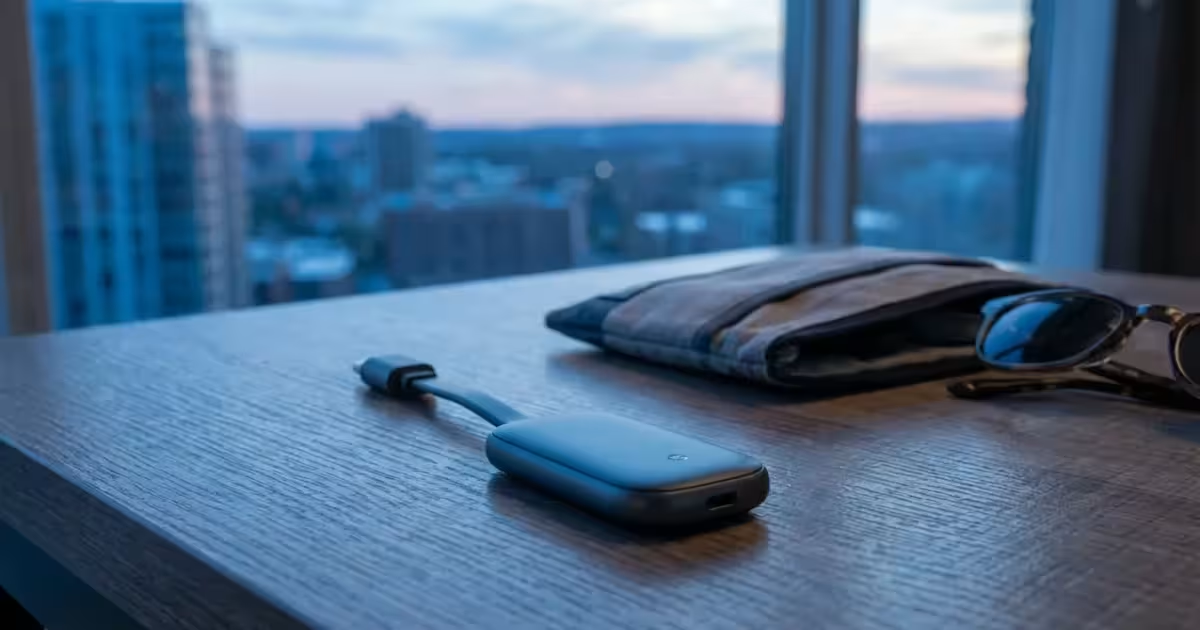
You arrive at your hotel room after a long day of travel, ready to unwind. You turn on the TV, hoping to catch up on the latest episode of your favorite show, but you are greeted by a clunky hotel interface, limited cable channels, and on-demand movies that cost $20 to rent. Worse, if the TV is a “smart TV,” logging into your personal Netflix or Hulu account on a public device poses a significant security risk—and you might forget to log out when you check out.
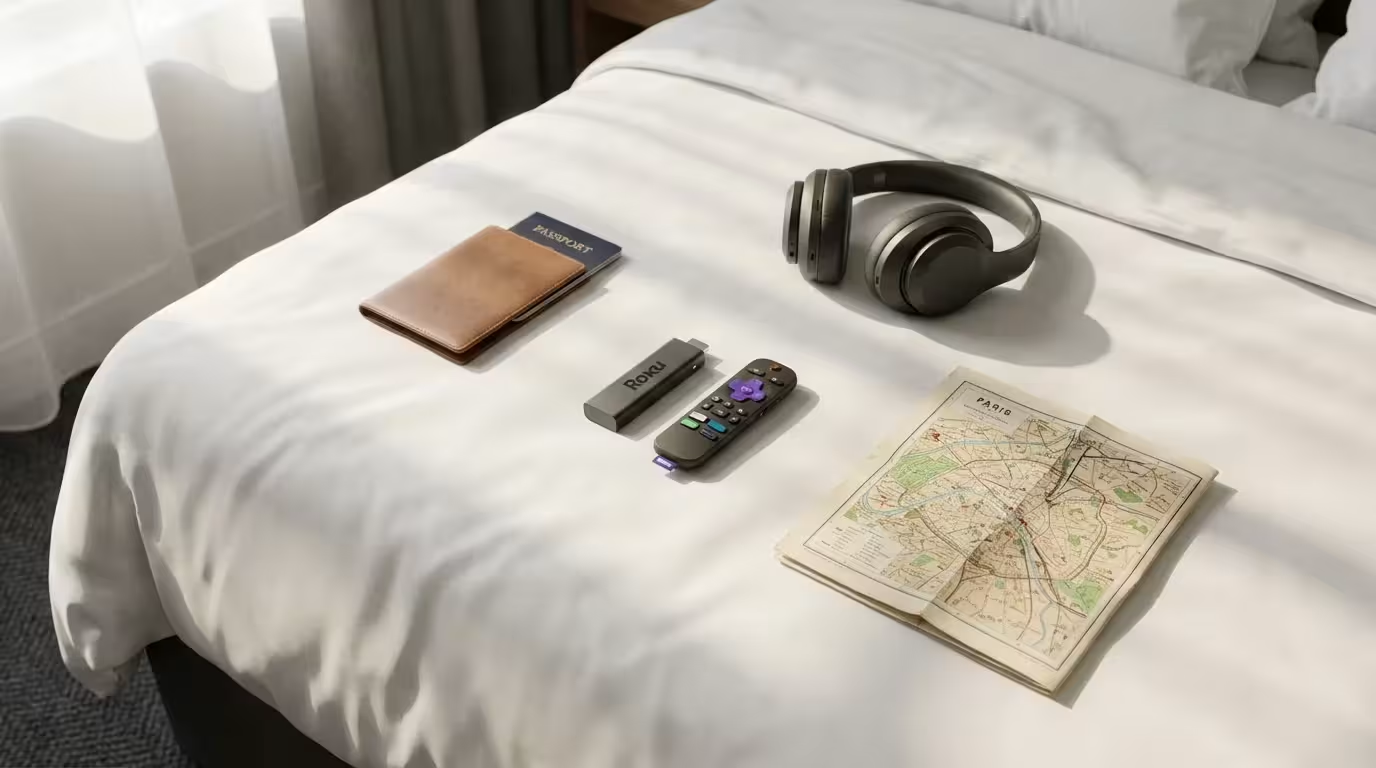
The solution is simple: bring your own streaming device. A dedicated travel streamer guarantees you have your interface, your apps, and your watch history wherever you go. Whether you are visiting family, staying in an Airbnb, or living out of a hotel room for work, a portable streaming stick can make any screen feel like your living room.
However, not all devices handle travel well. You need something compact, easy to power, and capable of navigating the tricky Wi-Fi login screens often found in hotels and dorms. This guide analyzes the best options for travelers, helping you choose the right device to toss in your carry-on.
Why You Need a Dedicated Travel Device
You might wonder why you should pack extra hardware when you have a smartphone, tablet, or laptop. While those devices are great for personal viewing, they don’t replace the lean-back experience of watching TV. Additionally, casting from a phone to a hotel TV is notoriously difficult because hotel networks often block device-to-device communication (a feature called “client isolation”) for security reasons.
Here are three practical reasons to pack a dedicated streamer:
- Security and Privacy: Never type your username and password directly into a hotel smart TV. You have no way of knowing if the TV has keylogging software or if it will retain your credentials for the next guest. With your own device, your data stays with you.
- Interface Continuity: You don’t have to waste time searching for apps or figuring out a new remote. Your “Continue Watching” list is ready the moment you connect.
- Saving Money: Hotels still charge exorbitant fees for pay-per-view movies. If you already pay for Prime Video, Disney+, or Netflix, bringing your device lets you access that content at no extra cost.
Key Features for Portable Streaming
When selecting a device specifically for travel, the criteria shift slightly from what you might prioritize for a home theater setup. While 4K resolution and Dolby Vision are nice to have, connectivity and size take precedence.
The “Stick” Form Factor
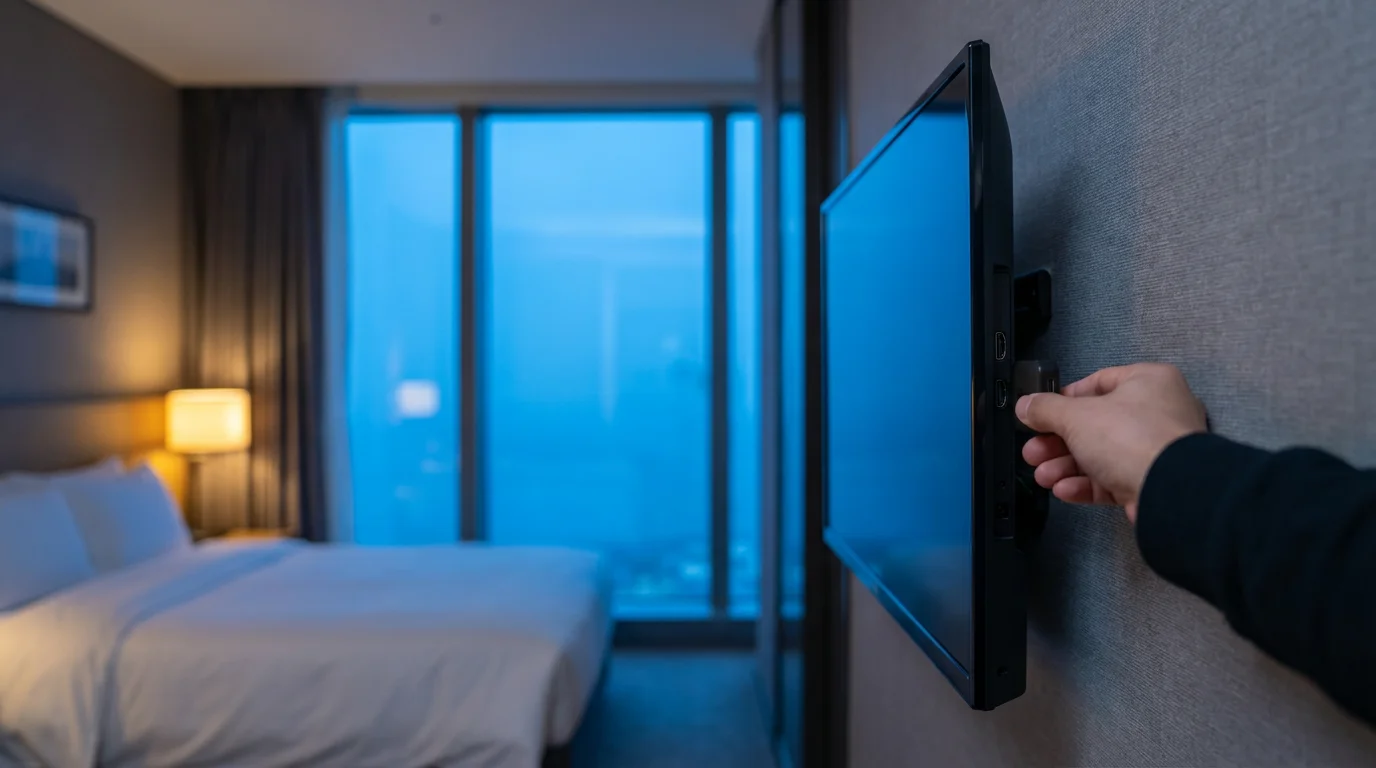
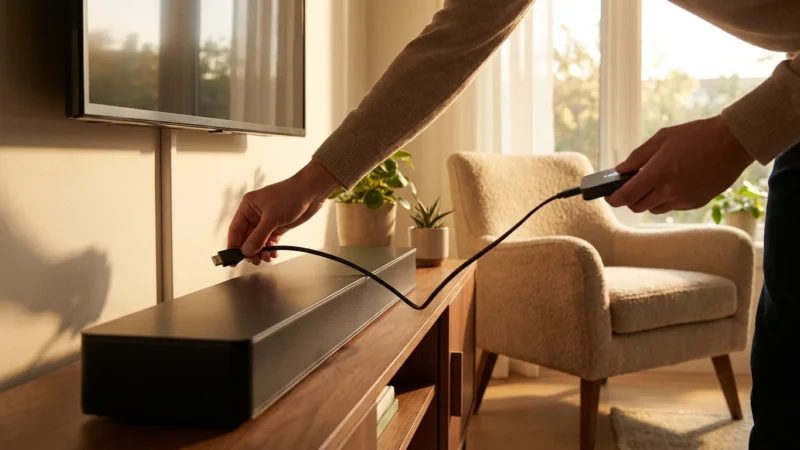
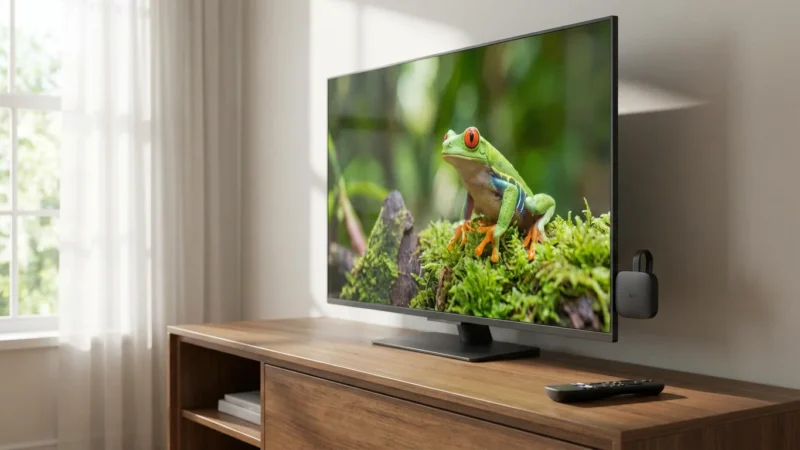
You want a “stick” rather than a “box” or “puck.” Streaming sticks plug directly into the HDMI port and usually dangle behind the TV, taking up zero shelf space. This is vital in hotels where wall-mounted TVs often have no shelf or table underneath them.
Wi-Fi Captive Portal Support
This is the single most important technical feature for travelers. A captive portal is the web page that pops up when you connect to public Wi-Fi—the one that asks for your last name and room number, or requires you to accept terms and conditions.
Many older devices lack a web browser or a specific mechanism to handle these pop-ups, rendering them useless in hotels. The best travel devices have built-in workarounds to navigate these login screens.
Power Options
Ideally, your device can be powered via the TV’s USB port. This eliminates the need to find an extra wall outlet, which can be scarce or located far from the television. However, note that 4K streaming devices require more power than older HD models; sometimes the TV’s USB port won’t provide enough juice, so you must always pack the wall adapter just in case.
“The best streaming device is the one that works even when the hotel Wi-Fi tries to stop you.”
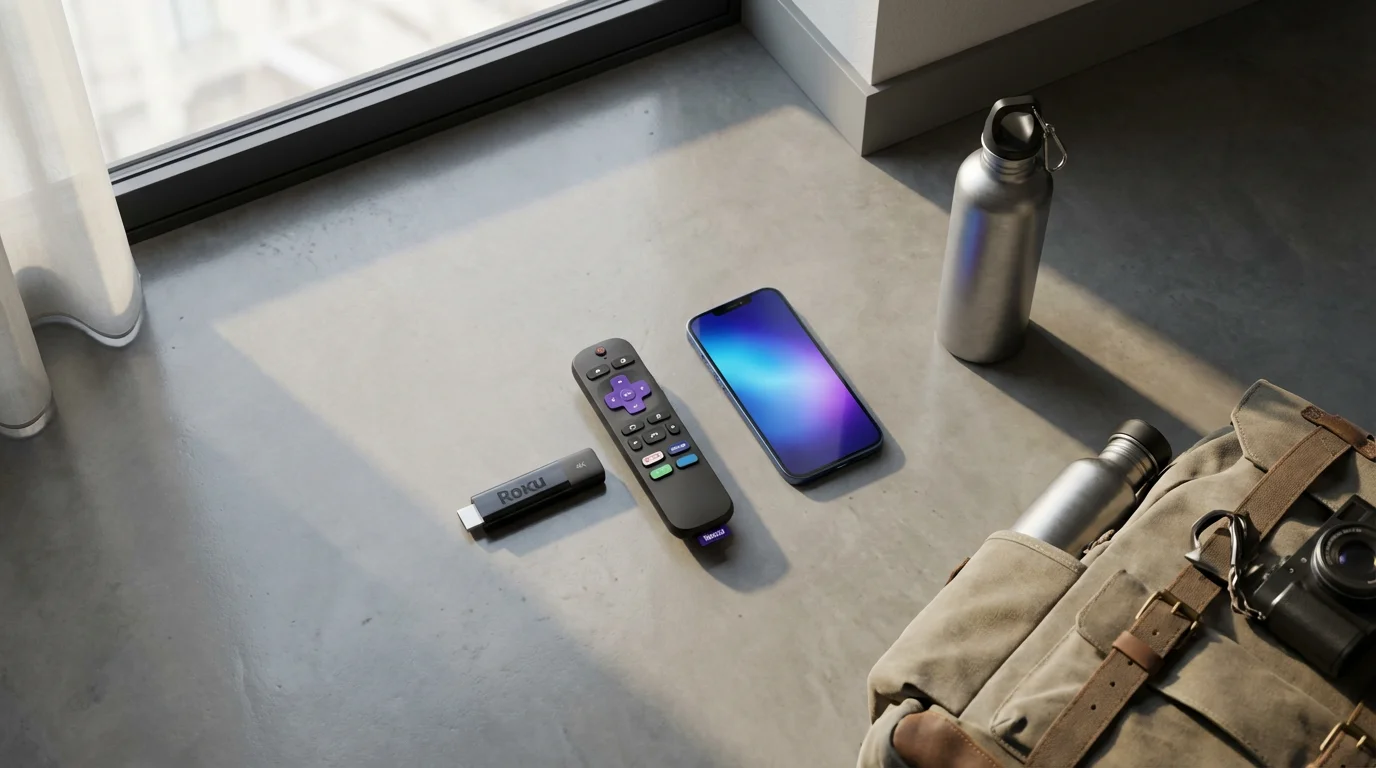
Top Contender: Roku Streaming Stick 4K
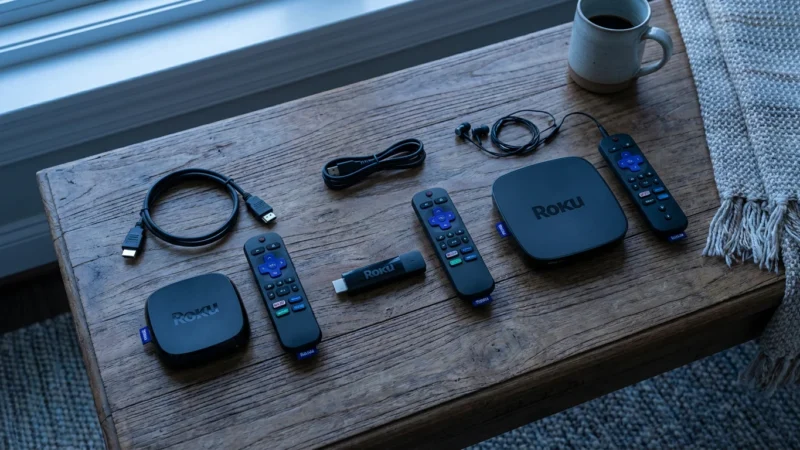
For most travelers, the Roku Streaming Stick 4K is the gold standard. It balances price, performance, and ease of use perfectly. Roku’s operating system is famously simple, which is helpful when you are tired and just want to find a show.
Why It Wins for Travel
Roku features a specific mode called “Hotel & Dorm Connect.” When you connect the Roku to a hotel network that requires a login, the Roku detects this. It then prompts you to connect your smartphone to the Roku via a temporary Wi-Fi signal. You use your phone’s browser to enter the hotel password or room number, and the Roku piggybacks off that authentication to get online.
This feature is reliable and solves the biggest headache of travel streaming. Additionally, the Long Range Wi-Fi receiver built into the power cable helps maintain a steady stream even if the hotel router is far down the hallway.
According to Wirecutter, the Roku Streaming Stick 4K remains their top pick, citing its snappy interface and broad app support. For a traveler, that reliability is invaluable.
Top Contender: Amazon Fire TV Stick 4K Max
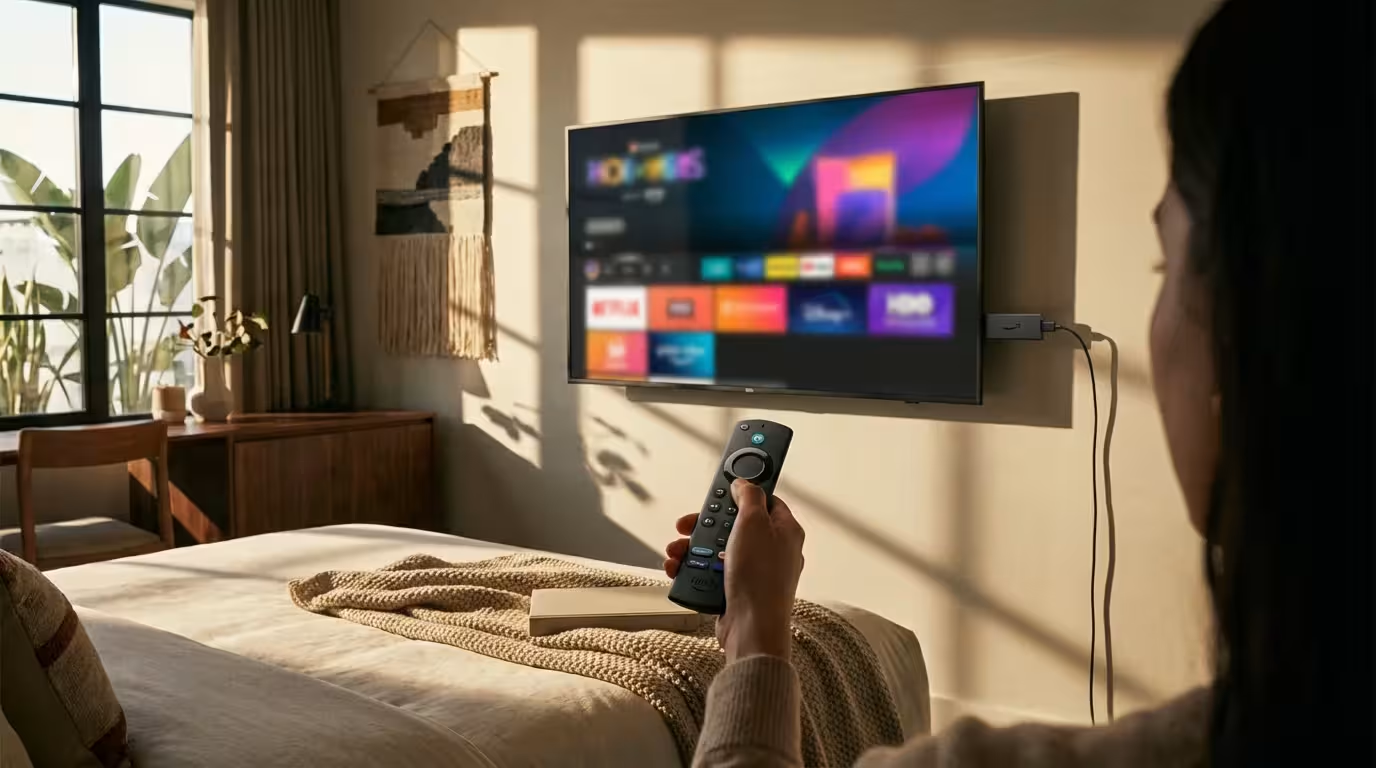
If you are heavily invested in the Amazon ecosystem, the Fire TV Stick 4K Max is a powerhouse. It is slightly larger than the Roku stick but packs a faster processor and support for Wi-Fi 6 / 6E. If you have a compatible router at home, this is great, but even on the road, the newer Wi-Fi antenna helps manage congestion in busy hotels.
Browser-Based Login
Unlike Roku’s phone-bridging method, Fire TV handles captive portals by launching a built-in web browser (Amazon Silk) directly on the TV screen. You use the remote to move a cursor and click “Accept” or type in your room details. While slightly clunkier than using your phone, it is a self-contained solution that works very well.
Storage for Offline Viewing
The 4K Max (2nd Gen) comes with 16GB of storage. This is significant because it allows you to download more apps and games. While you generally cannot download Netflix shows to the stick for offline viewing (a feature restricted to mobile phones and tablets), having extra space for apps ensures smooth performance.
Top Contender: Chromecast with Google TV
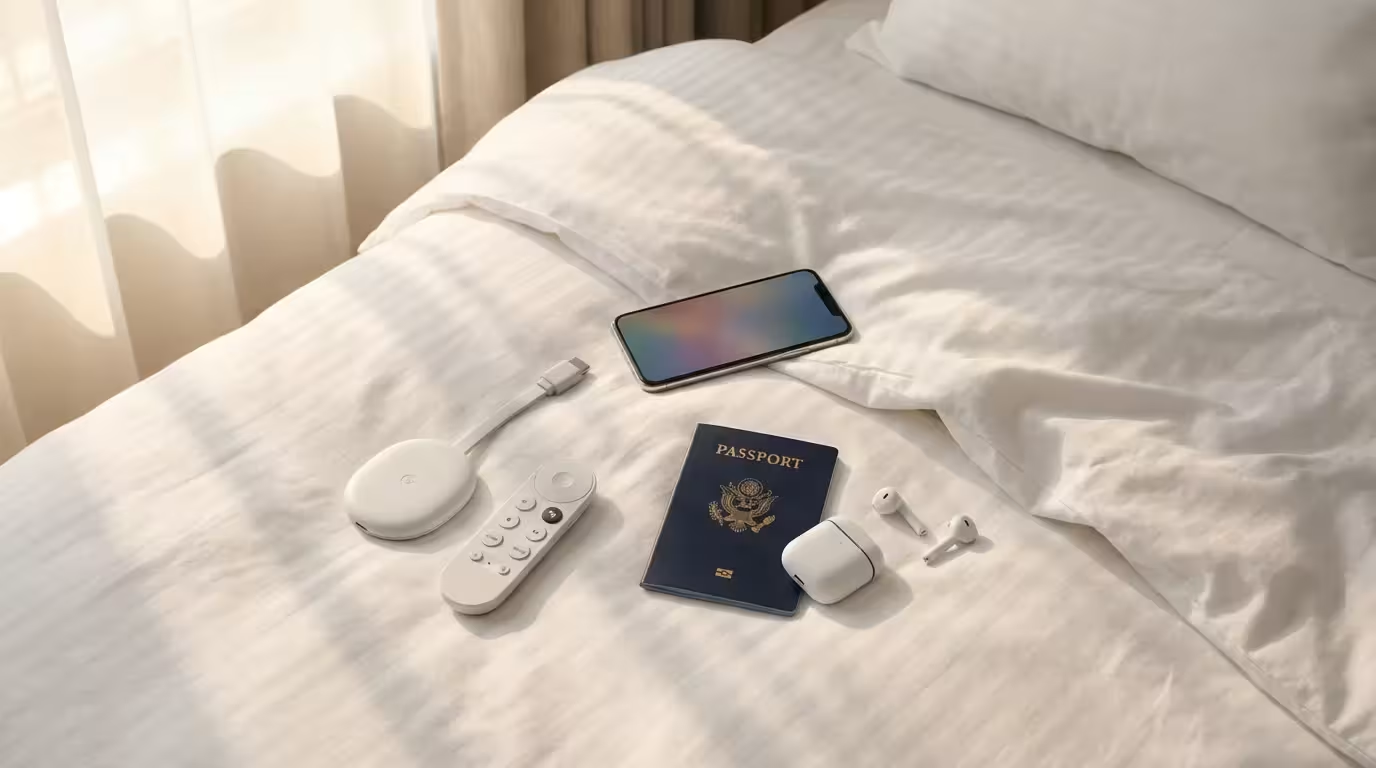
The Chromecast with Google TV (4K) marked a major shift for Google by finally including a remote control and an on-screen interface. It is an excellent device with arguably the best content recommendations system.
The Form Factor Issue
While excellent at home, the design is an oval “puck” with a short flexible HDMI cable attached. It is meant to dangle. It is slightly bulkier than the Roku or Fire TV Stick. If the TV is mounted flush against a wall, the Chromecast can sometimes be difficult to fit without an HDMI extender (though one is usually not included in the box).
Captive Portal Handling
Google TV handles hotel Wi-Fi reasonably well, though it can sometimes be more finicky than Roku. It typically attempts to open a browser window for you to log in. As Tom’s Guide notes in their reviews, the interface is excellent for content aggregation, bringing shows from different services into one “For You” tab, which is great when you don’t know what to watch in your hotel room.
Is the Apple TV 4K Travel-Friendly?
The Apple TV 4K is widely considered the most powerful and premium streaming box on the market. It supports high bitrate video, seamless iPhone integration, and Spatial Audio. But should you travel with it?
Generally, no.
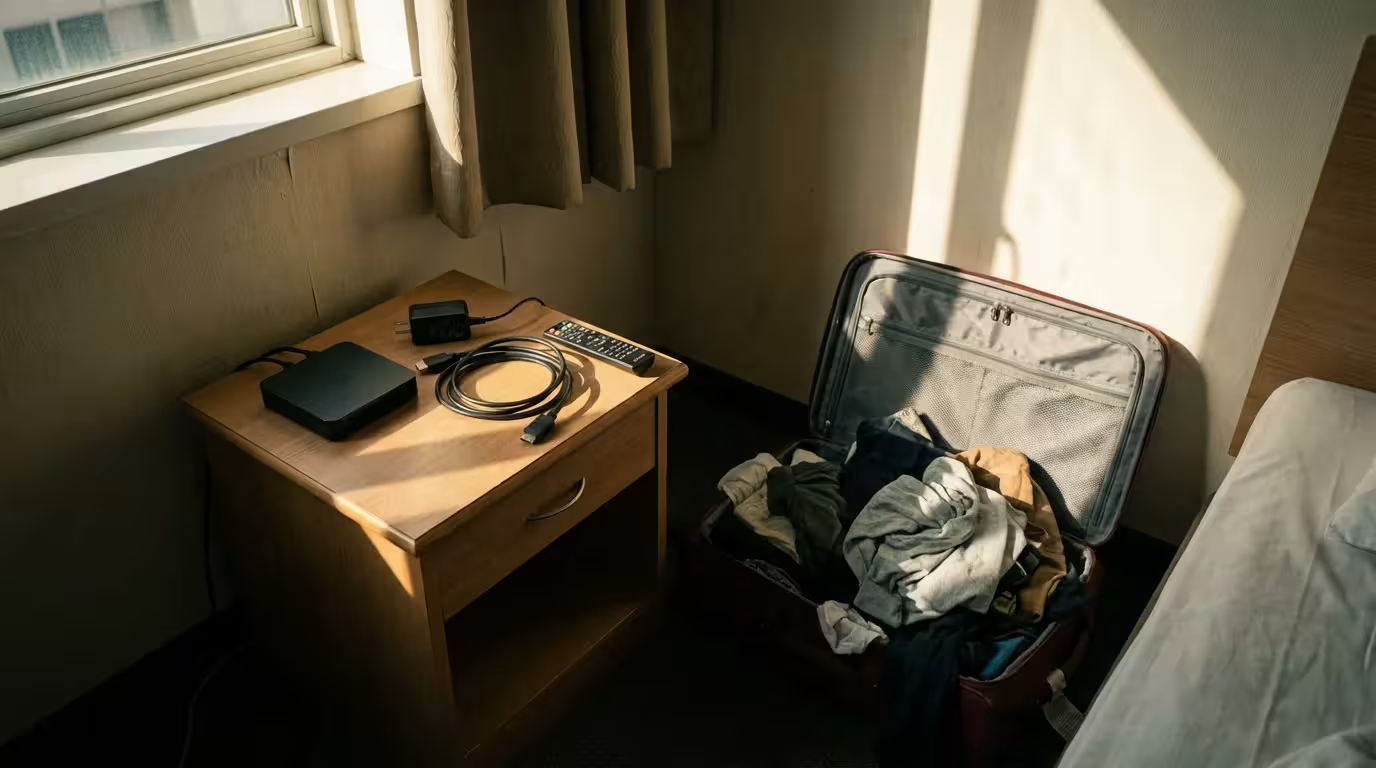
The Apple TV is a “box,” not a stick. It requires a separate HDMI cable (which you must pack) and a dedicated power cable (it cannot run off TV USB). It is heavy and takes up valuable space in a suitcase. Furthermore, navigating captive portals on an Apple TV can be frustrating compared to the dedicated methods on Roku and Fire TV, although recent tvOS updates have improved this by allowing iPhone syncing for network authentication.
Unless you are moving into a long-term rental for a month and demand the absolute highest picture quality, stick to a Roku or Fire TV for travel.
Head-to-Head Comparison: Travel Specs
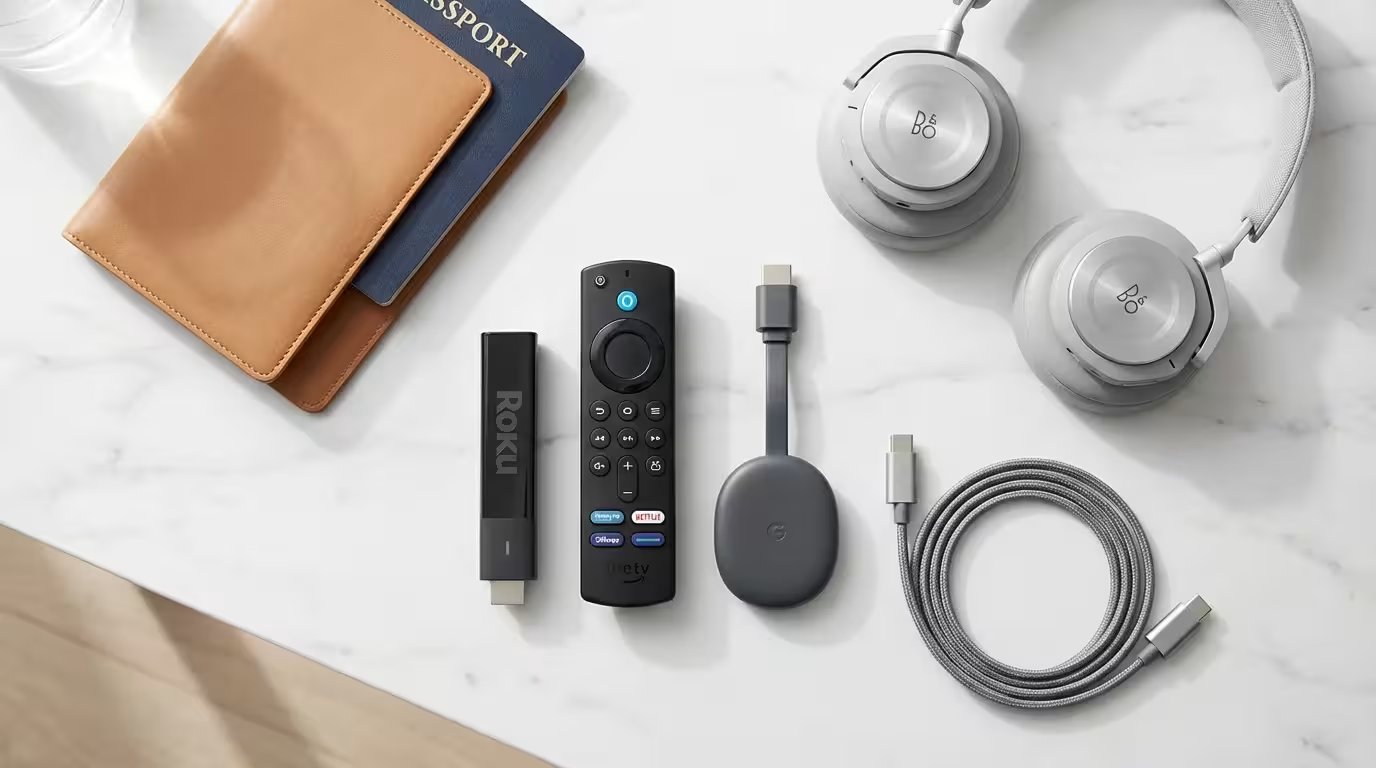
Here is how the top portable devices stack up specifically for travel needs.
| Device | Form Factor | Hotel Wi-Fi Login | Power Source | Typical Price |
|---|---|---|---|---|
| Roku Streaming Stick 4K | Stick (Compact) | Excellent (via Phone) | Wall or TV USB* | $50 |
| Fire TV Stick 4K Max | Stick (Large) | Good (via Browser) | Wall adapter preferred | $60 |
| Chromecast with Google TV | Oval Dongle | Good (via Browser) | Wall adapter required** | $50 |
| Roku Express 4K+ | Small Box + Cable | Excellent | Wall or TV USB | $40 |
*Many older TV USB ports provide 0.5A power. 4K sticks often require 1.0A. If the TV port is underpowered, the device may boot loop or warn you to use the wall plug.
**Chromecast with Google TV almost always requires the included wall adapter to function properly.
Mastering Hotel Wi-Fi and Captive Portals
The “Captive Portal” is the enemy of the unprepared traveler. Here is how to defeat it.
For Roku Users:
- Connect your Roku to the TV and power it up.
- Go to Settings > Network > Set up connection.
- Select the hotel Wi-Fi network.
- When the connection fails (because you haven’t logged in yet), select “I am at a hotel or dorm.”
- The TV will display instructions. On your smartphone, connect to the specific Wi-Fi network shown on the TV screen.
- Your phone will pop up the hotel login page. Enter your room number or accept the terms.
- Once your phone connects, the Roku automatically authenticates and connects to the internet.
For Fire TV / Google TV Users:
- Connect to the Hotel Wi-Fi in the network settings.
- The device should recognize that further action is required and attempt to launch a browser window.
- Use your remote to navigate the cursor to the login fields.
- Pro Tip: If the browser doesn’t pop up automatically, open the pre-installed browser app (Silk on Amazon) and try to load a website like Google.com. This usually forces the hotel login page to appear.
Essential Accessories for Your Travel Kit
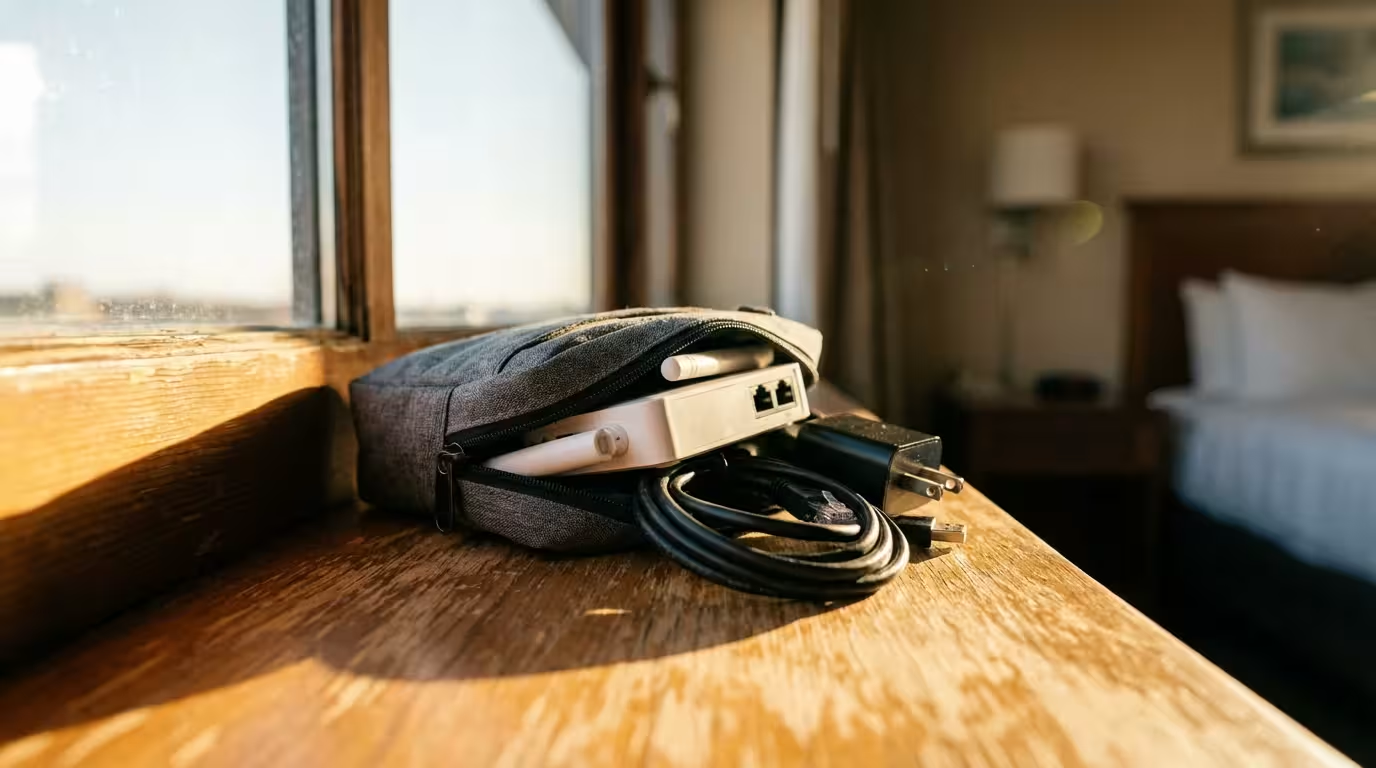
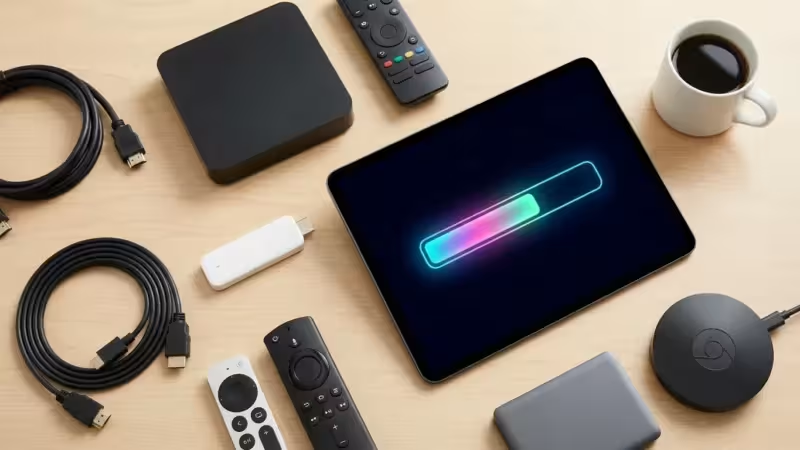
To ensure your streaming stick works on any TV, pack these three inexpensive items in a small pouch:
- HDMI Extender (Short): Both Roku and Fire TV usually include a 3-inch HDMI extender in the box. Do not throw this away. Wall-mounted hotel TVs often have HDMI ports located in tight recesses where a stick physically cannot fit. The flexible extender solves this.
- Long Micro-USB/USB-C Cable: The power cable included with your device might be too short if the nearest wall outlet is behind the bed or on the floor. A 6-foot or 10-foot USB cable ensures you can reach power.
- Universal Travel Adapter: If you are traveling internationally, remember that your US power brick won’t fit European or Asian outlets.
Troubleshooting Common Travel Issues
The TV Remote is Locked
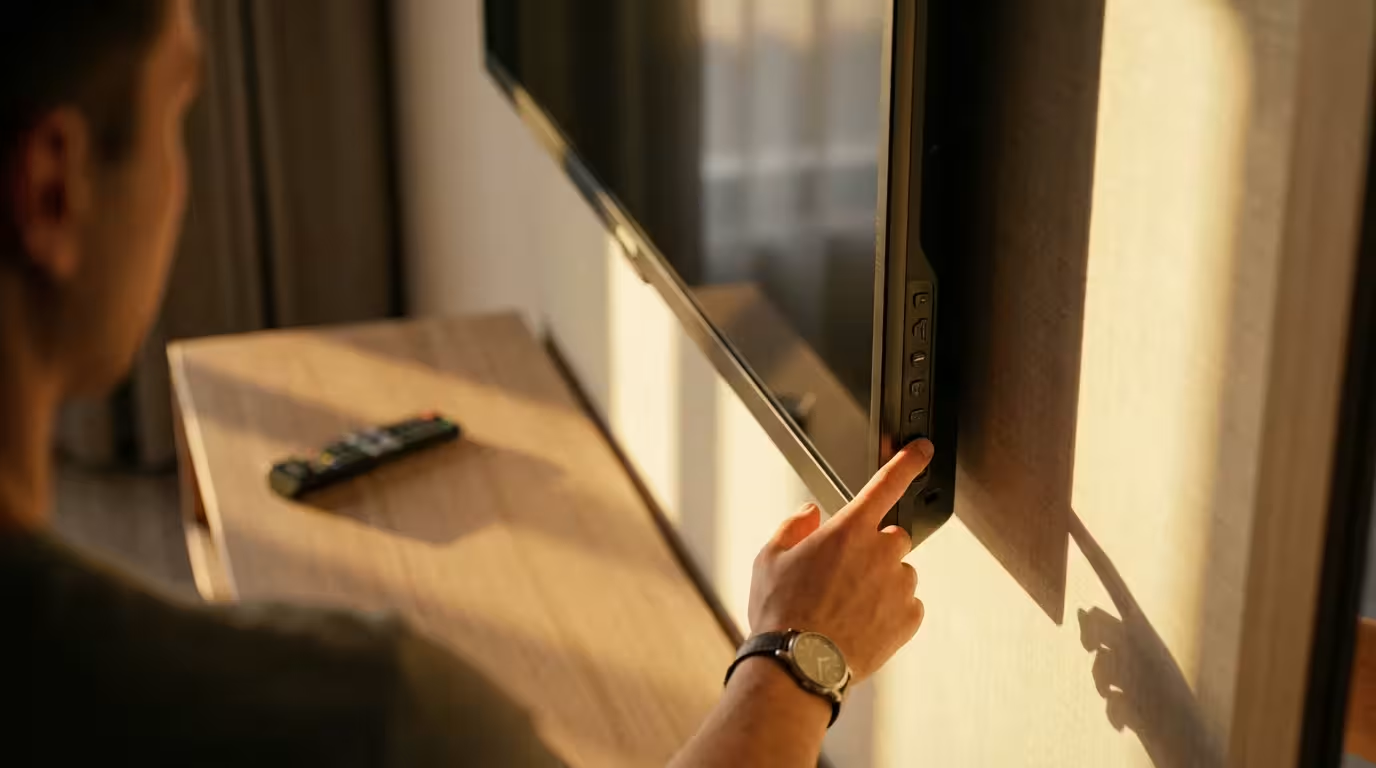
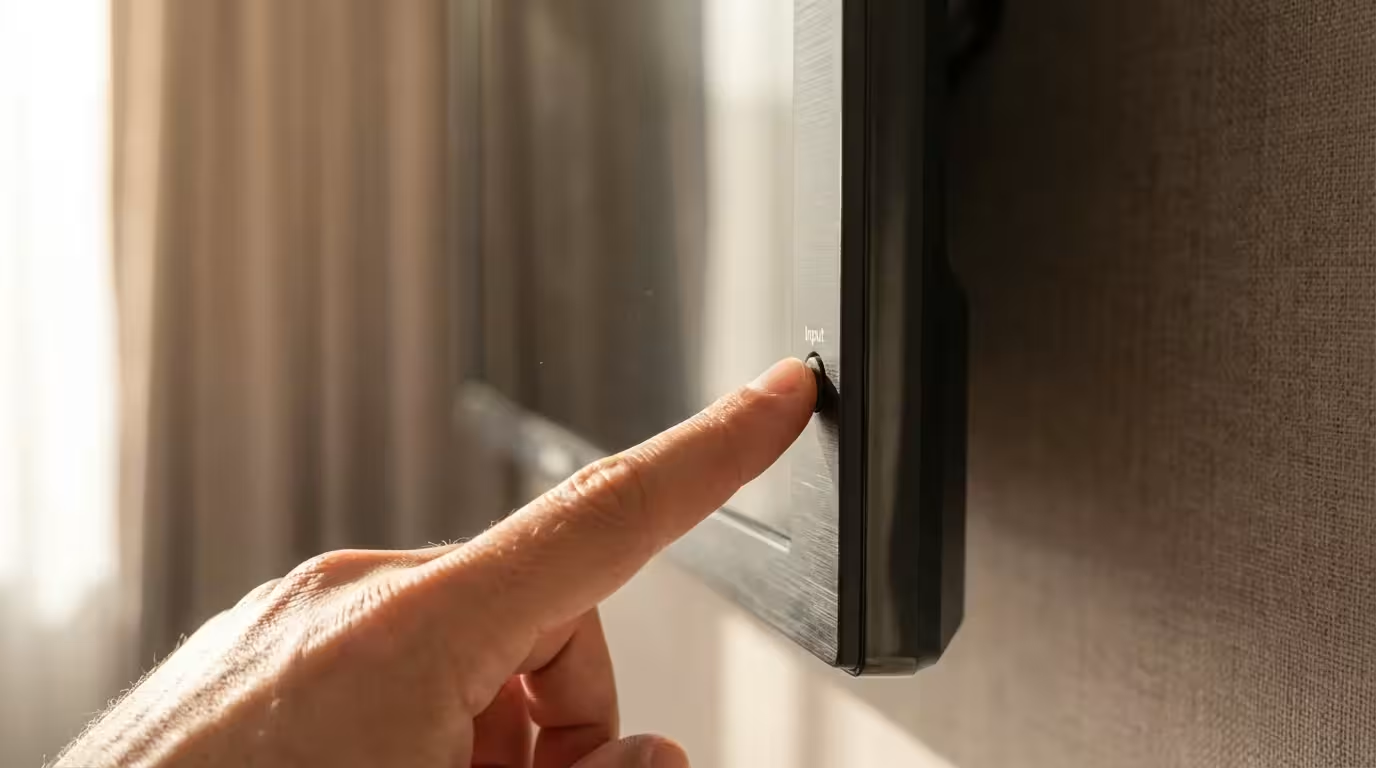
Some hotels use “Hospitality Mode” remotes that prevent you from changing the Input/Source to HDMI. Check the side or bottom of the physical TV set for manual buttons. Usually, there is an “Input” button on the TV chassis that bypasses the remote’s restrictions.
Laggy Performance
Hotel Wi-Fi is notoriously congested in the evenings (when everyone is streaming). If you experience buffering, go into your streaming device settings and lower the video resolution from 4K/Auto to 1080p or even 720p. This significantly reduces the bandwidth required and usually stabilizes the stream.
Frequently Asked Questions
Can I use my phone’s hotspot for streaming?
Yes, using your phone as a hotspot is often faster and more secure than hotel Wi-Fi. However, streaming video consumes massive amounts of data—roughly 1GB per hour for HD and up to 7GB per hour for 4K. Only use this method if you have an unlimited data plan with a high hotspot allowance. Check your carrier’s “fair use” policy to avoid being throttled.
Will my streaming apps work internationally?
This depends on the app. Netflix, for example, will work but will show you the library of the country you are currently in (e.g., Netflix Japan). Other services like Hulu or Max (HBO) may be completely blocked outside the US. To access your US content library while abroad, many travelers use a VPN (Virtual Private Network) installed directly on their streaming stick, though streaming services constantly try to block VPNs.
Do I need a 4K device if the hotel TV is old?
Even if you encounter a 720p or 1080p TV in a budget motel, buying a 4K streaming stick is still the better choice. CNET often highlights that 4K models have faster processors and better Wi-Fi antennas than their “HD” or “Lite” counterparts. This speed difference makes the menus snappier and helps the device hold onto weak Wi-Fi signals, which is crucial for travel.
Disclaimer: Device prices and features may change. New models are released regularly, so check for the latest versions before purchasing. The “best” device depends on your specific needs, existing ecosystem (Apple, Google, Amazon), and budget.

Leave a Reply