
You have finally decided to cut the cord. You are ready to ditch the expensive cable contract and build a customized entertainment setup that saves you money. But as soon as you start researching, you run into a wall of confusing acronyms and technical jargon. Terms like “vMVPD,” “bitrate,” “latency,” and “dynamic range” can make signing up for a simple movie service feel like an engineering exam.
Understanding these terms isn’t just about sounding smart; it is about saving money and getting the best possible experience. If you don’t know the difference between an SVOD and a FAST service, you might be overpaying for content you could get for free. If you don’t understand bandwidth and data caps, you could end up with a surprisingly high internet bill.
This guide cuts through the noise. We define the essential streaming terms you need to know and, more importantly, explain exactly how understanding them helps you optimize your viewing and protect your wallet.

The Alphabet Soup: Types of Streaming Services
The industry uses several acronyms to describe how they deliver content and how they charge you for it. Knowing the difference allows you to mix and match services to balance cost and convenience.
SVOD (Subscription Video on Demand)
What it is: This is the model popularized by Netflix. You pay a recurring monthly or yearly fee to access a library of content whenever you want, usually without ads (though ad-supported tiers are becoming common).
Why it matters: These are the “base” of most cord-cutting setups. However, subscribing to too many SVODs creates “subscription creep,” where your total bill rivals your old cable package. To manage this, audit your SVODs monthly.
AVOD (Advertising-Based Video on Demand)
What it is: Services that let you watch shows and movies for free (or at a steep discount) in exchange for watching commercials. Peacock’s free tier (no longer available to new sign-ups, but a classic example) and Tubi fall into this category.
Why it matters: AVOD is the secret weapon for saving money. By tolerating a few minutes of ads per hour, you can reduce your monthly entertainment bill to zero for large chunks of your content library.
FAST (Free Ad-Supported Streaming TV)
What it is: Think of this as “virtual cable” without the bill. FAST services like Pluto TV or The Roku Channel offer linear channels that run on a schedule with commercial breaks, just like traditional broadcast TV.
Why it matters: If you miss the feeling of “channel surfing” or having background noise while you cook, FAST channels are the perfect, cost-free solution. Tom’s Guide often highlights FAST services as the best way to supplement paid subscriptions without spending an extra dime.
vMVPD (Virtual Multichannel Video Programming Distributor)
What it is: A mouthful of an acronym that simply means “Live TV Streaming Service.” Examples include YouTube TV, Hulu + Live TV, and Sling TV. They deliver live local channels and cable networks over the internet.
Why it matters: These are the direct replacements for cable TV. They are expensive (often $70+ per month) but necessary if you require live sports or local news and cannot use an antenna.
Hardware and Connectivity: The Gear You Need
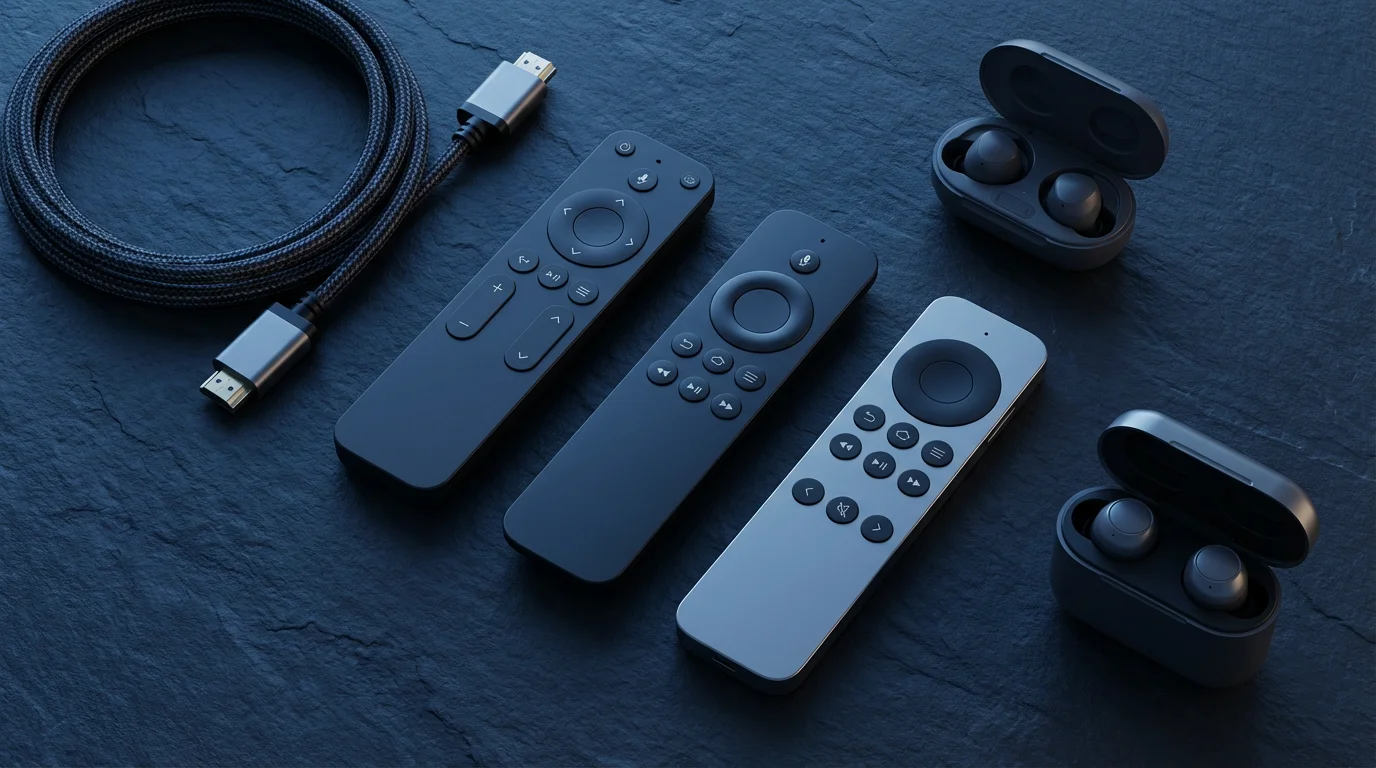
Your streaming experience is only as good as the device you are watching on. Understanding hardware terms helps you avoid buying outdated tech.
Streaming Stick vs. Set-Top Box
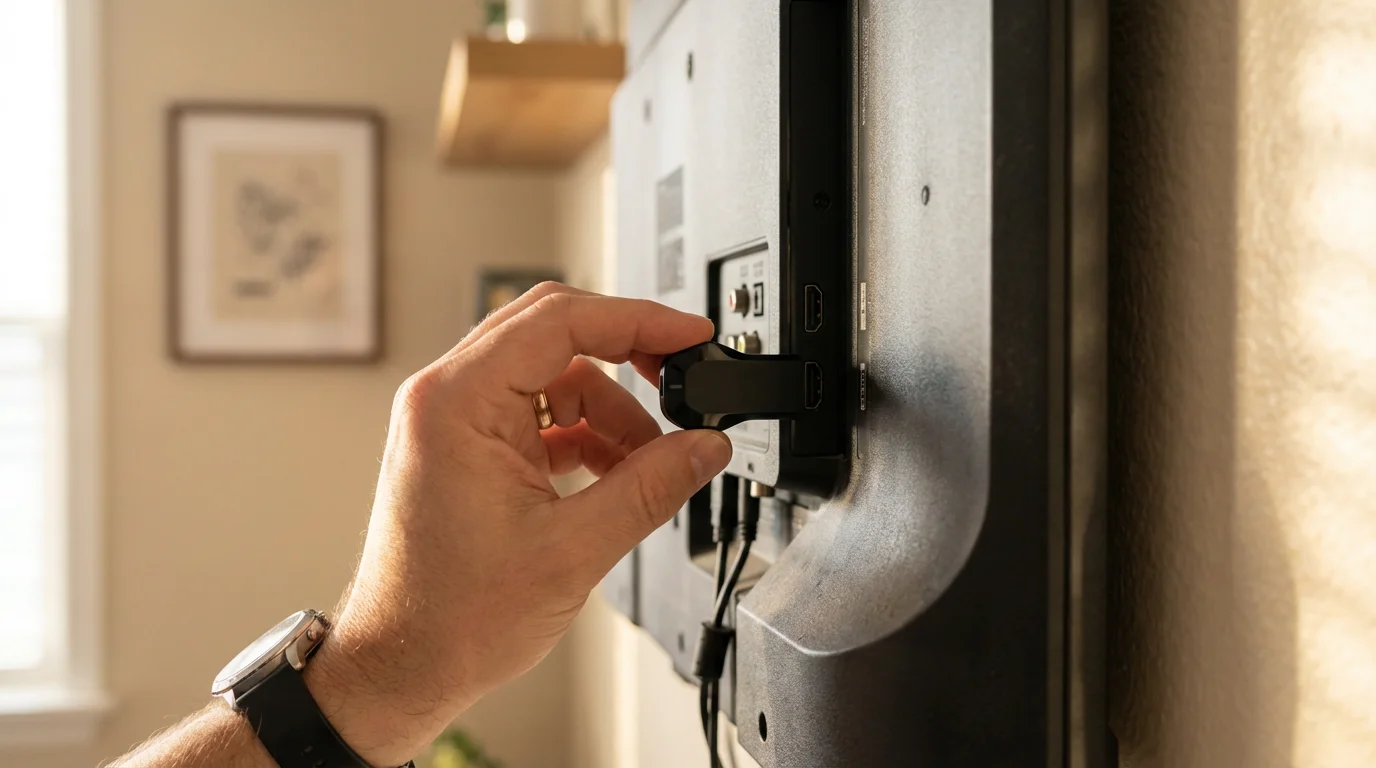
Streaming Stick (Dongle): A small device (like the Roku Stick or Amazon Fire TV Stick) that plugs directly into the HDMI port behind your TV. They are generally cheaper and hide out of sight.
Set-Top Box: A larger unit (like the Apple TV 4K or Roku Ultra) that sits on your entertainment center. They generally offer faster processors, better WiFi reception, and Ethernet ports for hardwiring.
Actionable Insight: If your WiFi router is far from your TV, opt for a set-top box or a stick with an extended-range receiver. The small form factor of sticks can sometimes struggle with signal strength behind a large TV.
Smart TV Interface
What it is: The operating system built directly into your television (e.g., LG webOS, Samsung Tizen, Vizio SmartCast). It allows you to download apps without an external device.
Why it matters: While convenient, built-in Smart TV interfaces often stop receiving updates after a few years and become sluggish. Dedicated streaming devices almost always provide a smoother, faster experience and a longer lifespan.
HDMI-CEC (Consumer Electronics Control)
What it is: A feature that allows your devices to talk to each other over the HDMI cable. It lets your Roku remote turn on your TV and adjust the volume, or your TV remote control your Fire Stick menus.
Why it matters: Enabling this in your settings eliminates the need to juggle three different remotes. It creates a seamless, “cable-like” experience where one button press turns everything on.

Picture and Audio Quality Decoded
Streaming services often charge extra for higher quality tiers. Understanding these terms prevents you from paying for upgrades you can’t even see or hear.
4K (UHD / Ultra High Definition)
Definition: A resolution of 3840 x 2160 pixels, providing four times the detail of standard High Definition (1080p).
The Reality Check: You only need 4K if you have a 4K-compatible TV and a fast internet connection (usually 25 Mbps or higher). If you primarily watch on a tablet, laptop, or an older 1080p TV, paying for a “Premium” 4K tier (like on Netflix) is throwing money away.
HDR (High Dynamic Range)
Definition: Technology that expands the contrast and color range of the video. It makes brights brighter, darks darker, and colors more vibrant.
Formats to Know:
- HDR10: The industry standard; most HDR TVs support this.
- Dolby Vision: A premium version of HDR that adjusts the picture scene-by-scene. It requires a TV and streaming device that specifically supports it.
Bitrate
Definition: The amount of data processed per second. While resolution (4K) determines the number of pixels, bitrate determines the quality of those pixels.
Why it matters: A 4K stream with a low bitrate will look blocky and blurry, especially during fast-motion scenes like sports. A high-quality 1080p stream with a high bitrate often looks better than a low-bitrate 4K stream. Hardwiring your device via Ethernet helps maintain a consistent high bitrate.
“The best streaming service is the one that has the shows you actually watch—not the one with the most content.”

Financial Terms and Money-Saving Strategies
Cord-cutting is about economics. Master these terms to keep your budget lean.
The Bundle
Definition: Packaging multiple services together for a lower price than buying them individually. The most famous example is the Disney Bundle (Disney+, Hulu, and ESPN+).
Strategy: Always check for “corporate cousin” bundles. For example, Walmart+ accounts include Paramount+, and T-Mobile accounts often include Netflix or Apple TV+. Check your credit card perks and mobile phone plan benefits before signing up for a new service.
Churn (or Subscription Rotation)
Definition: The practice of subscribing to a service for a short period to binge-watch specific shows, canceling it, and moving to a different service.
Strategy: Unlike cable, streaming services have no cancellation fees. Do not keep Netflix, Max, Hulu, and Disney+ active simultaneously all year. Rotate them. Pay for one month of Max, watch House of the Dragon, cancel, and switch to Hulu for The Bear. This “rotation” strategy can save you over $500 a year.
Annual Plan
Definition: Pre-paying for a full year of service upfront.
The Math: Most services offer a discount of 15% to 20% for annual plans (essentially getting two months free). Consumer Reports frequently advises that if you know you will keep a service for the long haul, the annual plan is the safest guaranteed return on investment available.
Internet Speed, Data, and Bandwidth
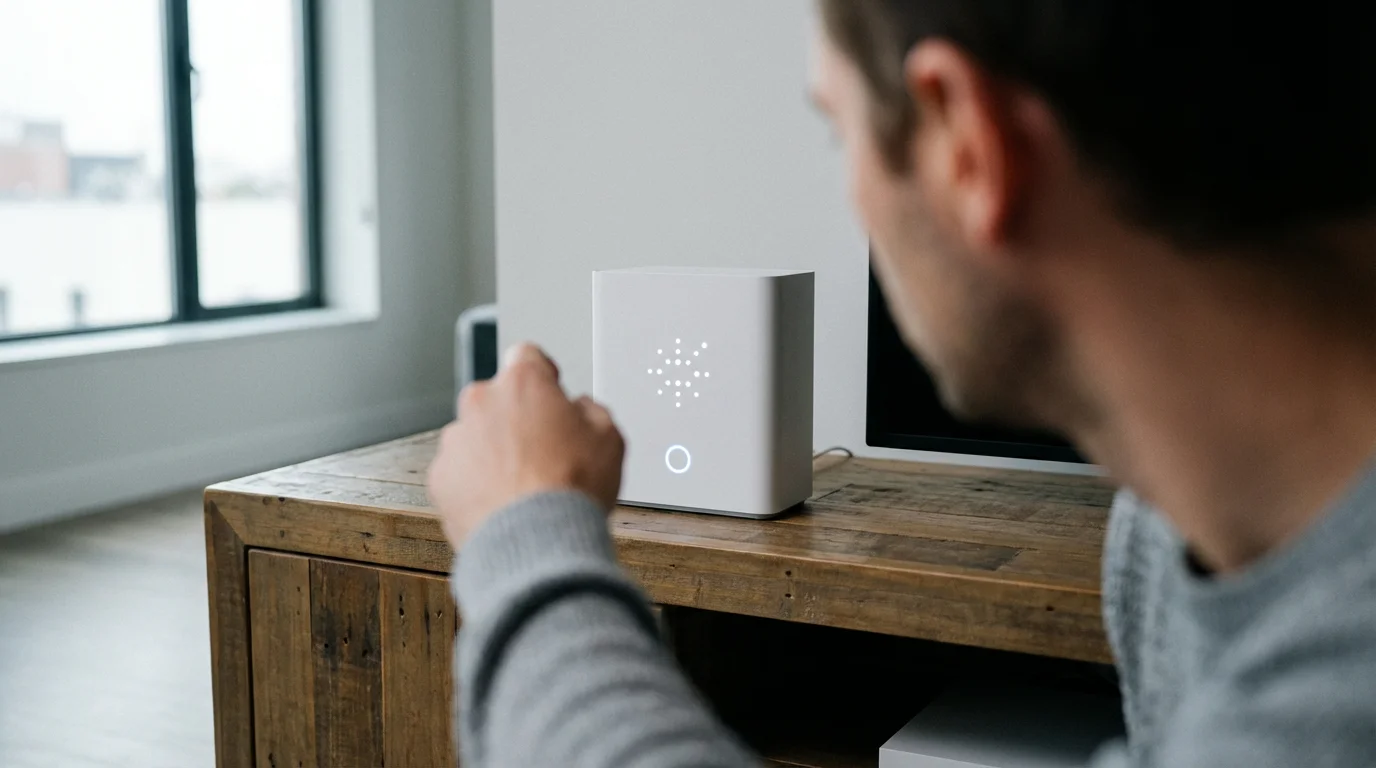
Your streaming service is only as reliable as the pipe delivering it. Internet Service Providers (ISPs) often hide limitations in the fine print.
Mbps (Megabits Per Second)
Definition: The speed at which data travels to your home. This is the “speed limit” of your connection.
What you actually need:
- SD (Standard Definition): 3 Mbps
- HD (High Definition): 5–8 Mbps
- 4K (Ultra HD): 25 Mbps
Insight: If you live alone and stream in 4K, a 100 Mbps plan is plenty. You do not need the expensive 1 Gigabit (1000 Mbps) plan unless you have a large household with multiple people gaming and streaming 4K simultaneously.
Data Cap
Definition: A limit on the amount of data you can use per month (e.g., 1.2 Terabytes). If you exceed it, the ISP charges overage fees.
Why it matters: Streaming 4K video uses roughly 7GB of data per hour. If you watch TV for 5 hours a day in 4K, you could hit a 1TB data cap. To save data, go into your profile settings and lower the video quality from “Auto/Best” to “Good” or “1080p.”
Throttling
Definition: When your ISP intentionally slows down your internet speed based on your activity or network congestion.
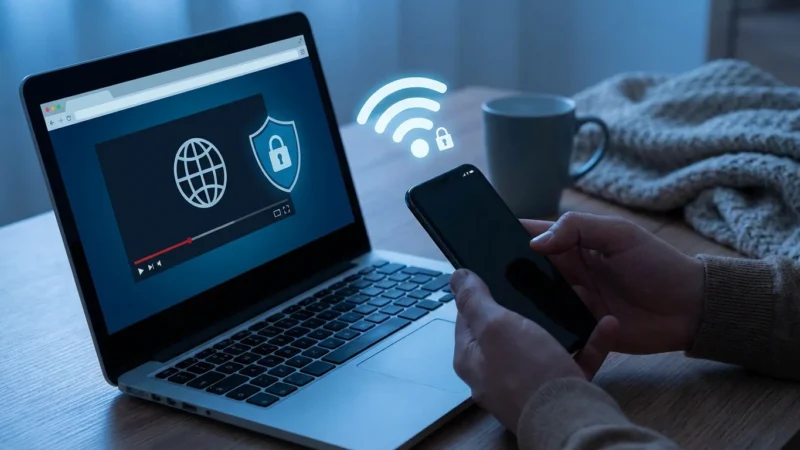
The Fix: If you experience constant buffering specifically in the evenings, your ISP might be throttling you. Sometimes using a VPN (Virtual Private Network) can prevent the ISP from seeing your traffic type, potentially bypassing specific throttling filters.
Essential Features and Settings
Dig into the settings menu of your apps to find these features that enhance usability.
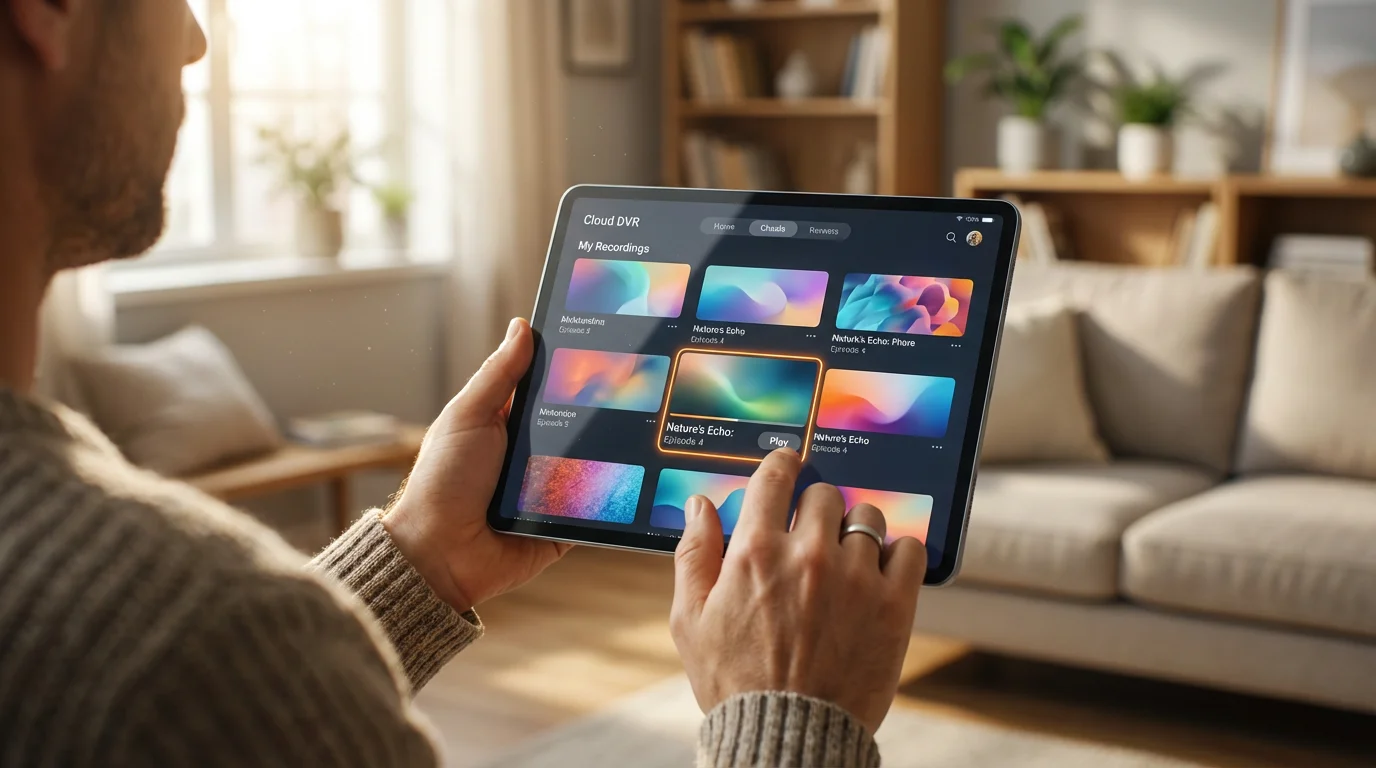
Cloud DVR
Definition: A feature offered by live TV services (vMVPDs) that lets you record shows to the provider’s server rather than a physical hard drive in your house.
Watch out for: Retention limits. Some services, like YouTube TV, offer unlimited storage but delete recordings after 9 months. Others limit you to 50 hours of storage but keep them indefinitely. Choose the service that matches your viewing habits.
Simultaneous Streams
Definition: The number of devices that can watch content from the same account at the same time.
Why it matters: This is the most common cause of family arguments in cord-cutting households. Basic plans often limit you to 1 or 2 streams. If you share an account with a family of four, ensure your plan supports at least 3 or 4 simultaneous streams to avoid the “Too many people are watching” error message.
Profiles
Definition: Individual user accounts nested within a single subscription.
Actionable Tip: Always create separate profiles for every household member. This ensures the algorithm suggests shows you like, rather than mixing your horror movies with your toddler’s cartoons. It also keeps your “Continue Watching” list accurate.
Quick Reference Comparison Table
Use this chart to quickly decipher the most confusing overlapping terms in the streaming world.
| Term | Stands For | Primary Benefit | Example Services |
|---|---|---|---|
| SVOD | Subscription Video On Demand | Premium, on-demand content, usually ad-free options | Netflix, Disney+, Max |
| AVOD | Ad-Based Video On Demand | Lower cost (or free) in exchange for ads | Peacock, Hulu (Basic) |
| FAST | Free Ad-Supported Streaming TV | Totally free, linear “live” channels, no account needed | Pluto TV, Tubi, Freevee |
| vMVPD | Virtual Multichannel Video Distributor | Live local channels, sports, and news (Cable replacement) | YouTube TV, Sling TV, Fubo |
Frequently Asked Questions
Is paying for 4K streaming worth the extra cost?
It depends on your hardware. If you do not own a 4K TV, it is absolutely not worth it. Even if you do own a 4K TV, if you sit far away from the screen or have a TV smaller than 55 inches, the difference between 1080p and 4K is often negligible to the human eye. According to CNET, many viewers are better off saving the money and sticking with the standard HD plan unless they require the higher number of simultaneous streams often bundled with 4K plans.
Can I still share my password with family outside my home?
This is becoming increasingly difficult. Netflix initiated a crackdown on password sharing, requiring devices to log in from the home WiFi network periodically. Disney+ and Hulu are implementing similar restrictions. Generally, you should assume that account sharing is now limited to people living under the same roof. If you want to share with someone outside your home, look for “Extra Member” add-on features, which cost less than a full new subscription.
What happens if I exceed my internet data cap while streaming?
Most ISPs will charge you an overage fee, often around $10 for every additional 50GB of data used. To prevent this, check your ISP’s app to monitor your usage. If you are consistently close to the limit, lower your streaming quality settings on your TV or consider upgrading to an unlimited data plan, which may be cheaper than paying monthly overage penalties.
Disclaimer: Streaming service terms and pricing change frequently. Always review current terms of service before implementing any money-saving strategies. Some tips may not work with all services or in all regions.







Leave a Reply