
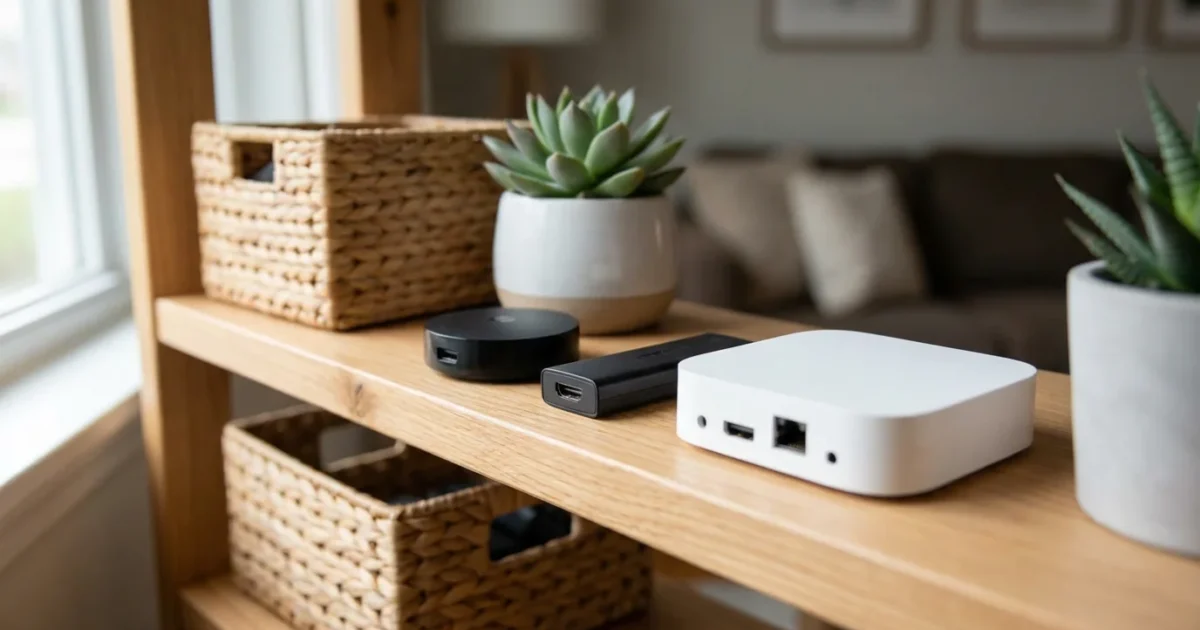
Every month, streaming services seem to raise their prices. If you are looking to cut the cord or upgrade your bedroom TV setup, the last thing you want to do is spend a fortune on hardware. While the latest gadgets get all the marketing hype, a massive, often overlooked market exists that can save you serious cash: refurbished streaming devices.
Buying a streaming device—a small box or stick that connects your TV to the internet to play video—doesn’t require paying full retail price. Whether you need a Roku, an Amazon Fire TV, or a high-end Apple TV, the refurbished market offers high-quality electronics at a fraction of the cost. However, navigating this market requires a bit of know-how to ensure you get a reliable product rather than a headache.
This guide will walk you through the safest ways to buy used, the best models to hunt for, and how to verify your device works perfectly once it arrives.
The Financial Logic: Why Buy Refurbished?
Buying brand-new electronics is often unnecessary for streaming media players. Unlike smartphones, which suffer from battery degradation and daily wear and tear in your pocket, streaming devices usually sit stationary behind a television. They do not experience drops, screen cracks, or heavy physical abuse.
By choosing a refurbished model, you can typically save between 15% and 40% off the retail price. For a budget stick, that might save you enough for a month of Netflix. On a high-end device like an Apple TV or NVIDIA Shield, that savings can equal $40 to $60.
Furthermore, “refurbished” often means “better inspected than new.” When a customer returns a product because they simply changed their mind, the manufacturer or a certified technician tests that specific unit to ensure it works before reselling it. Brand new units coming off an assembly line are usually only spot-checked. Buying refurbished also keeps e-waste out of landfills, making it an environmentally friendly choice for your home.
Certified Refurbished vs. Used: Knowing the Difference
Not all second-hand electronics are created equal. Understanding the terminology is the most critical step in protecting your wallet.
Certified Refurbished
This is the gold standard. A “Certified Refurbished” device has been inspected, cleaned, and repaired (if necessary) to meet the manufacturer’s original specifications. It usually comes with new accessories (remote, power cable) and, most importantly, a warranty. This is the only category recommended for most buyers.
Used or “As-Is”
You will often see these listings on eBay, Facebook Marketplace, or Craigslist. These devices are sold by individuals. They have not been inspected by a professional, they likely do not come with a warranty, and they might be missing the remote or power adapter. Unless you are extremely tech-savvy and comfortable losing your money, avoid “used” listings.
“The sweet spot for electronics is ‘Manufacturer Refurbished.’ This means the company that built the device—like Apple or Roku—is the one standing behind the repair.” — Electronics Industry Standard
Where to Buy Safe and Reliable Refurbished Devices
To ensure you don’t end up with a dud, stick to major retailers that offer robust return policies and warranties.
- Amazon Renewed: Amazon creates a high barrier for entry for sellers in this program. Products must look and work like new. The biggest benefit here is the Amazon Renewed Guarantee, which typically allows you 90 days to return the product if you aren’t satisfied. This is significantly better than the standard 30-day return window for new items.
- Best Buy Outlet: Best Buy sells “Geek Squad Certified Refurbished” products. These have been tested by their internal agents. You can often find these in physical stores to inspect the box before you buy.
- Manufacturer Direct: Roku, Apple, and sometimes Google sell refurbished units directly from their websites. These are often the highest quality but might have smaller discounts compared to third-party retailers.
- Woot!: An Amazon-owned daily deal site that frequently clears out older stock of Fire TV and Roku devices. Read the fine print, as warranties here can sometimes be shorter.
Best Value Picks: Refurbished Roku Devices
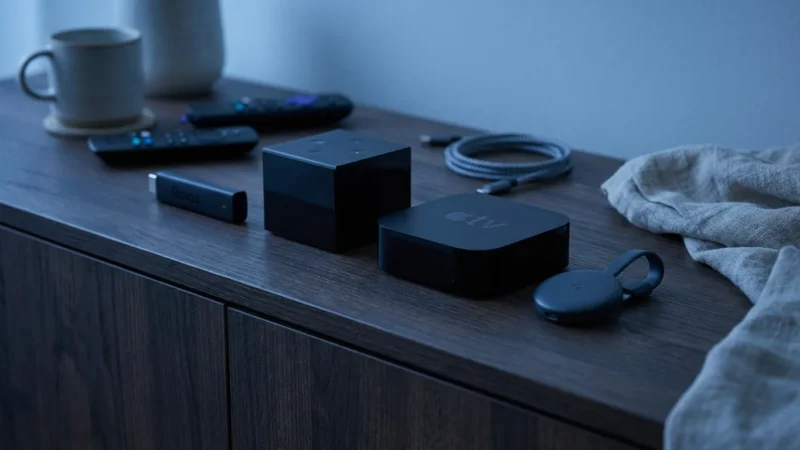
Roku remains a favorite for cord-cutters because of its simple, tile-based interface. It doesn’t push you toward buying movies as aggressively as Amazon or Google. Because Roku releases so many models, the refurbished market is flooded with options, making it a buyer’s market.
According to Wirecutter, the Roku Streaming Stick 4K is consistently a top pick for its speed and Wi-Fi performance. In the refurbished market, you should look for this specific model or the Roku Ultra.
Target Model: Roku Streaming Stick 4K
If you see a refurbished Roku Streaming Stick+ or Stick 4K, grab it. These sticks hide behind your TV and offer snappy performance. Ensure the listing includes the “Voice Remote with TV Controls.” This allows you to control your TV’s power and volume with the Roku remote, reducing clutter.
Target Model: Roku Ultra (2020 or newer)
The Roku Ultra is a set-top box, not a stick. It includes an Ethernet port for wired internet, which provides a more stable connection than Wi-Fi. It also features a “remote finder” button on the box—if you lose the remote in the couch cushions, press the button on the box, and the remote will beep. Refurbished Ultras offer incredible value, often selling for the price of a mid-range stick.
Avoid: The older “Roku Express” (non-4K) models. They are often frustratingly slow and only support standard HD, which looks blurry on modern TVs.
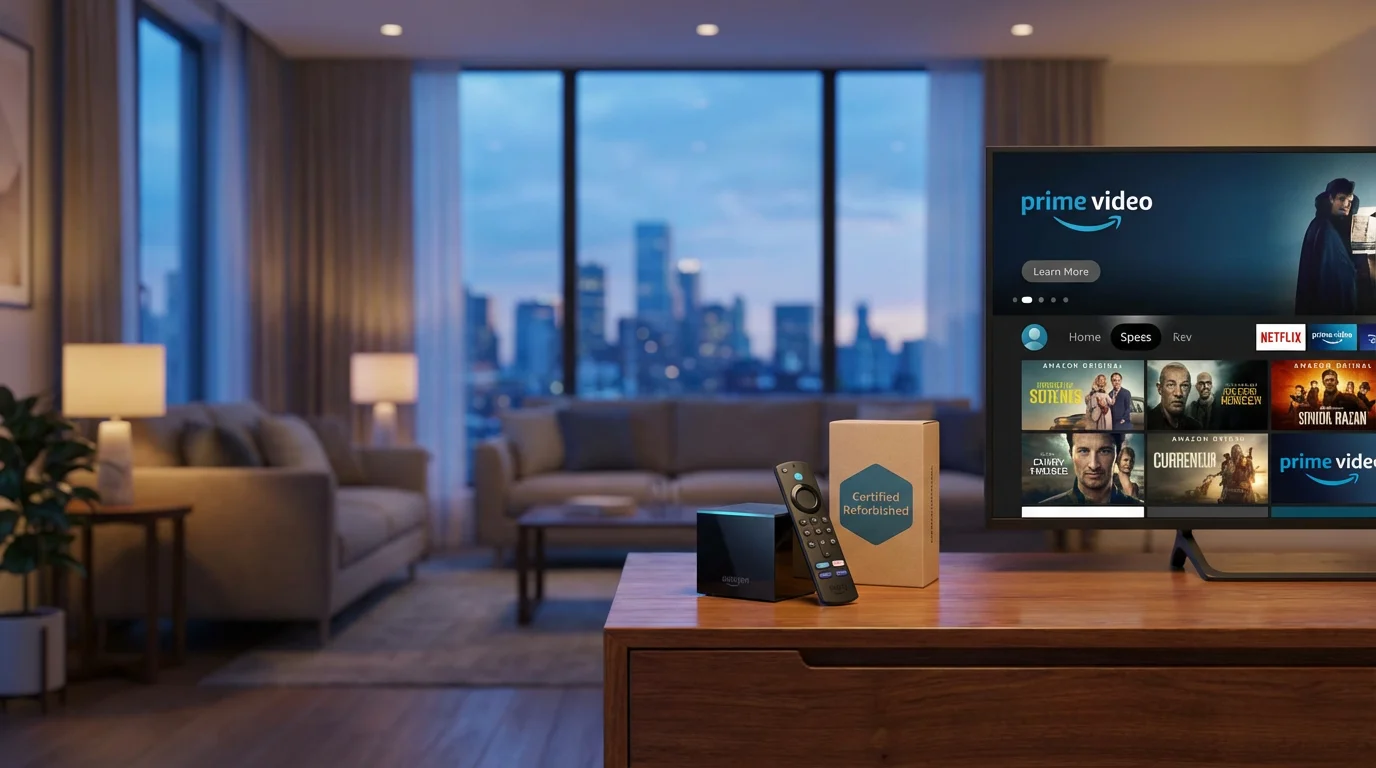
Best for Prime Members: Refurbished Amazon Fire TV
If your household subscribes to Amazon Prime, a Fire TV device makes sense. It integrates heavily with Prime Video and Alexa. Amazon frequently puts its own refurbished devices on sale, sometimes for as low as $20 or $25.
Target Model: Fire TV Stick 4K Max
The “Max” version includes support for Wi-Fi 6, a newer wireless standard that handles crowded networks better. If you have a modern router, this device loads apps faster than the standard version. Even if you don’t have a 4K TV yet, buying the 4K version ensures the device has a faster processor, making the menus feel smoother.
Target Model: Fire TV Cube
This is a hybrid between an Echo Dot smart speaker and a streaming player. It allows for totally hands-free voice control. Tom’s Guide notes that the Fire TV Cube is powerful but expensive when new. As a refurbished unit, however, the price drop makes it a compelling command center for a smart home.
Warning: Be aware that Fire TV interfaces display more advertisements on the home screen than Roku or Apple TV. If you prefer a clean look, this might annoy you.
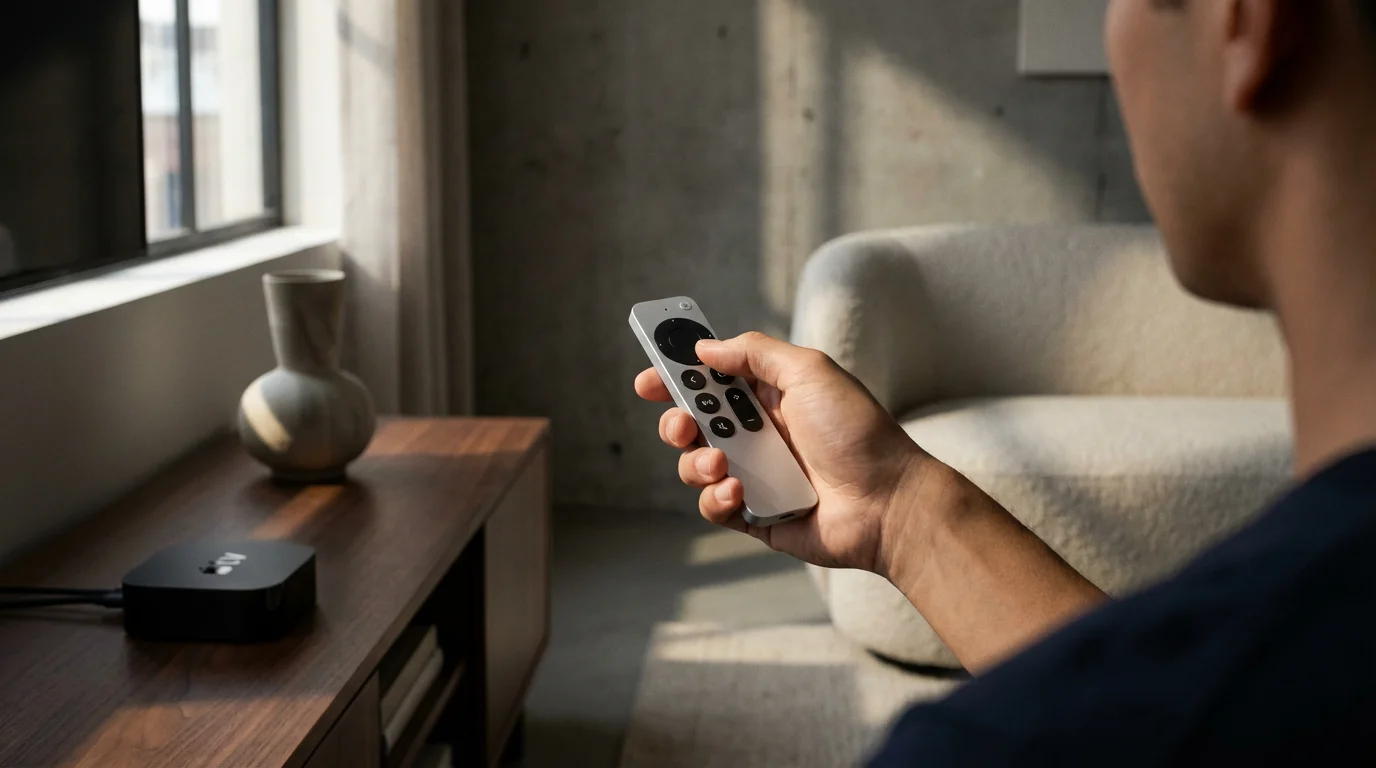
The Premium Choice: Refurbished Apple TV 4K
Apple products hold their value incredibly well, and for good reason. The Apple TV 4K is widely considered the most powerful, durable, and ad-free streaming box available. However, the retail price ($129+) scares off many budget buyers. This is where the refurbished route shines.
Look for a refurbished Apple TV 4K (2nd Generation or newer). The 1st Gen is acceptable, but the 2nd Gen comes with the redesigned Siri Remote, which is significantly easier to use than the old touch-pad remote. Apple’s refurbished store is legendary for quality; they replace the outer shell and battery, making the unit virtually indistinguishable from new.
If you use an iPhone, the integration is seamless. You can use your phone as a keyboard to type passwords and use your AirPods for private listening at night. While still pricier than a Roku, a refurbished Apple TV will likely outlast cheaper sticks by several years.
Best for Smart Recommendations: Refurbished Chromecast
The “Chromecast with Google TV” is a major evolution from the old Chromecasts that required a phone to work. These newer models have a remote and an on-screen interface. Google’s strength is its algorithm; it is excellent at recommending shows across all your apps (Netflix, Hulu, Disney+) in one list.
Look for the Chromecast with Google TV (4K). There is an HD version, but the price difference in the refurbished market is negligible. Always opt for the 4K model for future-proofing and better processing power.
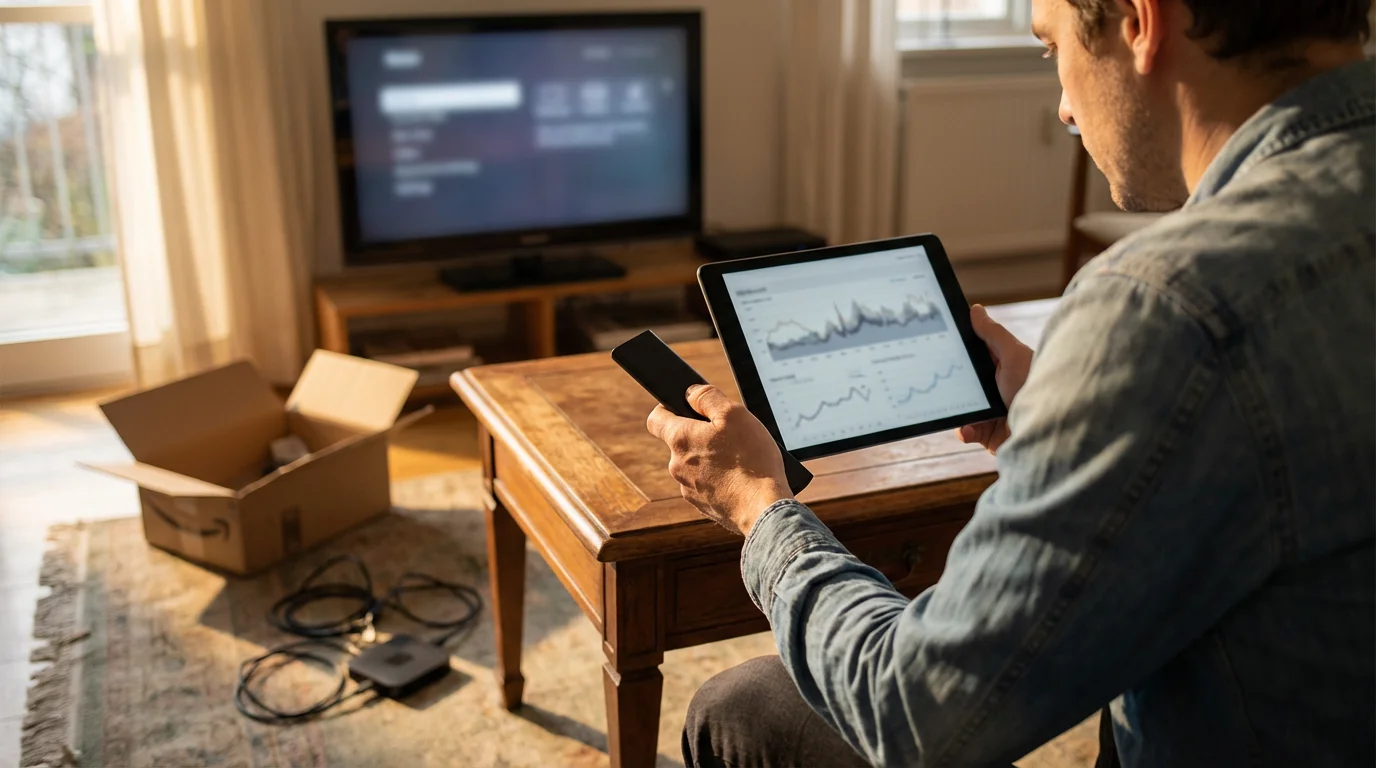
Comparison: Refurbished Device Specs and Savings
Use this table to quickly compare what you get with the top refurbished contenders. Prices are estimates based on average market rates.
| Device | Est. Refurb Price | Resolution | HDR Formats | Best For |
|---|---|---|---|---|
| Roku Streaming Stick 4K | $30 – $40 | 4K Ultra HD | HDR10, Dolby Vision | General use, simple interface, travel |
| Amazon Fire TV Stick 4K Max | $35 – $45 | 4K Ultra HD | HDR10+, Dolby Vision, Atmos | Prime members, WiFi 6 users |
| Apple TV 4K (2nd Gen) | $90 – $110 | 4K Ultra HD | High Frame Rate HDR, Dolby Vision | iPhone users, home theater enthusiasts |
| Chromecast with Google TV (4K) | $35 – $45 | 4K Ultra HD | HDR10, Dolby Vision | Personalized recommendations, YouTube TV |
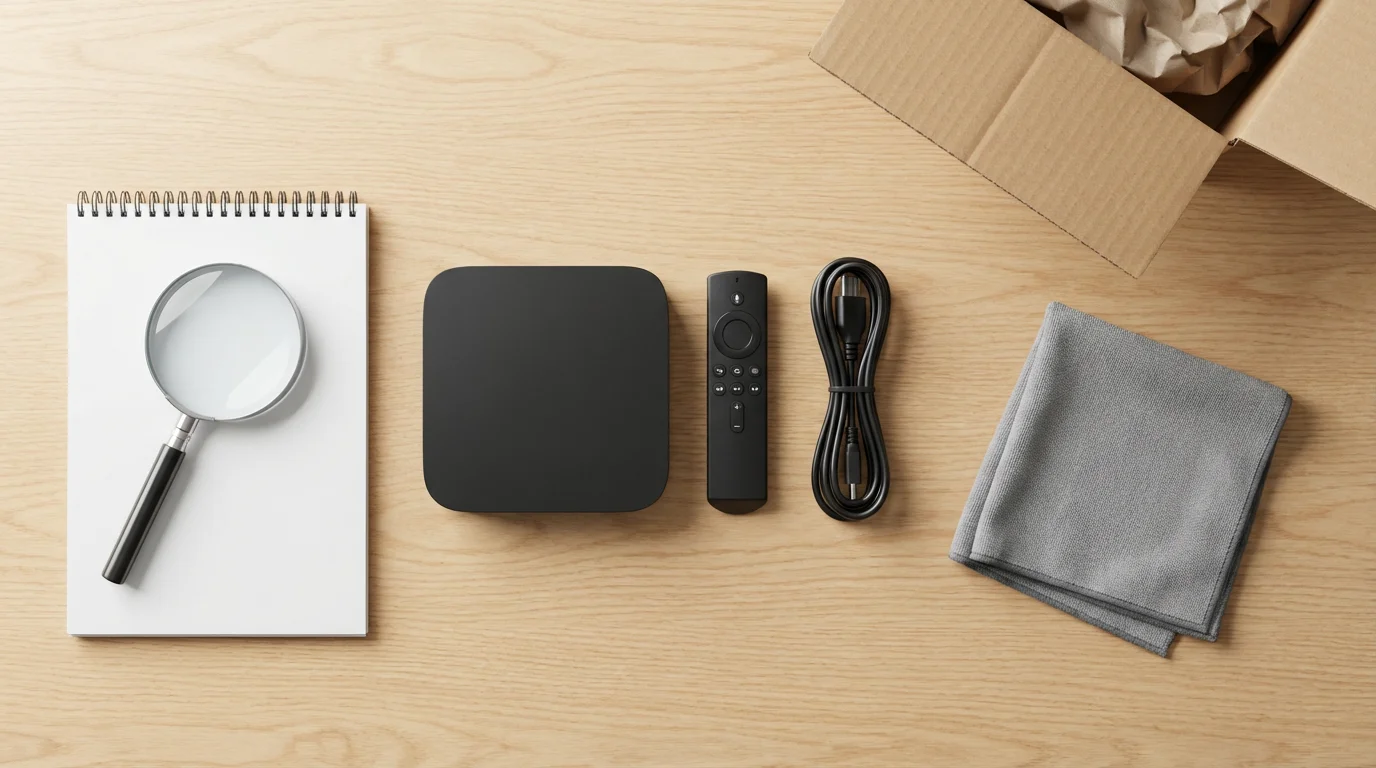
How to Inspect Your Refurbished Device
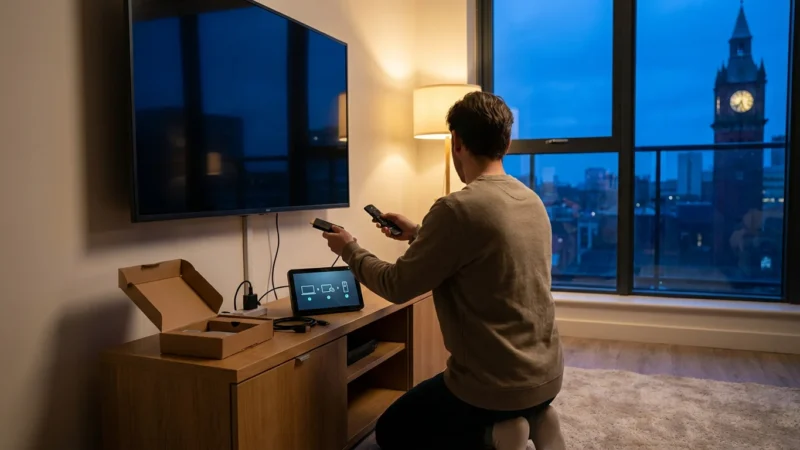
Once your package arrives, do not just plug it in and forget it. You have a limited return window (usually 30 to 90 days), so you need to stress-test the device immediately.
Title: Refurbished Device Inspection Checklist
Visuals: A flowchart showing 5 steps. 1. Physical Check (ports/cables). 2. Remote Battery Check (look for corrosion). 3. Factory Reset (perform immediately). 4. Update Software (force update in settings). 5. Stress Test (stream 4K content for 1 hour).
Follow these steps to ensure your device is healthy:
- Check the Ports: Inspect the HDMI connector for bent pins. If the plug looks damaged, return it immediately. It may damage your TV’s HDMI port if you force it.
- Inspect the Remote: Open the battery compartment. Look for white or blue crusty residue (corrosion). If you see this, the previous owner left batteries in too long. Also, test every single button to ensure they aren’t sticky.
- Perform a Factory Reset: Even if the device looks new, go into the settings and perform a “Factory Reset.” This wipes any residual data from the previous owner and ensures you are starting with a clean slate.
- Test Connectivity: Connect to Wi-Fi. If the device drops the connection frequently or buffers constantly while other devices in your home work fine, the internal Wi-Fi antenna may be defective.
Frequently Asked Questions
Do refurbished streaming devices come with a warranty?
Yes, but the length depends on the seller. Amazon Renewed typically offers a 90-day guarantee. If you buy directly from Roku or Apple, you often get a full one-year warranty, same as a new product. Always check the listing specifically for warranty terms before clicking “buy.”
Can I access 4K content on a refurbished device?
Absolutely, provided you buy a 4K-capable model (like the Roku Stick 4K or Fire TV Stick 4K) and connect it to a 4K TV. The “refurbished” status does not degrade the video quality. The digital signal works, or it doesn’t.
What if the remote control doesn’t work?
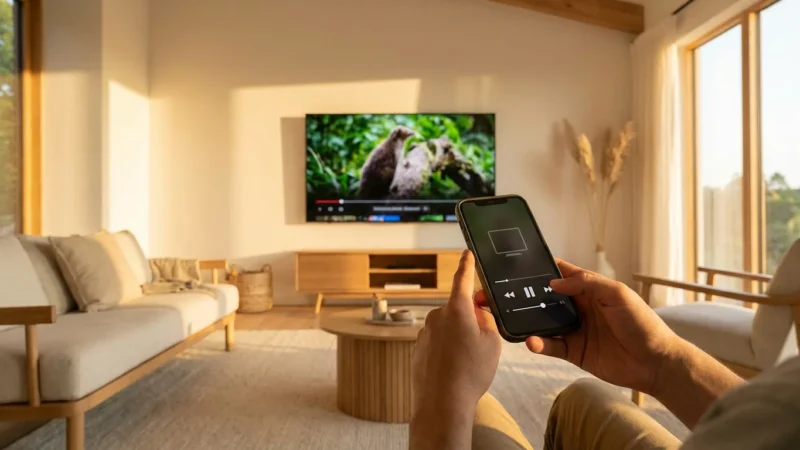
This is the most common issue with used devices. First, try fresh batteries. If that fails, most devices have a smartphone app (Roku app, Fire TV app) that can act as a remote temporarily. However, you should contact the seller for a replacement remote or return the unit if it falls within the warranty period.
Is it safe to sign into my accounts on a used device?
Yes, as long as you perform a factory reset first. A factory reset wipes the operating system clean. Once you set it up again, it communicates directly with the streaming servers (Netflix, Amazon, etc.) just like a new device. There is no security risk inherent to the hardware itself.
Disclaimer: Device prices and features may change. New models are released regularly, so check for the latest versions before purchasing. The “best” device depends on your specific needs, existing ecosystem (Apple, Google, Amazon), and budget.
Leave a Reply