
Cutting the cord from traditional cable television offers you more control over your entertainment budget and viewing experience. As more people explore options to save money on their monthly bills, live TV streaming services emerge as popular alternatives. Instead of paying for hundreds of channels you never watch, these services provide a curated selection of live broadcast and cable networks delivered over the internet, a process known as “streaming.” You are looking for value and a seamless transition from cable, and YouTube TV often stands at the forefront of these discussions. But does it truly deliver as the best cable replacement for your needs in 2024? This comprehensive YouTube TV review examines its channels, features, pricing, and overall value.

What is YouTube TV?
YouTube TV is a live television streaming service that provides access to dozens of popular broadcast and cable channels. It operates entirely over the internet, meaning you do not need a cable box or a satellite dish. This setup makes it an excellent choice for “cord-cutting,” the act of canceling traditional cable or satellite TV subscriptions in favor of internet-based alternatives. Instead, you access YouTube TV through an app on your smart TV, a dedicated streaming device like a Roku or Amazon Fire TV, a computer, or even a smartphone or tablet. The service includes live programming, a robust cloud digital video recorder (DVR), and some on-demand content. You typically pay a monthly subscription fee, which is often less than a comparable cable package, without long-term contracts. This flexibility means you can cancel or pause your subscription anytime without penalty.
YouTube TV Channels and Lineup
One of the primary reasons subscribers consider YouTube TV is its extensive channel lineup, which often rivals traditional cable packages. The core subscription includes a broad mix of entertainment, news, sports, and local channels. This comprehensive selection helps YouTube TV position itself as a strong cable replacement.
Major networks you typically find include ABC, CBS, FOX, NBC, ESPN, CNN, Fox News, MSNBC, TNT, TBS, FX, USA Network, AMC, Comedy Central, Discovery Channel, HGTV, TLC, and Food Network. While the exact channel list can vary based on your location and specific agreements, YouTube TV consistently offers a strong foundation for diverse viewing preferences.
To give you a clearer picture, here is a general comparison of key channel categories across YouTube TV and some of its main competitors. Remember, specific channel availability can change.
| Channel Category | YouTube TV | Hulu + Live TV | Sling TV (Orange & Blue) | DirecTV Stream (Entertainment) | fuboTV (Pro) |
|---|---|---|---|---|---|
| Local Broadcasts (ABC, CBS, FOX, NBC) | ✅ Most markets | ✅ Most markets | ✅ Select markets | ✅ Most markets | ✅ Most markets |
| General Entertainment (TNT, TBS, FX, USA) | ✅ | ✅ | ✅ | ✅ | ✅ |
| News (CNN, Fox News, MSNBC) | ✅ | ✅ | ✅ | ✅ | ✅ |
| Sports (ESPN, FS1, NFL Network) | ✅ | ✅ | ✅ | ✅ | ✅ (Strong Sports Focus) |
| Family/Kids (Disney Channel, Cartoon Network) | ✅ | ✅ | ✅ | ✅ | ✅ |
| Lifestyle (HGTV, Food Network, TLC) | ✅ | ✅ | ✅ | ✅ | ✅ |
| Premium Options (HBO, Showtime, Starz) | Add-on | Add-on | Add-on | Add-on | Add-on |
| Regional Sports Networks (RSNs) | Limited availability, varies | Limited availability, varies | No | Most extensive | Limited availability, varies |
YouTube TV’s single base plan simplifies choice, a contrast to services like Sling TV, which offers multiple tiers (Sling Orange, Sling Blue, or a combined package). This streamlined approach often appeals to users overwhelmed by too many options. However, for those seeking a more budget-friendly, minimalist approach, Sling TV might offer a lower entry point with fewer channels.
If you have specific niche channels in mind, always double-check YouTube TV’s official website for their current lineup. They also offer various add-on packages to expand your channel selection, covering everything from premium movie channels like Max, Showtime, and Starz to specialized sports packages like NBA League Pass or a dedicated 4K Plus add-on for enhanced video quality.

Local Channels on YouTube TV: What to Expect
Access to local channels is a major concern for many people considering cord-cutting. You want to watch your local news, network prime-time shows, and live events without an antenna. YouTube TV generally excels in this area, offering ABC, CBS, FOX, and NBC in most major markets across the United States.
However, local channel availability is location-specific. It depends on licensing agreements between YouTube TV and local broadcasters in your particular zip code. What is available to a viewer in Los Angeles might differ from what is available in a smaller market in Nebraska.
You can easily check your local channel availability directly on the YouTube TV website. Simply enter your zip code, and the service will display the exact local and regional channels you receive. This step is critical before you subscribe, as it confirms you get the channels important to you. Do not assume your local channels are included; verify them. According to a PCMag review of live TV streaming services, checking local channel availability before subscribing is a top priority for consumer satisfaction.
It is important to understand that even if YouTube TV carries a network like CBS, your specific local CBS affiliate might not be included if licensing agreements are not in place for your area. Always use the service’s official lookup tool to avoid disappointment.

Sports Streaming with YouTube TV
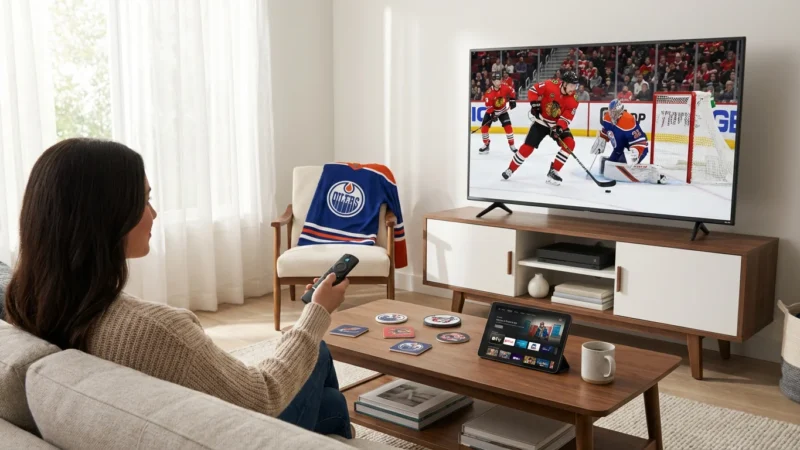
For many, live sports are the last reason they hold onto cable. YouTube TV recognizes this, offering a strong sports lineup that includes ESPN, ESPN2, ESPNU, FS1, FS2, NFL Network, MLB Network, NBA TV, and SEC Network, among others. This robust selection makes it a compelling option for sports fans.
However, sports streaming comes with its own set of complexities: regional sports networks (RSNs) and blackout rules. RSNs, such as Bally Sports or regional NBC Sports channels, broadcast local professional team games. YouTube TV’s coverage of RSNs has decreased over time due to carriage disputes and rising costs. This means you might not find your specific local team’s games if they air on an RSN not carried by YouTube TV in your area. DirecTV Stream currently offers the most comprehensive RSN coverage, but it also comes at a significantly higher price.
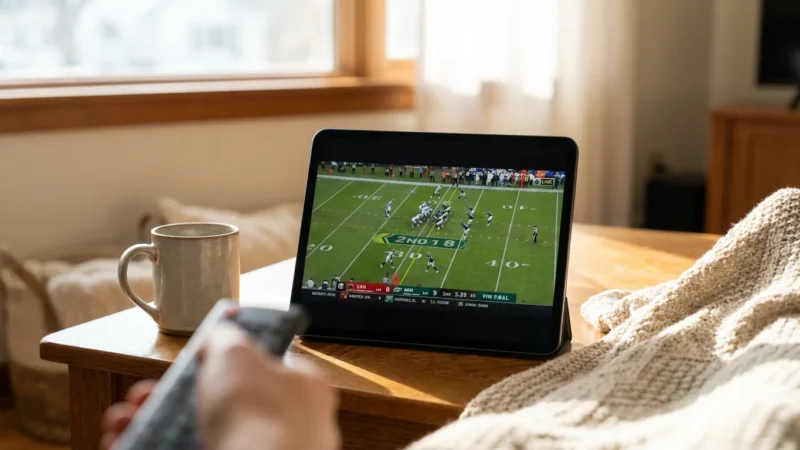
Blackout rules are another factor. Even if YouTube TV carries a national network broadcasting a game, local blackouts can prevent you from watching it live in your area if another local channel has exclusive rights, or if the game is not sold out. These rules are not controlled by YouTube TV but by the sports leagues and broadcasters. For example, an NFL game might be blacked out in your region if it is also airing on a local FOX or CBS affiliate.
If college sports are your priority, YouTube TV typically offers a strong lineup through networks like ESPN, Big Ten Network, SEC Network, and ACC Network. For international soccer, channels like Fox, FS1, and NBC (for Premier League via Peacock integration) are often included. If you want a truly comprehensive soccer experience, fuboTV specializes in international sports, particularly soccer, and might be a better fit if that is your primary focus.
You might need additional subscriptions for out-of-market games, like NBA League Pass or MLB.TV, which can be purchased as add-ons to your YouTube TV subscription or separately. Always check the specific teams and leagues you follow against YouTube TV’s current offerings and be aware of potential RSN and blackout limitations in your geographic location.
“The best streaming service for sports fans is the one that broadcasts the specific teams and leagues you follow, not just the one with the most general sports channels.” — Streaming Expert

YouTube TV DVR Features
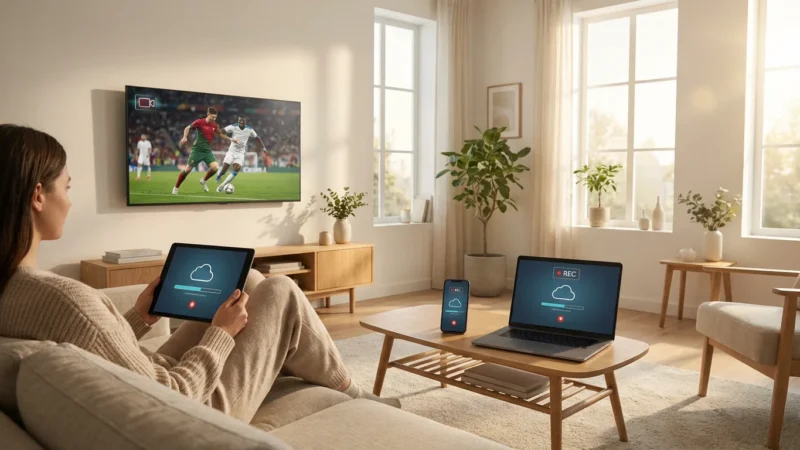
One of YouTube TV’s standout features is its cloud-based digital video recorder (DVR). Unlike traditional cable DVRs that have physical storage limits on a box in your home, YouTube TV’s DVR stores your recordings in the cloud. This means you never run out of space.
Here is what you get:
- Unlimited Cloud Storage: You can record as many shows, movies, and events as you want, simultaneously, without worrying about capacity. This is a significant advantage over many competitors that impose recording hour limits.
- Storage Duration: Recordings typically remain available for nine months. This gives you plenty of time to catch up on your favorite series or rewatch a big game. Some services only store recordings for a month or less, making YouTube TV’s nine-month window very generous.
- Simultaneous Recordings: You can record multiple programs airing at the same time. The “unlimited” aspect applies to simultaneous recordings as well as storage space. This eliminates scheduling conflicts that often plagued traditional cable DVRs.
- Ad Skipping: For most recorded content, you can fast-forward through commercials. This feature is a huge benefit, saving you time and enhancing your viewing experience. Occasionally, some networks or specific programs may have restrictions on ad skipping, but this is rare.
This robust DVR functionality is a major selling point for YouTube TV, making it feel more powerful and flexible than many old cable boxes. You can set individual shows or entire series to record, and they appear in your library automatically. For anyone who watches a lot of live TV but prefers to do so on their own schedule, the YouTube TV DVR is a game-changer.

Pricing and Value: Is YouTube TV Worth It?
When considering if YouTube TV is worth it as a cable replacement, its price point is a critical factor. YouTube TV typically offers a single, comprehensive base plan. While prices can fluctuate over time, the service currently costs around $73 per month. This price places it in the mid-to-high range of live TV streaming services.
To understand its value, compare this to a typical cable bill, which often exceeds $100 per month, especially when factoring in equipment rental fees and hidden charges. YouTube TV removes these additional costs, though you still need reliable home internet service.
Here is how its base price compares to some competitors (prices are approximate and subject to change):
- YouTube TV: ~$73 per month (single plan, extensive channels, unlimited DVR)
- Hulu + Live TV: ~$77 per month (includes Disney+ and ESPN+, limited DVR, ad-supported Hulu on-demand) or ~$90 per month (ad-free Hulu on-demand)
- Sling TV: ~$40-$55 per month (Sling Orange or Blue, or combined for ~$70; fewer channels, limited DVR)
- fuboTV: ~$80 per month (Pro plan, sports-focused, limited DVR)
- DirecTV Stream: Starts at ~$80 per month (Entertainment plan, higher tiers for more RSNs)
When calculating your total cost, consider add-ons. YouTube TV offers various premium channels and specialized packages, such as Max, Showtime, Starz, NBA League Pass, or the 4K Plus add-on. These additions increase your monthly bill, but they allow you to customize your experience rather than paying for unwanted channels in a bloated cable bundle. For instance, adding Max might cost an extra $16 per month.
The value proposition of YouTube TV often comes down to its balance of channel variety, unlimited cloud DVR, and user-friendly interface. While more expensive than some budget options like Philo (which offers no local channels or sports) or the base Sling TV plans, YouTube TV provides a much fuller experience that genuinely mimics a traditional cable package. For someone seeking a comprehensive YouTube TV complete review 2024, the pricing model is straightforward: one main package that bundles most of what you need. You do not deal with contracts, so you can cancel or switch at any time, a major benefit over traditional cable.

Simultaneous Streams and Device Compatibility
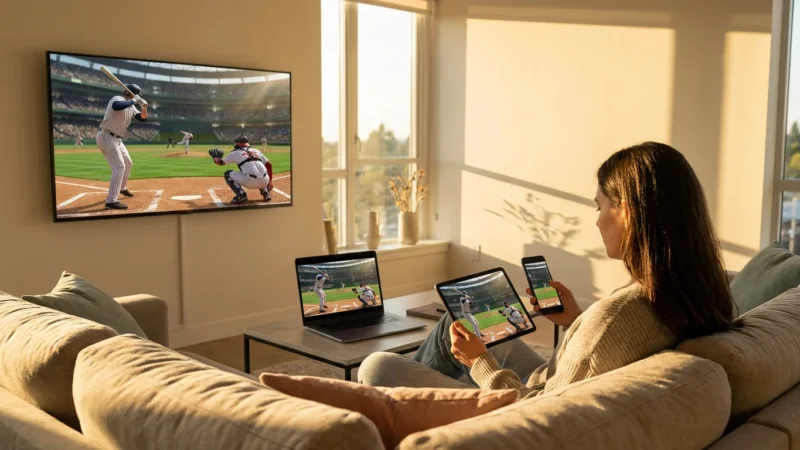
Family viewing habits heavily influence your choice of a streaming service. YouTube TV supports up to three simultaneous streams from a single account. This means three different people in your household can watch different programs on different devices at the same time. While three streams are usually sufficient for most families, some larger households might find this restrictive compared to cable or services with more generous stream limits. For example, DirecTV Stream offers up to 20 simultaneous streams at home, which is ideal for big families with diverse viewing interests.
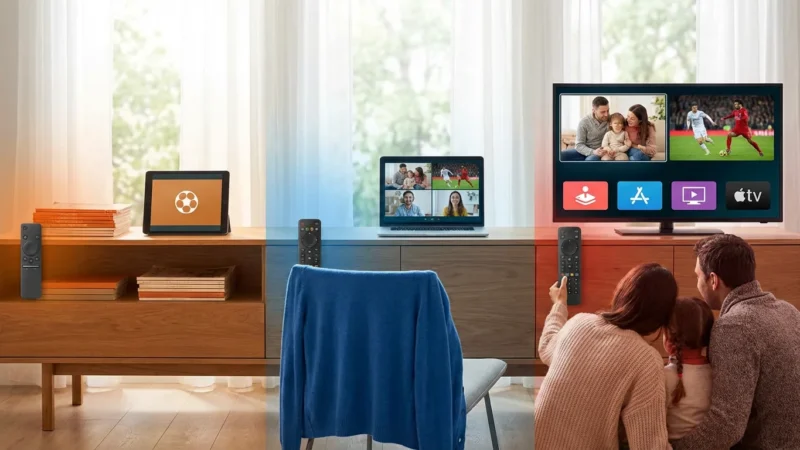
YouTube TV’s device compatibility is excellent. You can watch on virtually any modern streaming device. This includes:
- Smart TVs: Most models from Samsung, LG, Vizio, Sony, and others. A smart TV is a television with a built-in internet connection and apps, allowing you to stream directly without additional hardware.
- Streaming Devices: Roku players, Amazon Fire TV devices, Apple TV, Chromecast with Google TV, and Android TV devices. A streaming device is a small box or stick that connects to your TV, adding internet streaming capabilities.
- Game Consoles: Xbox and PlayStation consoles.
- Mobile Devices: Smartphones and tablets running iOS or Android.
- Computers: Any web browser on a desktop or laptop.
This widespread compatibility ensures you can access YouTube TV from almost anywhere, whether you are at home or on the go. The user interface is consistent across devices, making it easy to navigate regardless of how you choose to watch. This ease of access and broad compatibility contribute significantly to YouTube TV’s appeal as a user-friendly cable replacement.
YouTube TV Pros and Cons
Every service has its strengths and weaknesses. Understanding these helps you decide if YouTube TV aligns with your priorities.
Pros:
- Extensive Channel Lineup: Offers a wide variety of news, entertainment, and sports channels, including local broadcasts in most areas. This makes it a strong contender for a comprehensive cable replacement.
- Unlimited Cloud DVR: Record as much as you want, simultaneously, and keep recordings for nine months. This feature is industry-leading and highly valuable.
- Excellent User Interface: The app is intuitive and easy to navigate across all supported devices, ensuring a smooth viewing experience.
- Strong Sports Coverage: Includes major sports networks like ESPN, FS1, and NFL Network, catering to a broad range of sports fans.
- No Contracts: Enjoy month-to-month billing with the freedom to cancel or pause anytime without penalties.
- Good Device Compatibility: Available on almost all popular streaming devices, smart TVs, and mobile platforms.
Cons:
- Higher Price Point: At around $73 per month, it is one of the more expensive live TV streaming services. If your primary goal is the absolute lowest cost, other options exist with fewer features.
- Limited RSN Coverage: You might miss out on regional sports networks for local team games, which can be a deal-breaker for some avid fans.
- Three Simultaneous Streams: While sufficient for many, larger families might find this limit restrictive compared to services offering more.
- No Long-Term Price Guarantees: Like most streaming services, YouTube TV’s price can increase periodically.
- Some Content Only On-Demand: Certain programs may only be available on-demand, potentially with unskippable ads, rather than through your DVR.
Is YouTube TV Your Best Cable Replacement?
After a thorough YouTube TV review, the question remains: is it the best cable replacement for you? The answer depends heavily on your specific needs, budget, and viewing habits.
Best for Families and General Viewers: If you seek a comprehensive package that covers most major cable networks, local channels, and a wide array of sports and entertainment, YouTube TV is an excellent choice. Its unlimited DVR is a huge plus for households with diverse viewing schedules. For many, the single, inclusive plan simplifies decision-making. According to Tom’s Guide, YouTube TV often ranks highly for its well-rounded offering and ease of use.
Best for Sports Fans (with caveats): YouTube TV provides a solid foundation for national sports. However, if your viewing revolves around specific regional sports networks for local team games, DirecTV Stream might be a better but more expensive option. Always check RSN availability in your area.
Best Budget Option: If saving every possible dollar is your top priority and you can compromise on certain channels or features, YouTube TV might not be the absolute cheapest. Services like Sling TV offer lower entry prices, though they typically come with fewer channels and more limited DVR functionality. Philo is even cheaper, but it entirely lacks local channels and most sports.
Ultimately, YouTube TV delivers a premium live TV streaming experience that closely mirrors traditional cable, but with the added benefits of cloud DVR, no contracts, and broad device compatibility. It is a robust, user-friendly service designed to be an effective cable replacement. If its price point fits your budget and its channel lineup meets your needs, particularly its impressive DVR, then YouTube TV very well could be your ideal solution for cutting the cord in 2024. Your best approach is to take advantage of its free trial to experience the service firsthand and verify local channel availability before making a commitment.
Frequently Asked Questions
Is YouTube TV really a good replacement for cable?
Yes, YouTube TV serves as a strong cable replacement for most households. It offers a comprehensive channel lineup including major broadcast networks, popular cable channels for news, entertainment, and sports, along with an excellent unlimited cloud DVR. Its lack of contracts and broad device compatibility also provide significant advantages over traditional cable.
Can I watch my local channels on YouTube TV?
You can typically watch local ABC, CBS, FOX, and NBC affiliates on YouTube TV in most markets. However, local channel availability is location-specific and depends on your zip code. Always visit the YouTube TV website and enter your zip code to confirm which local channels are available in your area before subscribing.
Does YouTube TV have commercials?
Yes, YouTube TV includes commercials, just like traditional live television. When you watch live programming, you see the same commercial breaks as on cable. For recorded content using the cloud DVR, you can fast-forward through most commercials, which enhances the viewing experience significantly.
What is the biggest downside of YouTube TV?
For many users, the biggest downside of YouTube TV is its price. At approximately $73 per month, it is one of the more expensive live TV streaming services. Another significant drawback can be its limited coverage of regional sports networks (RSNs), which may prevent you from watching local professional team games in your market.
Do I need a special device to watch YouTube TV?
You do not need a special device for YouTube TV beyond a reliable internet connection. You can watch it directly through an app on most smart TVs, dedicated streaming devices like Roku, Apple TV, or Fire TV, game consoles (Xbox, PlayStation), web browsers on computers, and mobile devices (smartphones, tablets).
Disclaimer: Live TV streaming prices and channel lineups change frequently. Local channel availability varies by location. Always use the free trial to verify your local channels are included before committing. Sports blackout rules may affect some live events.




Leave a Reply