
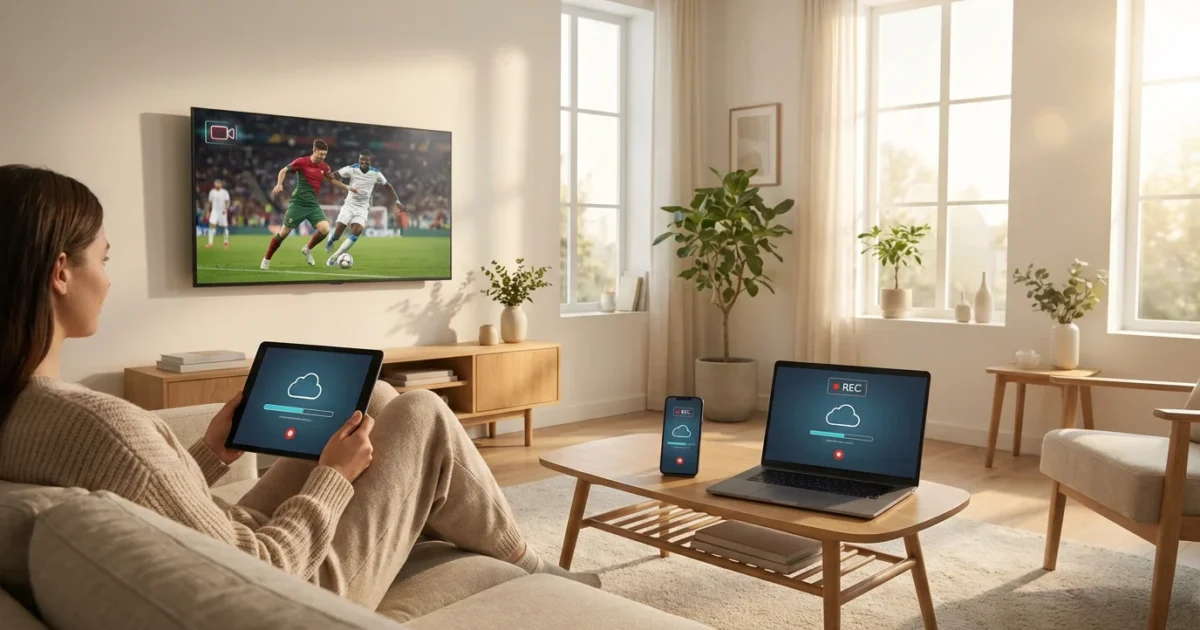
You want the best entertainment without the hefty cable bill. This desire for cost-conscious viewing leads many to explore live TV streaming, an option that allows you to watch video content over the internet instead of traditional cable or satellite. While the idea of cutting the cord, meaning canceling traditional cable or satellite TV in favor of streaming services, seems straightforward, navigating the various platforms, channel lineups, and crucial features like the digital video recorder, or DVR, can feel overwhelming. A DVR lets you record and watch shows later, a vital tool for busy households.
Among the most important features to evaluate when selecting a live TV streaming service is its cloud DVR offering. Unlike a physical DVR box tied to your TV, a cloud DVR stores your recordings on remote servers, making them accessible from any compatible device, anywhere you have an internet connection. This guide unpacks the nuances of cloud DVR limits and features across major live TV streaming services, helping you make an informed decision that aligns with your viewing habits and budget.

Decoding Cloud DVR: What It Is and How It Works
You understand the basic concept of a DVR: recording your favorite shows to watch at your convenience. With live TV streaming, this functionality moves to the “cloud.” A cloud DVR stores your recorded programs on a service provider’s remote servers rather than on a physical hard drive in your home. This means you do not need special equipment beyond a streaming device, which is a small box or stick, like a Roku or Fire TV, that adds streaming capabilities to any television, or a smart TV, which is a television with built-in internet connection and apps. Your recordings are accessible across all your logged-in devices, from your smart TV to your smartphone, wherever you have an internet connection.
The core advantage of a cloud DVR lies in its flexibility. You can set recordings from your phone while away from home, start watching a recorded show on your living room TV, and then pick it up seamlessly on your tablet in another room. This contrasts sharply with traditional DVRs, which typically tie your recordings to a single device and location. However, cloud DVRs also introduce new considerations, primarily around storage limits, how long recordings last, and ad-skipping capabilities. Understanding how does cloud DVR work helps you identify the best cloud DVR live TV streaming service for your needs.
“The true power of cloud DVR is the freedom it offers. You are no longer bound by schedules or specific devices, transforming how and when you consume your favorite live content.”

Key Cloud DVR Features to Compare
When evaluating different live TV streaming services, focus on specific cloud DVR features that directly impact your viewing experience. These aspects often differentiate one service from another significantly.
- Storage Capacity: This is arguably the most critical feature. Some services offer unlimited recording hours, while others provide a more restrictive cap, often 50 to 1,000 hours. You need to consider how many shows and movies you typically record and how long you keep them. For instance, a family recording multiple children’s shows, sports, and prime-time dramas will need more storage than a single individual who only records a few weekly programs.
- Recording Duration: Even with unlimited storage, some services place a time limit on how long your recordings remain available. This can range from 30 days to nine months, or in some cases, recordings never expire as long as you maintain your subscription. If you like to build a library of classic movies or rewatch seasonal sports events, a longer or indefinite duration is crucial.
- Simultaneous Recordings: Most cloud DVRs allow you to record multiple shows at once. While many services offer unlimited simultaneous recordings, some might cap this at 2-3 concurrent recordings. If your household has conflicting viewing interests, ensure your chosen service accommodates everyone’s recording habits without missing a moment.
- Ad-Skipping Capabilities: This feature varies widely. Some services automatically allow you to fast-forward through commercials on recorded content. Others might offer this as an add-on for an extra monthly fee, or they may not offer it at all, forcing you to watch commercials even on recorded programs. Some services even replace recorded commercials with on-demand ad-supported versions of the show, which means you cannot skip ads.
- Offline Downloads: A less common but valuable feature is the ability to download recorded content to a mobile device for offline viewing. This proves incredibly useful for commutes, travel, or areas with unreliable internet access. Check if this is available for your specific service and device.
PCMag highlights the importance of these features in their comparisons, often noting that “the best live TV streaming services offer robust DVR features that mimic or even surpass traditional cable DVRs.” You gain the flexibility of cloud storage with the control you expect from a DVR.
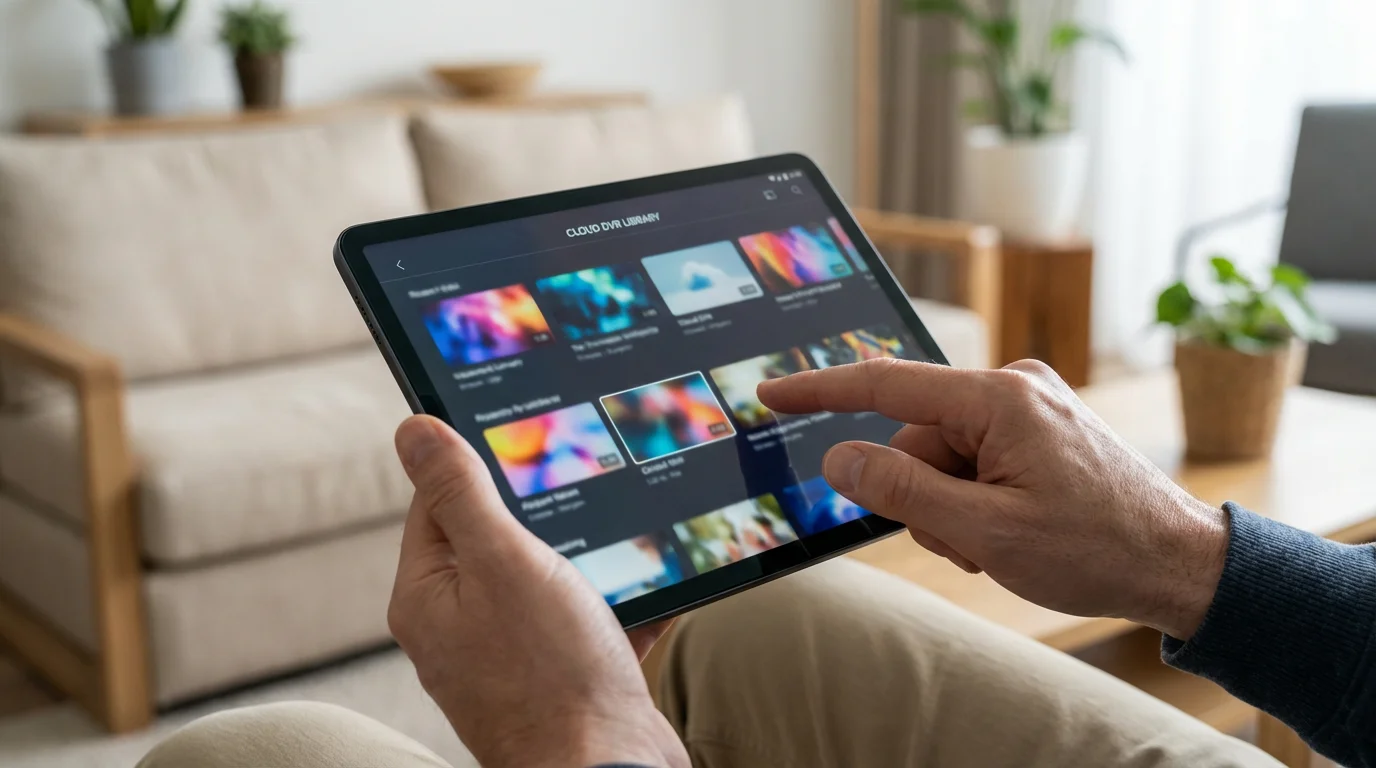
Cloud DVR Breakdown: YouTube TV, Hulu + Live TV, Sling TV, fuboTV, DirecTV Stream, Philo
Each major live TV streaming service approaches cloud DVR capabilities differently. Here is a detailed comparison to help you understand the nuances of their offerings, focusing on recording limits, duration, and ad-skipping. This comparison helps you pinpoint the best cloud DVR live TV streaming options for your specific needs.
YouTube TV
- Storage: Unlimited cloud DVR storage. This means you do not need to worry about recording limits, a significant advantage for heavy users.
- Duration: Recordings save for 9 months. After this period, they automatically expire and are deleted.
- Simultaneous Recordings: Unlimited simultaneous recordings. You can record as many shows as you want at the same time without conflict.
- Ad-Skipping: You can fast-forward through commercials on recorded content automatically.
- Cost: Included with the base subscription.
Hulu + Live TV
- Storage: Unlimited cloud DVR storage. Similar to YouTube TV, you get ample space for all your shows.
- Duration: Recordings save for 9 months.
- Simultaneous Recordings: Unlimited simultaneous recordings.
- Ad-Skipping: The base Hulu + Live TV plan includes DVR but does not allow ad-skipping on recordings. To fast-forward through ads, you need to upgrade to the DVR add-on, typically an additional monthly fee.
- Cost: Base DVR included, ad-skipping requires an extra add-on.
Sling TV
- Storage: Offers 50 hours of cloud DVR storage included with the base subscription. This is a more restrictive recording limit compared to some competitors. You can upgrade to 200 hours of storage for an additional monthly fee.
- Duration: Recordings save indefinitely as long as your subscription is active, which is a major benefit for those who like to keep content long-term.
- Simultaneous Recordings: Most channels support simultaneous recordings, but there might be a few exceptions.
- Ad-Skipping: Sling TV allows you to fast-forward through commercials on recorded content.
- Cost: 50 hours included, 200 hours is an add-on.
fuboTV
- Storage: Comes with 1000 hours of cloud DVR storage. This provides a generous amount of space for most users.
- Duration: Recordings save indefinitely, meaning they do not expire as long as you maintain your subscription.
- Simultaneous Recordings: You can record multiple shows at once without issues.
- Ad-Skipping: You can fast-forward through commercials on recorded content.
- Cost: Included with the base subscription.
DirecTV Stream
- Storage: Offers unlimited cloud DVR storage for 9 months with its higher-tier plans. For the cheapest Entertainment package, you might be limited to 20 hours of storage that expire after 30 days. Confirm your package’s specific terms.
- Duration: Unlimited recordings save for 9 months.
- Simultaneous Recordings: Unlimited simultaneous recordings.
- Ad-Skipping: You can fast-forward through commercials on recorded content.
- Cost: Varies by plan, often included in higher tiers.
Philo
- Storage: Unlimited cloud DVR storage.
- Duration: Recordings save for one year. This generous duration makes Philo a strong contender for those who want to keep shows longer.
- Simultaneous Recordings: Unlimited simultaneous recordings.
- Ad-Skipping: You can fast-forward through commercials on recorded content.
- Cost: Included with the base subscription. Philo stands out as a budget-friendly option with robust DVR features.
To help you quickly visualize these differences, here is a comparison table for the primary cloud DVR features:
| Service | Cloud DVR Storage | Recording Duration | Ad-Skipping | Notes |
|---|---|---|---|---|
| YouTube TV | Unlimited | 9 months | Yes | Excellent overall DVR. |
| Hulu + Live TV | Unlimited | 9 months | No (requires add-on) | Base DVR does not allow ad-skip. |
| Sling TV | 50 hours (upgrade to 200 hrs) | Indefinite | Yes | Keep recordings forever with subscription. |
| fuboTV | 1000 hours | Indefinite | Yes | Strong for sports, generous DVR. |
| DirecTV Stream | Unlimited (9 mos) or 20 hrs (30 days) | 9 months (unlimited), 30 days (20 hrs) | Yes | DVR depends on package. |
| Philo | Unlimited | 1 year | Yes | Budget-friendly, great DVR for its price. |

Beyond DVR: Channel Lineups and Local Channel Access
Your cloud DVR is only as good as the content you can record. Therefore, evaluating the channel lineup is just as critical as assessing DVR features. You want a service that carries the networks essential for your viewing habits, whether for news, entertainment, or local programming.
Local channel availability is a frequent concern for cord-cutters. These include major networks like ABC, CBS, FOX, and NBC, which carry prime-time shows, local news, and many live sports events. The availability of these channels through streaming services depends heavily on your geographic location and the agreements between the streaming provider and local affiliates. Before subscribing to any service, you should always visit their website and use their ZIP code checker to confirm which local channels are available in your area. This simple step prevents frustration later on. For example, according to CNET’s live TV streaming guide, verifying local channels is a top priority for new subscribers.
Below is a general overview of which major networks are typically available on popular streaming services. Remember that regional variations apply.
| Service | ABC | CBS | FOX | NBC | ESPN | CNN | HGTV |
|---|---|---|---|---|---|---|---|
| YouTube TV | Yes | Yes | Yes | Yes | Yes | Yes | Yes |
| Hulu + Live TV | Yes | Yes | Yes | Yes | Yes | Yes | Yes |
| Sling TV | Select Markets | No | Select Markets | Select Markets | Orange Plan | Blue Plan | Blue Plan |
| fuboTV | Yes | Yes | Yes | Yes | No (via add-on) | Yes | Yes |
| DirecTV Stream | Yes | Yes | Yes | Yes | Yes | Yes | Yes |
| Philo | No | No | No | No | No | No | Yes |
Note: “Select Markets” indicates availability only in certain regions. Always check with the provider for your specific location. ESPN on fuboTV requires an extra sports add-on bundle. Philo focuses on entertainment and lifestyle channels, deliberately excluding news and sports.

Sports and Live TV Streaming: Don’t Miss a Game
For many, live sports represent the final hurdle in severing ties with traditional cable. The good news is that live TV streaming services offer robust options for sports fans. However, successfully streaming sports involves understanding regional sports networks, blackout rules, and which services carry the channels you need.
Major league sports like NFL, NBA, MLB, and NHL often air on national channels like ESPN, FOX, CBS, and NBC. College sports appear on these networks, plus dedicated channels like ESPN’s numerous college channels, SEC Network, Big Ten Network, and ACC Network. Soccer fans find matches on channels such as FOX, FS1, Telemundo, UniMas, and specific sports packages.
The key challenge often lies with Regional Sports Networks (RSNs). These channels broadcast local team games that are exclusive to viewers within that team’s market. Services like DirecTV Stream and fuboTV historically have strong RSN coverage, though the landscape continually shifts due to carriage disputes. To ensure you catch your local team, you must confirm RSN availability in your ZIP code, just as you do for local broadcast channels.
Additionally, beware of blackout rules. Even if a service carries a channel, a specific game might be blacked out in your area if it is available on another local broadcast or RSN. This is not a streaming service limitation, but rather a contractual agreement by the leagues and broadcasters. Your cloud DVR becomes invaluable for sports. You can record entire games and watch them later, skipping commercials and even halftime shows, ensuring you never miss a critical play due to scheduling conflicts.

Cost-Effectiveness: Base Prices and Add-Ons
One of the primary motivations for cord-cutting is saving money. While live TV streaming services generally offer more flexibility and often lower monthly costs than cable, their prices have steadily increased. You need to consider not only the base price but also the total cost with any necessary add-ons, particularly if you rely on specific premium channels or enhanced DVR features.
If your primary goal is minimizing expenses, you can explore the cheapest ways to stream live TV in 2024 to find a balance between price and features.
Most live TV streaming services operate on a month-to-month basis, meaning you avoid long-term contracts. This flexibility allows you to switch services or cancel at any time, which you cannot do with typical cable agreements. This flexibility empowers you to shop around for the best deals or seasonal content. For example, you can subscribe to a sports-heavy service during football season and then switch to a more entertainment-focused one during the off-season.
Here is a snapshot of typical base prices and common add-on considerations (prices are approximate and subject to change):
- YouTube TV: Starts around $73 per month. Includes unlimited cloud DVR. Add-ons like HBO Max, Showtime, and sports packages are available for additional monthly fees.
- Hulu + Live TV: Starts around $70 per month (ad-supported plan), or $83 per month (ad-free plan). Both include unlimited DVR, but ad-skipping on DVR recordings requires a specific add-on for approximately $10 per month. Premium channels like HBO Max or CINEMAX are extra.
- Sling TV: Offers two main plans, Sling Orange (around $40) and Sling Blue (around $40), or a combined Orange + Blue (around $55). The combined plan provides the most channels. The base includes 50 hours of cloud DVR, with an upgrade to 200 hours for about $5 per month. Numerous channel bundles and premium channels are available as add-ons, allowing for a highly customized, and potentially more expensive, package.
- fuboTV: Starts around $75 per month for the Pro plan. Includes 1000 hours of cloud DVR. Offers various sports and entertainment add-ons.
- DirecTV Stream: Packages range from around $80 to $160 per month, depending on the number of channels and included features. The entry-level Entertainment package offers 20 hours of DVR, with higher tiers getting unlimited cloud DVR. Premium channels are available as add-ons.
- Philo: A highly budget-friendly option, typically around $25 per month. Includes unlimited cloud DVR. However, it lacks local channels, sports, and news networks. Its simplicity and low cost make it ideal for entertainment-focused viewers.
When comparing costs, always factor in the “true cost” of what you need. If you require ad-free viewing, specific premium channels, or enhanced DVR features, calculate the total monthly outlay. A service with a lower base price might become more expensive if you need numerous add-ons.

Choosing Your Ideal Streaming DVR: Recommendations
The “best” cloud DVR live TV streaming service is subjective; it depends entirely on your specific needs, viewing habits, and budget. However, we can highlight services that excel in certain areas, providing actionable insights for your decision.
- Best for Unlimited, No-Hassle DVR:
- YouTube TV: Offers unlimited cloud DVR with a generous 9-month retention and automatic ad-skipping, all included in the base price. It truly delivers a “set it and forget it” experience.
- Philo: If your focus is purely on entertainment and lifestyle channels, Philo provides unlimited cloud DVR that keeps recordings for a full year, all at a very low monthly cost.
- Best for Sports Fans:
- fuboTV: Known for its extensive sports coverage, fuboTV provides 1000 hours of cloud DVR with indefinite retention and ad-skipping. It is a strong contender for those who record many games.
- DirecTV Stream: Offers strong RSN coverage and unlimited cloud DVR (on higher tiers), making it a solid choice for fans of local teams.
- YouTube TV: With broad channel coverage including ESPN, Fox Sports, and many local channels, plus its unlimited DVR, it is an excellent all-around choice for sports.
- Best Budget Option with DVR:
- Philo: At its low price point, Philo offers an exceptional unlimited DVR that stores content for a year, making it unmatched for budget-conscious entertainment viewers.
- Sling TV: Its customizable plans allow you to start with a lower base price, and its 50 hours of DVR (upgradeable to 200) often suffice for lighter users who appreciate indefinite storage.
- Best for Families (Simultaneous Streams & DVR):
- YouTube TV: Its unlimited DVR combined with generous simultaneous streams (up to 3 at once, plus 6 separate accounts) makes it highly flexible for multiple users and recording preferences.
- Hulu + Live TV: With unlimited DVR and the option for unlimited simultaneous streams (via an add-on), it is well-suited for larger households.
Before committing, nearly every service offers a free trial. You should use these trials to test the interface, check local channel availability, and verify the DVR features work as you expect. As Tom’s Guide advises, “Always take advantage of free trials to ensure the service meets your specific needs before you commit to a monthly subscription.” This ensures you find the optimal cloud DVR live TV streaming solution for your home.
Frequently Asked Questions
Can I skip commercials on all cloud DVR recordings?
No, ad-skipping capabilities vary significantly by service. While some services like YouTube TV, fuboTV, Sling TV, and Philo typically allow you to fast-forward through ads on recordings, others like Hulu + Live TV require an additional monthly add-on for this feature. Always check the specific terms of the service you are considering.
How many shows can I record simultaneously with cloud DVR?
Most major live TV streaming services, including YouTube TV, Hulu + Live TV, fuboTV, DirecTV Stream, and Philo, offer unlimited simultaneous recordings. This means you can record as many shows as you want that air at the same time without worrying about conflicts. Sling TV also largely supports this, though some exceptions might exist for specific channels.
Do cloud DVR recordings expire?
Yes, most cloud DVR recordings have an expiration period. YouTube TV and Hulu + Live TV recordings typically expire after 9 months. Philo recordings last for one year. Services like Sling TV and fuboTV offer indefinite storage, meaning your recordings do not expire as long as you maintain your active subscription, which is a key benefit for archiving content.
What if a show I want to record isn’t available on my service?
If a show is not part of your streaming service’s live channel lineup, you cannot record it with that service’s cloud DVR. Your options include checking if the show is available on-demand (meaning you watch whatever you want, whenever you want) through another streaming app, purchasing individual episodes or seasons, or considering a different live TV streaming service that carries the channel you need.
Can I watch my cloud DVR recordings offline?
The ability to watch cloud DVR recordings offline is not a standard feature across all live TV streaming services. Some services might offer this capability for specific content or via their mobile apps, allowing you to download recordings to a device for later viewing without an internet connection. However, this is more common with on-demand content from services like Netflix or Disney+ than with live TV cloud DVR. Always check the service’s specific features if offline viewing is important to you.
Disclaimer: Live TV streaming prices and channel lineups change frequently. Local channel availability varies by location. Always use the free trial to verify your local channels are included before committing. Sports blackout rules may affect some live events.






Leave a Reply